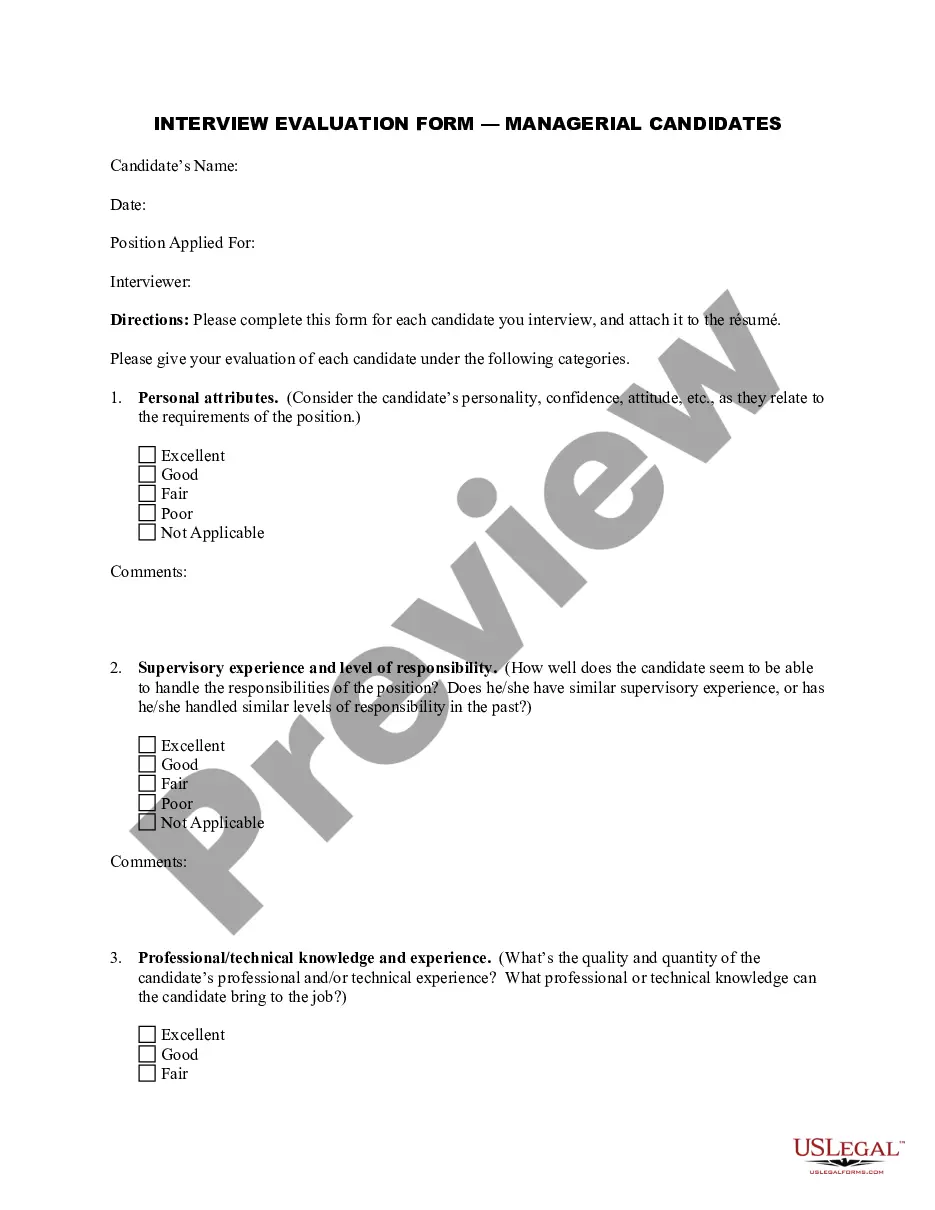
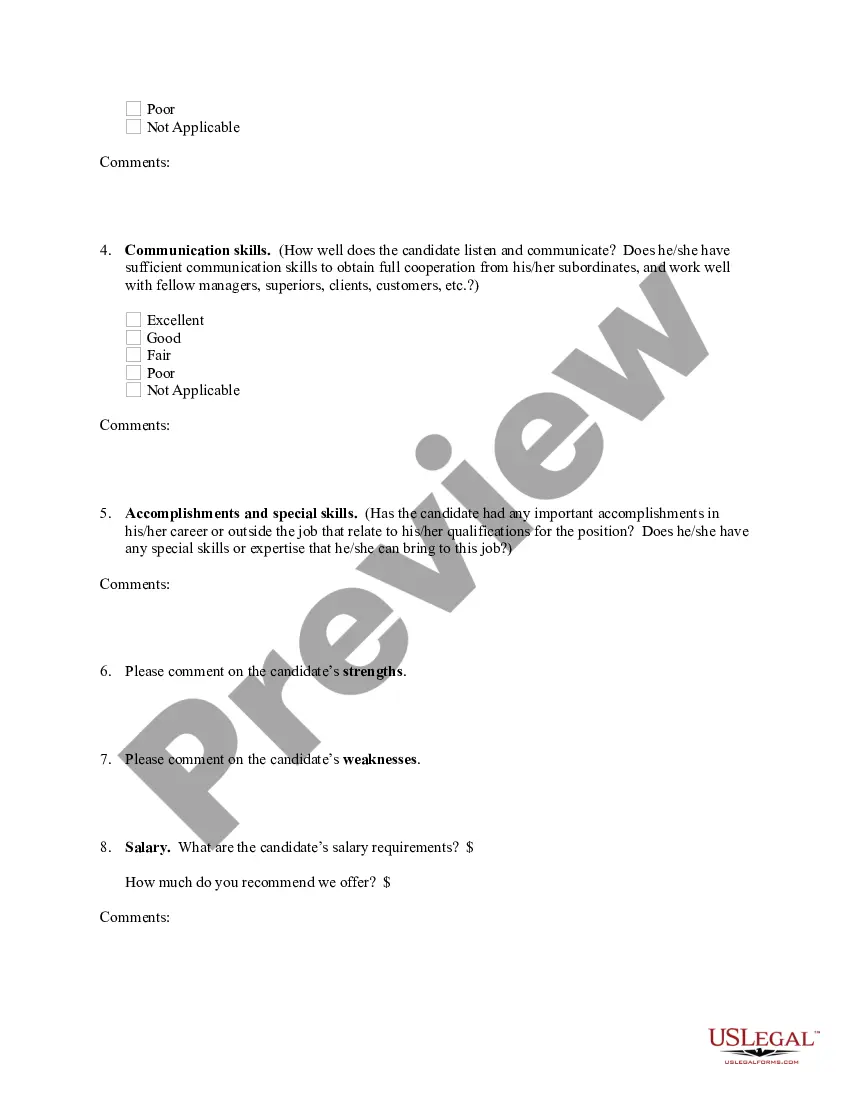
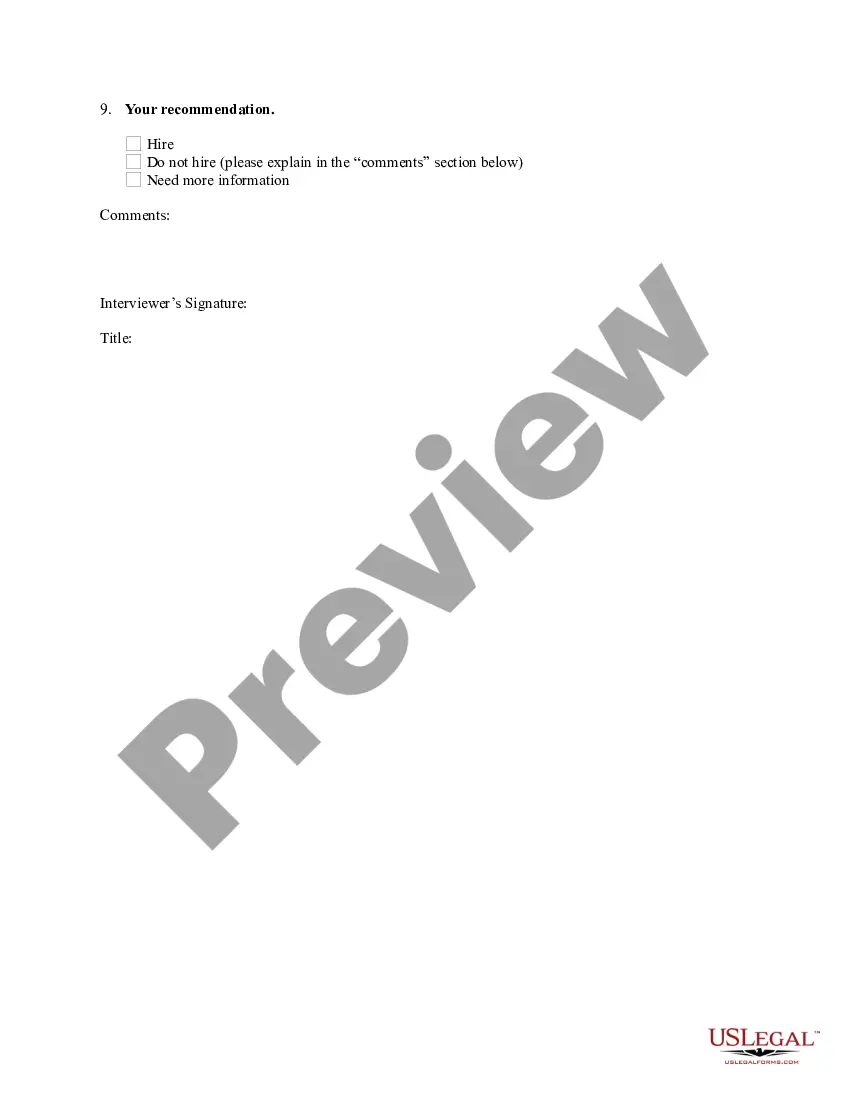
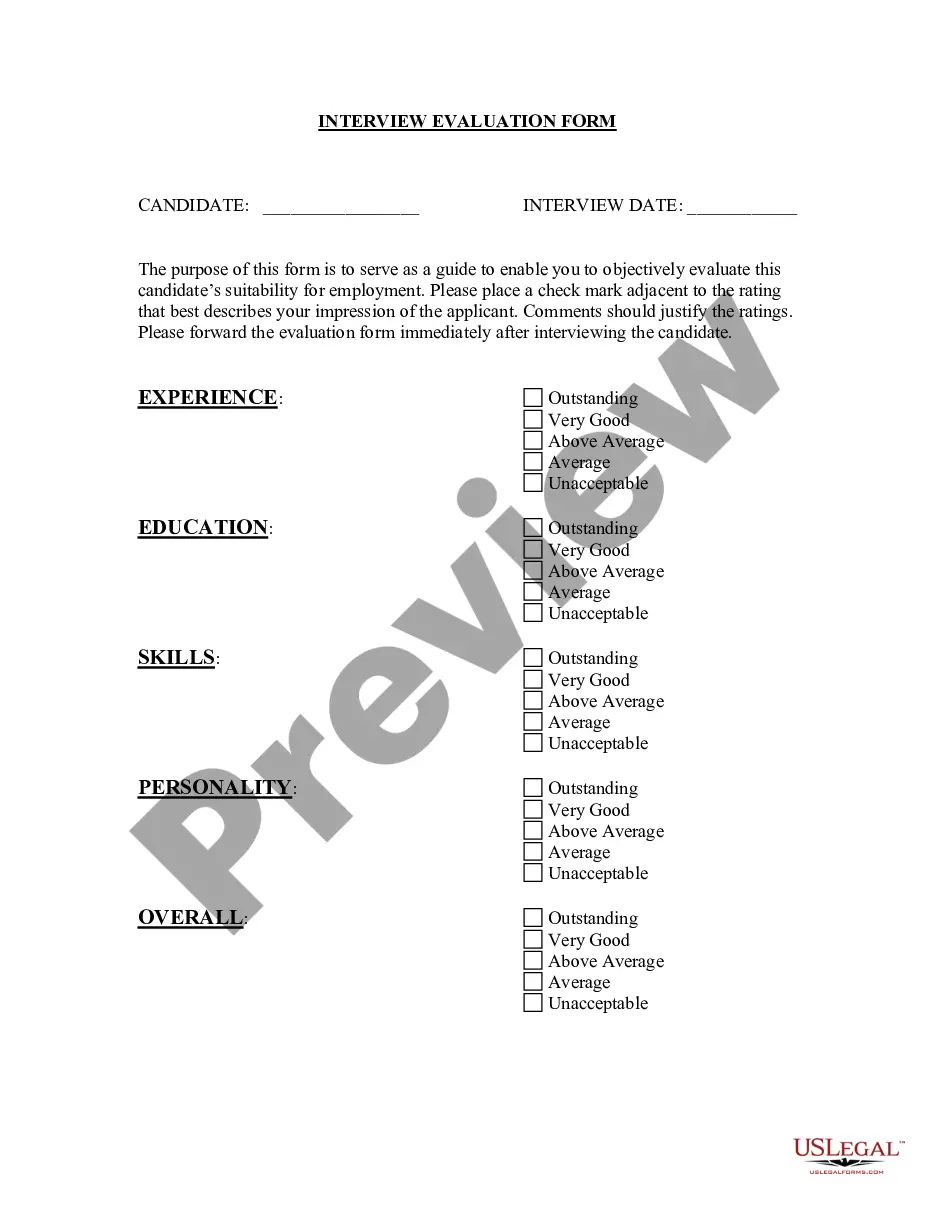
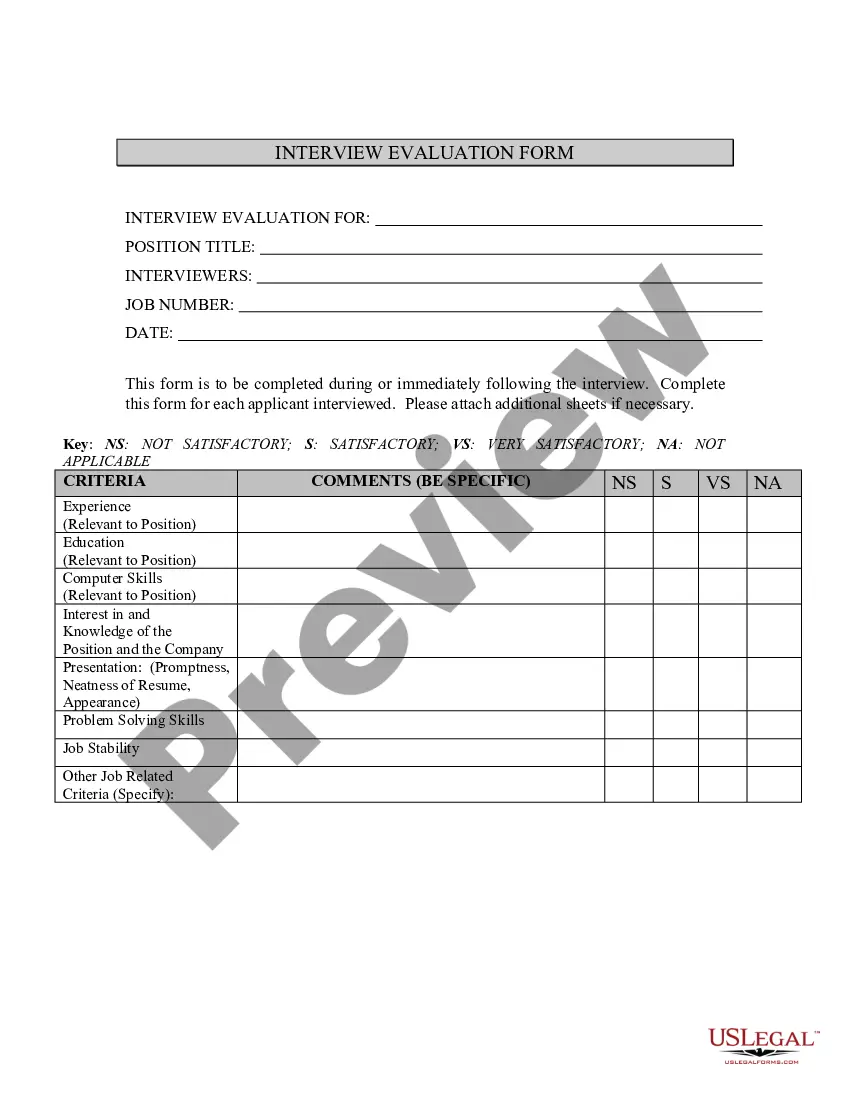
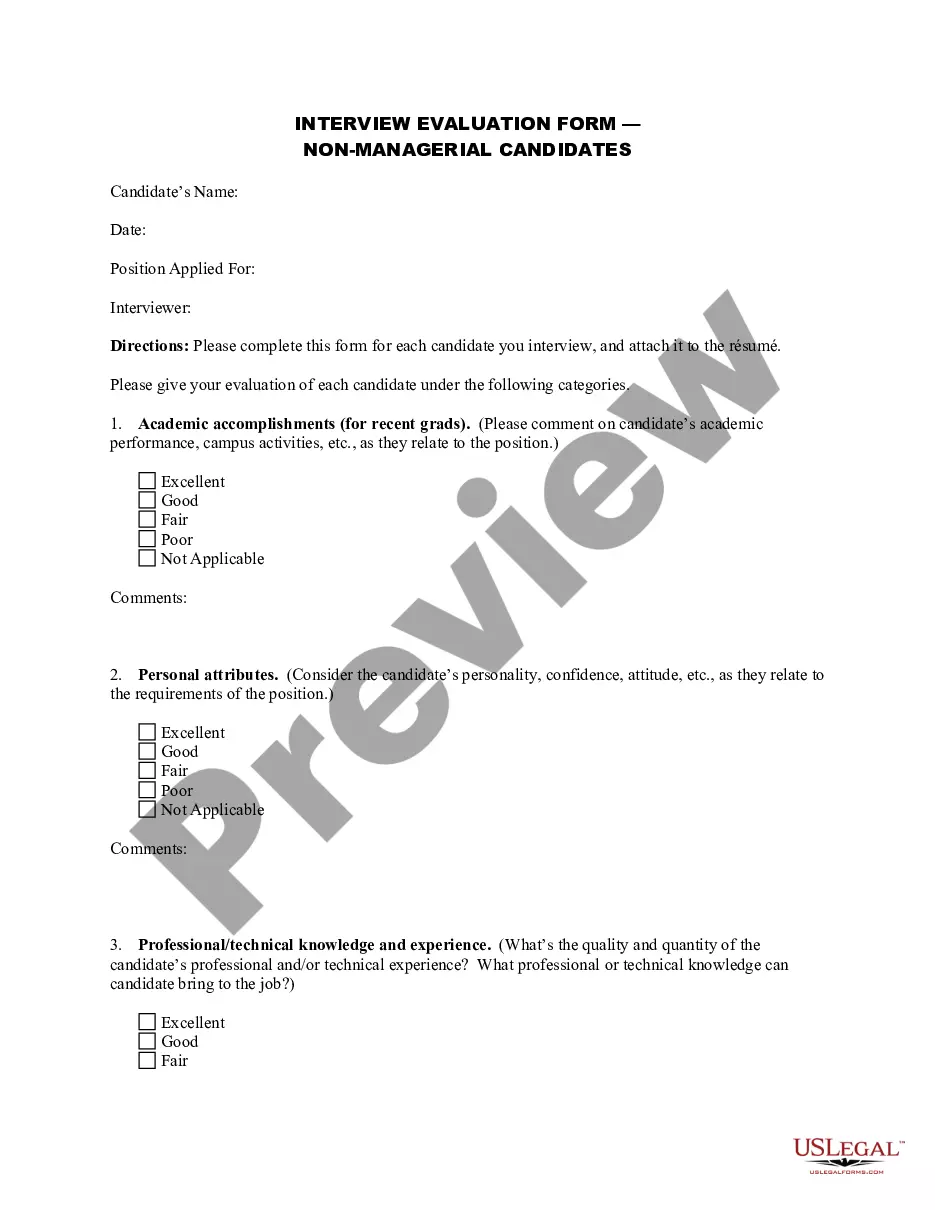
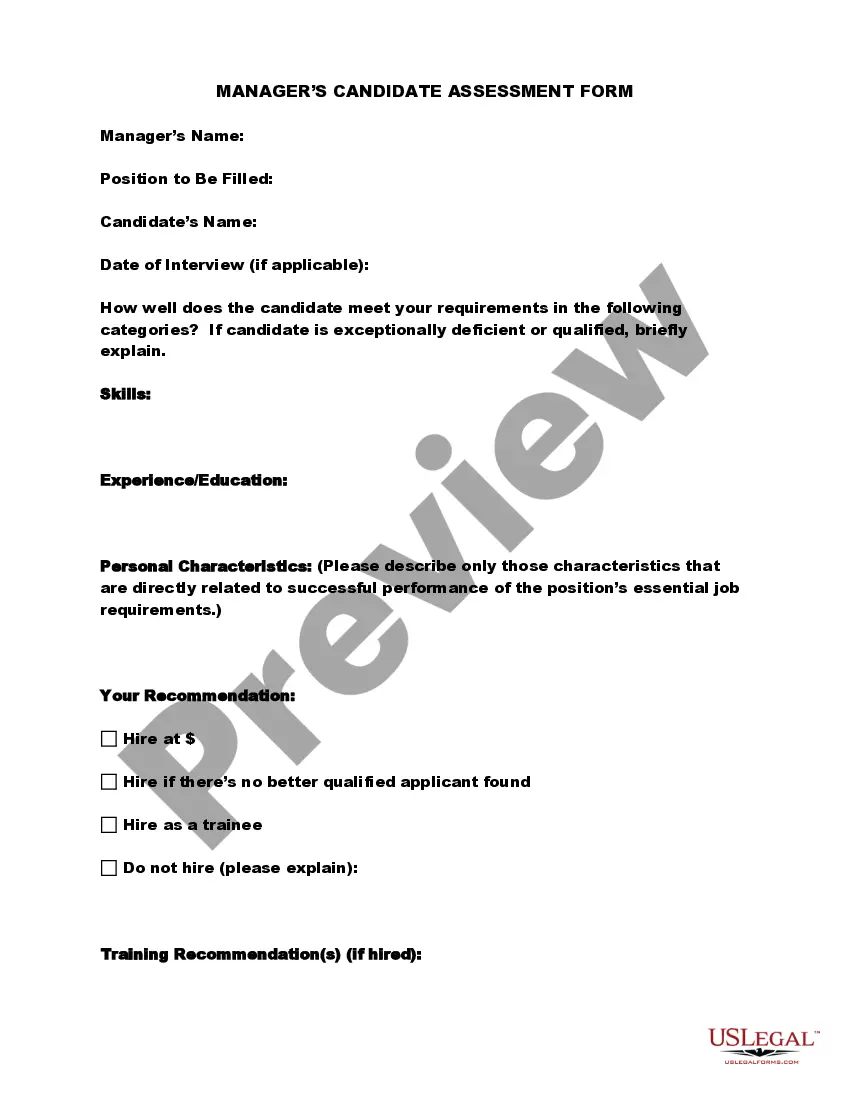
Interview Evaluation Form For Project Manager
Description
Get your form ready online
Our built-in tools help you complete, sign, share, and store your documents in one place.
Make edits, fill in missing information, and update formatting in US Legal Forms—just like you would in MS Word.
Download a copy, print it, send it by email, or mail it via USPS—whatever works best for your next step.
Sign and collect signatures with our SignNow integration. Send to multiple recipients, set reminders, and more. Go Premium to unlock E-Sign.
If this form requires notarization, complete it online through a secure video call—no need to meet a notary in person or wait for an appointment.
We protect your documents and personal data by following strict security and privacy standards.

Make edits, fill in missing information, and update formatting in US Legal Forms—just like you would in MS Word.

Download a copy, print it, send it by email, or mail it via USPS—whatever works best for your next step.

Sign and collect signatures with our SignNow integration. Send to multiple recipients, set reminders, and more. Go Premium to unlock E-Sign.

If this form requires notarization, complete it online through a secure video call—no need to meet a notary in person or wait for an appointment.

We protect your documents and personal data by following strict security and privacy standards.
Looking for another form?


How to fill out Interview Evaluation Form - Managerial Candidates?
Regardless of whether for corporate objectives or for personal matters, everyone must confront legal circumstances at some point in their lives.
Completing legal documentation necessitates precise attention, commencing with selecting the correct form template. For instance, if you choose an incorrect version of the Interview Evaluation Form For Project Manager, it will be rejected upon submission.
With a vast US Legal Forms catalog available, you no longer need to waste time searching for the suitable template across the internet. Utilize the library’s straightforward navigation to locate the correct template for any situation.
- Locate the template you require using the search bar or catalog navigation.
- Review the form’s details to confirm it aligns with your situation, state, and county.
- Select the form’s preview to inspect it.
- If it is the wrong form, return to the search function to find the Interview Evaluation Form For Project Manager template you need.
- Obtain the template if it corresponds to your specifications.
- If you possess a US Legal Forms account, click Log in to access previously saved documents in My documents.
- If you do not have an account yet, you can download the form by clicking Buy now.
- Select the suitable pricing option.
- Fill out the account registration form.
- Choose your payment method: you can use a credit card or PayPal account.
- Select the document format you desire and download the Interview Evaluation Form For Project Manager.
- After it is downloaded, you can complete the form using editing software or print it and fill it out manually.
Form popularity
FAQ
Creating an interview evaluation form in 6 steps Step 1: Identify requirements for the job role. ... Step 2: Formulate relevant questions and evaluation criteria. ... Step 3: Structure your form. ... Step 4: Determine the scoring system. ... Step 5: Include the interviewer's impressions and recommendations.
How Do You Write Feedback for an Interview? First, provide an answer. (Are you hiring them? ... Explain their strengths. (E.g. The candidate demonstrated excellent communication skills. ... Explain why they weren't a good fit for the company or talk about areas where they can improve. ... Summarise the experience and next steps.
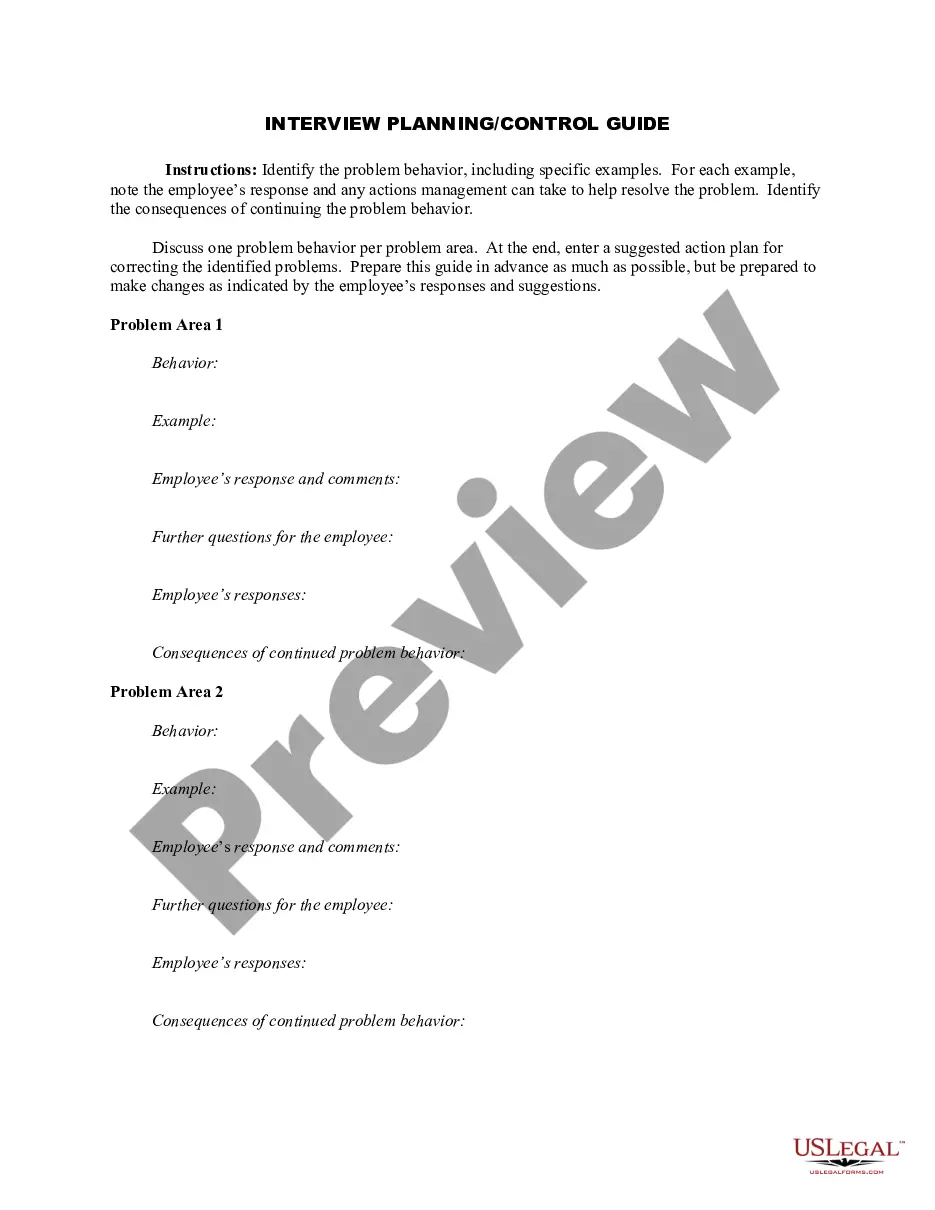
Interview Evaluation Form for Managerial Candidates. ... Demonstrated abilities and accomplishments as a leader. ... Ability to make timely, informed decisions that are the best interest of. ... Level of experience with position related programs.
Follow these steps to create an interview report: Combine interview preparation with writing preparation. Gather all the relevant information about the interviewee and the occasion for the interview. ... Consider your audience and tone. ... Decide on a style. ... Use the report template as a guide. ... Complete the report. ... Proofread.
Share specific examples. Make suggestions about what they could do differently in future. Offer feedback on any or all parts of the hiring process ? not just the interviews. Give positive feedback and praise to build their confidence..