Work Related Order Without Receipts
Description
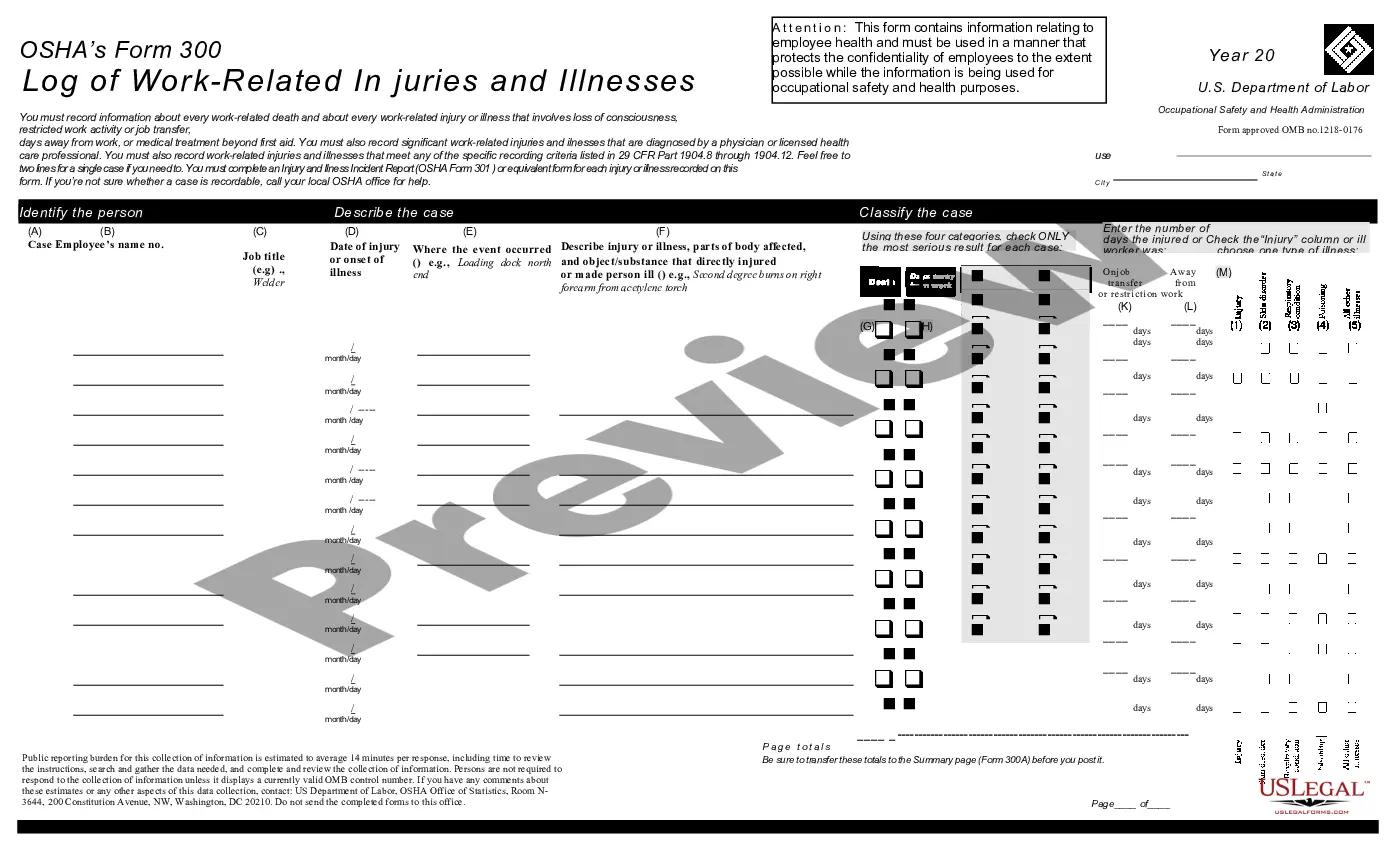
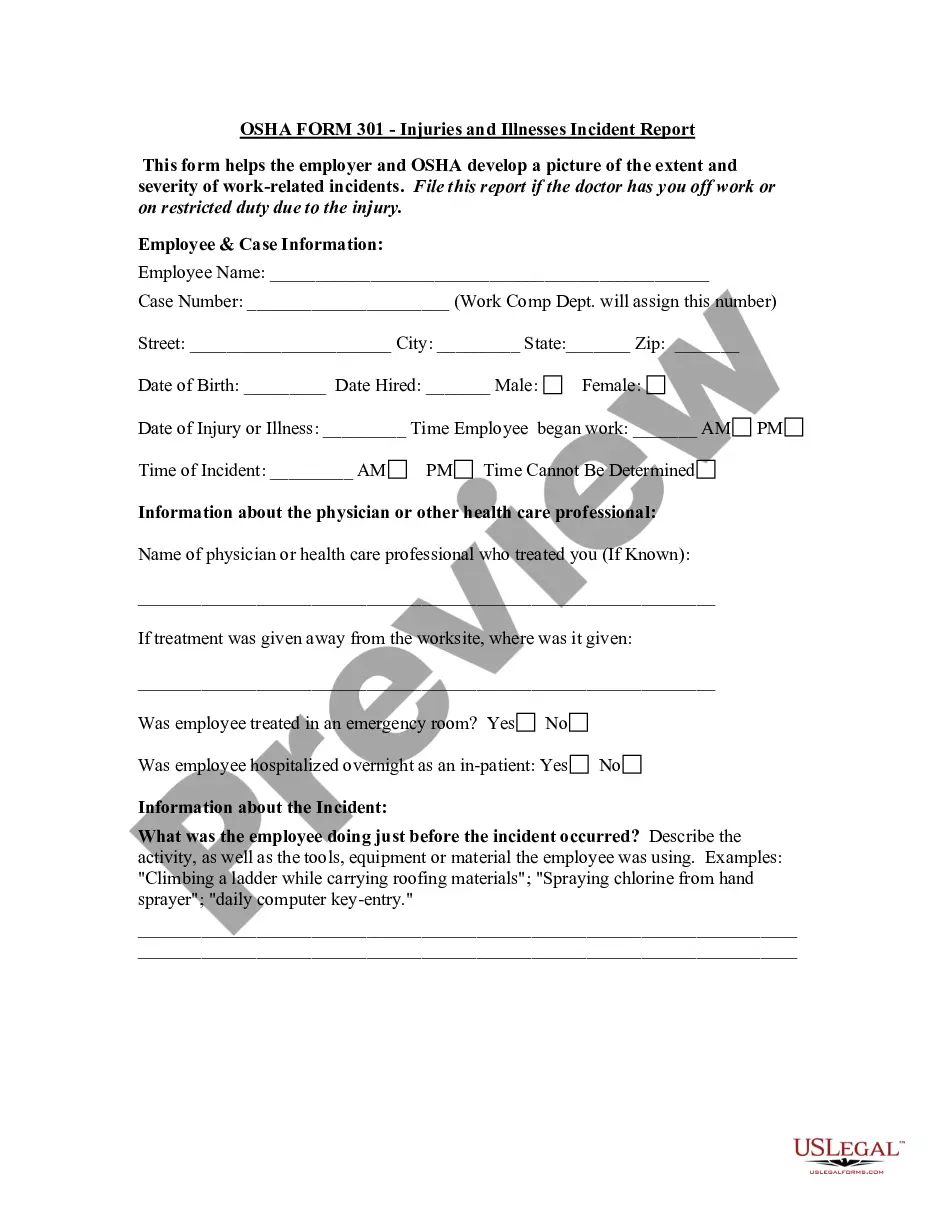
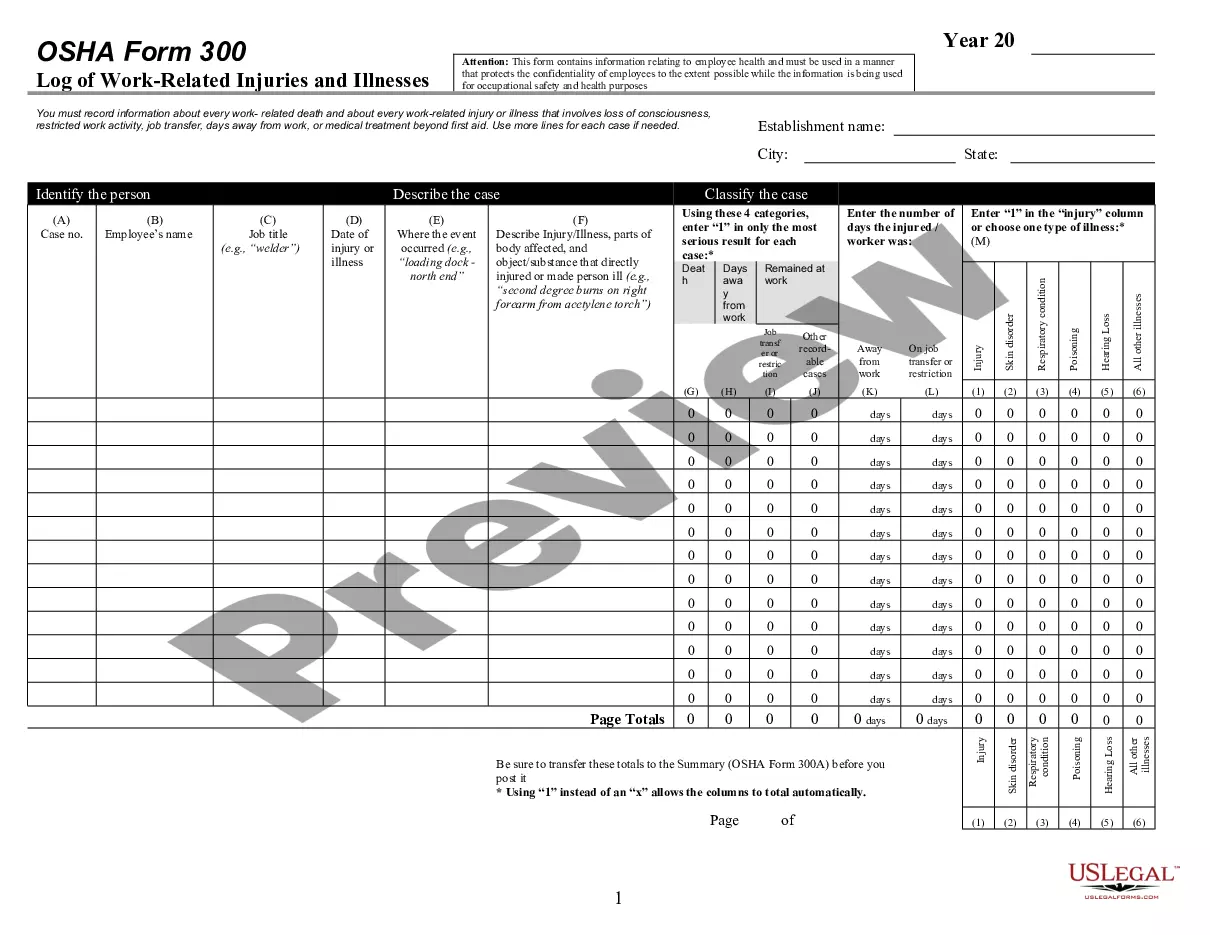
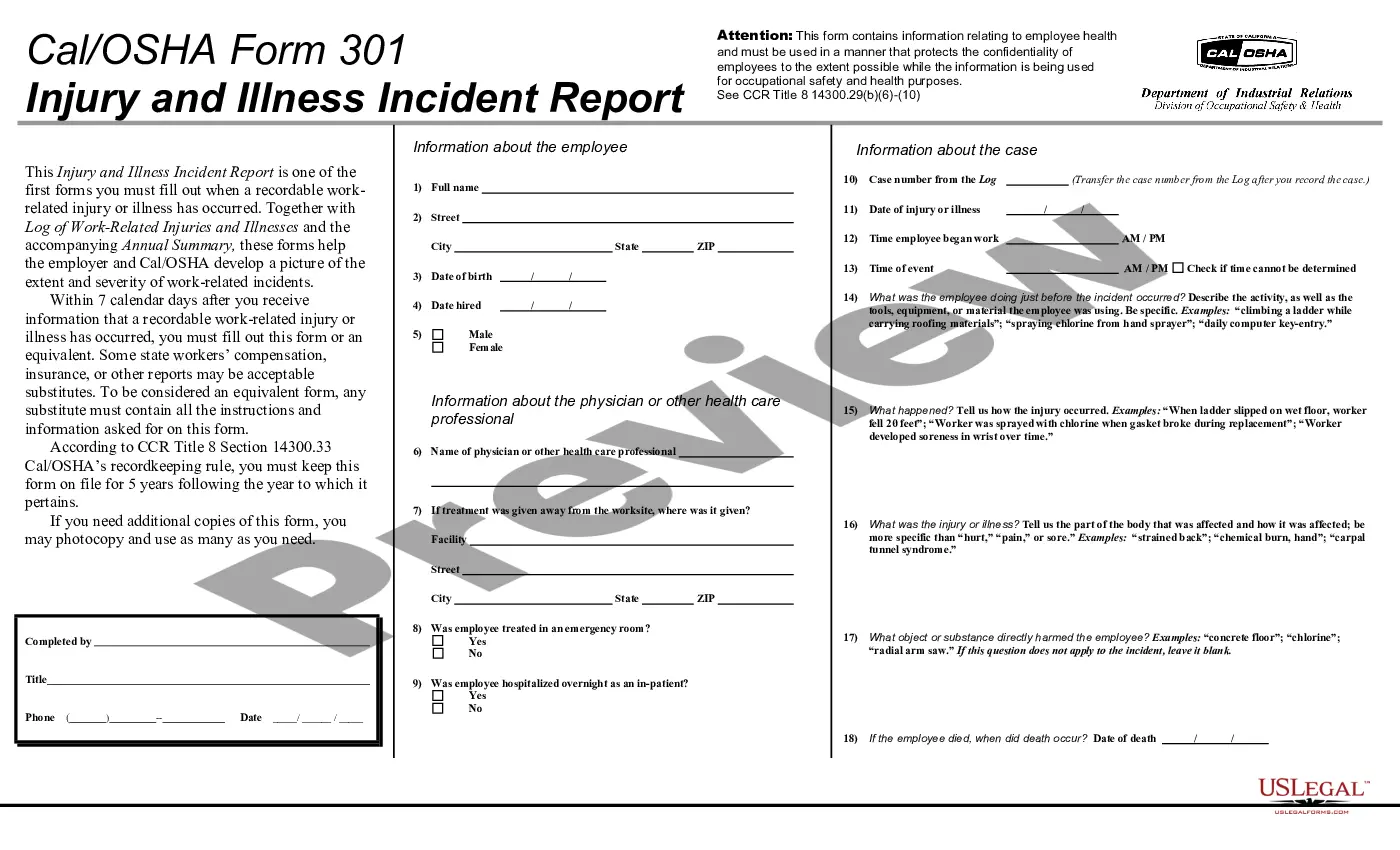
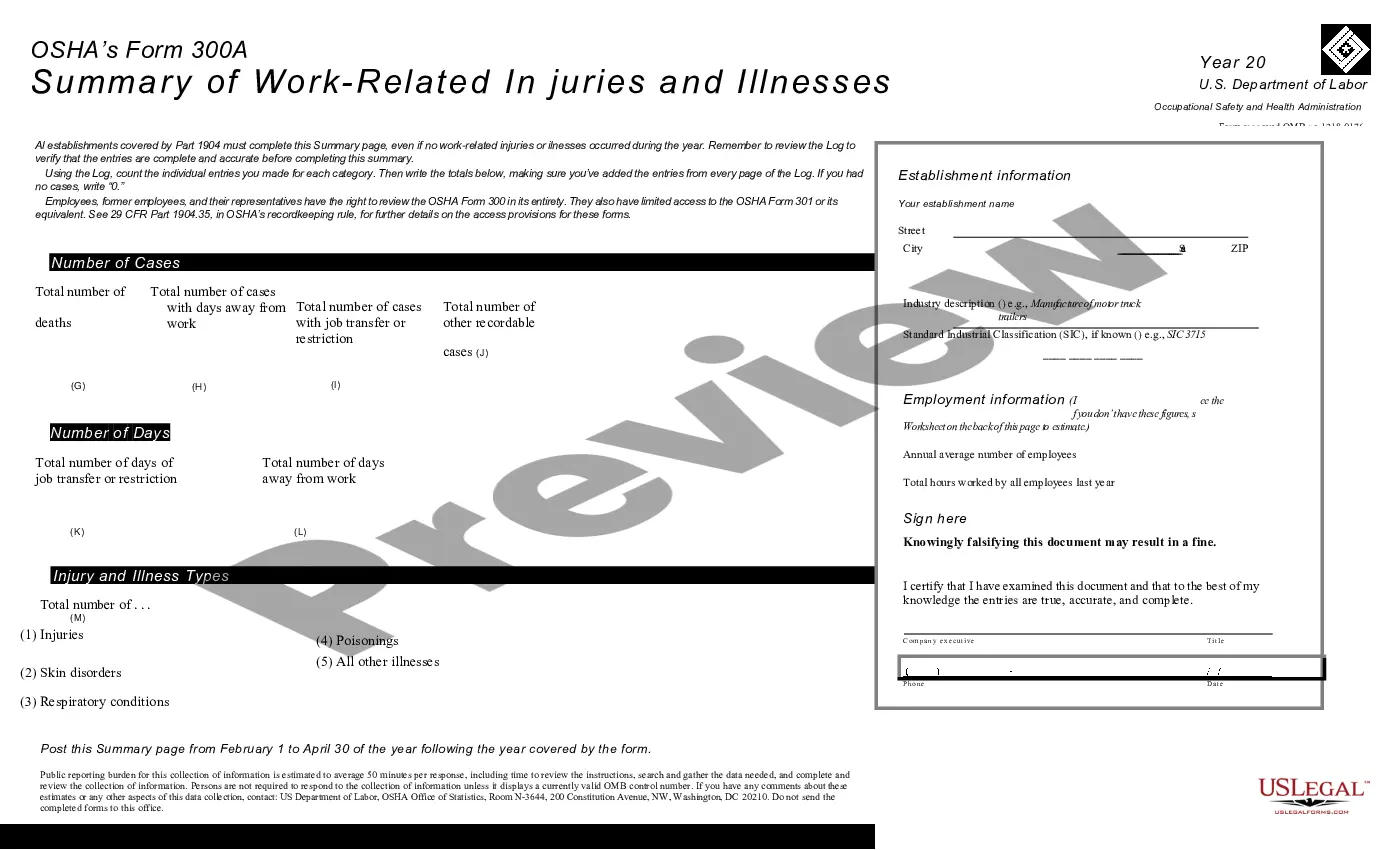
Get your form ready online
Our built-in tools help you complete, sign, share, and store your documents in one place.
Make edits, fill in missing information, and update formatting in US Legal Forms—just like you would in MS Word.
Download a copy, print it, send it by email, or mail it via USPS—whatever works best for your next step.
Sign and collect signatures with our SignNow integration. Send to multiple recipients, set reminders, and more. Go Premium to unlock E-Sign.
If this form requires notarization, complete it online through a secure video call—no need to meet a notary in person or wait for an appointment.
We protect your documents and personal data by following strict security and privacy standards.

Make edits, fill in missing information, and update formatting in US Legal Forms—just like you would in MS Word.

Download a copy, print it, send it by email, or mail it via USPS—whatever works best for your next step.

Sign and collect signatures with our SignNow integration. Send to multiple recipients, set reminders, and more. Go Premium to unlock E-Sign.

If this form requires notarization, complete it online through a secure video call—no need to meet a notary in person or wait for an appointment.

We protect your documents and personal data by following strict security and privacy standards.
Looking for another form?


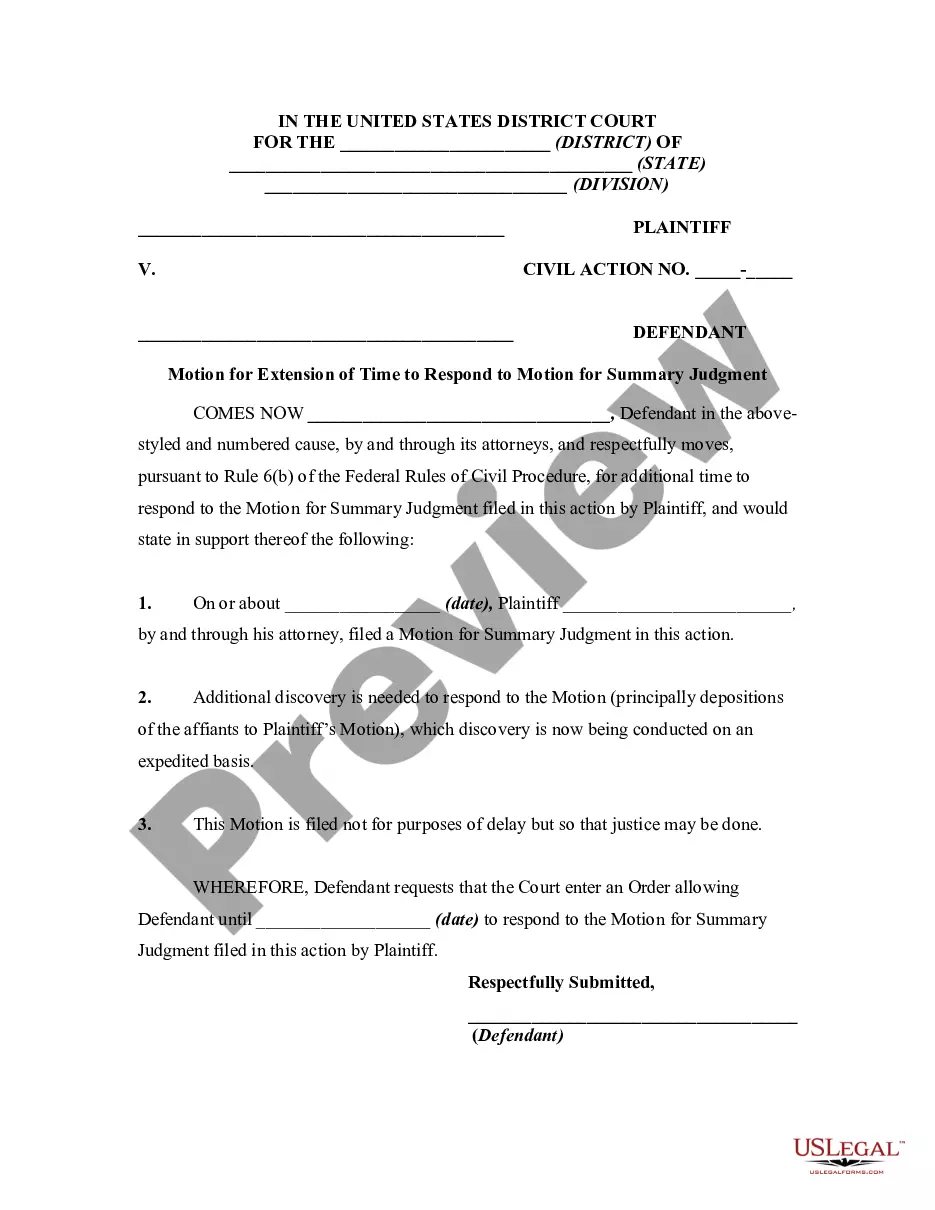

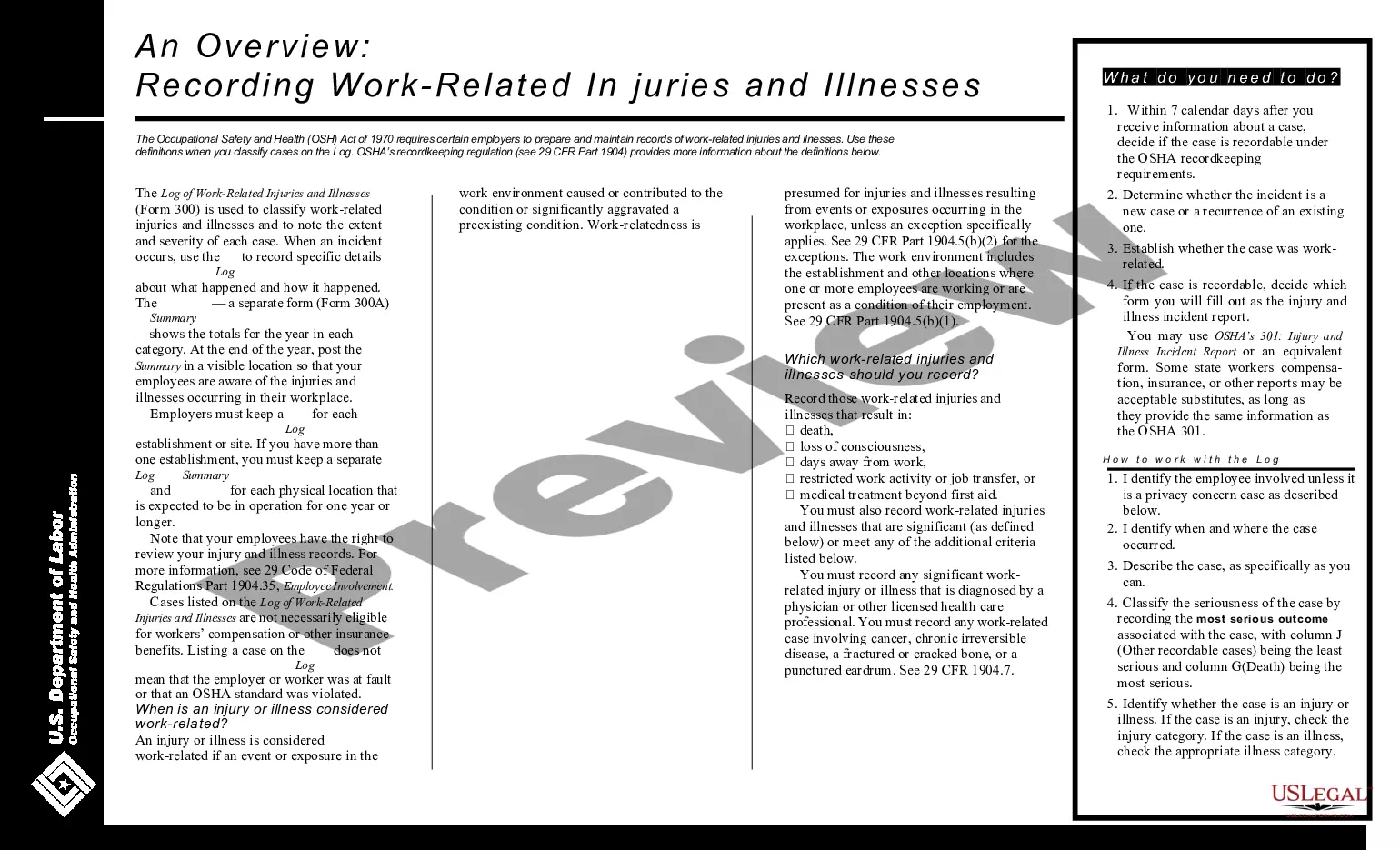
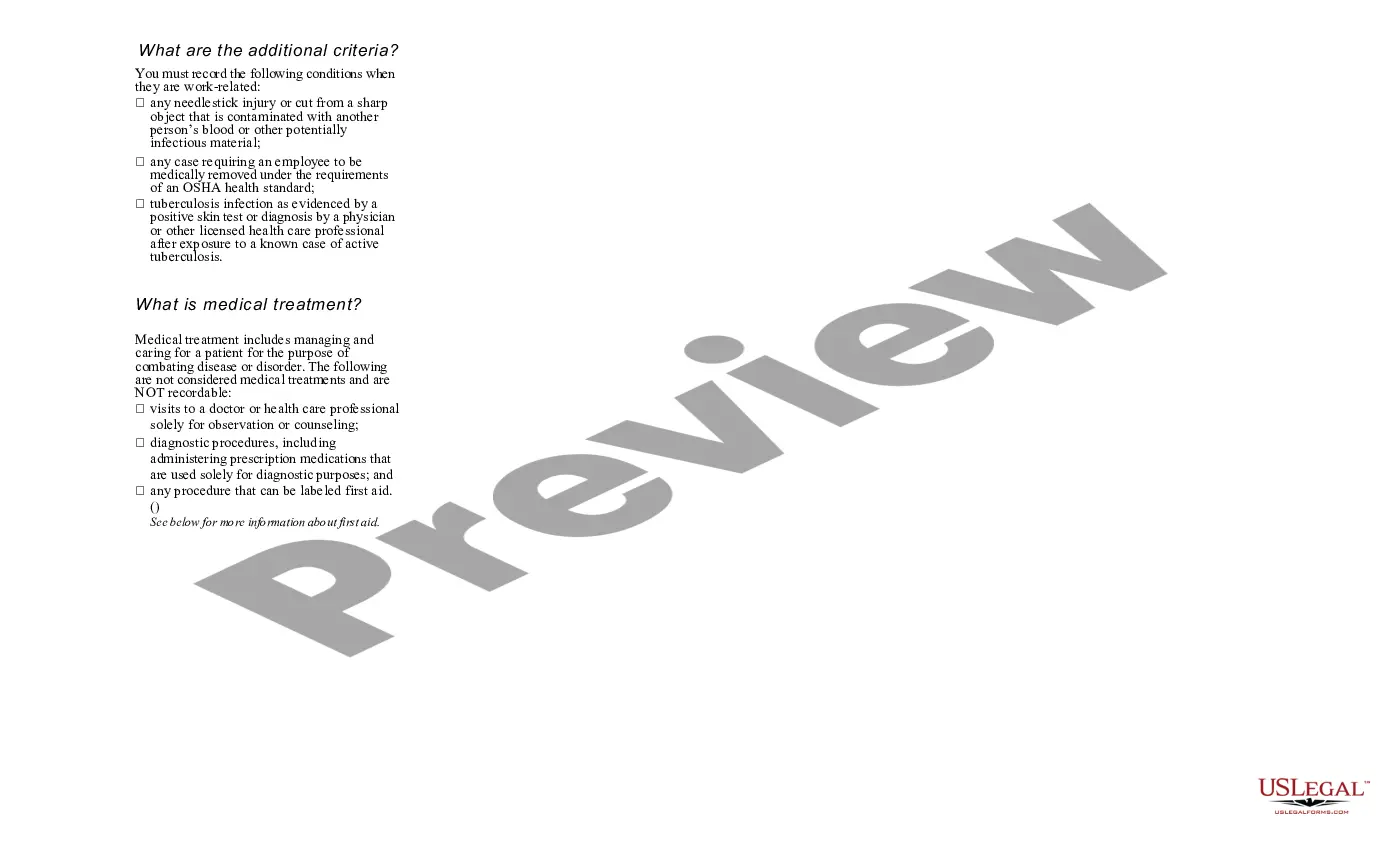
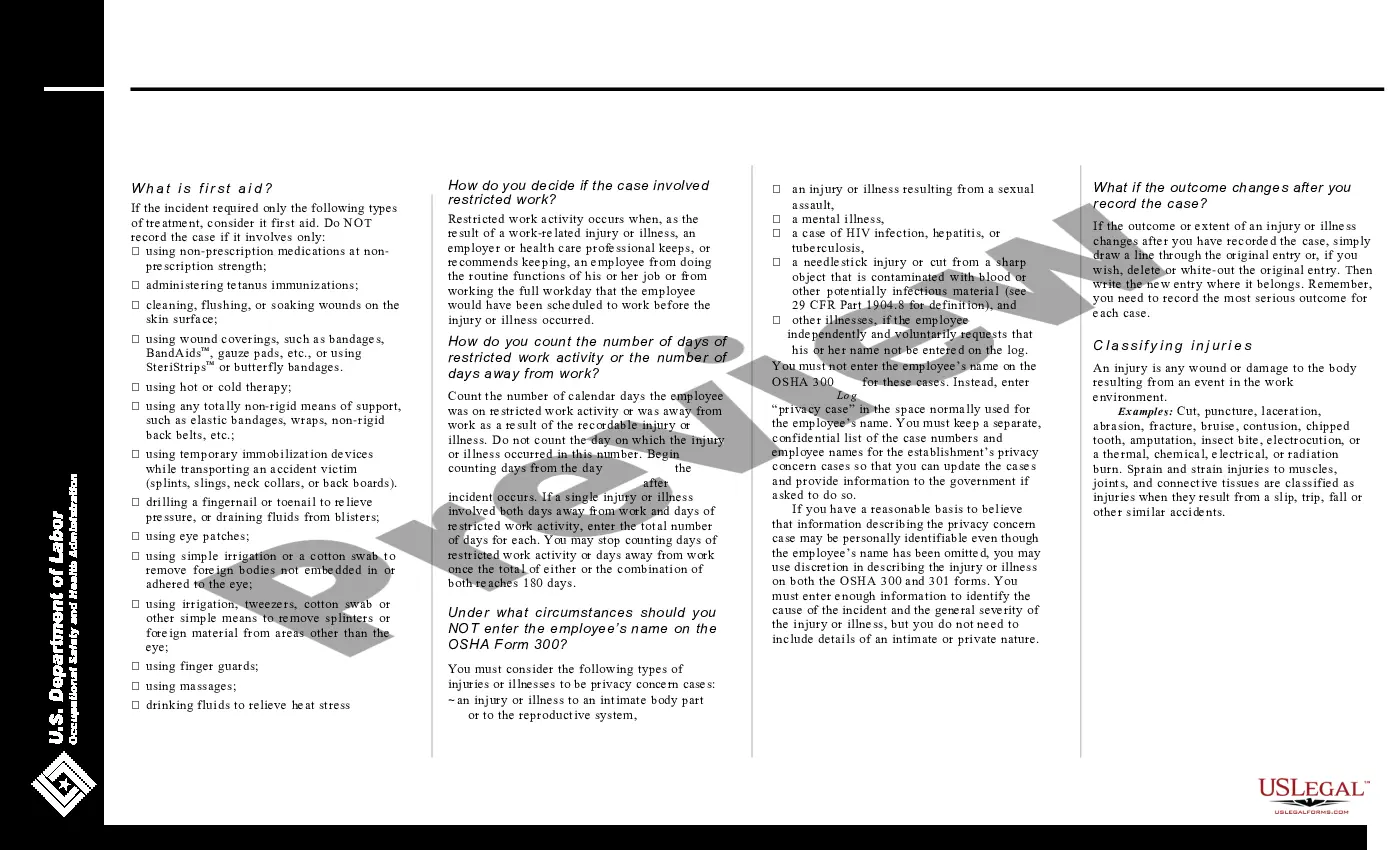
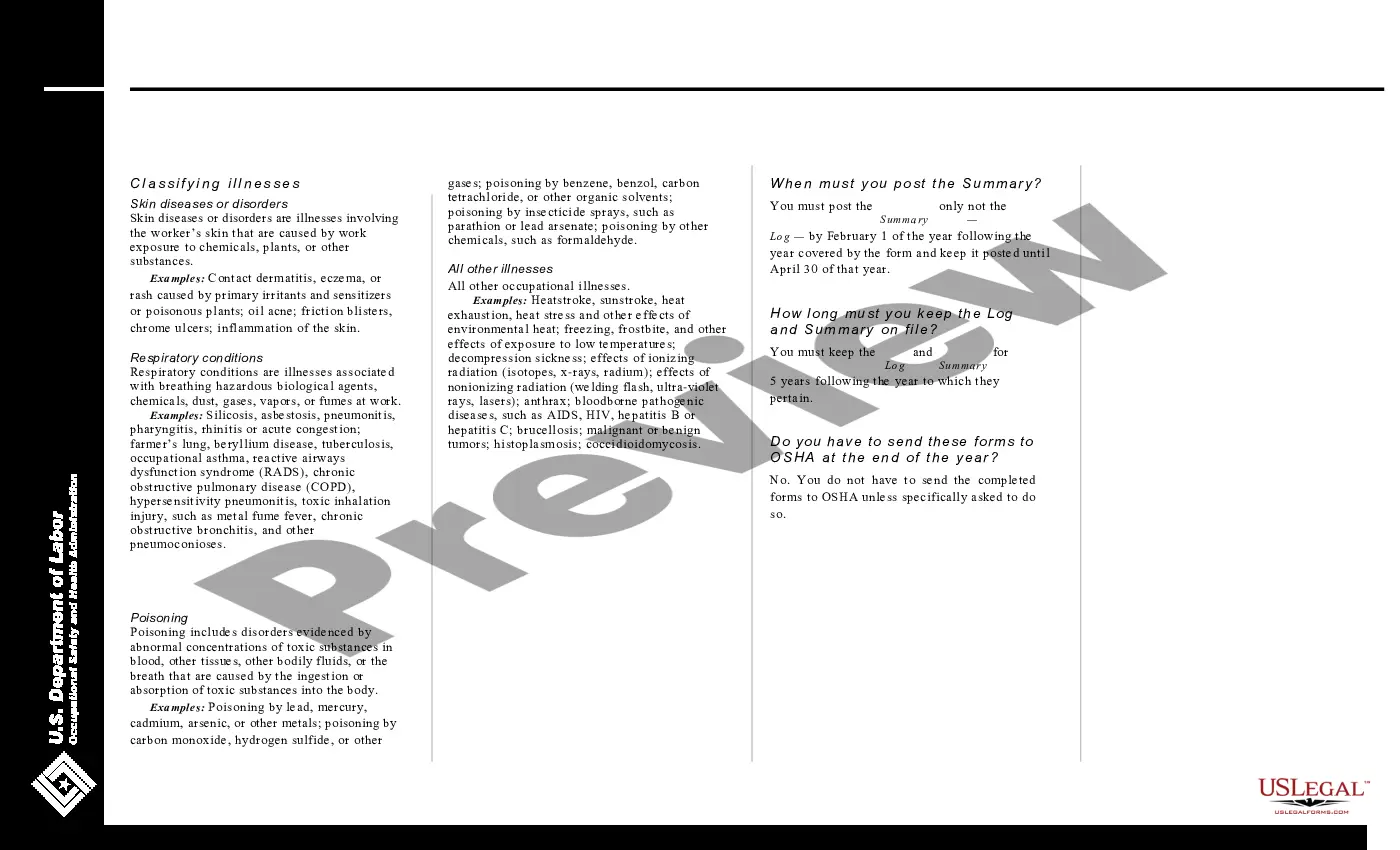
How to fill out Log Of Work Related Injuries And Illnesses (OSHA 300)?
Legal administration can be perplexing, even for seasoned professionals.
When you are looking for a Work Related Order Without Receipts and don’t have the opportunity to invest in finding the correct and current version, the process can be overwhelming.
US Legal Forms caters to any requirements you might have, ranging from personal to business paperwork, all in one location.
Utilize advanced tools to complete and manage your Work Related Order Without Receipts.
Here are the steps to follow after downloading the form you desire: Verify that this is the correct document by previewing it and reviewing its description. Ensure that the sample is approved in your state or county. Select Buy Now when you are ready. Choose a monthly subscription plan. Select the file format you prefer, and Download, complete, sign, print, and dispatch your documents. Capitalize on the US Legal Forms online catalog, backed by 25 years of experience and reliability. Streamline your daily document management into a seamless and user-friendly process today.
- Access a valuable resource pool of articles, guides, and manuals related to your circumstances and needs.
- Save time and energy searching for the documents you require, and use US Legal Forms’ advanced search and Review feature to find Work Related Order Without Receipts and obtain it.
- If you possess a subscription, Log In to your US Legal Forms account, look for the form, and acquire it.
- Check your My documents tab to view the documents you have previously saved and to organize your folders as you prefer.
- If it is your initial experience with US Legal Forms, establish an account and gain unlimited access to all the advantages of the library.
- A robust online form repository can be transformative for anyone who aims to handle these matters effectively.
- US Legal Forms is a leader in online legal documents, with over 85,000 state-specific legal forms accessible to you at any time.
- With US Legal Forms, you can access state- or county-specific legal and organizational documents.
Form popularity
FAQ
If you itemize deductions and you know you have to pay for work-related expenses, you should start saving those receipts.
Taxpayers can no longer claim unreimbursed employee expenses as miscellaneous itemized deductions, unless they are a qualified employee or an eligible educator. They must complete Form 2106, Employee Business Expenses, to take the deduction.
The Internal Revenue Service recommends Form 12661 for taxpayers to provide a detailed explanation and items without documentation or receipt. Attach your tax audit review report with a document supporting your reasonable estimates or recreated business expenses.
10 Deductions You Can Claim Without Receipts Home Office Expenses. This is usually the most common expense deducted without receipts. ... Cell Phone Expenses. ... Vehicle Expenses. ... Travel or Business Trips. ... Self-Employment Taxes. ... Self-Employment Retirement Plan Contributions. ... Self-Employed Health Insurance Premiums. ... Educator expenses.
Documenting your business expenses without receipts Contacting suppliers and service providers for invoices and receipts. ... Reviewing bank account statements, canceled checks, and credit card statements. ... Reviewing your calendar. ... Searching old emails. ... Checking your smart phone's location data.