Work Order Example
Description

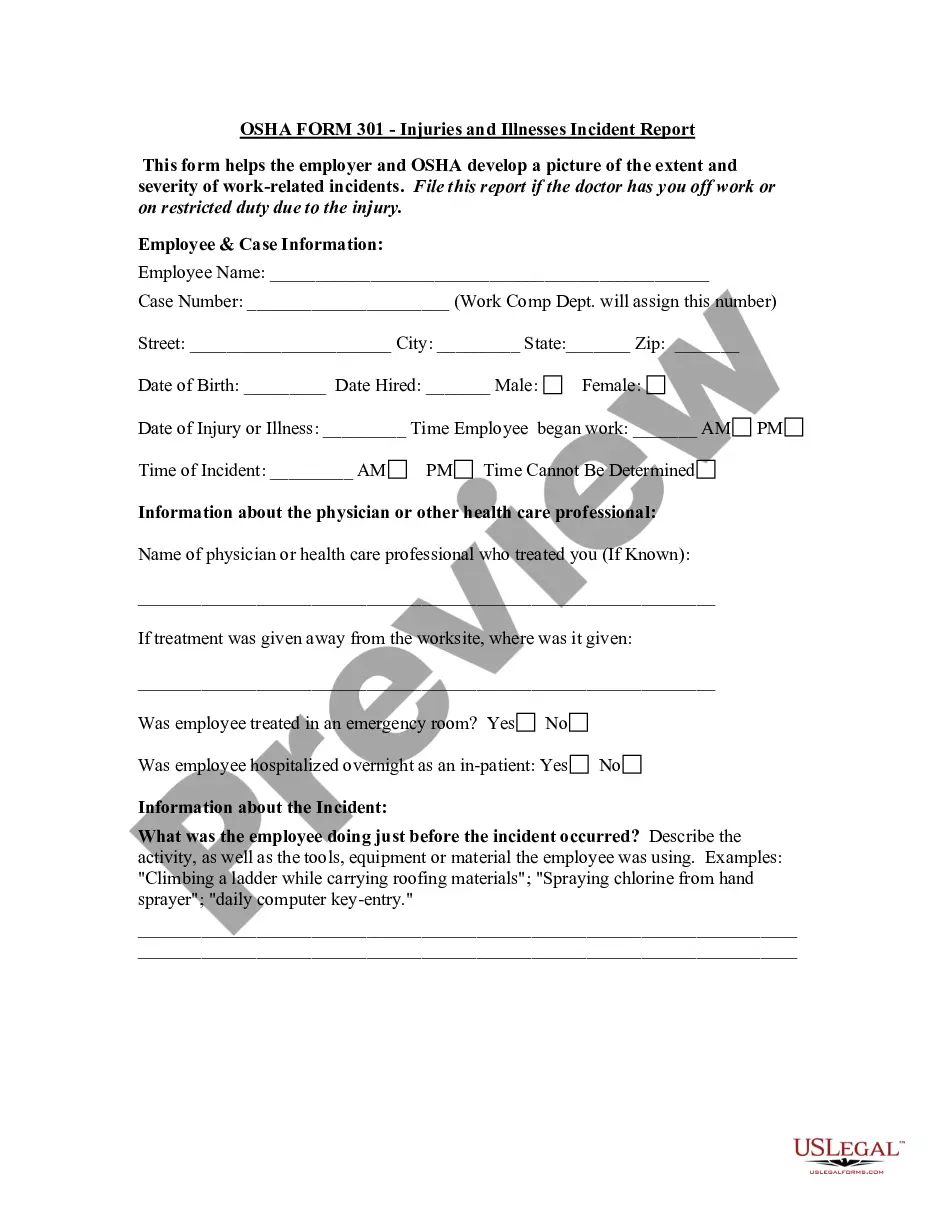
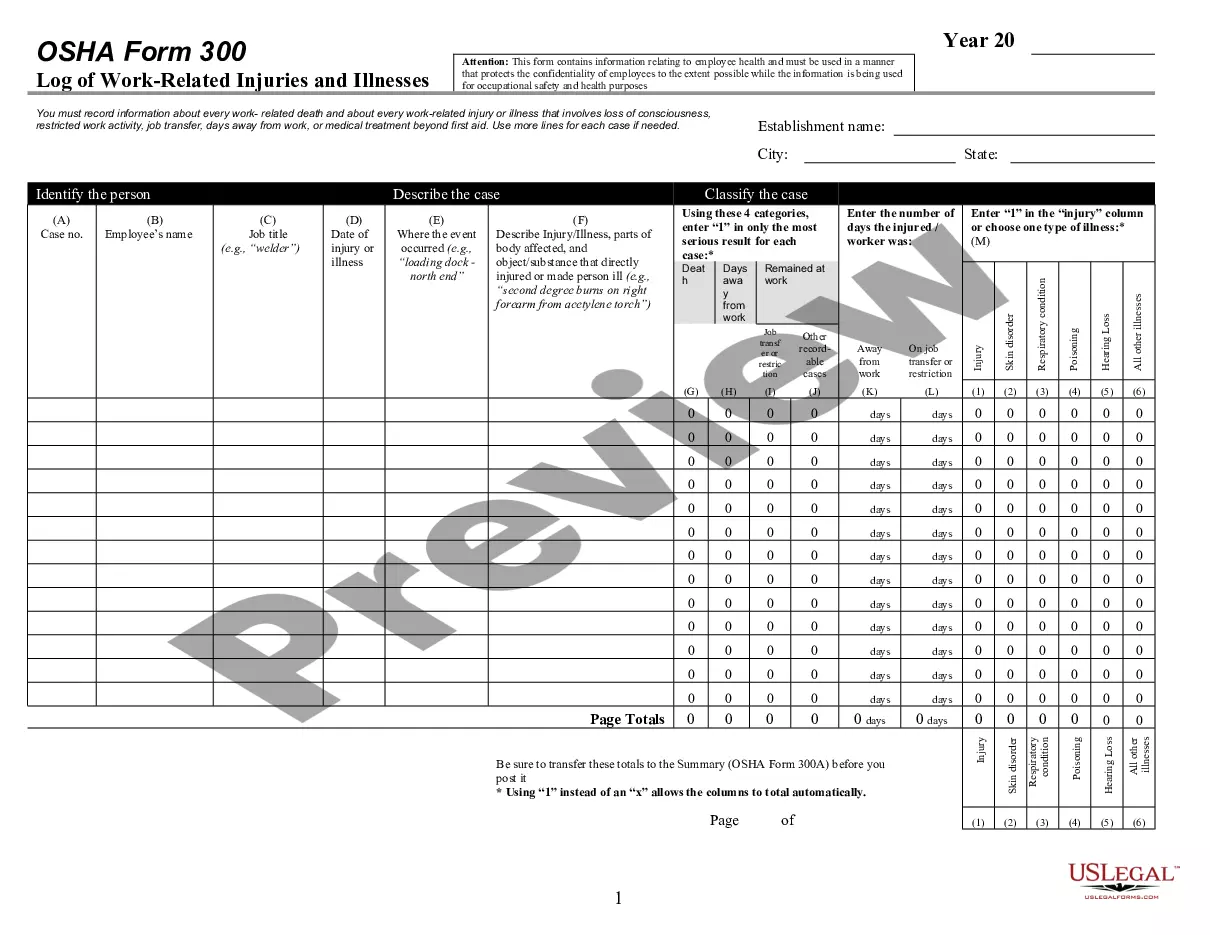
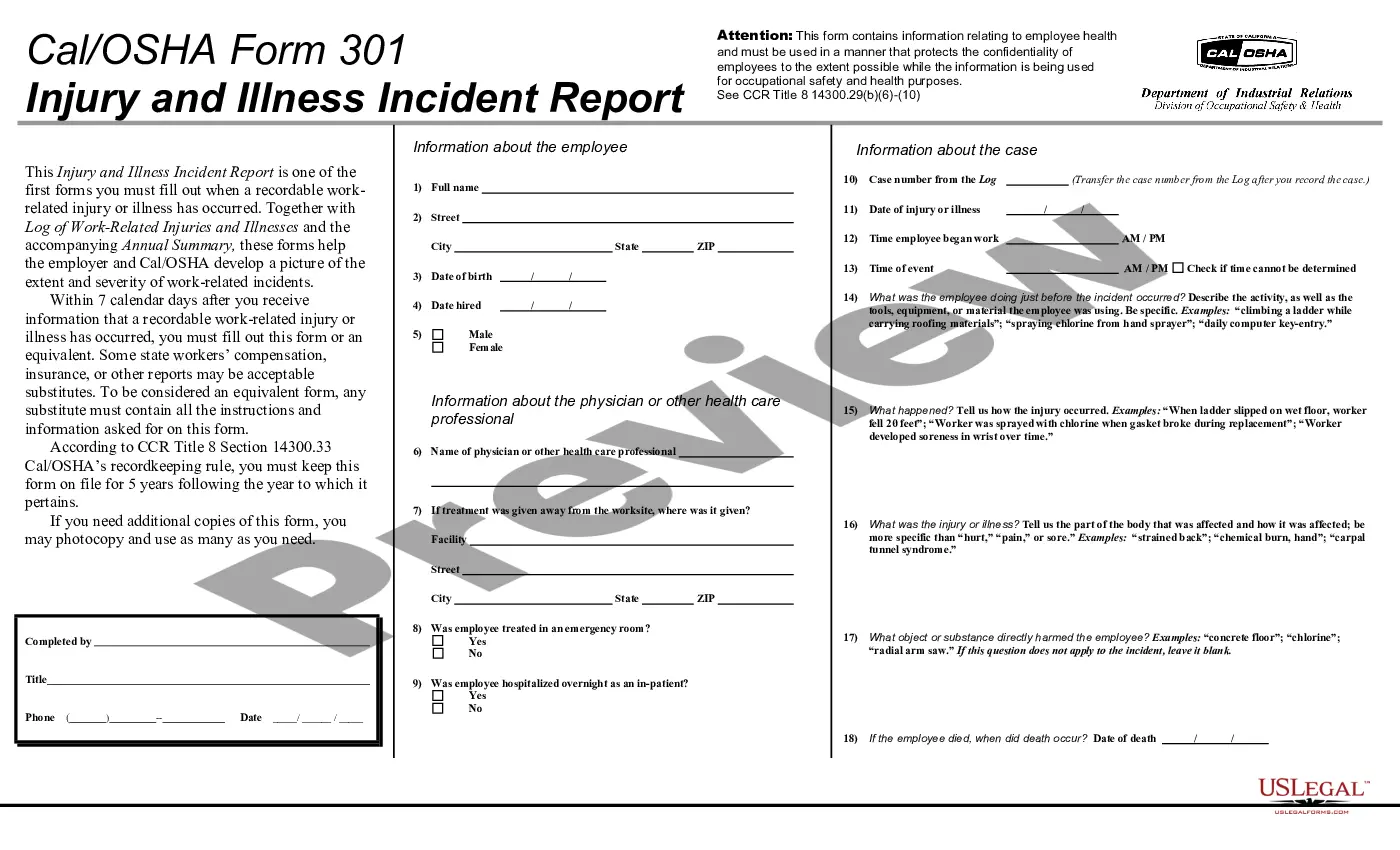
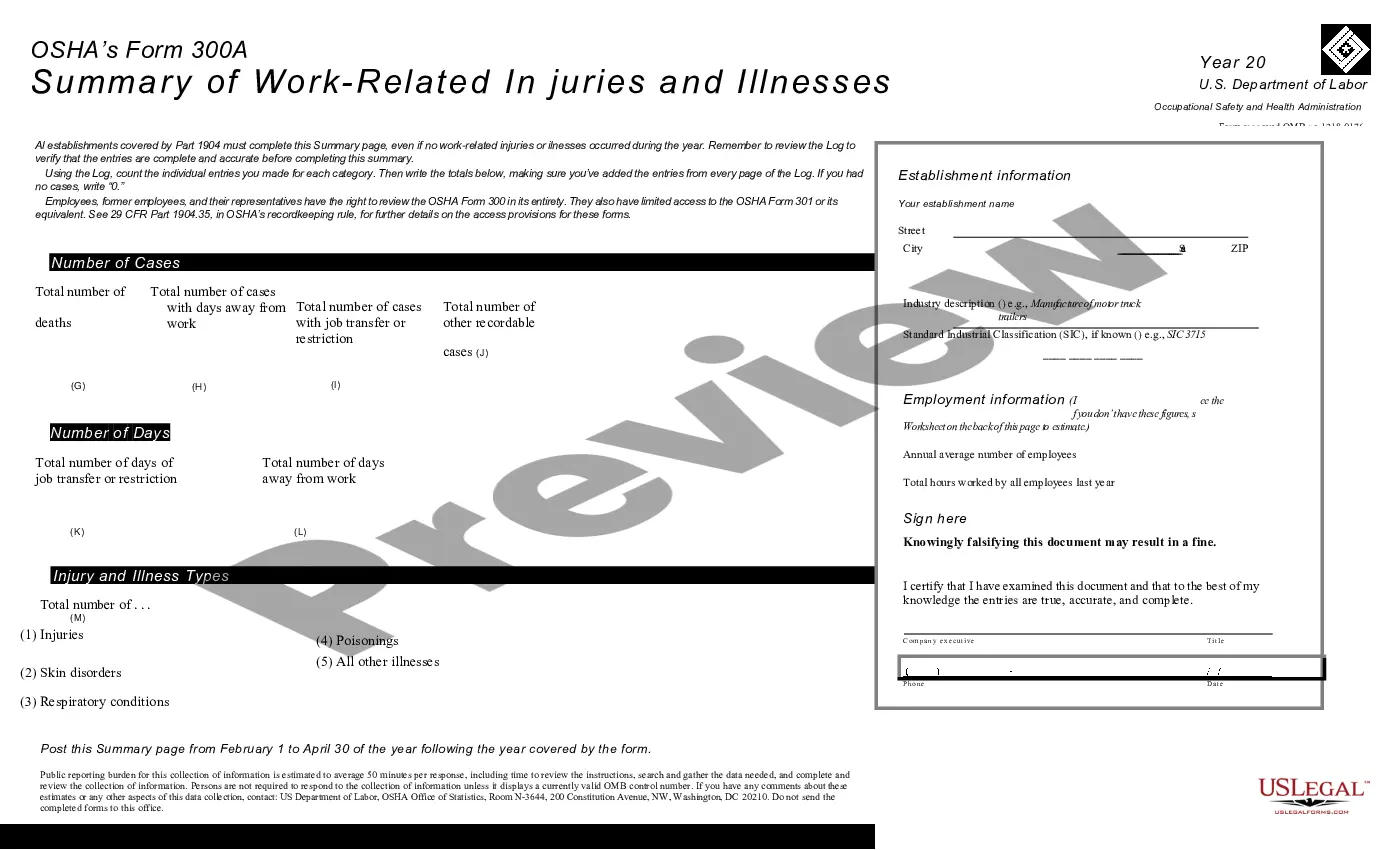
Get your form ready online
Our built-in tools help you complete, sign, share, and store your documents in one place.
Make edits, fill in missing information, and update formatting in US Legal Forms—just like you would in MS Word.
Download a copy, print it, send it by email, or mail it via USPS—whatever works best for your next step.
Sign and collect signatures with our SignNow integration. Send to multiple recipients, set reminders, and more. Go Premium to unlock E-Sign.
If this form requires notarization, complete it online through a secure video call—no need to meet a notary in person or wait for an appointment.
We protect your documents and personal data by following strict security and privacy standards.

Make edits, fill in missing information, and update formatting in US Legal Forms—just like you would in MS Word.

Download a copy, print it, send it by email, or mail it via USPS—whatever works best for your next step.

Sign and collect signatures with our SignNow integration. Send to multiple recipients, set reminders, and more. Go Premium to unlock E-Sign.

If this form requires notarization, complete it online through a secure video call—no need to meet a notary in person or wait for an appointment.

We protect your documents and personal data by following strict security and privacy standards.
Looking for another form?

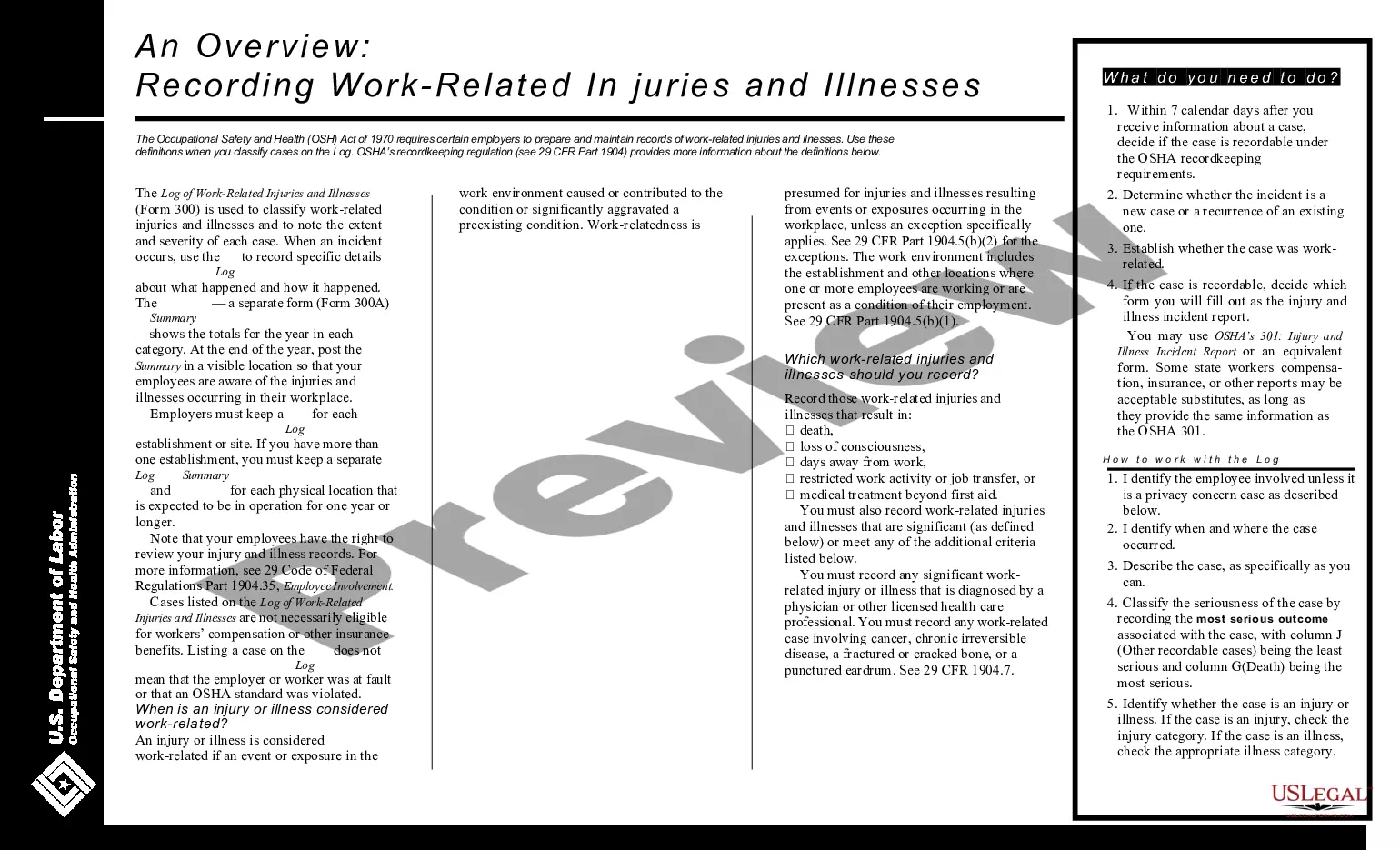
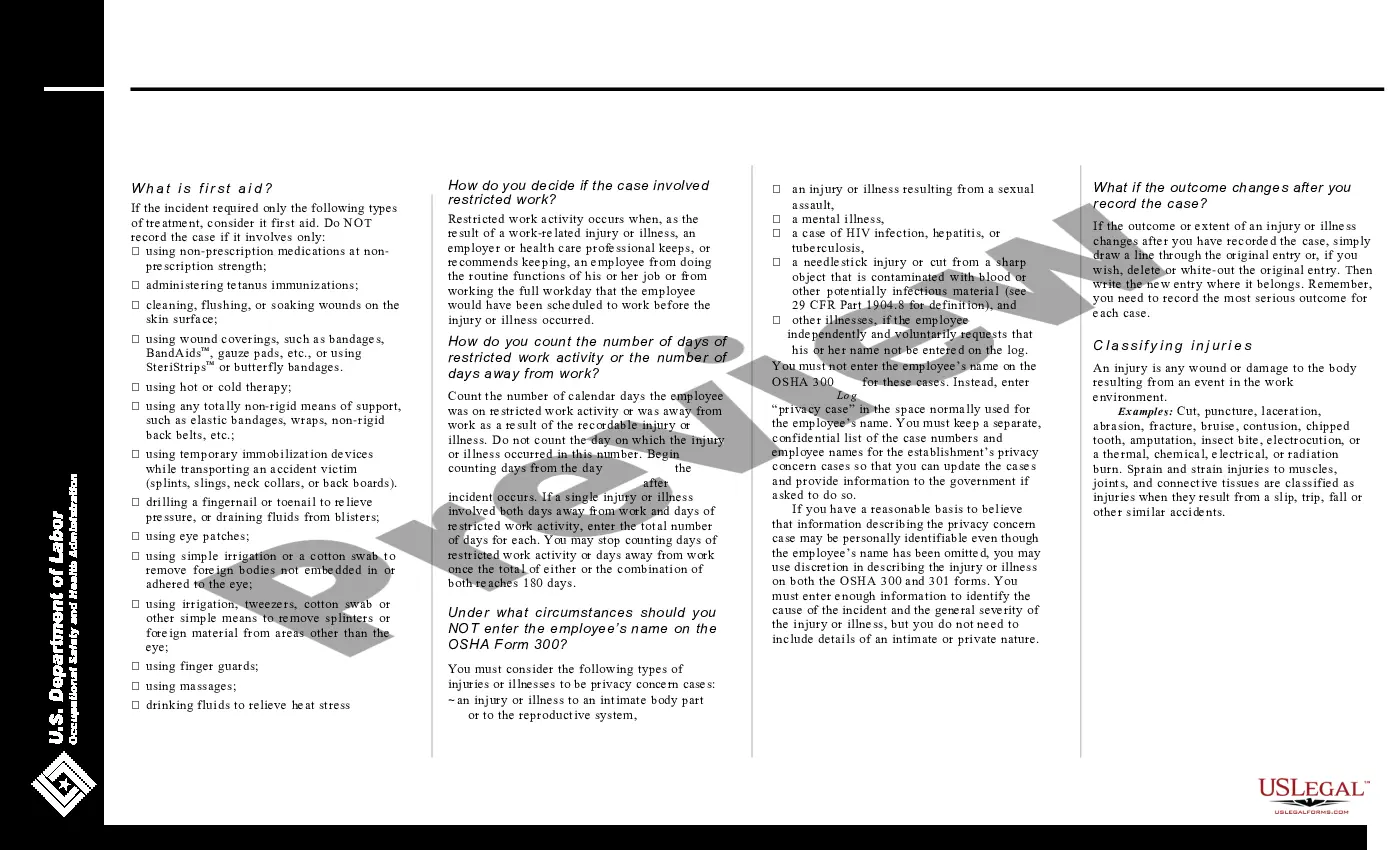
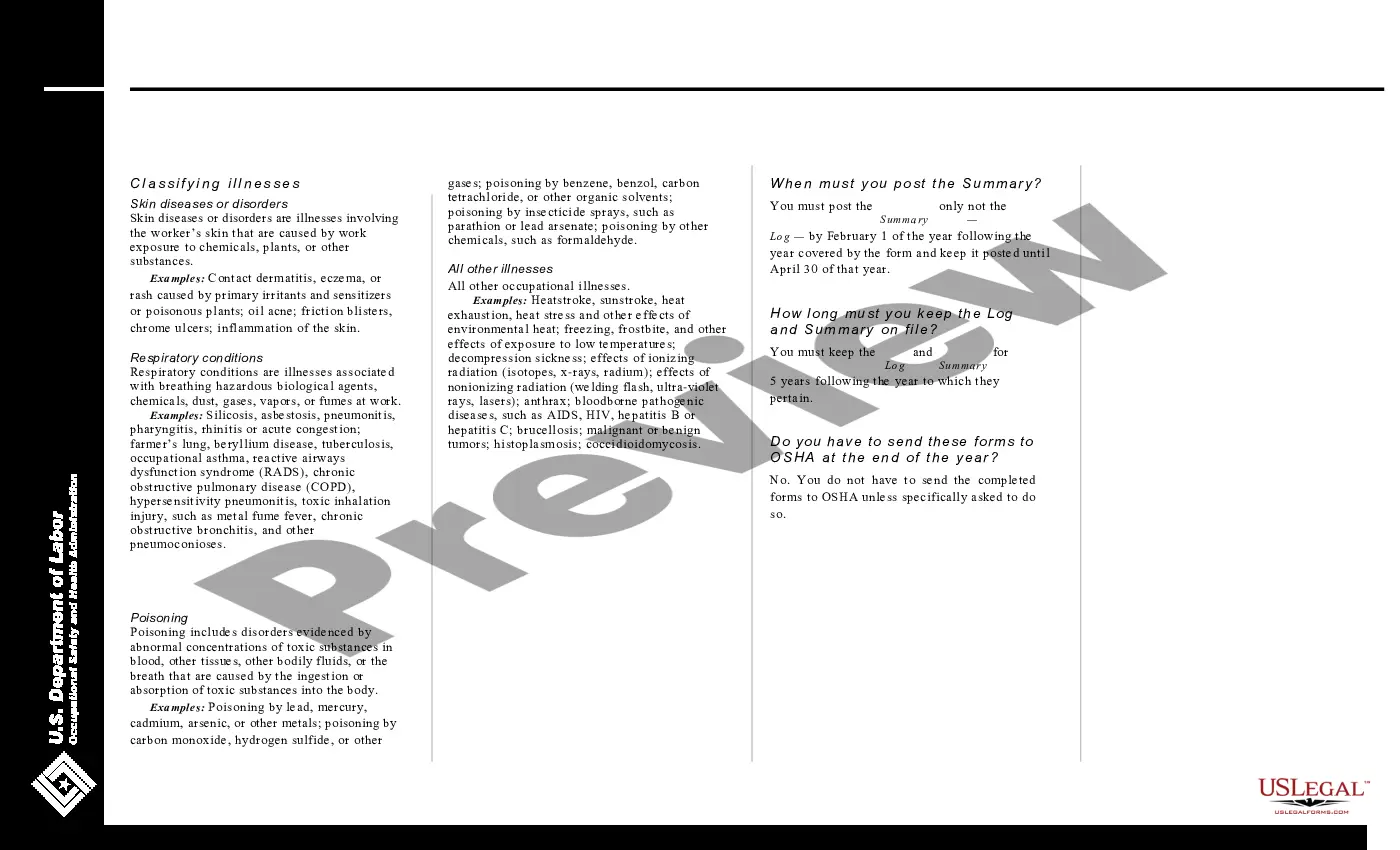
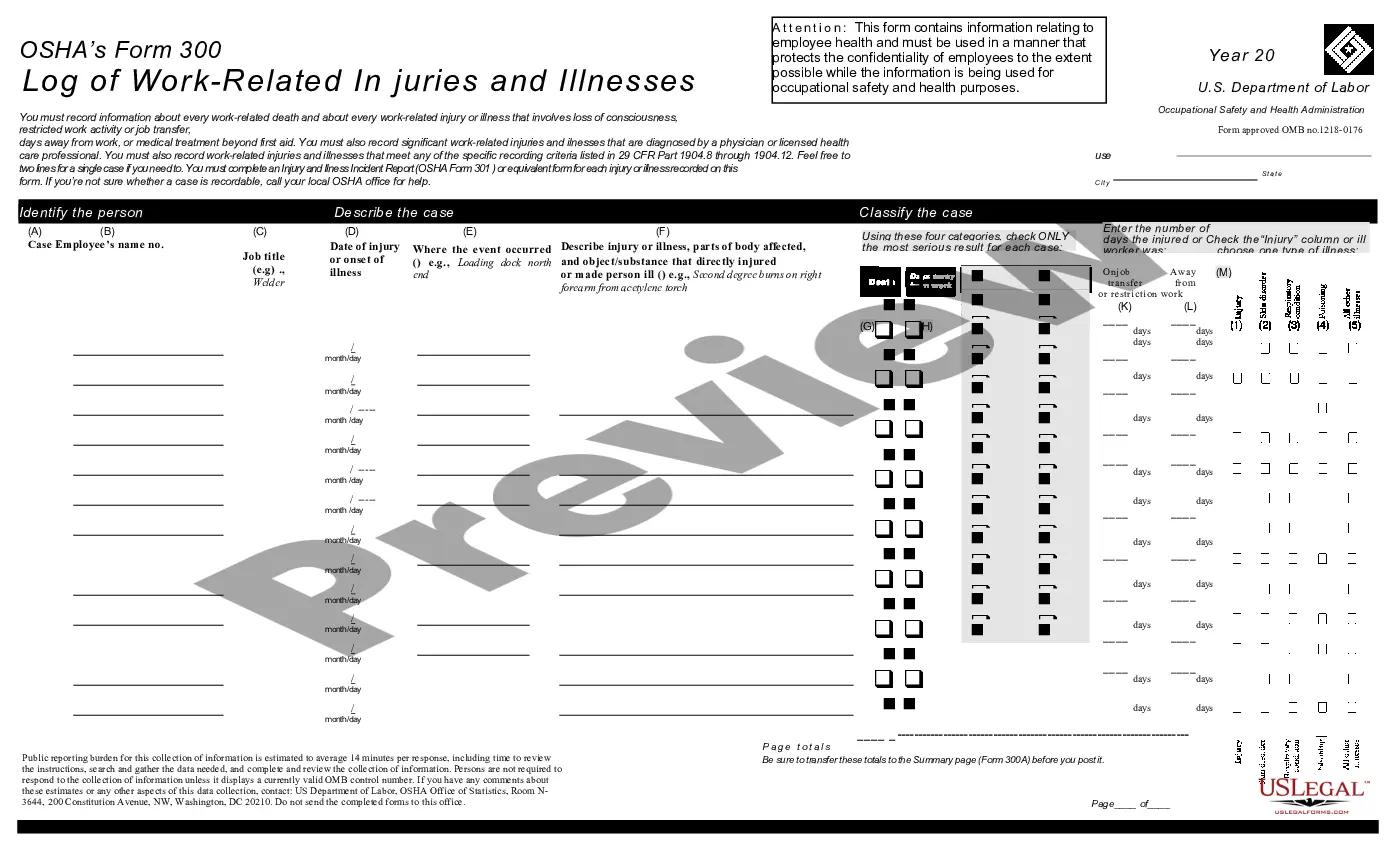
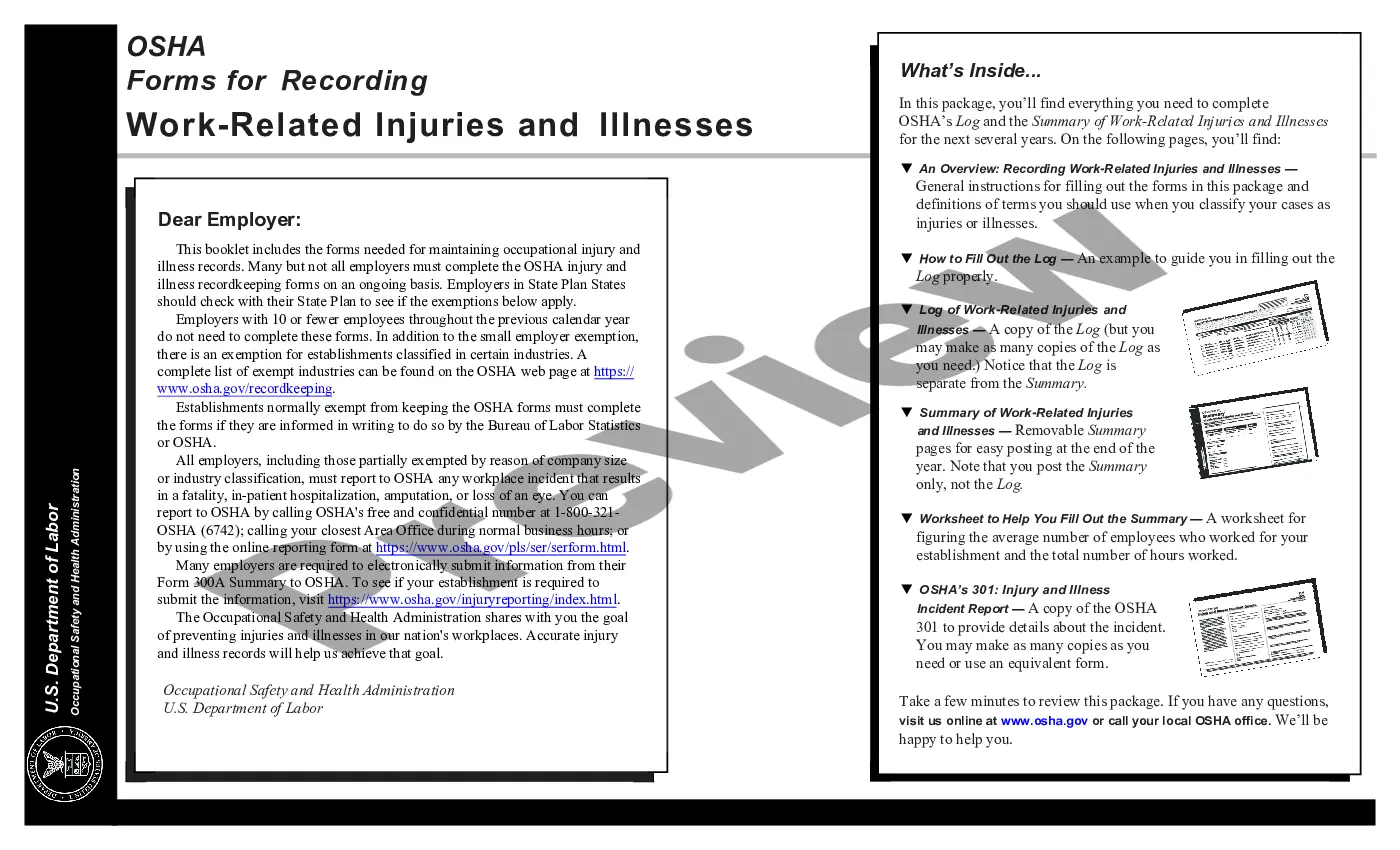
How to fill out Log Of Work Related Injuries And Illnesses (OSHA 300)?
It’s clear that you cannot transform into a legal expert overnight, nor can you quickly understand how to draft a Work Order Example without possessing a specialized skill set.
Assembling legal documents is a lengthy procedure that necessitates specific education and expertise. So why not entrust the creation of the Work Order Example to the specialists.
With US Legal Forms, one of the most extensive legal document collections, you can obtain anything from court documents to templates for office communication.
If you need any additional form, start your search anew.
Sign up for a free account and select a subscription plan to acquire the form. Click Buy now. Once the payment is processed, you can access the Work Order Example, complete it, print it, and send it or mail it to the intended recipients or organizations.
- We understand the significance of compliance and adherence to federal and local regulations.
- That’s why, on our site, all forms are specific to your location and current.
- Here’s how you can initiate your journey with our platform and obtain the document you need in just minutes.
- Identify the document you require by utilizing the search bar at the top of the page.
- Preview it (if available) and review the accompanying description to determine if the Work Order Example is what you are looking for.
Form popularity
FAQ
For example, a machine operator might submit a work request when equipment breaks down. The work request is reviewed by a maintenance manager, who adds extra information, schedules the task, and assigns it to a technician. The work request is now a work order.
What to include in the Work Order Format? 1: Company Name. Start with your company's name, which should be in one of the top corners. ... 2: Company Address. Add your address under the company name. ... 3: Work Order Number. Submit the work order number. ... 4: Work Order Title. ... 5: Work Location. ... 6: Worker's Name. ... 7: Sender's Name.
For all four types of work orders, on-demand, preventive, internal, and third-party, there are two ways to do them: manually or with a modern CMMS solution. Before going any further, it's worth looking at the differences.
Fill in the details: Fill in the work order's details, including the customer's name and contact information, the specifics of the work request, the completion deadline, and any other relevant information. You can modify the template to include any additional fields required for your specific needs.
A work order is a vital document in the maintenance field that provides detailed instructions and information about a specific task or job that needs to be performed. Learn more about Fracttal One. It serves as a formal request to carry out maintenance or repair work on a particular equipment, system, or facility.