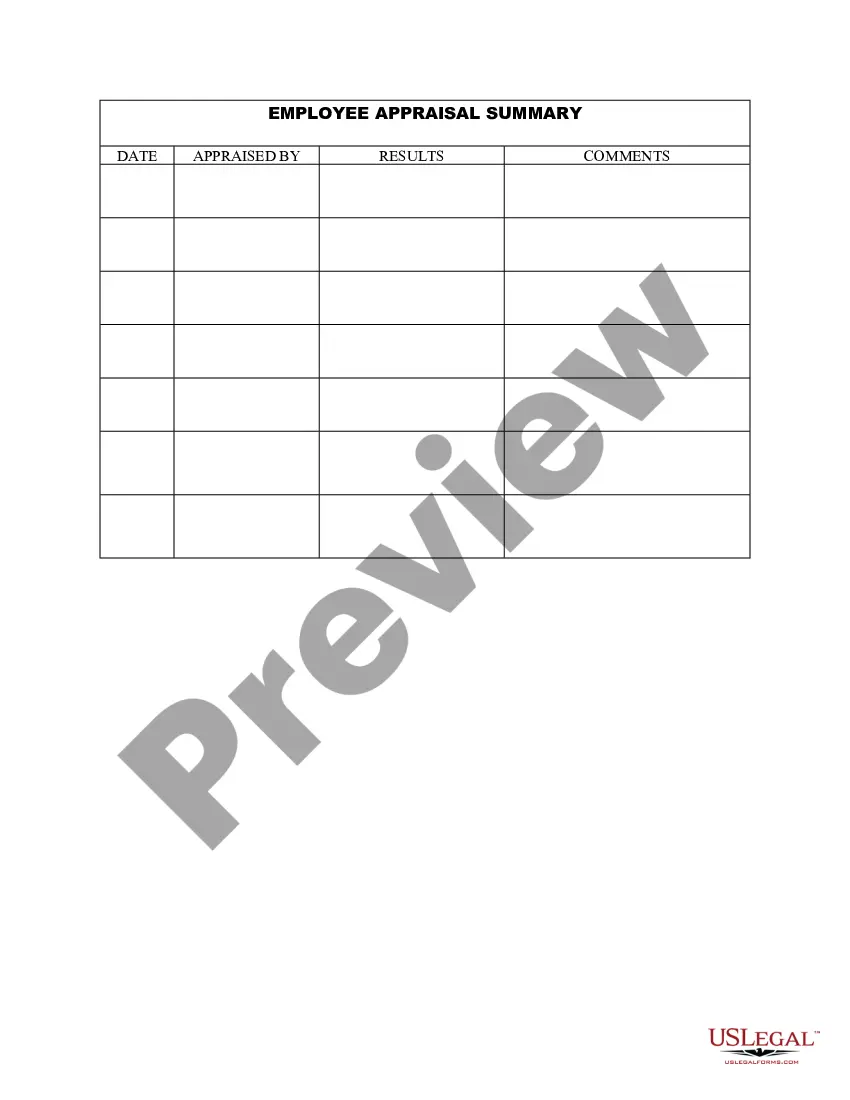
Staff Evaluation Form Examples
Description
Get your form ready online
Our built-in tools help you complete, sign, share, and store your documents in one place.
Make edits, fill in missing information, and update formatting in US Legal Forms—just like you would in MS Word.
Download a copy, print it, send it by email, or mail it via USPS—whatever works best for your next step.
Sign and collect signatures with our SignNow integration. Send to multiple recipients, set reminders, and more. Go Premium to unlock E-Sign.
If this form requires notarization, complete it online through a secure video call—no need to meet a notary in person or wait for an appointment.
We protect your documents and personal data by following strict security and privacy standards.

Make edits, fill in missing information, and update formatting in US Legal Forms—just like you would in MS Word.

Download a copy, print it, send it by email, or mail it via USPS—whatever works best for your next step.

Sign and collect signatures with our SignNow integration. Send to multiple recipients, set reminders, and more. Go Premium to unlock E-Sign.

If this form requires notarization, complete it online through a secure video call—no need to meet a notary in person or wait for an appointment.

We protect your documents and personal data by following strict security and privacy standards.
Looking for another form?

How to fill out Employee Appraisal Summary?
Creating legal documents from the ground up can frequently be daunting.
Certain situations may require extensive investigation and significant expenses.
If you’re looking for a simpler and more economical method of generating Staff Evaluation Form Examples or other documents without unnecessary hurdles, US Legal Forms is always available to assist you.
Our online repository of over 85,000 current legal forms encompasses nearly every facet of your financial, legal, and personal affairs. With just a few clicks, you can quickly access state- and county-compliant templates carefully crafted for you by our legal professionals.
Ensure that the template you choose aligns with the rules and regulations of your state and county. Select the most appropriate subscription plan to purchase the Staff Evaluation Form Examples. Download the form, then complete, validate, and print it out. US Legal Forms has a strong reputation and over 25 years of experience. Join us today and make document completion a straightforward and efficient process!
- Utilize our platform whenever you require dependable and trustworthy services to easily locate and download the Staff Evaluation Form Examples.
- If you’re a returning user and have already created an account with us, simply Log In to your account, find the template and download it or re-download it whenever you choose from the My documents section.
- Not registered yet? No worries. It only takes a few minutes to sign up and explore the library.
- Before diving into downloading Staff Evaluation Form Examples, consider these guidelines.
- Examine the document preview and descriptions to confirm that you’ve identified the form you’re seeking.
Form popularity
FAQ
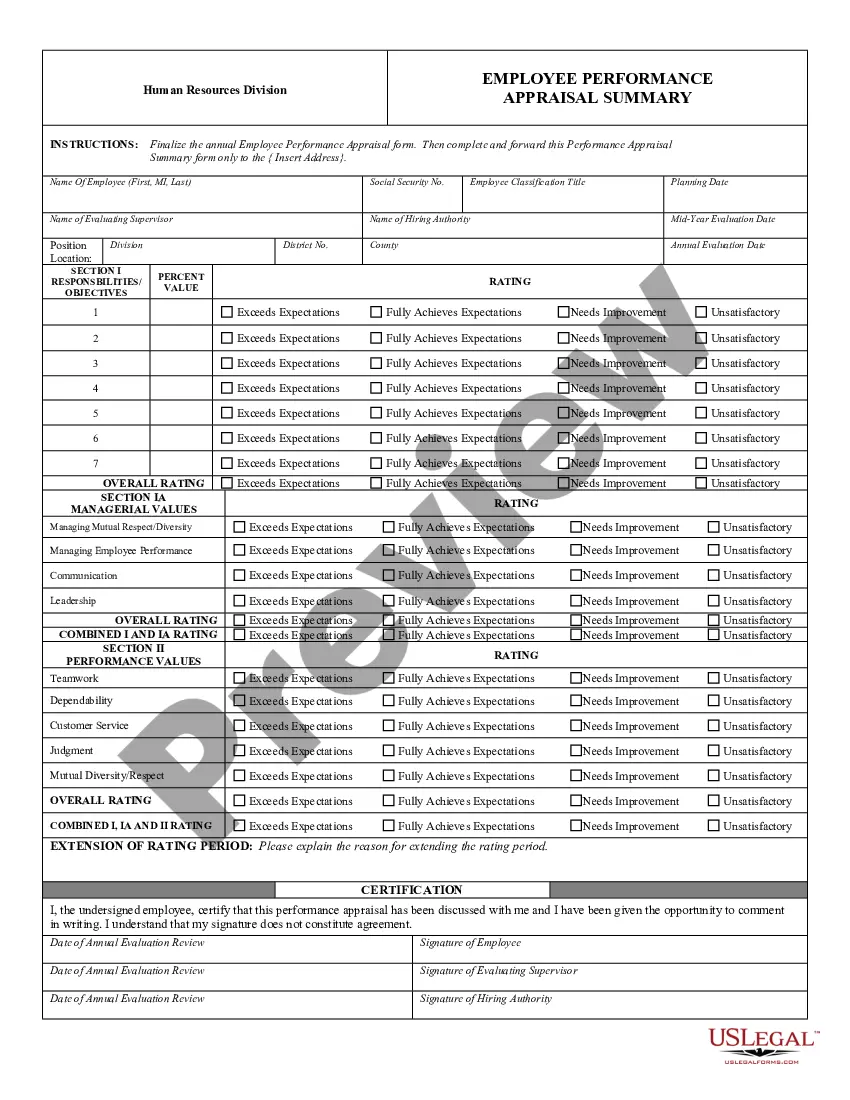
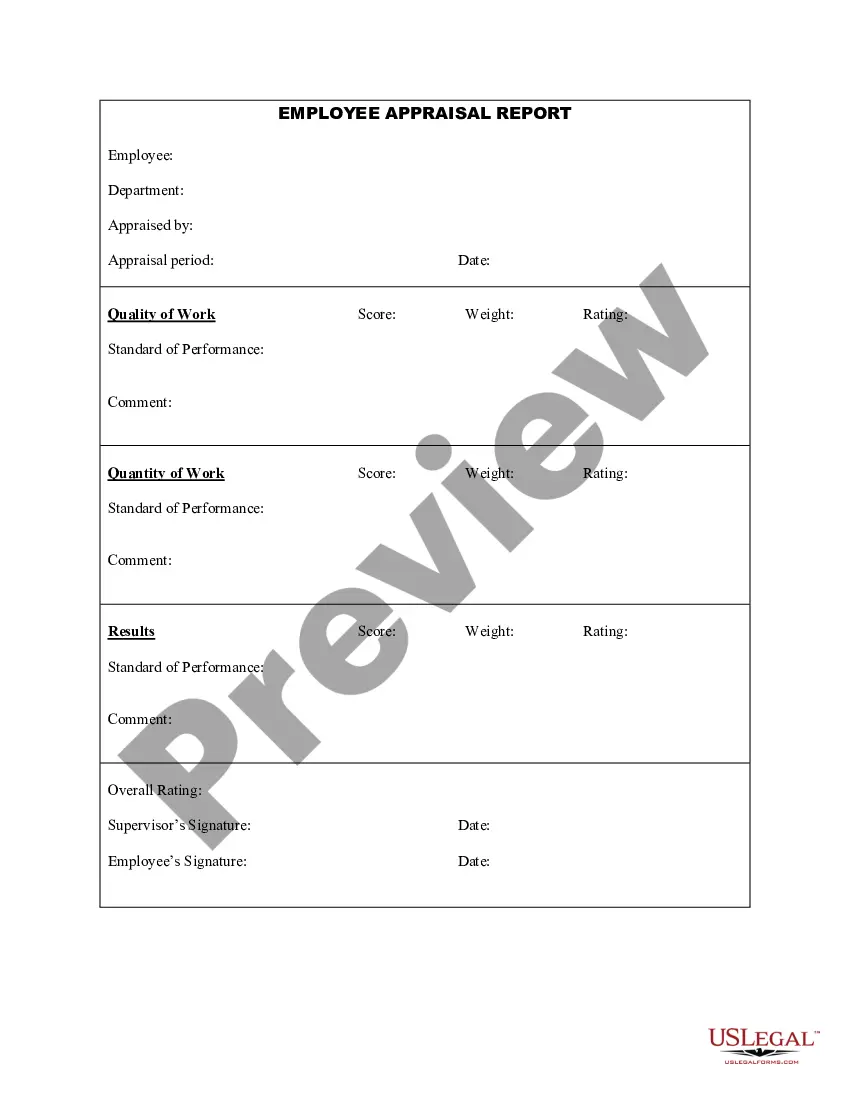
How to Fill Out an Employee Evaluation Form Step 1: Gather Employee Information. ... Step 2: Assess Employee Responsibilities and Performance. ... Step 3: Use Objective Language. ... Step 4: Use Action Verbs. ... Step 5: Compare Performance Ratings. ... Step 6: Ask Open-Ended Questions. ... Step 7: Use a Point System.
Evaluation Forms Examples Employee Evaluation Form. Customer Service Evaluation Form. Peer Evaluation Form. Performance Improvement Plan Form. Event Evaluation Form. Training Course Feedback Template.
"I am proud of my ability to lead by example and consistently demonstrate a positive attitude and strong work ethic. I have inspired my team to work towards common goals, increasing productivity and morale." "I have successfully led multiple projects this year, ensuring they were completed on time and within budget.
How to Write a Self Evaluation For a Performance Review Goals (personal or assigned) Areas of accomplishment since last review. Insights on productivity. Areas of improvement since last review. Growth plan or professional development plan. Company values/personal values.