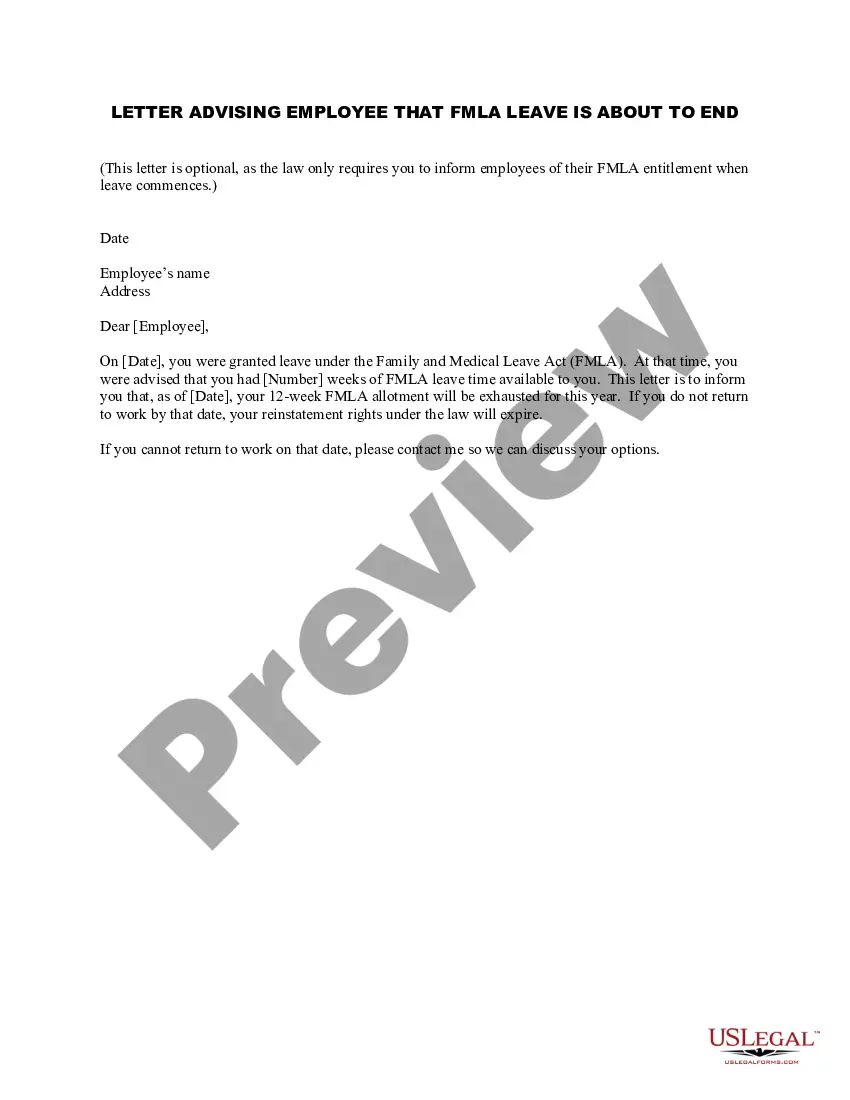
Leave Letter From Employer For Visa
Description
Get your form ready online
Our built-in tools help you complete, sign, share, and store your documents in one place.
Make edits, fill in missing information, and update formatting in US Legal Forms—just like you would in MS Word.
Download a copy, print it, send it by email, or mail it via USPS—whatever works best for your next step.
Sign and collect signatures with our SignNow integration. Send to multiple recipients, set reminders, and more. Go Premium to unlock E-Sign.
If this form requires notarization, complete it online through a secure video call—no need to meet a notary in person or wait for an appointment.
We protect your documents and personal data by following strict security and privacy standards.

Make edits, fill in missing information, and update formatting in US Legal Forms—just like you would in MS Word.

Download a copy, print it, send it by email, or mail it via USPS—whatever works best for your next step.

Sign and collect signatures with our SignNow integration. Send to multiple recipients, set reminders, and more. Go Premium to unlock E-Sign.

If this form requires notarization, complete it online through a secure video call—no need to meet a notary in person or wait for an appointment.

We protect your documents and personal data by following strict security and privacy standards.
Looking for another form?

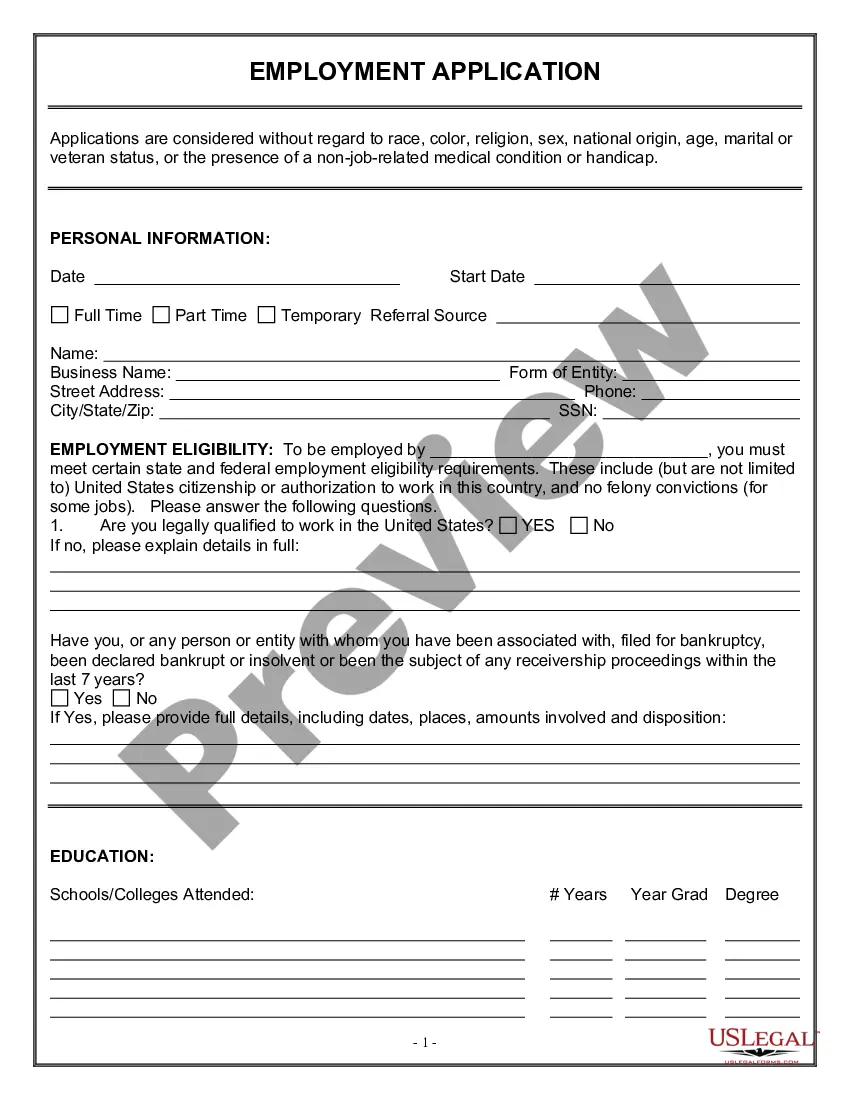
How to fill out Letter Advising Employee That FMLA Leave Is About To End?
Locating a dependable source for the latest and most suitable legal templates is part of the challenge of managing bureaucracy. Securing the correct legal documents demands precision and carefulness, which underscores the importance of obtaining samples of Leave Letter From Employer For Visa solely from trustworthy providers, such as US Legal Forms. An incorrect template will squander your time and delay your circumstances. With US Legal Forms, you have minimal worries. You can access and verify all pertinent details regarding the document’s application and significance for your situation and within your state or county.
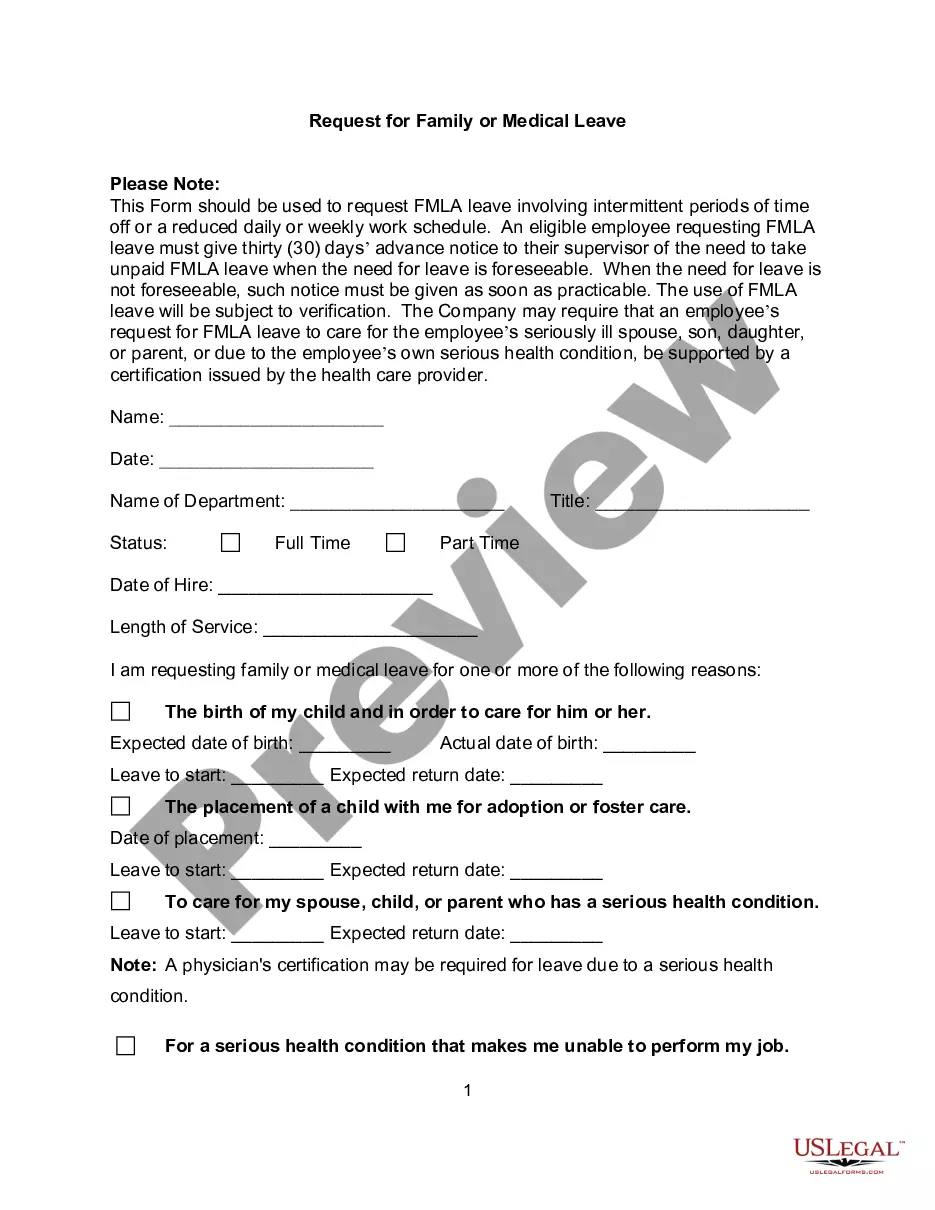
Consider the following steps to complete your Leave Letter From Employer For Visa.
Once you have the form on your device, you can modify it using the editor or print it and fill it out manually. Eliminate the complications associated with your legal documents. Explore the extensive US Legal Forms library to locate legal templates, assess their applicability to your situation, and download them instantly.
- Utilize the catalog navigation or the search bar to locate your template.
- Review the form’s details to confirm if it meets your state and region's requirements.
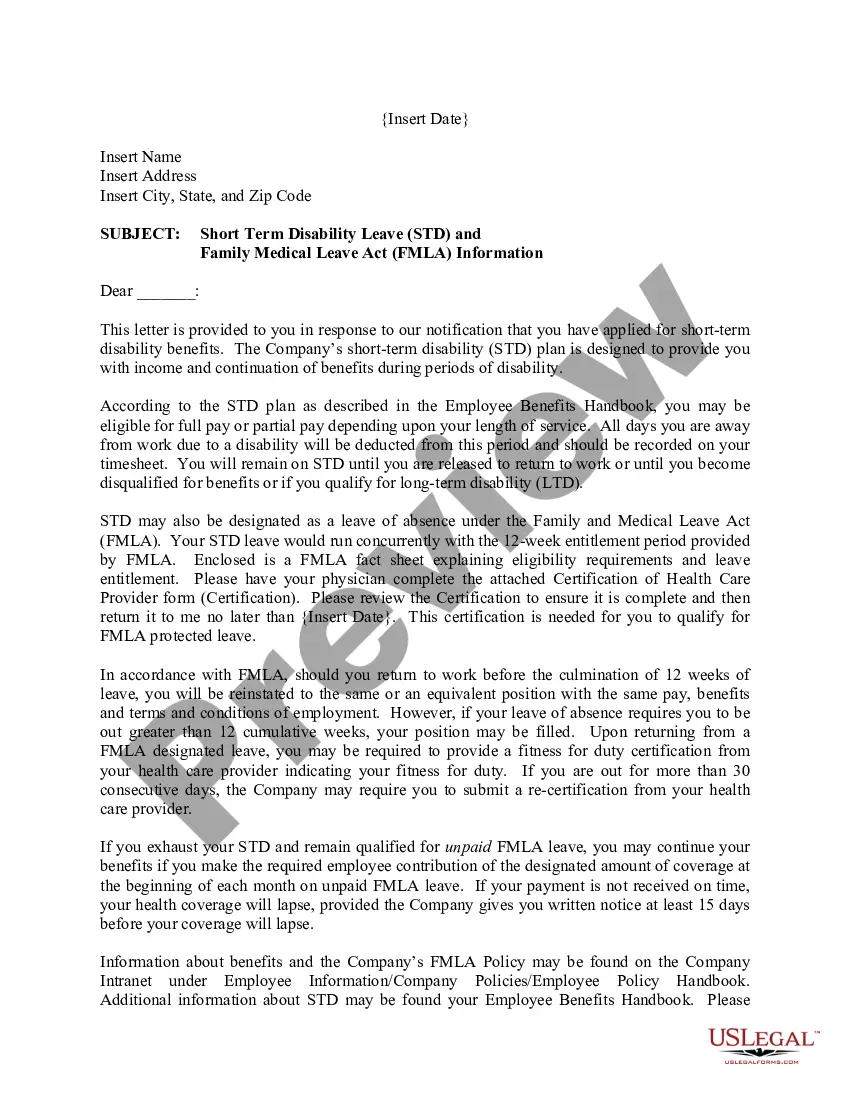
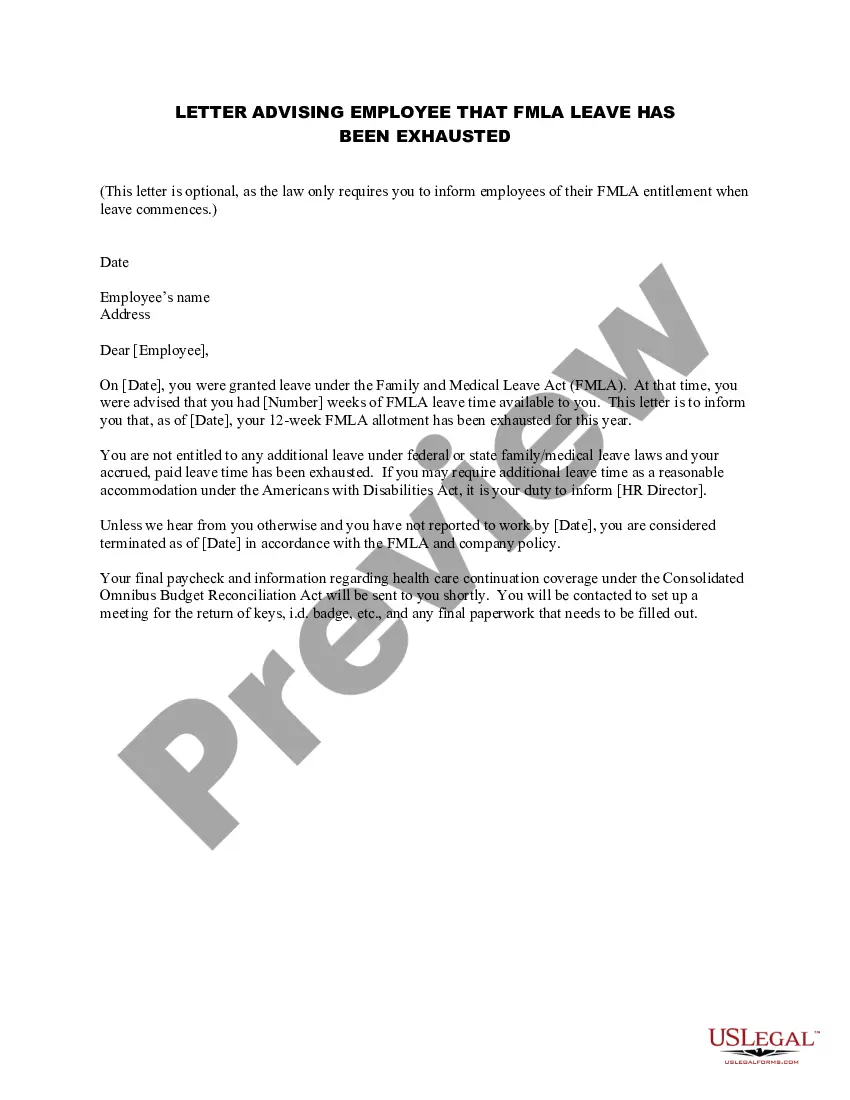
- Examine the form preview, if available, to ensure it is indeed the template you need.
- Return to the search and find the appropriate template if the Leave Letter From Employer For Visa does not fulfill your needs.
- When you are confident about the form’s applicability, download it.
- If you are a registered user, click Log in to authenticate and access your selected forms in My documents.
- If you do not have an account yet, click Buy now to purchase the template.
- Select the pricing plan that accommodates your preferences.
- Continue with the registration process to finalize your purchase.
- Complete your purchase by selecting a payment method (credit card or PayPal).
- Choose the file format for downloading Leave Letter From Employer For Visa.
Form popularity
FAQ
Take to your local public health agency, schedule an appointment to visit the Bureau of Vital Records in Jefferson City, or mail request. Call the Bureau of Vital Records in Jefferson City to schedule an in-person appointment at 573-751-6387.
In order to obtain certified copies of birth and death records filed after 1909, researchers must contact the Missouri Department of Health and Senior Services, Bureau of Vital Records. The Bureau of Vital Records has certificates of Missouri births from 1910 to the present.
Long forms are only available through the state vital record office in Jefferson City or by phone/online through VitalChek. The long form contains additional general information about the birth or death such as a time of birth or death if available.
The Bureau of Vital Records has certificates of Missouri births from 1910 to the present. The Bureau also maintains certificates of Missouri deaths that are less than fifty years old.
Section 192.016 RSMo requires the Missouri Department of Health and Senior Services to establish a putative father registry which allows a father of an out-of-wedlock child to file a notice of intent to claim paternity.
To request a paper copy of a certificate of live birth or for further details about correctly documenting an out of facility birth/home birth, contact the Bureau of Vital Records at 573-751-6387, Option 3.
While the Certificate of Live Birth shows that you are medically alive, the Birth Certificate is the official record declaring your place of birth. Some people are not born in hospitals and don't have these other records.
Corrections / Changes: For information about requesting a correction or change on a Missouri death certificate, contact the Bureau of Vital Records [s1.sos.mo.gov] at Death Records at 573-751-6378.