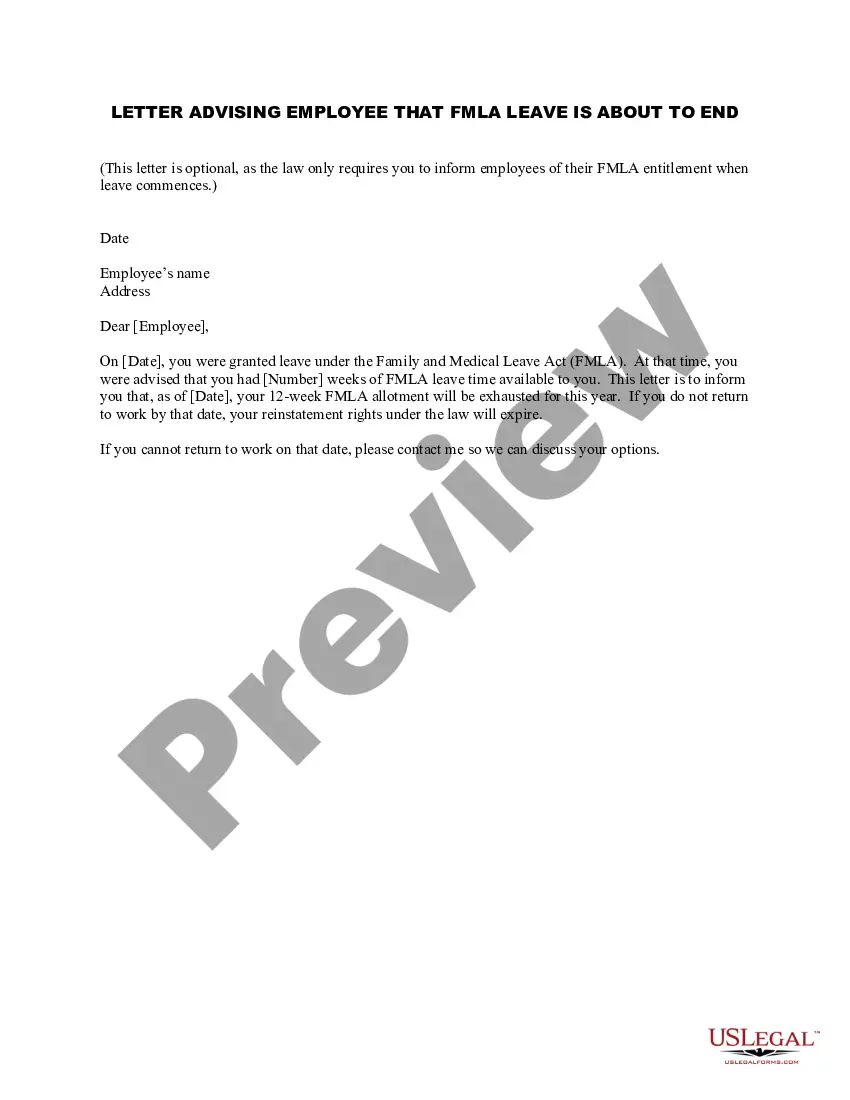
Employee Fmla About Withholding
Description
Get your form ready online
Our built-in tools help you complete, sign, share, and store your documents in one place.
Make edits, fill in missing information, and update formatting in US Legal Forms—just like you would in MS Word.
Download a copy, print it, send it by email, or mail it via USPS—whatever works best for your next step.
Sign and collect signatures with our SignNow integration. Send to multiple recipients, set reminders, and more. Go Premium to unlock E-Sign.
If this form requires notarization, complete it online through a secure video call—no need to meet a notary in person or wait for an appointment.
We protect your documents and personal data by following strict security and privacy standards.

Make edits, fill in missing information, and update formatting in US Legal Forms—just like you would in MS Word.

Download a copy, print it, send it by email, or mail it via USPS—whatever works best for your next step.

Sign and collect signatures with our SignNow integration. Send to multiple recipients, set reminders, and more. Go Premium to unlock E-Sign.

If this form requires notarization, complete it online through a secure video call—no need to meet a notary in person or wait for an appointment.

We protect your documents and personal data by following strict security and privacy standards.
Looking for another form?
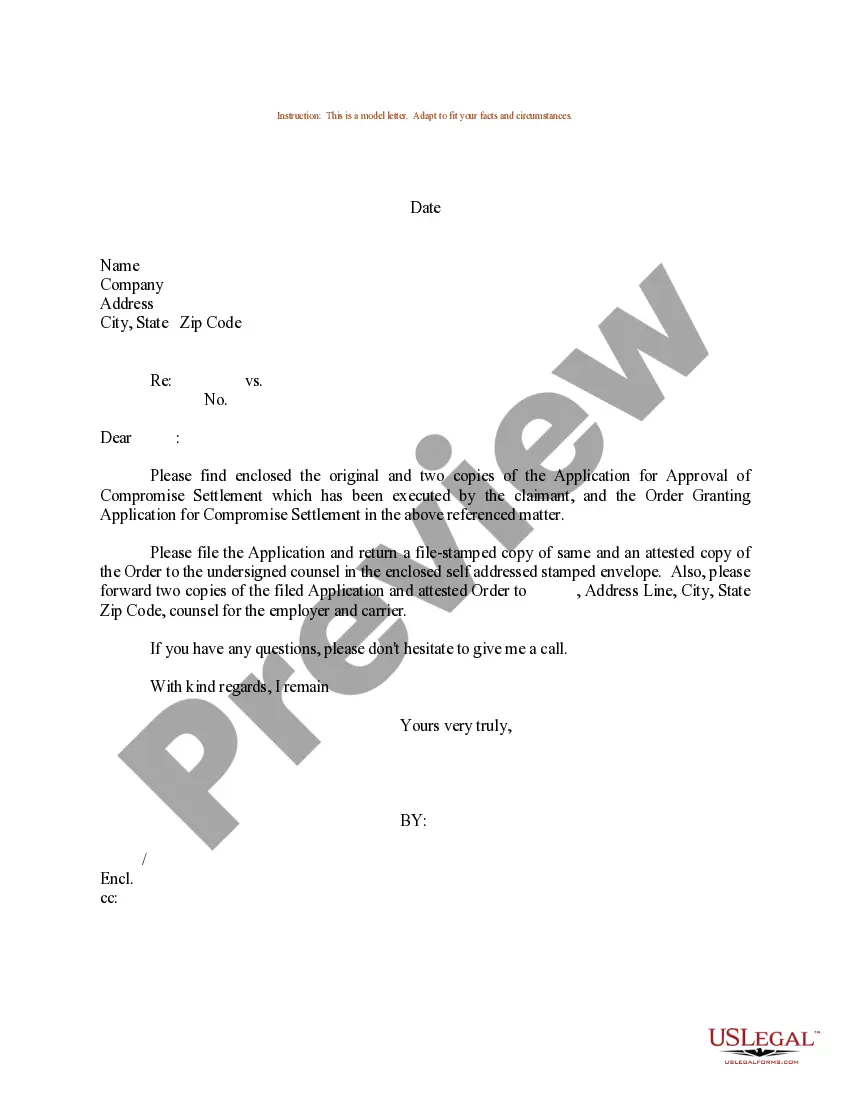

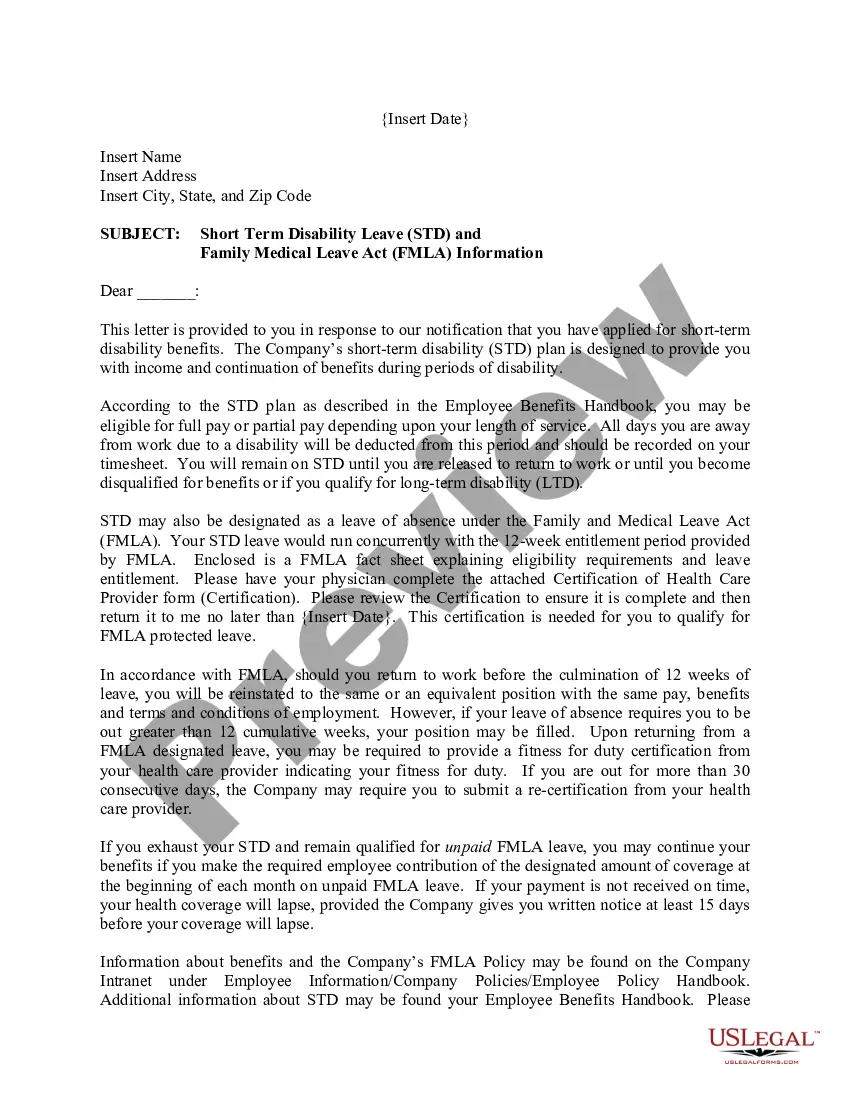
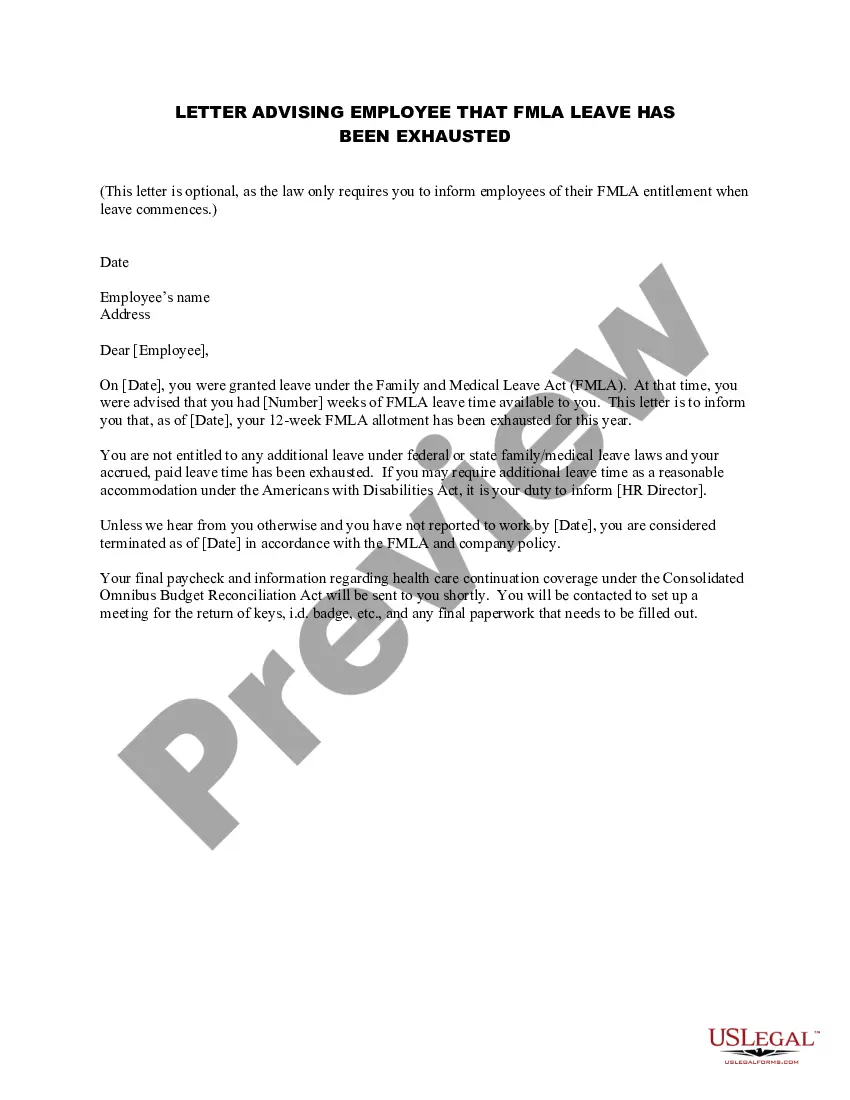
How to fill out Letter Advising Employee That FMLA Leave Is About To End?
It’s clear that you cannot transform into a legal expert instantly, nor can you swiftly master how to prepare Employee Fmla About Withholding without possessing a specialized skill set.
Assembling legal documents is a lengthy process that demands specific training and abilities. So, why not leave the development of the Employee Fmla About Withholding to the experts.
With US Legal Forms, one of the most comprehensive legal document collections, you can access everything from court forms to templates for internal communication.
You can retrieve your documents from the My documents tab at any time. If you’re an existing customer, you can simply Log In, and locate and download the template from the same tab.
No matter the reason for your documentation—whether it’s financial, legal, or personal—our platform has you covered. Try US Legal Forms today!
- Locate the form you require by utilizing the search bar at the top of the page.
- Review it (if this option is available) and examine the accompanying description to ascertain whether Employee Fmla About Withholding is what you need.
- Initiate your search anew if you are looking for a different template.
- Create a free account and choose a subscription plan to purchase the form.
- Click Buy now. Once the payment is completed, you can obtain the Employee Fmla About Withholding, fill it out, print it, and send or mail it to the necessary parties or organizations.
Form popularity
FAQ
Manipulating an employee's work hours to avoid responsibilities under the FMLA, Using an employee's request for or use of FMLA leave as a negative factor in employment actions, such as hiring, promotions, or disciplinary actions, or, Counting FMLA leave under ?no fault? attendance policies.
Form WH-381, the notice of eligibility and rights and responsibilities. Form WH-382, designation notice. Form WH-380-E, medical certification of an employee's serious health condition. Form WH-380-F, medical certification of a family member's serious health condition.
When you talk to your employer: Provide enough information to indicate that your leave is due to an FMLA-qualifying reason. While you do not have to specifically ask for FMLA leave, you do need to provide enough information so your employer is aware it may be covered by the FMLA.
Manipulating an employee's work hours to avoid responsibilities under the FMLA, Using an employee's request for or use of FMLA leave as a negative factor in employment actions, such as hiring, promotions, or disciplinary actions, or, Counting FMLA leave under ?no fault? attendance policies.
Among the forms changed were the WH-381, the notice of eligibility and rights and responsibilities; WH-382, designation notice; WH-380-E, medical certification of an employee's serious health condition; and WH-380-F, medical certification of a family member's serious health condition.