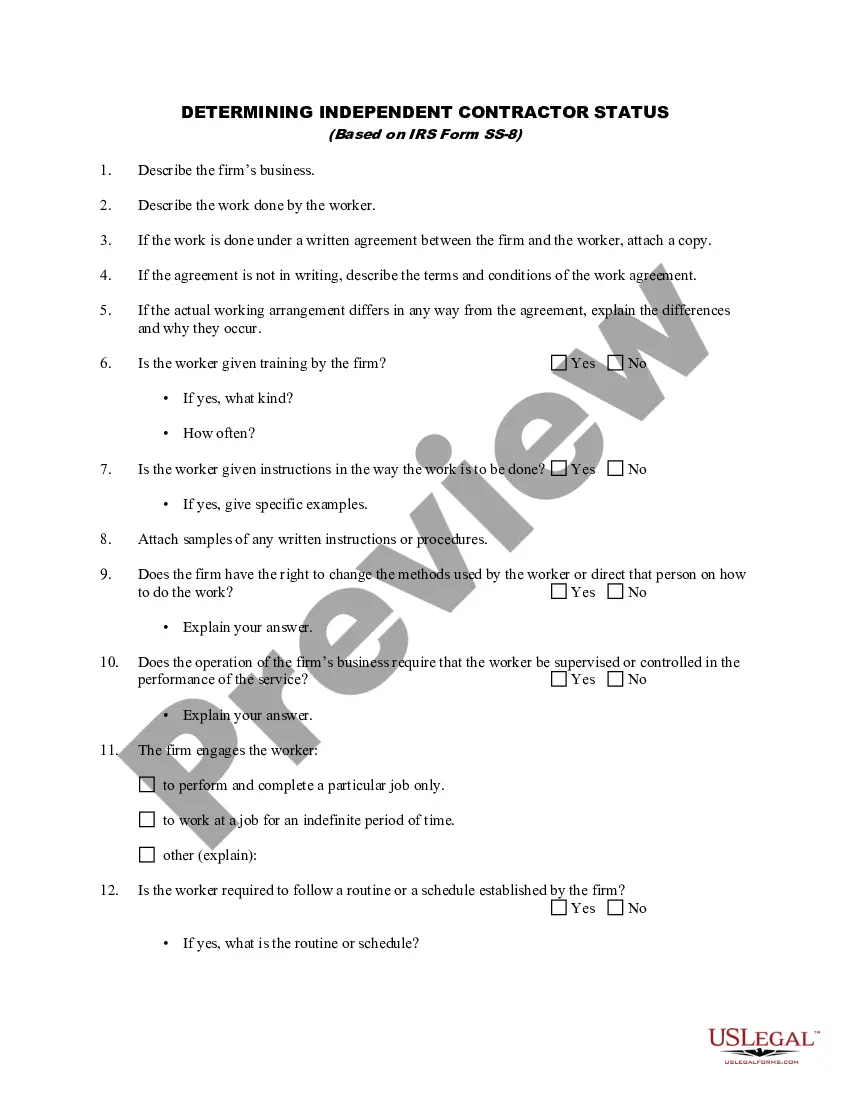
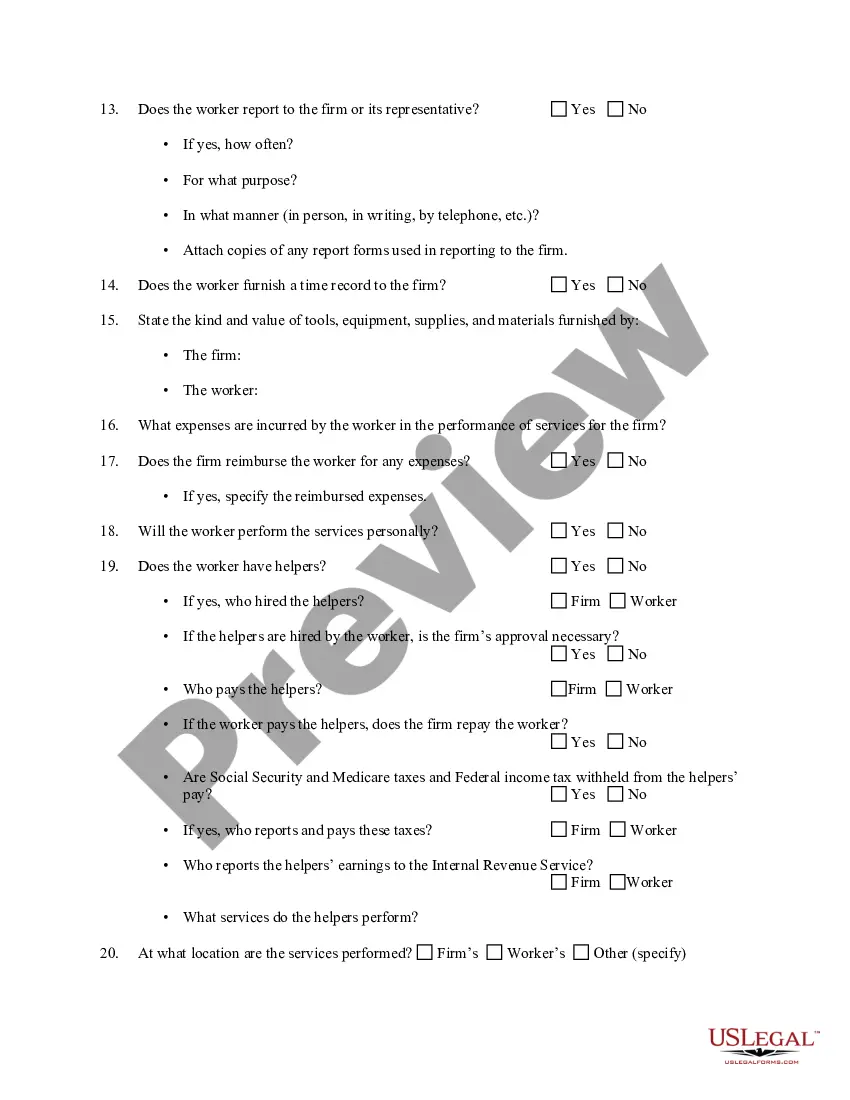
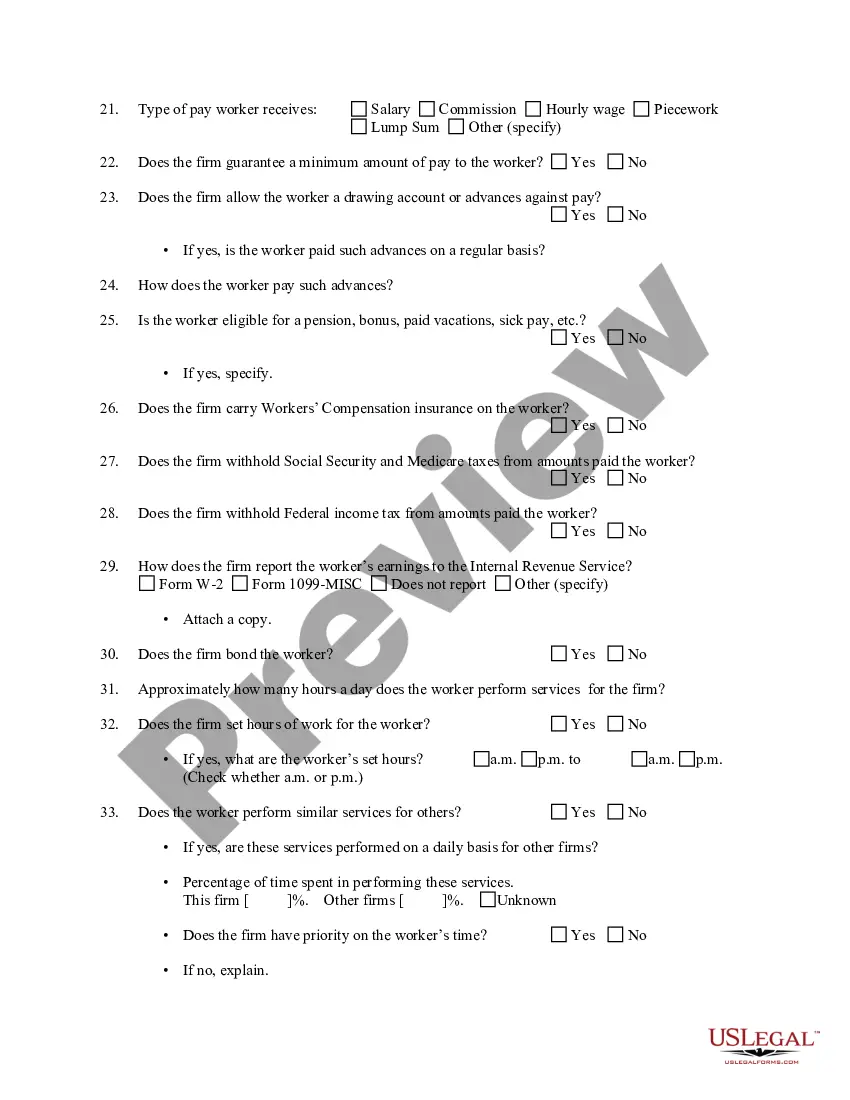
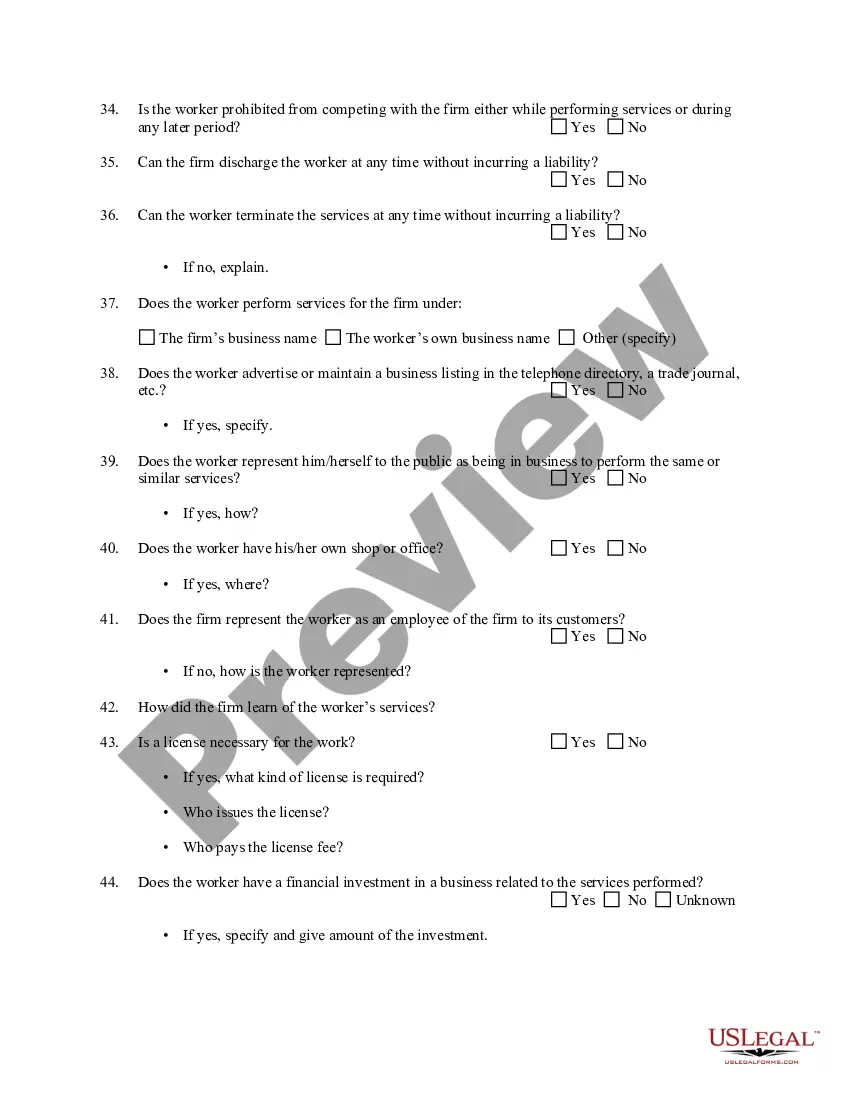
Independent Contractor Status In California
Description
Get your form ready online
Our built-in tools help you complete, sign, share, and store your documents in one place.
Make edits, fill in missing information, and update formatting in US Legal Forms—just like you would in MS Word.
Download a copy, print it, send it by email, or mail it via USPS—whatever works best for your next step.
Sign and collect signatures with our SignNow integration. Send to multiple recipients, set reminders, and more. Go Premium to unlock E-Sign.
If this form requires notarization, complete it online through a secure video call—no need to meet a notary in person or wait for an appointment.
We protect your documents and personal data by following strict security and privacy standards.

Make edits, fill in missing information, and update formatting in US Legal Forms—just like you would in MS Word.

Download a copy, print it, send it by email, or mail it via USPS—whatever works best for your next step.

Sign and collect signatures with our SignNow integration. Send to multiple recipients, set reminders, and more. Go Premium to unlock E-Sign.

If this form requires notarization, complete it online through a secure video call—no need to meet a notary in person or wait for an appointment.

We protect your documents and personal data by following strict security and privacy standards.
Looking for another form?


How to fill out Determining Self-Employed Independent Contractor Status?
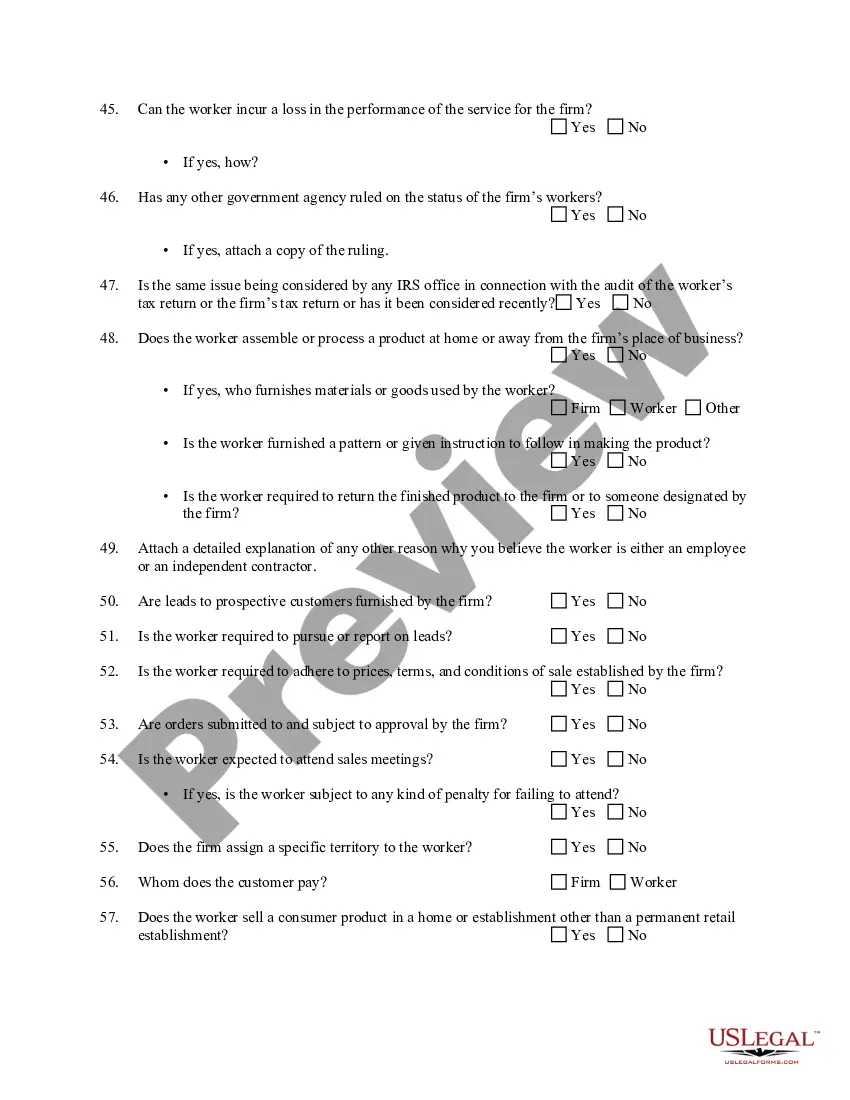
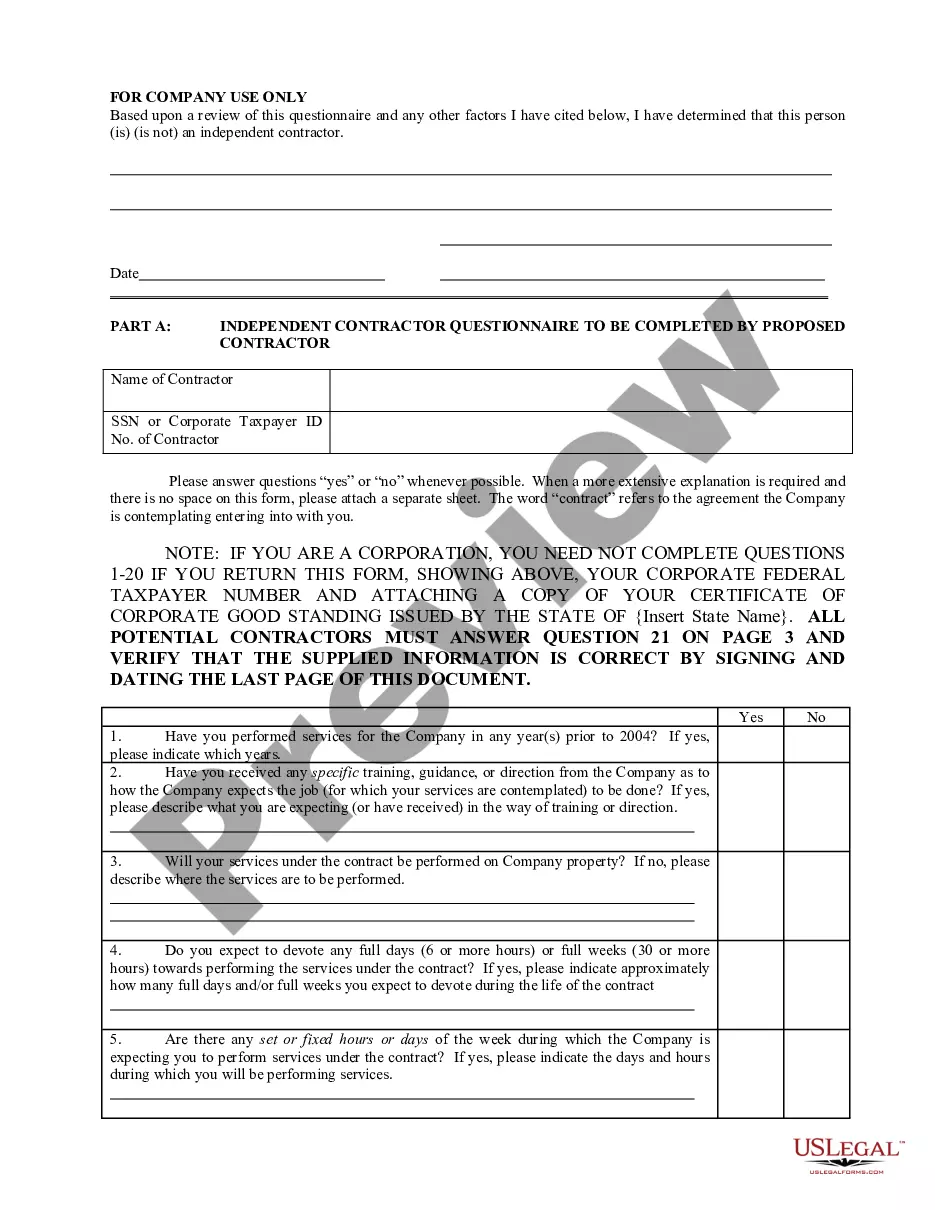
Handling legal paperwork and procedures can be a time-consuming addition to the day. Independent Contractor Status In California and forms like it usually require you to look for them and navigate how you can complete them correctly. Therefore, regardless if you are taking care of financial, legal, or individual matters, using a thorough and practical online library of forms close at hand will help a lot.
US Legal Forms is the best online platform of legal templates, offering over 85,000 state-specific forms and numerous tools to assist you complete your paperwork easily. Discover the library of relevant papers open to you with just one click.
US Legal Forms provides you with state- and county-specific forms available at any time for downloading. Protect your papers management procedures using a high quality service that allows you to prepare any form in minutes without having additional or hidden fees. Simply log in to your account, find Independent Contractor Status In California and acquire it immediately in the My Forms tab. You may also gain access to formerly saved forms.
Could it be your first time utilizing US Legal Forms? Sign up and set up your account in a few minutes and you will have access to the form library and Independent Contractor Status In California. Then, adhere to the steps below to complete your form:
- Be sure you have discovered the proper form using the Review feature and reading the form description.
- Choose Buy Now once all set, and choose the monthly subscription plan that is right for you.
- Choose Download then complete, sign, and print out the form.
US Legal Forms has twenty five years of expertise supporting consumers control their legal paperwork. Discover the form you want right now and streamline any process without breaking a sweat.
Form popularity
FAQ
9s and 1099s are tax forms that are required when employers work with an independent contractor. Form 9 is completed by the independent contractor and provides details on who they are. Form 1099NEC is completed by the employer and details the wages paid to the contractor.
9s and 1099s are tax forms that are required when employers work with an independent contractor. Form 9 is completed by the independent contractor and provides details on who they are. Form 1099NEC is completed by the employer and details the wages paid to the contractor.
The basic test for determining whether a worker is an independent contractor or an employee is whether the principal has the right to control the manner and means by which the work is performed.
Service-provider (independent contractor): First name, middle initial, and last name. Social Security number. Address. Start date of contract (if no contract, date payments equal $600 or more) Amount of contract, including cents (if applicable) Contract expiration date (if applicable)
The general rule is that an individual is an independent contractor if the payer has the right to control or direct only the result of the work and not what will be done and how it will be done.