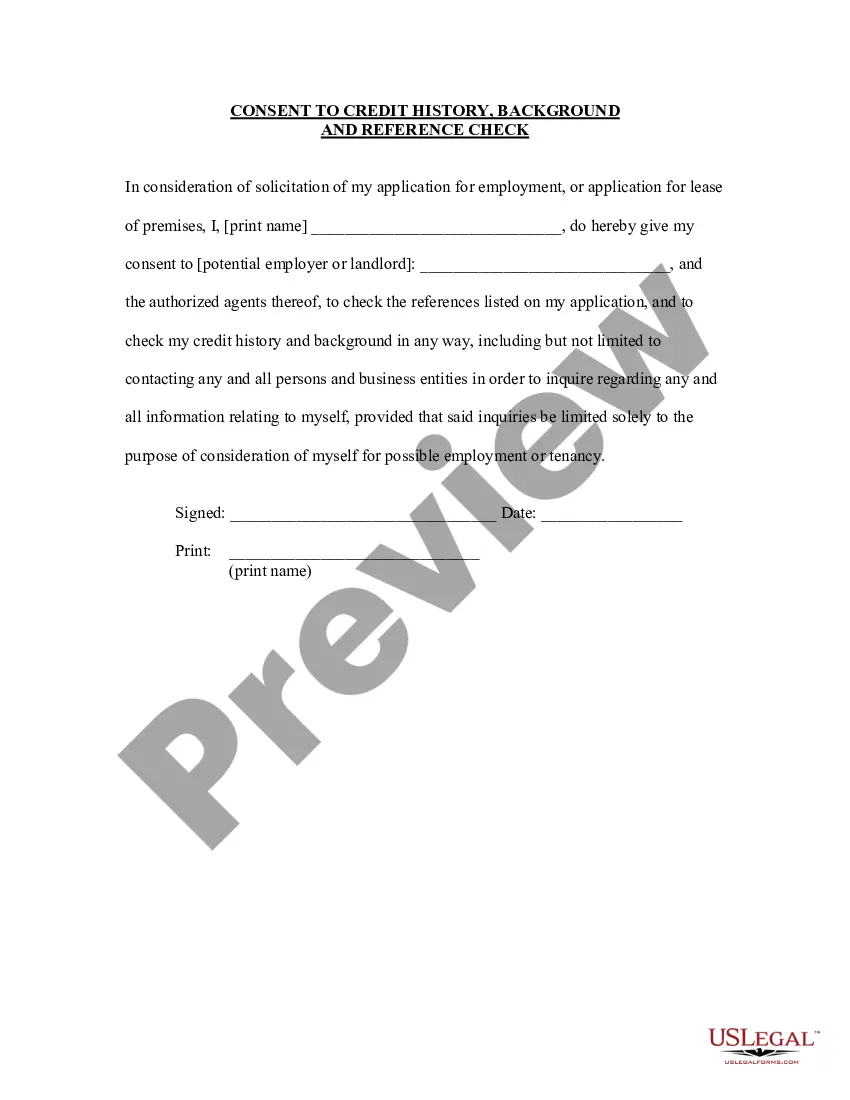
History Reference Employment With Answers
Description
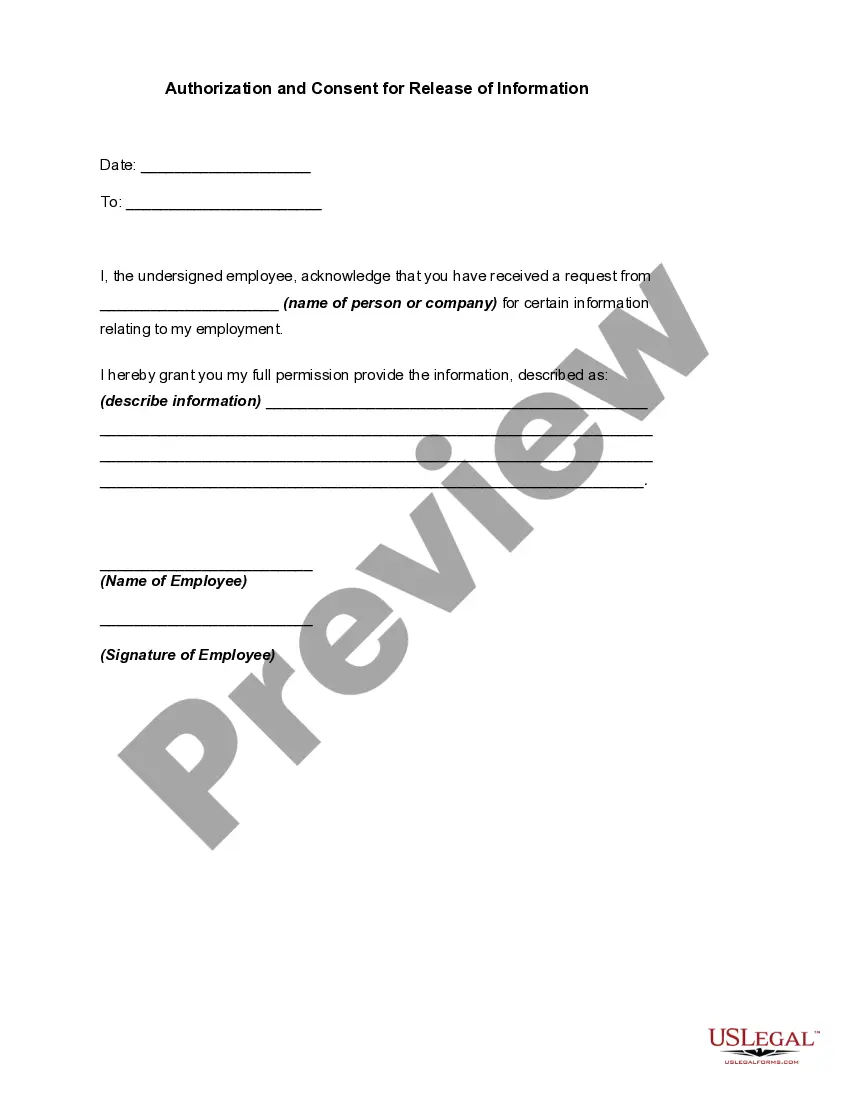
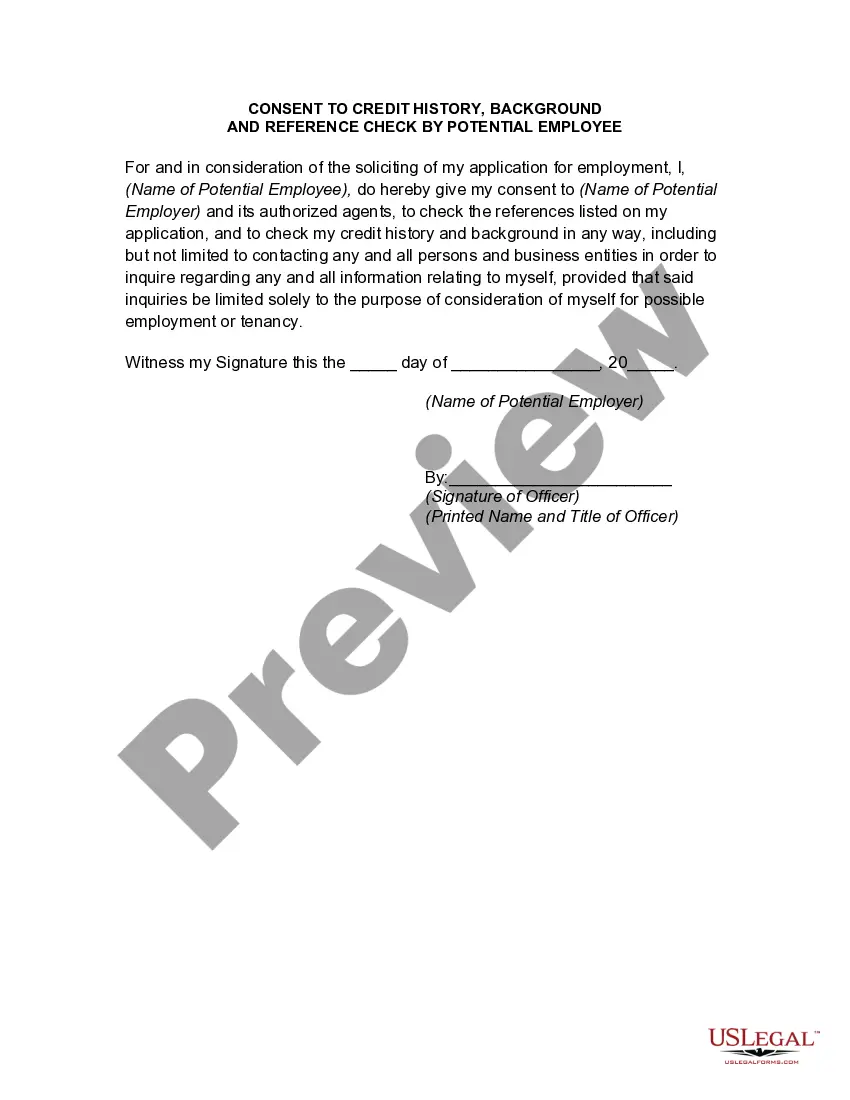
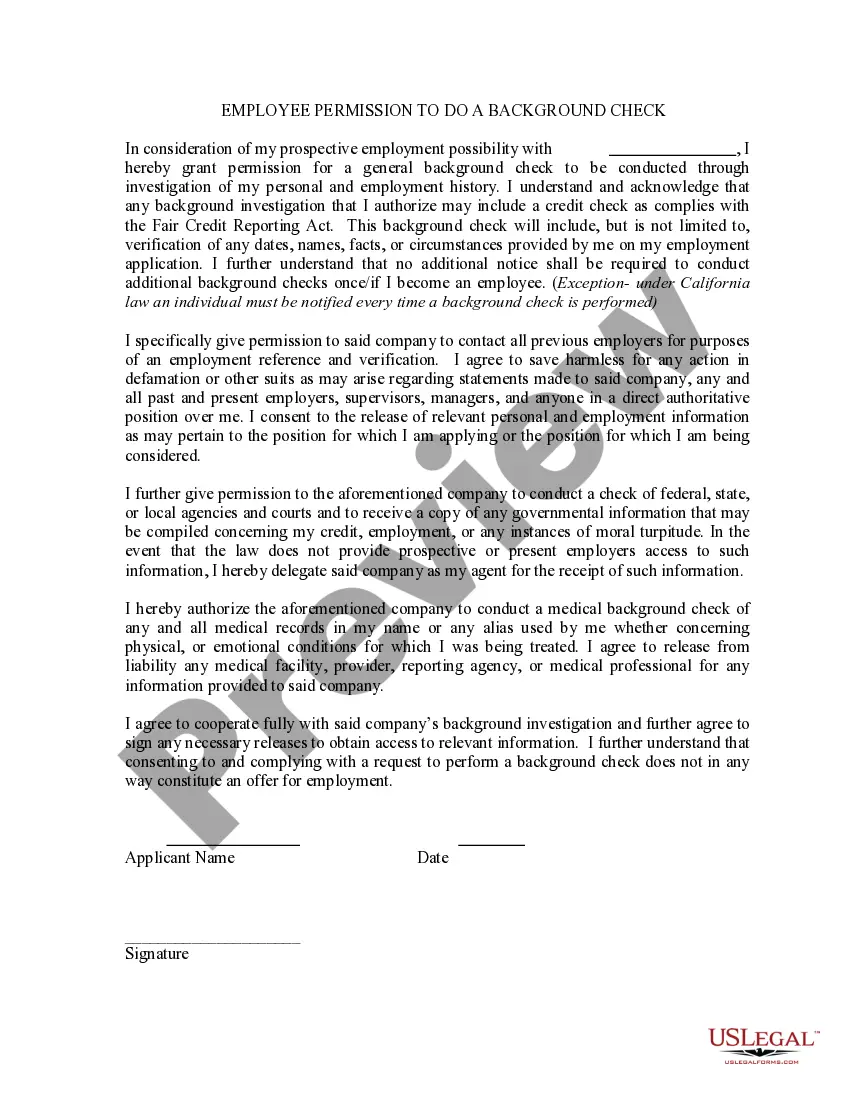
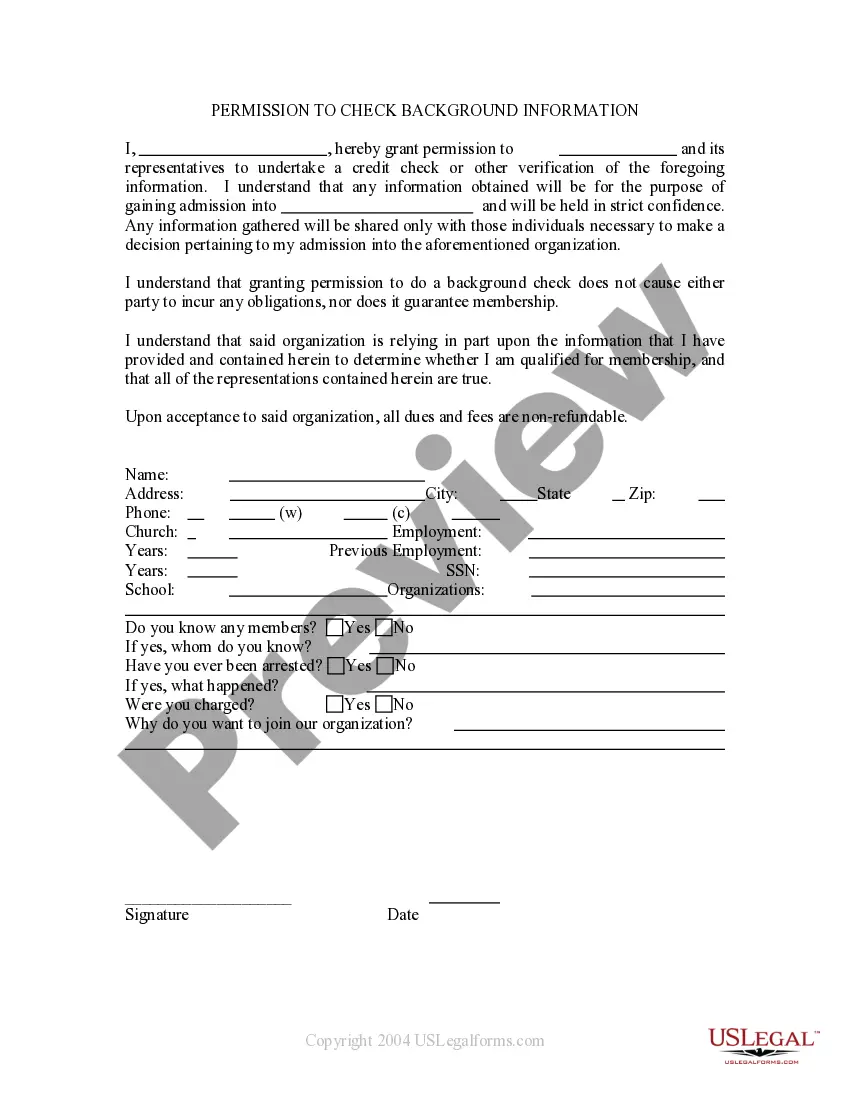
Get your form ready online
Our built-in tools help you complete, sign, share, and store your documents in one place.
Make edits, fill in missing information, and update formatting in US Legal Forms—just like you would in MS Word.
Download a copy, print it, send it by email, or mail it via USPS—whatever works best for your next step.
Sign and collect signatures with our SignNow integration. Send to multiple recipients, set reminders, and more. Go Premium to unlock E-Sign.
If this form requires notarization, complete it online through a secure video call—no need to meet a notary in person or wait for an appointment.
We protect your documents and personal data by following strict security and privacy standards.

Make edits, fill in missing information, and update formatting in US Legal Forms—just like you would in MS Word.

Download a copy, print it, send it by email, or mail it via USPS—whatever works best for your next step.

Sign and collect signatures with our SignNow integration. Send to multiple recipients, set reminders, and more. Go Premium to unlock E-Sign.

If this form requires notarization, complete it online through a secure video call—no need to meet a notary in person or wait for an appointment.

We protect your documents and personal data by following strict security and privacy standards.
Looking for another form?
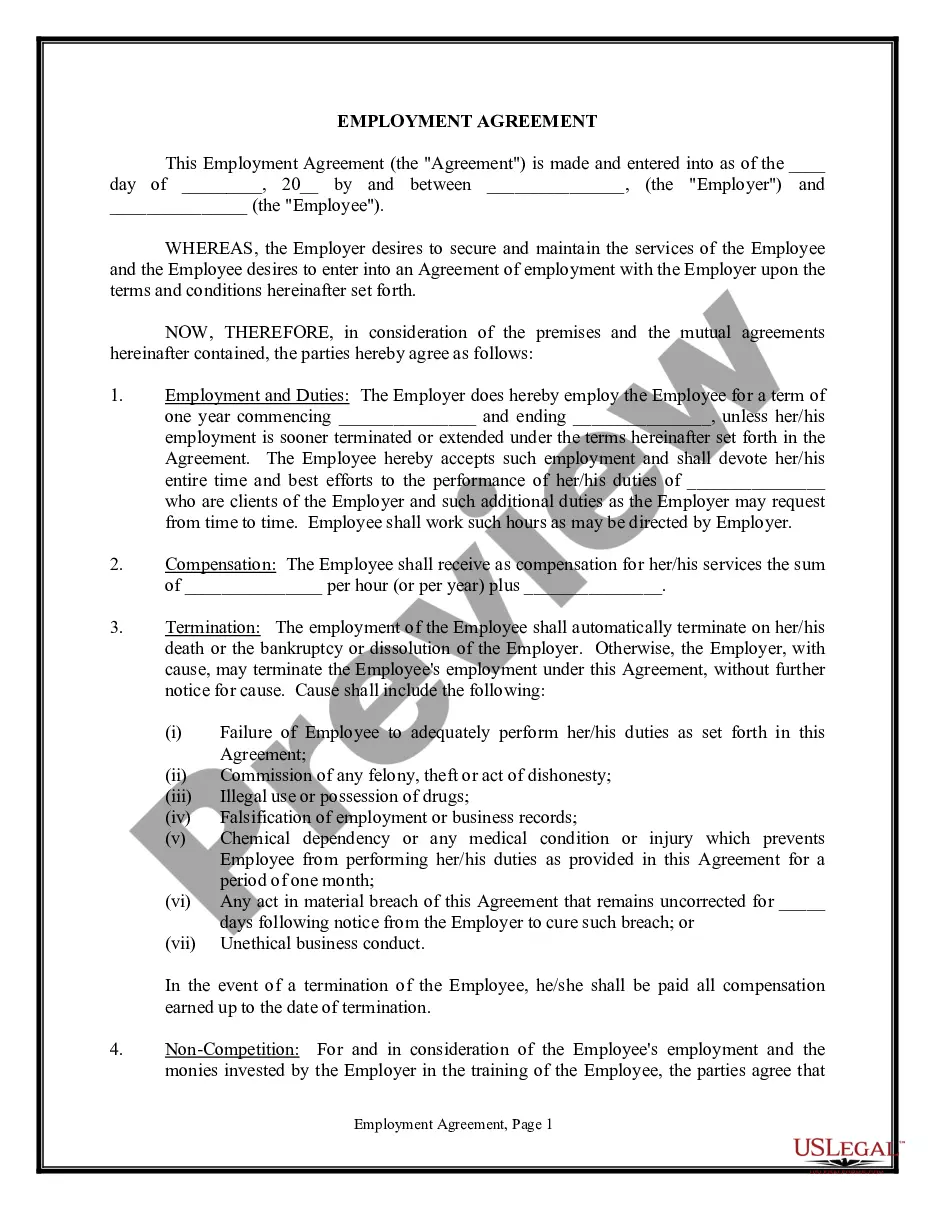



How to fill out Consent To Credit History Background And Reference Check?
Legal document managing might be overpowering, even for skilled experts. When you are looking for a History Reference Employment With Answers and don’t have the time to devote in search of the right and up-to-date version, the processes can be stress filled. A robust web form library could be a gamechanger for anyone who wants to handle these situations effectively. US Legal Forms is a industry leader in web legal forms, with over 85,000 state-specific legal forms available to you at any moment.
With US Legal Forms, you may:
- Gain access to state- or county-specific legal and organization forms. US Legal Forms handles any needs you could have, from individual to enterprise papers, all-in-one location.
- Make use of advanced resources to accomplish and deal with your History Reference Employment With Answers
- Gain access to a resource base of articles, instructions and handbooks and resources relevant to your situation and needs
Save time and effort in search of the papers you will need, and make use of US Legal Forms’ advanced search and Review feature to locate History Reference Employment With Answers and get it. In case you have a membership, log in to the US Legal Forms account, look for the form, and get it. Take a look at My Forms tab to see the papers you previously saved and also to deal with your folders as you can see fit.
Should it be your first time with US Legal Forms, register an account and have unlimited use of all benefits of the platform. Here are the steps for taking after downloading the form you want:
- Verify this is the proper form by previewing it and reading through its description.
- Be sure that the sample is approved in your state or county.
- Choose Buy Now once you are ready.
- Choose a subscription plan.
- Pick the format you want, and Download, complete, eSign, print out and send your document.
Take advantage of the US Legal Forms web library, backed with 25 years of expertise and trustworthiness. Enhance your day-to-day document administration into a easy and user-friendly process right now.
Form popularity
FAQ
Tips and tricks for creating a reference sheet No personal info. Only include your reference's professional contact information, like a company email, address, and phone number. ... Keep it short and professional. Keep relationship descriptions short and sweet and avoid personal anecdotes or oversharing. ... Provide variety.
What to include Your name. Your present and permanent address(es) Your reference person or persons' information, which includes that person's: Name. Department/Company. Title/Position. Address. Telephone number. Brief statement as to how you know this person.
A detailed work reference can include: the employee's job title. dates of employment. details about their skills, ability and experience. any current, relevant disciplinary records. the reasons for leaving the job.
Key Points To Include in a Reference Job title. Salary. Your relationship to the candidate. Length of employment. Roles and responsibilities. Strengths and achievements. Professional conduct. Examples of good performance.
How to respond to a reference check? Communicate with the candidate. ... Introduce yourself. ... Share actions, not qualities. ... Stay honest, but avoid negativity. ... Follow your company's policy. ... Refuse to answer inappropriate questions.