Barber Contract Agreement With Vehicle Owner
Description
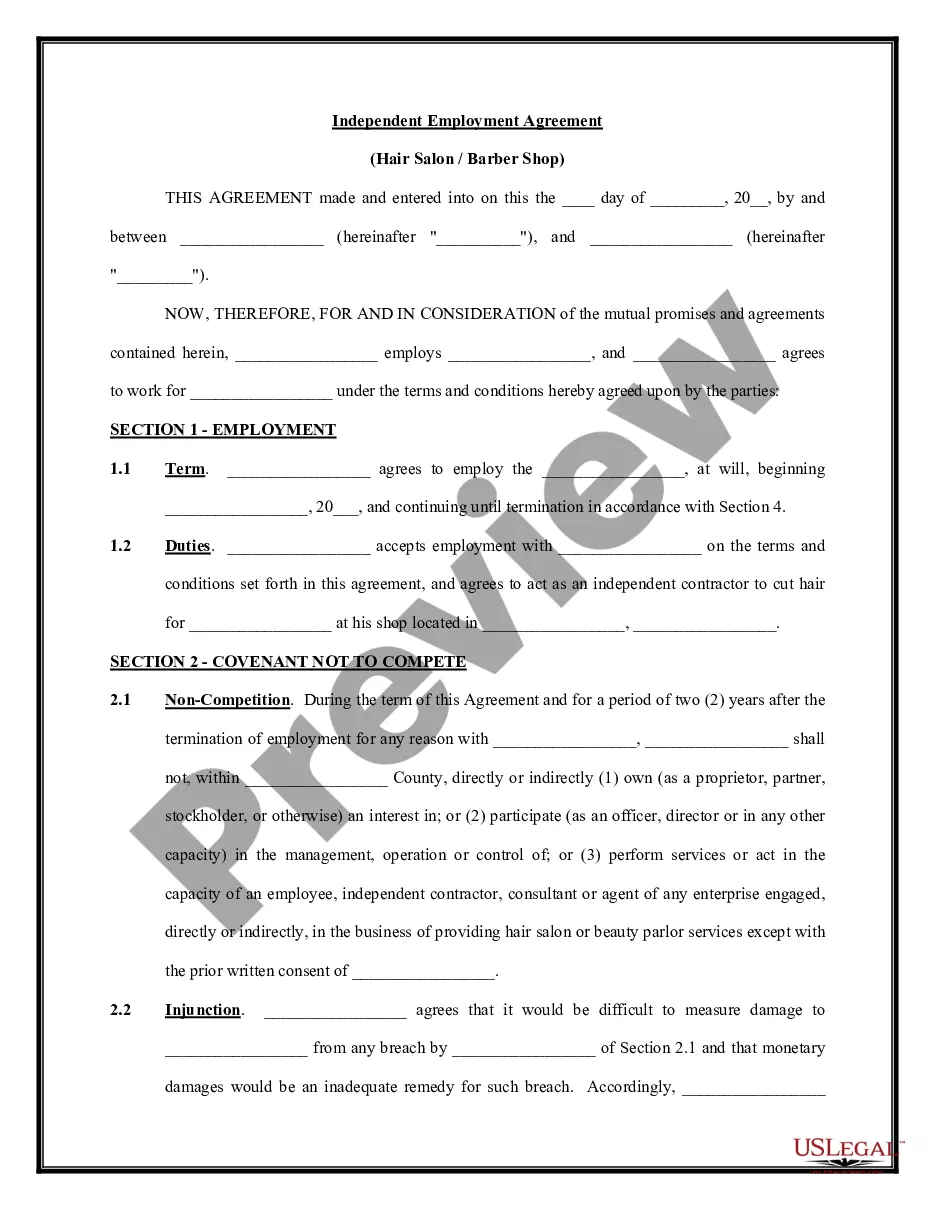
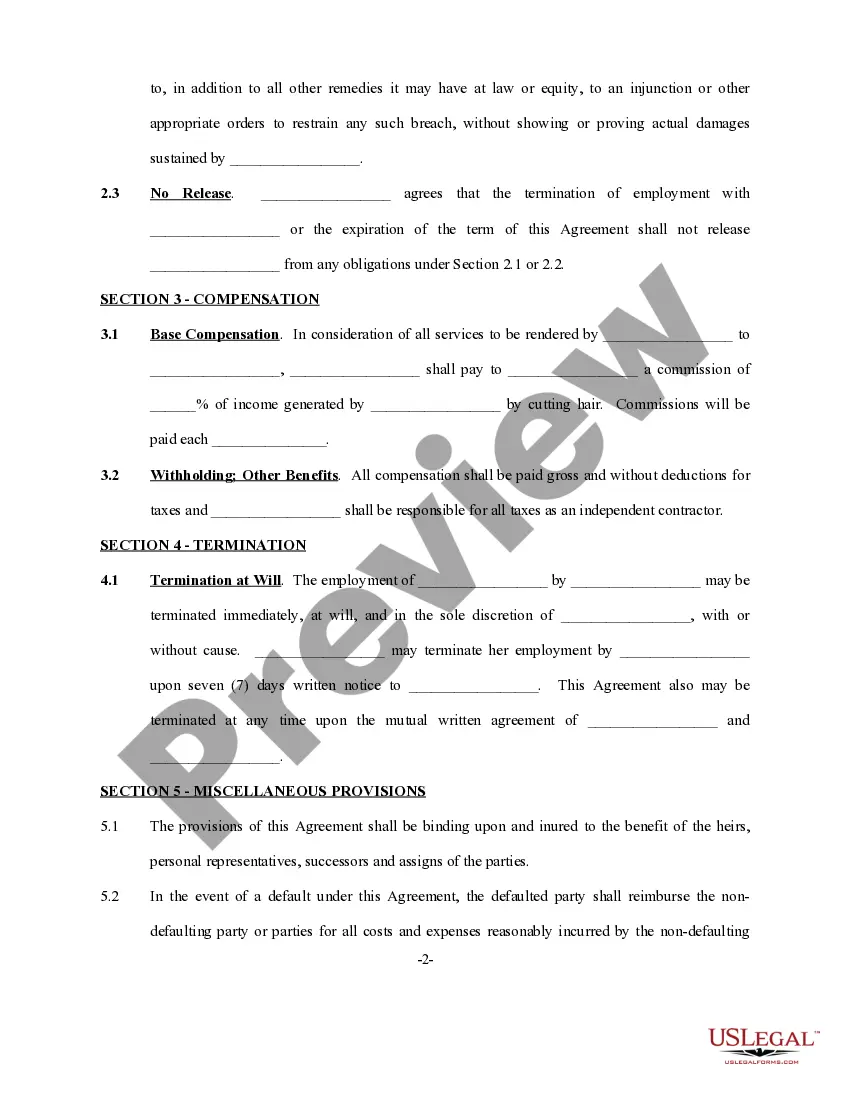
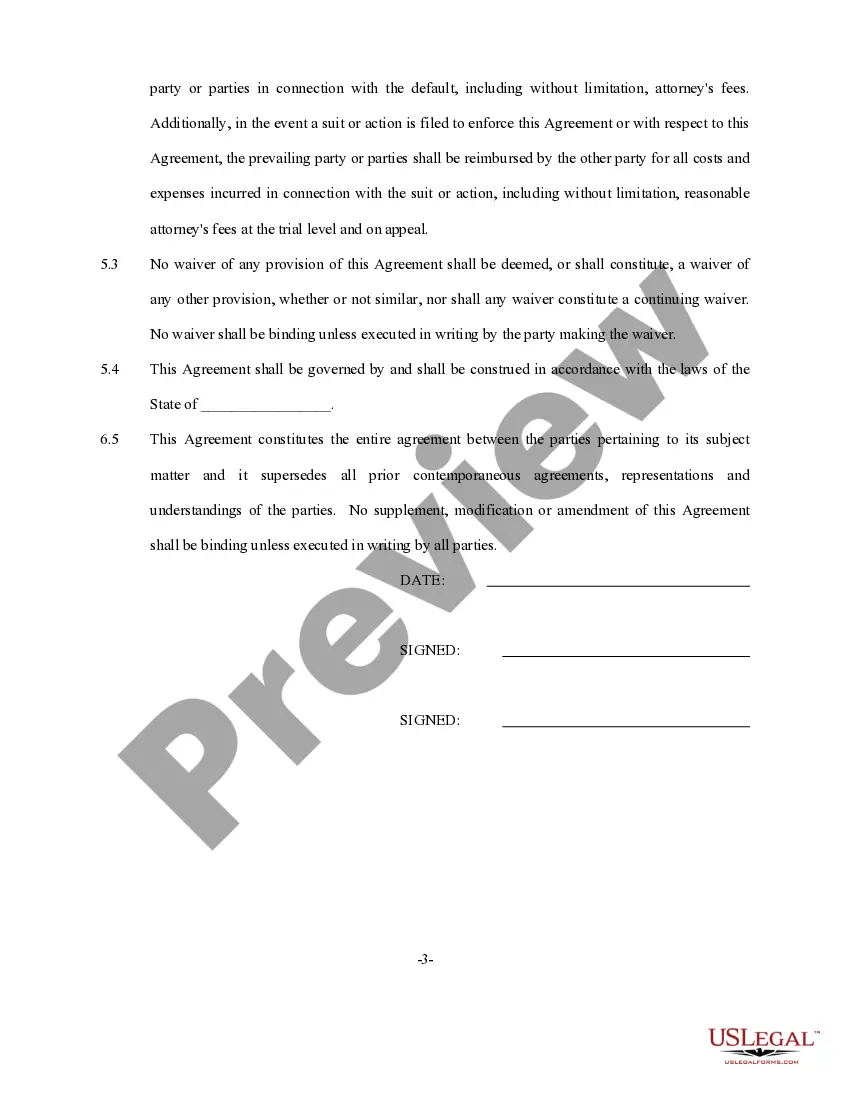
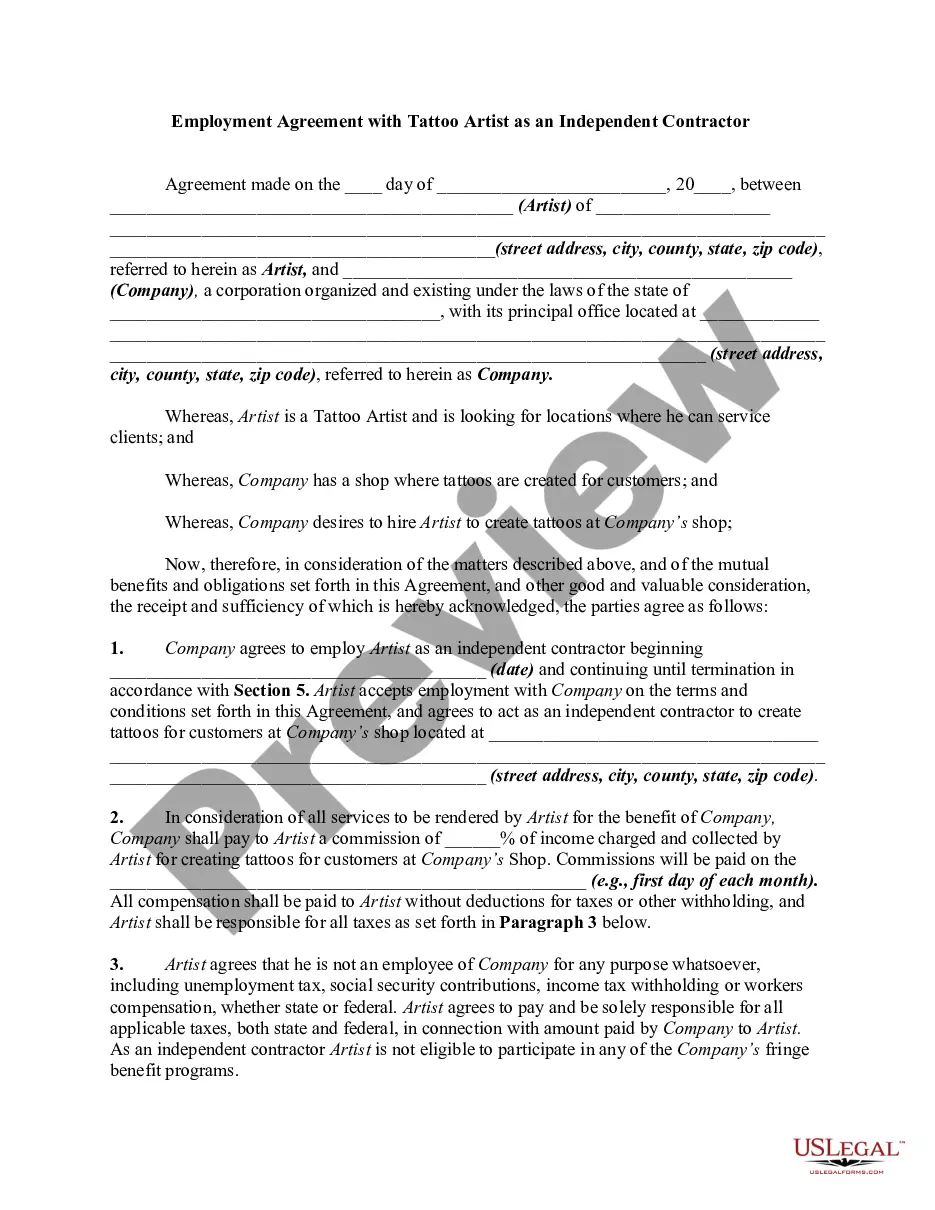
Get your form ready online
Our built-in tools help you complete, sign, share, and store your documents in one place.
Make edits, fill in missing information, and update formatting in US Legal Forms—just like you would in MS Word.
Download a copy, print it, send it by email, or mail it via USPS—whatever works best for your next step.
Sign and collect signatures with our SignNow integration. Send to multiple recipients, set reminders, and more. Go Premium to unlock E-Sign.
If this form requires notarization, complete it online through a secure video call—no need to meet a notary in person or wait for an appointment.
We protect your documents and personal data by following strict security and privacy standards.

Make edits, fill in missing information, and update formatting in US Legal Forms—just like you would in MS Word.

Download a copy, print it, send it by email, or mail it via USPS—whatever works best for your next step.

Sign and collect signatures with our SignNow integration. Send to multiple recipients, set reminders, and more. Go Premium to unlock E-Sign.

If this form requires notarization, complete it online through a secure video call—no need to meet a notary in person or wait for an appointment.

We protect your documents and personal data by following strict security and privacy standards.
Looking for another form?

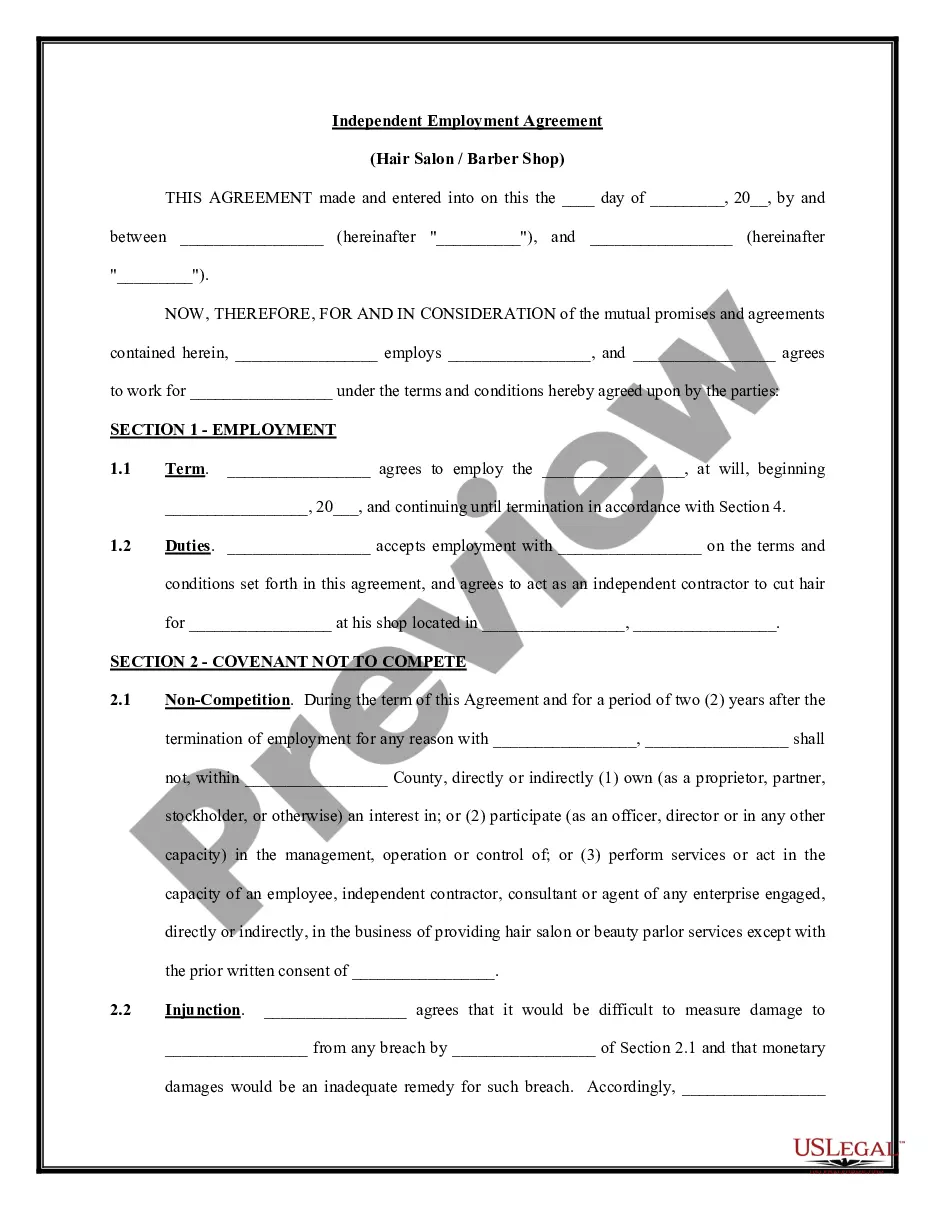
How to fill out Self-Employed Independent Contractor Employment Agreement - Hair Salon Or Barber Shop?
It’s a well-known fact that you cannot become an expert in law overnight, nor is it possible to swiftly learn how to draft a Barber Contract Agreement With Vehicle Owner without having a specialized background.
Creating legal documents is a labor-intensive task that requires specific education and expertise.
So why not let the professionals handle the preparation of the Barber Contract Agreement With Vehicle Owner.
You can access your documents again via the My documents section at any time. If you already have an account, you can easily Log In, find and download the template from the same section.
No matter the reason for your paperwork—whether financial, legal, or personal—our website has everything you need. Give US Legal Forms a try today!
- Locate the form you need using the search feature at the top of the website.
- Preview it (if this option is available) and review the accompanying description to determine if the Barber Contract Agreement With Vehicle Owner meets your needs.
- If you require a different form, start your search anew.
- Sign up for a free account and choose a subscription plan to purchase the template.
- Click Buy now. Once payment is confirmed, you can access the Barber Contract Agreement With Vehicle Owner, fill it out, print it, and send or mail it to the appropriate parties.
Form popularity
FAQ
Tells the court that you had the other party served legal papers by mail. Lists the papers that were served and tells when and where the papers were served, as well as who served them.
Tells the court that you had the other party served in person with legal papers. Lists the papers that were served.
If you received a Request for Order (form FL-300), it means the other person in your family law case is asking the judge to make a decision. The court sets a date to hear from both sides (a hearing) before it makes a decision.
You will need to fill out these forms: Petition for Change of Name (form NC-100) Name and Information about the Person Whose Name is to be Changed (form NC-110) (and attach it to the NC-100)
The Proof of Service should be typed or printed. If you have Internet access, a fillable version of this proof of service form is available at .courts.ca.gov/forms.htm. Second box, left side: Print the name of the county in which the legal action is filed and the court's address in this box.
Tells the court that you had legal papers in a civil case - other than a summons - delivered to (served on) the other party. Lists the papers that were served and tells who they were served on, where, when, and how they were served, and who served them.
Rule 4.151 outlines the application and hearing process for a change of venue. An application for a change of venue must be filed at least 10 days before the date set for trial. The Judicial Council of California plays a role after the court grants a change of venue.
Tells the court that you had the other party served in person with legal papers. Lists the papers that were served. It also tells when and where the papers were served and who served them.