Warning Notices Work Without Enterprise Manager
Description
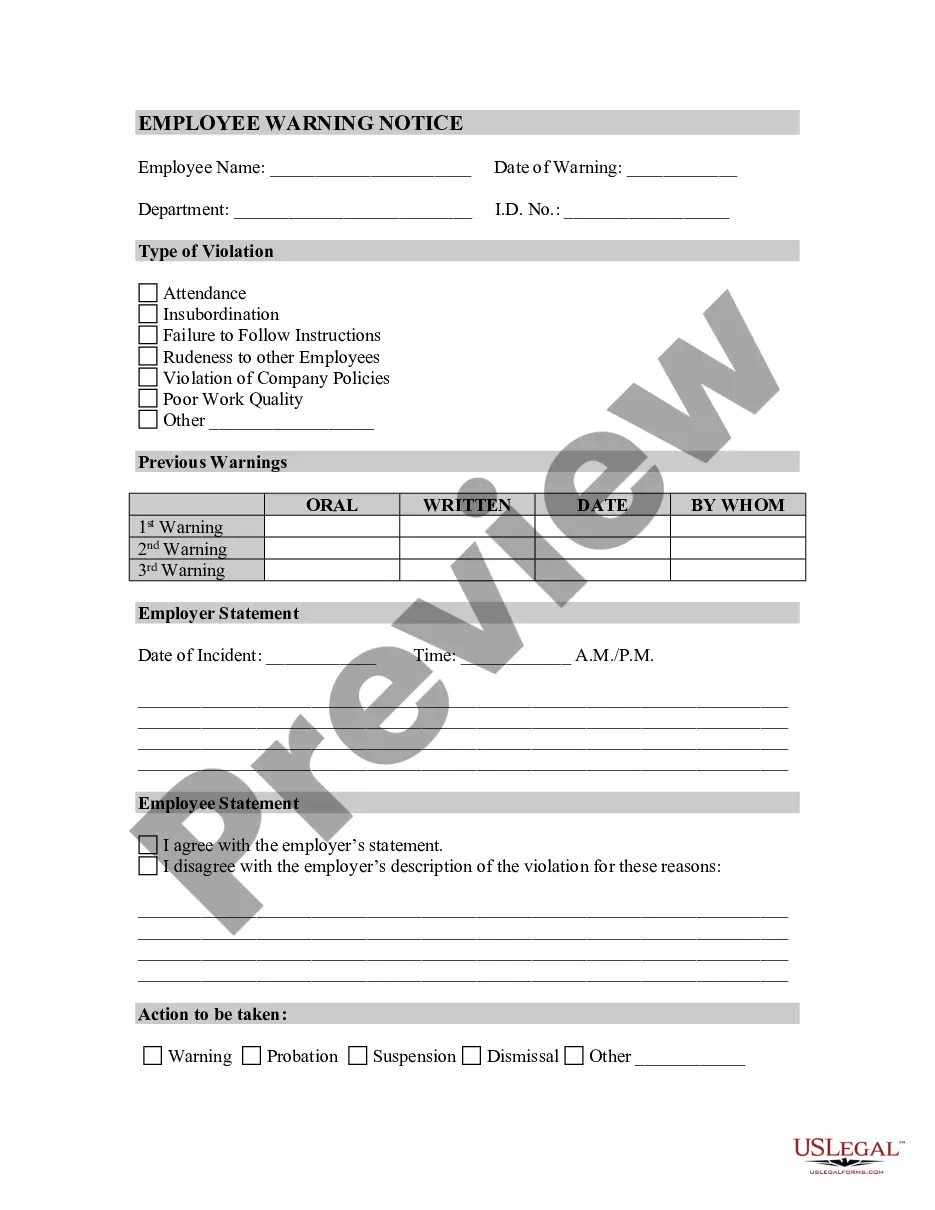
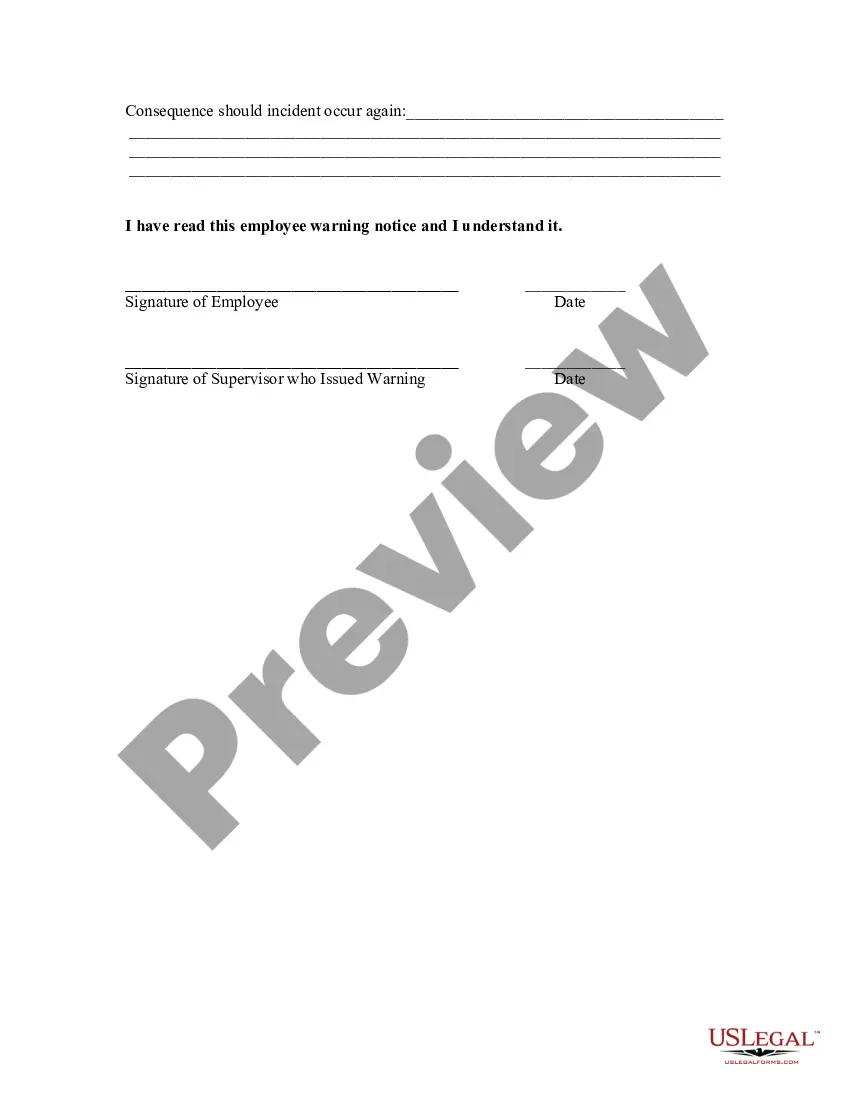
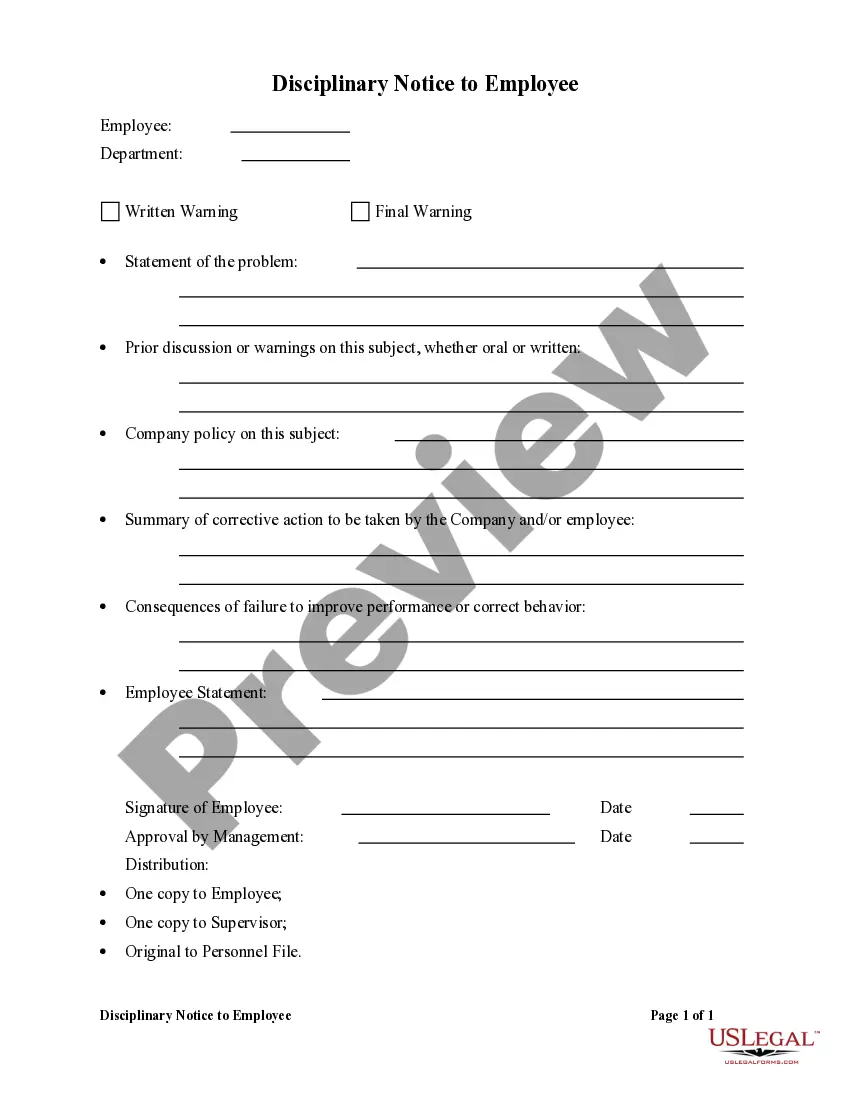
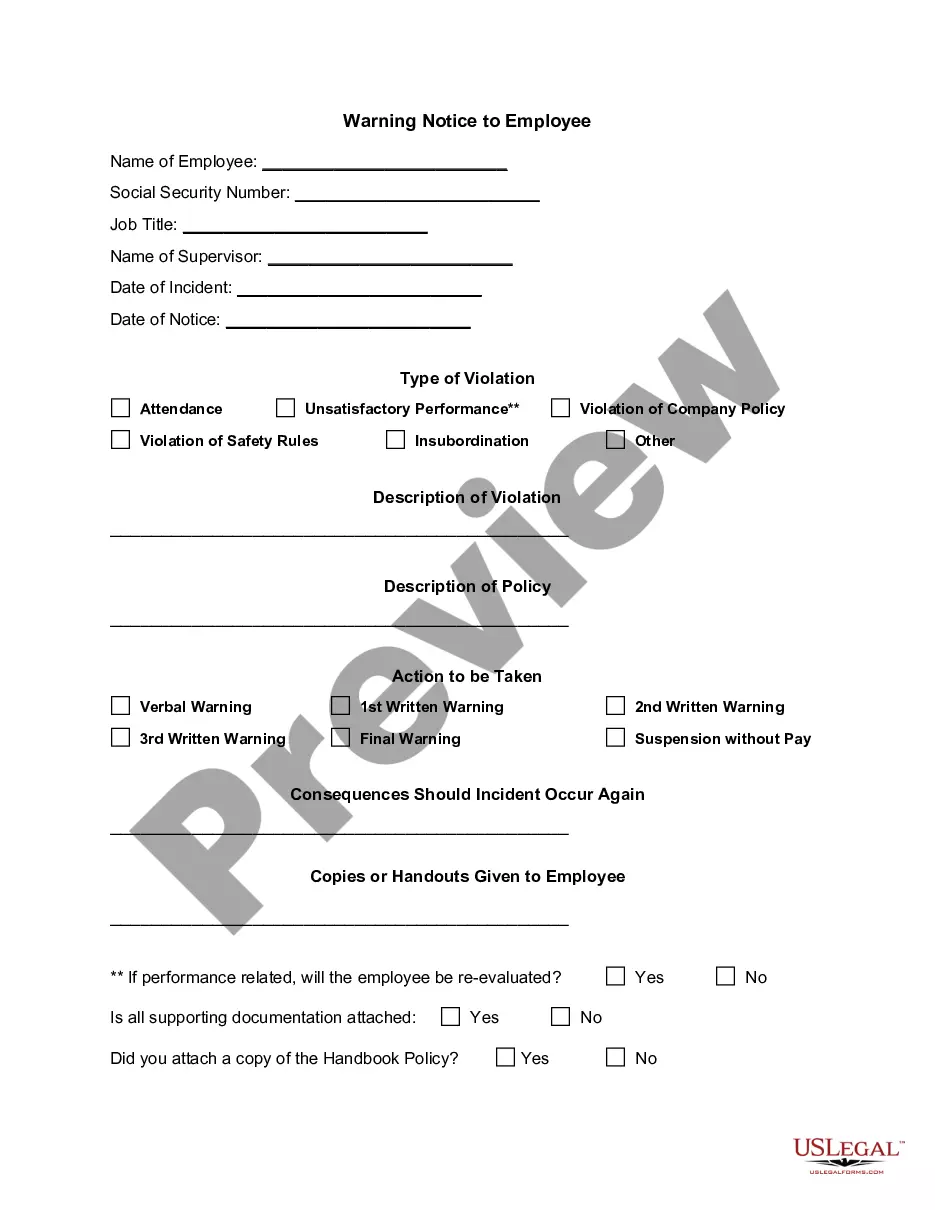
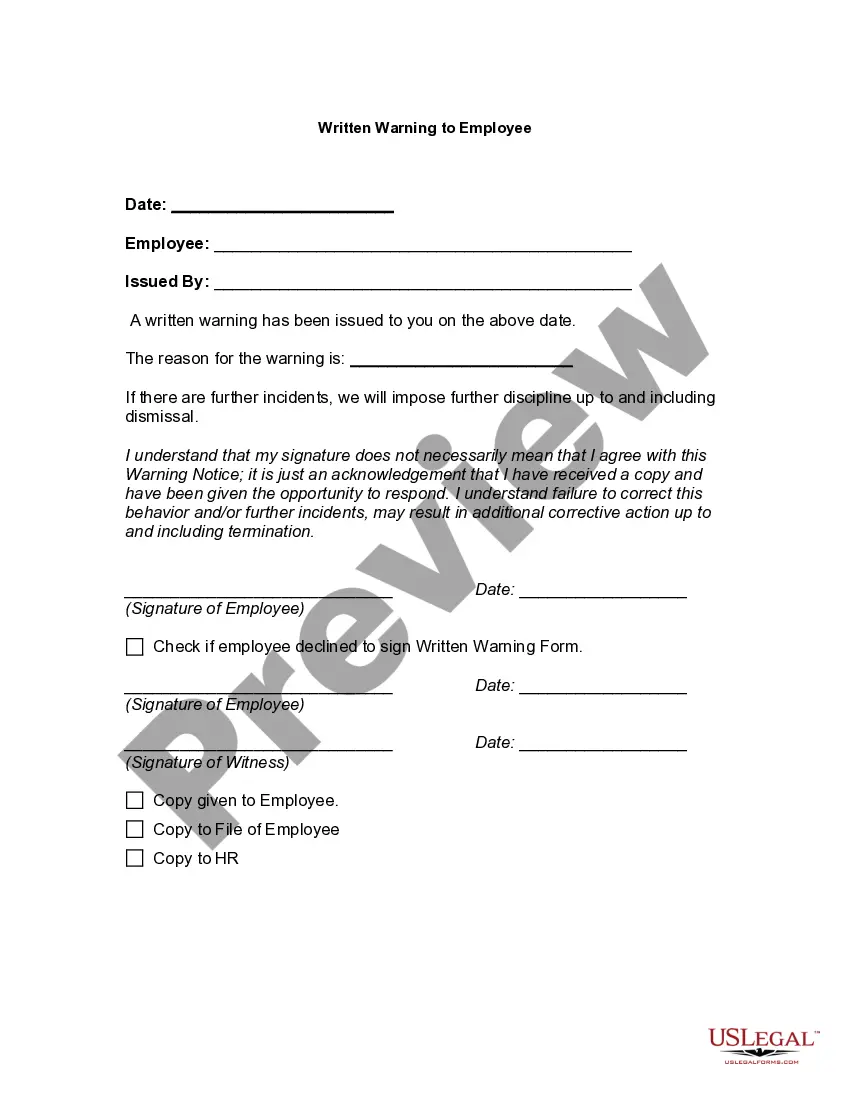
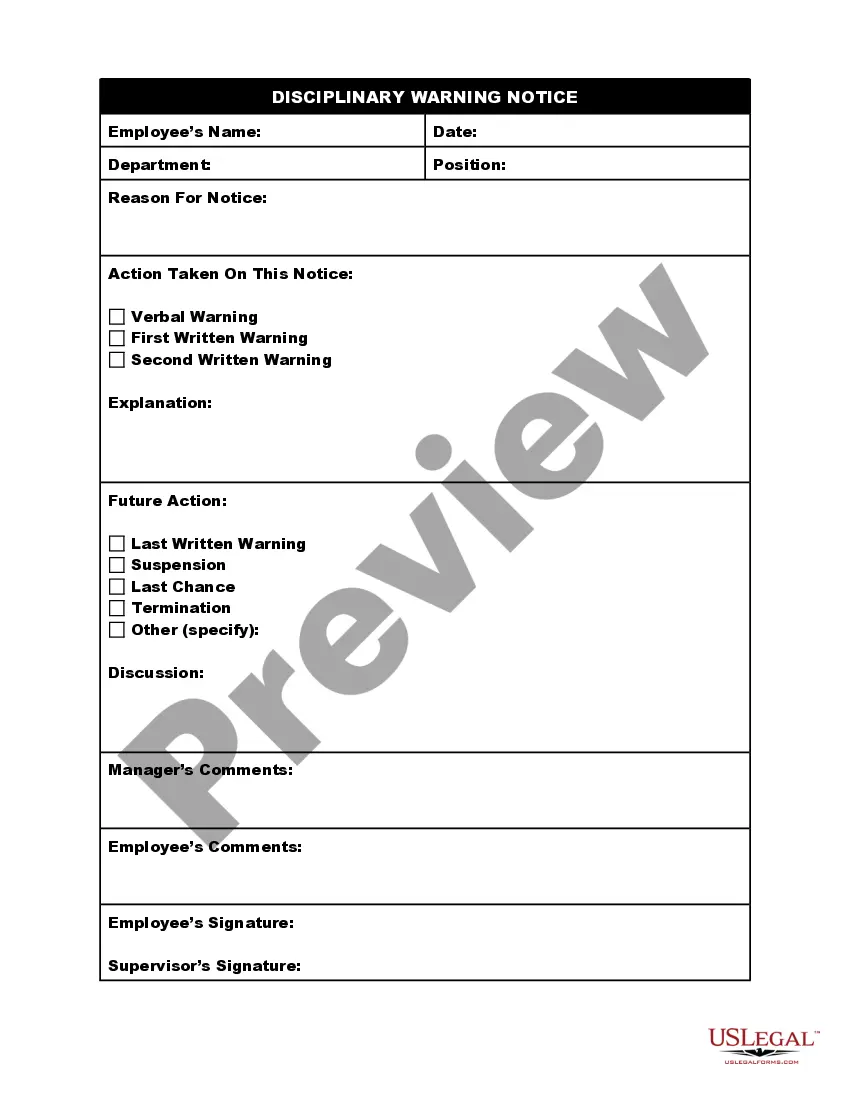
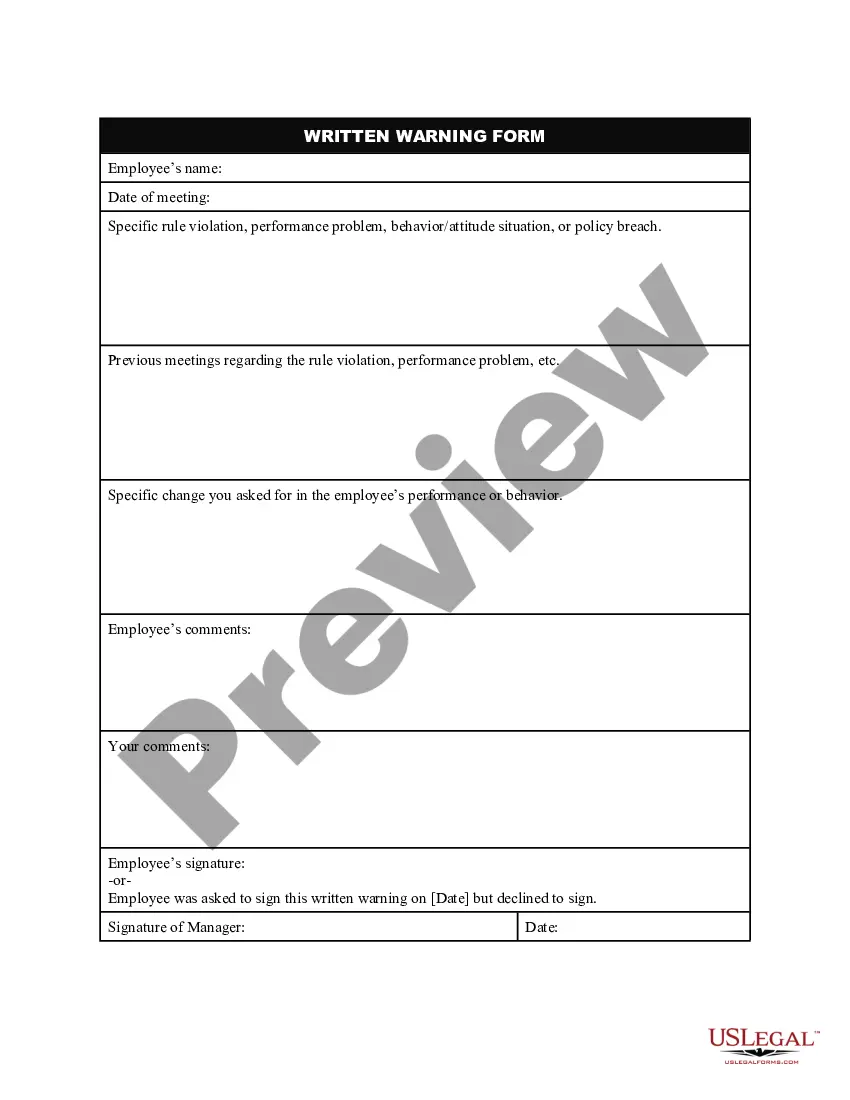
Get your form ready online
Our built-in tools help you complete, sign, share, and store your documents in one place.
Make edits, fill in missing information, and update formatting in US Legal Forms—just like you would in MS Word.
Download a copy, print it, send it by email, or mail it via USPS—whatever works best for your next step.
Sign and collect signatures with our SignNow integration. Send to multiple recipients, set reminders, and more. Go Premium to unlock E-Sign.
If this form requires notarization, complete it online through a secure video call—no need to meet a notary in person or wait for an appointment.
We protect your documents and personal data by following strict security and privacy standards.

Make edits, fill in missing information, and update formatting in US Legal Forms—just like you would in MS Word.

Download a copy, print it, send it by email, or mail it via USPS—whatever works best for your next step.

Sign and collect signatures with our SignNow integration. Send to multiple recipients, set reminders, and more. Go Premium to unlock E-Sign.

If this form requires notarization, complete it online through a secure video call—no need to meet a notary in person or wait for an appointment.

We protect your documents and personal data by following strict security and privacy standards.
Looking for another form?
How to fill out Employee Warning Notice?
The Alert Notices Template Without Enterprise Manager you see on this page is a reusable legal framework created by professional attorneys in compliance with federal and state laws.
For over 25 years, US Legal Forms has offered individuals, businesses, and legal practitioners more than 85,000 validated, state-specific documents for any corporate and personal need. It’s the fastest, easiest, and most reliable method to acquire the documents you require, as the service assures the highest level of data protection and anti-malware security.
Register with US Legal Forms to access validated legal templates for every aspect of life.
- Search for the document you require and review it.
- Choose the pricing option that fits you and sign up for an account.
- Select the format you prefer for your Alert Notices Template Without Enterprise Manager (PDF, Word, RTF) and download the document onto your device.
- Print the template to fill it out by hand, or use an online multifunctional PDF editor to conveniently and accurately complete and sign your form with an electronic signature.
- Use the same document again whenever necessary. Access the My documents section in your account to redownload any forms you have previously obtained.
Form popularity
FAQ
Creates a scheduled blackout to suspend any data collection activity on one or more monitored targets. Name of the blackout to create. Targets to add to the blackout, each specified as target_name:target_type .
Blackouts permit you to suspend monitoring on one or more targets in order to perform maintenance operations. It contains the following sections: MGMT$BLACKOUT_HISTORY.
You cannot delete a blackout that is either in progress or currently scheduled. You must first run stop_blackout . Name of the blackout to delete. Enterprise Manager user who created the blackout.
A monitor template is a tool that can be used to add certain settings, like error conditions, checkpoints, and maintenance periods, to groups of monitors.