Disciplinary Form Template With Drop Down List
Description
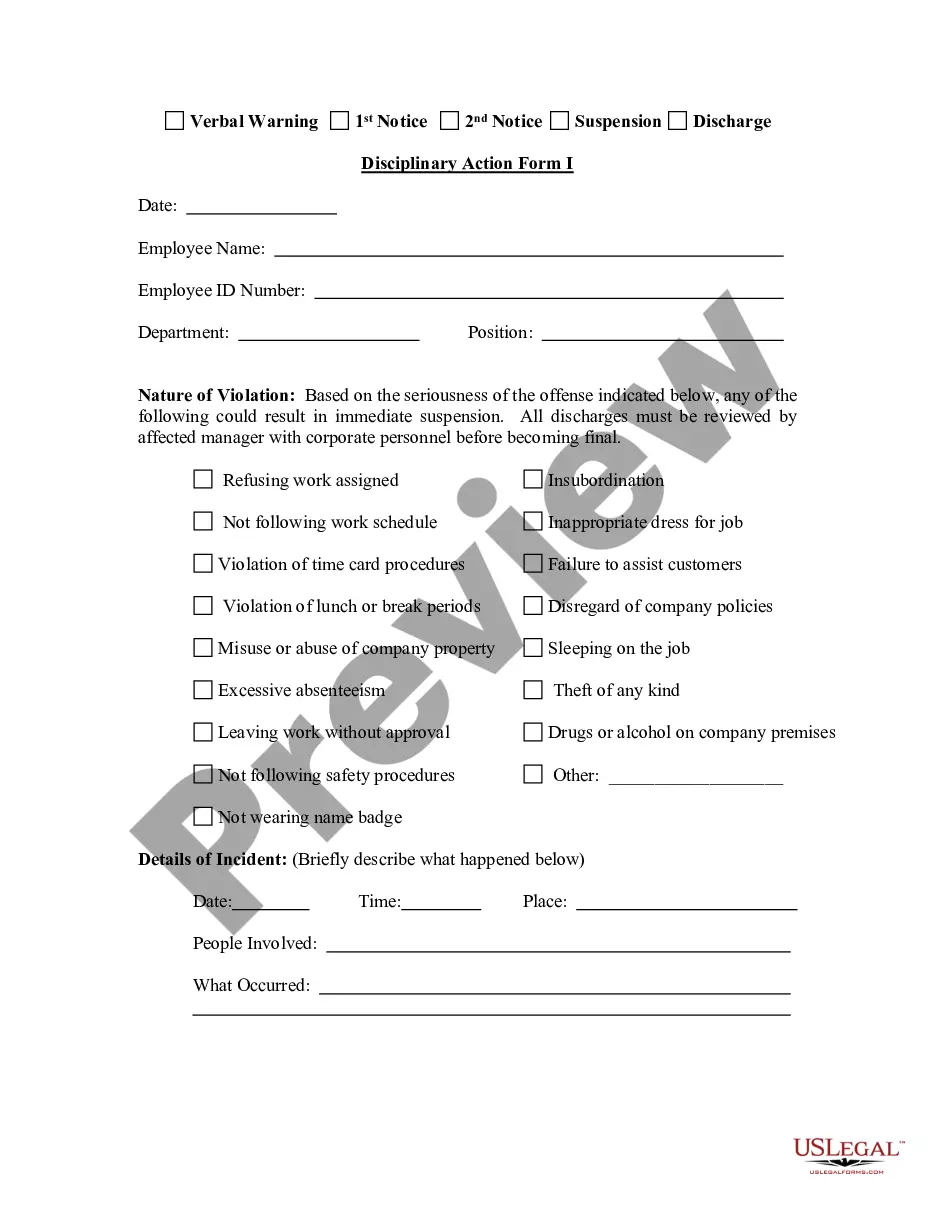
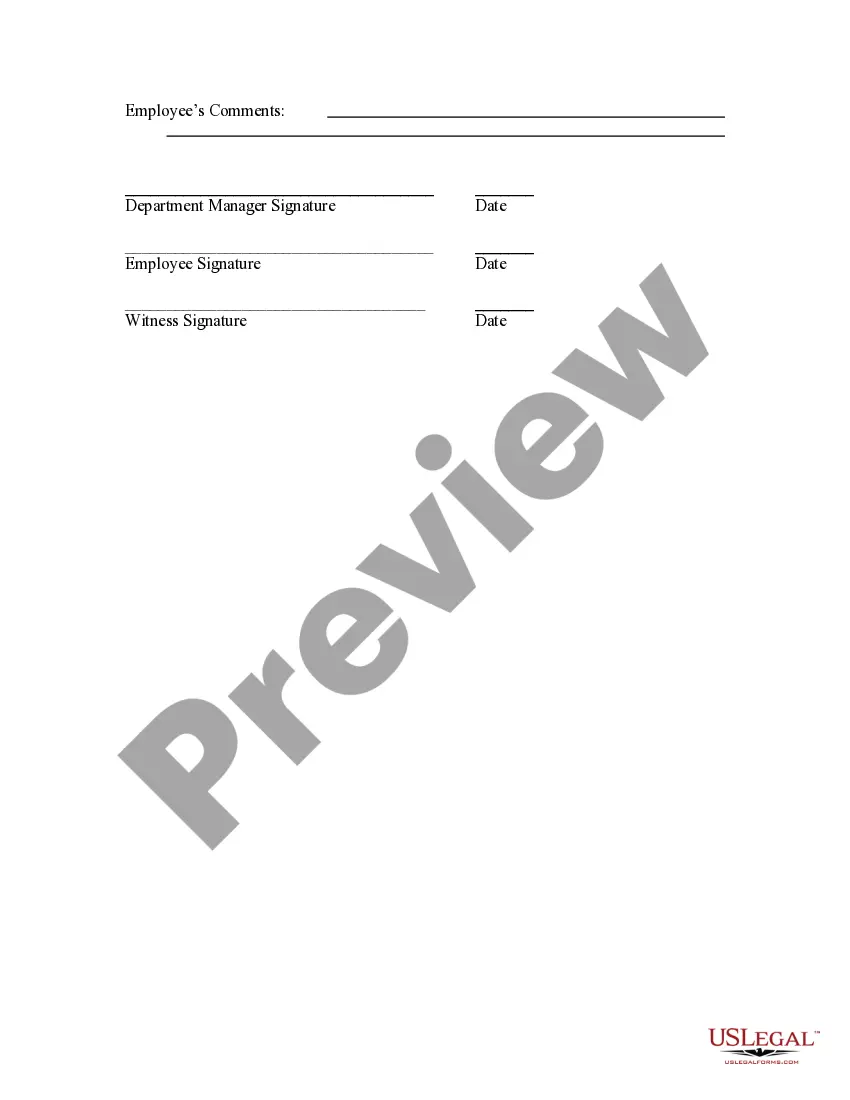
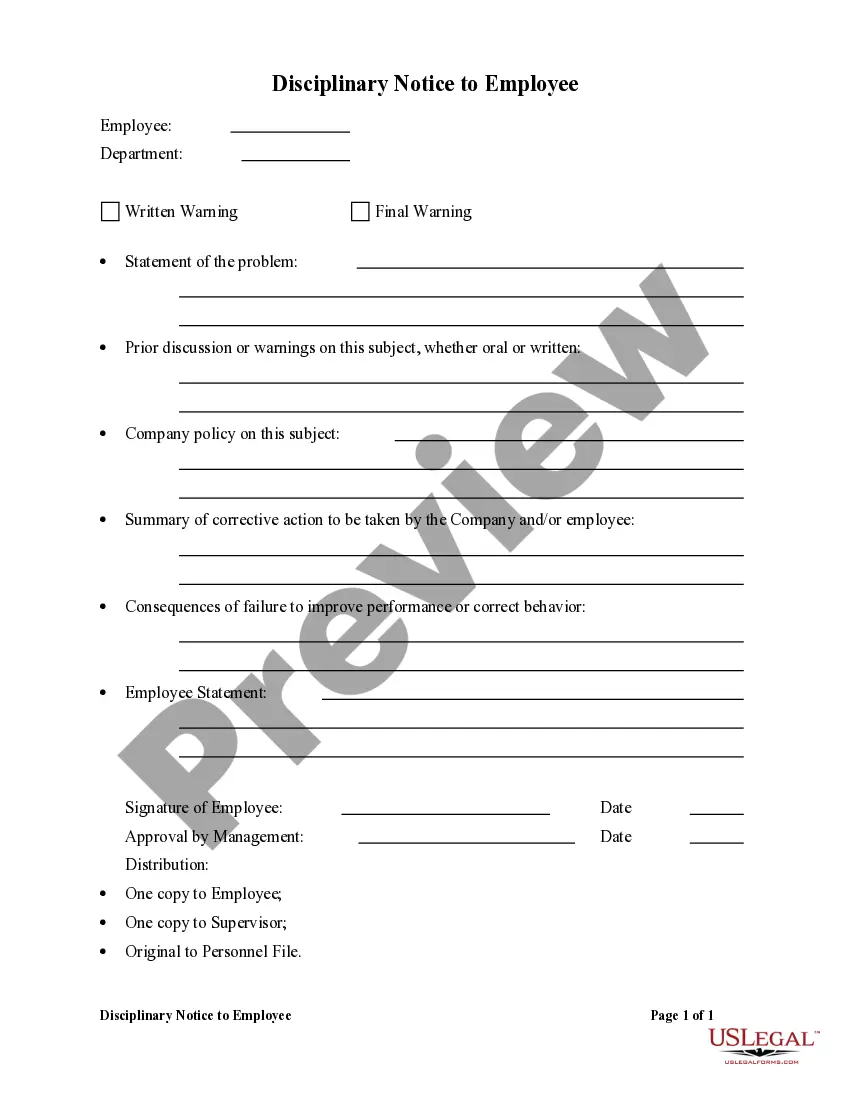
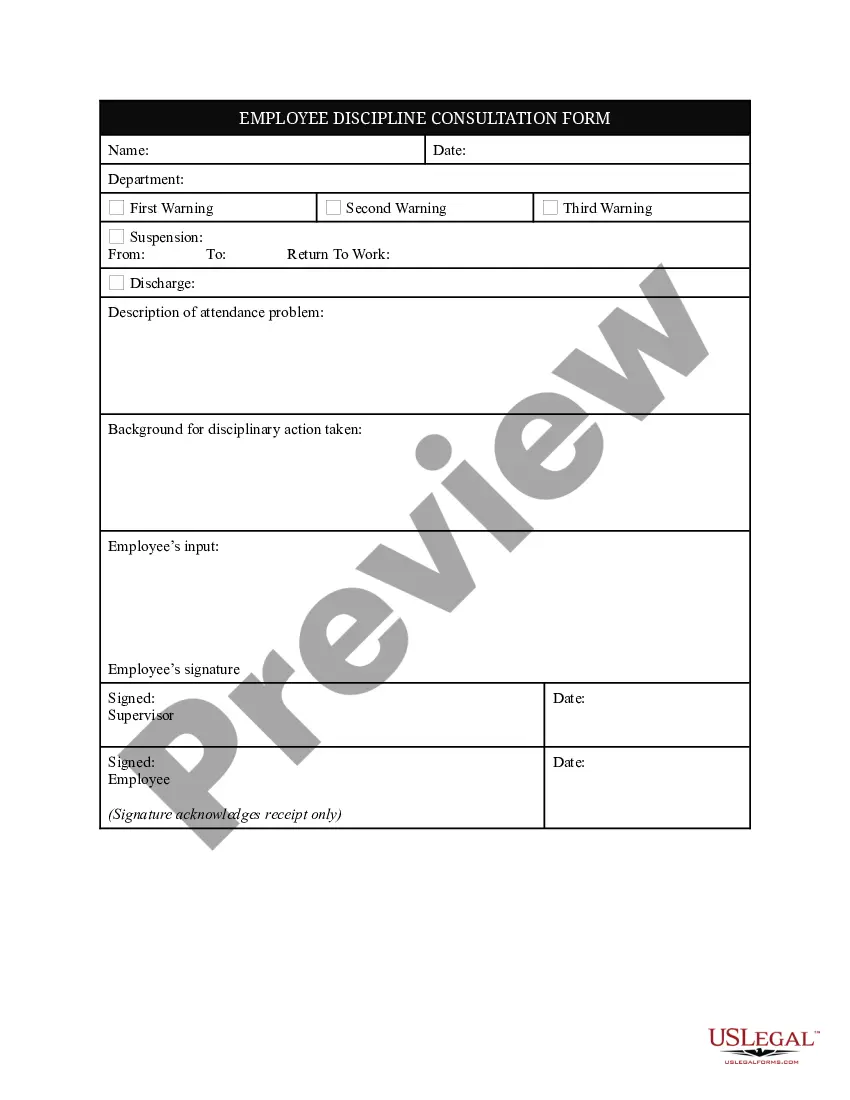
Get your form ready online
Our built-in tools help you complete, sign, share, and store your documents in one place.
Make edits, fill in missing information, and update formatting in US Legal Forms—just like you would in MS Word.
Download a copy, print it, send it by email, or mail it via USPS—whatever works best for your next step.
Sign and collect signatures with our SignNow integration. Send to multiple recipients, set reminders, and more. Go Premium to unlock E-Sign.
If this form requires notarization, complete it online through a secure video call—no need to meet a notary in person or wait for an appointment.
We protect your documents and personal data by following strict security and privacy standards.

Make edits, fill in missing information, and update formatting in US Legal Forms—just like you would in MS Word.

Download a copy, print it, send it by email, or mail it via USPS—whatever works best for your next step.

Sign and collect signatures with our SignNow integration. Send to multiple recipients, set reminders, and more. Go Premium to unlock E-Sign.

If this form requires notarization, complete it online through a secure video call—no need to meet a notary in person or wait for an appointment.

We protect your documents and personal data by following strict security and privacy standards.
Looking for another form?


How to fill out Disciplinary Action Form I?
Identifying a reliable source for the latest and pertinent legal templates is a significant part of dealing with bureaucratic processes. Selecting the appropriate legal documents demands accuracy and meticulousness, which is why it's crucial to source samples of the Disciplinary Form Template With Drop Down List exclusively from reputable providers, such as US Legal Forms. An incorrect template could lead to wasted time and delay your current issue.
With US Legal Forms, you can have peace of mind. You can explore and verify all the specifics regarding the document's applicability and significance for your particular circumstances and in your jurisdiction.
Once the form is on your device, you can modify it using the editor or print it for manual completion. Eliminate the hassle associated with your legal documentation. Explore the extensive collection at US Legal Forms, where you can find legal templates, assess their applicability to your situation, and download them immediately.
- Utilize the library navigation or search bar to find your template.
- Examine the form’s description to confirm it fulfills the requirements of your jurisdiction.
- Preview the form, if accessible, to make sure it corresponds with your expectations.
- Return to your search to discover the appropriate template if the Disciplinary Form Template With Drop Down List does not meet your criteria.
- If you are confident in the form’s relevance, proceed to download it.
- If you possess authorized access, click Log in to verify your identity and access your chosen templates in My documents.
- If you haven't created an account, click Buy now to obtain the form.
- Select the pricing plan that suits your needs.
- Continue to the registration process to finalize your purchase.
- Complete your transaction by choosing a payment method (credit card or PayPal).
- Select the document format for downloading the Disciplinary Form Template With Drop Down List.
Form popularity
FAQ
The four steps of disciplinary action typically include verbal warning, written warning, suspension, and termination. Each step aims to provide progressive discipline that gives employees a chance to improve. Clear documentation at each step is crucial for legal compliance and effective communication. A disciplinary form template with drop down list can aid in tracking each of these steps systematically.
Writing a disciplinary report sample entails stating the employee’s details, the specific violations, and the corrective actions taken. Describe the incident clearly and objectively, avoiding personal opinions. It’s important to keep the report factual and concise. Utilizing a disciplinary form template with drop down list can make such reports easier to format and ensure all necessary information is included.
To fill out a disciplinary form, start by entering the employee's basic information along with the issue description. Clearly outline the actions taken, the dates, and the witnesses if applicable. Make sure to follow company policies for objectivity and fairness. A disciplinary form template with drop down list can facilitate completing this process smoothly and efficiently.
Filling out a corrective action form involves entering the employee's details, a clear description of the issue, and suggested corrective measures. Be sure to include dates and any relevant citations to policies that were violated. It’s essential to keep the language straightforward to ensure understanding. Using a disciplinary form template with drop down list can help in organizing this information efficiently.
To create a form with drop-down menus in Word, first open the document and enable the Developer tab. Next, select 'Drop-Down List Content Control' from the controls available. You can customize your list by adding options that users can select. This is highly beneficial when creating a disciplinary form template with drop down list to ensure clarity and uniformity in responses.
Filling out a disciplinary action form requires documenting the employee’s name, the specific violation, and the date it occurred. Additionally, you should detail the evidence supporting the action taken. Be concise and clear to avoid misunderstandings. For efficiency, consider using a disciplinary form template with drop down list, which helps ensure you don’t miss any critical elements.
An example of disciplinary action includes written warnings, suspension, or dismissal. These actions are typically taken in response to a violation of company policy or rules. The goal of such measures is to correct behavior and maintain workplace standards. Using a disciplinary form template with drop down list can streamline the documentation process for these actions.
To create a document with dropdown options, use a word processor or an online form builder like ours. Start by choosing a template that includes a drop-down feature. Then, input the options you wish to provide. By leveraging our Disciplinary form template with drop down list, you can streamline the process and enhance the functionality of your documents.
To create a fillable drop-down list in Word, begin by accessing the Developer tab. If it isn’t visible, enable it via Word Options. Once there, insert a drop-down list control, then input your options. This method allows you to design forms like our Disciplinary form template with drop down list, making it easier for users to choose predefined responses.
Creating forms with a drop-down menu is straightforward, especially when using our Disciplinary form template with drop down list. Start by selecting the form-building tool within our platform, and then choose the option for a drop-down field. You can easily customize your options, giving users a clear and concise way to make selections, enhancing their experience with your forms.