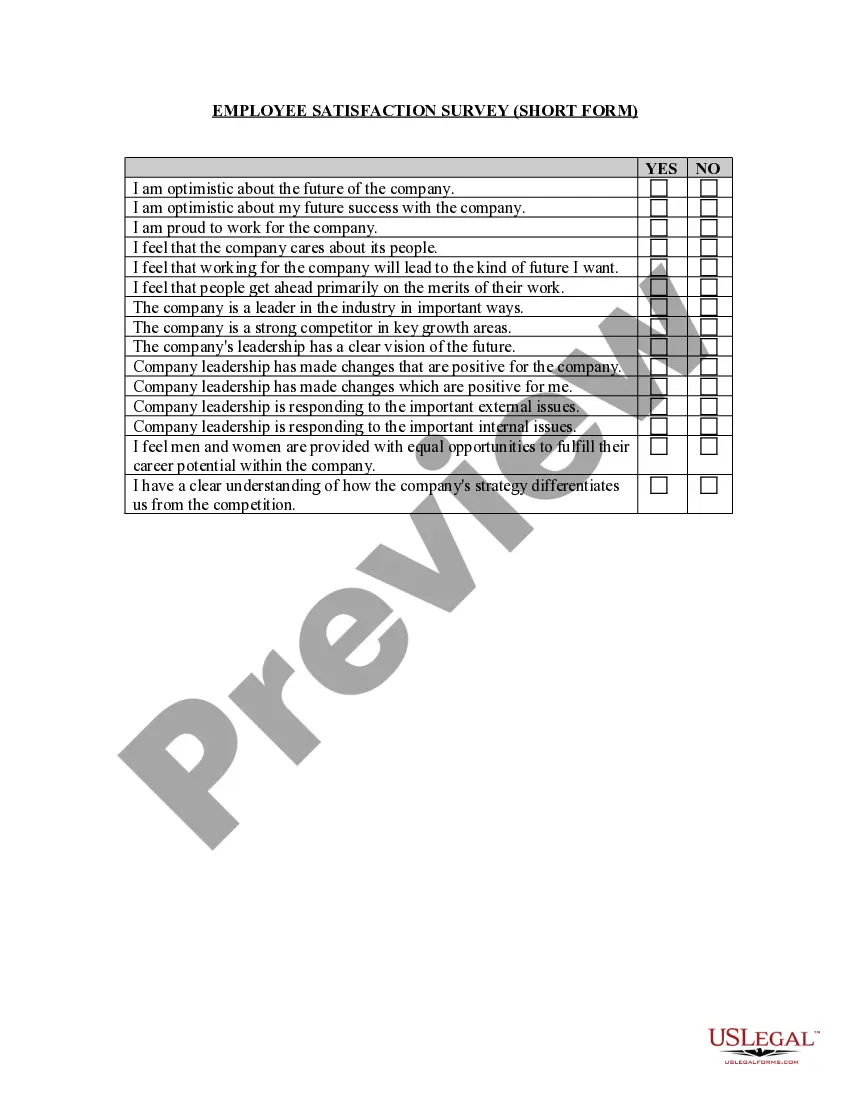
Encuesta Formato Withdraw
Description
Get your form ready online
Our built-in tools help you complete, sign, share, and store your documents in one place.
Make edits, fill in missing information, and update formatting in US Legal Forms—just like you would in MS Word.
Download a copy, print it, send it by email, or mail it via USPS—whatever works best for your next step.
Sign and collect signatures with our SignNow integration. Send to multiple recipients, set reminders, and more. Go Premium to unlock E-Sign.
If this form requires notarization, complete it online through a secure video call—no need to meet a notary in person or wait for an appointment.
We protect your documents and personal data by following strict security and privacy standards.

Make edits, fill in missing information, and update formatting in US Legal Forms—just like you would in MS Word.

Download a copy, print it, send it by email, or mail it via USPS—whatever works best for your next step.

Sign and collect signatures with our SignNow integration. Send to multiple recipients, set reminders, and more. Go Premium to unlock E-Sign.

If this form requires notarization, complete it online through a secure video call—no need to meet a notary in person or wait for an appointment.

We protect your documents and personal data by following strict security and privacy standards.
Looking for another form?



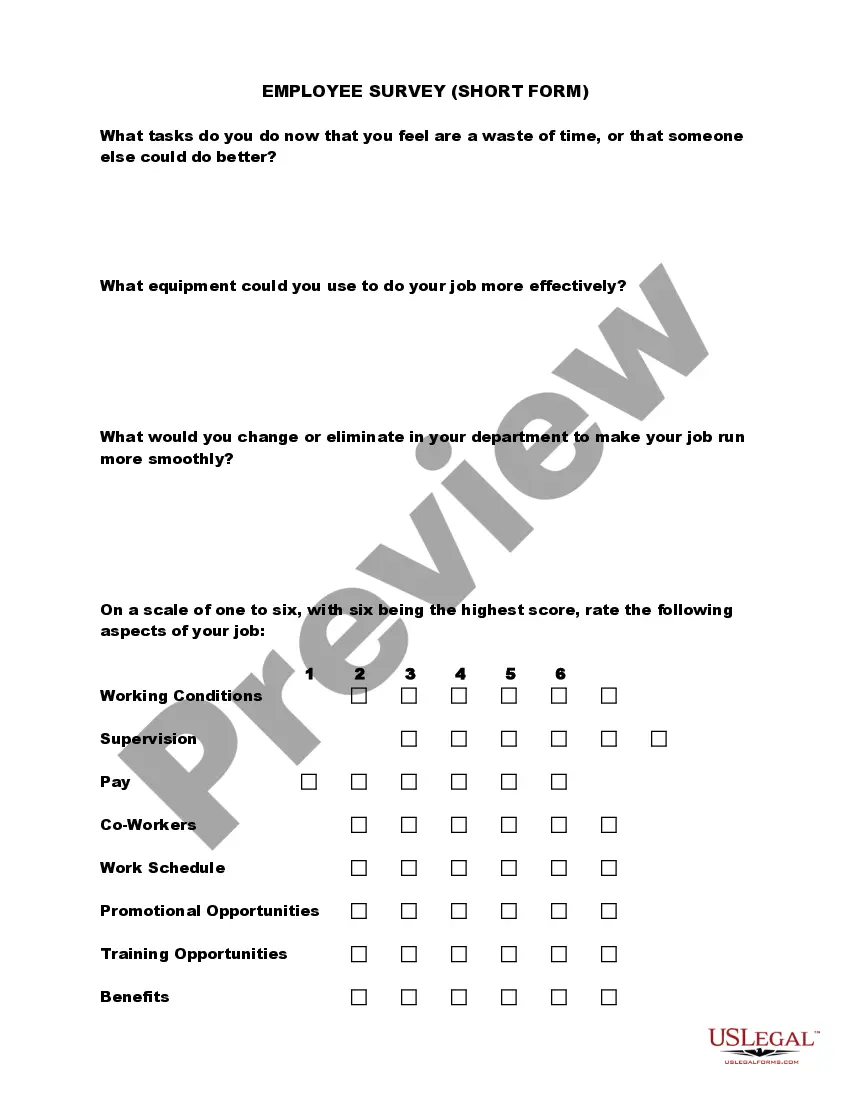
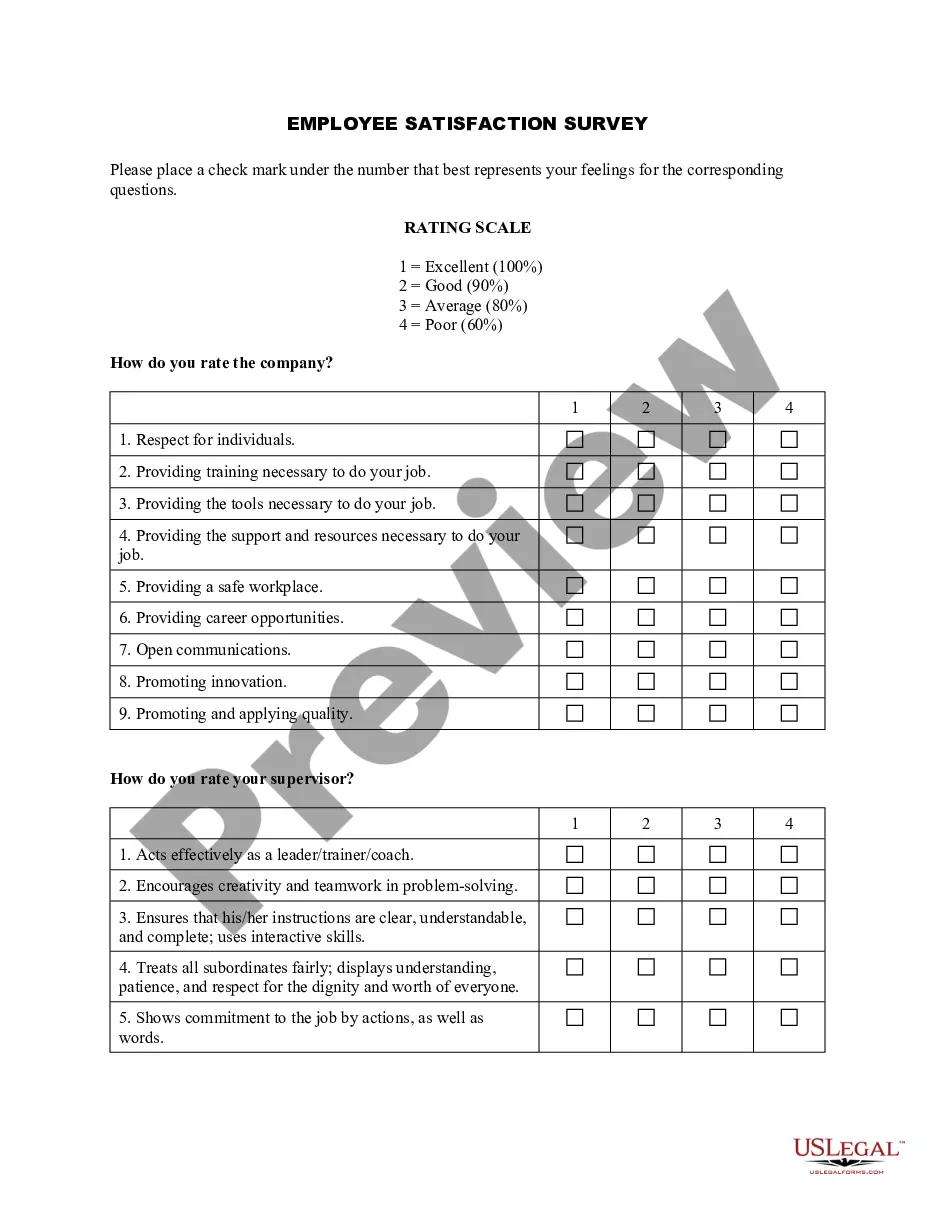
How to fill out Employee Satisfaction Survey - Short Form?
Handling legal documents and processes can be a lengthy addition to the day.
Encuesta Formato Withdraw and similar forms typically require you to locate them and comprehend the method to fill them out correctly.
Thus, whether you are managing financial, legal, or personal issues, having a thorough and accessible online directory of forms readily available will significantly help.
US Legal Forms is the premier online platform for legal templates, providing over 85,000 state-specific forms and various tools to assist you in completing your documents effortlessly.
Simply Log In to your account, search for Encuesta Formato Withdraw, and obtain it instantly in the My documents section. You can also access previously saved forms.
- Explore the directory of relevant documents available to you with just one click.
- US Legal Forms offers you state- and county-specific forms accessible at any time for downloading.
- Streamline your document management tasks with a high-quality service that enables you to prepare any form in minutes without extra or concealed costs.
Form popularity
FAQ
South Carolina law states that a child is a person under the age of 18. However, when used in the context of delinquency and criminal acts, ?child? refers to a person who is under 17 (under 16 for some serious crimes). Children involved in delinquency proceedings are often referred to as ?juveniles.?
The only set age where someone can choose where they live is 18. In custody cases, children always get to express where they want to live, but the court does not have to rule with the child's wishes. Instead, they look at a variety of factors to see what is in the child's best interest.
While there is no precise age in which the child can choose, South Carolina family court judges are likely to give more weight to an older child's preference based on his or her maturity, judgment, and ability to make reasonable decisions. That includes: Children Ages 12 Years Old and Under.
Contrary to popular belief, South Carolina does not allow children under the age of 18 to choose where they will live after a divorce.
As divorce attorneys in Mount Pleasant, South Carolina, we know that custody disputes can be among the most difficult cases for a divorce lawyer to handle. In South Carolina, a child does not get to choose which parent to live with, but the family court may consider the child's preference.
Typically, a teen must be 18 to move legally without a parent`s permission. Emancipation When a person is of age, we speak of ?emancipation?. In general, emancipation is the time when parents are no longer legally responsible for their children and children are no longer legally accountable to their parents.
Many clients ask me whether there is an age can a child have to be to refuse visitation. Under South Carolina's family laws, there is no set age at which a child can refuse to go visit with the other parent.