Encuesta Formato Formato
Description
Get your form ready online
Our built-in tools help you complete, sign, share, and store your documents in one place.
Make edits, fill in missing information, and update formatting in US Legal Forms—just like you would in MS Word.
Download a copy, print it, send it by email, or mail it via USPS—whatever works best for your next step.
Sign and collect signatures with our SignNow integration. Send to multiple recipients, set reminders, and more. Go Premium to unlock E-Sign.
If this form requires notarization, complete it online through a secure video call—no need to meet a notary in person or wait for an appointment.
We protect your documents and personal data by following strict security and privacy standards.

Make edits, fill in missing information, and update formatting in US Legal Forms—just like you would in MS Word.

Download a copy, print it, send it by email, or mail it via USPS—whatever works best for your next step.

Sign and collect signatures with our SignNow integration. Send to multiple recipients, set reminders, and more. Go Premium to unlock E-Sign.

If this form requires notarization, complete it online through a secure video call—no need to meet a notary in person or wait for an appointment.

We protect your documents and personal data by following strict security and privacy standards.
Looking for another form?



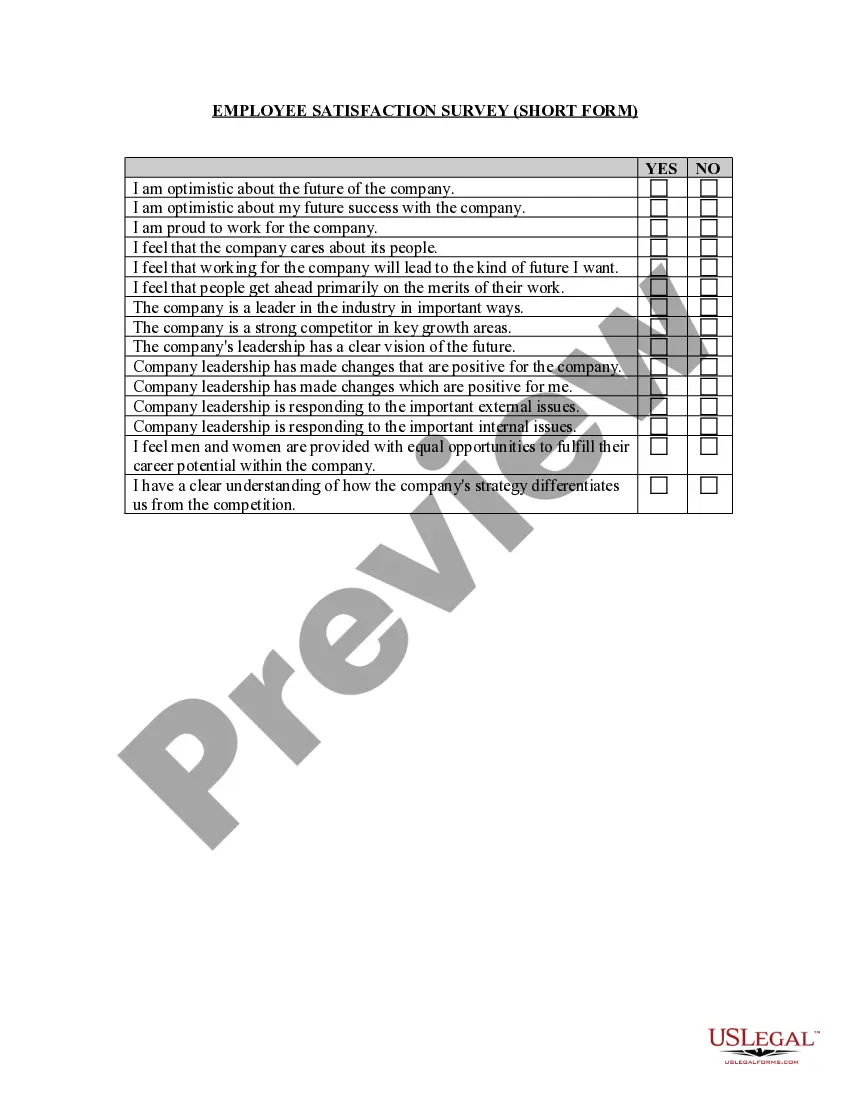
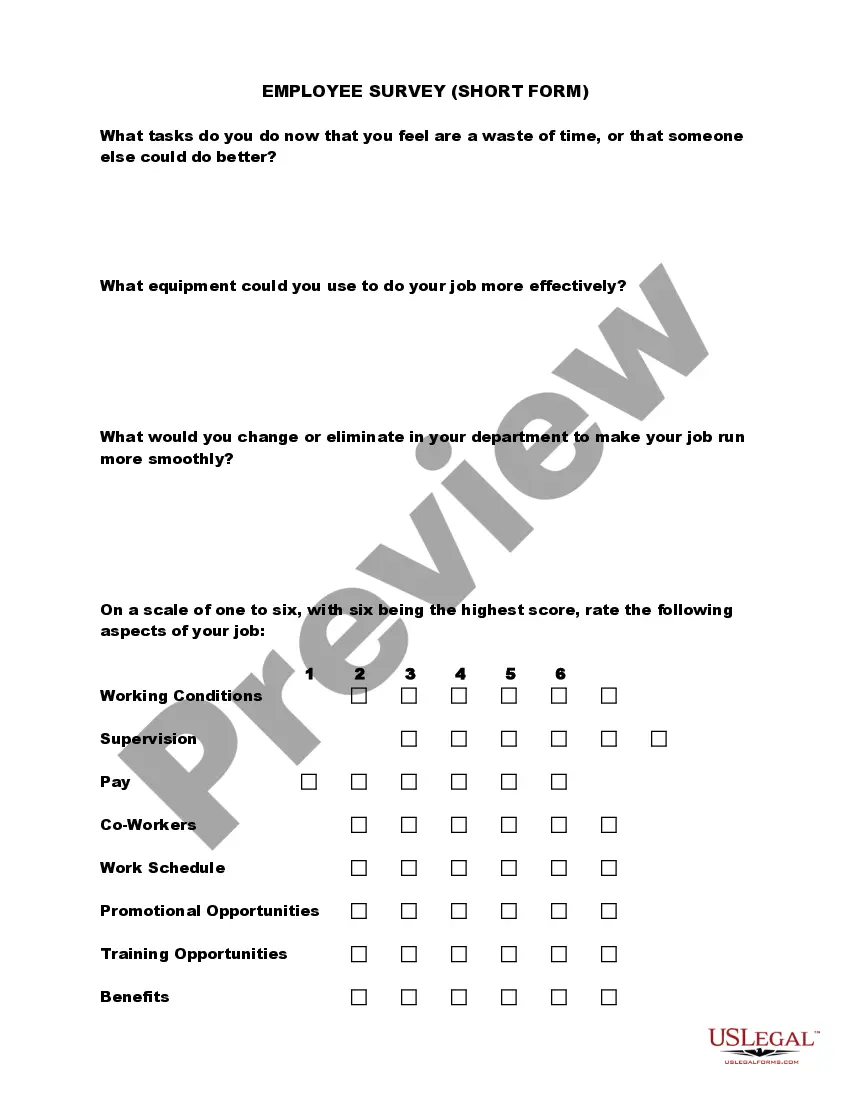
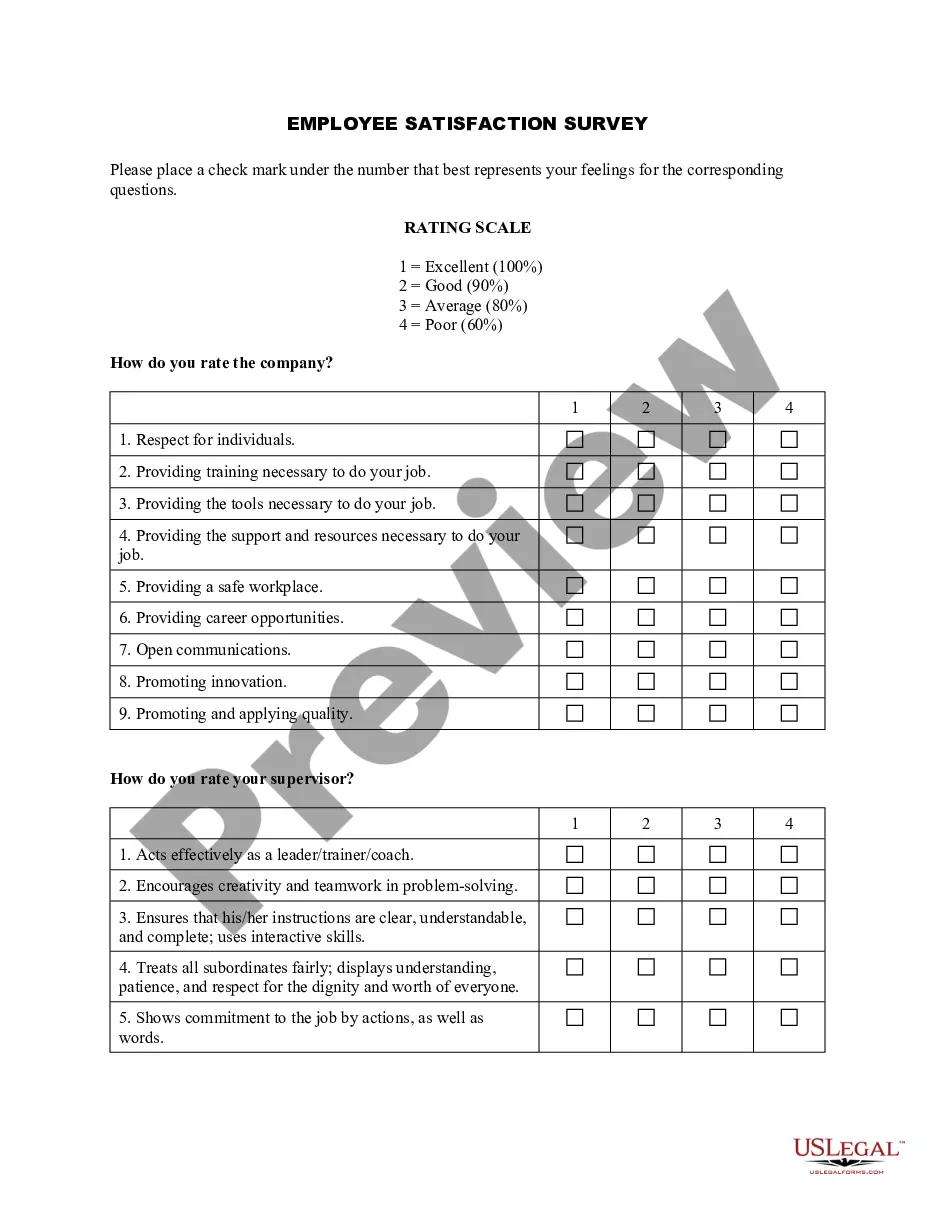
How to fill out Employee Satisfaction Survey - Short Form?
Locating a reliable source for the most updated and pertinent legal documents is a significant part of dealing with bureaucracy.
Obtaining the correct legal forms necessitates accuracy and meticulousness, which is why it's essential to source Encuesta Formato Formato only from reputable providers, such as US Legal Forms. An incorrect form will squander your time and prolong your current situation. With US Legal Forms, you have minimal cause for concern. You can access and review all the specifics regarding the document's applicability and significance for your situation and in your region.
Eliminate the complications associated with your legal paperwork. Explore the vast US Legal Forms library where you can discover legal samples, assess their relevance to your situation, and download them instantly.
- Utilize the library navigation or search bar to locate your document.
- Examine the description of the form to determine if it aligns with the requirements of your region and state.
- If available, view the form preview to confirm it's the one you need.
- If the Encuesta Formato Formato does not meet your needs, continue searching for the appropriate template.
- If you are confident about the form's applicability, proceed to download it.
- As an authorized user, click Log in to verify your identity and access your selected templates in My documents.
- If you haven't created an account yet, click Buy now to acquire the template.
- Choose the pricing option that best fits your needs.
- Complete the registration process to finalize your purchase.
- Conclude your transaction by selecting a payment method (credit card or PayPal).
- Select the file format for downloading Encuesta Formato Formato.
- Once you have the document on your device, you can modify it using the editor or print it out and fill it out by hand.
Form popularity
FAQ
Records are available for marriages between July 1950 and December 2022. For marriage records prior to or after these dates, you will need to contact the Probate Court that originally issued the marriage license. Find the Probate Court in your county.
Certified copies of marriage licenses may be obtained from the county Probate Court or from the Department of Health and Environmental Control (DHEC)'s Vital Records Division. Certified copies of divorce decrees may be obtained from the County Clerk of Court's Office or from DHEC's Vital Records Division.
There is no residency requirement, but the marriage must be administered within the State. AGE REQUIREMENTS: The general age requirement to obtain a marriage license in South Carolina is 18 years of age. However, under certain circumstances a 16 or 17 year old may obtain a marriage license.
The fee for a Marriage License is $60. Marriage License fees must be paid in cash. South Carolina law requires a 24-hour waiting period from the time of application. If you would like to know more about Marriage License laws, please visit: South Carolina State House.
South Carolina statute requires a twenty-four (24) hour waiting period after applying before the marriage license may be issued. The license cannot and will not be issued less than twenty-four (24) hours from the time of application (NO EXCEPTIONS).
Requirements For A Marriage License In South Carolina: Valid driver's license. Original birth certificate or a certified copy of the birth certificate. Valid state identification card issued by the state Highway Department. Current military identification card. Current passport.
No, South Carolina does not require that witnesses sign your Marriage License, but your Wedding Officiant will sign the Marriage License after performing your ceremony.
Applications require documents to be submitted for legal proof of identification and social security number. Some probate judges require both applicants to show their social security cards. There is a waiting period after the application is filed before the license will be processed and the marriage can take place.