Signature Name Form With 2 Points
Description


Get your form ready online
Our built-in tools help you complete, sign, share, and store your documents in one place.
Make edits, fill in missing information, and update formatting in US Legal Forms—just like you would in MS Word.
Download a copy, print it, send it by email, or mail it via USPS—whatever works best for your next step.
Sign and collect signatures with our SignNow integration. Send to multiple recipients, set reminders, and more. Go Premium to unlock E-Sign.
If this form requires notarization, complete it online through a secure video call—no need to meet a notary in person or wait for an appointment.
We protect your documents and personal data by following strict security and privacy standards.

Make edits, fill in missing information, and update formatting in US Legal Forms—just like you would in MS Word.

Download a copy, print it, send it by email, or mail it via USPS—whatever works best for your next step.

Sign and collect signatures with our SignNow integration. Send to multiple recipients, set reminders, and more. Go Premium to unlock E-Sign.

If this form requires notarization, complete it online through a secure video call—no need to meet a notary in person or wait for an appointment.

We protect your documents and personal data by following strict security and privacy standards.
Looking for another form?



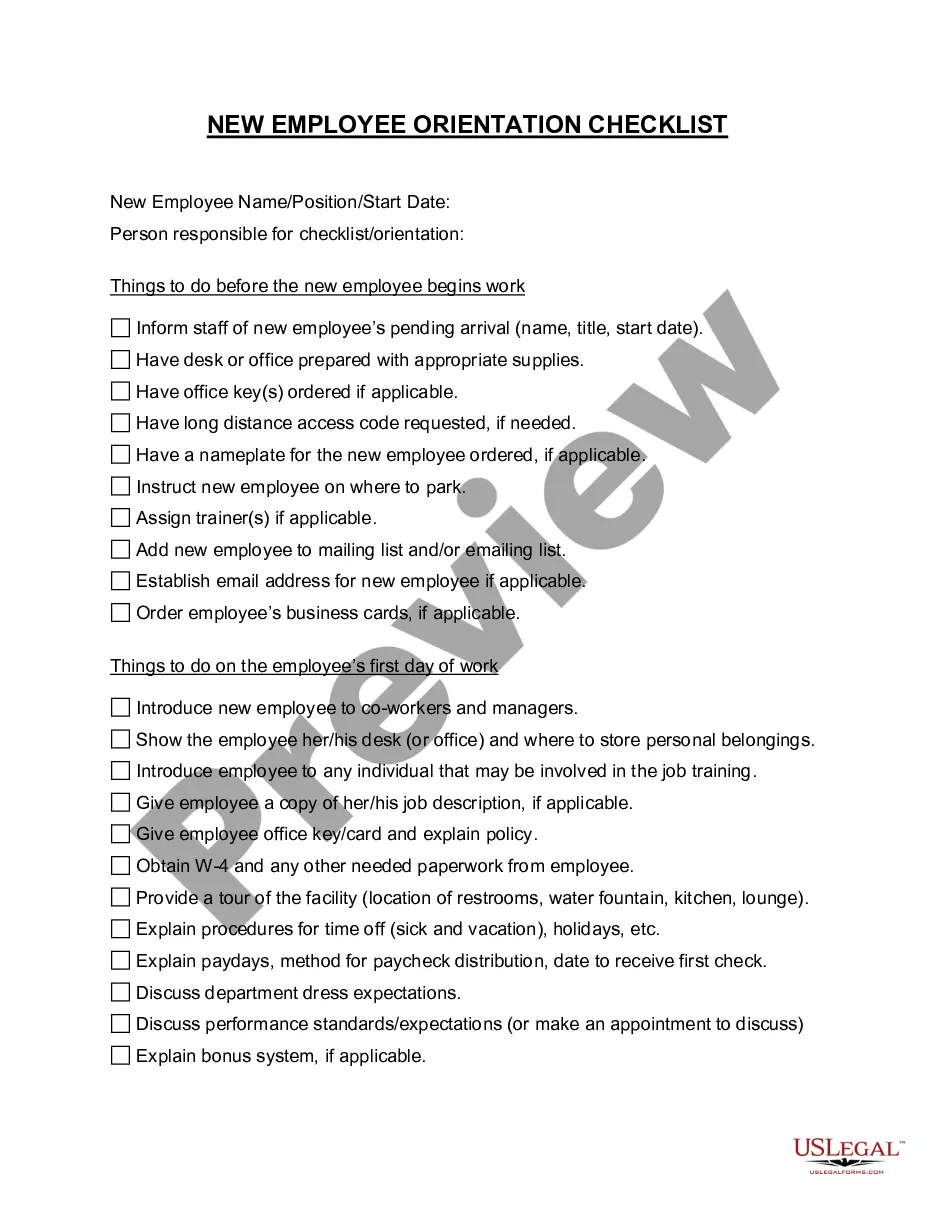
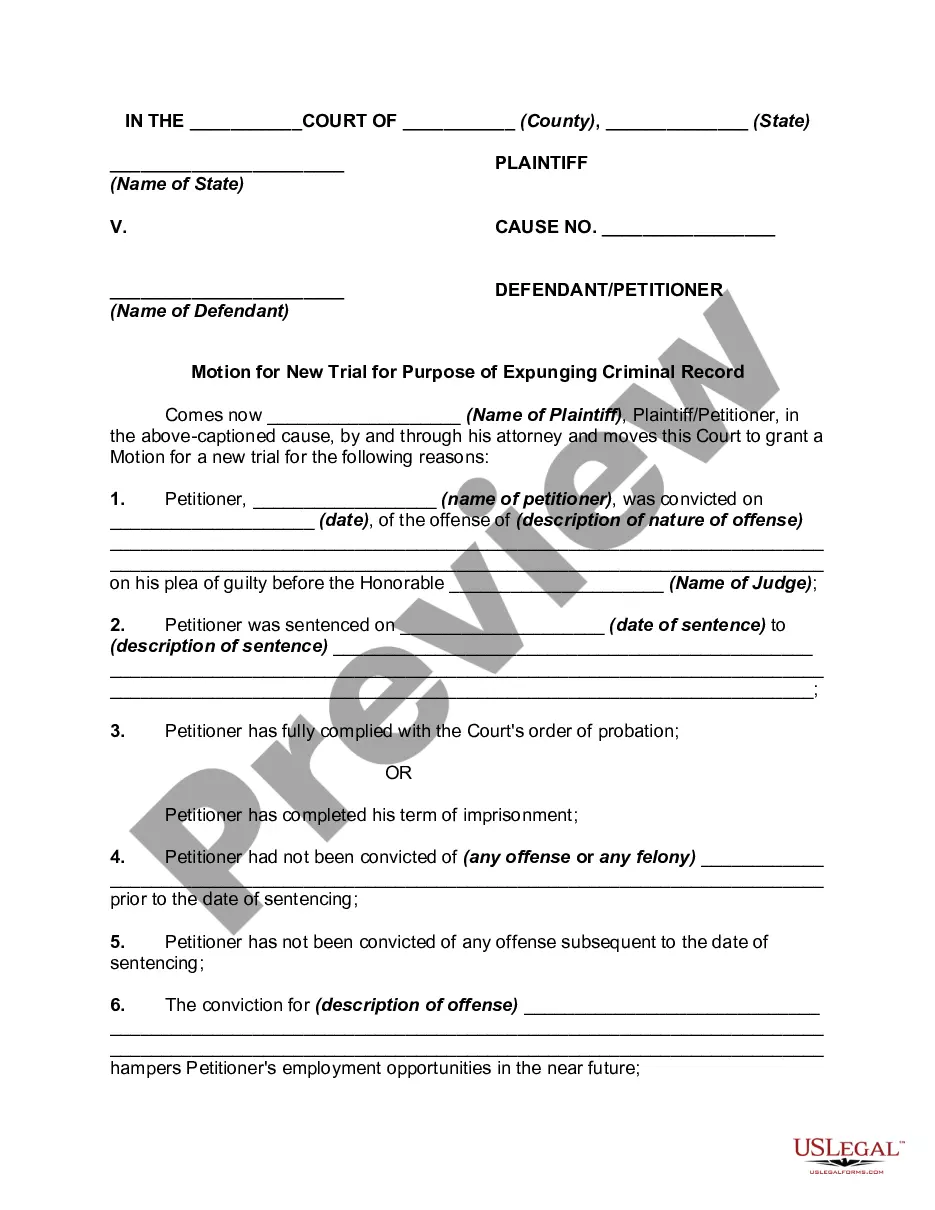


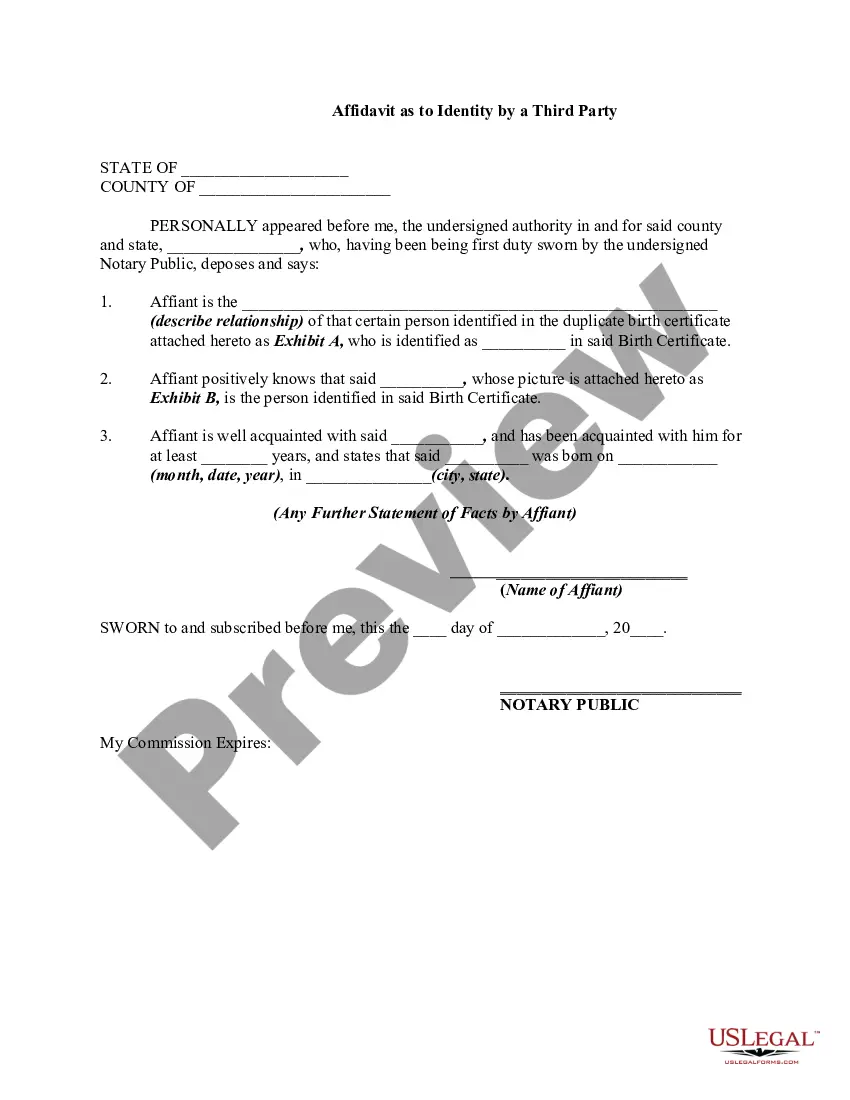
How to fill out Signature And Name Affidavit?
It’s well-known that you cannot transform into a legal specialist instantly, nor can you learn how to swiftly compile Signature Name Form With 2 Points without possessing a specialized skill set.
Assembling legal documents is a lengthy procedure that demands specific education and expertise. So why not entrust the preparation of the Signature Name Form With 2 Points to the experts.
With US Legal Forms, one of the largest legal template collections, you can access everything from court documents to templates for in-office correspondence. We recognize how vital compliance and adherence to federal and state laws and regulations are.
Select Buy now. Once the payment is processed, you can obtain the Signature Name Form With 2 Points, complete it, print it, and send or mail it to the specified individuals or organizations.
You can regain access to your forms from the My documents tab at any time. If you’re an existing customer, you can simply Log In and find and download the template from the same tab.
- Here’s how you can begin with our website and acquire the document you need in just minutes.
- Locate the document you need by utilizing the search bar at the top of the page.
- Preview it (if this option is available) and review the accompanying description to confirm whether Signature Name Form With 2 Points is what you’re looking for.
- If you require any other form, restart your search.
- Create a free account and select a subscription plan to buy the form.
Form popularity
FAQ
Creating a signature for your name in a signature name form with 2 points is straightforward. Begin by writing your name in a style that feels natural and represents your identity. You can also use digital tools available on platforms like US Legal Forms to create an electronic signature. This ensures that your signature is legally binding and meets all necessary requirements.
To include a notary signature line in your signature name form with 2 points, start by identifying where the notary will sign. Typically, this line is placed at the bottom of the document. You can easily add this line using online templates provided by platforms like US Legal Forms, which offer customizable options. This ensures that your document meets legal standards and is ready for notarization.
Creating your own signature is a straightforward process that begins with a signature name form with 2 points. You can practice writing your name in different styles until you find one that feels right. Using online tools or a signature app, you can also design a digital signature that reflects your identity. Once satisfied, save it for future use in your documents.
To create two signature lines in Word, start by inserting a signature line from the 'Insert' menu. You can customize the first line for one signature and then repeat the process to add a second line below it. This approach is useful when you need multiple signatures on a document, ensuring clarity and organization. Using a signature name form with 2 points can help you visualize and prepare for adding these lines.
Generating a signature for your name can be easily accomplished using a signature name form with 2 points. You may choose to use online signature generators that allow you to customize fonts and styles to reflect your personality. Simply enter your name, select your preferred design, and download your new signature. This process gives you a unique signature that you can use for digital documents or print.
To generate a handwritten signature, you can use digital tools or signature name form with 2 points available online. Start by using a tablet or smartphone to draw your signature with your finger or a stylus. Alternatively, you can print a signature name form, write your signature on paper, and then scan or photograph it. This method provides a personal touch, ensuring your signature feels authentic.
Creating a unique signature involves experimenting with different styles, sizes, and embellishments. Begin by writing your name in various ways, focusing on flow and personal flair. The Signature name form with 2 points can guide you through this process, helping you integrate distinctive features, such as dots or curves, to develop a signature that is truly yours.
People often include two dots in their signatures for personal expression or to create a unique style. This embellishment can make a signature stand out and reflect individuality. If you're looking to develop your own signature style, consider using the Signature name form with 2 points to explore different designs and find what resonates with you.
In some cultures, two dots in a signature can signify that a person is married. This practice varies widely and does not have a universal meaning. If you are curious about how signature styles can affect legal documents, the Signature name form with 2 points can be helpful. It ensures clarity and consistency in your identification.
