Signature Name Form For Google
Description


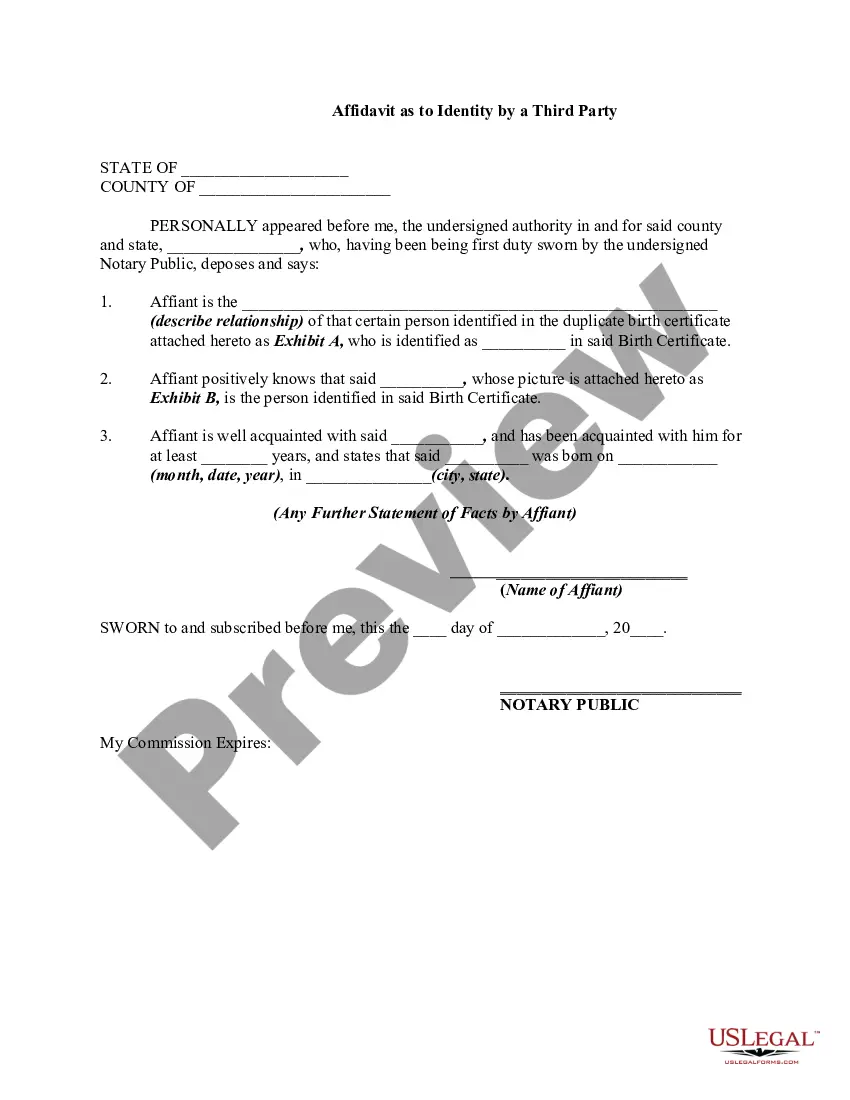
Get your form ready online
Our built-in tools help you complete, sign, share, and store your documents in one place.
Make edits, fill in missing information, and update formatting in US Legal Forms—just like you would in MS Word.
Download a copy, print it, send it by email, or mail it via USPS—whatever works best for your next step.
Sign and collect signatures with our SignNow integration. Send to multiple recipients, set reminders, and more. Go Premium to unlock E-Sign.
If this form requires notarization, complete it online through a secure video call—no need to meet a notary in person or wait for an appointment.
We protect your documents and personal data by following strict security and privacy standards.

Make edits, fill in missing information, and update formatting in US Legal Forms—just like you would in MS Word.

Download a copy, print it, send it by email, or mail it via USPS—whatever works best for your next step.

Sign and collect signatures with our SignNow integration. Send to multiple recipients, set reminders, and more. Go Premium to unlock E-Sign.

If this form requires notarization, complete it online through a secure video call—no need to meet a notary in person or wait for an appointment.

We protect your documents and personal data by following strict security and privacy standards.
Looking for another form?





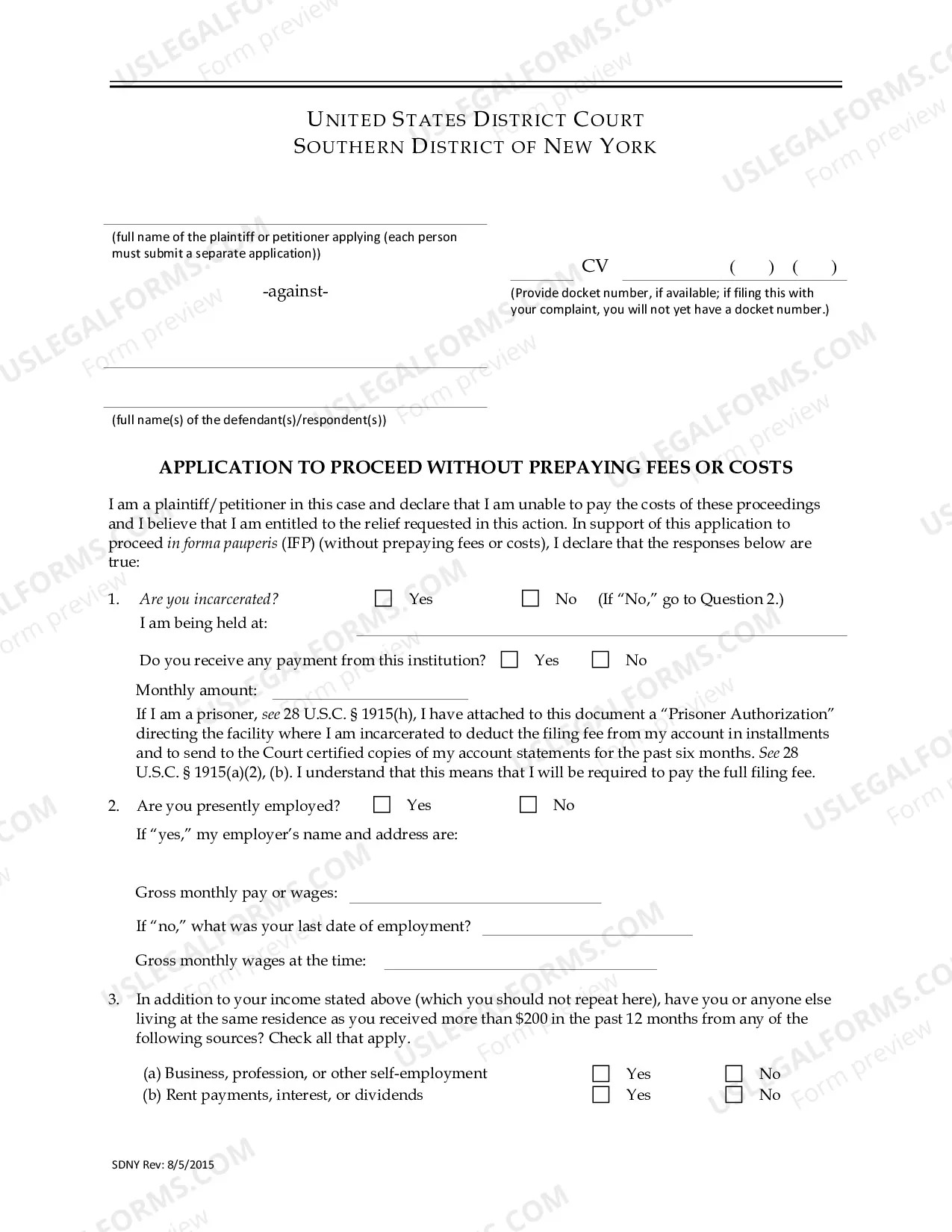



How to fill out Signature And Name Affidavit?
Securing a reliable source to obtain the most up-to-date and pertinent legal templates is half the battle of managing bureaucracy.
Locating the correct legal documents demands accuracy and meticulousness, which is why it is crucial to obtain samples of Signature Name Form For Google solely from reputable sources, such as US Legal Forms. An incorrect template can squander your time and prolong the issue at hand.
Eliminate the hassle associated with your legal documentation. Browse the extensive US Legal Forms library where you can discover legal samples, verify their applicability to your situation, and download them instantly.
- Utilize the catalog navigation or search bar to locate your template.
- Review the form’s description to determine if it meets the criteria for your state and locality.
- Access the form preview, if available, to confirm that the template is the one you seek.
- Return to the search to find the suitable document if the Signature Name Form For Google does not meet your requirements.
- Once you are certain about the form’s applicability, download it.
- If you are a registered user, click Log in to verify and access your chosen templates in My documents.
- If you have yet to create an account, click Buy now to obtain the template.
- Select the pricing option that fits your needs.
- Proceed with the registration to complete your purchase.
- Complete your purchase by selecting a payment method (credit card or PayPal).
- Choose the file format for downloading Signature Name Form For Google.
- Once you have the form on your device, you can modify it with the editor or print it and complete it manually.
Form popularity
FAQ
To get a signature on a Google Form, you can utilize the Signature name form for Google. First, ensure you have access to a third-party tool or add-on that integrates with Google Forms, such as UsLegalForms. After setting up the form, include a section for signatures where users can easily sign electronically. This method not only streamlines the process but also enhances the legality of the submissions.
To create a signature on Google Forms, you can use the drawing tool to sketch your name directly. Alternatively, upload an image of your signature for a polished look. By utilizing a signature name form for Google, you streamline this process, ensuring your signature appears clearly and meets your document needs. This integration enhances your forms and provides a professional touch.
Filling out an e-signature full name is straightforward. Start by entering your first name, followed by your last name. Ensure the spelling is accurate, as this will appear on your legal documents. For a seamless experience, consider using a signature name form for Google, which simplifies the process and maintains professionalism.
To create an electronic signature on a form, you can use platforms like uslegalforms that integrate with Google Forms. Simply set up your form and include a section for electronic signatures, making the process seamless for users. This method enhances convenience and ensures that all signatures are legally compliant.
Yes, you can collect signatures on Google Forms. Although Google Forms does not have a built-in signature field, you can work around this by adding a file upload option. This allows users to upload an image of their signature, effectively creating a signature name form for Google.
To create a Google Form for collecting signatures, start by designing your form with relevant questions. Include a file upload section for users to submit their signatures. You can also use uslegalforms to streamline the signature collection process, ensuring all data is securely stored.
In Google Docs, you can insert a signature over your printed name by using the drawing tool. Simply go to Insert, then Drawing, and create your signature. Once you save and close the drawing, you can resize and position it over your printed name, creating a professional look for your document.
To add a signature in Google Forms, you can use a third-party tool like uslegalforms. After creating your form, include a file upload question where users can upload their signatures. This method allows for easy collection of signatures directly through your Google Form, making it efficient for your needs.
