Hipaa Form Download With Email
Description











Get your form ready online
Our built-in tools help you complete, sign, share, and store your documents in one place.
Make edits, fill in missing information, and update formatting in US Legal Forms—just like you would in MS Word.
Download a copy, print it, send it by email, or mail it via USPS—whatever works best for your next step.
Sign and collect signatures with our SignNow integration. Send to multiple recipients, set reminders, and more. Go Premium to unlock E-Sign.
If this form requires notarization, complete it online through a secure video call—no need to meet a notary in person or wait for an appointment.
We protect your documents and personal data by following strict security and privacy standards.

Make edits, fill in missing information, and update formatting in US Legal Forms—just like you would in MS Word.

Download a copy, print it, send it by email, or mail it via USPS—whatever works best for your next step.

Sign and collect signatures with our SignNow integration. Send to multiple recipients, set reminders, and more. Go Premium to unlock E-Sign.

If this form requires notarization, complete it online through a secure video call—no need to meet a notary in person or wait for an appointment.

We protect your documents and personal data by following strict security and privacy standards.
Looking for another form?
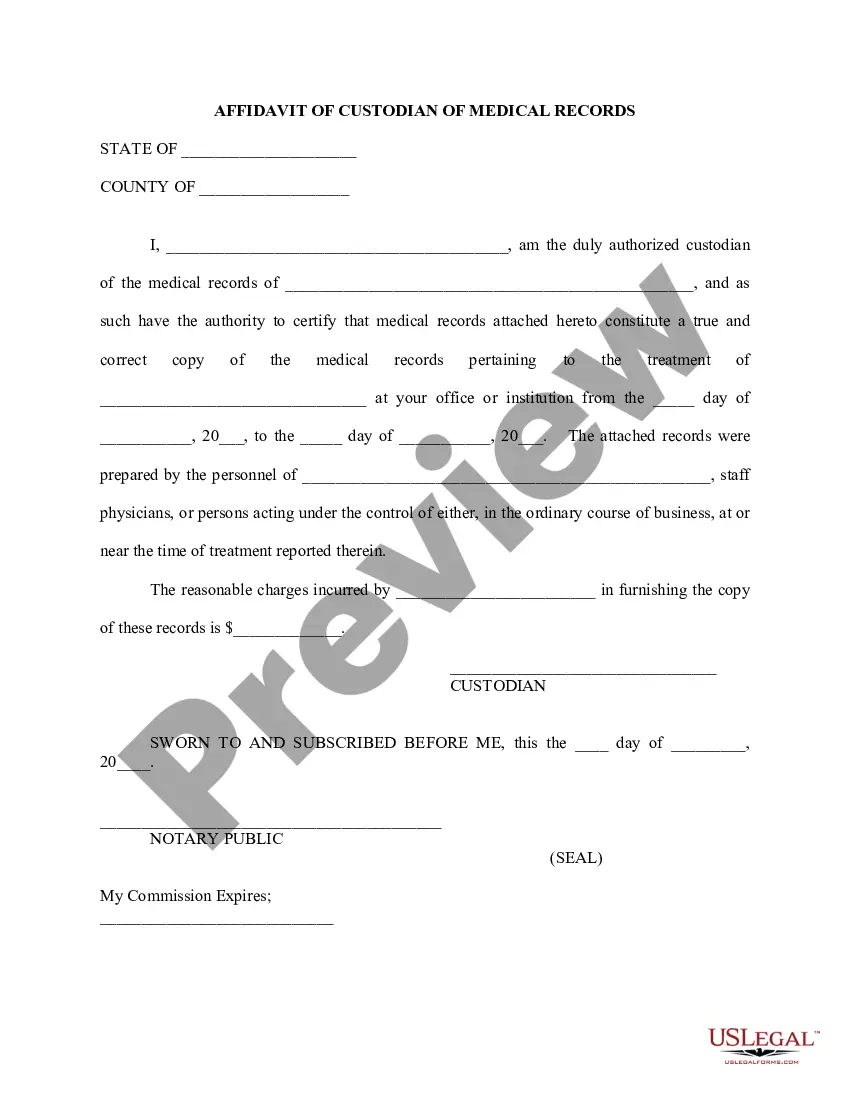
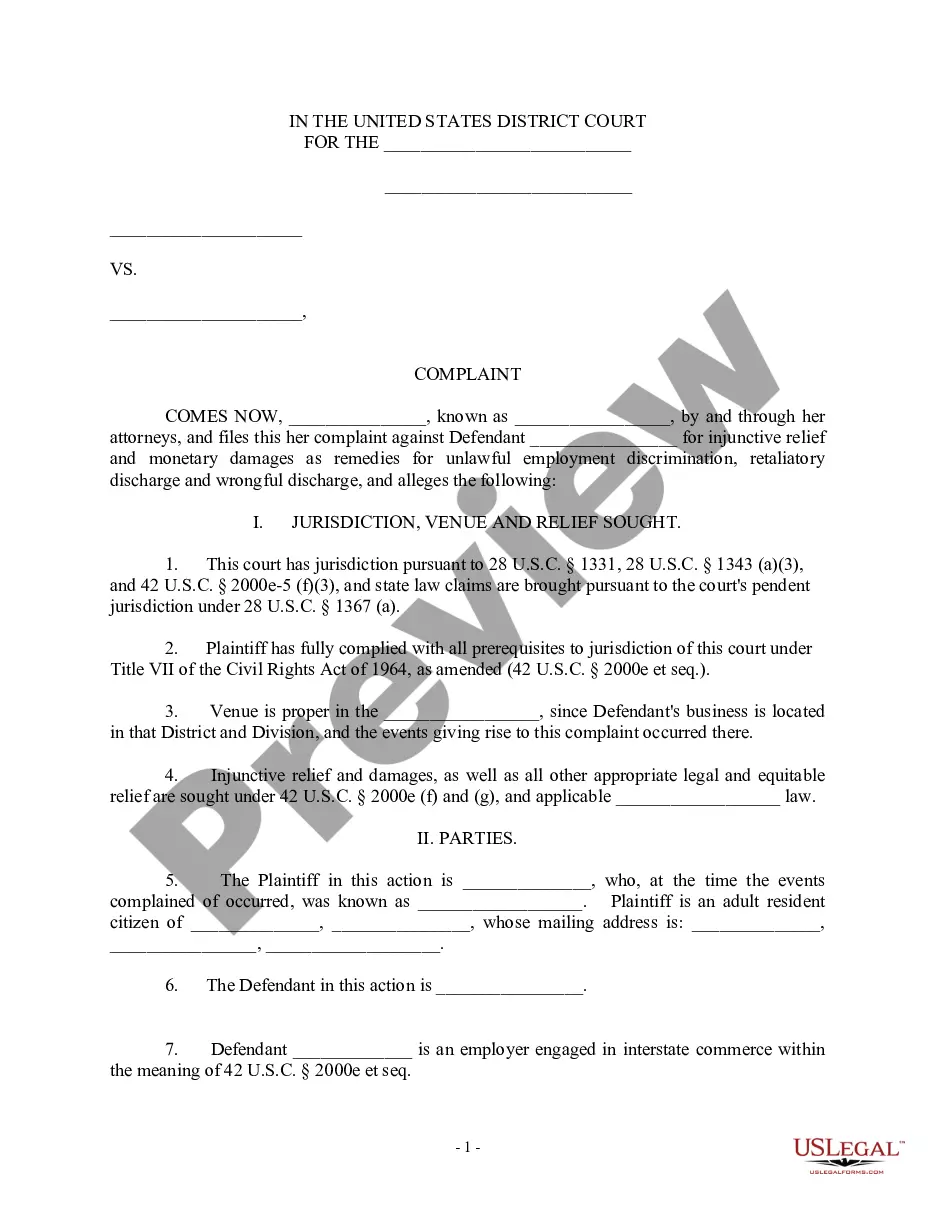

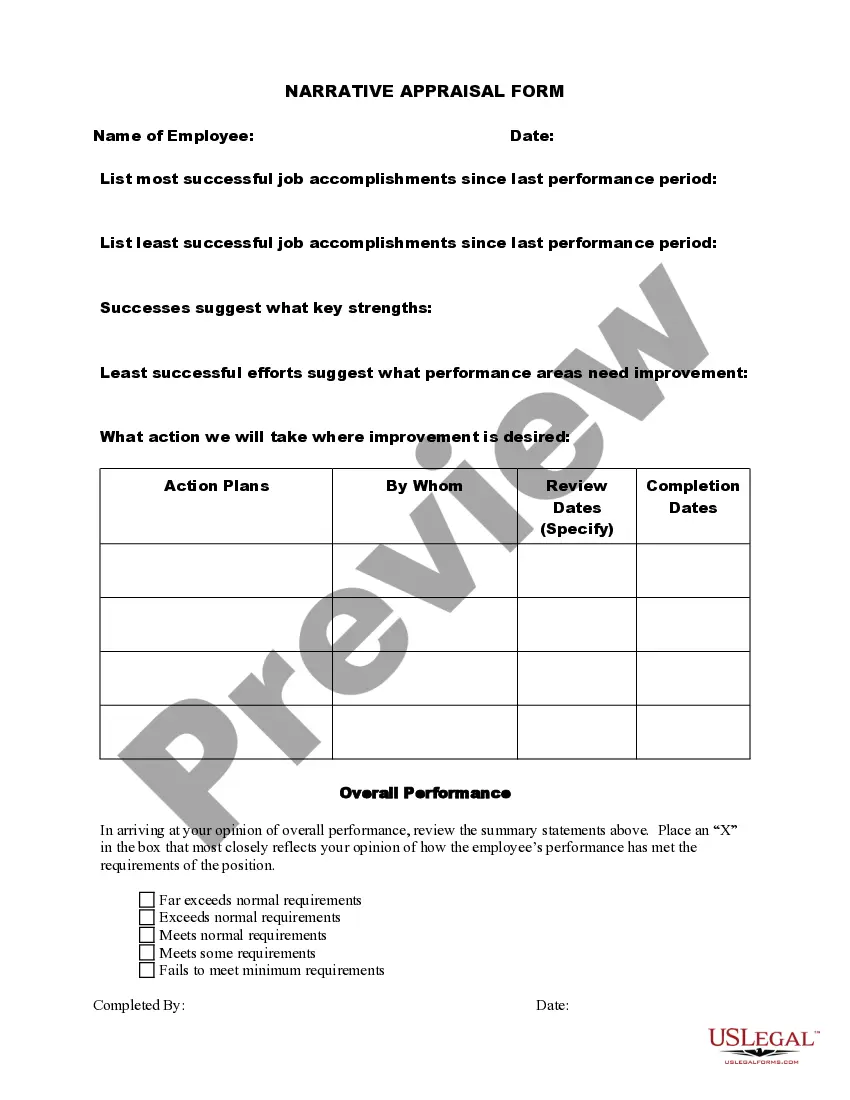
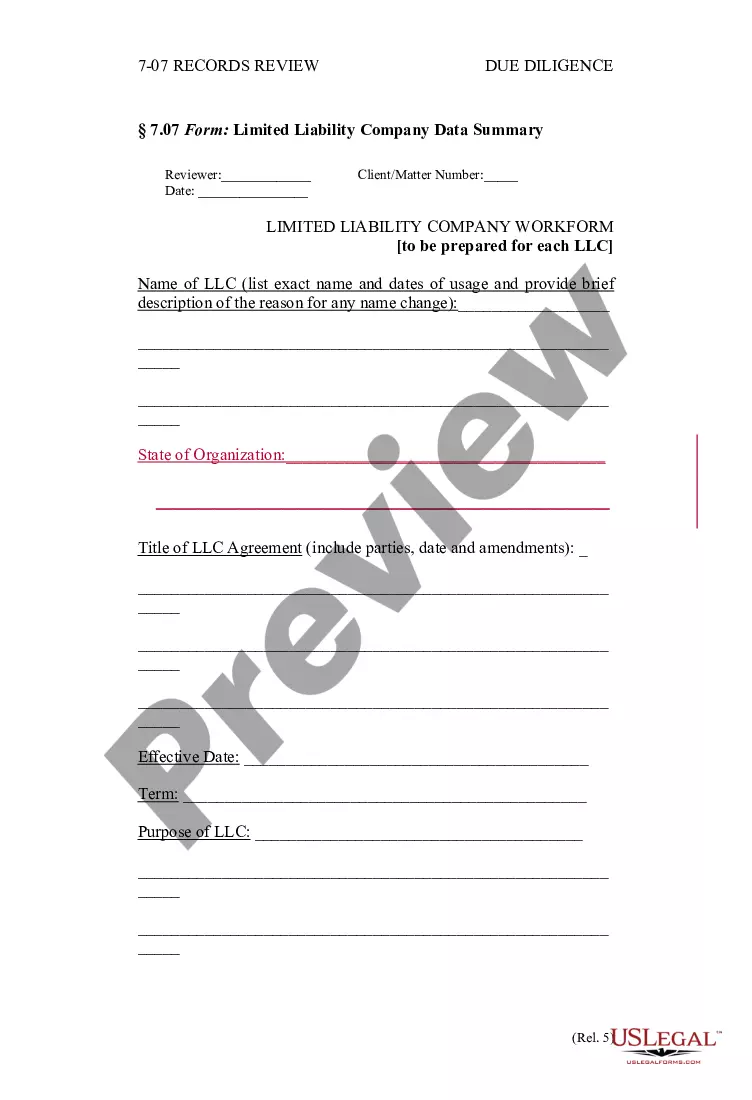

How to fill out HIPAA Notice Of Privacy Practices?
Handling legal document management can be daunting, even for experienced practitioners.
If you are looking for a Hipaa Form Download With Email and lack the time to search for the proper and current version, the process can be overwhelming.
Obtain legal and business forms tailored to state or county requirements. Whether for personal or corporate needs, US Legal Forms consolidates all your document needs in one location.
Utilize sophisticated tools for completing and managing your Hipaa Form Download With Email.
After downloading the desired form, take these steps: Confirm it is the correct form by previewing and reviewing its details. Ensure the template is recognized in your region. Select Buy Now when prepared. Choose a monthly subscription plan. Select your preferred format, and Download, fill out, eSign, print, and send your documents. Leverage the US Legal Forms web library, supported by 25 years of experience and trustworthiness. Transform your daily document management into a seamless and user-friendly experience today.
- Explore an extensive resource library including articles, guides, and materials pertinent to your needs and circumstances.
- Conserve time and effort in finding necessary documents by using US Legal Forms’ enhanced search and Preview tool to locate and obtain Hipaa Form Download With Email.
- If you hold a subscription, Log Into your US Legal Forms account, search for the form, and retrieve it.
- Check your My documents tab to review the documents you've saved previously and organize your folders as desired.
- For newcomers to US Legal Forms, create a free account for unlimited access to the full library benefits.
- A comprehensive online form library can significantly enhance the management of these cases.
- US Legal Forms stands out as a leader in digital legal documents, offering over 85,000 state-specific legal forms accessible at your convenience.
- With US Legal Forms, you can.
Form popularity
FAQ
To make Google Forms HIPAA compliant, first enable the appropriate settings and obtain a BAA (Business Associate Agreement) with Google. Ensure that no personally identifiable information (PII) is collected through the form without proper safeguards. Utilize the form's features to limit data access and storage securely. Relying on HIPAA form downloads with email can supplement this process, providing a more secure way of collecting sensitive information.
Currently, standard ChatGPT services do not guarantee HIPAA compliance, as they do not secure personal health information. If you seek to integrate conversational AI into your workflow, look for platforms that offer HIPAA compliance explicitly. Taking advantage of HIPAA-compliant alternatives can keep your communications secure while maintaining the convenience of AI technology.
If your Connecticut corporation was administratively dissolved (forfeited), and you want to continue your business in Connecticut, you will have to file a Certificate of Reinstatement with the Connecticut Secretary of the State, Commercial Recording Division (SOTS).
To reinstate your LLC, you'll have to submit the following to the Connecticut Secretary of the State: a completed Reinstatement Package. a $120 reinstatement fee. an annual report for the current year. any penalties owed.
Connecticut LLCs must file by March 31 each year. Late Fees: Connecticut does not charge late fees for failing to file an annual report. However, your business will no longer be in good standing. If you continue to be delinquent for more than a year, your business will be administratively dissolved.
If you voluntarily dissolve your LLC or Limited Partnership you may file a reinstatement, returning to active status while keeping your original date of formation. Reinstatement following a voluntary dissolution is only available for LLCs and Limited Partnerships.
A certified copy of your Articles of Organization or Articles of Incorporation can be ordered by fax, mail, email or in person, but we recommend faxing. Normal processing takes up to 5 business days, plus additional time for mailing, and costs $55 for certification.
To revive a Connecticut LLC, you'll need to file the Connecticut Reinstatement Package with the Connecticut Secretary of the State's Commercial Recording Division. You'll also have to fix the issues that led to your Connecticut LLC's dissolution.
All Connecticut LLCs need to pay $80 per year for Annual Reports. These state fees are paid to the Secretary of State. And the Annual Report fees are the only state-required annual fee. You have to pay this to keep your LLC in good standing.