Salary Checklist Format
Description
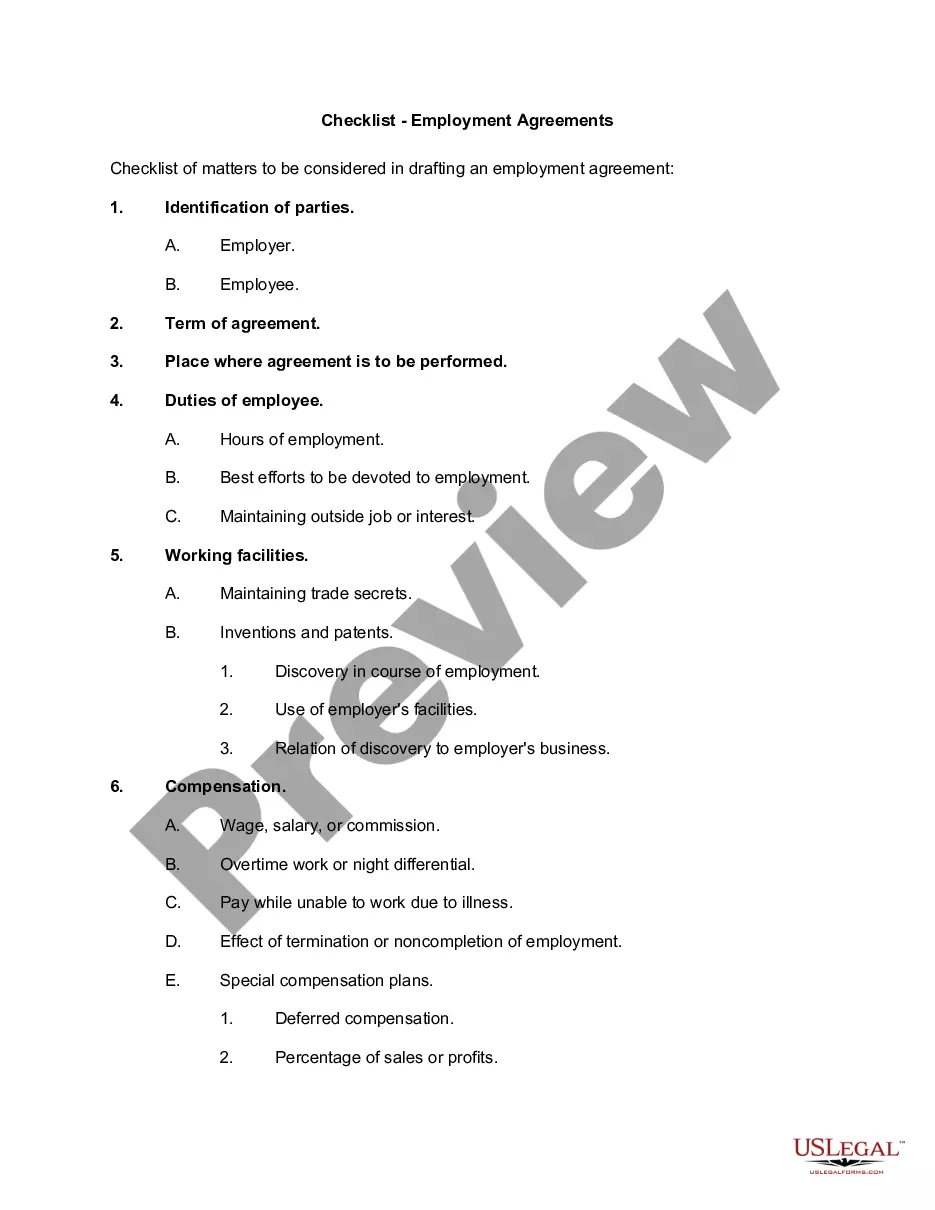
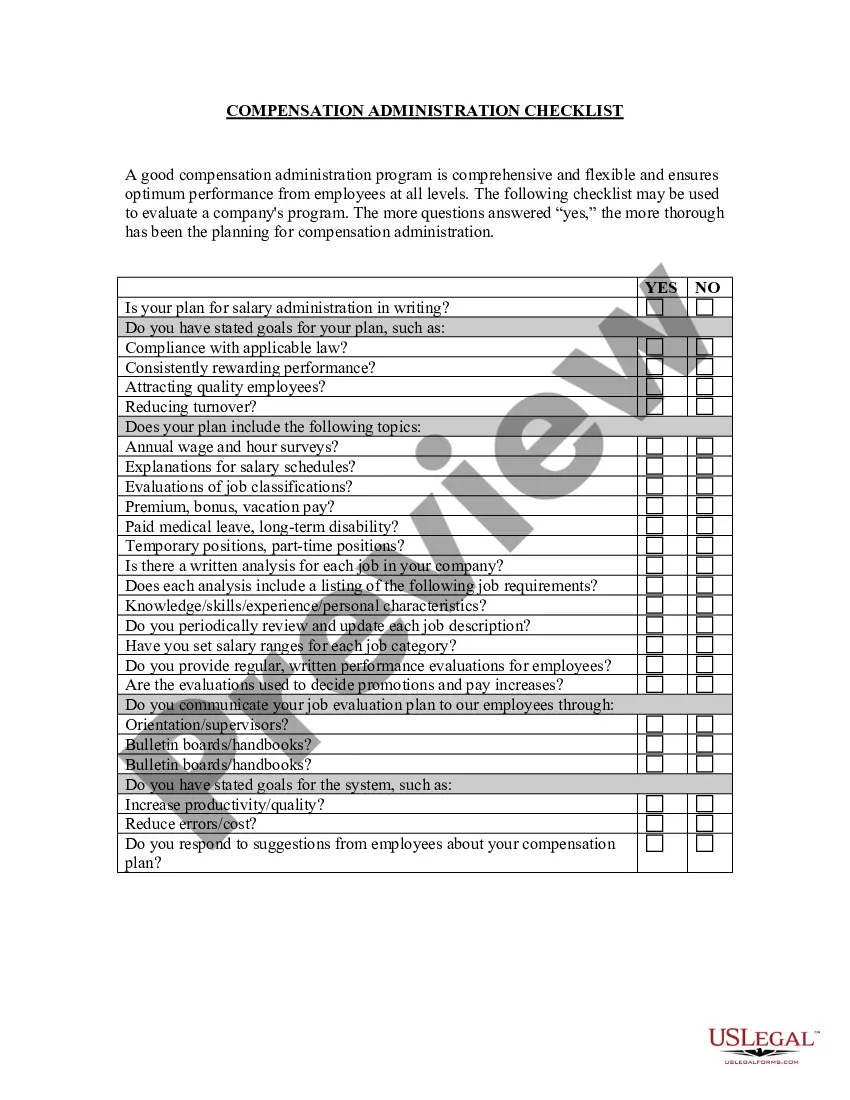
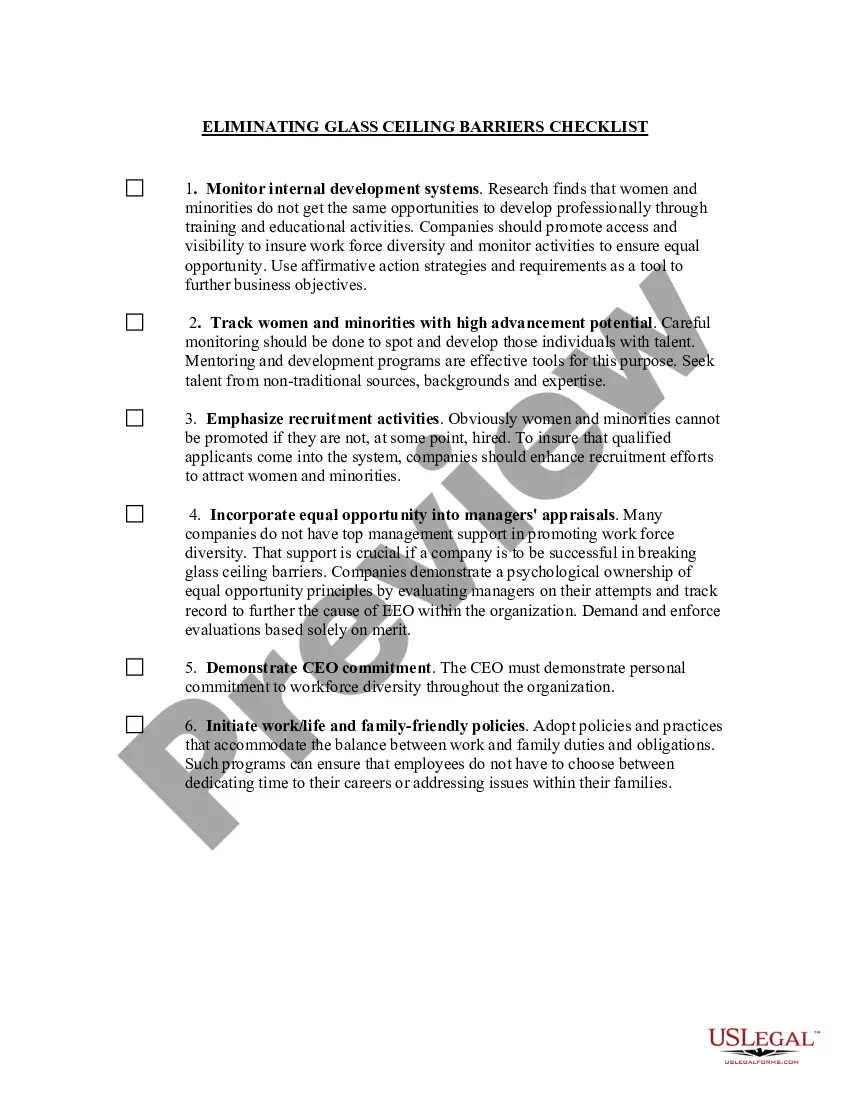
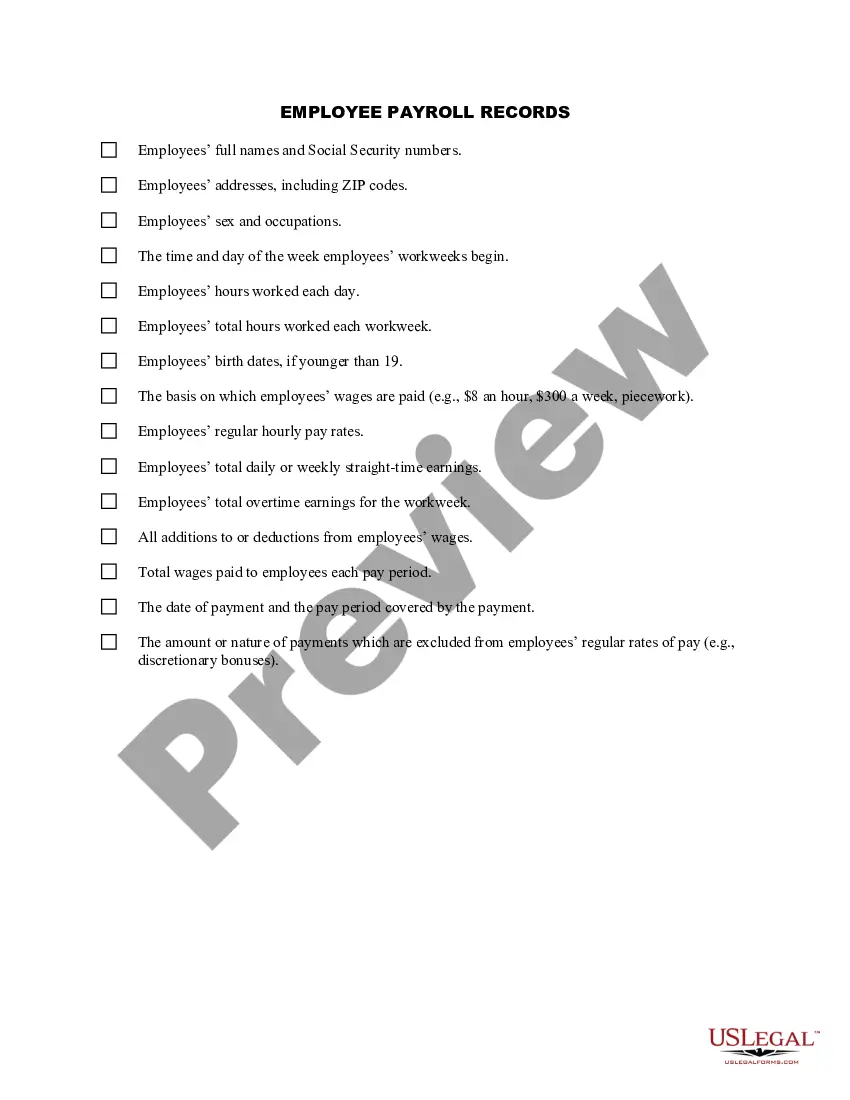
Get your form ready online
Our built-in tools help you complete, sign, share, and store your documents in one place.
Make edits, fill in missing information, and update formatting in US Legal Forms—just like you would in MS Word.
Download a copy, print it, send it by email, or mail it via USPS—whatever works best for your next step.
Sign and collect signatures with our SignNow integration. Send to multiple recipients, set reminders, and more. Go Premium to unlock E-Sign.
If this form requires notarization, complete it online through a secure video call—no need to meet a notary in person or wait for an appointment.
We protect your documents and personal data by following strict security and privacy standards.

Make edits, fill in missing information, and update formatting in US Legal Forms—just like you would in MS Word.

Download a copy, print it, send it by email, or mail it via USPS—whatever works best for your next step.

Sign and collect signatures with our SignNow integration. Send to multiple recipients, set reminders, and more. Go Premium to unlock E-Sign.

If this form requires notarization, complete it online through a secure video call—no need to meet a notary in person or wait for an appointment.

We protect your documents and personal data by following strict security and privacy standards.
Looking for another form?

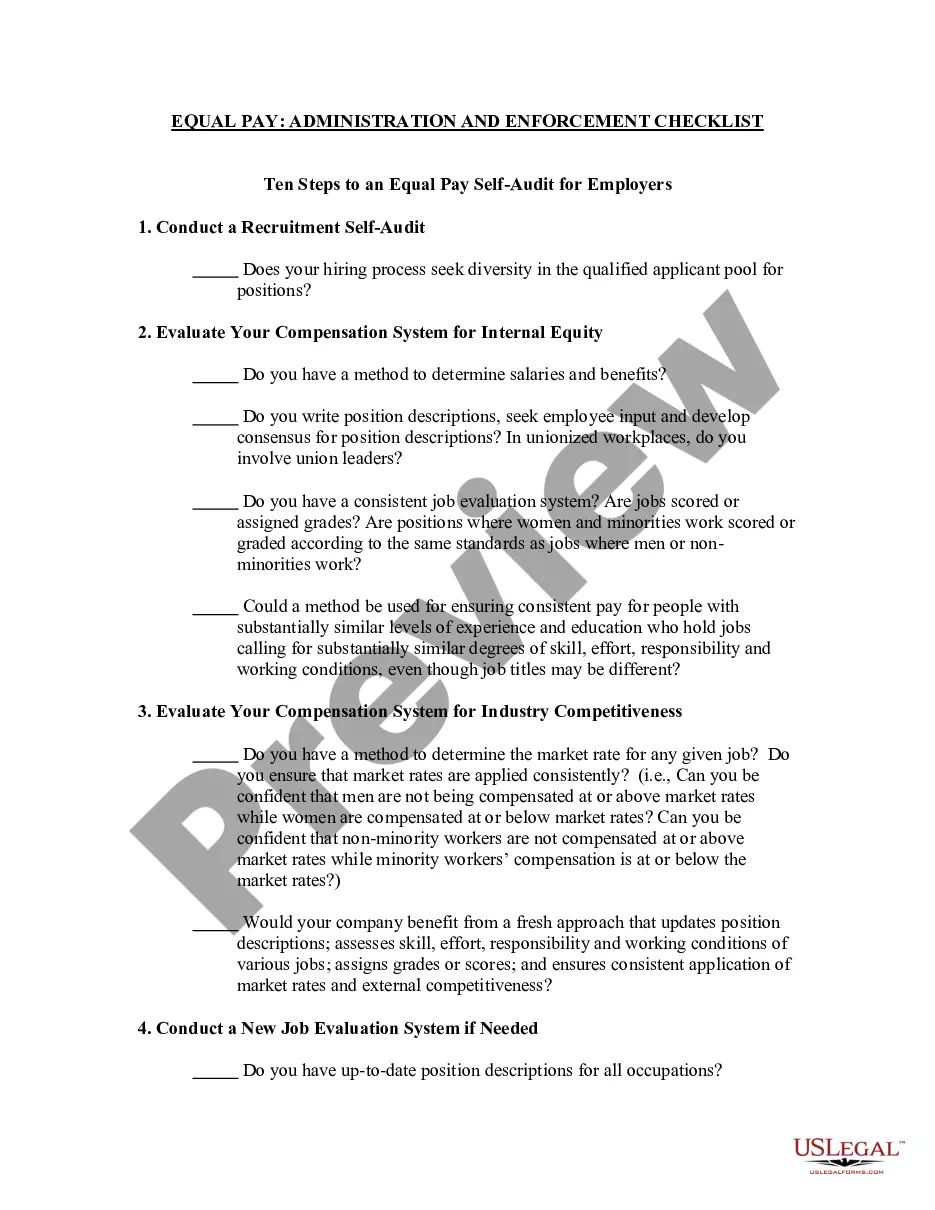
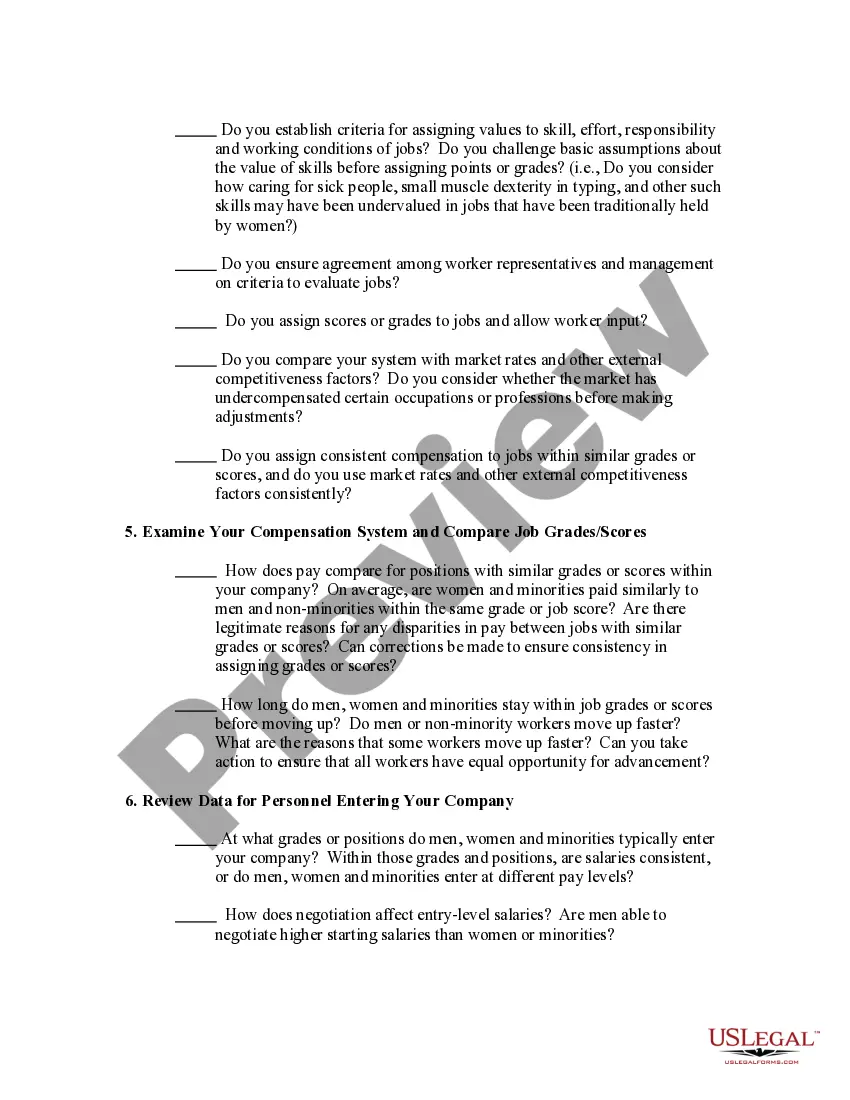
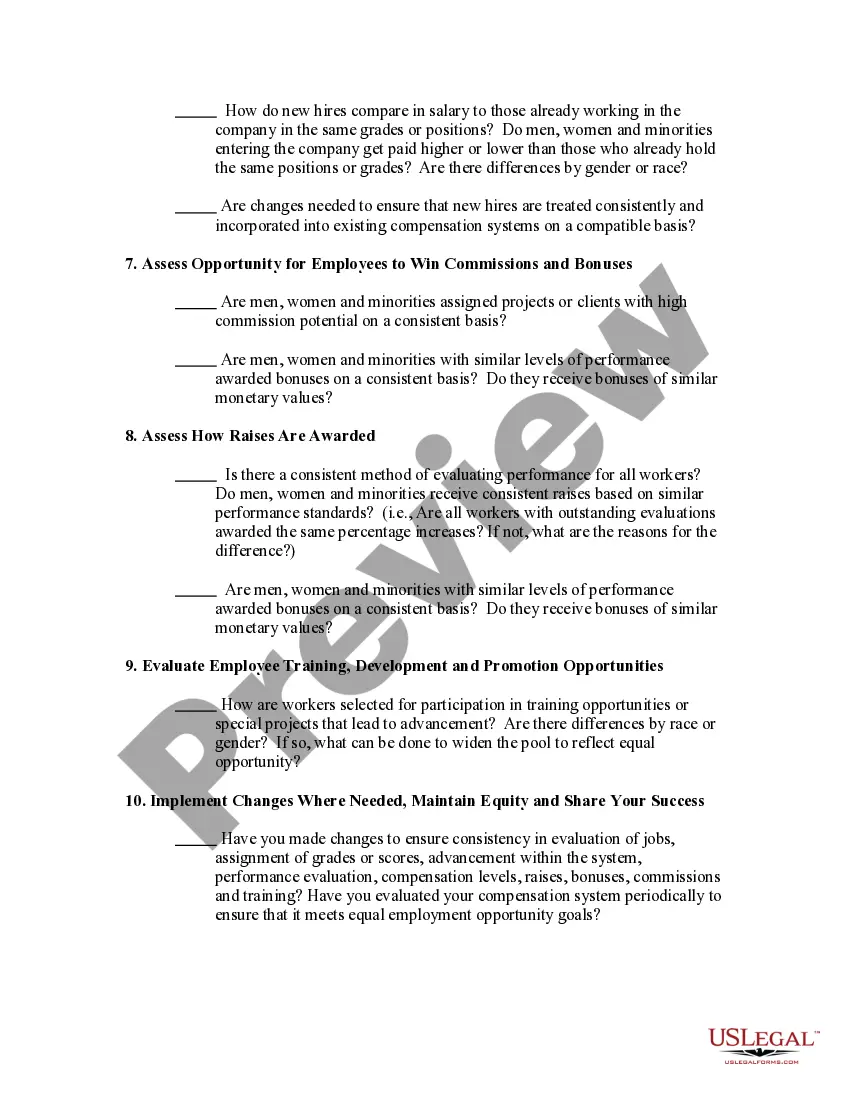
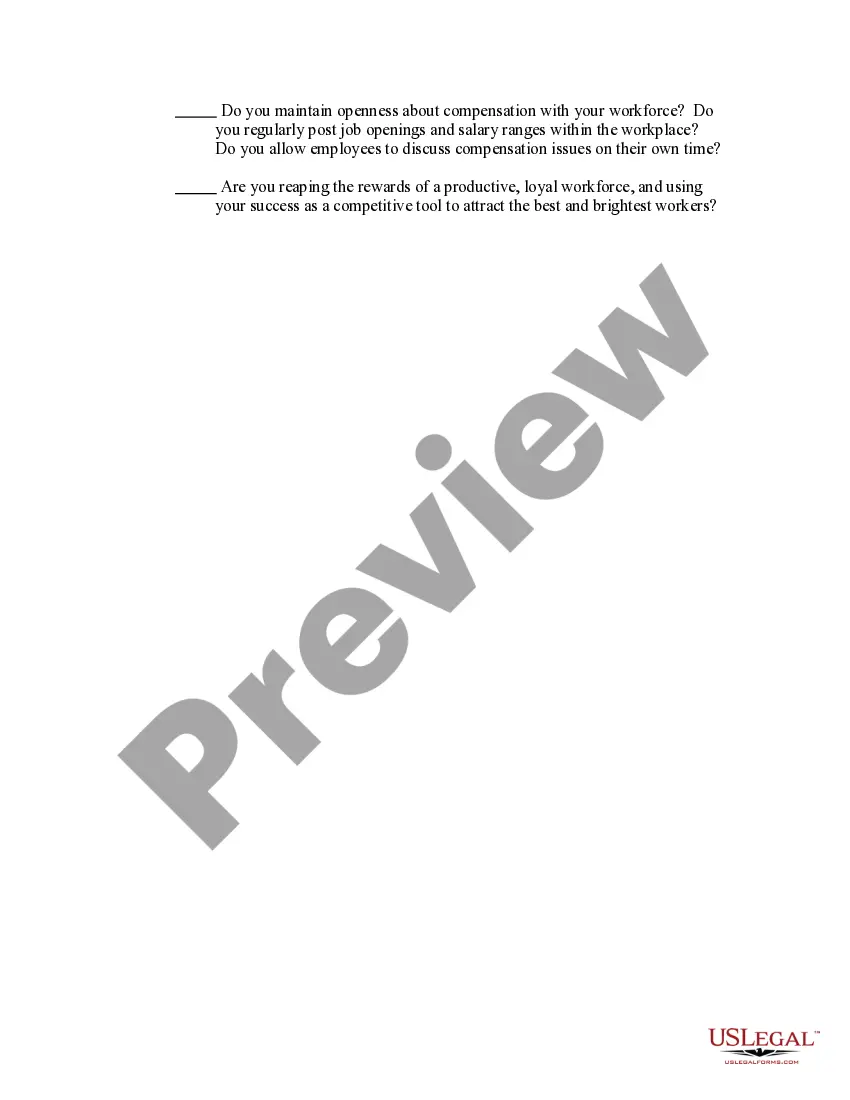
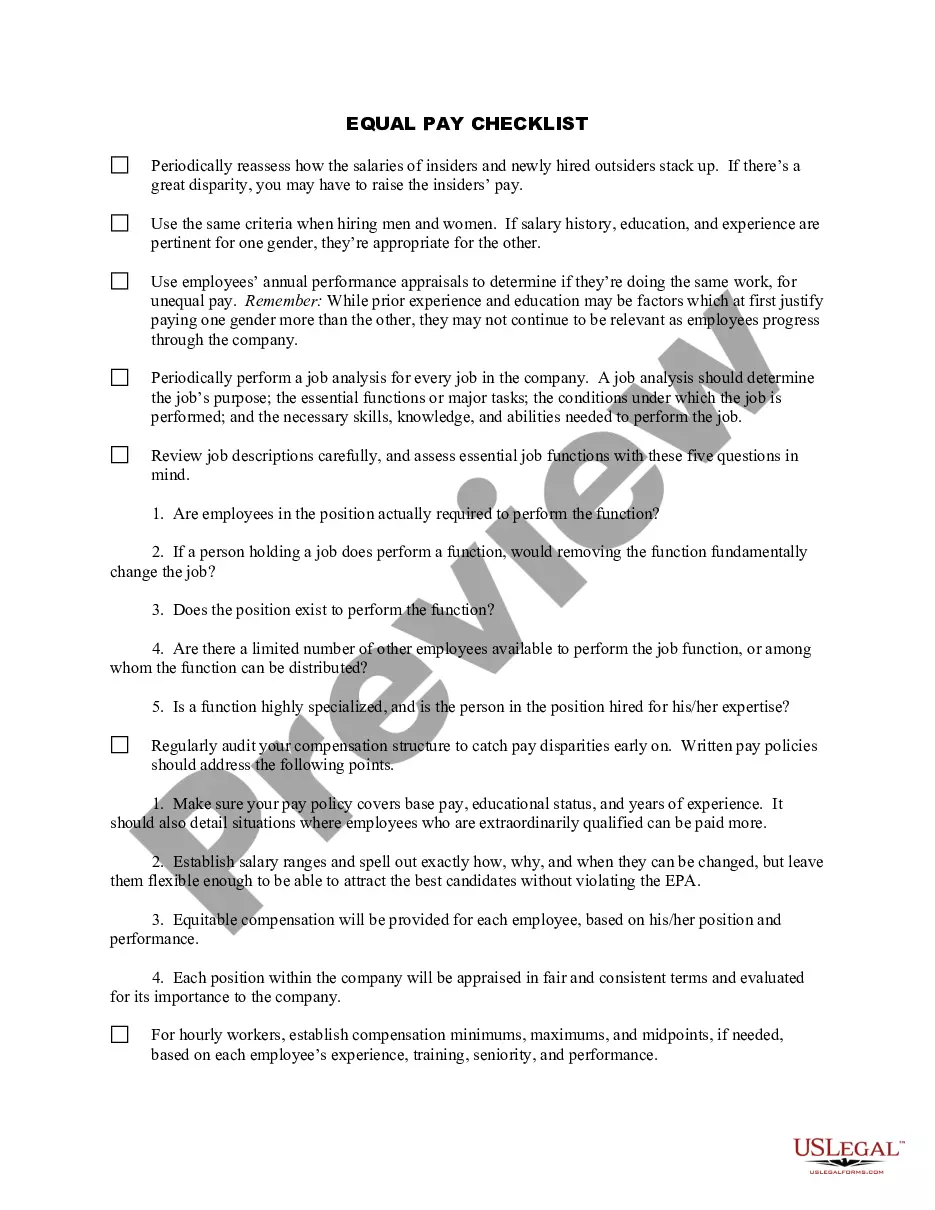
How to fill out Equal Pay - Administration And Enforcement Checklist?
It's clear that you cannot instantly become a legal authority, nor can you swiftly master how to draft a Salary Checklist Format without possessing a specialized set of competencies.
Drafting legal documentation is a lengthy undertaking that necessitates specific training and abilities. So why not entrust the creation of the Salary Checklist Format to the experts.
With US Legal Forms, one of the most comprehensive collections of legal templates available, you can find everything from courtroom paperwork to templates for intra-office communication. We recognize how crucial compliance with federal and local statutes and regulations is. That’s why, on our platform, all forms are specific to your location and current.
You can regain access to your documents from the My documents section at any time. If you are an existing client, you can directly Log In and find and download the template from the same section.
Whether for financial, legal, or personal reasons, our platform satisfies your document needs. Try US Legal Forms today!
- Locate the form you need using the search bar at the top of the site.
- Preview it (if this feature is available) and review the supportive description to determine if the Salary Checklist Format matches your needs.
- If you require another form, begin your search anew.
- Create a complimentary account and select a subscription plan to acquire the form.
- Click Buy now. Once payment is finalized, you can obtain the Salary Checklist Format, fill it out, print it, and send or mail it to the appropriate recipients or organizations.
Form popularity
FAQ
A salary certificate format typically includes the following details: Employee's name and designation. Employer's name and address. Date of joining. Date of issuing the certificate. Basic salary. Allowances, such as house rent, transport, medical, etc. Total salary (basic salary plus allowances)
How to answer the salary expectation question Research the average salary. ... Consider your existing pay. ... Consider perks and benefits. ... Make adjustments for cost of living. ... Ask for additional details (optional) ... Ask for more time (optional) ... Provide a range. ... Justify your salary expectation.
When you write your salary requirements, you should include a range and not a specific sum. For instance, if you would like to make $35,000, then you should state that your salary requirements are between $30,000 and $40,000, rather than $35,000. This way, there is an opportunity to negotiate.
When answering desired salary or expected salary questions on an application, the best approach is to write in ?negotiable? or keep the field blank. If a numerical response is required, enter ?000? and in a notes section, mention that salary is negotiable based on further understanding of the position.
On my application, I listed my desired salary range as $70?80K, and after further consideration, I believe that $80K would be the fair salary to ask for based on the requirements of the role, my level of experience, and the fact that I would need to relocate for this position.