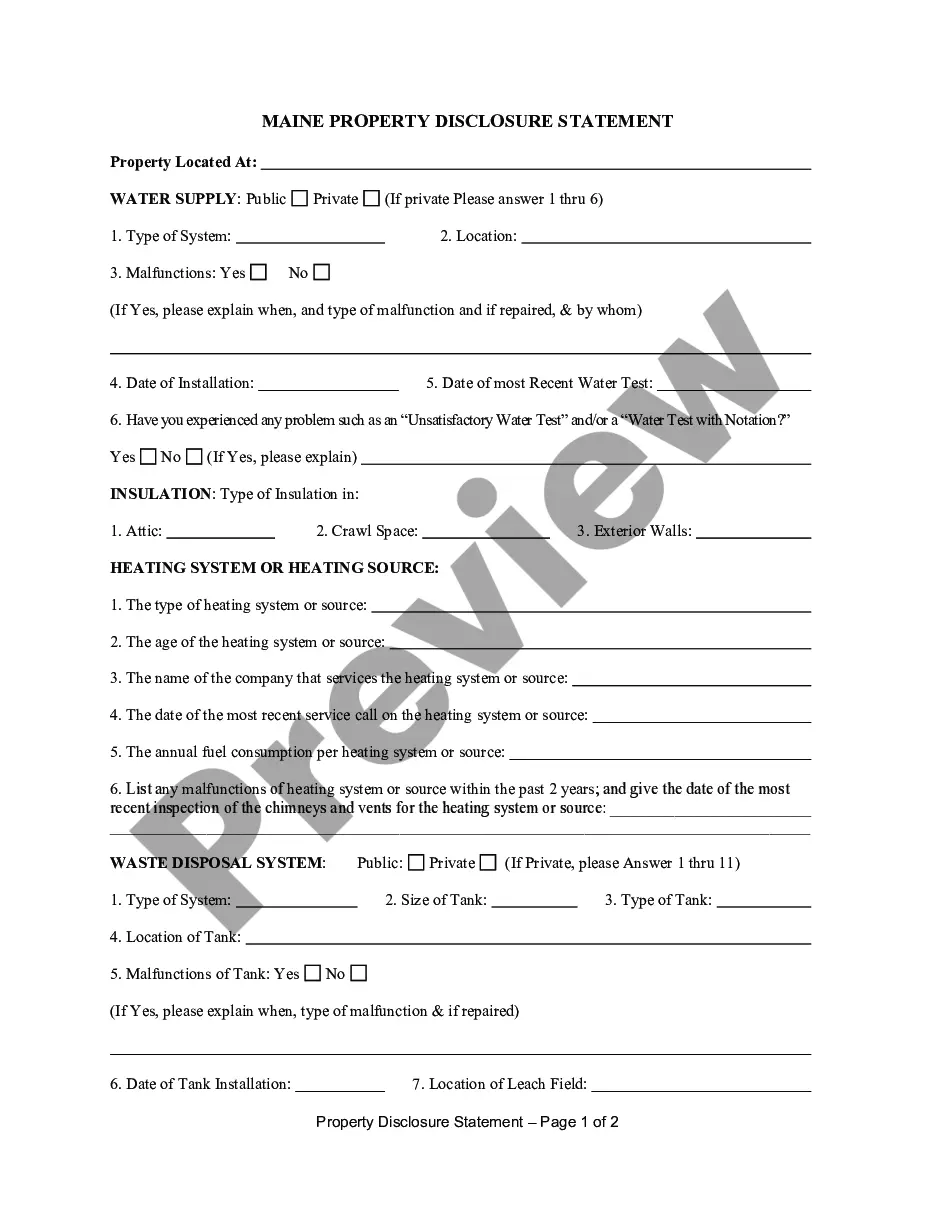
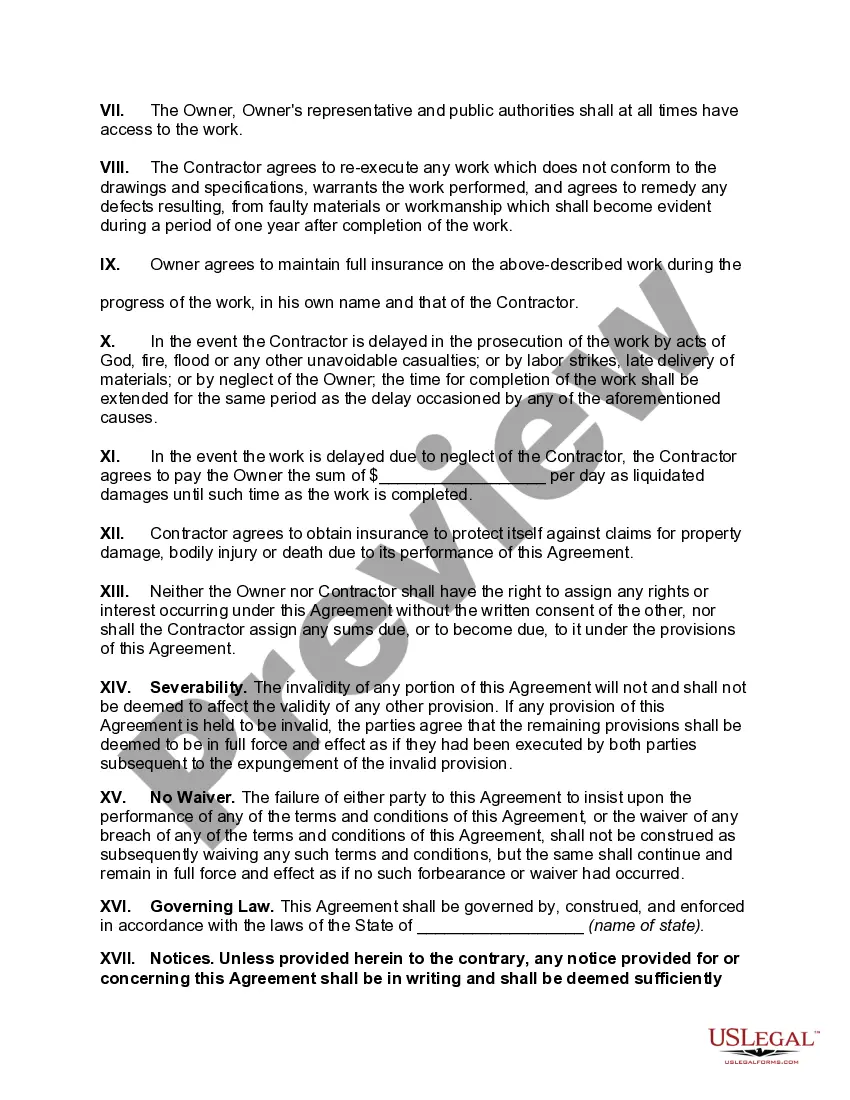
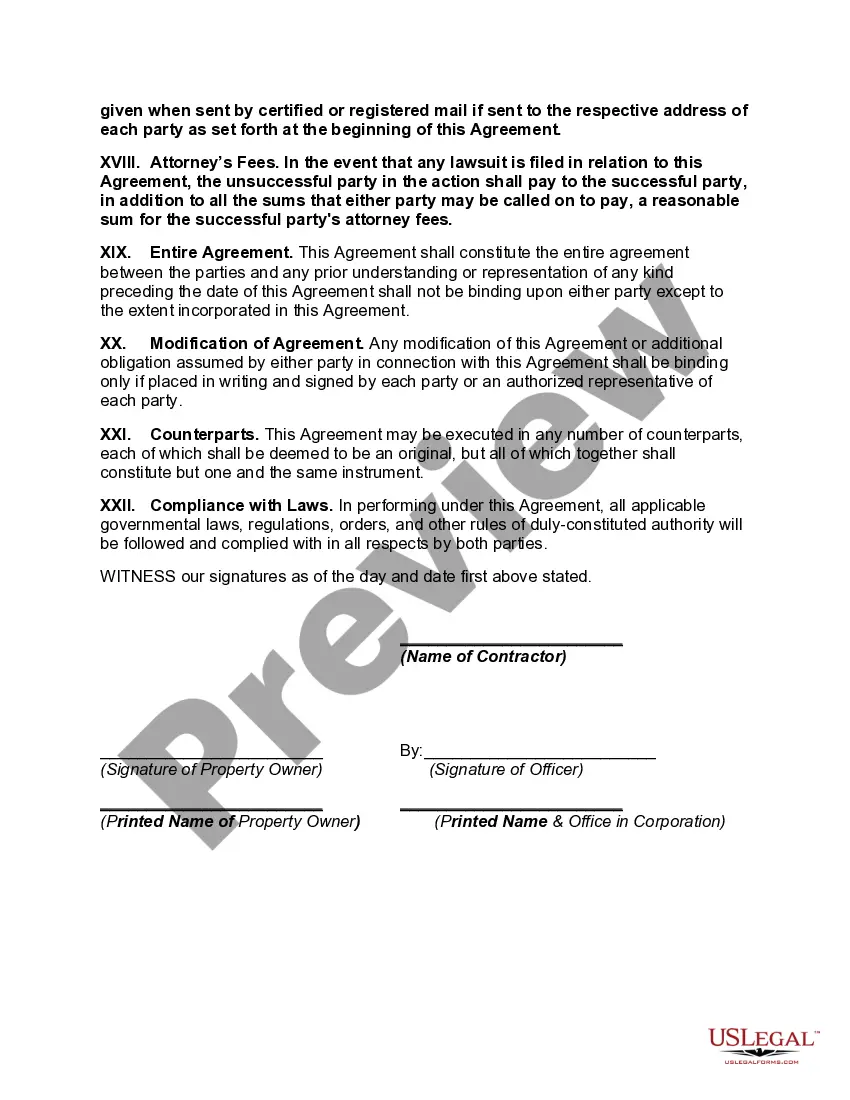
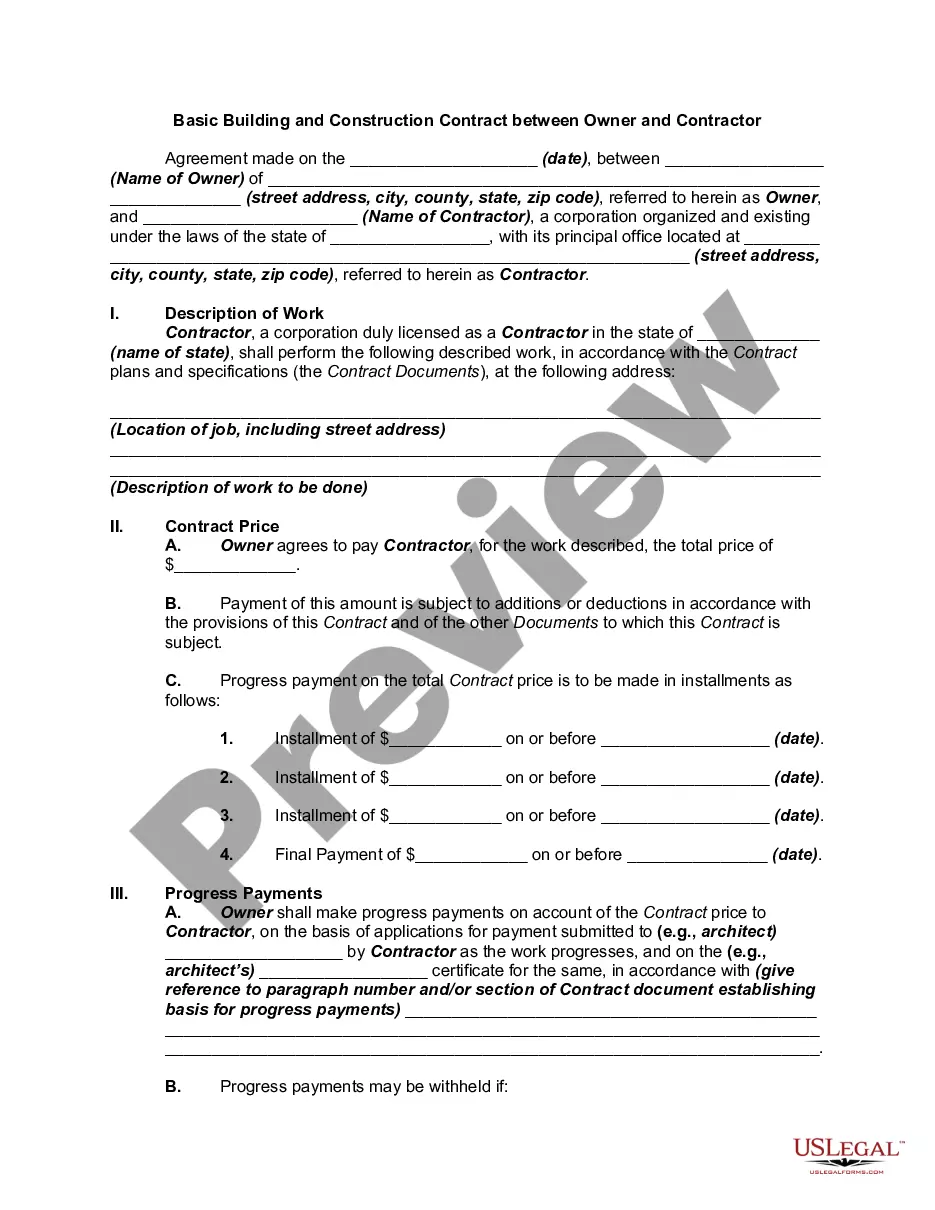
Agreement Between Contractor With Homeowner
Description
Get your form ready online
Our built-in tools help you complete, sign, share, and store your documents in one place.
Make edits, fill in missing information, and update formatting in US Legal Forms—just like you would in MS Word.
Download a copy, print it, send it by email, or mail it via USPS—whatever works best for your next step.
Sign and collect signatures with our SignNow integration. Send to multiple recipients, set reminders, and more. Go Premium to unlock E-Sign.
If this form requires notarization, complete it online through a secure video call—no need to meet a notary in person or wait for an appointment.
We protect your documents and personal data by following strict security and privacy standards.

Make edits, fill in missing information, and update formatting in US Legal Forms—just like you would in MS Word.

Download a copy, print it, send it by email, or mail it via USPS—whatever works best for your next step.

Sign and collect signatures with our SignNow integration. Send to multiple recipients, set reminders, and more. Go Premium to unlock E-Sign.

If this form requires notarization, complete it online through a secure video call—no need to meet a notary in person or wait for an appointment.

We protect your documents and personal data by following strict security and privacy standards.
Looking for another form?

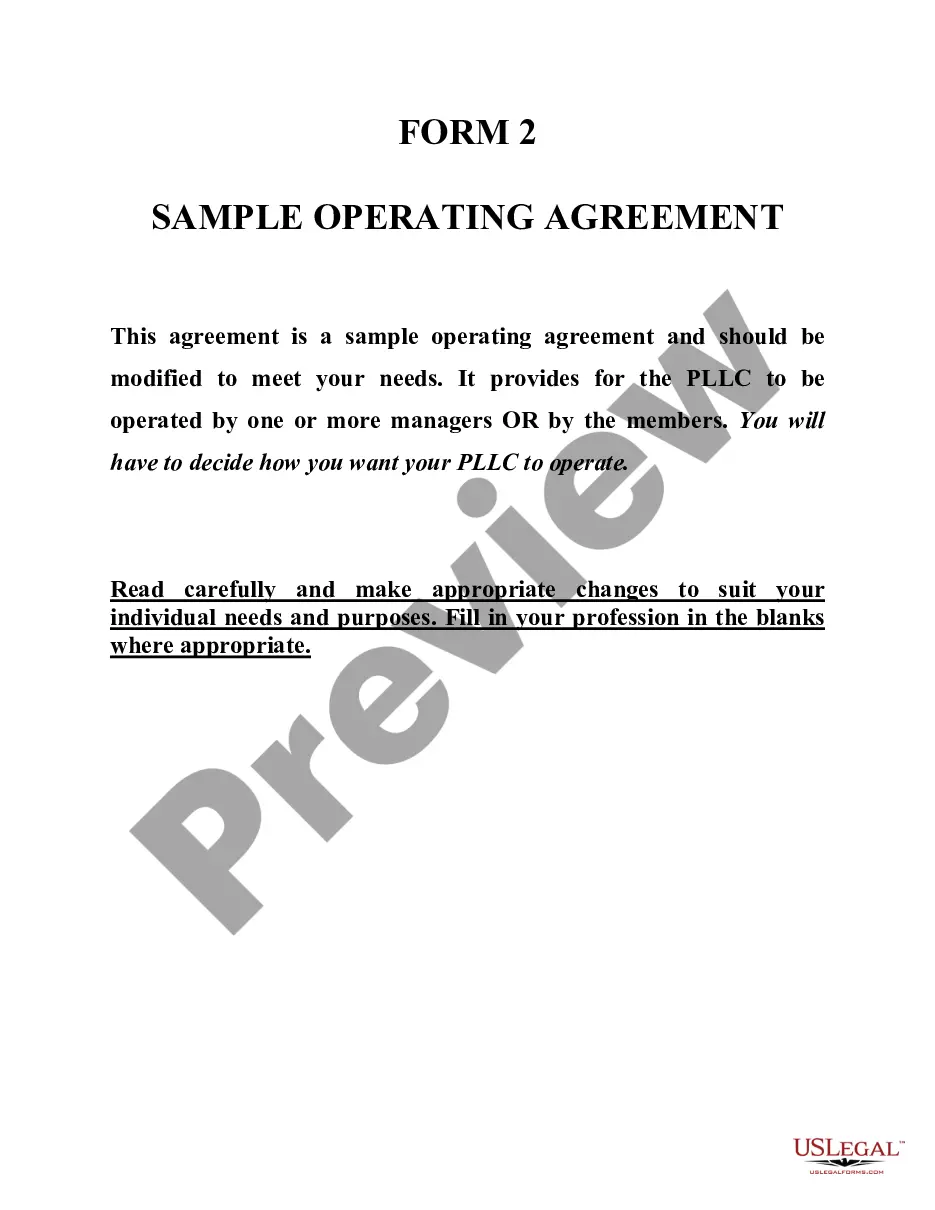






How to fill out General Construction Agreement Between Property Owner And Contractor?
Individuals frequently link legal documentation with something intricate that can only be managed by an expert.
In a certain manner, this is accurate, as preparing an Agreement Between Contractor and Homeowner necessitates substantial knowledge of specific subject criteria, including state and county laws.
However, with US Legal Forms, matters have become more straightforward: ready-to-use legal templates tailored for any life and business circumstance pertinent to state laws are assembled in a single online directory and are now accessible to everyone.
Once purchased, all templates are reusable and remain stored in your profile. You can access them whenever needed through the My documents tab. Discover all benefits of utilizing the US Legal Forms platform. Subscribe today!
- US Legal Forms offers over 85,000 current documents categorized by state and area of use, making it quick to find an Agreement Between Contractor and Homeowner or any other specific template.
- Previously registered users with an active subscription must Log In to their account and click Download to access the form.
- New users on the platform will need to create an account and subscribe before being able to download any documents.
- Here is the comprehensive guide on how to acquire the Agreement Between Contractor and Homeowner.
- Examine the page content closely to confirm it meets your requirements.
- Review the form description or view it through the Preview option.
- Search for an alternative sample using the Search field above if the prior one does not fit your needs.
- Click Buy Now once you identify the appropriate Agreement Between Contractor and Homeowner.
- Select a subscription plan that meets your requirements and budget.
Form popularity
FAQ
What should be included in a Contractor Agreement?Statement of Relationship.Project Description.Payment and Billing Terms.Responsibilities of Each Party.Project Timeline and Deadlines.Termination Conditions.Nondisclosure Terms, and Confidentiality and Non-Compete Clauses.
Review any contract the contractor provides to you make sure it is clear and complete. consider hiring a professional to review the plans and specifications. consider hiring an attorney to review and explain the contract to you, and. most importantly, do not be afraid to negotiate the contract with the contractor.
What Should Be in a Construction Contract?Identifying/Contact Information.Title and Description of the Project.Projected Timeline and Completion Date.Cost Estimate and Payment Schedule.Stop-Work Clause and Stop-Payment Clause.Act of God Clause.Change Order Agreement.Warranty.More items...
How do I create an Independent Contractor Agreement?State the location.Describe the type of service required.Provide the contractor's and client's details.Outline compensation details.State the agreement's terms.Include any additional clauses.State the signing details.
What should be included in a Contractor Agreement?Statement of Relationship.Project Description.Payment and Billing Terms.Responsibilities of Each Party.Project Timeline and Deadlines.Termination Conditions.Nondisclosure Terms, and Confidentiality and Non-Compete Clauses.