Emergency Information Form For Seniors
Description
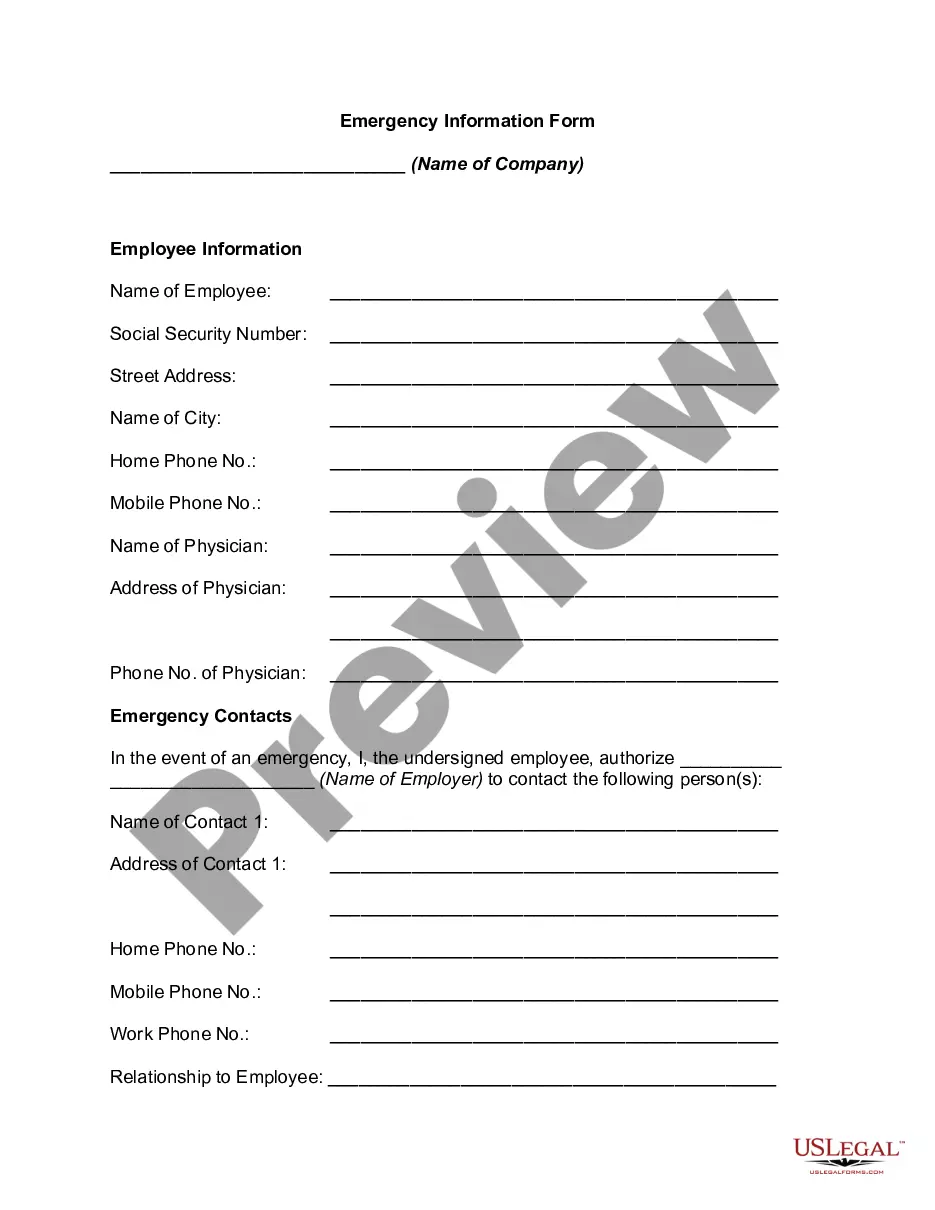
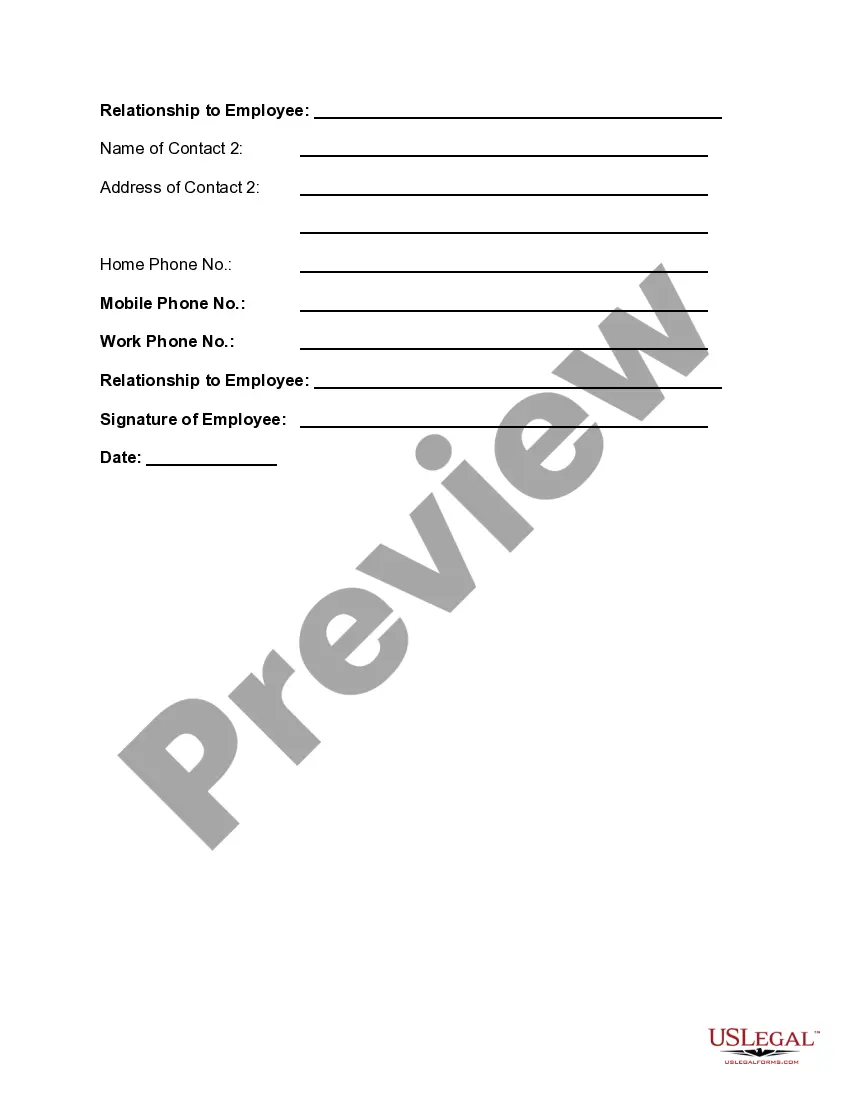
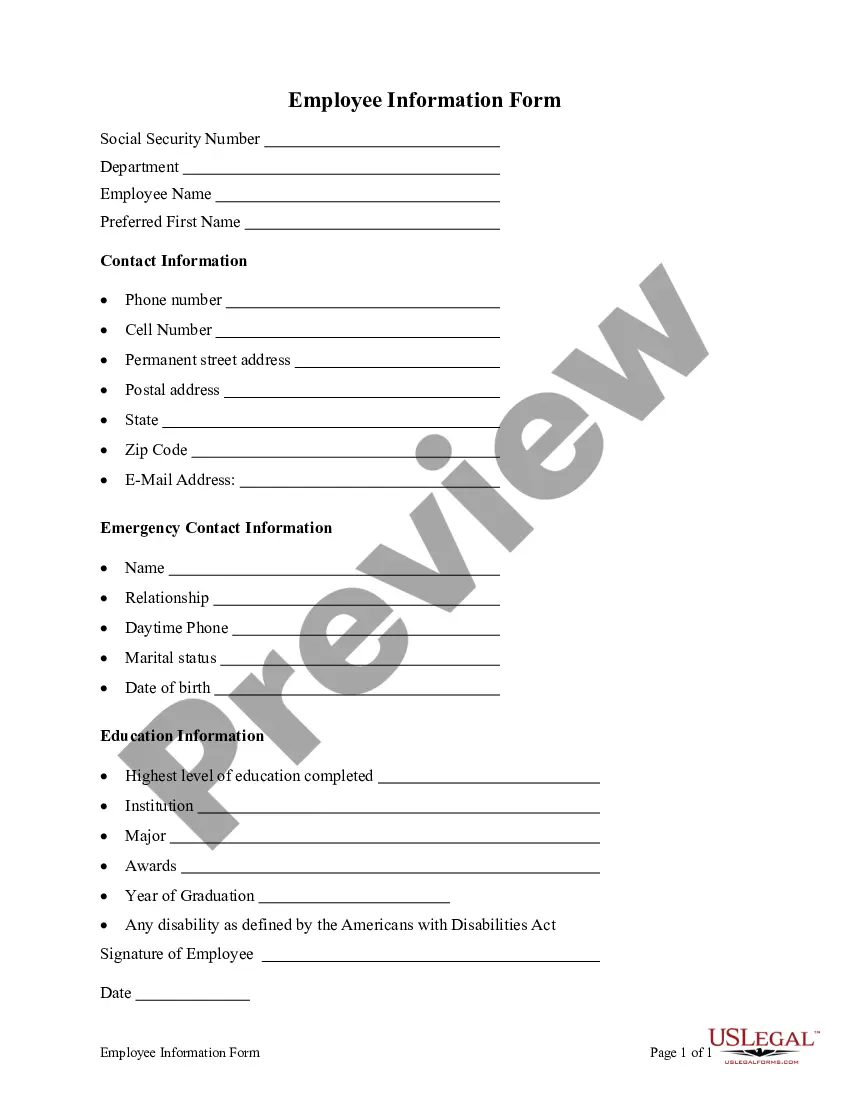

Get your form ready online
Our built-in tools help you complete, sign, share, and store your documents in one place.
Make edits, fill in missing information, and update formatting in US Legal Forms—just like you would in MS Word.
Download a copy, print it, send it by email, or mail it via USPS—whatever works best for your next step.
Sign and collect signatures with our SignNow integration. Send to multiple recipients, set reminders, and more. Go Premium to unlock E-Sign.
If this form requires notarization, complete it online through a secure video call—no need to meet a notary in person or wait for an appointment.
We protect your documents and personal data by following strict security and privacy standards.

Make edits, fill in missing information, and update formatting in US Legal Forms—just like you would in MS Word.

Download a copy, print it, send it by email, or mail it via USPS—whatever works best for your next step.

Sign and collect signatures with our SignNow integration. Send to multiple recipients, set reminders, and more. Go Premium to unlock E-Sign.

If this form requires notarization, complete it online through a secure video call—no need to meet a notary in person or wait for an appointment.

We protect your documents and personal data by following strict security and privacy standards.
Looking for another form?




How to fill out Emergency Information Form?
The Senior Emergency Information Document you see on this page is a reusable official template created by expert lawyers in accordance with federal and state regulations.
For over 25 years, US Legal Forms has supplied individuals, businesses, and attorneys with more than 85,000 certified, state-specific documents for any business and personal needs. It’s the quickest, most straightforward, and most reliable way to obtain the forms you require, as the service guarantees bank-level data safety and anti-malware safeguards.
Download the format of your choice for the Senior Emergency Information Document (PDF, DOCX, RTF) and save the sample to your device. Print the template to fill it out by hand. Alternatively, use an online versatile PDF editor to quickly and accurately complete and sign your form with a legally-binding electronic signature. Download your documents again whenever required. Access the My documents section in your account to redownload any forms previously saved.
- Search for the document you require and assess it.
- Browse through the file you searched and preview it or review the form description to ensure it meets your specifications. If it does not, use the search feature to find the suitable one. Click Buy Now when you have identified the template you require.
- Select a subscription plan and Log In.
- Pick the pricing option that works for you and set up an account. Use PayPal or a credit card for quick payment. If you already possess an account, Log In and review your subscription to proceed.
- Acquire the editable template.
Form popularity
FAQ
An emergency health information card should contain information about medications, equipment you use, allergies and sensitivities, communication difficulties you may have, preferred treatment and treatment-medical providers, and important contact people.
The easiest way to gather this information is during the hiring process. As a part of the onboarding paperwork new hires fill out, just include a simple form where they add a name, relation, and phone number or email address. That is the most information you should need under normal circumstances.
Fill in the required information. Provide accurate and up-to-date information for your emergency contacts, including their name, relationship to you, phone numbers, email addresses, home and work addresses, preferred contact methods, and the types of emergencies they should be contacted for.
What to Include Personal Information: Full name of the individual for whom the form is being filled out. ... Primary & Secondary Emergency Contact: ... Medical Information: ... Insurance Information: ... Additional Emergency Contacts: ... Doctor and Healthcare Provider Information: ... Other Important Contacts: ... Special Instructions:
Give them the details of where you are, including street number, name, nearest cross street, and locality. In rural areas it is important to give the full address and distances from landmarks and roads, not just the name of the property. Don't hang up until the operator has all the information they need.