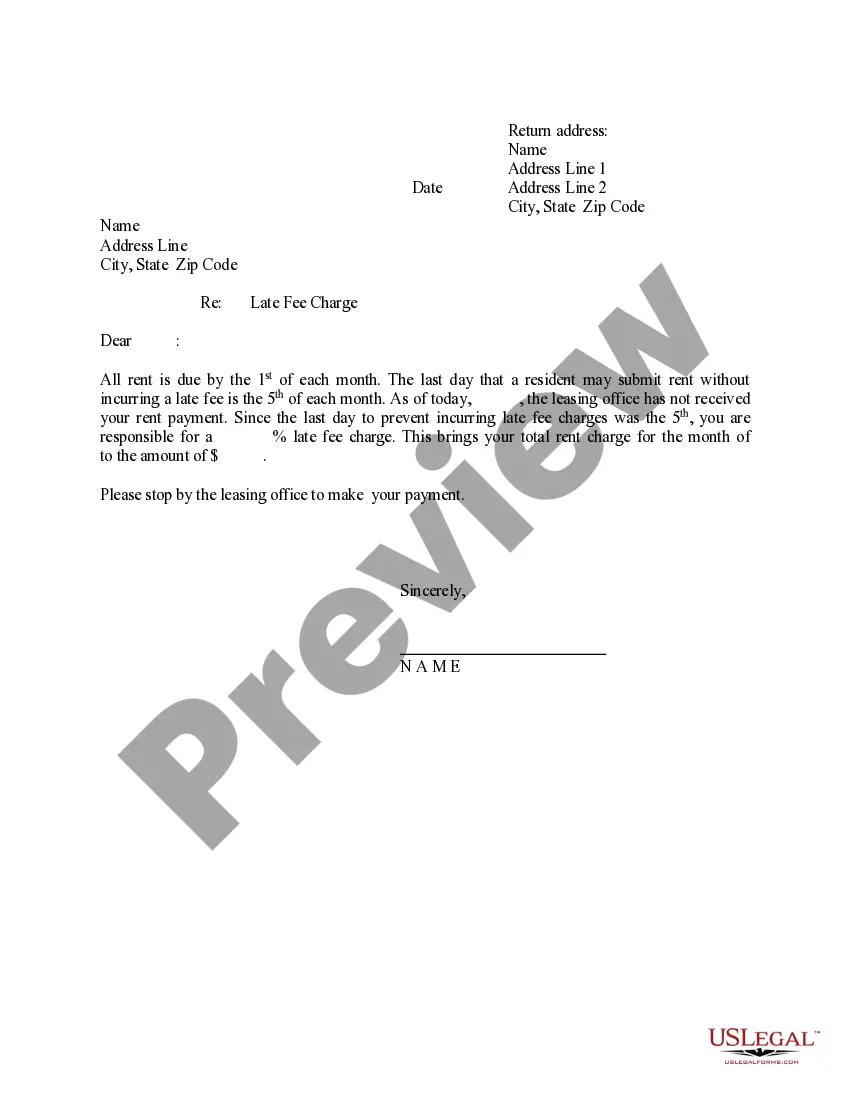
Letter Late Charge With Paypal
Description
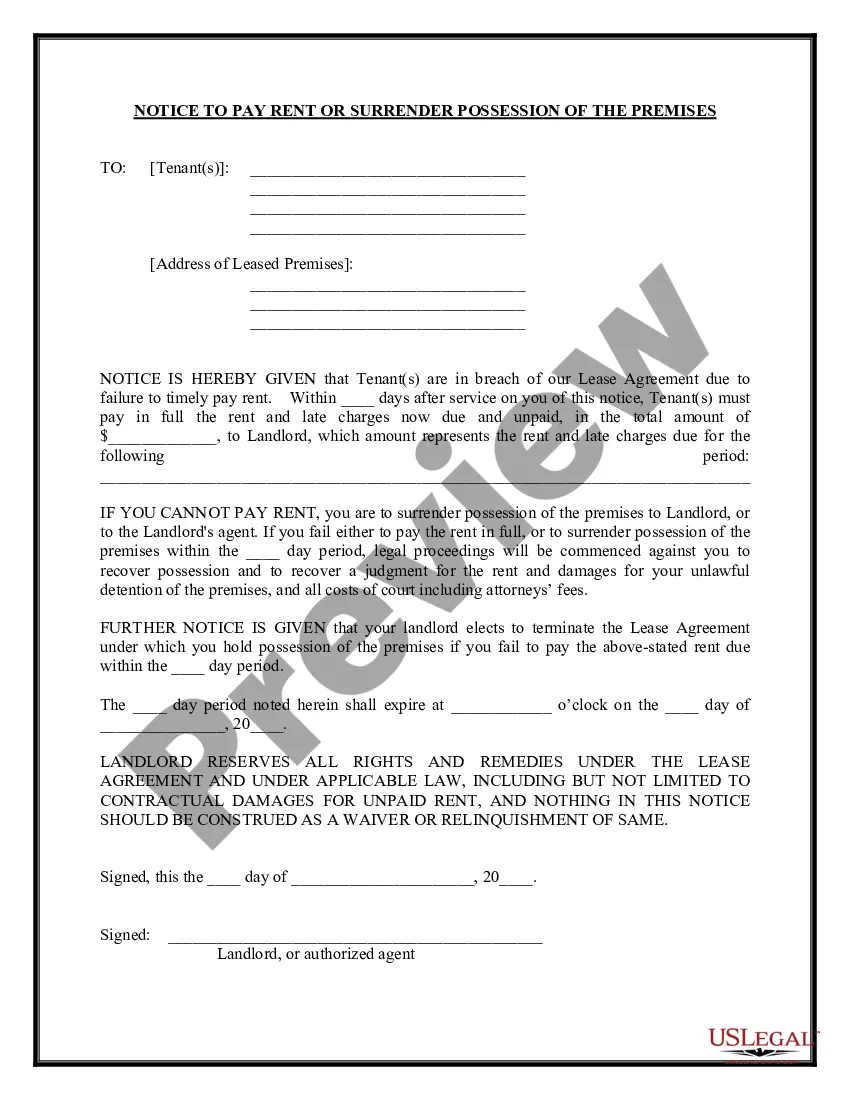
Get your form ready online
Our built-in tools help you complete, sign, share, and store your documents in one place.
Make edits, fill in missing information, and update formatting in US Legal Forms—just like you would in MS Word.
Download a copy, print it, send it by email, or mail it via USPS—whatever works best for your next step.
Sign and collect signatures with our SignNow integration. Send to multiple recipients, set reminders, and more. Go Premium to unlock E-Sign.
If this form requires notarization, complete it online through a secure video call—no need to meet a notary in person or wait for an appointment.
We protect your documents and personal data by following strict security and privacy standards.

Make edits, fill in missing information, and update formatting in US Legal Forms—just like you would in MS Word.

Download a copy, print it, send it by email, or mail it via USPS—whatever works best for your next step.

Sign and collect signatures with our SignNow integration. Send to multiple recipients, set reminders, and more. Go Premium to unlock E-Sign.

If this form requires notarization, complete it online through a secure video call—no need to meet a notary in person or wait for an appointment.

We protect your documents and personal data by following strict security and privacy standards.
Looking for another form?
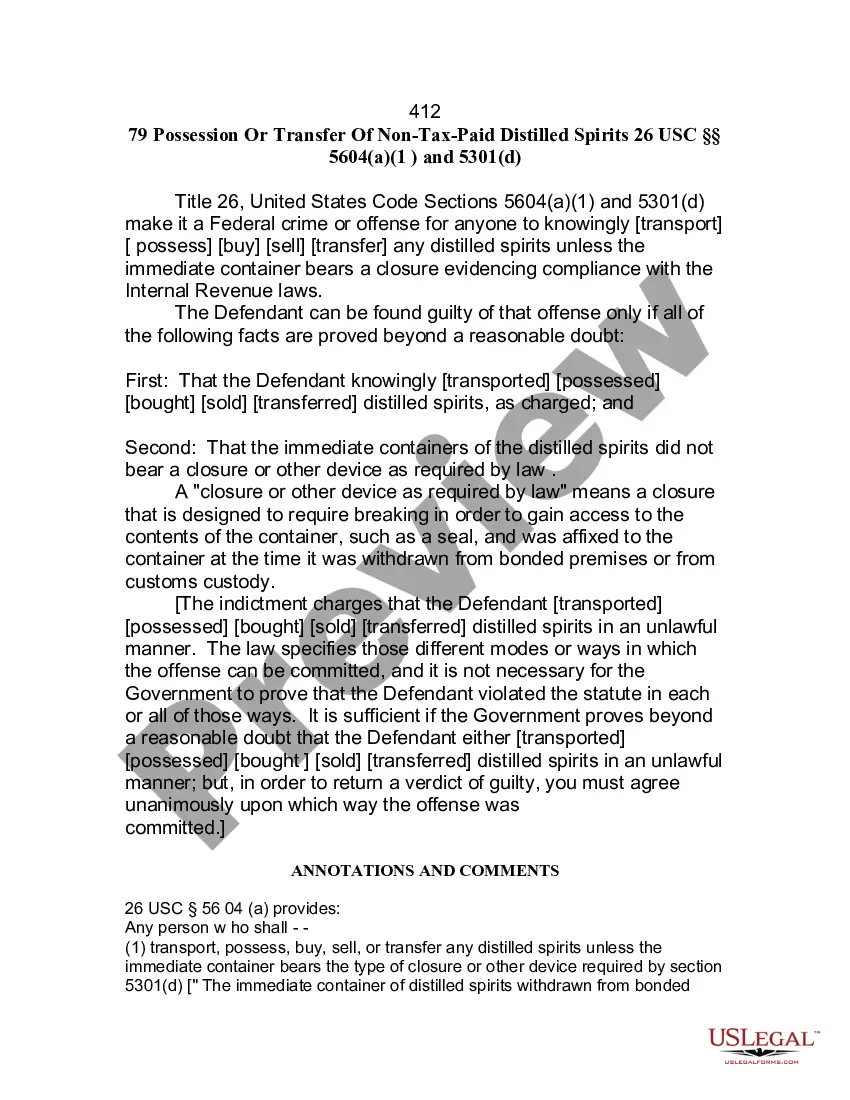








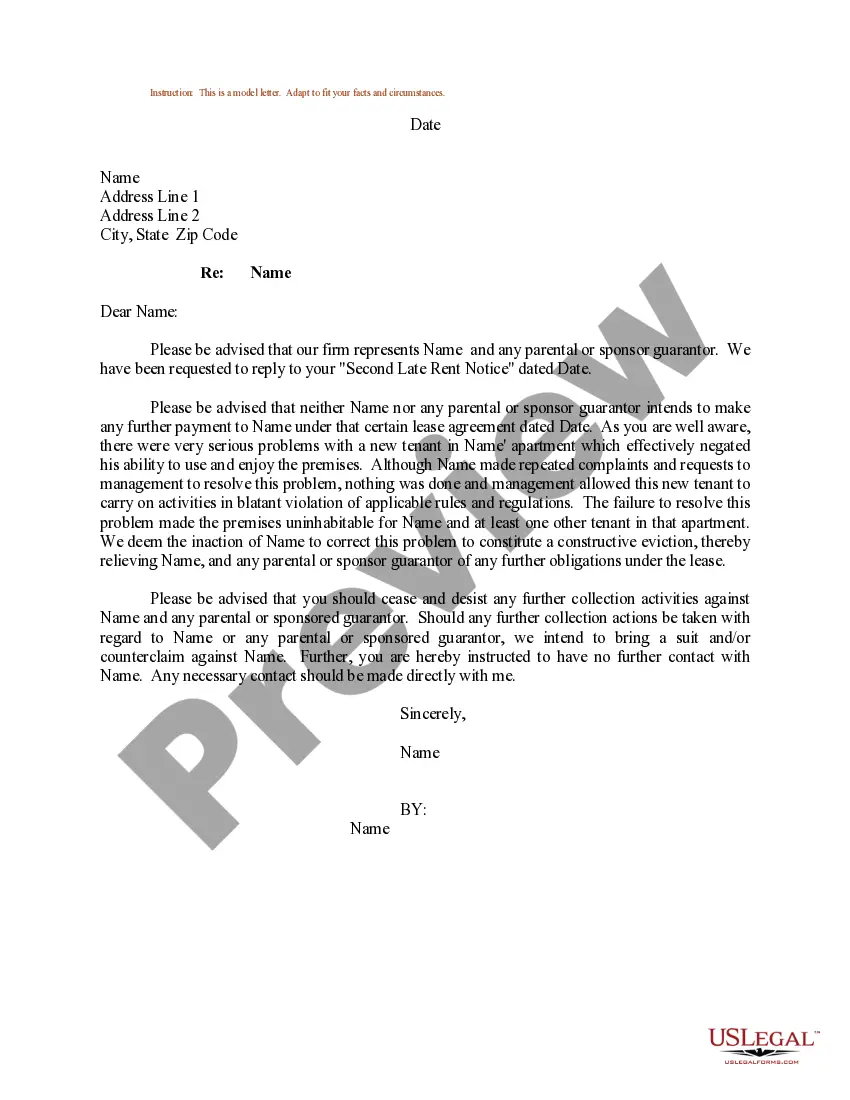
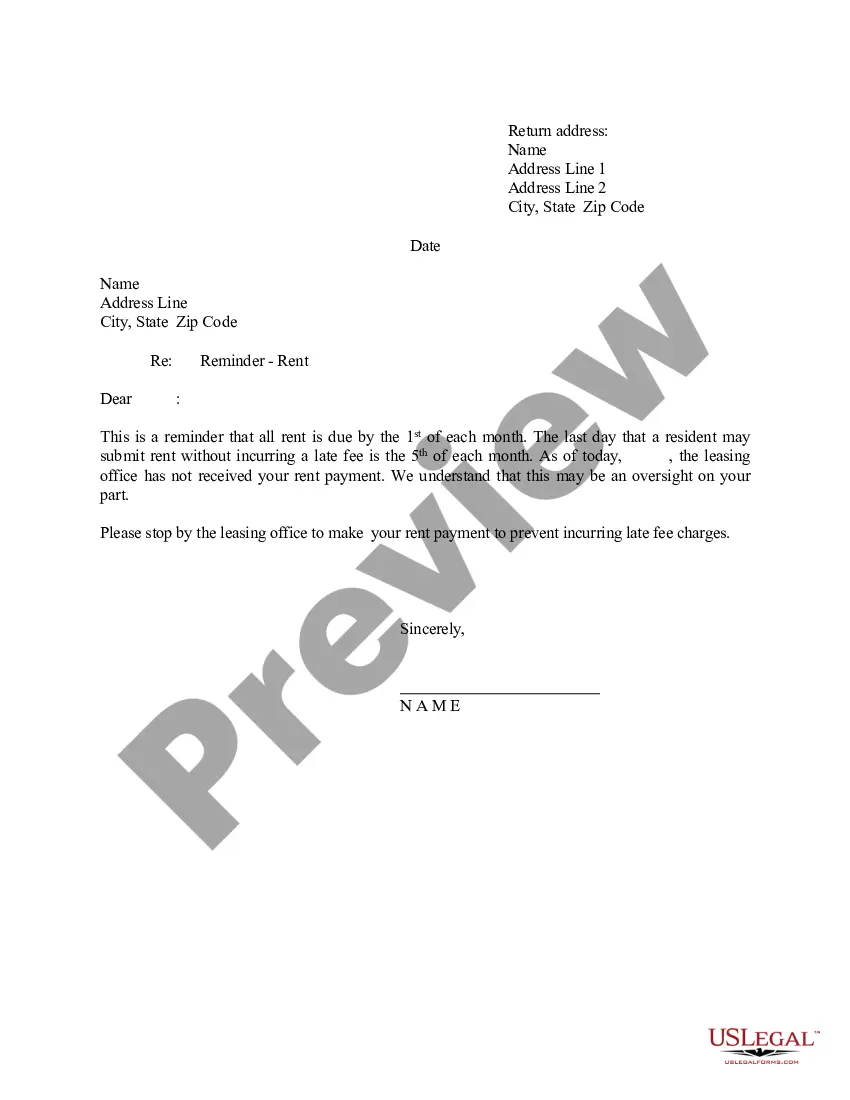
How to fill out Letter - Notification To Renter Of Late Rent Payment And Late Charge?
Legal papers managing can be frustrating, even for knowledgeable specialists. When you are interested in a Letter Late Charge With Paypal and don’t get the a chance to commit in search of the correct and up-to-date version, the operations might be stressful. A strong web form library might be a gamechanger for everyone who wants to deal with these situations effectively. US Legal Forms is a market leader in web legal forms, with over 85,000 state-specific legal forms available to you at any time.
With US Legal Forms, you can:
- Gain access to state- or county-specific legal and business forms. US Legal Forms covers any requirements you could have, from personal to enterprise papers, all-in-one spot.
- Make use of advanced tools to accomplish and handle your Letter Late Charge With Paypal
- Gain access to a resource base of articles, guides and handbooks and resources relevant to your situation and needs
Save effort and time in search of the papers you will need, and utilize US Legal Forms’ advanced search and Review feature to find Letter Late Charge With Paypal and acquire it. If you have a subscription, log in in your US Legal Forms profile, search for the form, and acquire it. Review your My Forms tab to see the papers you previously downloaded as well as to handle your folders as you can see fit.
If it is the first time with US Legal Forms, make a free account and get limitless use of all advantages of the platform. Here are the steps to take after accessing the form you want:
- Verify it is the proper form by previewing it and reading through its information.
- Be sure that the sample is accepted in your state or county.
- Select Buy Now once you are all set.
- Choose a subscription plan.
- Find the format you want, and Download, complete, sign, print out and send out your document.
Enjoy the US Legal Forms web library, supported with 25 years of experience and trustworthiness. Change your daily document managing into a easy and user-friendly process today.
Form popularity
FAQ
Dear [Name], Further to my previous correspondence, I am contacting you regarding late payment for invoice [invoice number]. The invoice was due on [due date], and payment is now overdue by [number of days overdue]. Be advised that late payment interest may be applied if we do not receive payment within 30 days.
Top 12 excuses for late payment Sorry! We forgot to make the payment. ... We are facing issues with your order. ... We have already paid the invoice. ... The cheque has been sent. ... The person responsible for payment has a family emergency. ... We are switching to a new bank. ... We're experiencing cash flow problems. ... Claimed bankruptcy.
A late payment is an amount of money a borrower sends to a lender or service provider that arrives after the payment due date or a grace period for the payment has passed.
How to open a dispute Log in to your PayPal account. Open a dispute in the Resolution Center within 180 calendar days of your purchase, by clicking on ?Dispute a Transaction? under ?Report a problem?. Select the transaction and click Continue. Select ?Item dispute?.
Any missed payment amount will be added to the next monthly payment due. The next monthly payment will also be considered late if the full amount due isn't paid. Missed payments may be reported to the credit reporting agencies.