Sample Workers With Data
Description
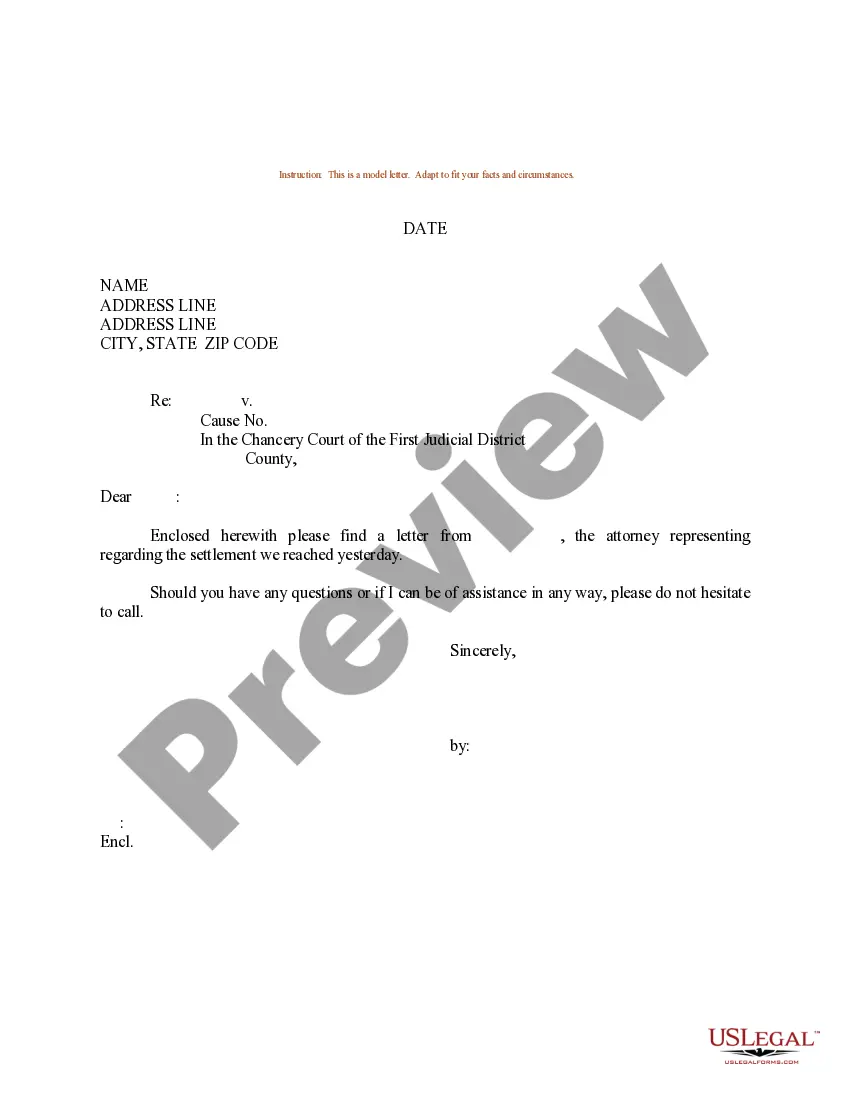
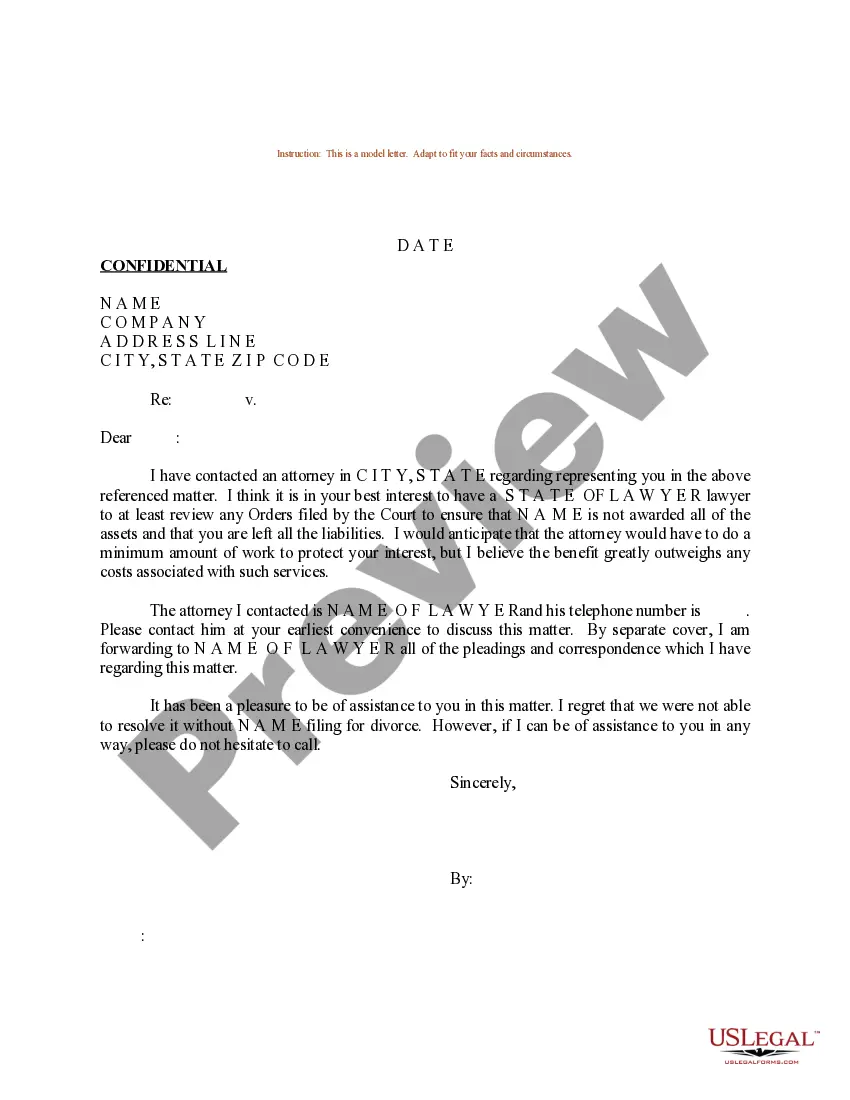
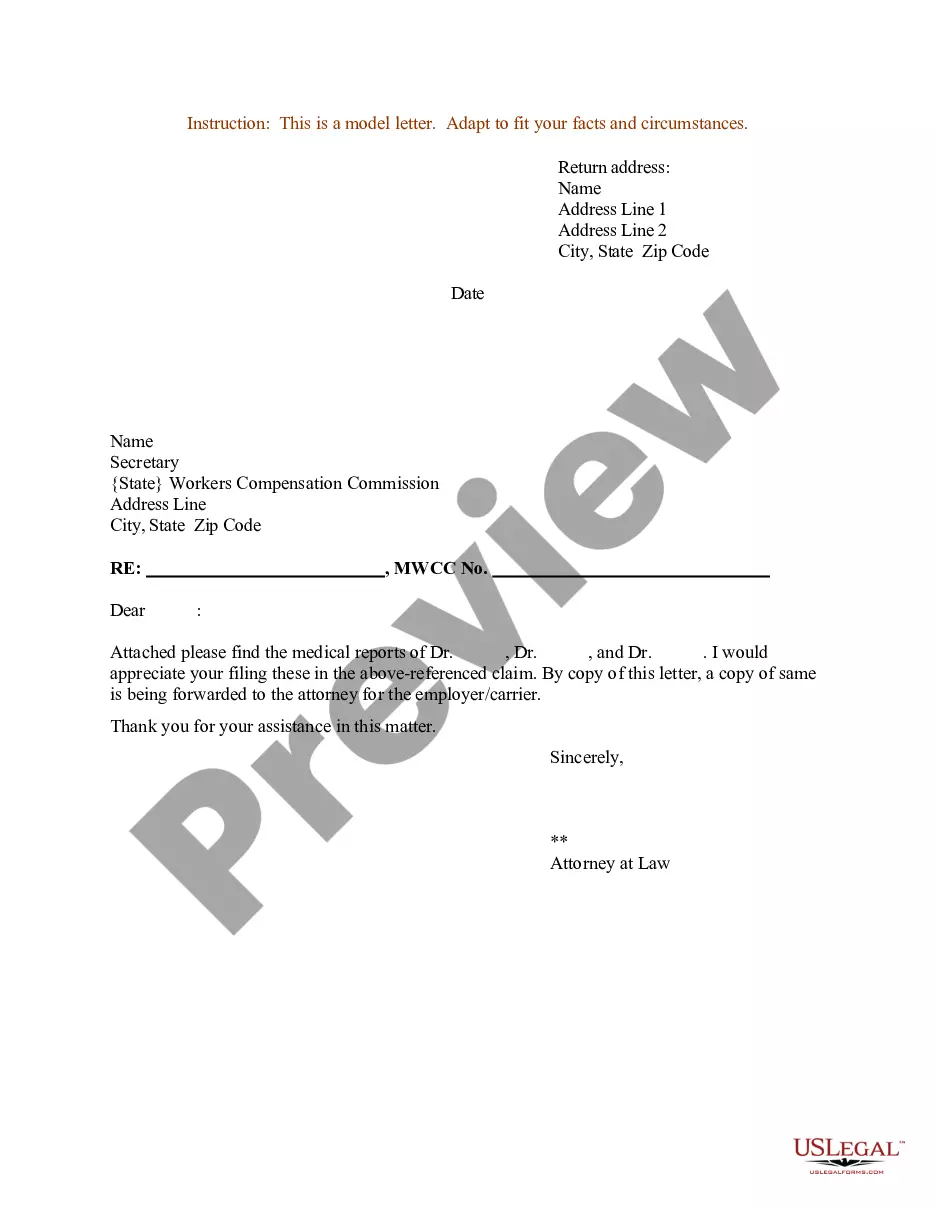
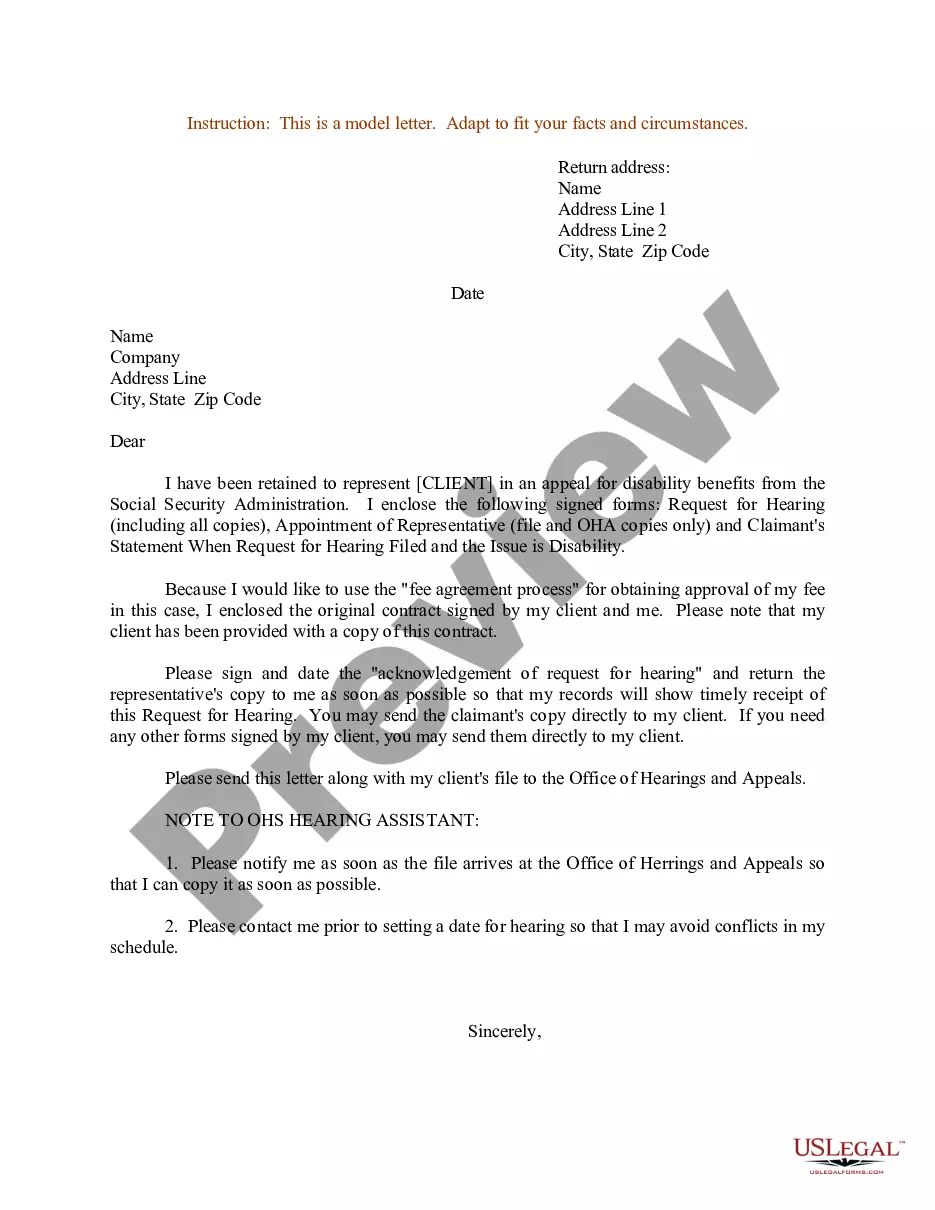
Get your form ready online
Our built-in tools help you complete, sign, share, and store your documents in one place.
Make edits, fill in missing information, and update formatting in US Legal Forms—just like you would in MS Word.
Download a copy, print it, send it by email, or mail it via USPS—whatever works best for your next step.
Sign and collect signatures with our SignNow integration. Send to multiple recipients, set reminders, and more. Go Premium to unlock E-Sign.
If this form requires notarization, complete it online through a secure video call—no need to meet a notary in person or wait for an appointment.
We protect your documents and personal data by following strict security and privacy standards.

Make edits, fill in missing information, and update formatting in US Legal Forms—just like you would in MS Word.

Download a copy, print it, send it by email, or mail it via USPS—whatever works best for your next step.

Sign and collect signatures with our SignNow integration. Send to multiple recipients, set reminders, and more. Go Premium to unlock E-Sign.

If this form requires notarization, complete it online through a secure video call—no need to meet a notary in person or wait for an appointment.

We protect your documents and personal data by following strict security and privacy standards.
Looking for another form?

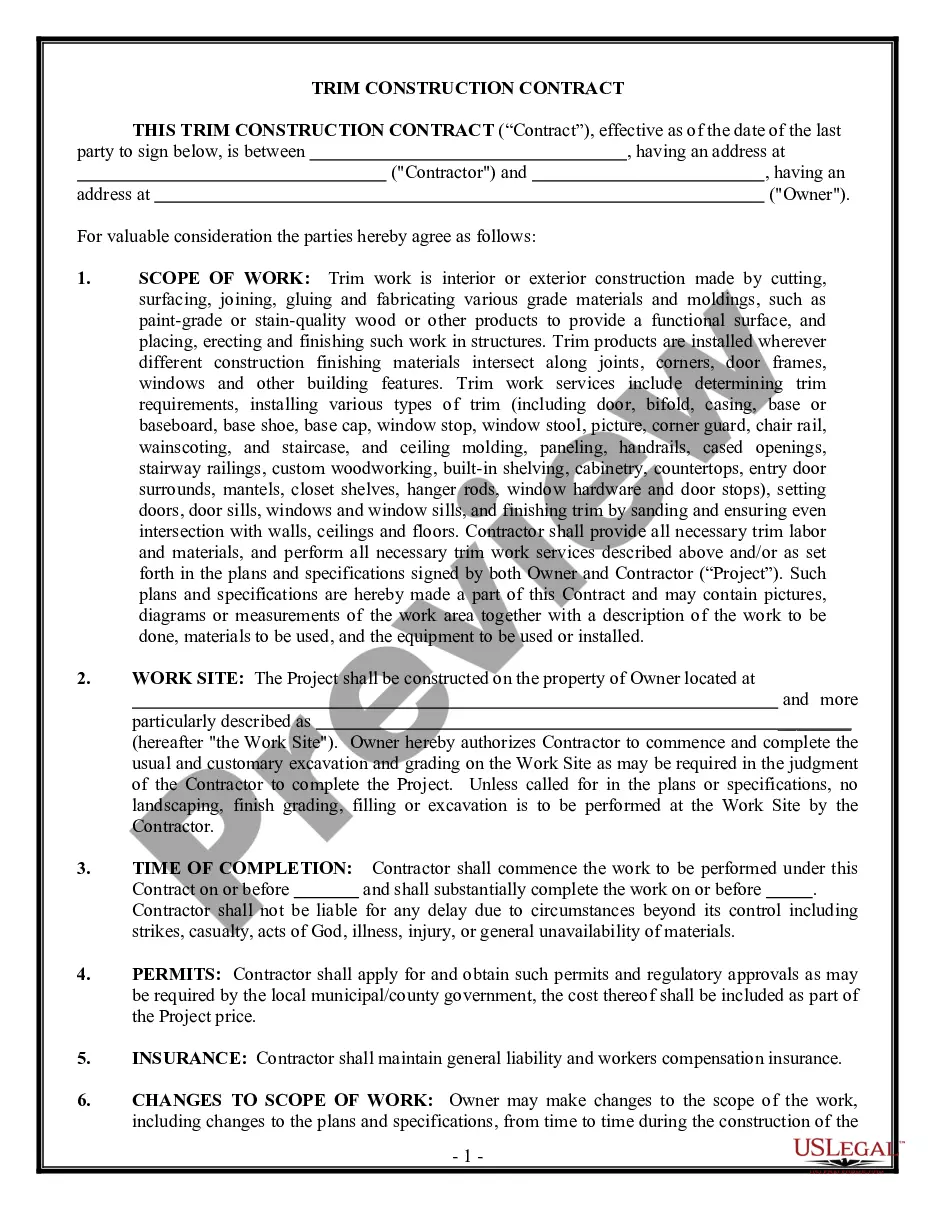
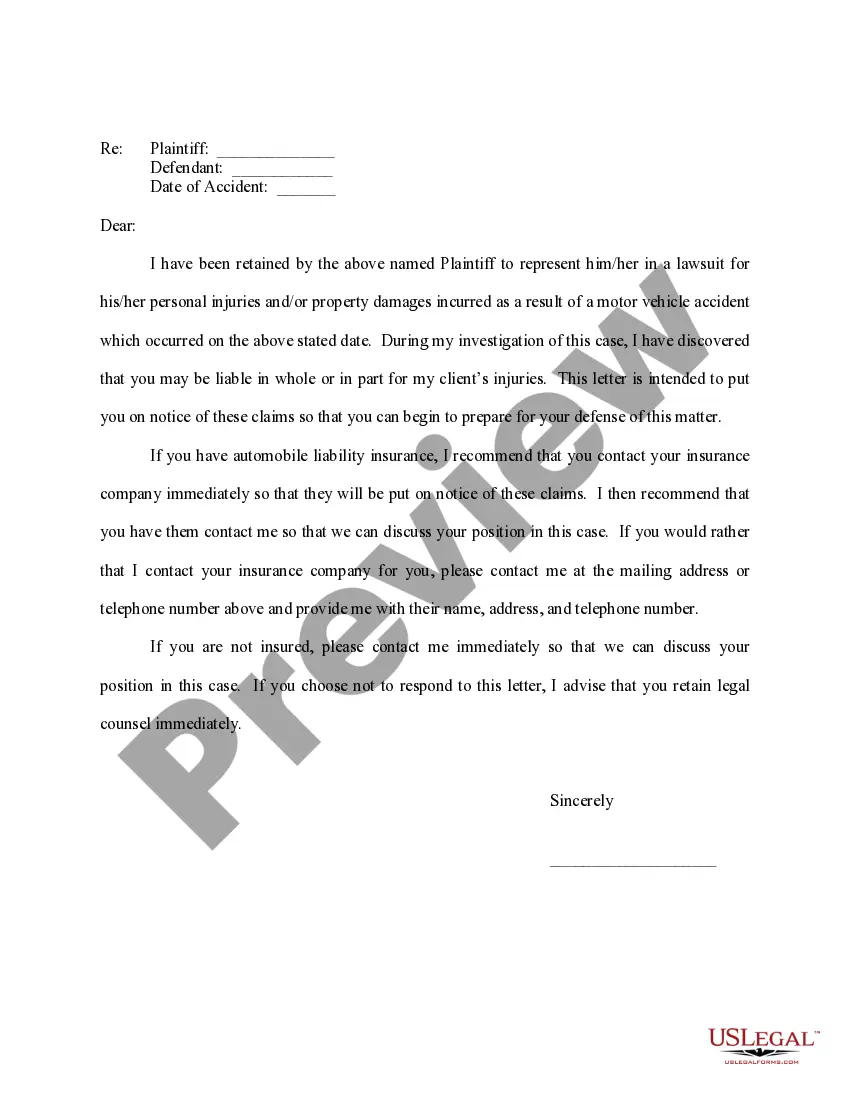
How to fill out Sample Letter For Legal Representation - Worker's Compensation?
It’s well-known that you cannot become a legal authority instantly, nor can you comprehend how to swiftly create Sample Workers With Data without possessing a specific skill set.
Assembling legal documents is a lengthy process that necessitates particular education and expertise. So why not entrust the creation of the Sample Workers With Data to the professionals.
With US Legal Forms, one of the most extensive legal document repositories, you can obtain anything from court documents to templates for internal corporate correspondence. We recognize how essential compliance and adherence to federal and local regulations are.
Select Buy now. Once the payment is finalized, you can acquire the Sample Workers With Data, fill it out, print it, and send or mail it to the relevant individuals or organizations.
You can regain access to your documents from the My documents tab at any time. If you’re already a client, you can simply Log In, and locate and download the template from the same tab. Regardless of the purpose of your forms—whether financial, legal, or personal—our platform has you covered. Try US Legal Forms now!
- Here’s how to begin with our platform and acquire the document you require in just minutes.
- Locate the form you need using the search bar at the top of the page.
- Preview it (if this option is available) and review the accompanying description to determine if Sample Workers With Data is what you are looking for.
- Restart your search if you need a different template.
- Create a free account and choose a subscription plan to purchase the template.
Form popularity
FAQ
An employee database is a digital record of current and past employees. It can include contact information, job titles, payroll data, and other information related to employment. The database can be used to track employee performance, identify potential training needs, and manage other human resources functions.
An employee database should include basic personal information such as name, address, date of birth, email, and phone number in the first place. Besides this, you can include data relevant to the hiring process like the hire/layoff date, salary, bonuses, raises, etc.
There are many ways to collect employee data, such as surveys, interviews, focus groups, feedback forms, analytics, performance reviews, and observation. Each source has its advantages and disadvantages, depending on your goals, resources, and context.
The data collected can range from basic demographic data and personal details ? such as the employee's name, address, age, and gender ? to more in-depth employment details such as job performance reviews, salary history and leave records.
A good employee information form should be comprehensive yet straightforward. It should include: Personal Information: Full name, address, contact details, marital status, and spouse's details. Job Information: Title, department, supervisor, work location, start date, and salary.
