Samplemodeling
Description

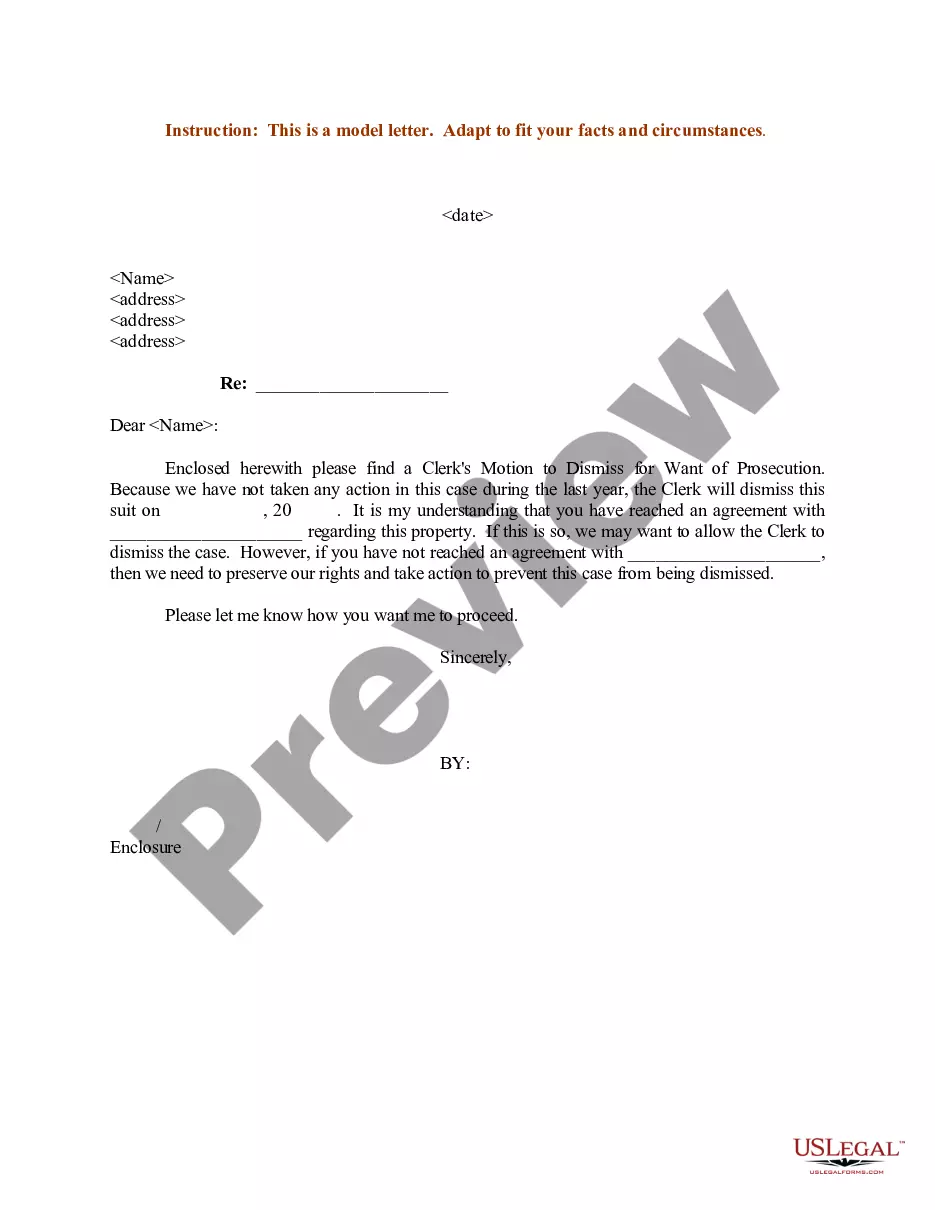
Get your form ready online
Our built-in tools help you complete, sign, share, and store your documents in one place.
Make edits, fill in missing information, and update formatting in US Legal Forms—just like you would in MS Word.
Download a copy, print it, send it by email, or mail it via USPS—whatever works best for your next step.
Sign and collect signatures with our SignNow integration. Send to multiple recipients, set reminders, and more. Go Premium to unlock E-Sign.
If this form requires notarization, complete it online through a secure video call—no need to meet a notary in person or wait for an appointment.
We protect your documents and personal data by following strict security and privacy standards.

Make edits, fill in missing information, and update formatting in US Legal Forms—just like you would in MS Word.

Download a copy, print it, send it by email, or mail it via USPS—whatever works best for your next step.

Sign and collect signatures with our SignNow integration. Send to multiple recipients, set reminders, and more. Go Premium to unlock E-Sign.

If this form requires notarization, complete it online through a secure video call—no need to meet a notary in person or wait for an appointment.

We protect your documents and personal data by following strict security and privacy standards.
Looking for another form?
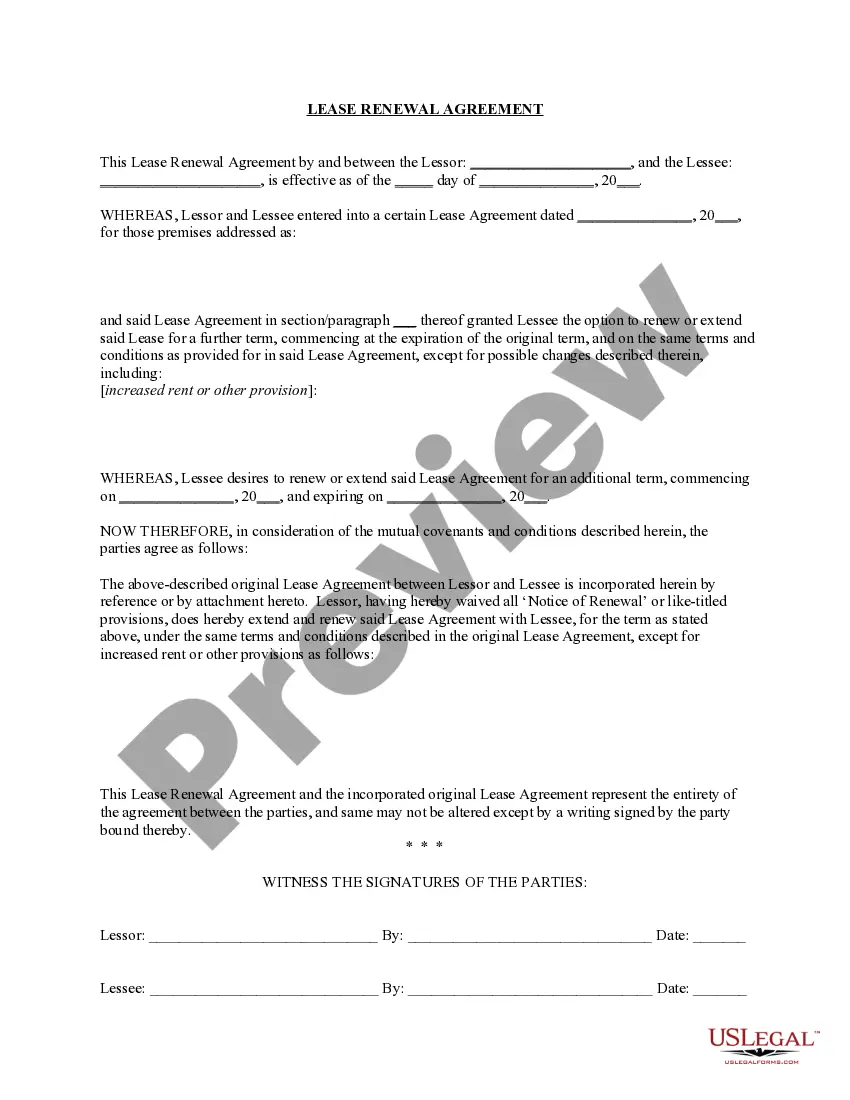
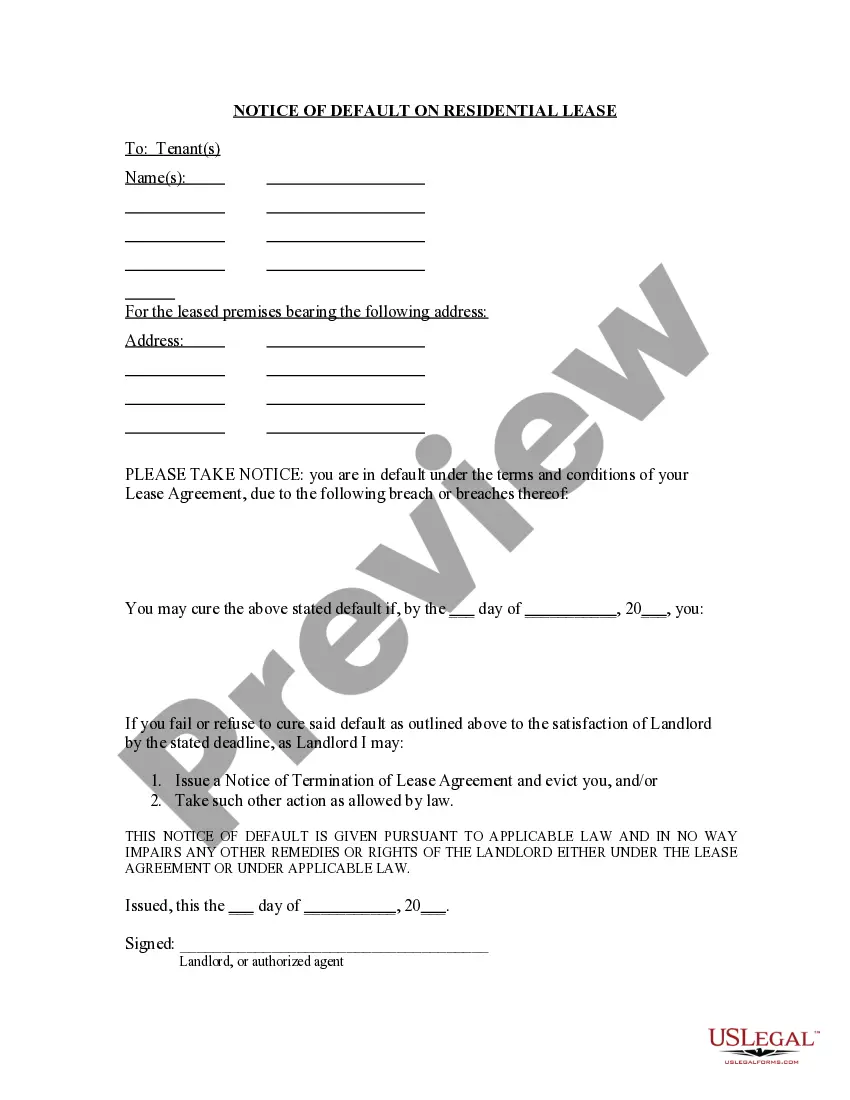
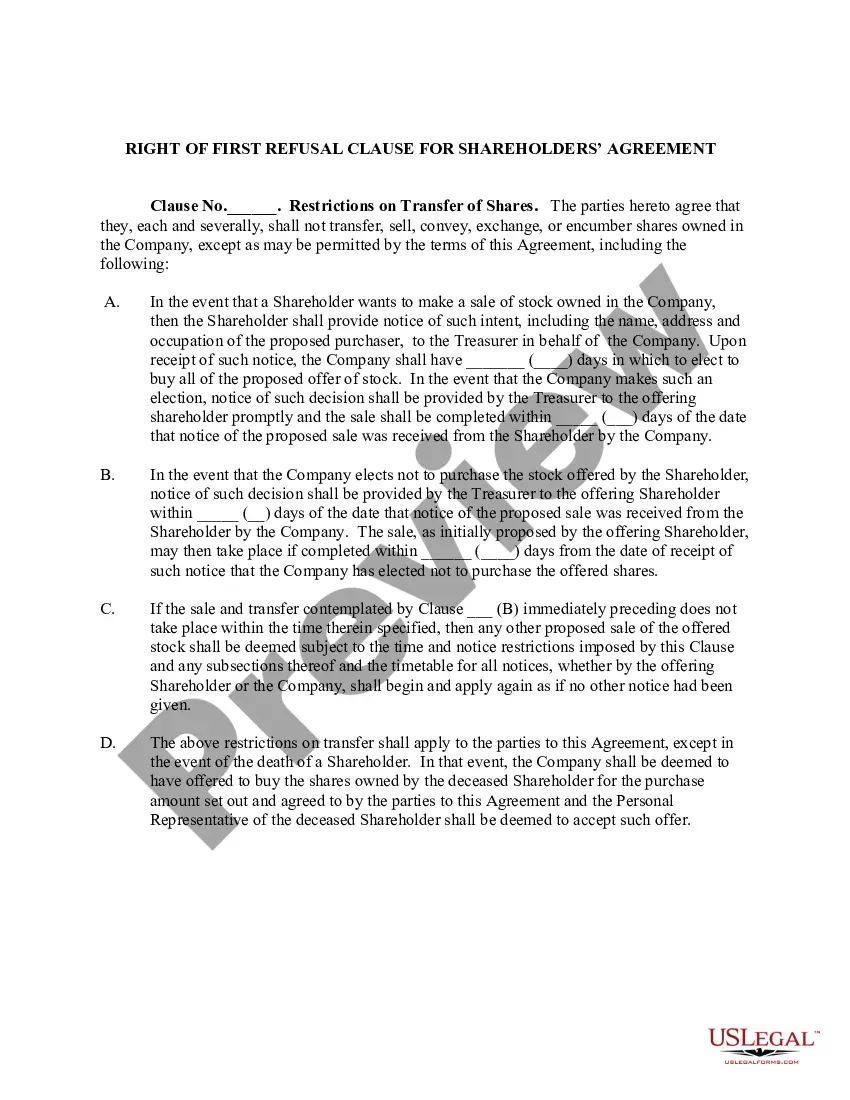
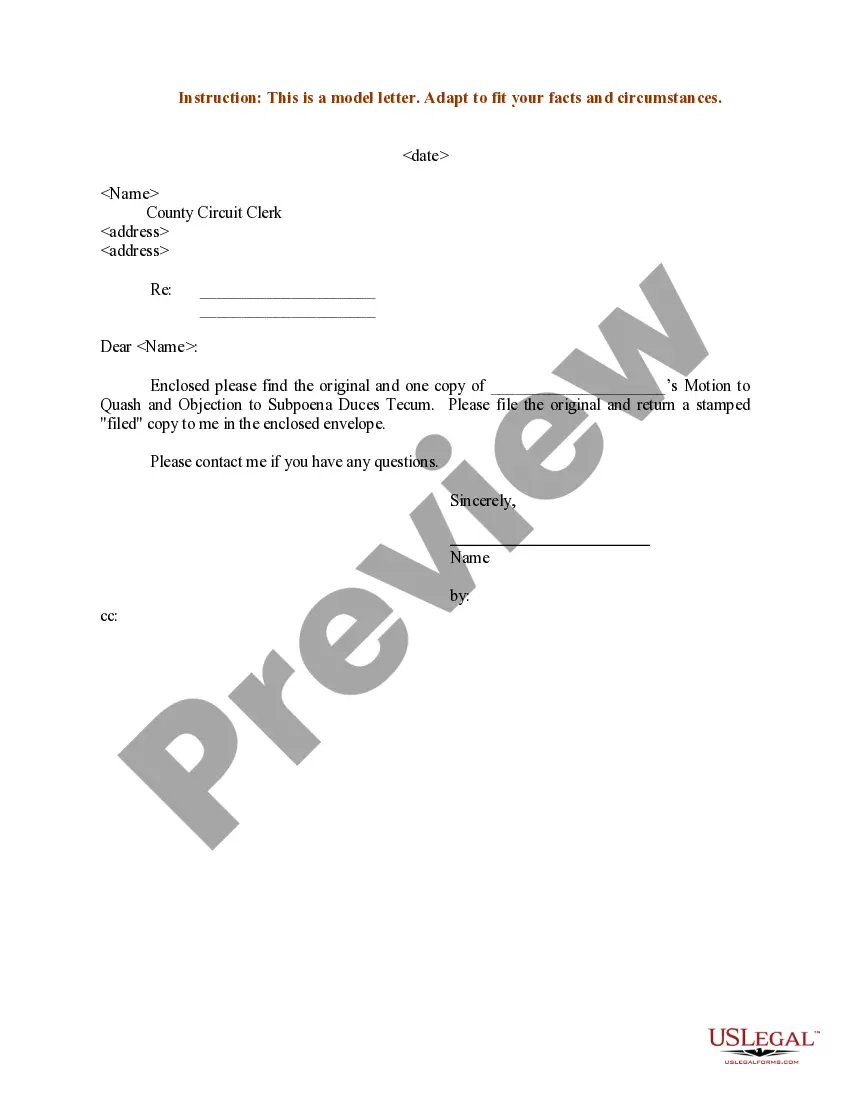
How to fill out Sample Letter For Motion To Quash?
- If you're a returning user, log in to your account and click the Download button to save the form you need, ensuring your subscription is active. If it needs renewal, follow your personal payment plan.
- For first-time users, start by checking the Preview mode and the form description. Confirm that you've selected the correct template meeting your local jurisdiction's requirements.
- If discrepancies arise, use the Search tab to find an appropriate template before proceeding.
- Select the document you wish to purchase by clicking the Buy Now button and choose your preferred subscription plan. You'll need to register an account to access the library.
- Complete your purchase by entering your payment details, either via credit card or PayPal.
- Download the legal form to your device and access it anytime through the My Forms section of your profile.
In conclusion, US Legal Forms simplifies the process of obtaining legal documents, making it an invaluable resource for anyone in need. With expert assistance available, you can ensure your forms are filled out accurately and comply with legal standards.
Start your legal journey today by exploring US Legal Forms and unlock the potential of samplemodeling for your requirements!
Form popularity
FAQ
Loading a library into Kontakt is an essential task for utilizing Samplemodeling's extensive sound resources. Begin by opening Kontakt and identifying the 'Libraries' tab. Click on 'Add Library', find your Samplemodeling installation location, and select it. This will integrate the library into your Kontakt environment for easy access.
Loading files in Kontakt is quite user-friendly. Launch the software, head to 'Files' in the menu, and select 'Load'. Browse through your directories, including those containing Samplemodeling files, and choose the file you want to load. This will allow you to access and use your chosen audio resources instantly.
To file AB 256, gather all necessary documents and complete the form accurately. You'll want to ensure you follow all requirements outlined by your local authorities. If you need assistance, consider using US Legal Forms, which provides clear guidance and templates to help you navigate the filing process seamlessly.
Loading NKI files in Kontakt involves a few simple steps. Start by launching Kontakt and going to 'Files' in the top menu. Select 'Load', search for your NKI file from the Samplemodeling folder, and click on it. This will enable you to utilize the modelled instrument or sound in your current session.
Adding NKM files to Kontakt is straightforward. Open Kontakt, then click on 'Files' in the menu bar and select 'Load'. Browse to the location of your NKM file within the Samplemodeling directory, and choose the file. This action will load your instrument or sample and make it available for use in your music projects.
To load sounds into Kontakt Player, first, open the application. Then, navigate to the 'Libraries' tab and select the Samplemodeling library you want to load. Click on the library to open its contents, and drag your desired sound instrument into the rack area. This process allows you access to a range of high-quality sounds tailored for your musical projects.
VST, or Virtual Studio Technology, refers to software plugins that enhance digital audio workstations; they provide sound synthesis and processing capabilities. A sample pack, on the other hand, consists of pre-recorded audio clips or sounds that users can incorporate into their projects. When engaged in sample modeling, both VSTs and sample packs offer tools for creating rich audio experiences.
Sampling refers to the process of selecting a subset from a larger group to evaluate certain characteristics. In contrast, modeling is about creating mathematical or conceptual frameworks that represent relationships within that data. Both sampling and modeling are crucial in sample modeling, as they work together to enhance data analysis and support decision-making.
Swam focuses on a specific action related to swimming, while sample modeling encompasses a broader concept in data analysis and representation. Sample modeling involves creating representations based on a selected sample from a larger population. By doing so, it helps in making informed decisions and predictions in various fields.
The term 'swam' refers to the past tense of 'swim.' In this context, it highlights the action of moving through water. However, in sample modeling, swam may represent a specific technique that does not apply to the general concept of swimming. Understanding both terms requires clarity on their definitions and applications.