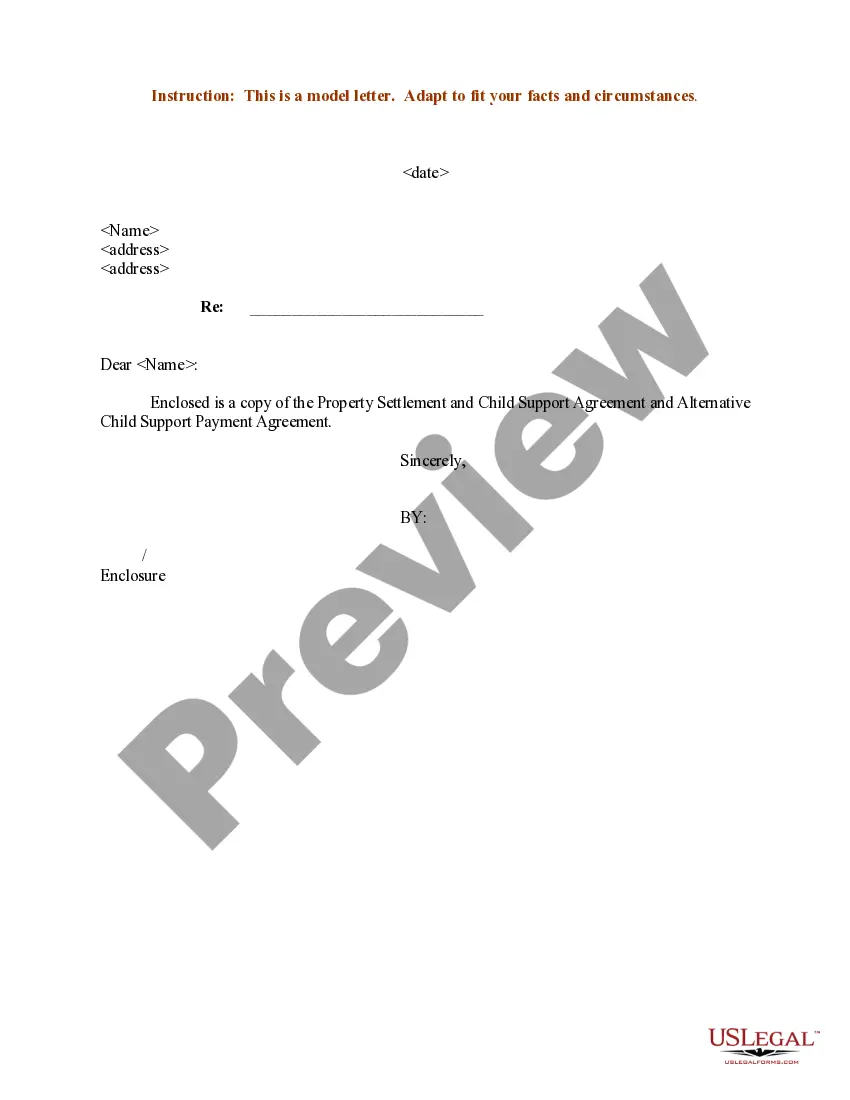
Support Child Copy Format
Description

Get your form ready online
Our built-in tools help you complete, sign, share, and store your documents in one place.
Make edits, fill in missing information, and update formatting in US Legal Forms—just like you would in MS Word.
Download a copy, print it, send it by email, or mail it via USPS—whatever works best for your next step.
Sign and collect signatures with our SignNow integration. Send to multiple recipients, set reminders, and more. Go Premium to unlock E-Sign.
If this form requires notarization, complete it online through a secure video call—no need to meet a notary in person or wait for an appointment.
We protect your documents and personal data by following strict security and privacy standards.

Make edits, fill in missing information, and update formatting in US Legal Forms—just like you would in MS Word.

Download a copy, print it, send it by email, or mail it via USPS—whatever works best for your next step.

Sign and collect signatures with our SignNow integration. Send to multiple recipients, set reminders, and more. Go Premium to unlock E-Sign.

If this form requires notarization, complete it online through a secure video call—no need to meet a notary in person or wait for an appointment.

We protect your documents and personal data by following strict security and privacy standards.
Looking for another form?
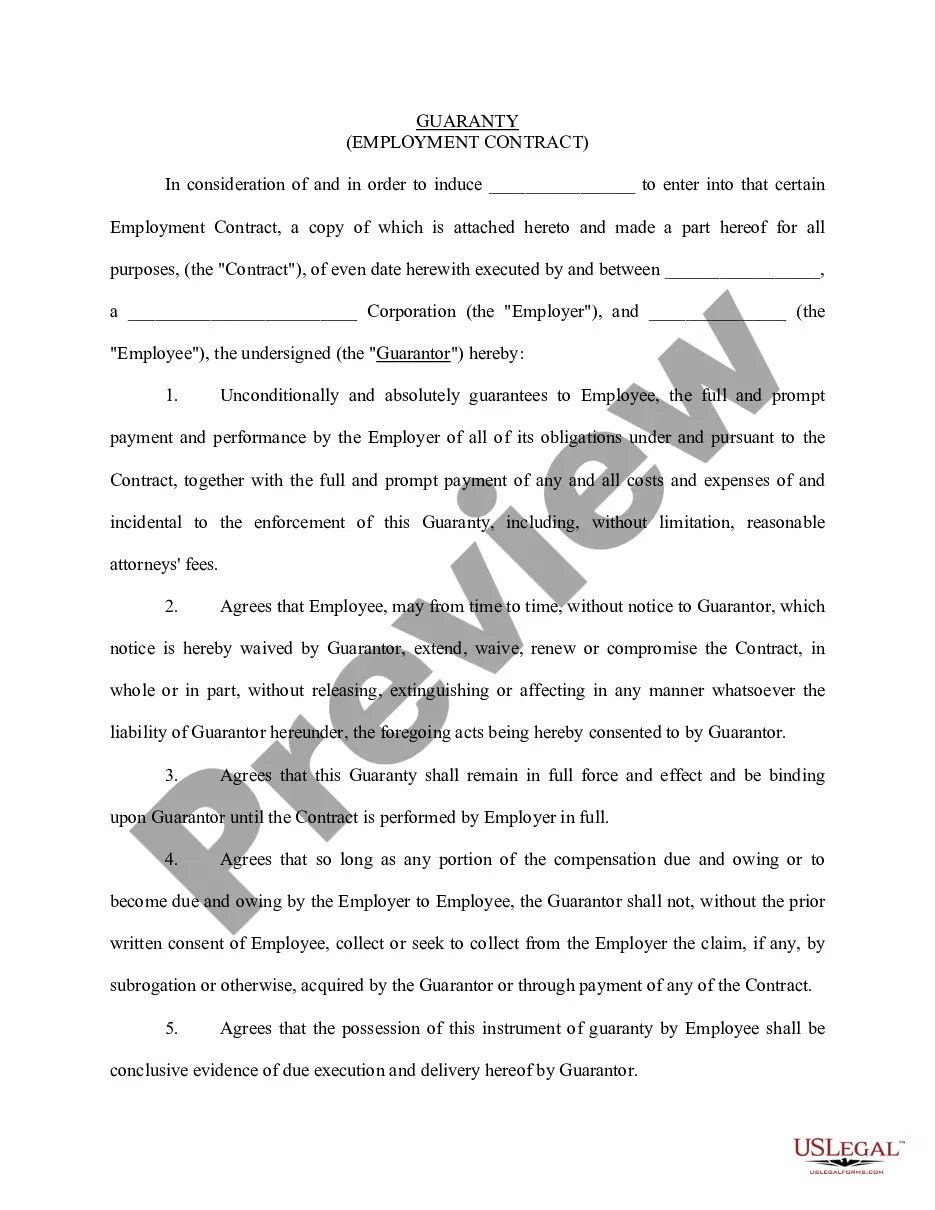
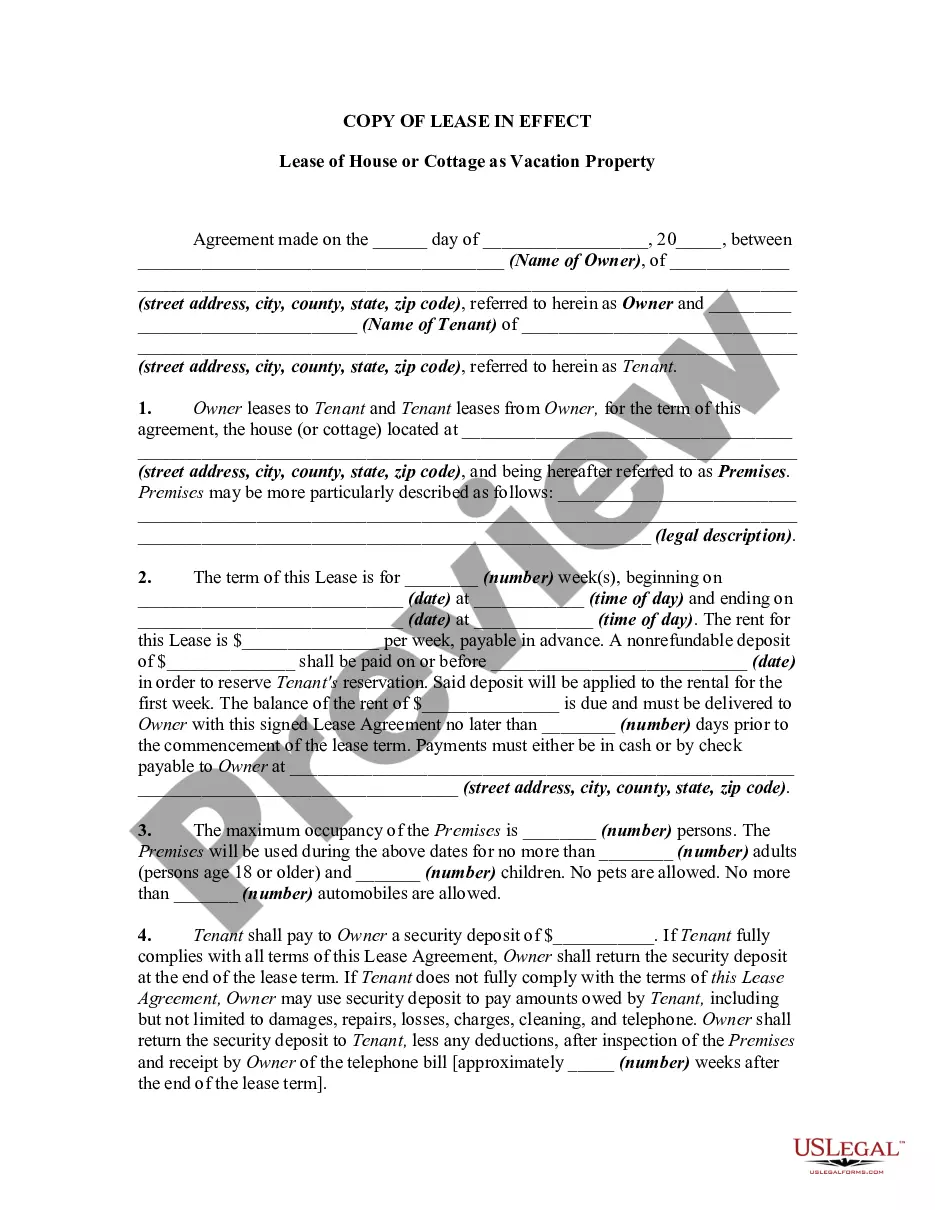
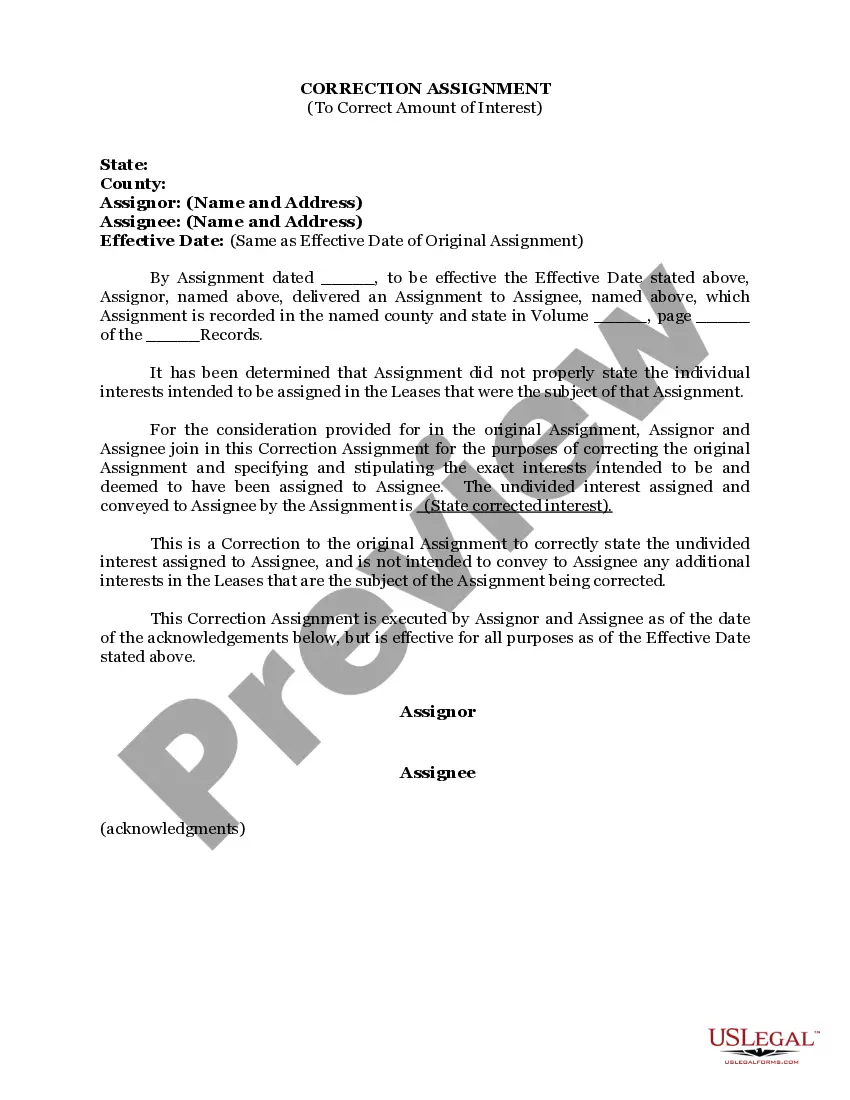
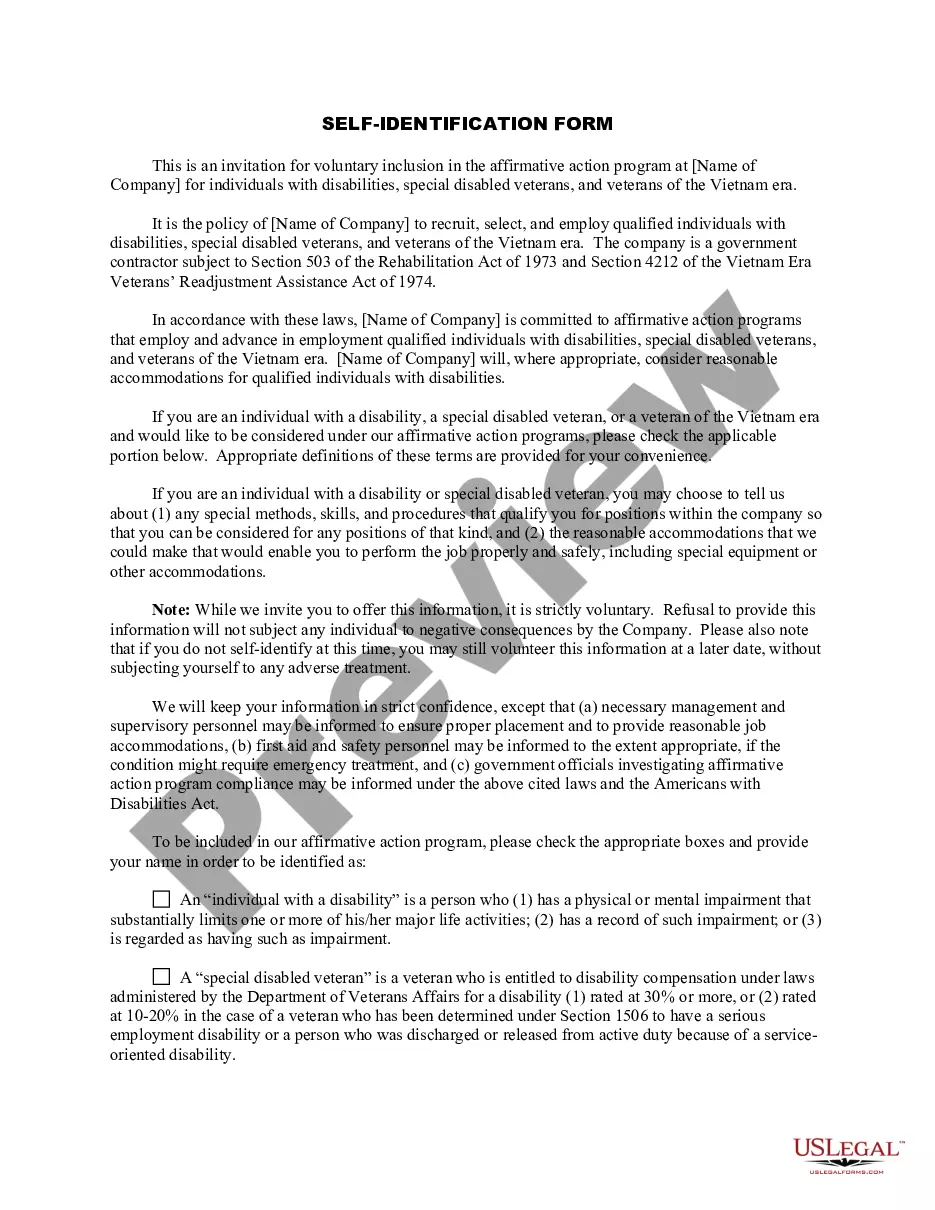
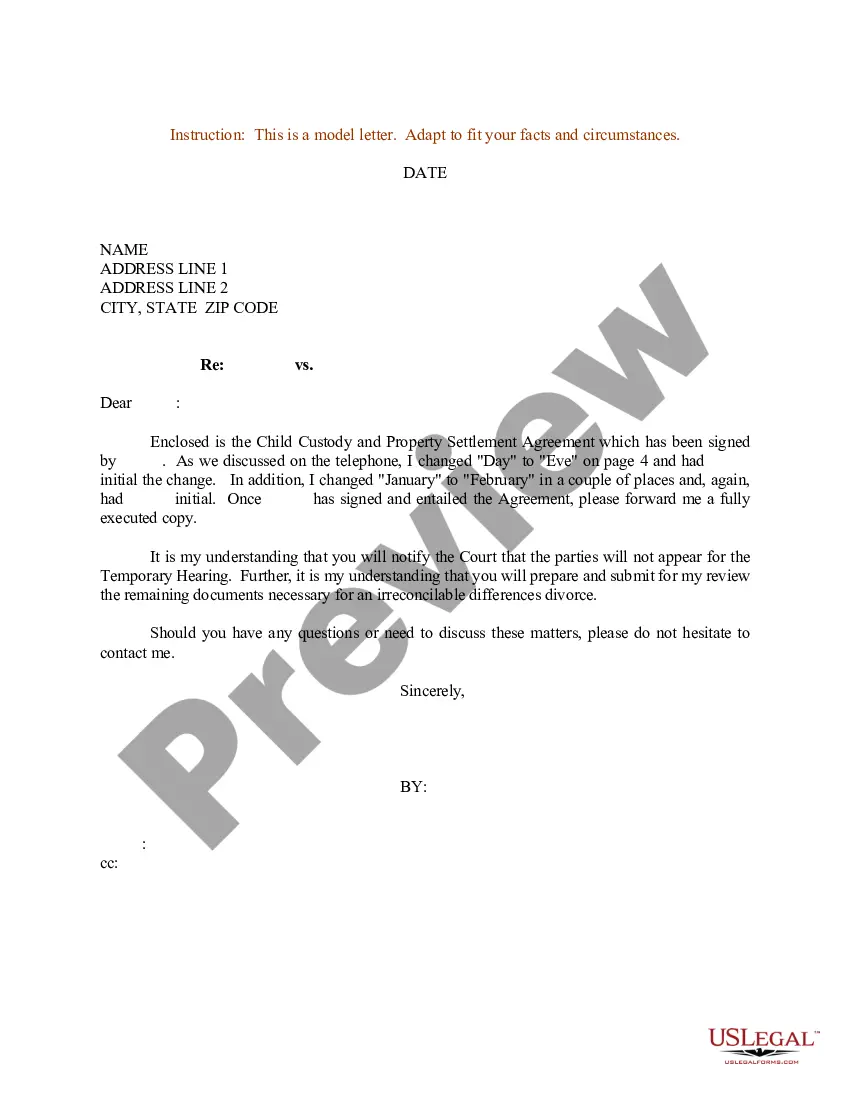
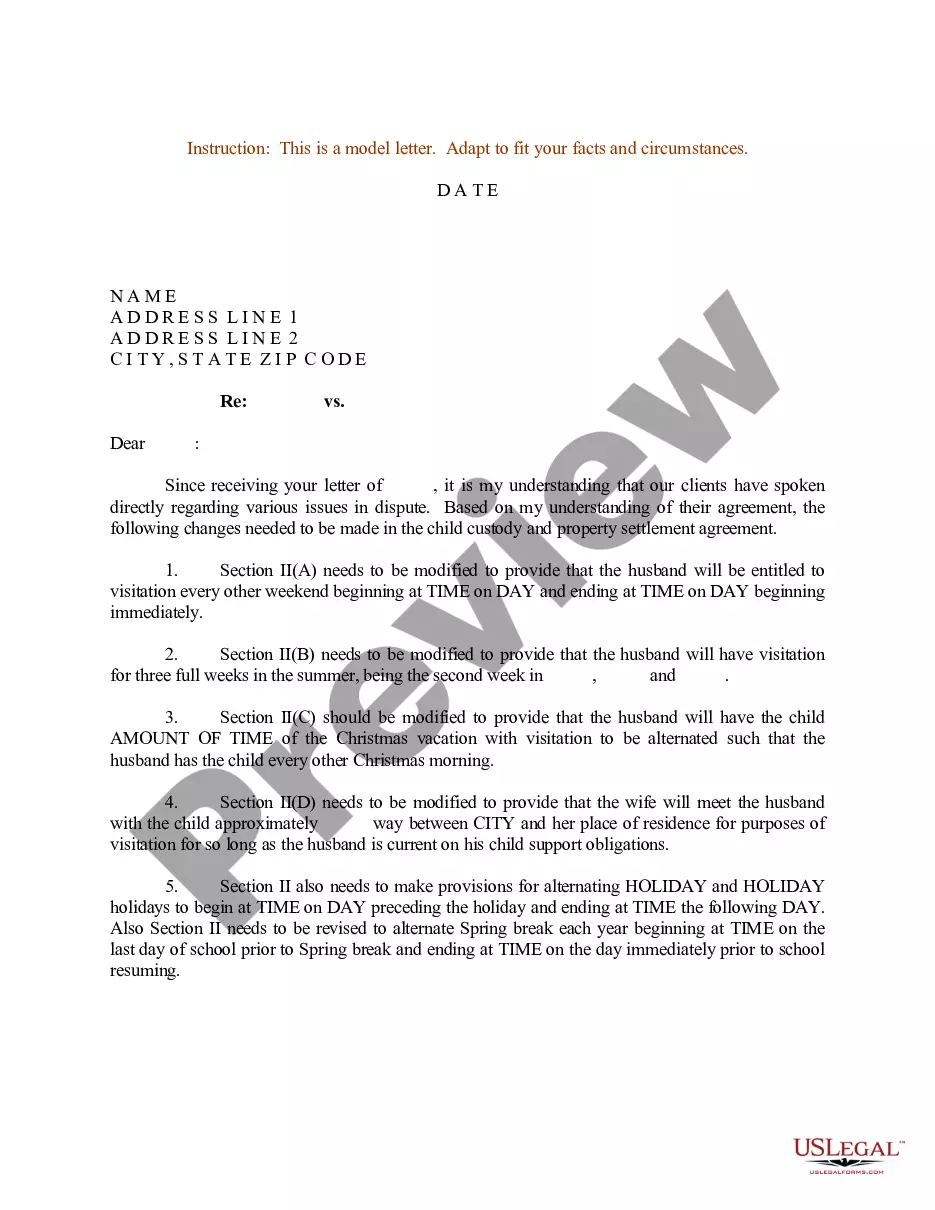
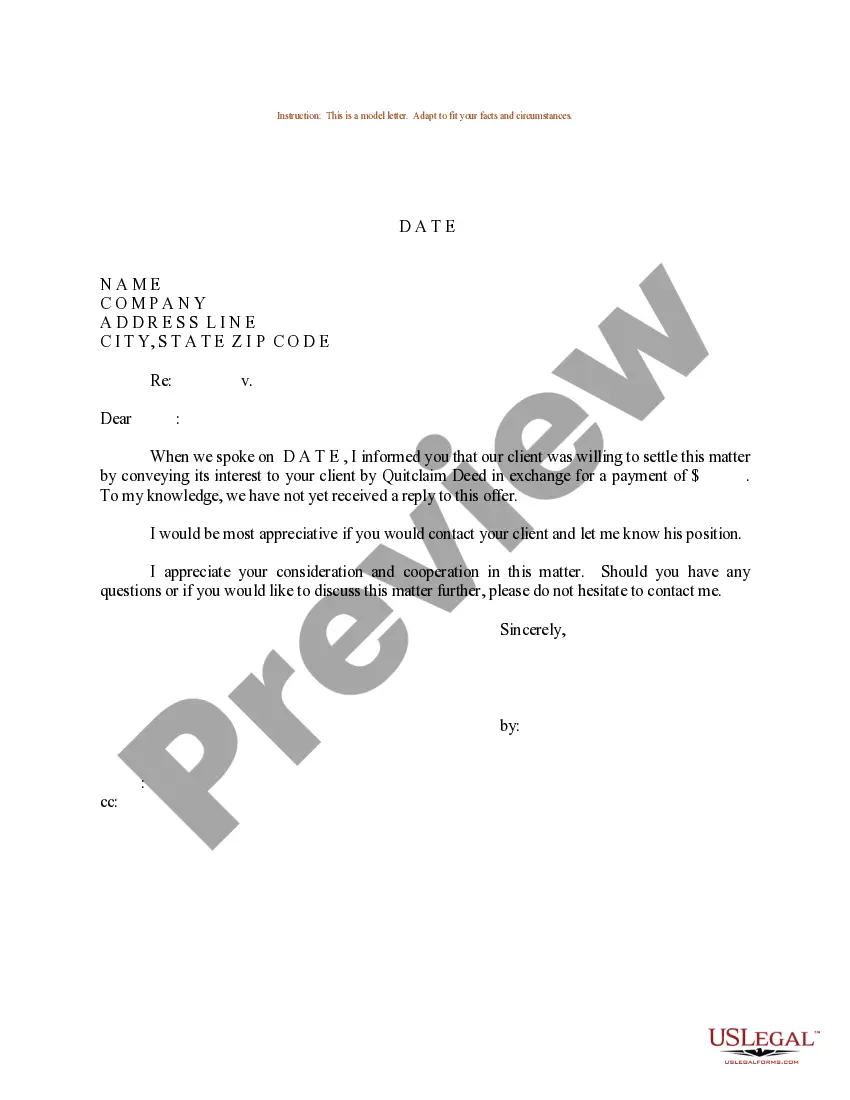
How to fill out Sample Letter For Property Settlement And Child Support Agreement?
The Support Child Copy Format displayed on this page is a versatile legal template crafted by experienced attorneys in compliance with federal and local regulations.
For over 25 years, US Legal Forms has supplied individuals, businesses, and legal experts with more than 85,000 validated, state-specific documents for any commercial and personal situation. It’s the fastest, easiest, and most reliable method to secure the paperwork you require, as the service ensures the utmost level of data protection and anti-malware security.
Utilize the same document again whenever necessary. Access the My documents section in your profile to redownload any previously saved forms. Enroll in US Legal Forms to have verified legal templates for all of life’s situations readily available.
- Examine the document you require and assess it.
- Browse through the sample you searched for and preview it or review the form description to confirm it meets your needs. If it doesn't, use the search feature to locate the suitable one. Click Buy Now once you have found the template you need.
- Select a pricing plan that works for you and set up an account. Use PayPal or a credit card for immediate payment. If you already possess an account, Log In and verify your subscription to continue.
- Choose the format you desire for your Support Child Copy Format (PDF, DOCX, RTF) and save the sample on your device.
- Print the template to fill it out manually. Alternatively, use an online multifunctional PDF editor to quickly and accurately complete and sign your form with an eSignature.
Form popularity
FAQ
Provide basic information. Include personal information about you, your ex, your kid, and your case. You will have to mention the full names and dates of birth of all the parties involved. List your and your ex-spouse's gross monthly income.
Child support in South Carolina is calculated based on state guidelines. The basic support obligation is based on the total income of both parties. For example, for a couple with two children and a combined income of $5,000/month, the basic child support obligation will be $1151/month.
Child support in South Carolina is calculated based on state guidelines. The basic support obligation is based on the total income of both parties. For example, for a couple with two children and a combined income of $5,000/month, the basic child support obligation will be $1151/month.
The South Carolina guidelines establish a basic child support obligation average between $793 to $1628. This range applies to parents of one to six children. For example, a non-custodial parent of three children earns $3,000 a month. The custodial parent of all three children earns $1,500 per month.
Either parent can Open a Child Support Case online, call the DCSS office at 1-844-MYGADHS (1-844-694-2347) or print, fill out and mail in their application packet. You can also complete the application online, then print it out and bring it with all required and supporting documents to your local Child Support Office.