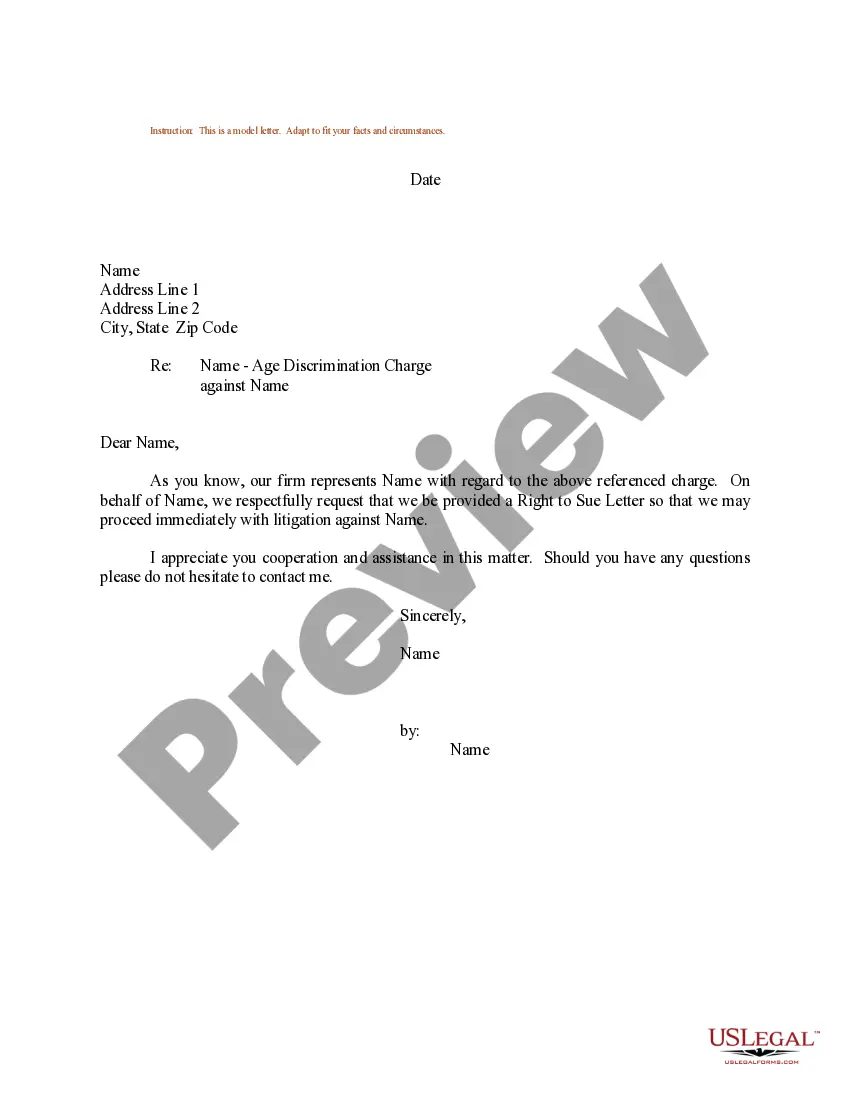
Sample Request Letter For Form 16 From Current Employer
Description
Get your form ready online
Our built-in tools help you complete, sign, share, and store your documents in one place.
Make edits, fill in missing information, and update formatting in US Legal Forms—just like you would in MS Word.
Download a copy, print it, send it by email, or mail it via USPS—whatever works best for your next step.
Sign and collect signatures with our SignNow integration. Send to multiple recipients, set reminders, and more. Go Premium to unlock E-Sign.
If this form requires notarization, complete it online through a secure video call—no need to meet a notary in person or wait for an appointment.
We protect your documents and personal data by following strict security and privacy standards.

Make edits, fill in missing information, and update formatting in US Legal Forms—just like you would in MS Word.

Download a copy, print it, send it by email, or mail it via USPS—whatever works best for your next step.

Sign and collect signatures with our SignNow integration. Send to multiple recipients, set reminders, and more. Go Premium to unlock E-Sign.

If this form requires notarization, complete it online through a secure video call—no need to meet a notary in person or wait for an appointment.

We protect your documents and personal data by following strict security and privacy standards.
Looking for another form?
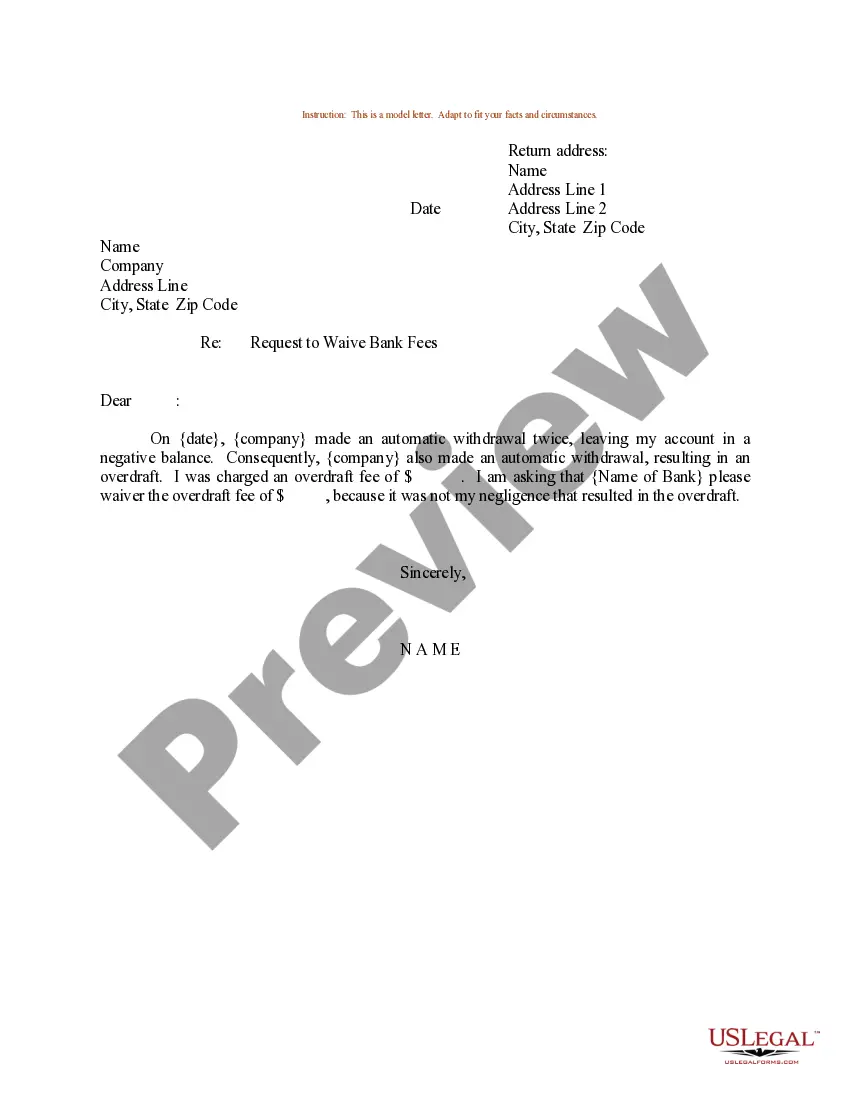
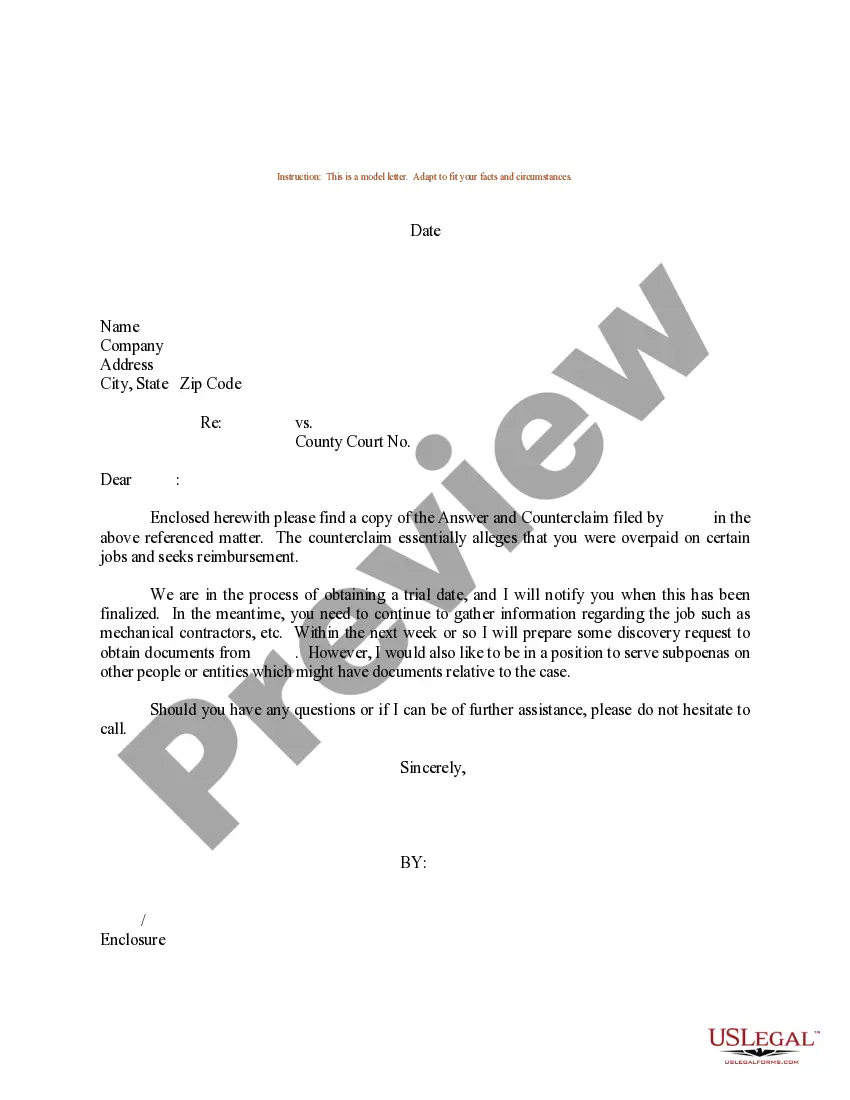
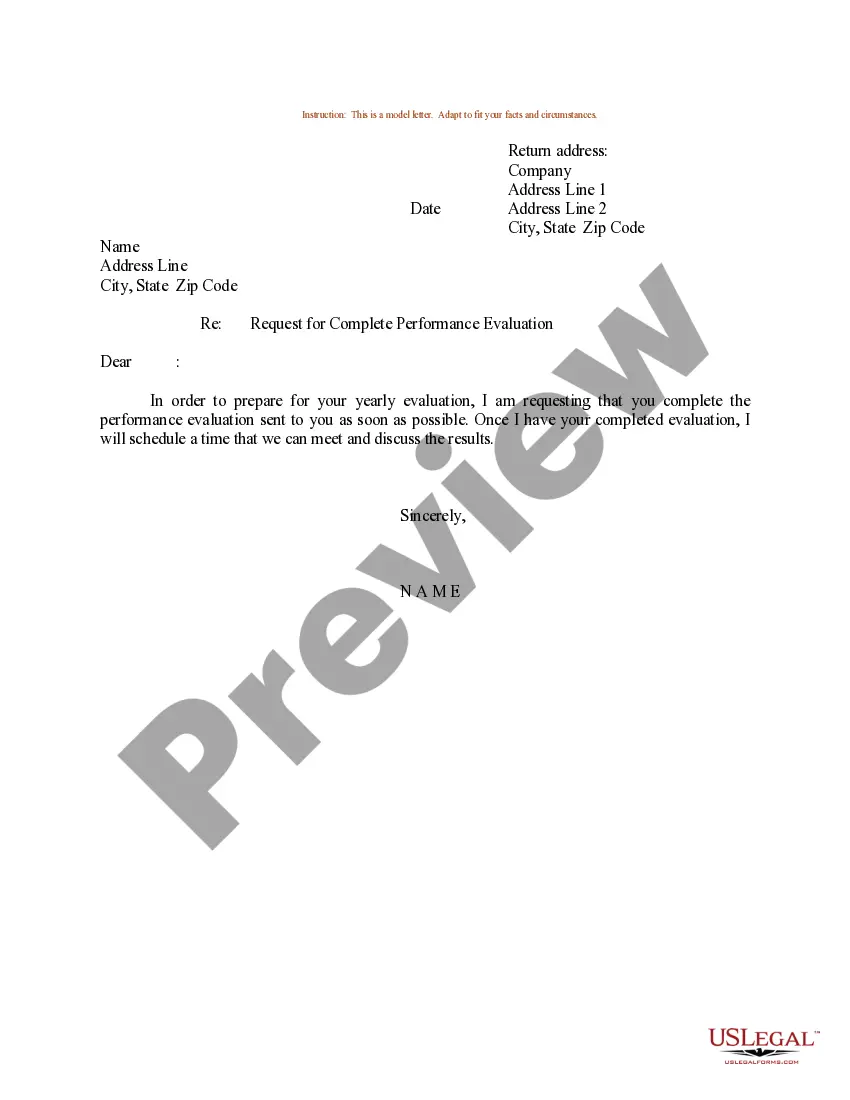


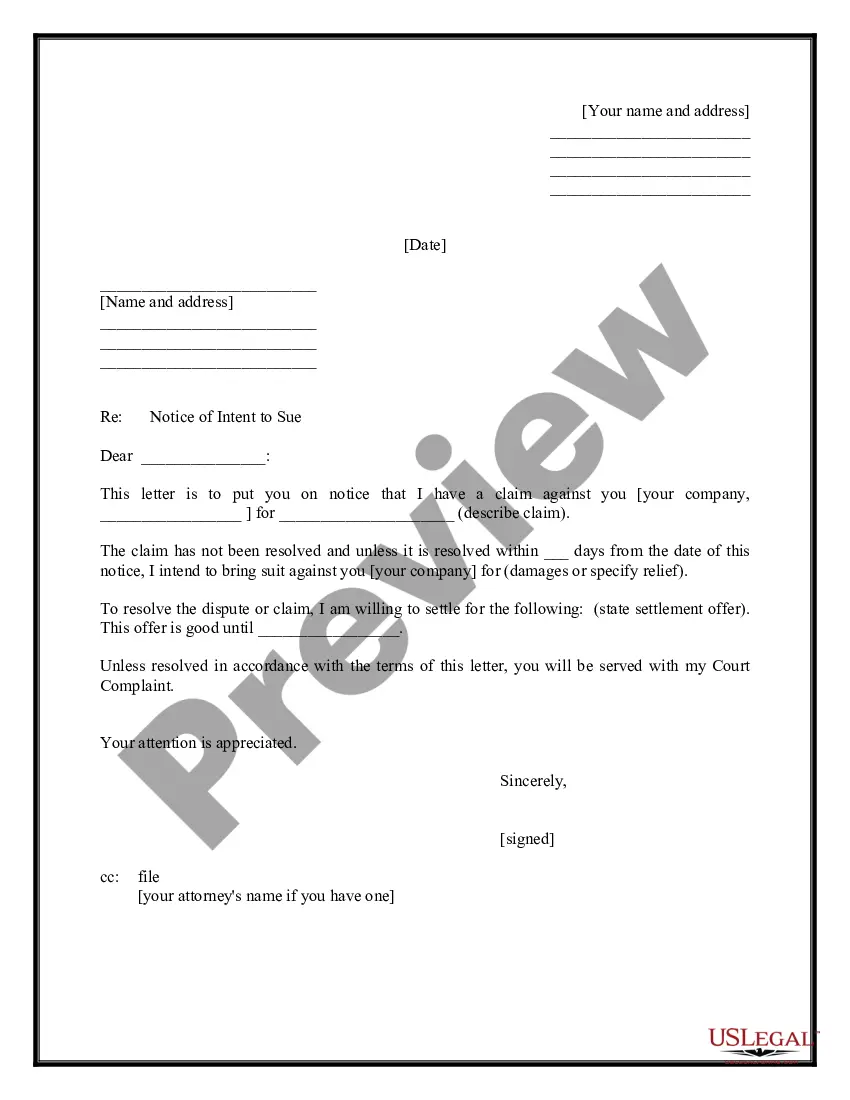
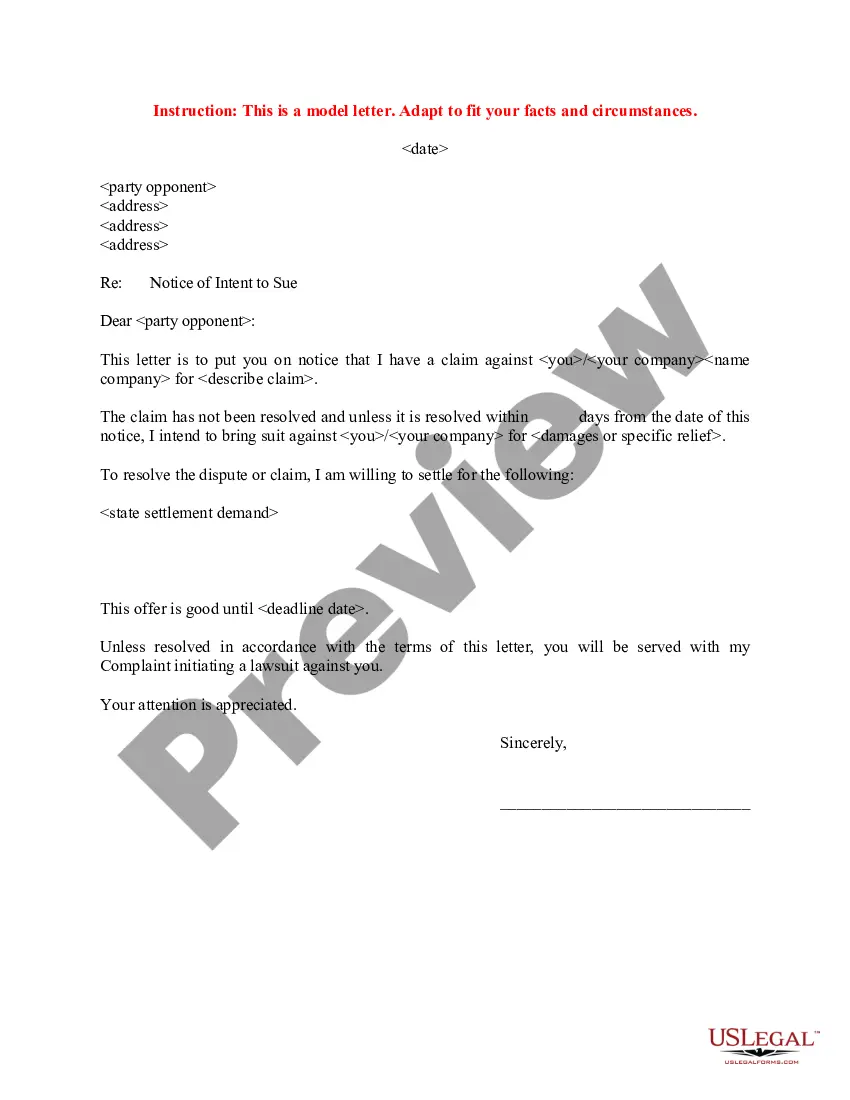
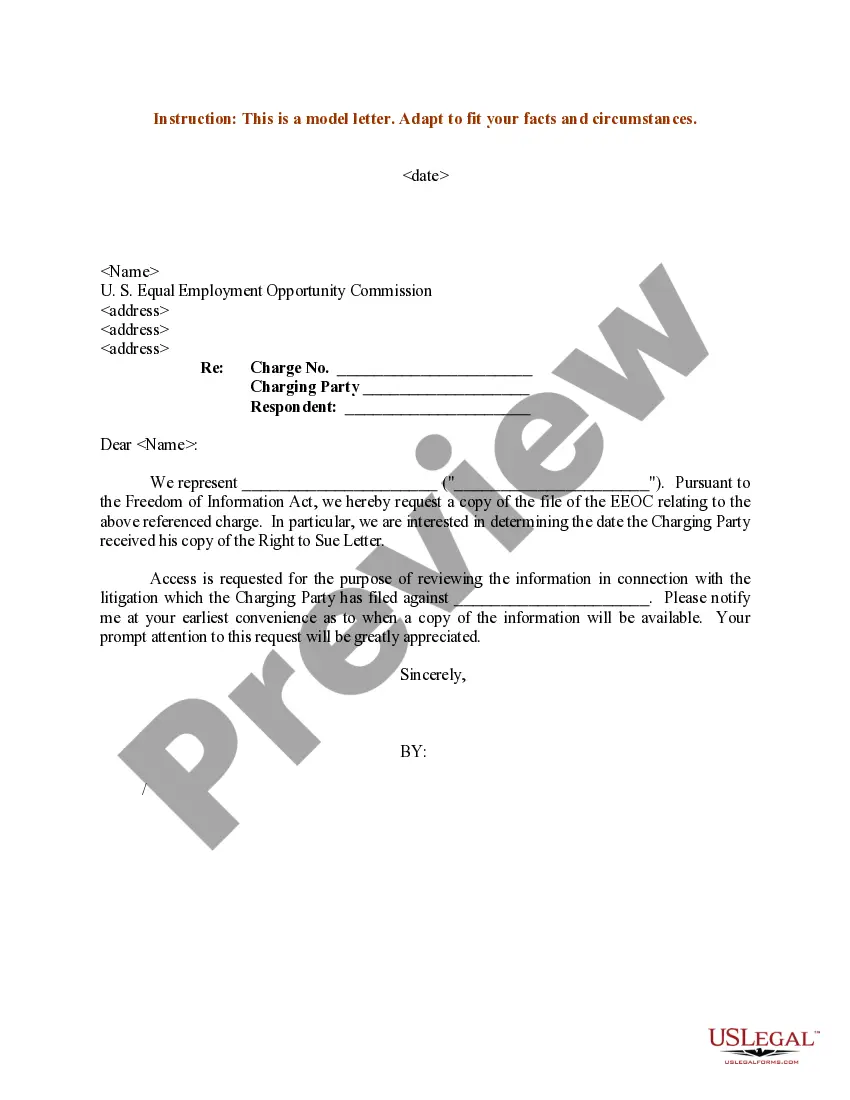
How to fill out Sample Letter For Right To Sue Letter?
- Log in to your US Legal Forms account. If you're a returning user, enter your credentials and check your subscription status to ensure it’s valid.
- Explore the available forms. Use the Preview mode to view descriptions and confirm that the document suits your jurisdiction needs.
- Search for alternatives if necessary. Should you find discrepancies, utilize the Search tab to locate the correct template that fulfills your requirements.
- Make your purchase. Click on the Buy Now button, select a subscription plan, and create an account to access the extensive library.
- Complete your transaction. Input your payment information or opt for PayPal to finalize your subscription.
- Download your document. Save the form on your device for completion anytime and access it later through the My Forms section of your profile.
By utilizing US Legal Forms, you gain access to a robust collection of over 85,000 editable legal forms, ensuring your documentation is both accurate and compliant. Additionally, premium experts are available to assist you in completing your paperwork correctly.
Take control of your legal document needs today! Start your journey with US Legal Forms to streamline your form requests and ensure your peace of mind.
Form popularity
FAQ
To write a good request form, clarity is paramount. Be specific about what you are asking for, whether it’s a sample request letter for Form 16 from your current employer or any other matter. Use straightforward language and provide just enough context for your request. Check your form for errors before submission to ensure professionalism.
Formatting a letter of request involves a professional layout. Start with your name and address, followed by the date, and then the recipient's details. Use clear, concise paragraphs that present your request logically. Ensure that you include a subject line when necessary, and end with a courteous sign-off.
A formal request often begins with a proper greeting and states the specific need or action required. For example, you could request a sample request letter for Form 16 from your current employer to facilitate your tax preparation. Clearly outlining your intention will make it easier for the recipient to understand your needs. An appropriate closing enhances professionalism.
If you find errors on your Form 16, the first step is to inform your employer immediately. They can issue a corrected version that reflects accurate tax details. Keeping a record of the errors and your communications can be helpful. Also, make sure to use the corrected Form 16 when filing your tax returns.
When writing a letter of request form, start with your contact information, followed by the date and the recipient's details. Clearly state your purpose and what you are requesting, such as a sample request letter for Form 16 from your current employer. Don’t forget to express appreciation for their time and assistance. Finally, sign off respectfully.
Form 16A is specifically issued for tax deducted at source on income other than salary, such as interest income. You can request it from the institution that deducts tax, like banks or other financial entities. Typically, you can find this form on their official website or by directly contacting their customer service. Ensuring you have your tax details handy will expedite this process.
To write a simple letter of request, start by addressing the recipient politely. Specify what you need through clear and concise language. It is also helpful to provide context or a reason for your request. For instance, a request for a sample request letter for Form 16 from your current employer might include why you need it for tax filing purposes.
Form 16 is a certificate issued by employers that validates the tax deducted at source on an employee's salary. Typically, it covers the financial year and serves as proof of tax payments made. It's important to retain Form 16 for income tax returns, as it simplifies the filing process. For most individuals, it's advisable to keep it for at least six years.
Writing form 16 involves accurately including an employee's income, TDS details, and designation. It is essential to follow guidelines provided by tax authorities to ensure compliance. If you find it challenging, a sample request letter for form 16 from your current employer can guide you in crafting your request effectively.
To generate form 16 in Excel, start by creating a spreadsheet to input employee details along with tax information. Utilize formulas to calculate TDS and total income for accuracy. A clear sample request letter for form 16 from your current employer can also help expedite the information gathering process.