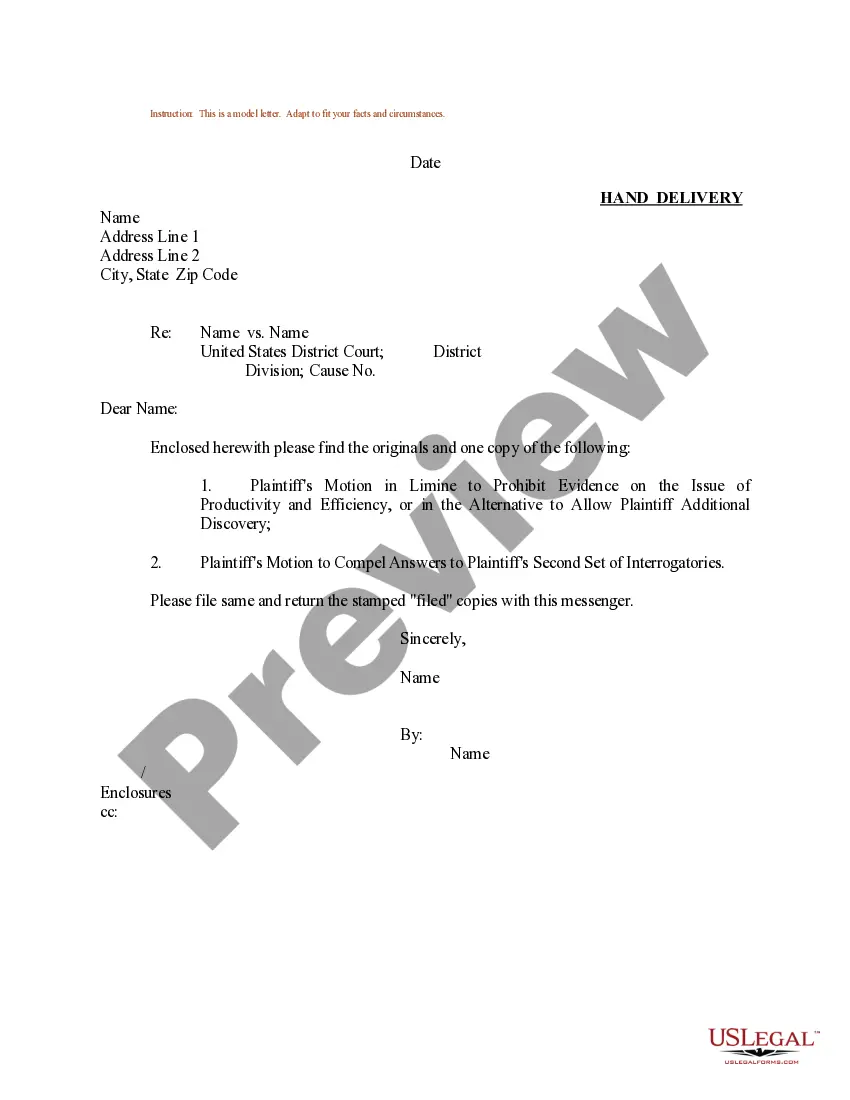
Sample Responses To Interrogatories Child Custody
Description
Get your form ready online
Our built-in tools help you complete, sign, share, and store your documents in one place.
Make edits, fill in missing information, and update formatting in US Legal Forms—just like you would in MS Word.
Download a copy, print it, send it by email, or mail it via USPS—whatever works best for your next step.
Sign and collect signatures with our SignNow integration. Send to multiple recipients, set reminders, and more. Go Premium to unlock E-Sign.
If this form requires notarization, complete it online through a secure video call—no need to meet a notary in person or wait for an appointment.
We protect your documents and personal data by following strict security and privacy standards.

Make edits, fill in missing information, and update formatting in US Legal Forms—just like you would in MS Word.

Download a copy, print it, send it by email, or mail it via USPS—whatever works best for your next step.

Sign and collect signatures with our SignNow integration. Send to multiple recipients, set reminders, and more. Go Premium to unlock E-Sign.

If this form requires notarization, complete it online through a secure video call—no need to meet a notary in person or wait for an appointment.

We protect your documents and personal data by following strict security and privacy standards.
Looking for another form?


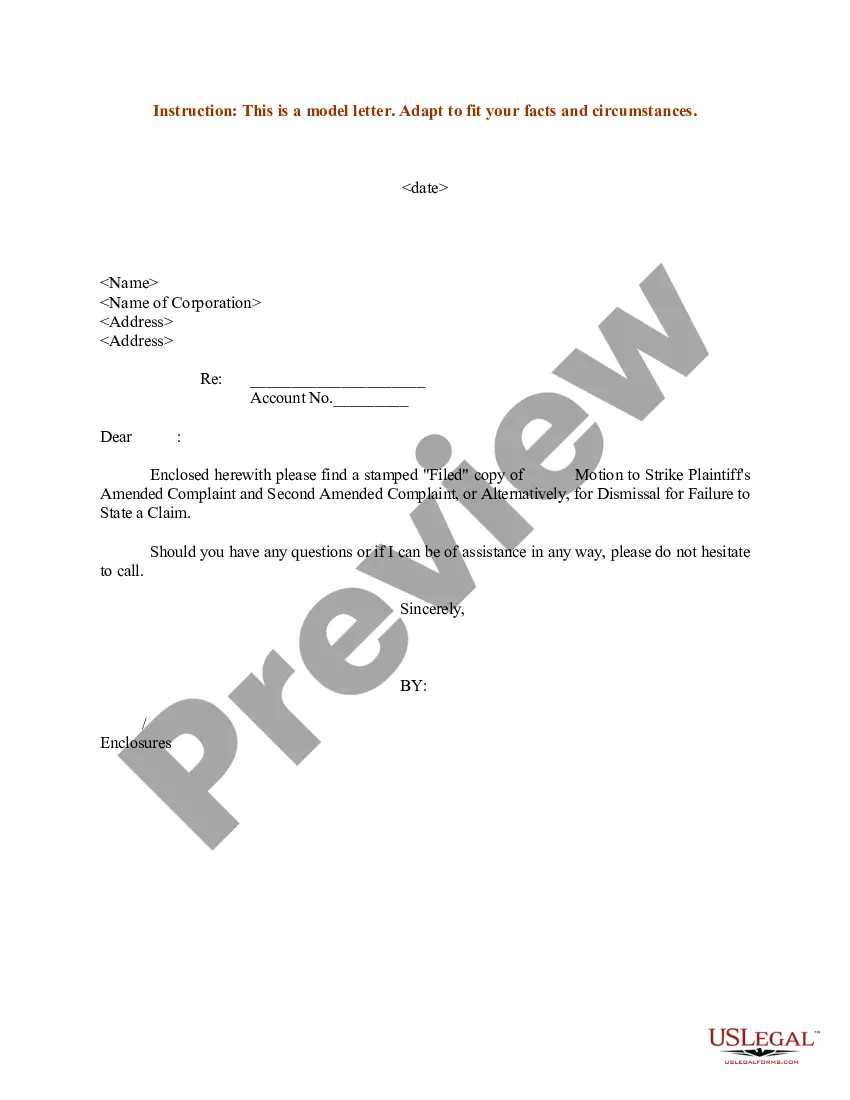
How to fill out Sample Letter For Plaintiff's Motion To Compel Answers To Plaintiff's Second Set Of Interrogatories?
Working with legal paperwork and operations might be a time-consuming addition to your entire day. Sample Responses To Interrogatories Child Custody and forms like it typically need you to look for them and understand the way to complete them effectively. As a result, if you are taking care of financial, legal, or individual matters, having a extensive and hassle-free web catalogue of forms when you need it will go a long way.
US Legal Forms is the top web platform of legal templates, featuring more than 85,000 state-specific forms and numerous resources to help you complete your paperwork easily. Discover the catalogue of appropriate documents available with just a single click.
US Legal Forms gives you state- and county-specific forms available at any moment for downloading. Safeguard your papers administration processes with a top-notch services that allows you to make any form in minutes without any extra or hidden fees. Just log in to the profile, locate Sample Responses To Interrogatories Child Custody and acquire it right away within the My Forms tab. You may also gain access to formerly saved forms.
Could it be the first time using US Legal Forms? Register and set up up an account in a few minutes and you’ll get access to the form catalogue and Sample Responses To Interrogatories Child Custody. Then, adhere to the steps listed below to complete your form:
- Be sure you have found the right form by using the Review option and looking at the form information.
- Choose Buy Now as soon as ready, and choose the subscription plan that fits your needs.
- Select Download then complete, sign, and print the form.
US Legal Forms has twenty five years of expertise helping consumers manage their legal paperwork. Discover the form you require right now and improve any operation without having to break a sweat.
Form popularity
FAQ
You can use interrogatories to find out facts about a case but they cannot be used for questions that draw a legal conclusion.
If you are unable to answer a specific question because you don't know or don't have access to the appropriate information, you must indicate the reasons. You may refer to a previous response when responding to an interrogatory providing the previous response sufficiently answers the later interrogatory.
Generally, interrogatories are objectionable if they seek information that is not within the scope of discovery as defined in Maryland Rule 402 or Federal Rule 26(b). These are typically requests that are not relevant, unduly burdensome, broad, vague, privileged. or protected by the work product doctrine.
For example, divorce case where custody is at issue and there has been domestic violence will likely have questions centering upon that domestic abuse. A custody case will likely include Interrogatories addressing proposed physical care and visitation schedules, and how each party intends to care for the child.
They are provided for your information. There is no form for your answer, but you typically have to respond in a specified format, using paper with numbers down the left-hand side, with your name and address at the top left, the name of the court and of the case, and the case number.