Appointment Letter With Salary Structure
Description
Get your form ready online
Our built-in tools help you complete, sign, share, and store your documents in one place.
Make edits, fill in missing information, and update formatting in US Legal Forms—just like you would in MS Word.
Download a copy, print it, send it by email, or mail it via USPS—whatever works best for your next step.
Sign and collect signatures with our SignNow integration. Send to multiple recipients, set reminders, and more. Go Premium to unlock E-Sign.
If this form requires notarization, complete it online through a secure video call—no need to meet a notary in person or wait for an appointment.
We protect your documents and personal data by following strict security and privacy standards.

Make edits, fill in missing information, and update formatting in US Legal Forms—just like you would in MS Word.

Download a copy, print it, send it by email, or mail it via USPS—whatever works best for your next step.

Sign and collect signatures with our SignNow integration. Send to multiple recipients, set reminders, and more. Go Premium to unlock E-Sign.

If this form requires notarization, complete it online through a secure video call—no need to meet a notary in person or wait for an appointment.

We protect your documents and personal data by following strict security and privacy standards.
Looking for another form?

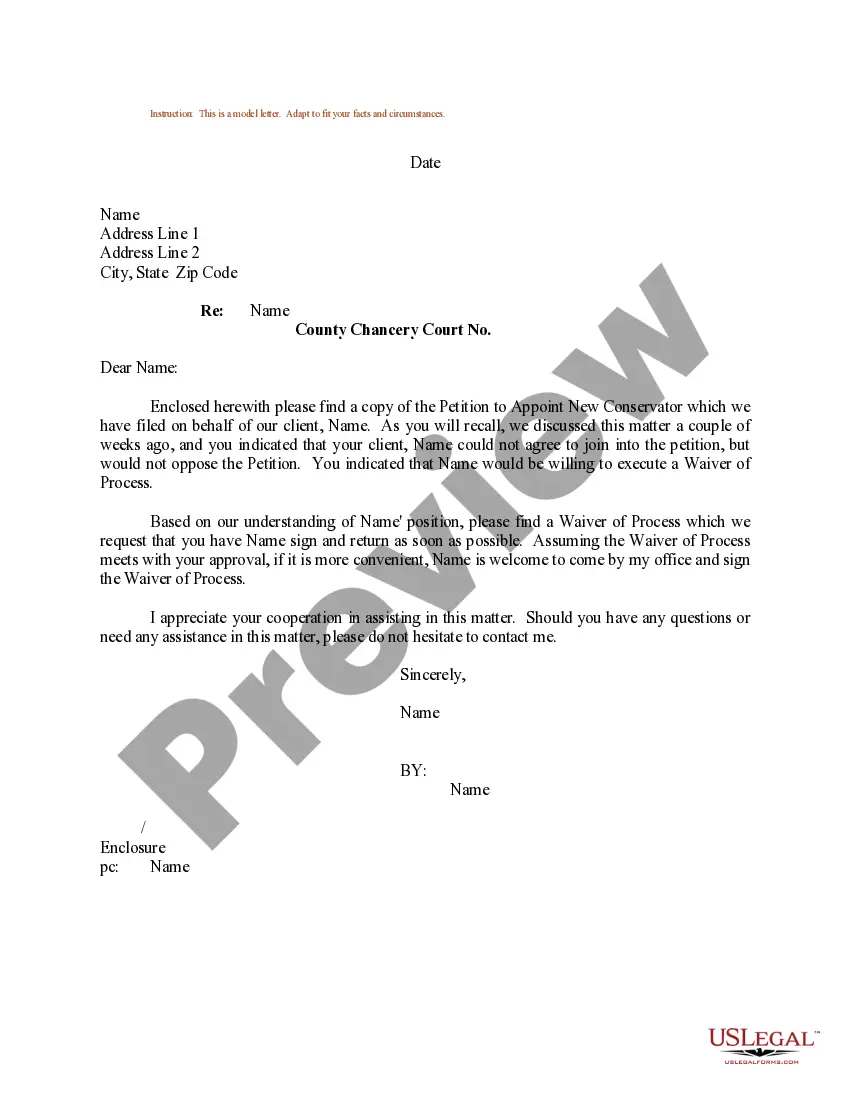
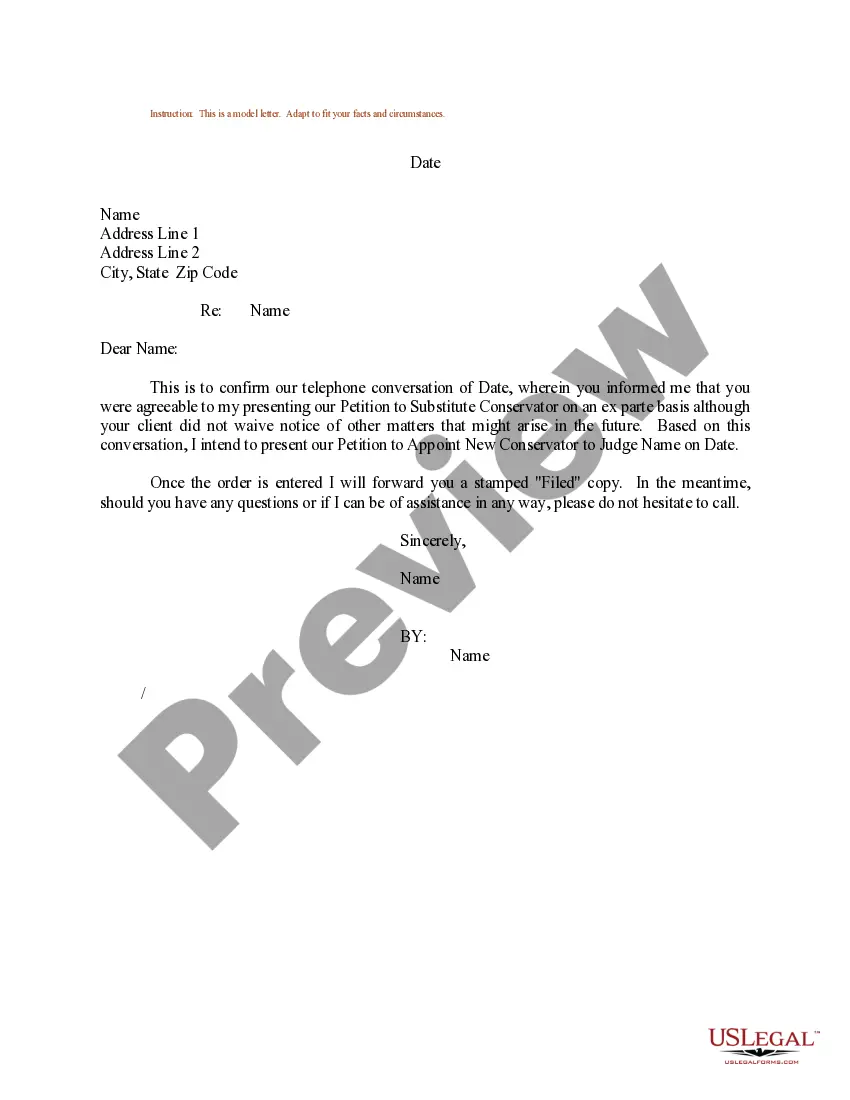
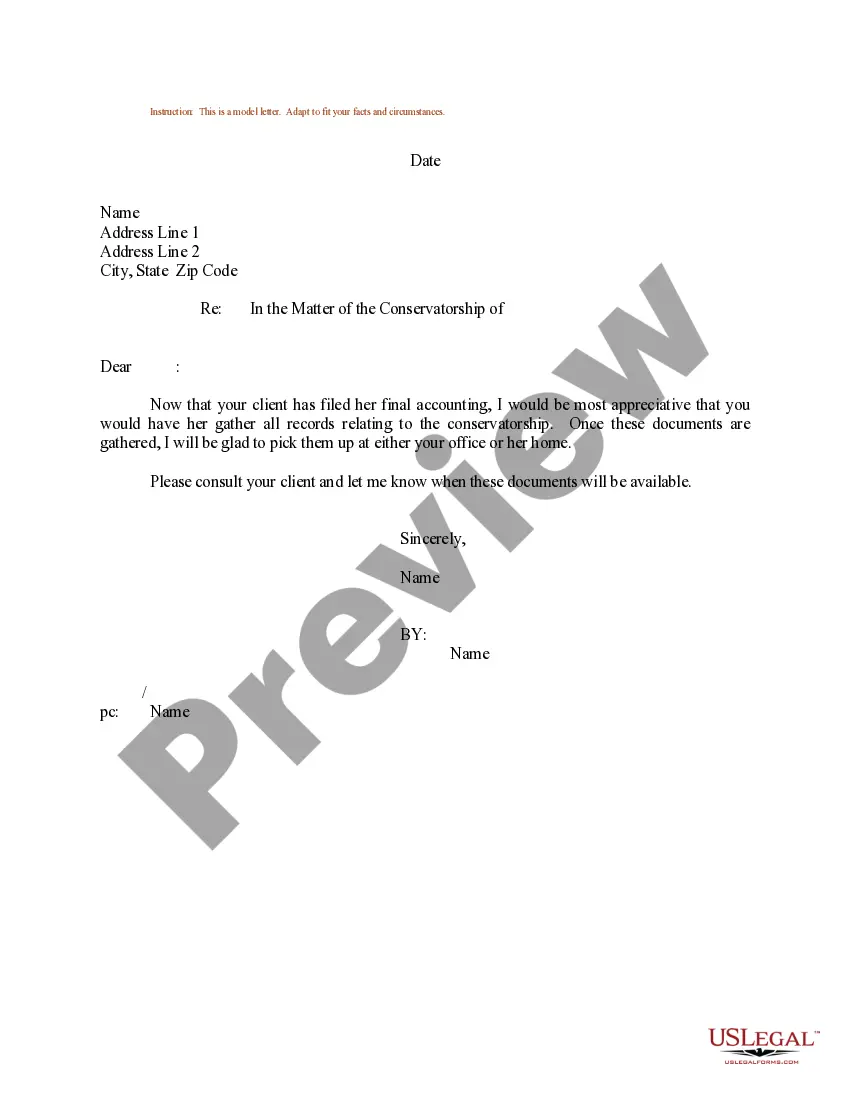
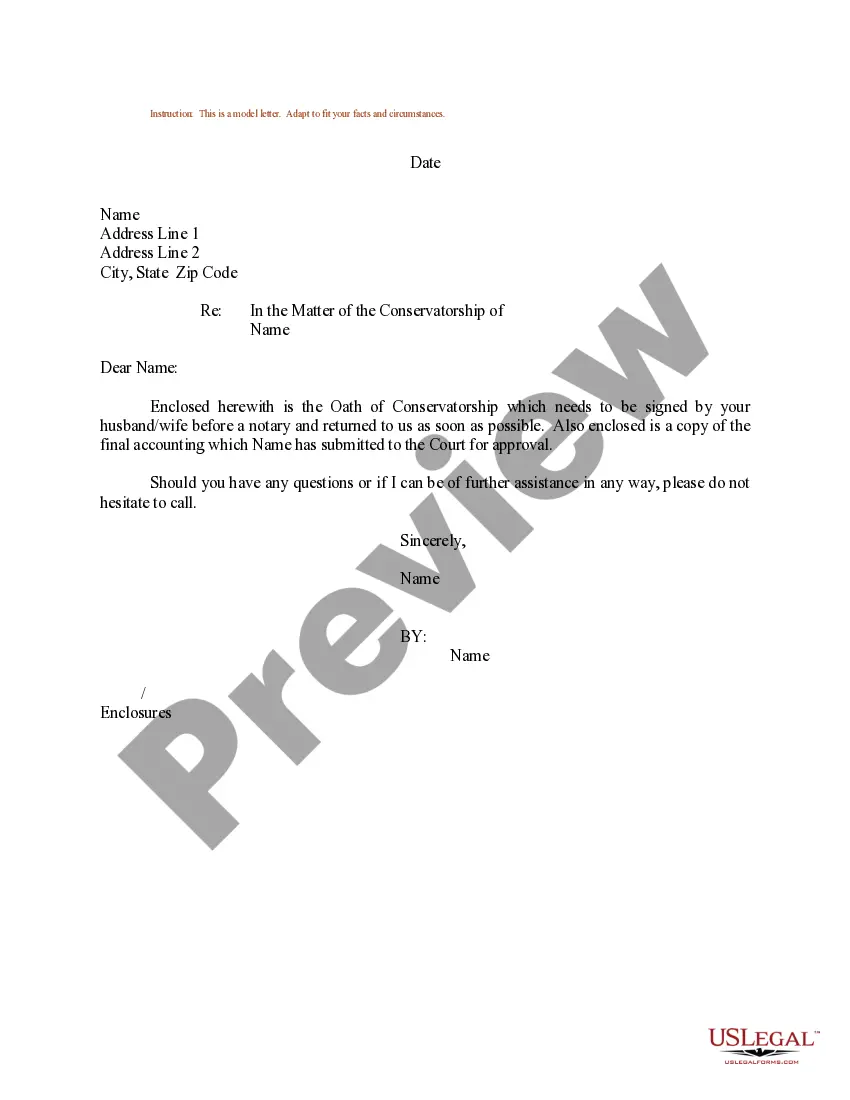
How to fill out Sample Letter Regarding Petition To Appoint New Conservator?
The Appointment Document With Compensation Framework presented on this site is a versatile formal model created by expert attorneys in accordance with national and regional laws.
For over 25 years, US Legal Forms has supplied individuals, organizations, and lawyers with more than 85,000 authenticated, state-specific documents for every business and personal event. It is the fastest, simplest, and most reliable method to acquire the files you require, as the service assures the highest standard of data protection and anti-malware security.
Print the template to fill it out by hand. Alternatively, use an online versatile PDF editor to swiftly and accurately complete and sign your document with a legally valid electronic signature.
- Search for the document you require and review it.
- Examine the template you located and either preview it or read the form summary to verify it meets your criteria. If it doesn’t, utilize the search feature to find the appropriate one.
- Click 'Purchase Now' once you have identified the template you need.
- Select a pricing option that meets your needs and create an account. Make a quick payment using PayPal or a credit card. If you already possess an account, Log In and check your subscription to proceed.
- Choose the format you prefer for your Appointment Document With Compensation Framework (PDF, Word, RTF) and download the sample to your device.
Form popularity
FAQ
An offer letter typically includes the job title, salary structure, work schedule, and start date. It may also outline benefits, reporting relationships, and conditions of employment. This document is crucial for both the employer and employee as it establishes the terms associated with the job position.
A job offer letter from employer to employee should include: Job title. Job description. Starting date. Work schedule. Reporting structure. Salary (Compensation Bonus or Commission) Paid time off. Employee benefits.
Appointment letters are usually provided after offer letter on the first day of the candidate starting work. The appointment letter describes in length the position offered, salary, benefits, confidentiality policy, work policy, starting date, and important information about the employment.
The letter serves as proof of the applicant's ability to repay the loan or rent. In addition, potential employers may request a Salary Verification Letter to confirm that the employee worked for their previous employer and received the salary stated in their application.
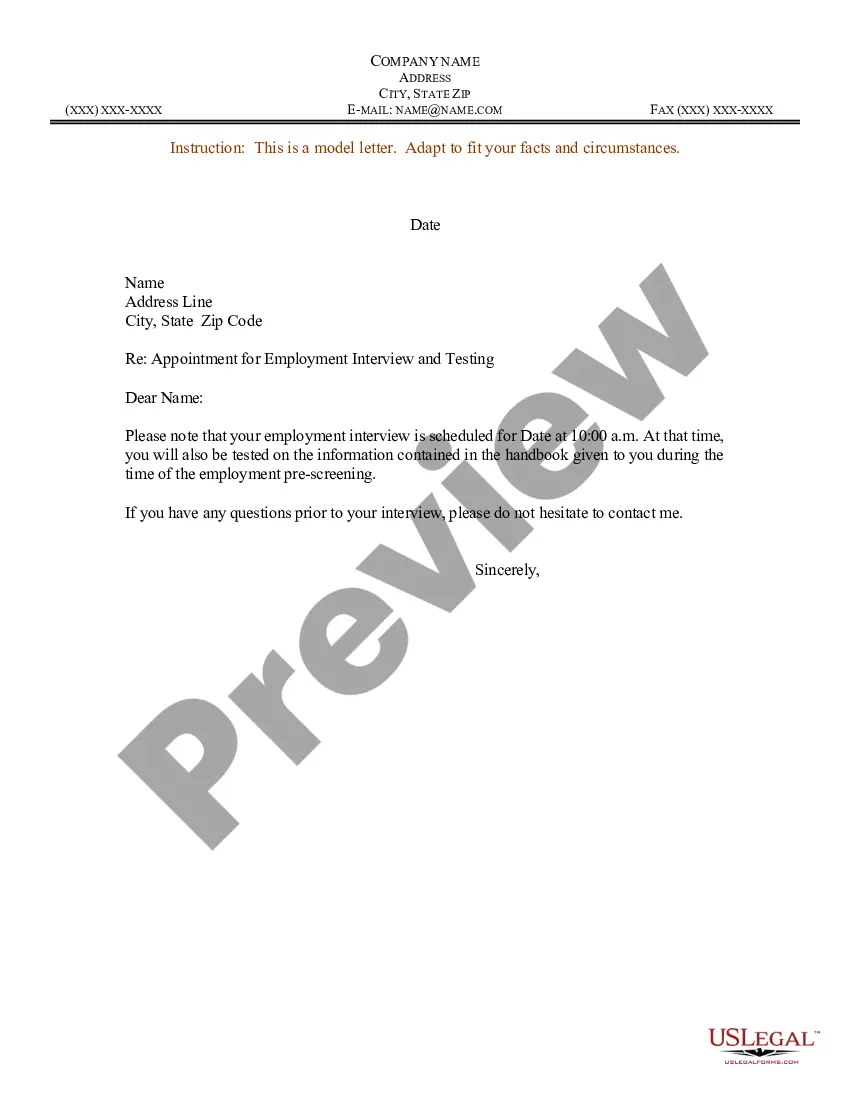
An appointment letter should include the following: The date on which the appointment letter is issued. The name, address and contact details of the selected candidate. The salutation. The body of the letter stating the job title, emoluments, job location, probation period and other details.
Include the base salary or hourly wage and payment schedule, a summary of company benefits, any bonus structure, and applicable work options (such as telecommuting or flex time). At-will status. Make it clear that the company may terminate their employment for any lawful reason and at any time.