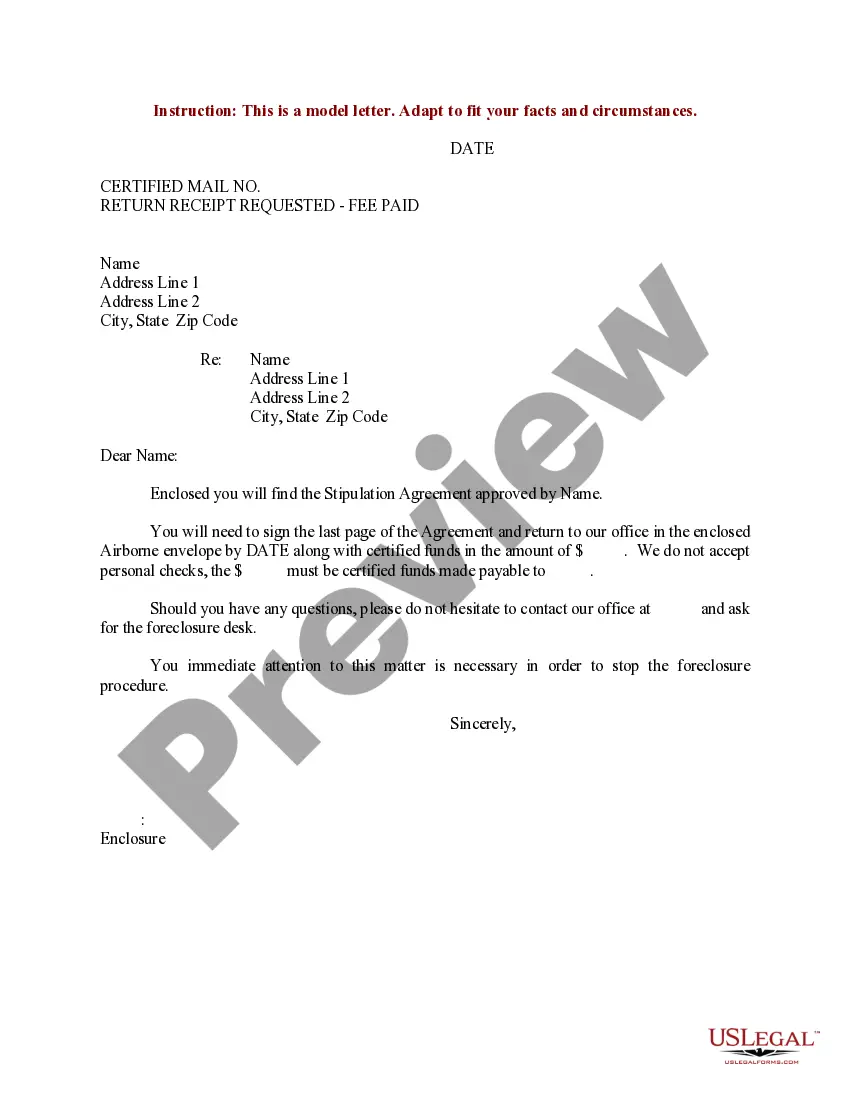
Writing A Professional Letter Format
Description


Get your form ready online
Our built-in tools help you complete, sign, share, and store your documents in one place.
Make edits, fill in missing information, and update formatting in US Legal Forms—just like you would in MS Word.
Download a copy, print it, send it by email, or mail it via USPS—whatever works best for your next step.
Sign and collect signatures with our SignNow integration. Send to multiple recipients, set reminders, and more. Go Premium to unlock E-Sign.
If this form requires notarization, complete it online through a secure video call—no need to meet a notary in person or wait for an appointment.
We protect your documents and personal data by following strict security and privacy standards.

Make edits, fill in missing information, and update formatting in US Legal Forms—just like you would in MS Word.

Download a copy, print it, send it by email, or mail it via USPS—whatever works best for your next step.

Sign and collect signatures with our SignNow integration. Send to multiple recipients, set reminders, and more. Go Premium to unlock E-Sign.

If this form requires notarization, complete it online through a secure video call—no need to meet a notary in person or wait for an appointment.

We protect your documents and personal data by following strict security and privacy standards.
Looking for another form?
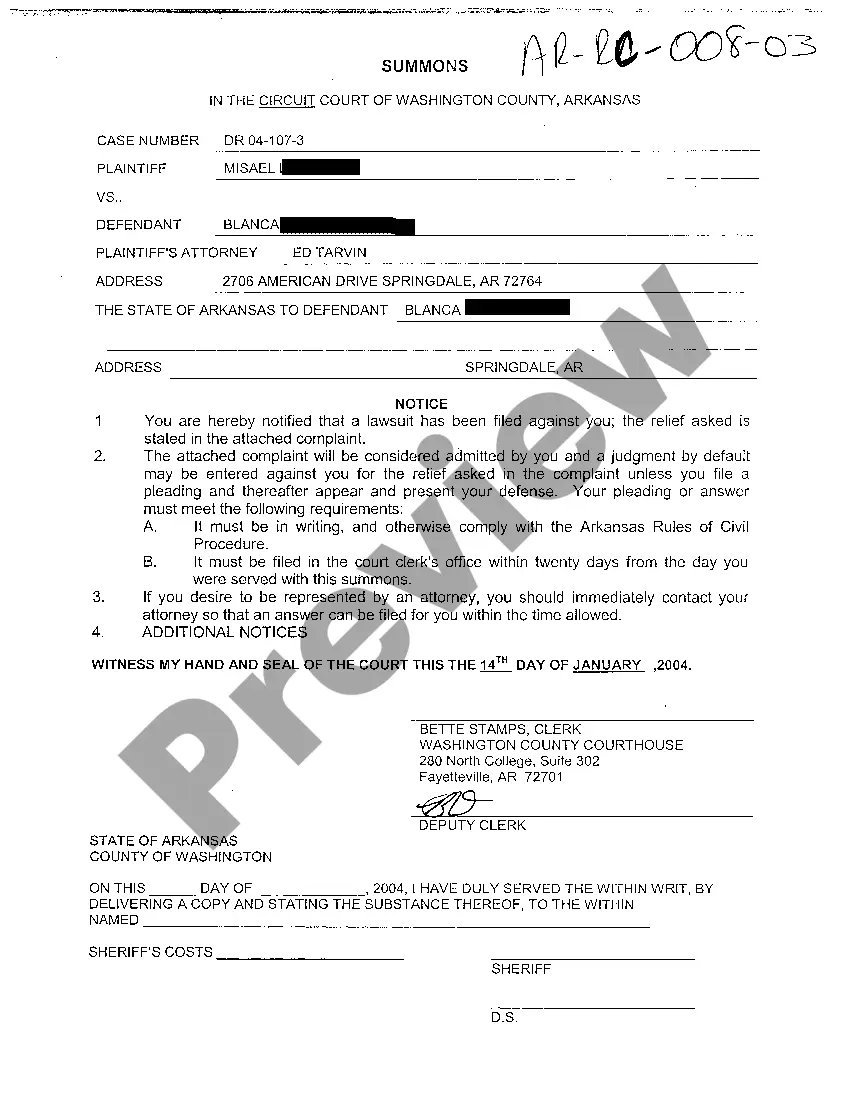
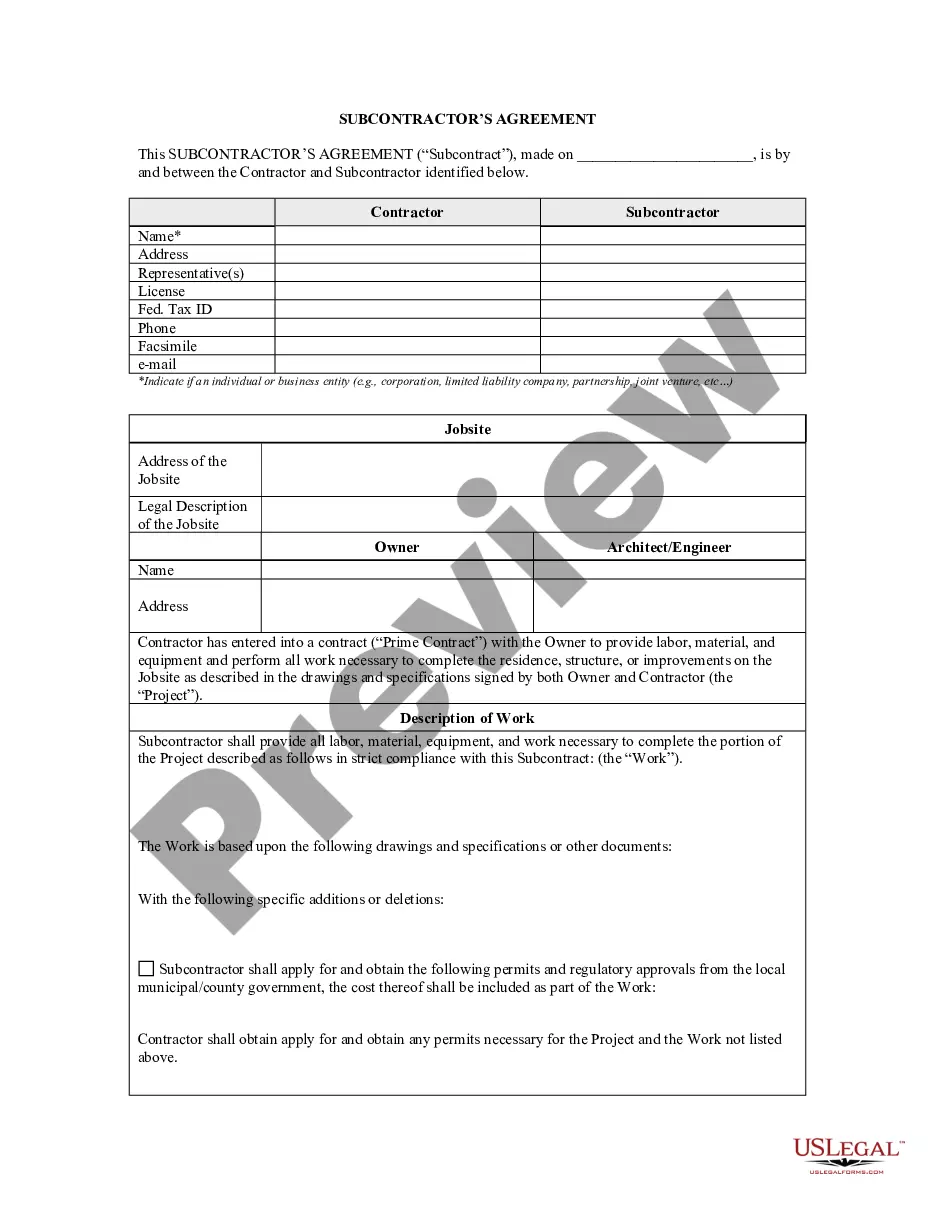
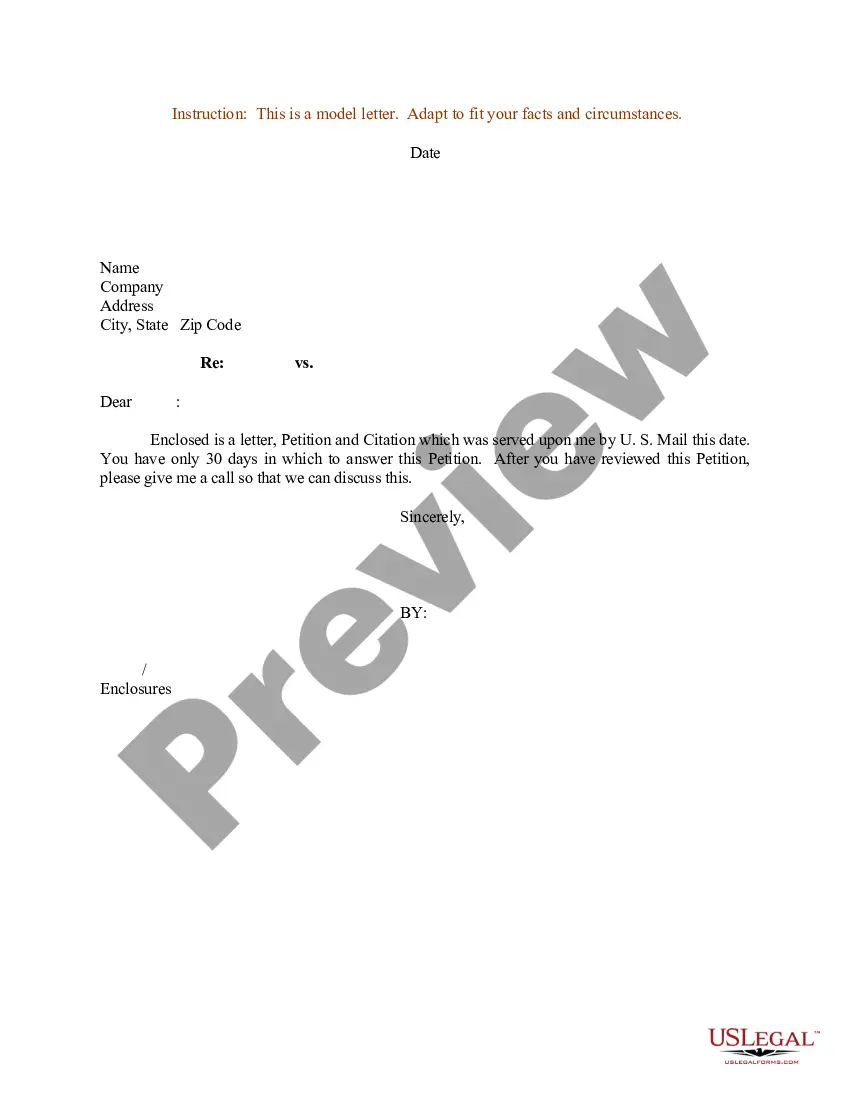
How to fill out Sample Letter For Stipulation Agreement?
The Crafting A Professional Letter Template you view on this site is a versatile formal outline created by experienced attorneys in accordance with federal and local statutes and guidelines.
For over 25 years, US Legal Forms has offered individuals, entities, and legal practitioners access to more than 85,000 authenticated, state-specific documents for various business and personal situations.
Select the format you desire for your Crafting A Professional Letter Template (PDF, DOCX, RTF) and download the example onto your device.
- Search for the document you require and examine it.
- Browse through the file you looked for and preview it or review the form description to verify it meets your needs. If it doesn't, use the search bar to find the appropriate one. Click Buy Now once you have found the template you want.
- Subscribe and Log In.
- Choose the pricing plan that works best for you and set up an account. Make a swift payment using PayPal or a credit card. If you already possess an account, Log In and verify your subscription to continue.
- Obtain the editable template.
Form popularity
FAQ
When you use the block form to write a business letter, all the information is typed flush left, with one-inch margins all around. First provide your own address, then skip a line and provide the date, then skip one more line and provide the inside address of the party to whom the letter is addressed.
What to include in an official letter A heading that lists your address and the recipient's address. A formal salutation. One paragraph stating your reasons for writing the letter. Another paragraph expanding further on the introduction paragraph. A final paragraph concluding the letter. Closing letter signature.
Salutation: Address the recipient using ?Dear,? along with their title and last name, such as ?Dear Mr. Collins? or ?Dear Director Kinkade.? If you don't know the recipient's gender, use their full name, such as ?Dear Taylor Dean.? Finally, be sure to add a colon to the end of the salutation.
Hear this out loud PauseThe standard professional greeting is ?Dear,? but many people also use the recipient's name alone. Either way, follow the person's name with a colon. If you do not know the specific name of the person you are sending your letter to, you can use their title instead.
Hear this out loud PauseProfessional letters should be simple, short, and written in business format using a traditional font. Length of the Letter: Most formal letters are no more than one typed page. Margins: Use one-inch margins and left justify your text. Spacing: Single space your letter and leave a space between each paragraph.