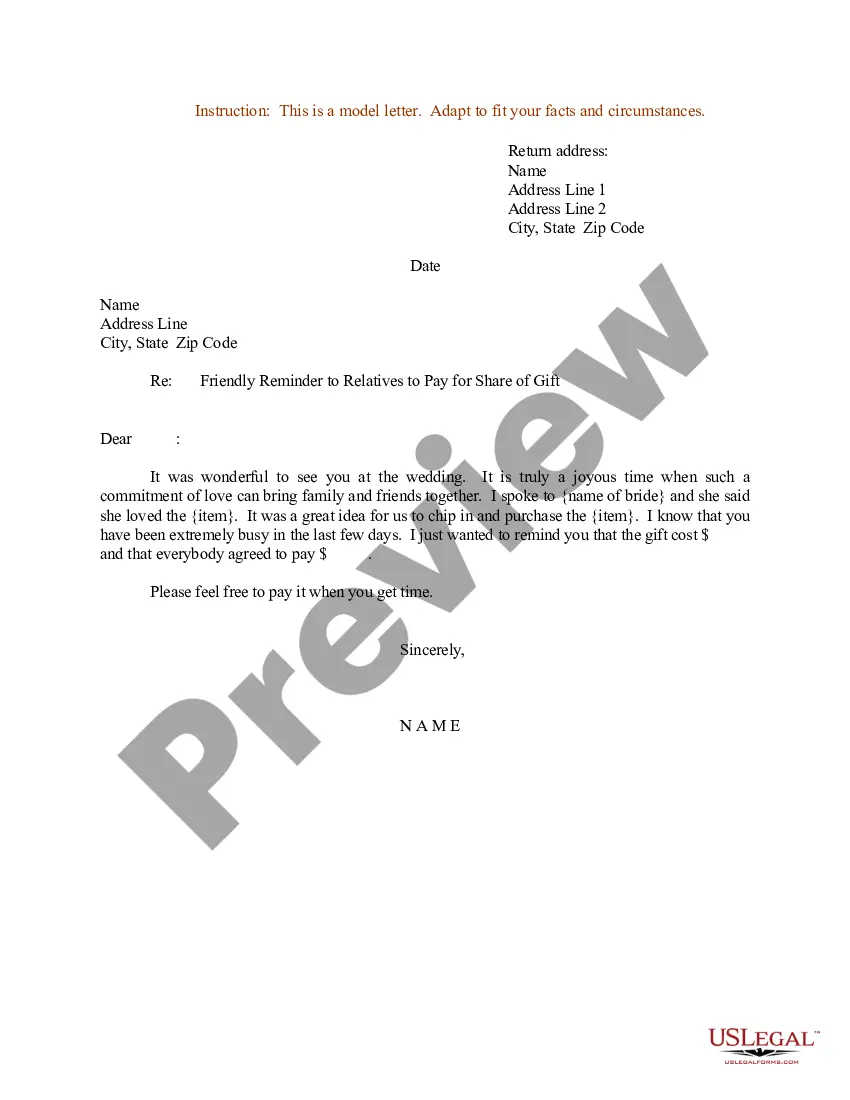
Sample Reminder Letter For Non Compliance
Description
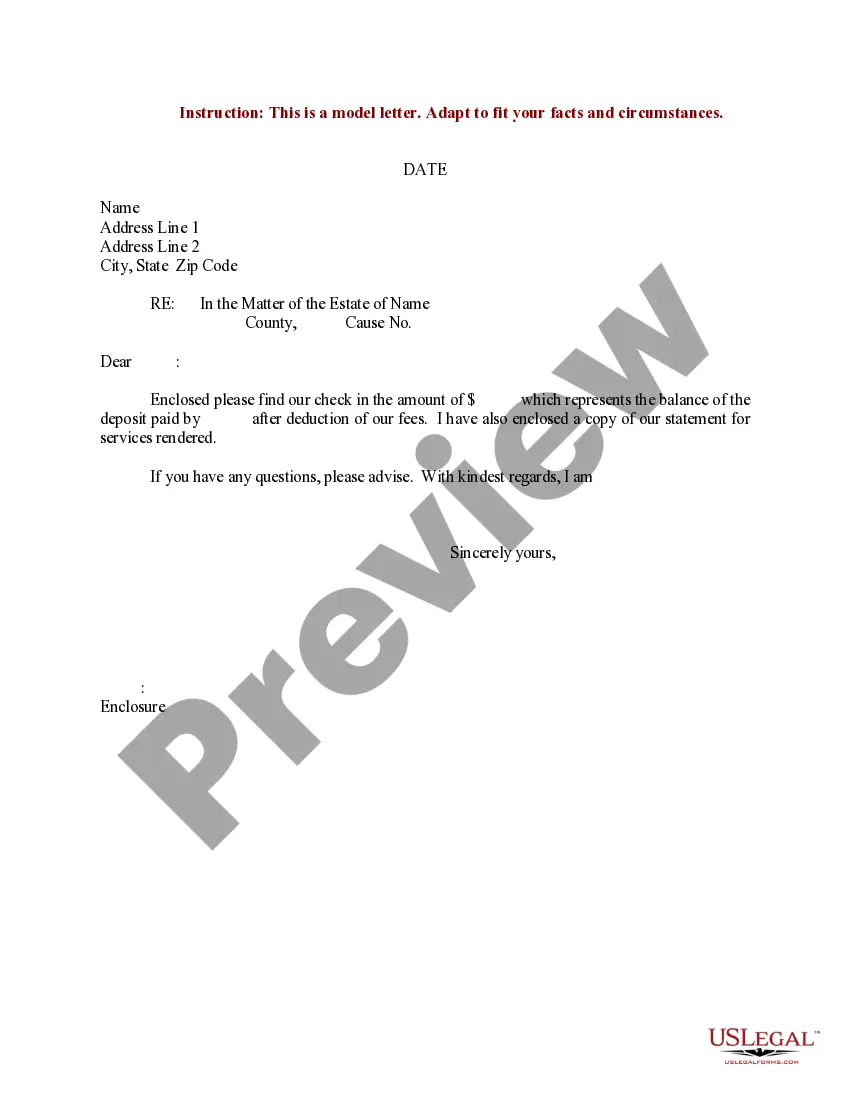
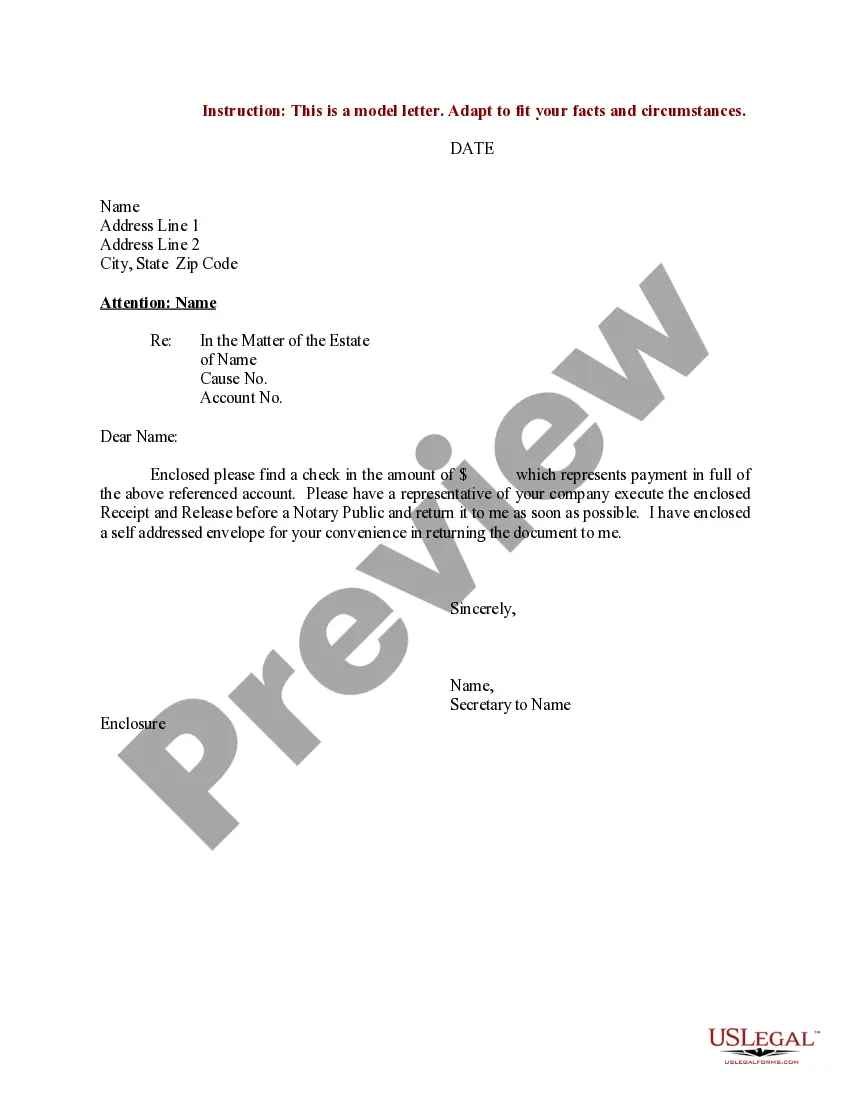
Get your form ready online
Our built-in tools help you complete, sign, share, and store your documents in one place.
Make edits, fill in missing information, and update formatting in US Legal Forms—just like you would in MS Word.
Download a copy, print it, send it by email, or mail it via USPS—whatever works best for your next step.
Sign and collect signatures with our SignNow integration. Send to multiple recipients, set reminders, and more. Go Premium to unlock E-Sign.
If this form requires notarization, complete it online through a secure video call—no need to meet a notary in person or wait for an appointment.
We protect your documents and personal data by following strict security and privacy standards.

Make edits, fill in missing information, and update formatting in US Legal Forms—just like you would in MS Word.

Download a copy, print it, send it by email, or mail it via USPS—whatever works best for your next step.

Sign and collect signatures with our SignNow integration. Send to multiple recipients, set reminders, and more. Go Premium to unlock E-Sign.

If this form requires notarization, complete it online through a secure video call—no need to meet a notary in person or wait for an appointment.

We protect your documents and personal data by following strict security and privacy standards.
Looking for another form?




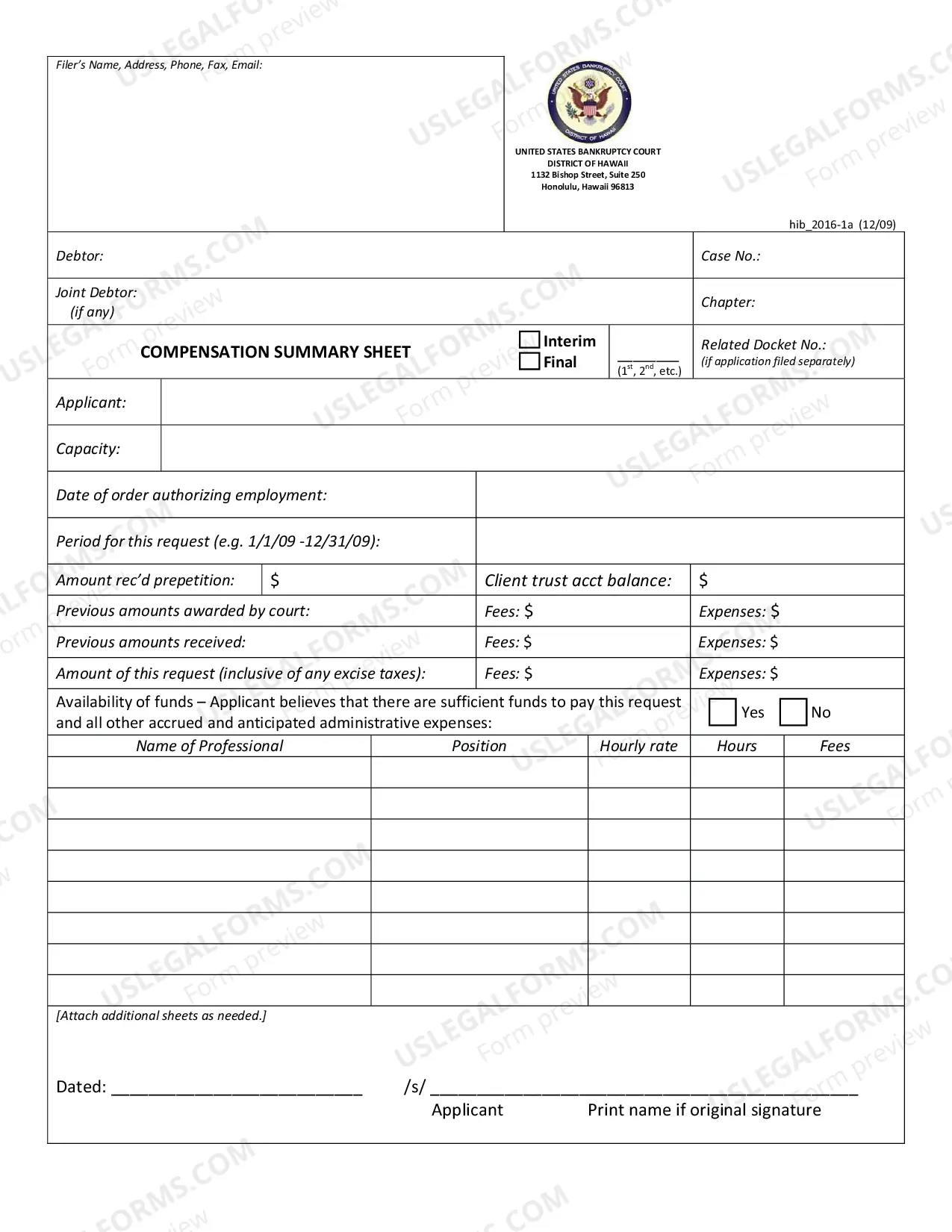
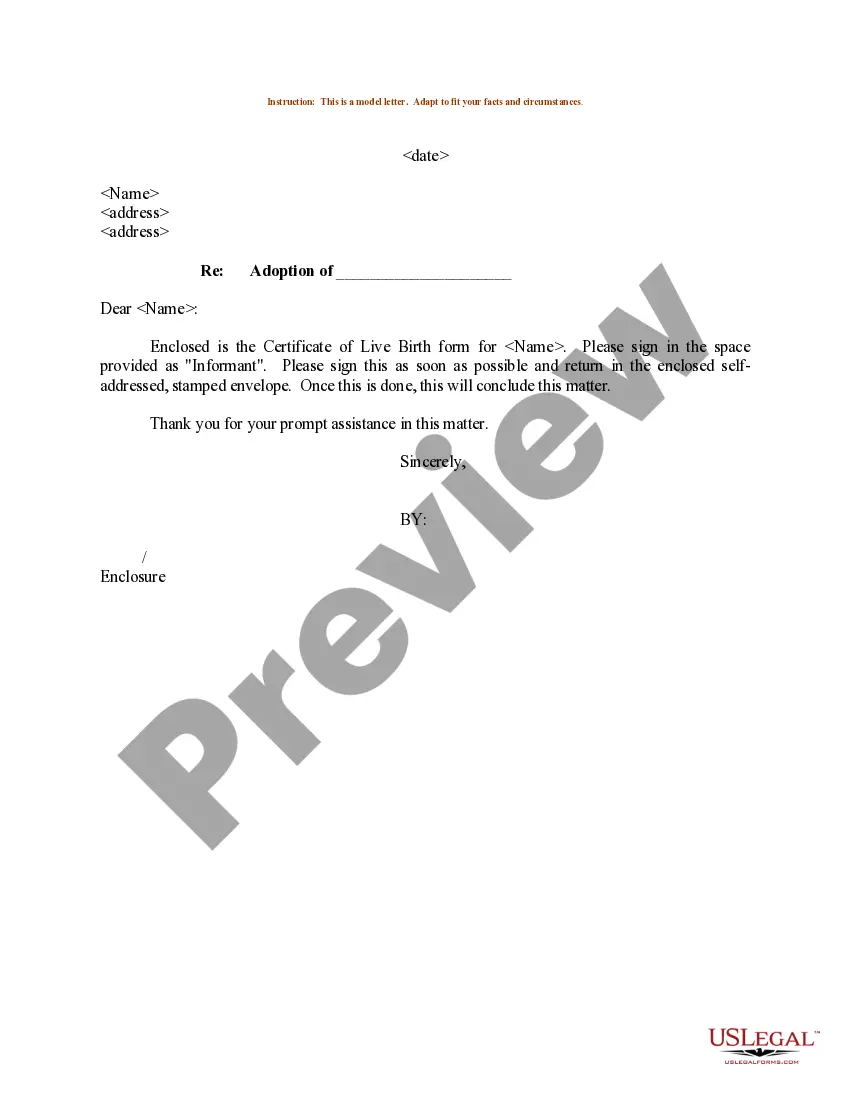


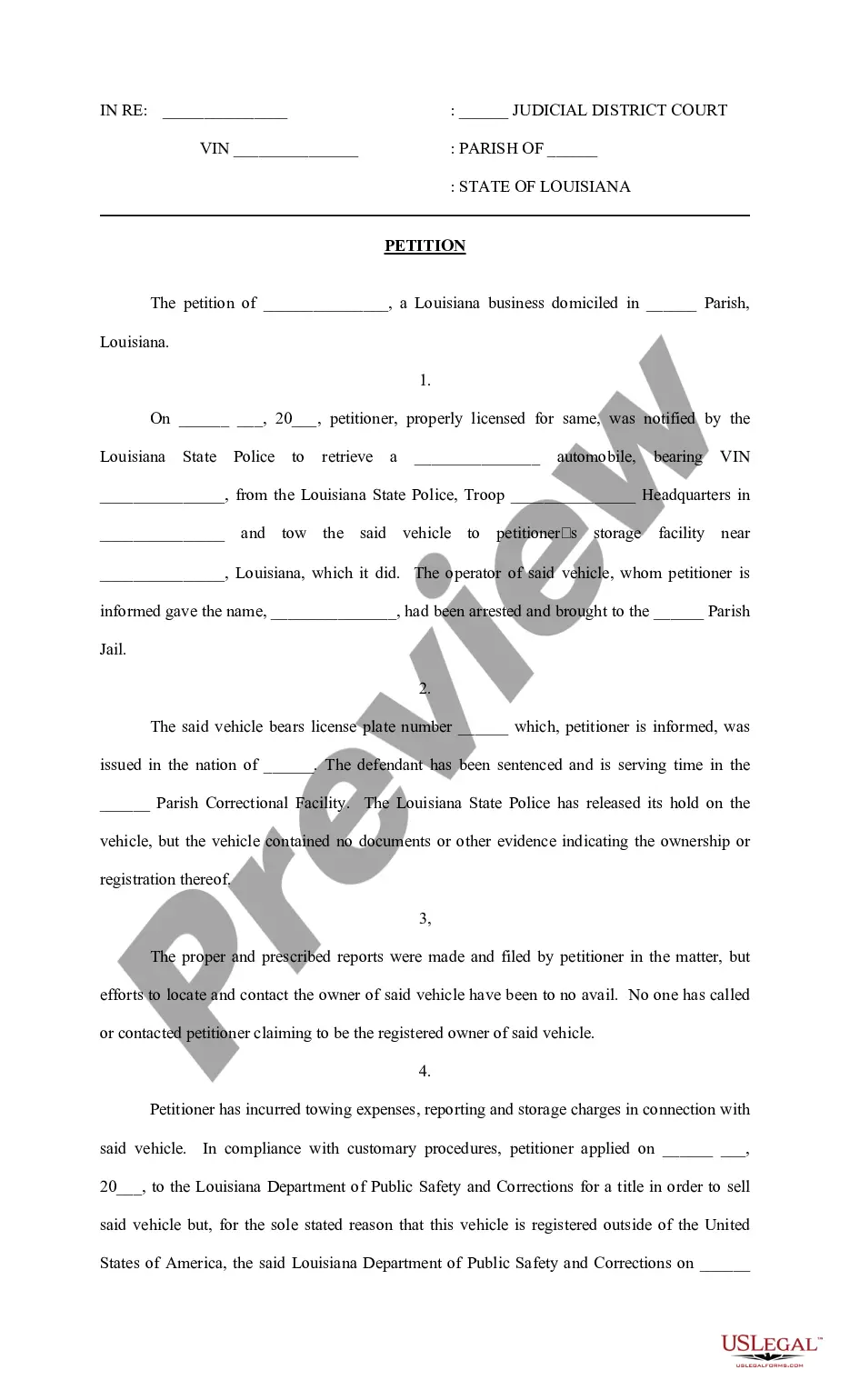
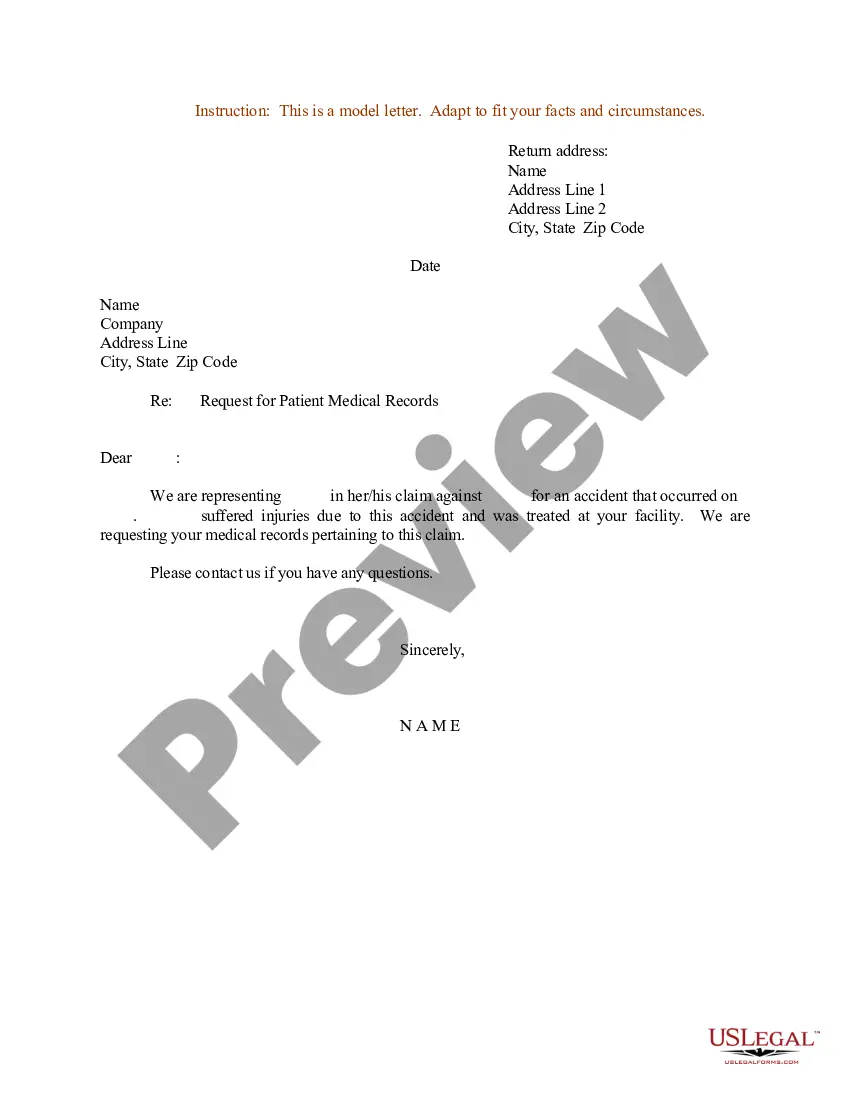
How to fill out Sample Letter For Friendly Reminder To Relatives To Pay For Share Of Gift?
It’s clear that you cannot transform into a legal expert in a single night, nor can you quickly learn how to draft a Sample Reminder Letter For Non Compliance without possessing a particular set of abilities. Assembling legal documents is a labor-intensive endeavor that demands specific education and expertise. So why not delegate the creation of the Sample Reminder Letter For Non Compliance to the experts.
With US Legal Forms, one of the most comprehensive legal template collections, you can discover everything from court documents to templates for internal communication. We recognize how essential compliance and adherence to federal and local laws and regulations are. That’s why, on our platform, all forms are location-specific and current.
Let’s begin with our platform and obtain the document you need in just a few minutes.
You can access your documents again from the My documents tab at any time. If you’re an existing customer, you can simply Log In, and find and download the template from the same tab.
Regardless of the nature of your forms—whether they are financial and legal, or personal—our platform has you covered. Try US Legal Forms now!
- Locate the document you need using the search bar at the top of the page.
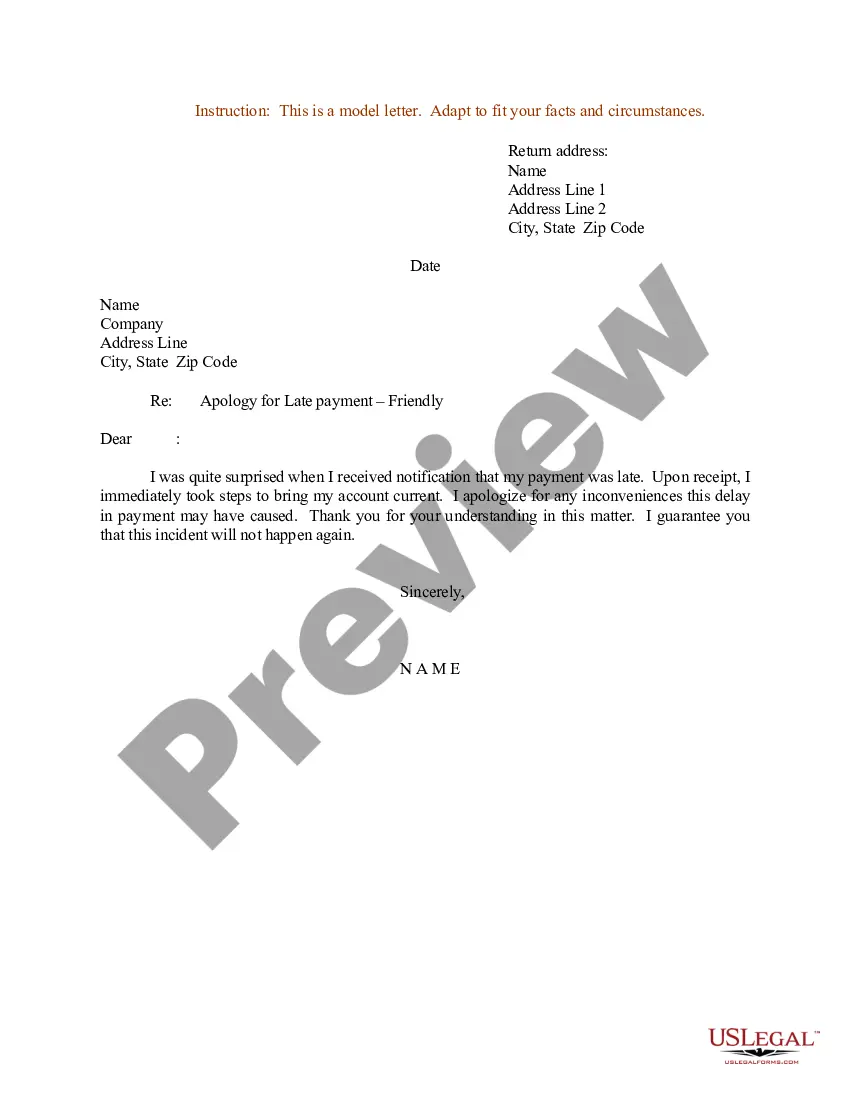
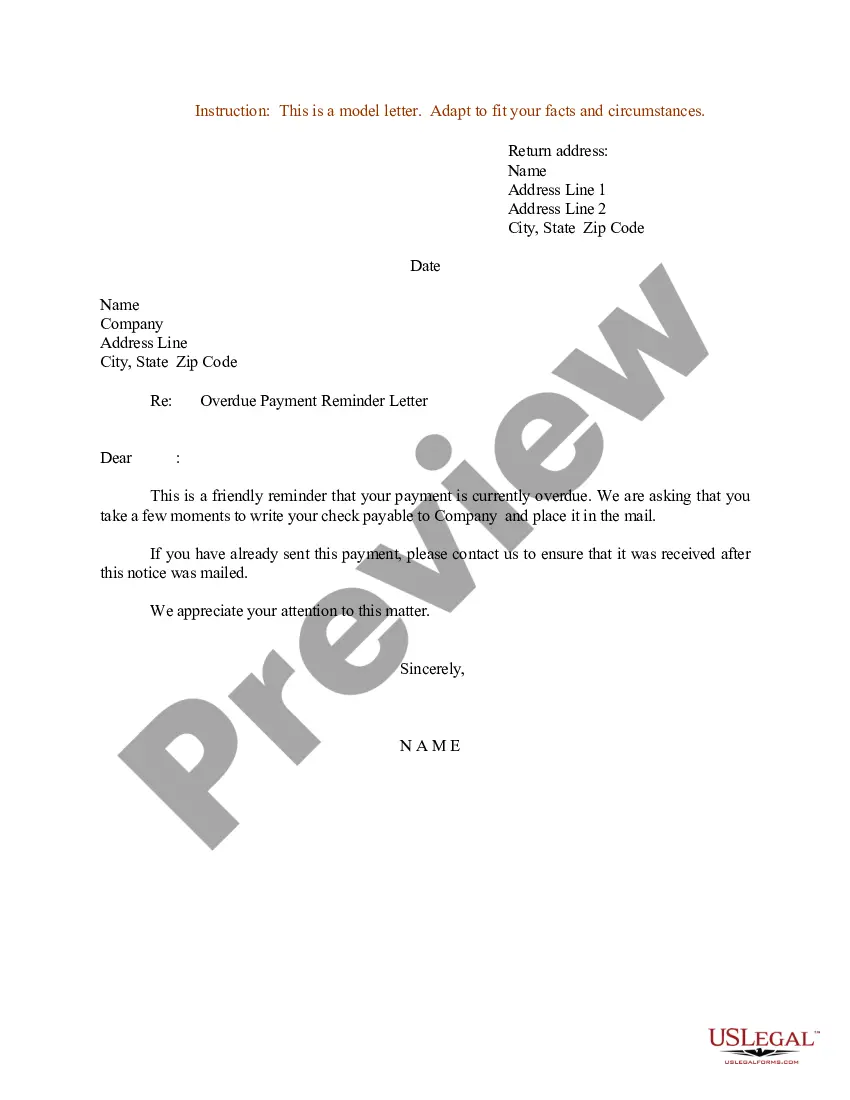
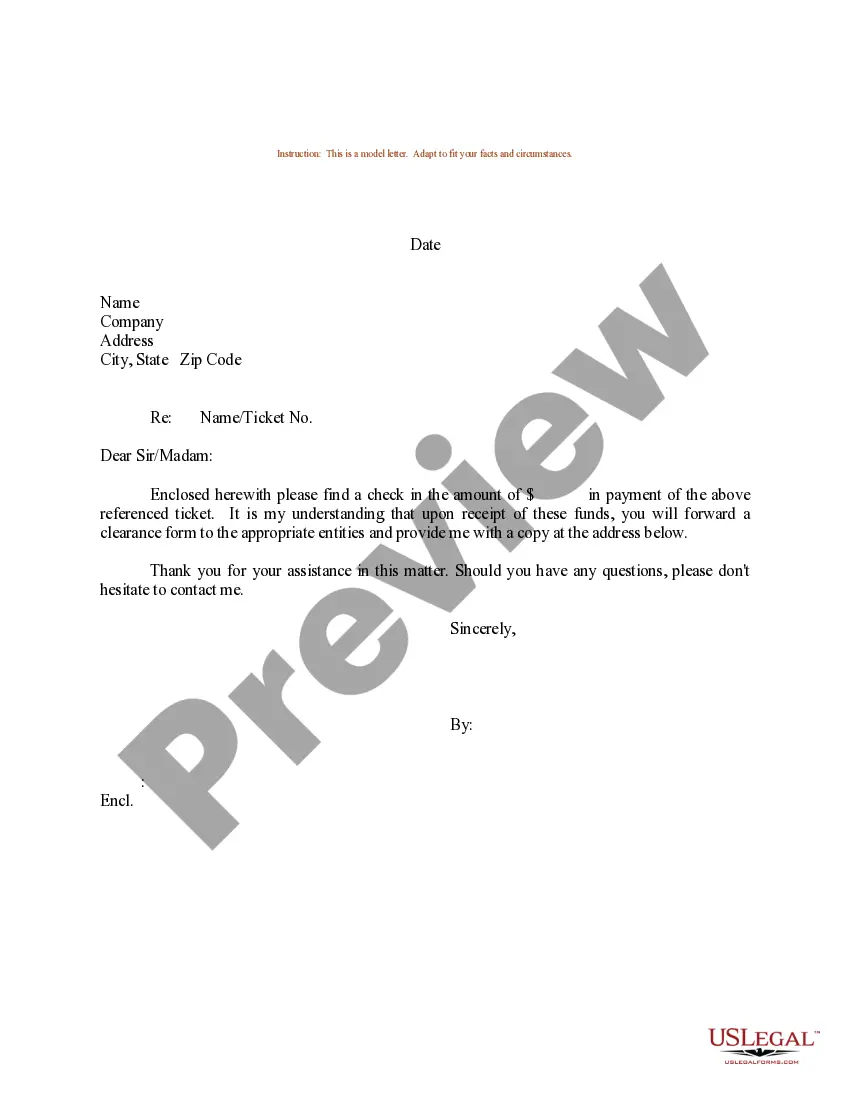
- Preview it (if this option is available) and review the accompanying description to decide whether the Sample Reminder Letter For Non Compliance is what you’re looking for.
- Start your search again if you require any additional form.
- Create a free account and select a subscription option to acquire the form.
- Click Buy now. Once the transaction is complete, you can download the Sample Reminder Letter For Non Compliance, fill it out, print it, and send or mail it to the relevant individuals or organizations.
Form popularity
FAQ
The key elements of an effective reminder email include a friendly greeting, a reminder of the context of the original request, a clear expression of interest, an offer to provide further information or assistance, an invitation for the recipient to ask questions, and a polite closing.
Here are some tips for sending a gentle reminder email: Be polite and respectful: Start your email with a friendly greeting and use a polite tone throughout the message. Keep it short and to the point: Make sure your email is clear and concise. Avoid adding unnecessary details or information.
My name is (your name), and I'm contacting you from (company name). I'm writing to remind you of (whether you need to pay a bill, send a document, complete a form, etc.). To make it as easy as possible, I've provided details of what I need below: List out what you want.
Writing a gentle reminder email subject is an art. You want to be clear and concise yet polite. For example, ?Kind Reminder: Meeting at 3 PM Tomorrow? or ?Just a Note: Invoice Due on Friday.?
The way it should be created is as follows: Mention the date of warning. Write the company name with the name of the person issuing the letter. Include the subject. Write the name of the employees. Mention the details of the violation. Reasons why the situation is considered as violating the company policies.