Blank Page For Letter
Description

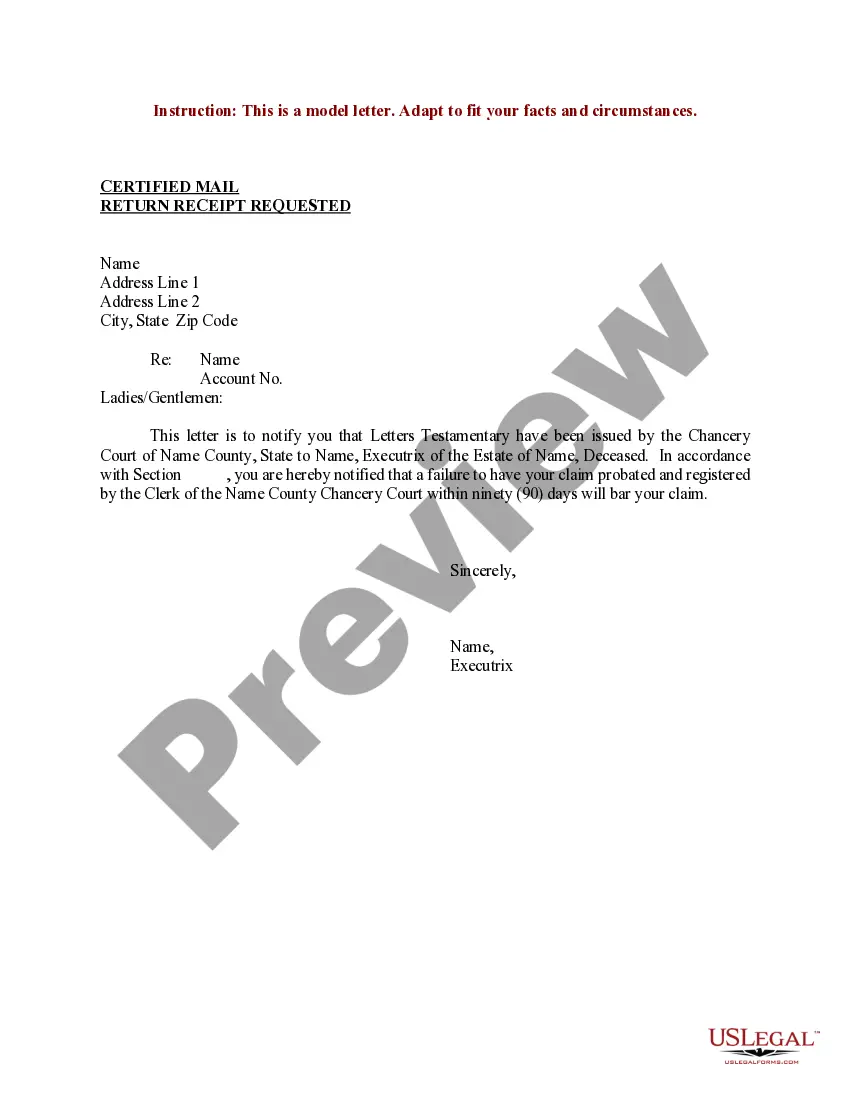
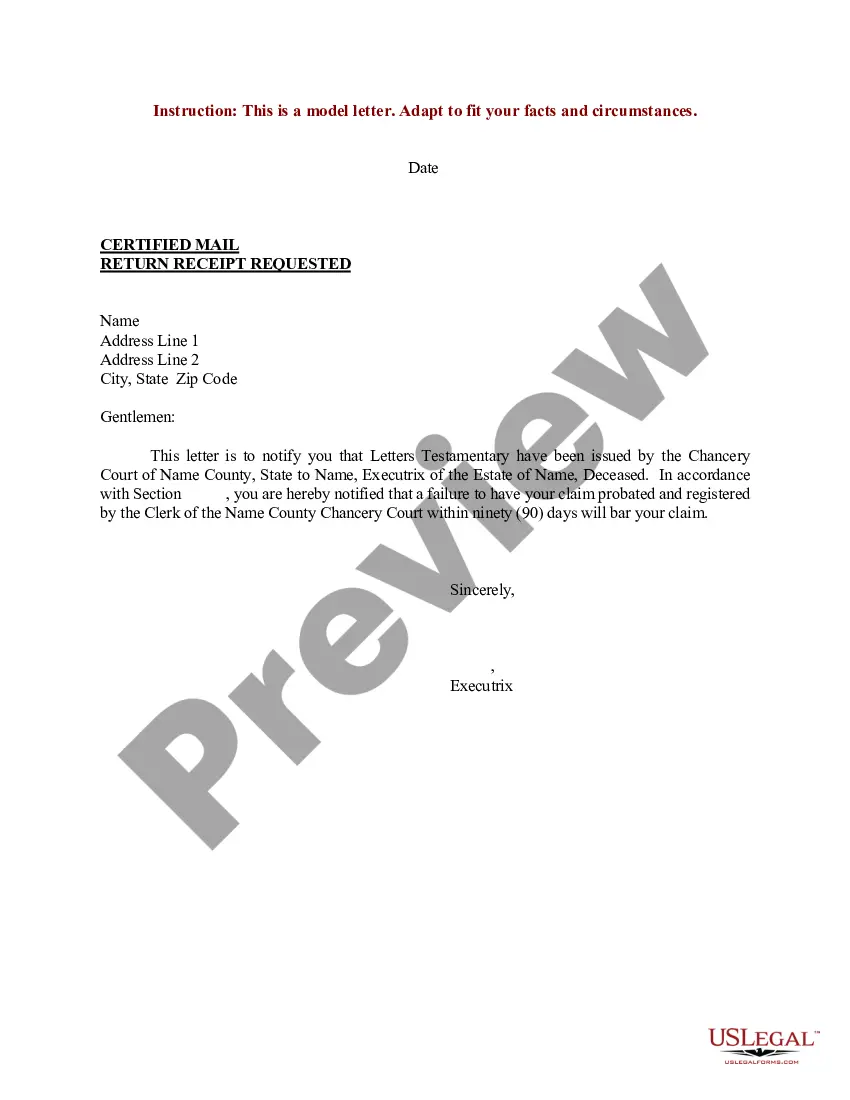

Get your form ready online
Our built-in tools help you complete, sign, share, and store your documents in one place.
Make edits, fill in missing information, and update formatting in US Legal Forms—just like you would in MS Word.
Download a copy, print it, send it by email, or mail it via USPS—whatever works best for your next step.
Sign and collect signatures with our SignNow integration. Send to multiple recipients, set reminders, and more. Go Premium to unlock E-Sign.
If this form requires notarization, complete it online through a secure video call—no need to meet a notary in person or wait for an appointment.
We protect your documents and personal data by following strict security and privacy standards.

Make edits, fill in missing information, and update formatting in US Legal Forms—just like you would in MS Word.

Download a copy, print it, send it by email, or mail it via USPS—whatever works best for your next step.

Sign and collect signatures with our SignNow integration. Send to multiple recipients, set reminders, and more. Go Premium to unlock E-Sign.

If this form requires notarization, complete it online through a secure video call—no need to meet a notary in person or wait for an appointment.

We protect your documents and personal data by following strict security and privacy standards.
Looking for another form?

How to fill out Sample Letter For Letters Testamentary?
Managing legal documents can be exasperating, even for experienced professionals.
When you're in search of a Blank Page For Letter and don’t have the opportunity to dedicate time to find the correct and current version, the processes can be challenging.
With US Legal Forms, you can.
Access state- or county-specific legal and business documents.
Check your My documents tab to review the documents you have previously saved and organize your folders as needed.
- US Legal Forms accommodates all requests you may have, from personal to business documentation, in a single location.
- Utilize advanced tools to complete and manage your Blank Page For Letter.
- Have access to a knowledge base of articles, guides, and resources pertinent to your situation and requirements.
- Save time and energy in the search for the necessary documents, and take advantage of US Legal Forms' superior search and Preview tool to locate and obtain Blank Page For Letter.
- If you possess a subscription, Log In to your US Legal Forms account, search for the form, and retrieve it.
- A comprehensive online form repository can significantly benefit anyone looking to handle these matters effectively.
- US Legal Forms is a leading provider in online legal documents, featuring over 85,000 state-specific legal forms available to you at any time.
Form popularity
FAQ
To get a blank page to type a letter, you can open any word processing program and create a new document. For a more structured approach, visit US Legal Forms, where you can find various templates that offer a blank page for letter writing. This will ensure you have the proper format for your correspondence.
The shortcut to insert a blank page often depends on your software. In Microsoft Word, you can press 'Ctrl + Enter' to instantly create a new blank page. This feature is quite helpful when you’re in the middle of writing and need to separate different sections of your letter efficiently.
To create blank pages in a word processing program, simply go to the menu and select 'Insert' followed by 'Page Break' to add a new blank page. Alternatively, when you select a new document, it will usually start with a blank page for your letter. This method is straightforward and helps keep your content organized.
You can get a blank page for typing by opening a new document in any word processing software like Word or Google Docs. Additionally, if you want a physical format, consider downloading a blank letter template from US Legal Forms. This way, you’ll have an organized layout ready for your writing.
To type a blank document, you can simply open a word processing application, such as Microsoft Word or Google Docs. These platforms automatically provide a blank page for you to start typing your letter. If you prefer a quick solution, you can also find online templates that give you a ready-to-use blank page for letter writing.
To fill an empty page, you can begin by adding text, images, or other content that suits your needs. If you aim to create a blank page for letter purposes, consider inserting a simple line or border for a professional appearance. Additionally, you can use templates from the US Legal Forms platform to guide you in structuring your content effectively.
To fill in the page number in Word, start by opening your document and navigating to the 'Insert' tab. Click on 'Page Number' and choose your preferred location, such as the top or bottom of the page. You can customize the format and position as needed, ensuring your blank page for letter fits seamlessly into your document.
Creating a blank cover page is straightforward; start by selecting a new document in your word processor. Once you have the blank page for your letter, consider adding a title, your name, and any necessary details. If you want to go a step further, US Legal Forms offers templates that simplify the process and ensure your cover page meets professional standards.
To create a blank file for your needs, you can use a simple text editor or word processing software. Start by opening the application of your choice, and select 'New Document' or 'Create New File.' This action will give you a blank page for your letter, which you can easily format as required when using a platform like US Legal Forms.
To obtain a blank document, launch a word processing tool like Microsoft Word or Google Docs on your computer. You can easily create a new document by navigating to 'File' and then selecting 'New' or 'Blank Document.' This blank page for your letter gives you total freedom to write. For pre-designed options, consider using US Legal Forms, where you can find various templates for different document types.
