Blank Letter Page With Border Design
Description


Get your form ready online
Our built-in tools help you complete, sign, share, and store your documents in one place.
Make edits, fill in missing information, and update formatting in US Legal Forms—just like you would in MS Word.
Download a copy, print it, send it by email, or mail it via USPS—whatever works best for your next step.
Sign and collect signatures with our SignNow integration. Send to multiple recipients, set reminders, and more. Go Premium to unlock E-Sign.
If this form requires notarization, complete it online through a secure video call—no need to meet a notary in person or wait for an appointment.
We protect your documents and personal data by following strict security and privacy standards.

Make edits, fill in missing information, and update formatting in US Legal Forms—just like you would in MS Word.

Download a copy, print it, send it by email, or mail it via USPS—whatever works best for your next step.

Sign and collect signatures with our SignNow integration. Send to multiple recipients, set reminders, and more. Go Premium to unlock E-Sign.

If this form requires notarization, complete it online through a secure video call—no need to meet a notary in person or wait for an appointment.

We protect your documents and personal data by following strict security and privacy standards.
Looking for another form?
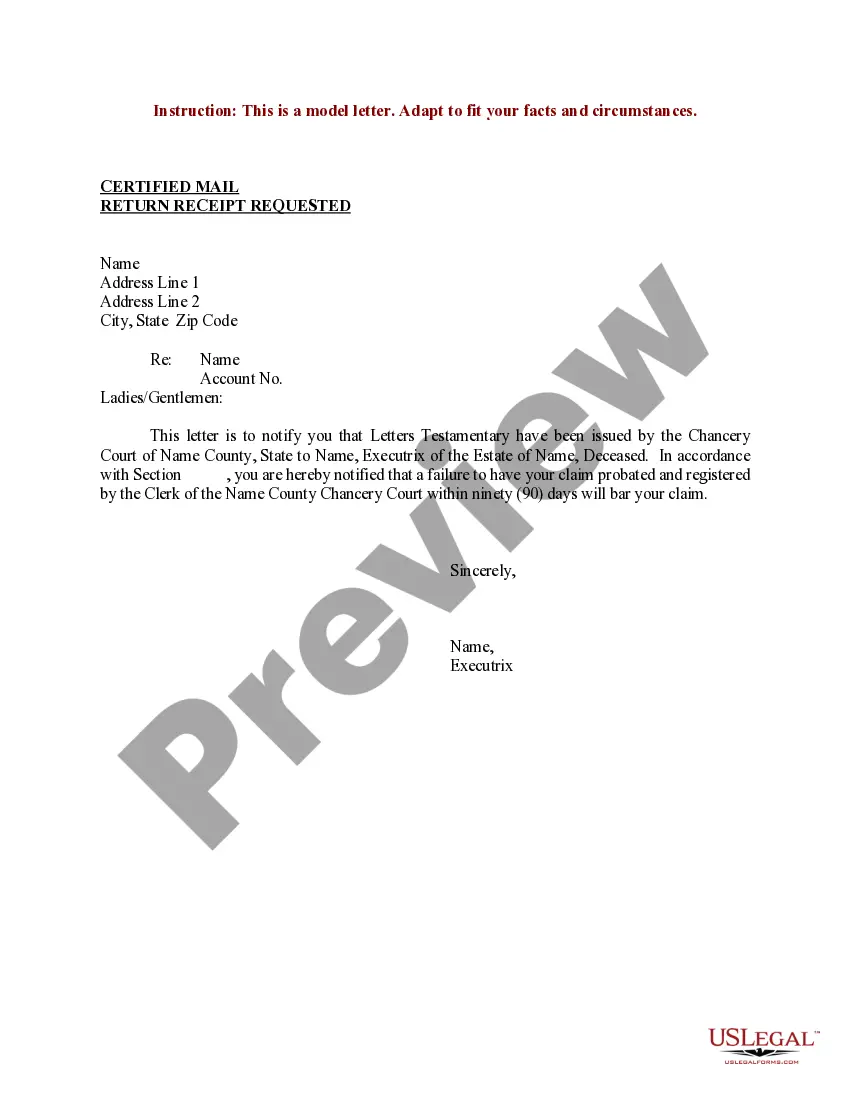
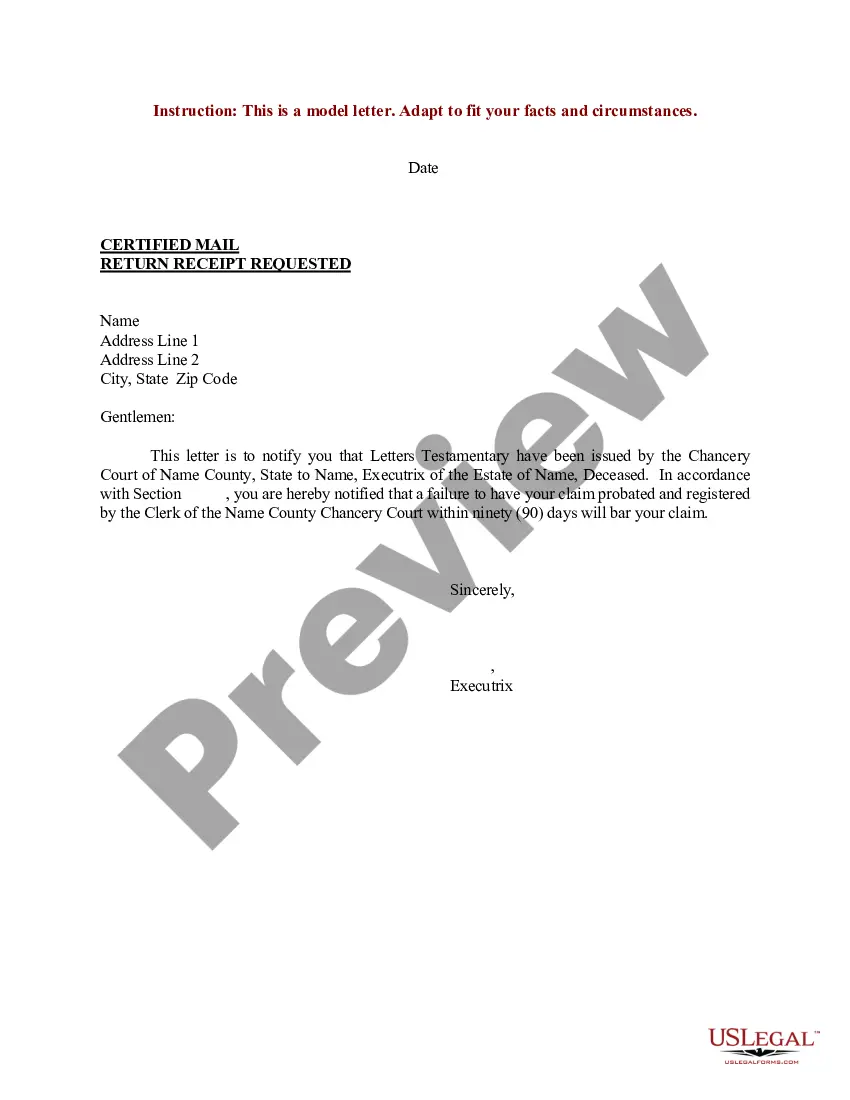
How to fill out Sample Letter For Letters Testamentary?
Securing a reliable source for the latest and suitable legal templates is a significant part of navigating bureaucratic processes.
Identifying the correct legal documents demands precision and meticulous attention, which is why it is essential to source samples of Blank Letter Page With Border Design solely from reputable providers, such as US Legal Forms. An incorrect template can squander your time and postpone your current issues. With US Legal Forms, you have minimal concerns.
Eliminate the stress that comes with your legal paperwork. Browse the vast US Legal Forms database to discover legal templates, verify their suitability for your situation, and download them immediately.
- Utilize the library navigation or search bar to find your sample.
- Examine the form’s description to determine if it meets your state and regional requirements.
- Check the form preview, if available, to verify it is indeed the document you require.
- Return to the search and find the appropriate template if the Blank Letter Page With Border Design does not meet your needs.
- Once you are confident about the form’s applicability, download it.
- If you are a registered user, click Log in to verify and access your selected templates in My documents.
- If you do not yet have an account, click Buy now to obtain the form.
- Select the pricing structure that aligns with your needs.
- Proceed to registration to complete your transaction.
- Conclude your purchase by choosing a payment option (credit card or PayPal).
- Select the document format for downloading Blank Letter Page With Border Design.
- Once you have the form on your device, you can modify it with the editor or print it and complete it by hand.
Form popularity
FAQ
Adding a Christmas border in Word is easy and fun. Start by going to the 'Design' tab, then select 'Page Borders.' You can customize your border with holiday-themed graphics or colors, turning your document into a festive blank letter page with border design that celebrates the season.
To add a decorative border in a Word document, click on the 'Design' tab, then select 'Page Borders.' Here, you can choose from various styles, colors, and effects. This feature allows you to transform a simple document into a remarkable blank letter page with border design that impresses your audience.
To find the artistic page border in Word, navigate to the 'Design' tab and click on 'Page Borders.' There, you'll find options for different border styles, including artistic designs. Choose an artistic border to elevate your blank letter page with border design, making it stand out in any setting.
Creating a page border design involves choosing your preferred software, such as Microsoft Word or Pages. Once you've selected your program, look for the border options in the design or layout settings. You can then customize this to create a unique blank letter page with border design that reflects your style or purpose.
In a Pages document, you can add a decorative border by selecting the page and clicking on the 'Format' button. From there, select 'Borders,' where you can customize the thickness, style, and color of the border. This will help you create a stunning blank letter page with border design that grabs attention.
To add a decorative border to your Word document, first open the document. Next, go to the 'Design' tab, then click on 'Page Borders.' Choose the style, color, and width you prefer to create a beautiful blank letter page with border design. Remember to apply the border to your desired sections to enhance the page's overall appeal.
Adding a border around text in Word is straightforward and can highlight your message effectively. First, select the text you want to outline, then go to the 'Borders' option in the 'Home' or 'Design' tab. Choose the 'Borders and Shading' option and select your preferred style, ensuring that your blank letter page with border design stands out. This technique adds a polished touch to your documents, perfect for formal correspondence.
To create a blank letter page with border design, you can use a word processing program like Microsoft Word. Start by opening a new document and navigating to the 'Page Layout' or 'Design' tab. Here, you can find options to add borders; simply select your desired border style and apply it to the entire page. This feature enhances the appearance of your letters, making them more professional and visually appealing.
To create a blank page for typing a letter, open Microsoft Word and select 'New Document.' From there, you can set your preferred layout and add a decorative border by utilizing the 'Design' tab mentioned earlier. With the option to use a blank letter page with border design, you can craft a visually appealing letter that captures attention and adds a polished finish to your communication.
To quickly insert a blank page in Word, you can use the shortcut 'Ctrl + Enter.' This action immediately adds a new blank page to your document, making it seamless to structure your blank letter page with border design. It's a simple method that enhances your workflow, allowing you to arrange your content precisely as you like.
