Special Needs Trust Tax Filing Requirements
Description

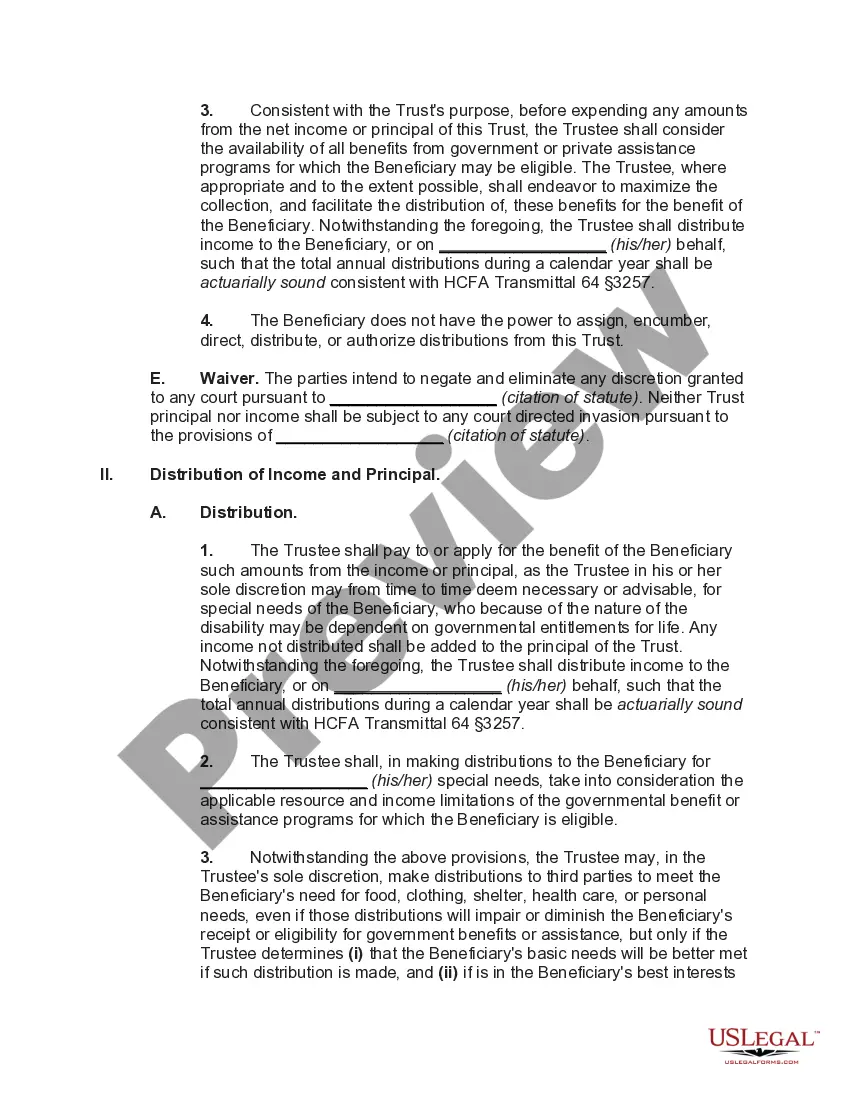
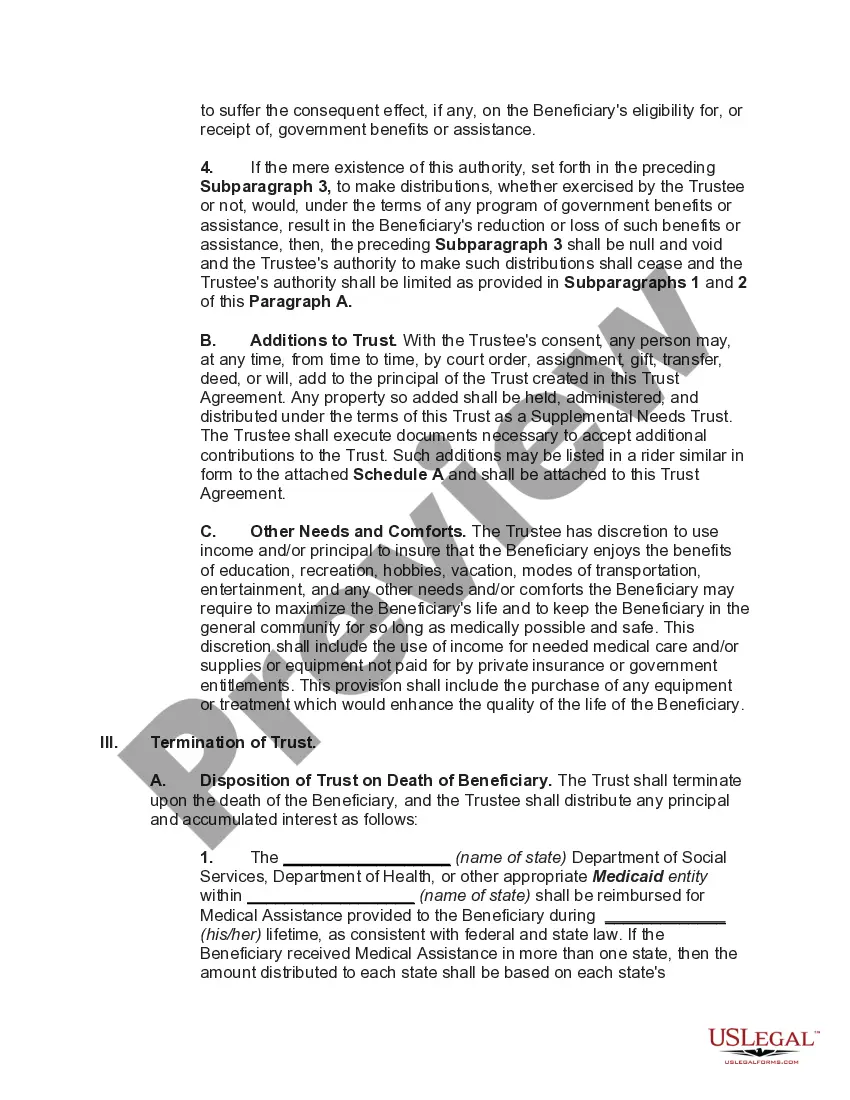
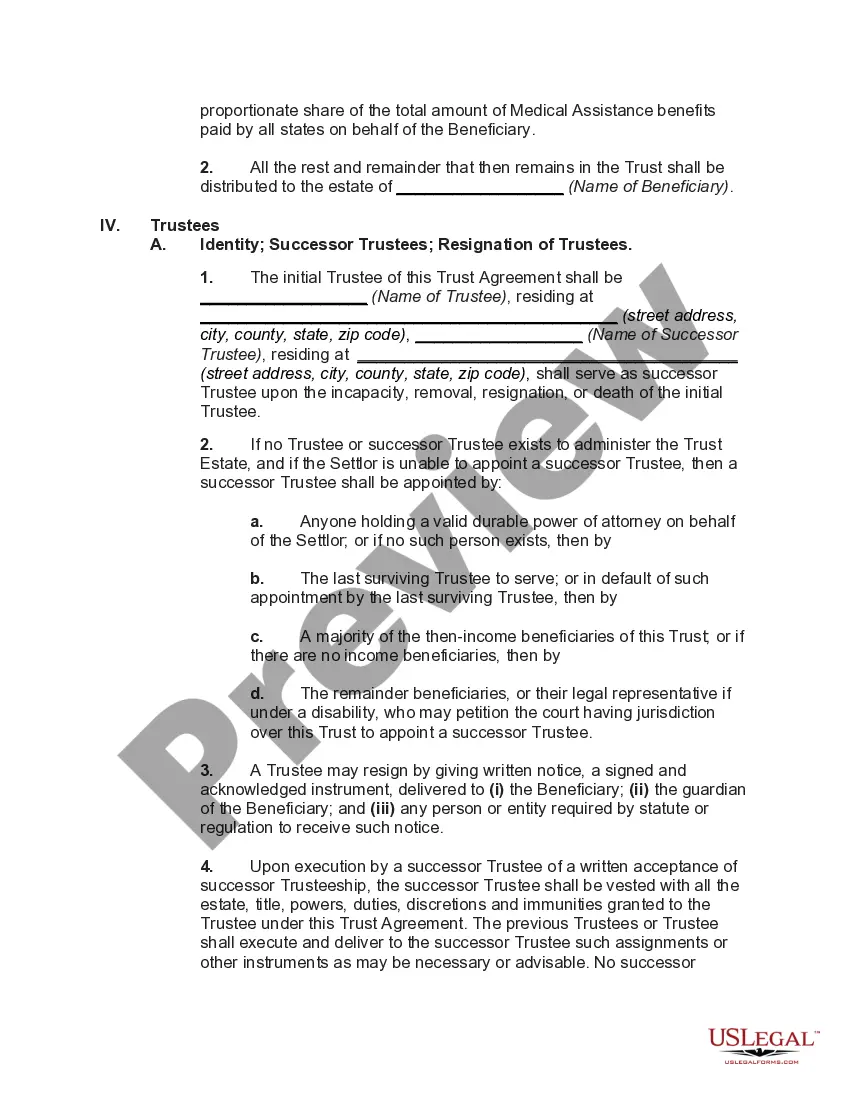
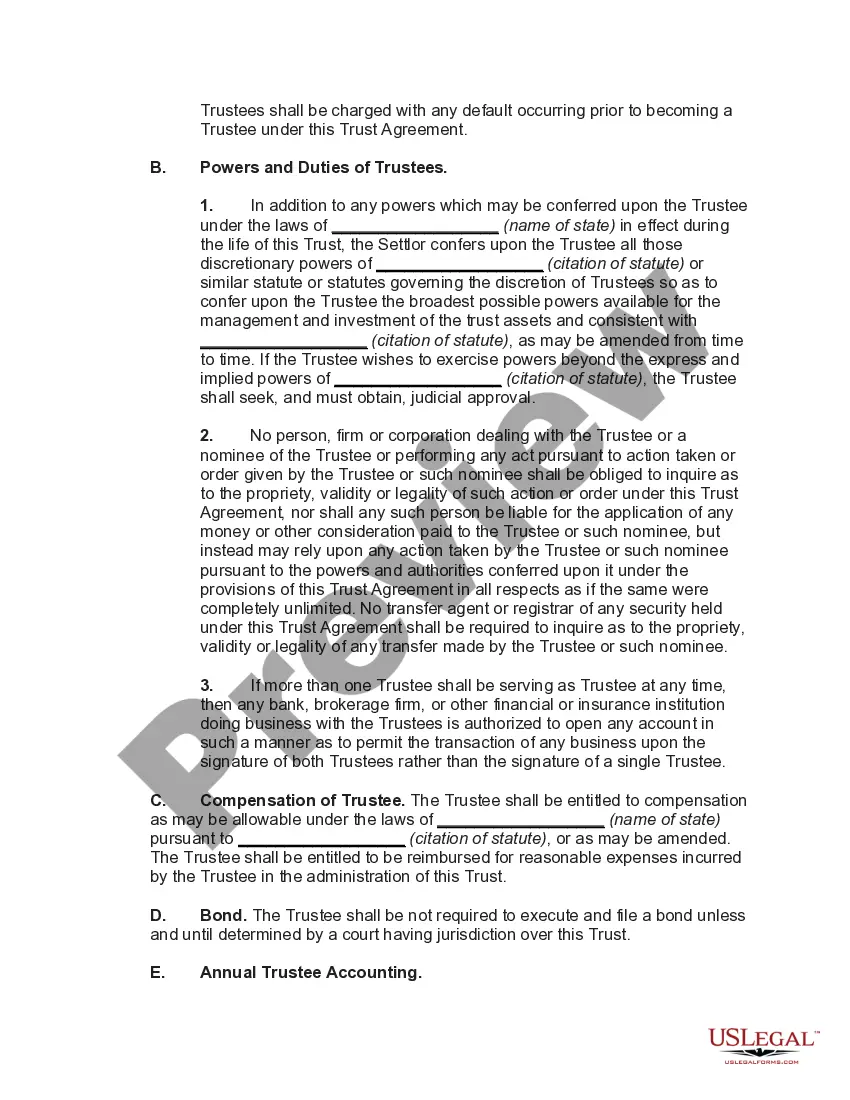




Get your form ready online
Our built-in tools help you complete, sign, share, and store your documents in one place.
Make edits, fill in missing information, and update formatting in US Legal Forms—just like you would in MS Word.
Download a copy, print it, send it by email, or mail it via USPS—whatever works best for your next step.
Sign and collect signatures with our SignNow integration. Send to multiple recipients, set reminders, and more. Go Premium to unlock E-Sign.
If this form requires notarization, complete it online through a secure video call—no need to meet a notary in person or wait for an appointment.
We protect your documents and personal data by following strict security and privacy standards.

Make edits, fill in missing information, and update formatting in US Legal Forms—just like you would in MS Word.

Download a copy, print it, send it by email, or mail it via USPS—whatever works best for your next step.

Sign and collect signatures with our SignNow integration. Send to multiple recipients, set reminders, and more. Go Premium to unlock E-Sign.

If this form requires notarization, complete it online through a secure video call—no need to meet a notary in person or wait for an appointment.

We protect your documents and personal data by following strict security and privacy standards.
Looking for another form?

How to fill out Special Needs Irrevocable Trust Agreement For Benefit Of Disabled Child Of Trustor?
The Special Needs Trust Tax Filing Obligations you observe on this page is a reusable official template crafted by expert attorneys in accordance with federal and local laws.
For over 25 years, US Legal Forms has supplied individuals, businesses, and lawyers with more than 85,000 validated, state-specific documents for any professional and personal situation. It’s the quickest, easiest, and most reliable method to acquire the forms you require, as the service ensures bank-level data protection and anti-malware security.
Choose the format you prefer for your Special Needs Trust Tax Filing Requirements (PDF, Word, RTF) and download the document onto your device.
- Search for the document you require and examine it.
- Browse through the file you sought and preview it or review the form description to confirm it meets your requirements. If it doesn't, utilize the search feature to locate the correct one. Click Buy Now once you have identified the template you need.
- Register and Log In.
- Select the pricing plan that fits you and create an account. Use PayPal or a credit card for a swift payment. If you already possess an account, Log In and verify your subscription to continue.
- Obtain the editable template.
Form popularity
FAQ
A Special Needs Trust must have its own Federal Identification Number (also called an Employer Identification Number, EIN, Tax Identification Number, or TIN) to be valid. This unique number means that the Trust is its own entity, and that it does not belong to anyone but itself.
In the case of third party special needs trusts, if the trust is considered a grantor trust, all items of income, deduction and credit are generally taxed to the individual(s) who created and funded the trust (typically parents or other relatives of the individual with a disability).
It is important to remember that the SNT cannot deduct expenses like rent and food. Deductions can be for medical care, custodial care, support services, and similar care not provided by public benefits programs.
Practically, with most smaller trusts, there's no real difference in the tax treatment of the two types of trusts, since they use all their annual income for the benefit of the individual with special needs. But the difference can be significant with respect to larger trusts.