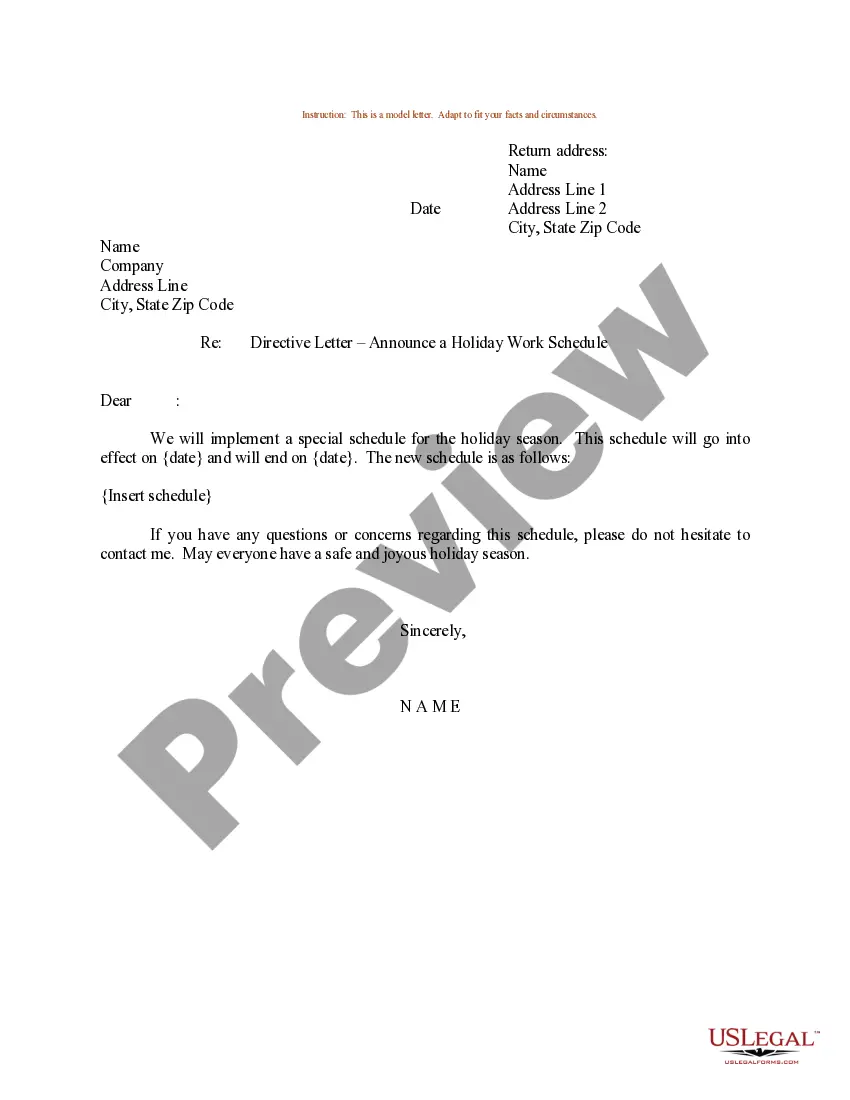
Sample Work Schedule Template With Shifts
Description
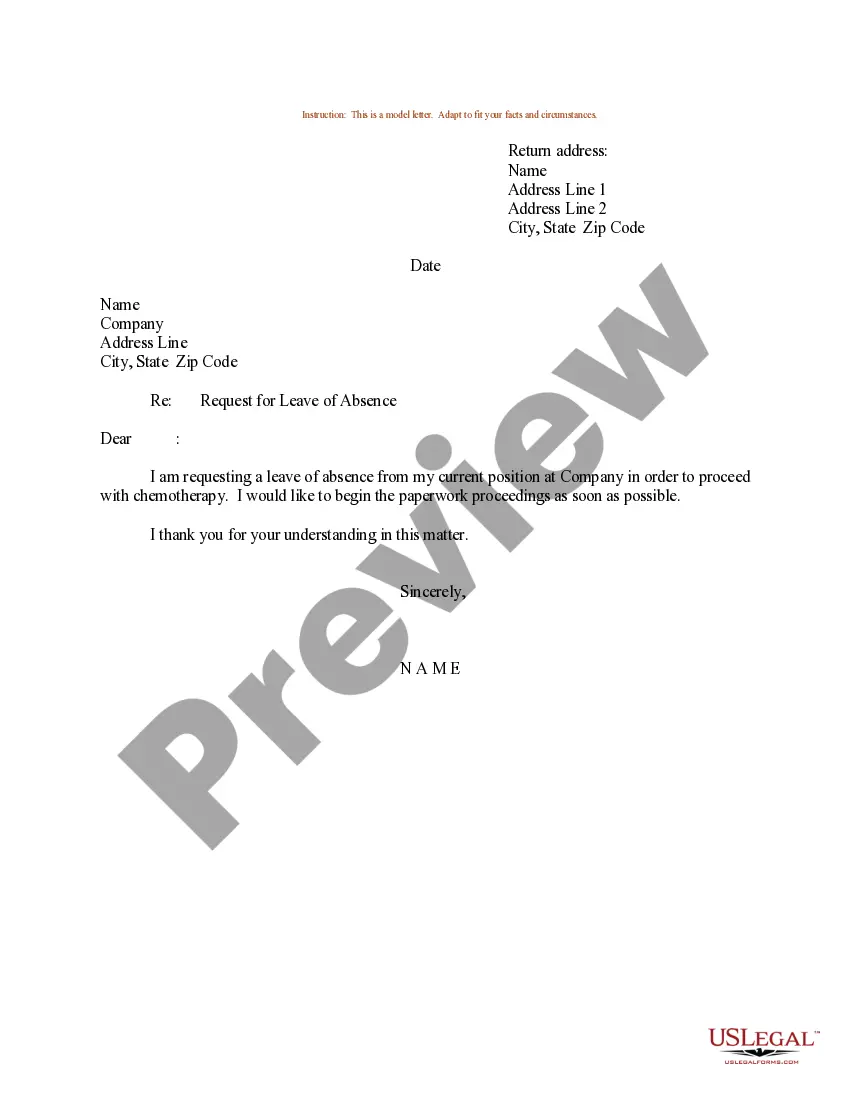
Get your form ready online
Our built-in tools help you complete, sign, share, and store your documents in one place.
Make edits, fill in missing information, and update formatting in US Legal Forms—just like you would in MS Word.
Download a copy, print it, send it by email, or mail it via USPS—whatever works best for your next step.
Sign and collect signatures with our SignNow integration. Send to multiple recipients, set reminders, and more. Go Premium to unlock E-Sign.
If this form requires notarization, complete it online through a secure video call—no need to meet a notary in person or wait for an appointment.
We protect your documents and personal data by following strict security and privacy standards.

Make edits, fill in missing information, and update formatting in US Legal Forms—just like you would in MS Word.

Download a copy, print it, send it by email, or mail it via USPS—whatever works best for your next step.

Sign and collect signatures with our SignNow integration. Send to multiple recipients, set reminders, and more. Go Premium to unlock E-Sign.

If this form requires notarization, complete it online through a secure video call—no need to meet a notary in person or wait for an appointment.

We protect your documents and personal data by following strict security and privacy standards.
Looking for another form?
How to fill out Sample Letter For Holiday Work Schedule?
Handling legal documents can be overwhelming, even for the most experienced professionals. When you are in search of a Sample Work Schedule Template With Shifts and lack the time to spend hunting for the appropriate and current version, the process can be stressful. A robust online form library could be a game-changer for anyone looking to manage these situations efficiently.
US Legal Forms is a leader in online legal forms, offering over 85,000 state-specific legal documents accessible to you at any time.
Access a repository of articles, guides, and resources pertinent to your situation and requirements.
Save time and effort searching for the documents you need, and use US Legal Forms’ enhanced search and Review tool to find and download your Sample Work Schedule Template With Shifts. If you have a subscription, Log In to your US Legal Forms account, search for the form, and download it. Check the My documents tab to see the documents you have previously saved and manage your folders as needed.
Take advantage of the US Legal Forms online library, backed by 25 years of experience and reliability. Transform your everyday document management into a simple and user-friendly process today.
- If this is your first experience with US Legal Forms, create a free account and enjoy unlimited access to all platform features.
- Verify that this is the correct form by previewing it and reviewing its details.
- Make sure the sample is recognized in your state or county.
- Click Buy Now when you are ready.
- Select a monthly subscription plan, choose your desired format, and Download, complete, eSign, print, and send your document.
- Access state- or county-specific legal and business documents.
- US Legal Forms caters to any requirements you may have, from individual to corporate paperwork, all in one place.
- Leverage advanced tools to complete and manage your Sample Work Schedule Template With Shifts.
Form popularity
FAQ
Here are the steps: Select the column (or contiguous columns) that you want to move. Hold the Shift Key from your keyboard. Move your cursor to the edge of the selection. ... Click on the edge (with left mouse button) while still holding the shift key. Move it to the column where you want this row to be shifted.
How to create a work schedule for employees Create a blank spreadsheet. If not using a prefilled template, begin by opening a new spreadsheet on your computer. ... Insert column headings. ... Fill in employee names. ... Determine work times. ... Save as a new document. ... Share the schedule.
How to create a work schedule in Excel Open a blank spreadsheet. Start by searching for the Excel application on your computer or clicking on the Excel icon on your desktop. ... Create a header. ... Title your columns with weekdays. ... List employee names in each row. ... Enter shift details. ... Save your schedule.
The 2-2-3 plan, also known as the Panama schedule, involves a rotational cycle of 28 days where each employee performs a daily 12-hour shift. This plan often involves four teams working for two days, taking two days off, and then working for three days. That is why it is called the 2-2-3 work schedule.
Regular 4-on 4 off: This is a classic continuous working pattern based on 12 hour shifts. Participants work for four consecutive 12-hour days, followed by four consecutive days off, then four consecutive 12-hour nights, followed by four consecutive days off, then four more days and so on.