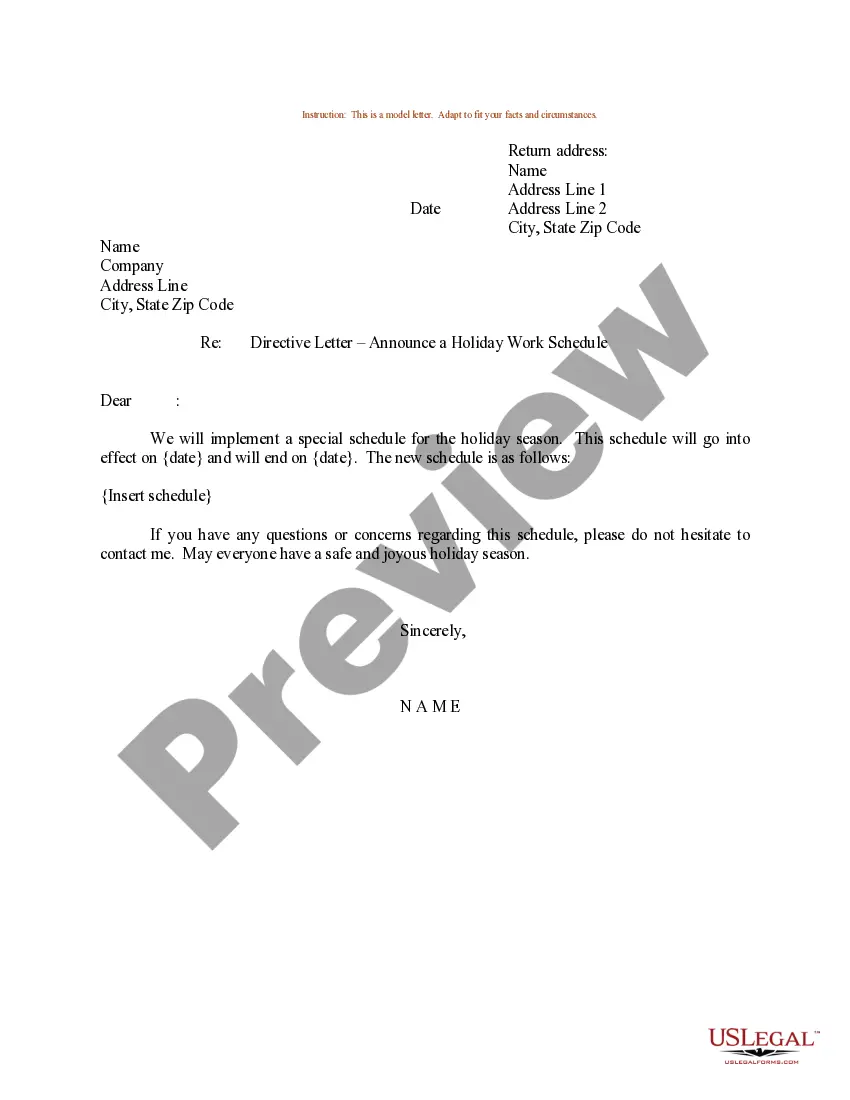
Sample Work Schedule Template With Hours
Description
Get your form ready online
Our built-in tools help you complete, sign, share, and store your documents in one place.
Make edits, fill in missing information, and update formatting in US Legal Forms—just like you would in MS Word.
Download a copy, print it, send it by email, or mail it via USPS—whatever works best for your next step.
Sign and collect signatures with our SignNow integration. Send to multiple recipients, set reminders, and more. Go Premium to unlock E-Sign.
If this form requires notarization, complete it online through a secure video call—no need to meet a notary in person or wait for an appointment.
We protect your documents and personal data by following strict security and privacy standards.

Make edits, fill in missing information, and update formatting in US Legal Forms—just like you would in MS Word.

Download a copy, print it, send it by email, or mail it via USPS—whatever works best for your next step.

Sign and collect signatures with our SignNow integration. Send to multiple recipients, set reminders, and more. Go Premium to unlock E-Sign.

If this form requires notarization, complete it online through a secure video call—no need to meet a notary in person or wait for an appointment.

We protect your documents and personal data by following strict security and privacy standards.
Looking for another form?

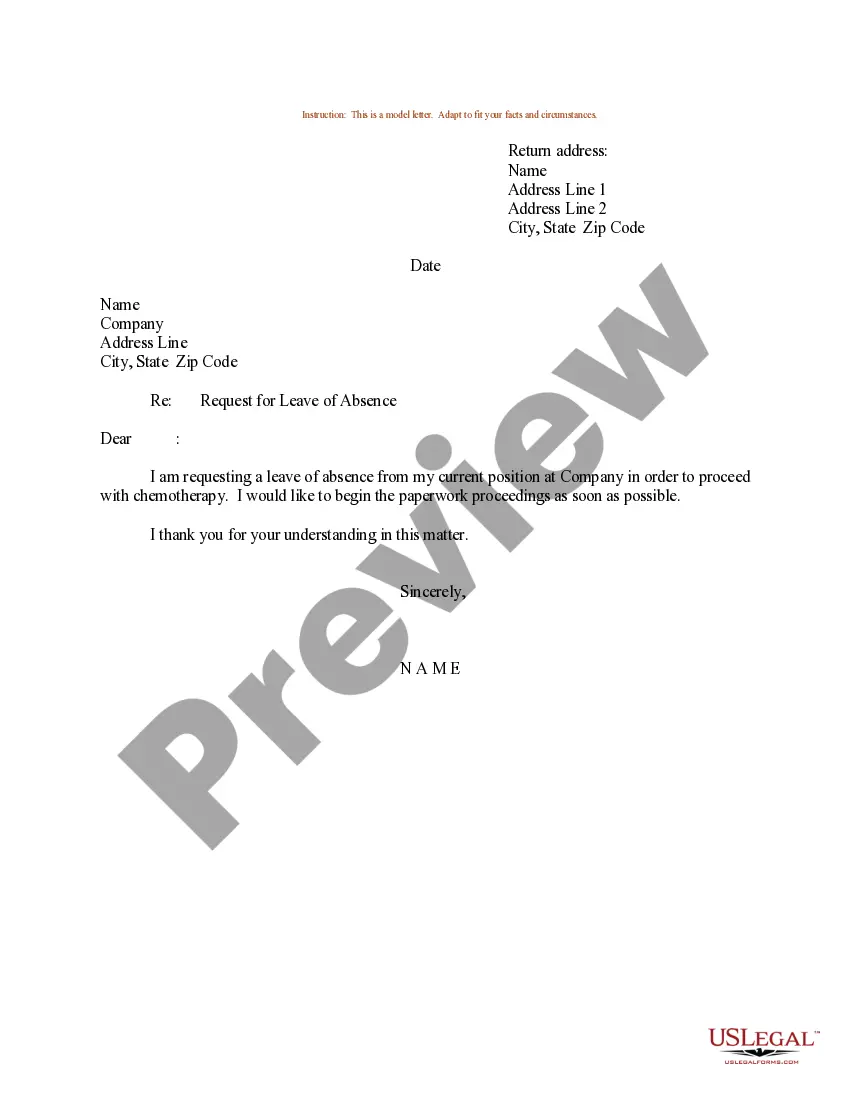
How to fill out Sample Letter For Holiday Work Schedule?
Managing legal documents can be daunting, even for the most seasoned professionals.
When you're searching for a Sample Work Schedule Template With Hours and cannot invest time finding the right and current version, the process can be overwhelming.
US Legal Forms meets any requirements you may have, from personal to business documents, all in one location.
Utilize cutting-edge tools to complete and manage your Sample Work Schedule Template With Hours.
Here are the steps to follow after downloading the form you need: Validate that this is the correct form by previewing it and reviewing its description. Ensure that the sample is valid in your state or county. Select Buy Now when you are ready. Choose a monthly subscription plan. Select the format you want, and Download, complete, sign, print, and submit your document. Take advantage of the US Legal Forms online library, backed by 25 years of experience and trustworthiness. Transform your everyday document management into a streamlined and user-friendly process today.
- Access a knowledge base of articles, guides, and manuals relevant to your circumstances and needs.
- Save time and energy searching for the documents you require, and leverage US Legal Forms’ advanced search and Review feature to locate Sample Work Schedule Template With Hours and obtain it.
- If you have a subscription, Log In to your US Legal Forms account, search for the form, and download it.
- Check the My documents tab to view the documents you've previously downloaded and manage your folders as needed.
- If it's your first time using US Legal Forms, create an account and gain unlimited access to all the benefits of the library.
- An extensive online form repository can be transformative for anyone wishing to handle these situations effectively.
- US Legal Forms stands as a frontrunner in digital legal forms, with over 85,000 state-specific legal documents accessible at any time.
- With US Legal Forms, you can access state- or county-specific legal and business forms.
Form popularity
FAQ
What is a 9 to 5 job? A 9 to 5 job refers to a work arrangement where employees report to workplaces at 9 a.m. and leave at 5 p.m. These jobs mostly involve working five days a week in an office setting.
How best to create work schedules? Make the time to understand your team. Make the time to analyze the workload. Track employee clock-in and clock-out times. Follow a set of rules to schedule employees fairly. Establish an efficient team communication system. Post the work schedule at least 7 days in advance.
[5 on 2 off] [5 on 3 off] This 8 hour shift schedule can be used in any department but we have seen it used by departments sized 25-50 people. It uses 3 templates and 3 squads to cover day, mid and night shift. Repeat for 2 more squads with different shift times (mids and nights) to cover 24x7.
Start with the 10 tips listed below. Know Your Team. ... Build Shifts Around Your Best Employees. ... Establish A Team-Wide Communication Method. ... Get The Schedule Out Quickly. ... Honor Work Preferences And Time-Off Requests As Much As Possible. ... Get Employees To Do Some Of The Work Scheduling. ... Let Employees Find Their Own Substitutes.
How to create a work schedule for employees Create a blank spreadsheet. If not using a prefilled template, begin by opening a new spreadsheet on your computer. ... Insert column headings. ... Fill in employee names. ... Determine work times. ... Save as a new document. ... Share the schedule.