Chef Service Example
Description
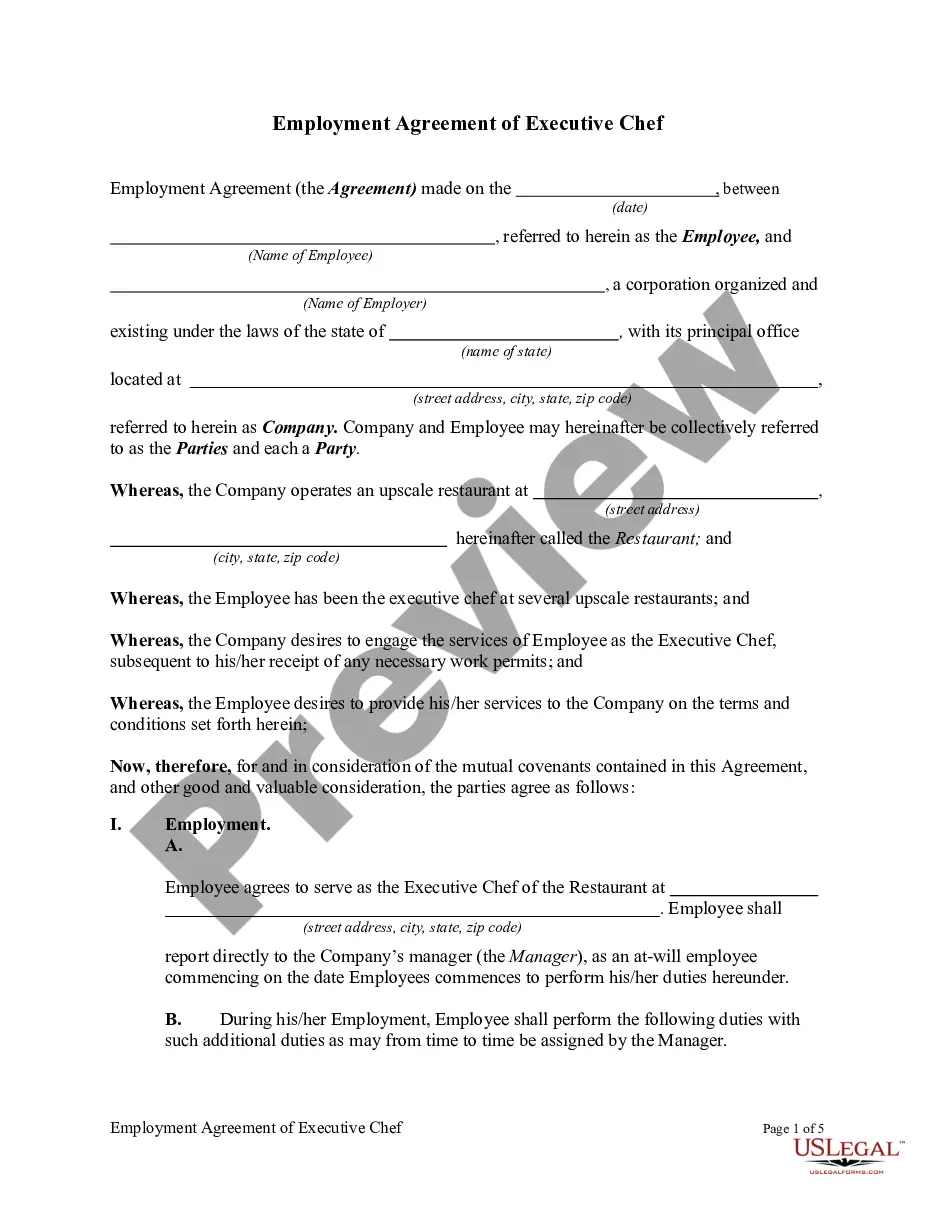
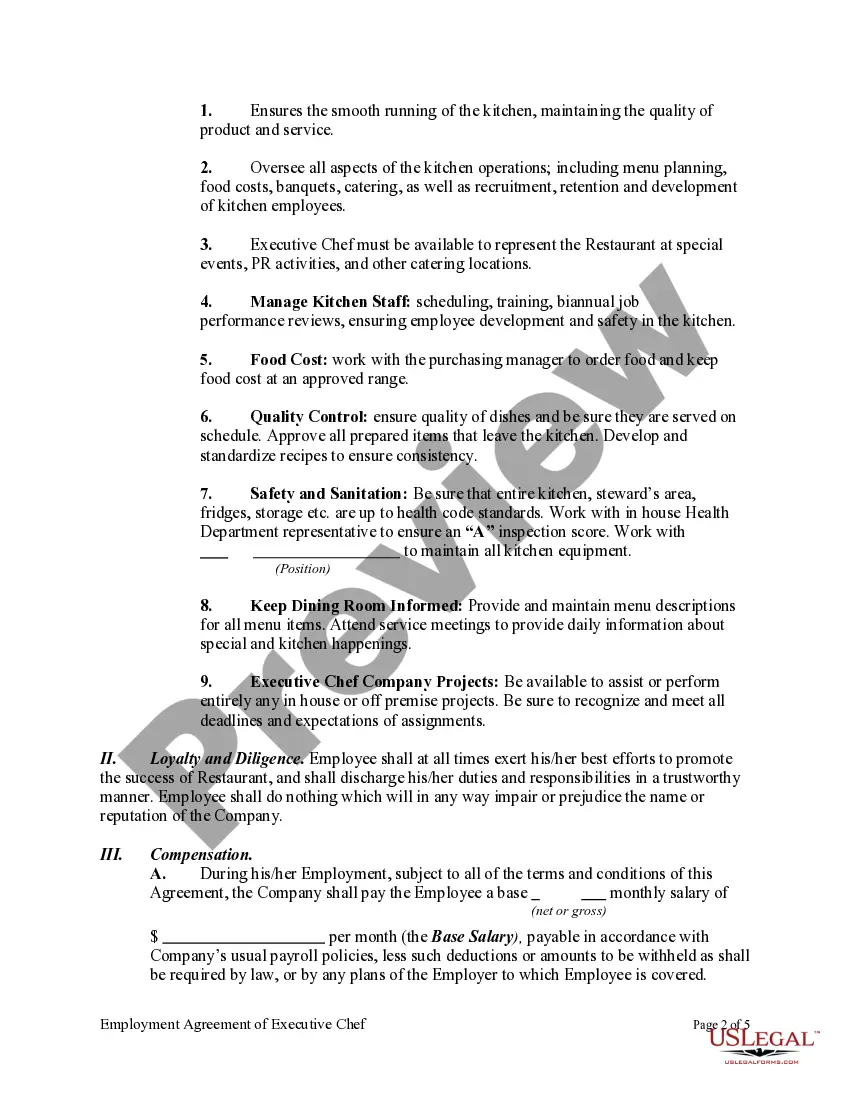
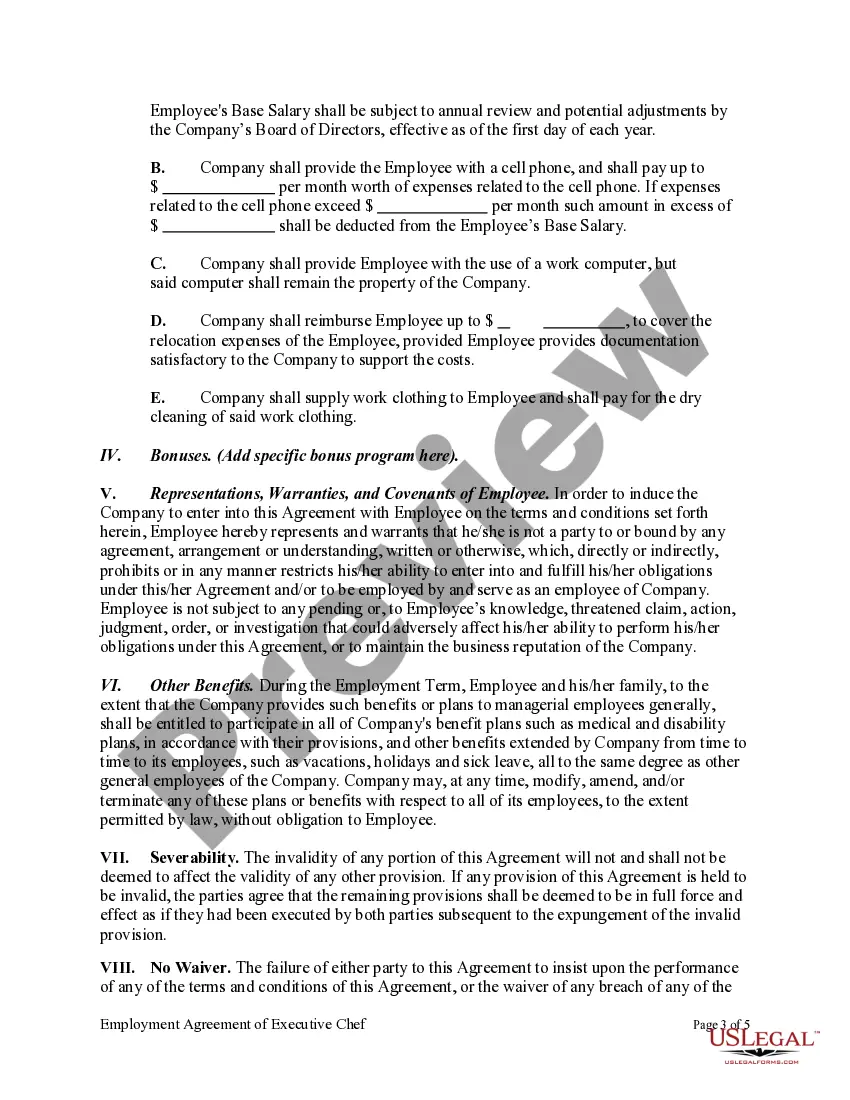
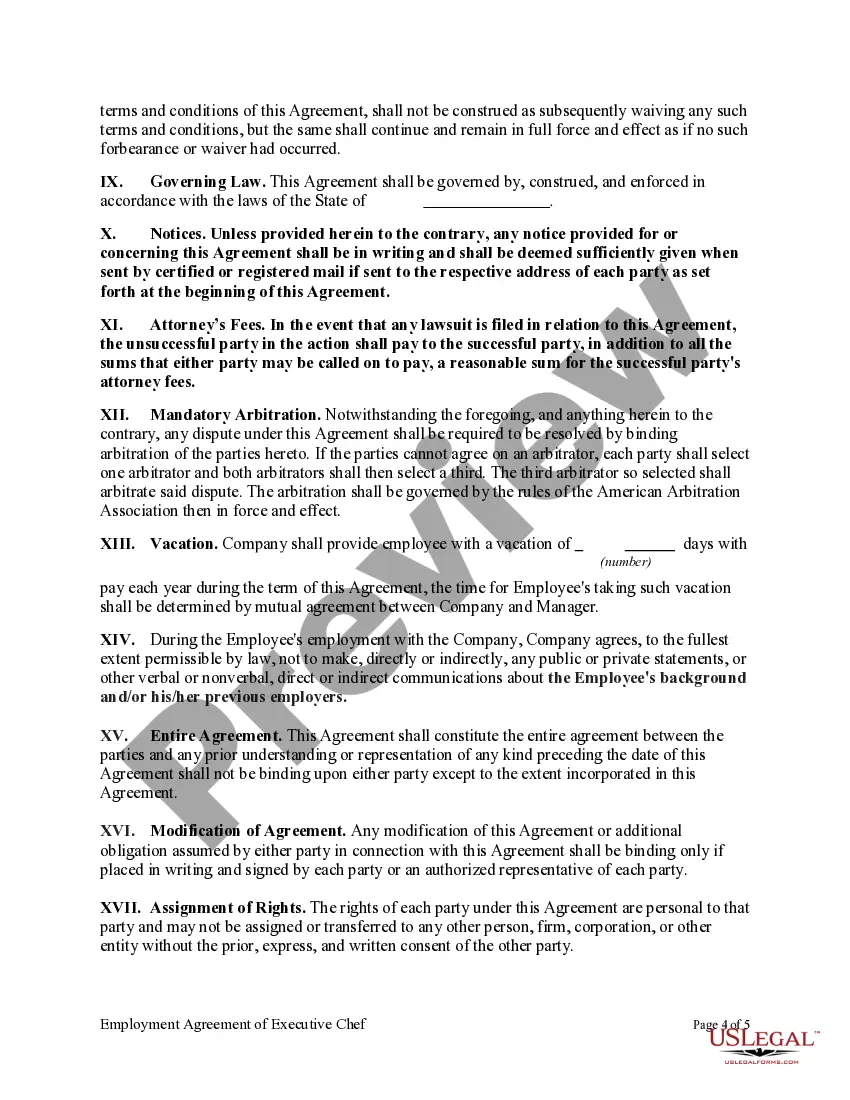
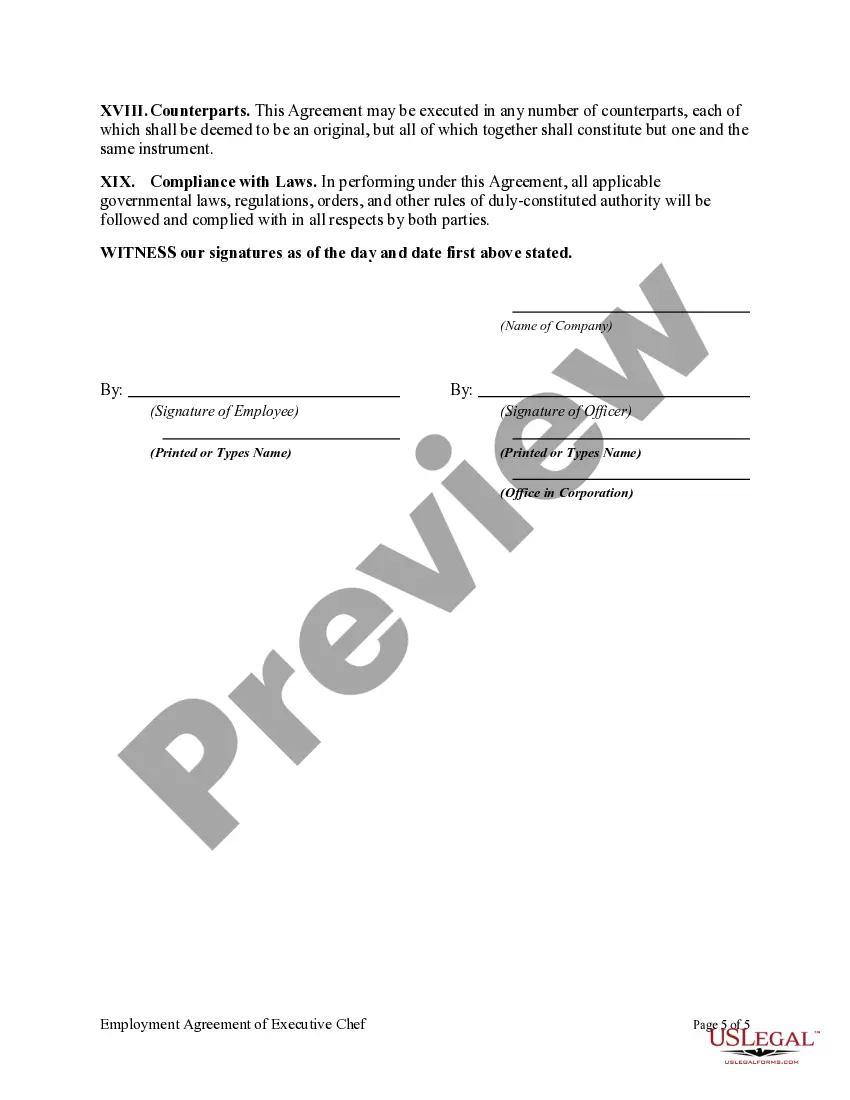
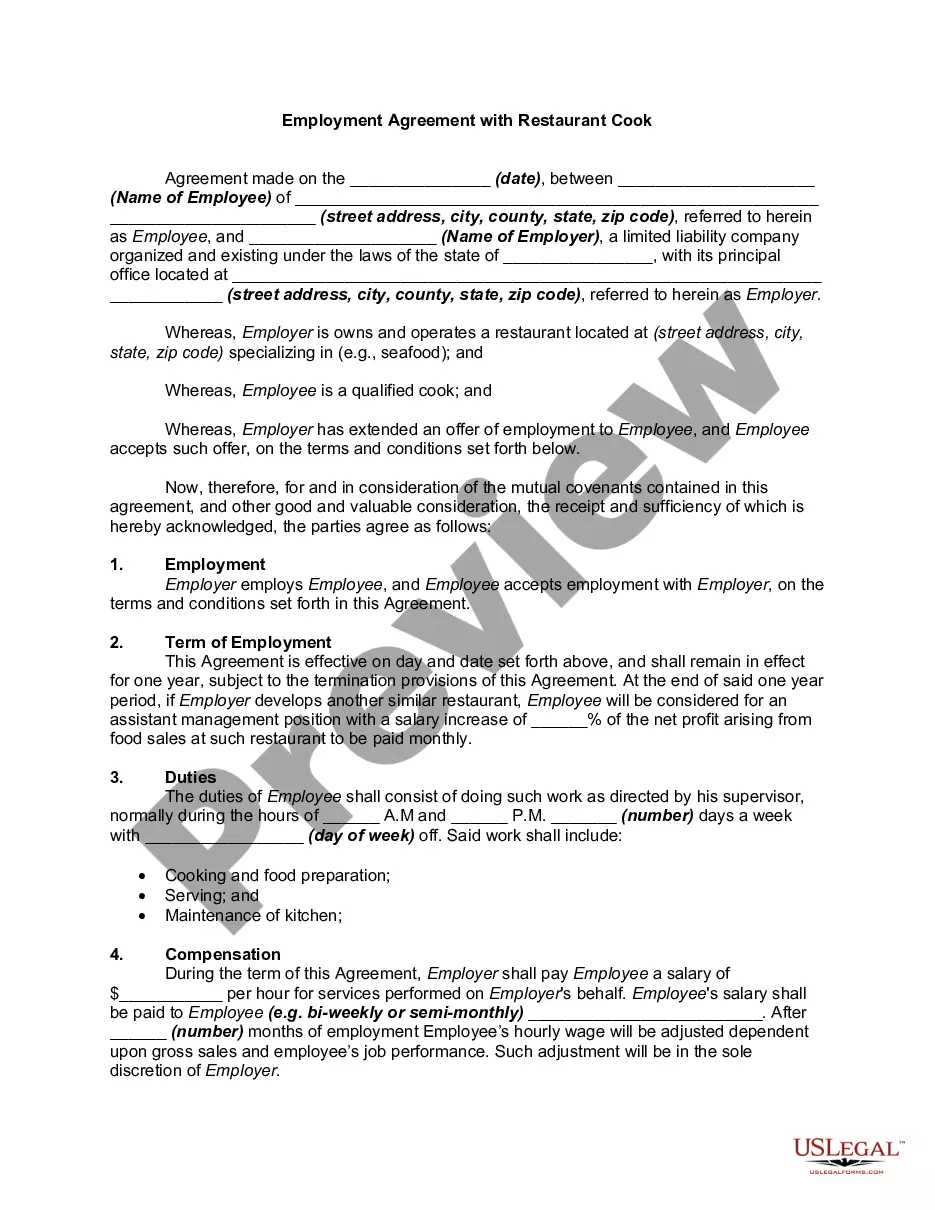

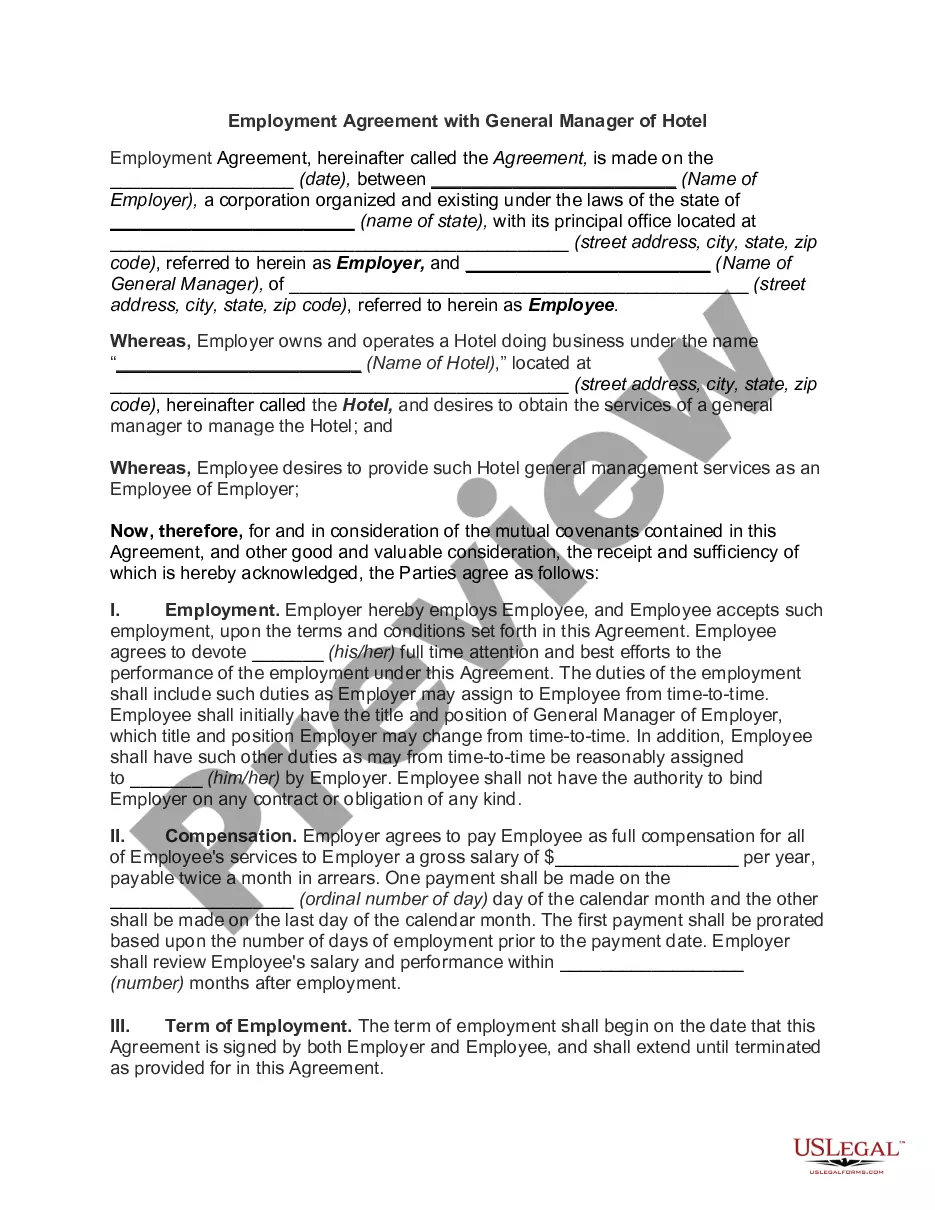
Get your form ready online
Our built-in tools help you complete, sign, share, and store your documents in one place.
Make edits, fill in missing information, and update formatting in US Legal Forms—just like you would in MS Word.
Download a copy, print it, send it by email, or mail it via USPS—whatever works best for your next step.
Sign and collect signatures with our SignNow integration. Send to multiple recipients, set reminders, and more. Go Premium to unlock E-Sign.
If this form requires notarization, complete it online through a secure video call—no need to meet a notary in person or wait for an appointment.
We protect your documents and personal data by following strict security and privacy standards.

Make edits, fill in missing information, and update formatting in US Legal Forms—just like you would in MS Word.

Download a copy, print it, send it by email, or mail it via USPS—whatever works best for your next step.

Sign and collect signatures with our SignNow integration. Send to multiple recipients, set reminders, and more. Go Premium to unlock E-Sign.

If this form requires notarization, complete it online through a secure video call—no need to meet a notary in person or wait for an appointment.

We protect your documents and personal data by following strict security and privacy standards.
Looking for another form?


How to fill out Employment Agreement Of Executive Chef?
Managing legal documents can be daunting, even for experienced experts.
If you're in search of a Chef Service Example and lack the opportunity to spend time finding the correct and updated version, the process can be taxing.
US Legal Forms accommodates any requirements you might have, from personal to business documents, all in one location.
Utilize cutting-edge tools to complete and manage your Chef Service Example.
Here are the steps to follow after accessing the form you need: Verify that it is the correct form by previewing it and reviewing its description, ensure that the template is recognized in your state or county, click Buy Now when you are ready, select a monthly subscription plan, choose the file format you require, and Download, complete, eSign, print, and send your document. Experience the US Legal Forms online catalog, supported by 25 years of expertise and reliability. Transform your daily document management into a smooth and user-friendly process today.
- Access a valuable repository of articles, guides, and manuals related to your situation and needs.
- Save time and energy searching for the forms you need, and use US Legal Forms' advanced search and Preview feature to find and download the Chef Service Example.
- If you hold a subscription, Log Into your US Legal Forms account, search for the form, and download it.
- Check your My documents tab to view the documents you have saved and manage your folders as needed.
- If this is your first experience with US Legal Forms, create a free account to gain unlimited access to all the library's benefits.
- A comprehensive online form collection can significantly help anyone wanting to navigate these situations efficiently.
- US Legal Forms stands as a frontrunner in online legal documentation, offering over 85,000 state-specific legal templates accessible at any time.
- With US Legal Forms, you can handle various legal and business forms tailored to your state or county needs.
Form popularity
FAQ
The output format: doc (default) or min . Use doc to print the progress of a Chef Infra Client run using full strings that display a summary of updates as they occur. Use min to print the progress of a Chef Infra Client run using single characters. A summary of updates is printed at the end of a Chef Infra Client run.
Chef scripts, which are called recipes , are made of reusable definitions that are written in the Ruby programming language.
Chef - Client Setup Step 1 ? Download and VirtualBox from . Step 2 ? Download and Vagrant at . Step 3 ? Vagrant Omnibus plugin to enable Vagrant to Chef client on the VM.
client is an agent that runs locally on every node that is under management by Chef. When a chefclient is run, it will perform all of the steps that are required to bring the node into the expected state, including: Registering and authenticating the node with the Chef server.
Chef is an agent-based tool wherein chef-client pulls the configuration information for the managed node from Chef Server. The chef-client installs on every node to execute the actual configuration, and it uses the Ruby programming language.