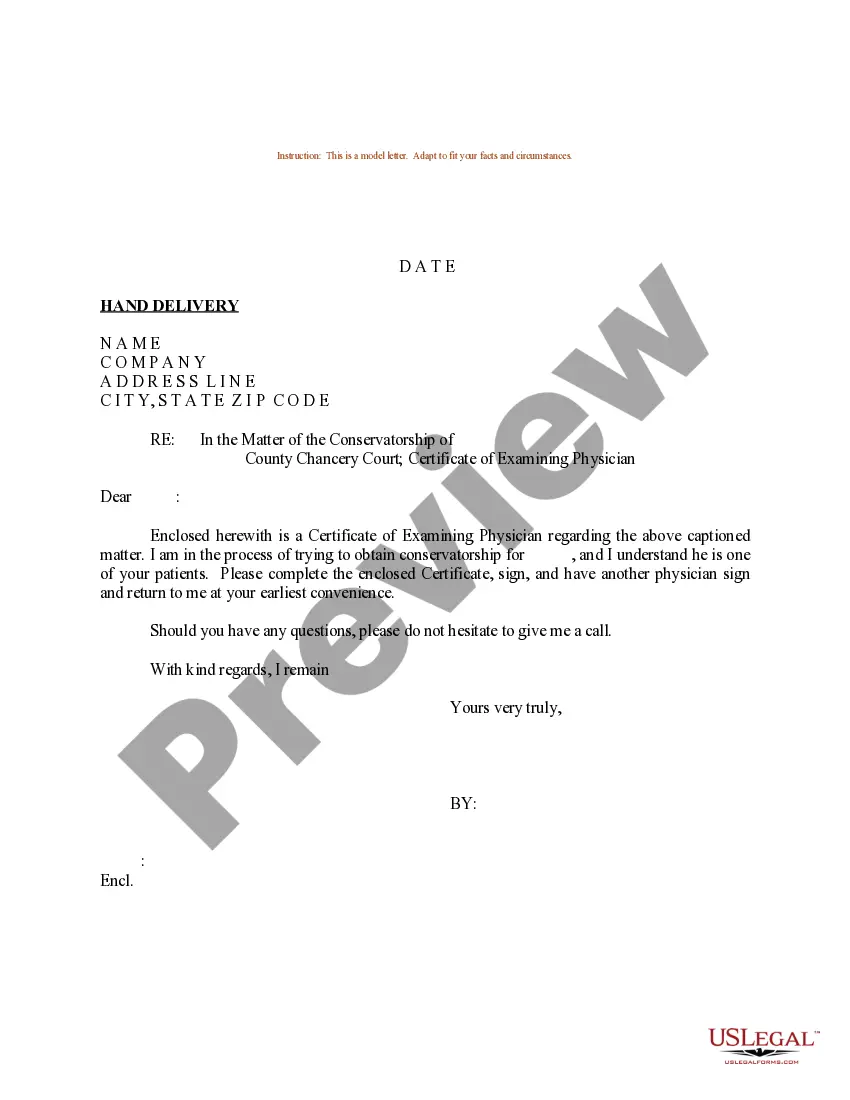
Sample Certificate Form For Doctors Office
Description
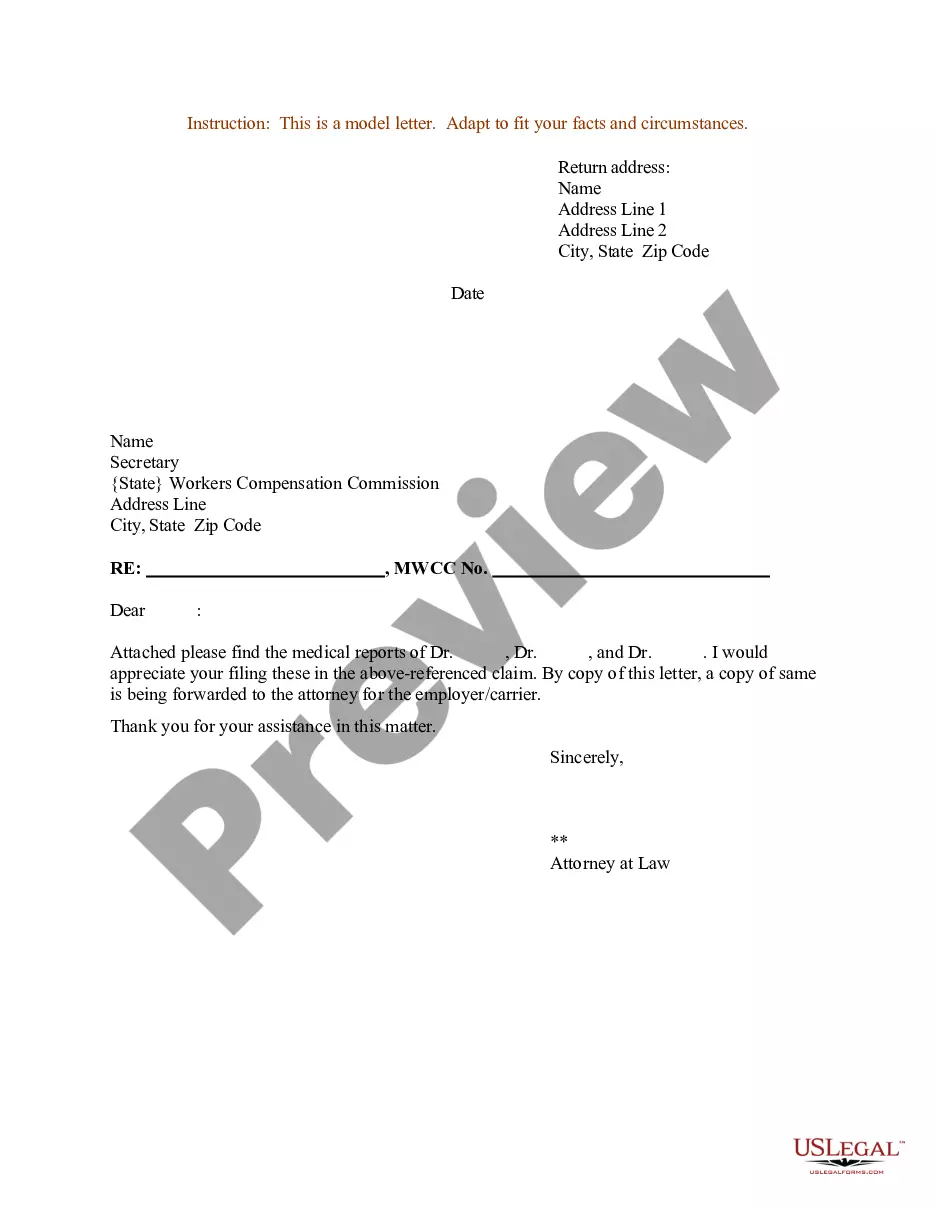
Get your form ready online
Our built-in tools help you complete, sign, share, and store your documents in one place.
Make edits, fill in missing information, and update formatting in US Legal Forms—just like you would in MS Word.
Download a copy, print it, send it by email, or mail it via USPS—whatever works best for your next step.
Sign and collect signatures with our SignNow integration. Send to multiple recipients, set reminders, and more. Go Premium to unlock E-Sign.
If this form requires notarization, complete it online through a secure video call—no need to meet a notary in person or wait for an appointment.
We protect your documents and personal data by following strict security and privacy standards.

Make edits, fill in missing information, and update formatting in US Legal Forms—just like you would in MS Word.

Download a copy, print it, send it by email, or mail it via USPS—whatever works best for your next step.

Sign and collect signatures with our SignNow integration. Send to multiple recipients, set reminders, and more. Go Premium to unlock E-Sign.

If this form requires notarization, complete it online through a secure video call—no need to meet a notary in person or wait for an appointment.

We protect your documents and personal data by following strict security and privacy standards.
Looking for another form?


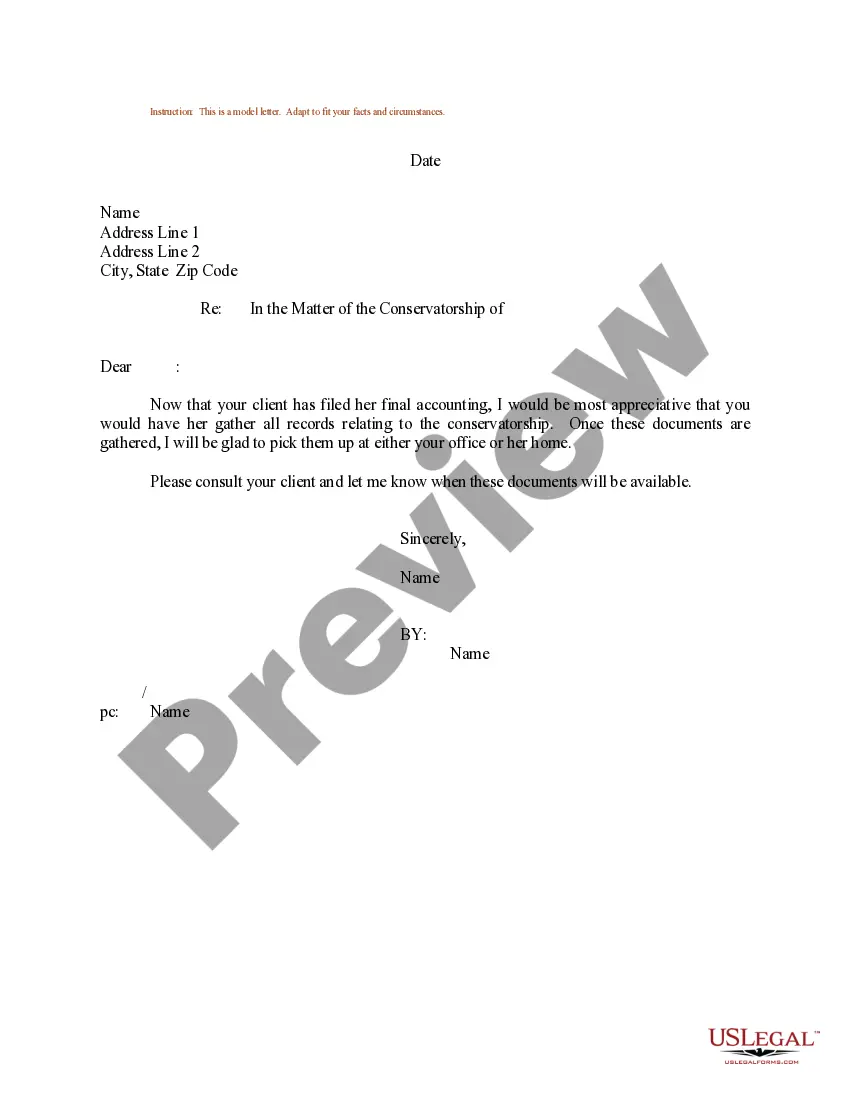
How to fill out Sample Letter Regarding Certificate Of Examining Physician?
Drafting legal paperwork from scratch can often be a little overwhelming. Some cases might involve hours of research and hundreds of dollars spent. If you’re searching for a more straightforward and more affordable way of creating Sample Certificate Form For Doctors Office or any other paperwork without jumping through hoops, US Legal Forms is always at your fingertips.
Our virtual catalog of more than 85,000 up-to-date legal documents addresses almost every element of your financial, legal, and personal affairs. With just a few clicks, you can quickly get state- and county-compliant templates carefully prepared for you by our legal specialists.
Use our website whenever you need a trustworthy and reliable services through which you can easily find and download the Sample Certificate Form For Doctors Office. If you’re not new to our services and have previously created an account with us, simply log in to your account, locate the template and download it away or re-download it anytime later in the My Forms tab.
Don’t have an account? No problem. It takes little to no time to set it up and explore the library. But before jumping straight to downloading Sample Certificate Form For Doctors Office, follow these tips:
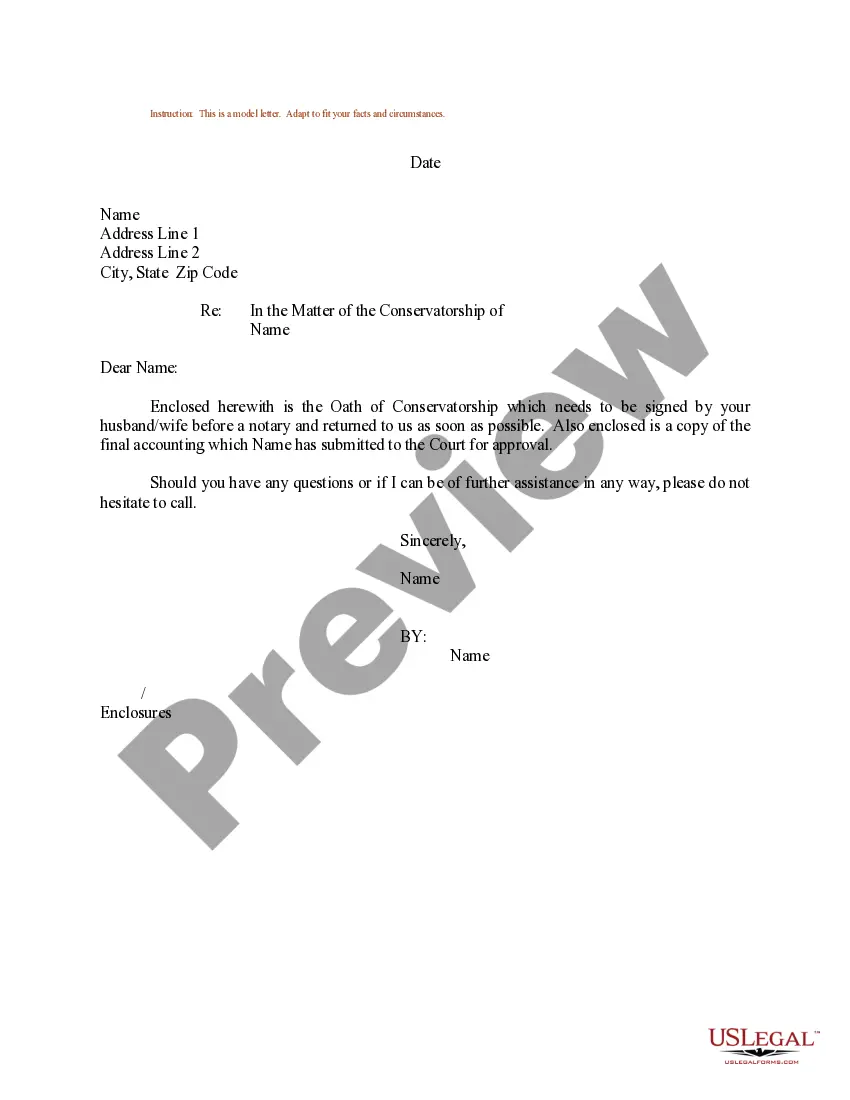
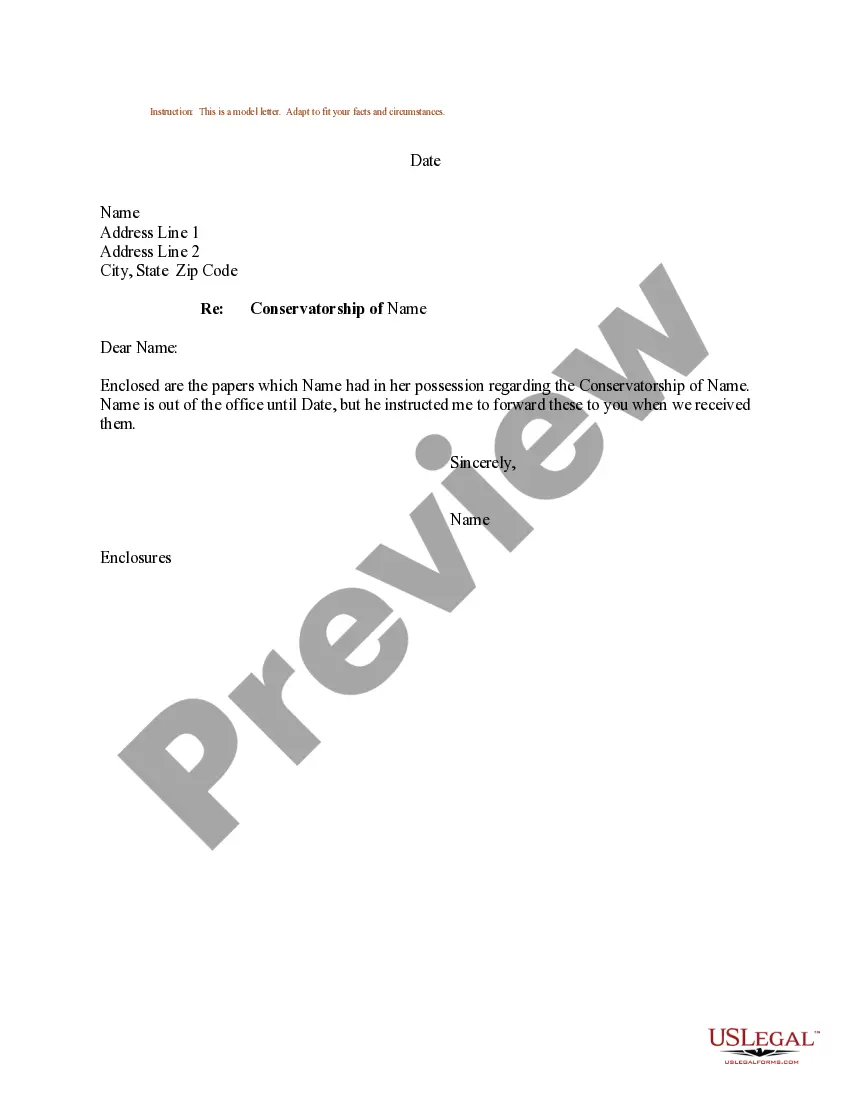
- Review the form preview and descriptions to make sure you have found the document you are searching for.
- Check if template you select conforms with the requirements of your state and county.
- Choose the right subscription option to buy the Sample Certificate Form For Doctors Office.
- Download the form. Then fill out, sign, and print it out.
US Legal Forms boasts a spotless reputation and over 25 years of experience. Join us now and transform form execution into something easy and streamlined!
Form popularity
FAQ
Include your name and address, and the name of the patient. Consider including whether the patient should be absent from the activity, or is able to attend in a reduced capacity. Generally, a medical certificate should not reveal a diagnosis, unless the patient consents to this.
Difference between a medical note and a medical certificate A medical note is any note or certificate provided by a doctor's office. A medical certificate has a clear definitions of physical and cognitive limitations.
There are a few circumstances where it is appropriate to seek a doctor's note. If you are absent from work or school due to illness, your employer or school may require you to provide a doctor's note in order to be excused from your obligations.
Medical Certificate of Death - Form 16 - Forms - Central Forms Repository (CFR)
This can be done by a telephone consultation with your own doctor who may be able to issue a certificate without you needing to be seen. Or, if it is a continuing problem, a telephone consultation from the doctor who you saw previously for the condition, again there may be no need for you to be seen in person.