Settlement Counter Offer Letter Sample With Commercial Lease
Description
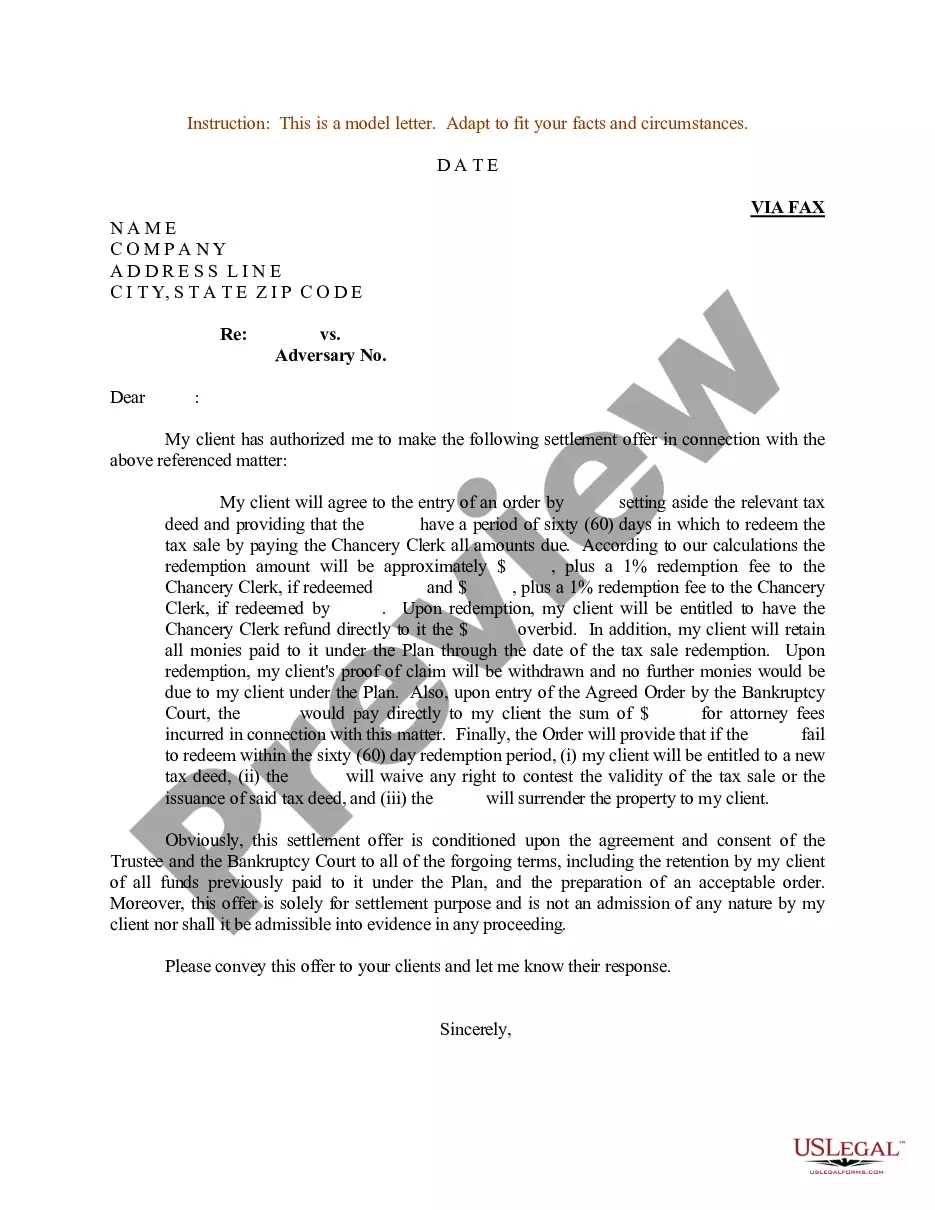
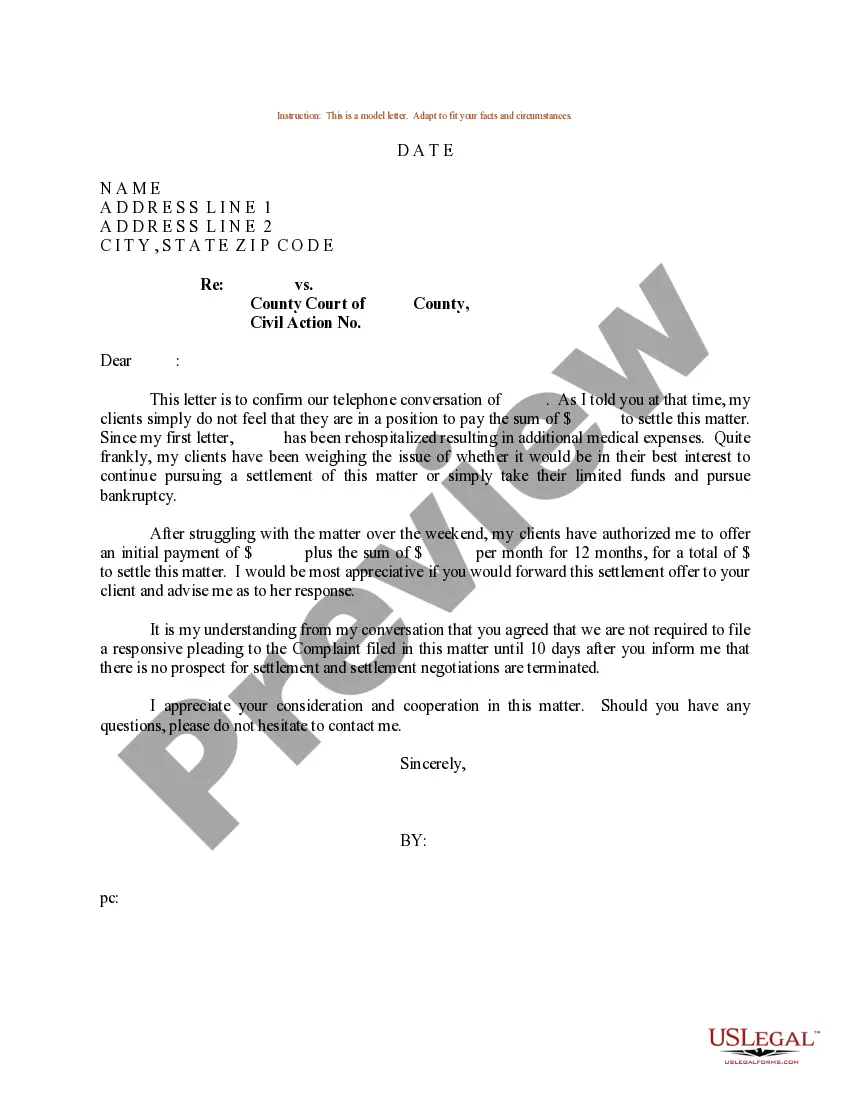
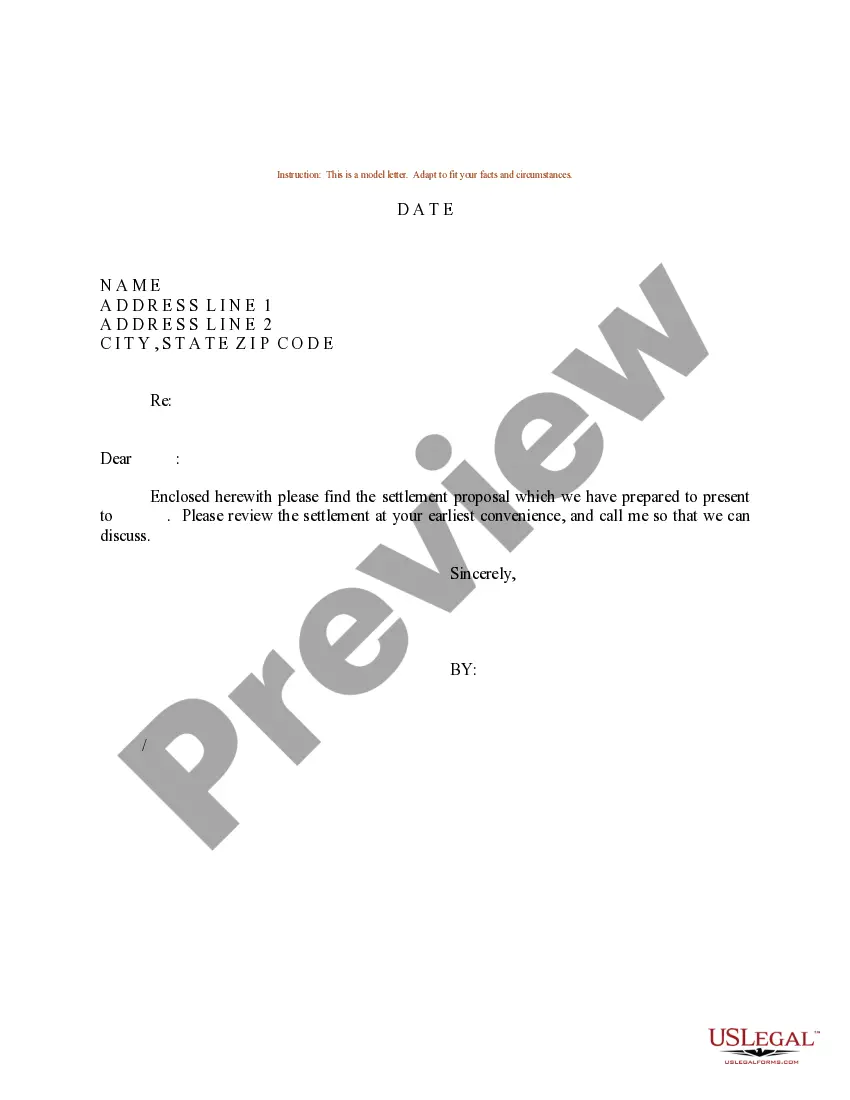

Get your form ready online
Our built-in tools help you complete, sign, share, and store your documents in one place.
Make edits, fill in missing information, and update formatting in US Legal Forms—just like you would in MS Word.
Download a copy, print it, send it by email, or mail it via USPS—whatever works best for your next step.
Sign and collect signatures with our SignNow integration. Send to multiple recipients, set reminders, and more. Go Premium to unlock E-Sign.
If this form requires notarization, complete it online through a secure video call—no need to meet a notary in person or wait for an appointment.
We protect your documents and personal data by following strict security and privacy standards.

Make edits, fill in missing information, and update formatting in US Legal Forms—just like you would in MS Word.

Download a copy, print it, send it by email, or mail it via USPS—whatever works best for your next step.

Sign and collect signatures with our SignNow integration. Send to multiple recipients, set reminders, and more. Go Premium to unlock E-Sign.

If this form requires notarization, complete it online through a secure video call—no need to meet a notary in person or wait for an appointment.

We protect your documents and personal data by following strict security and privacy standards.
Looking for another form?
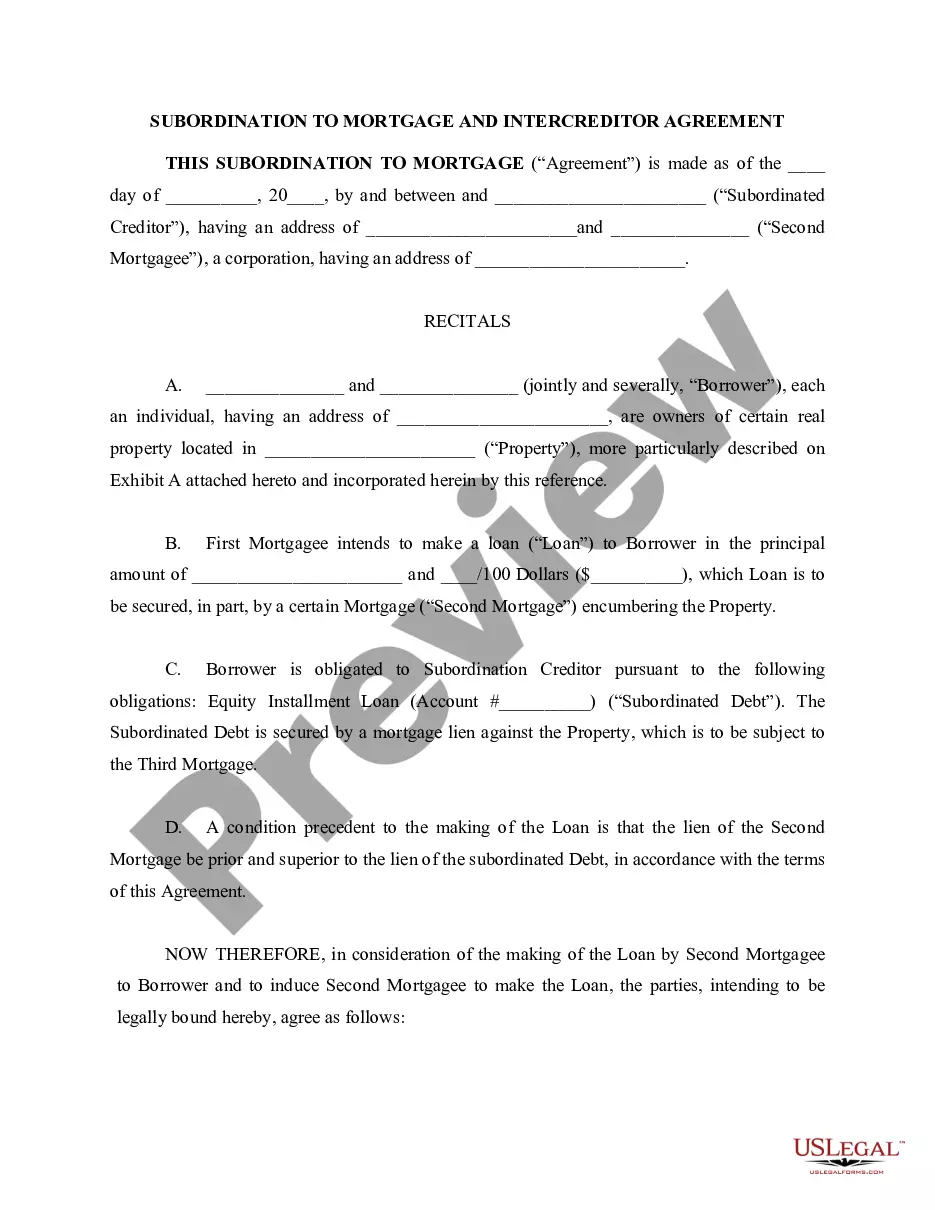
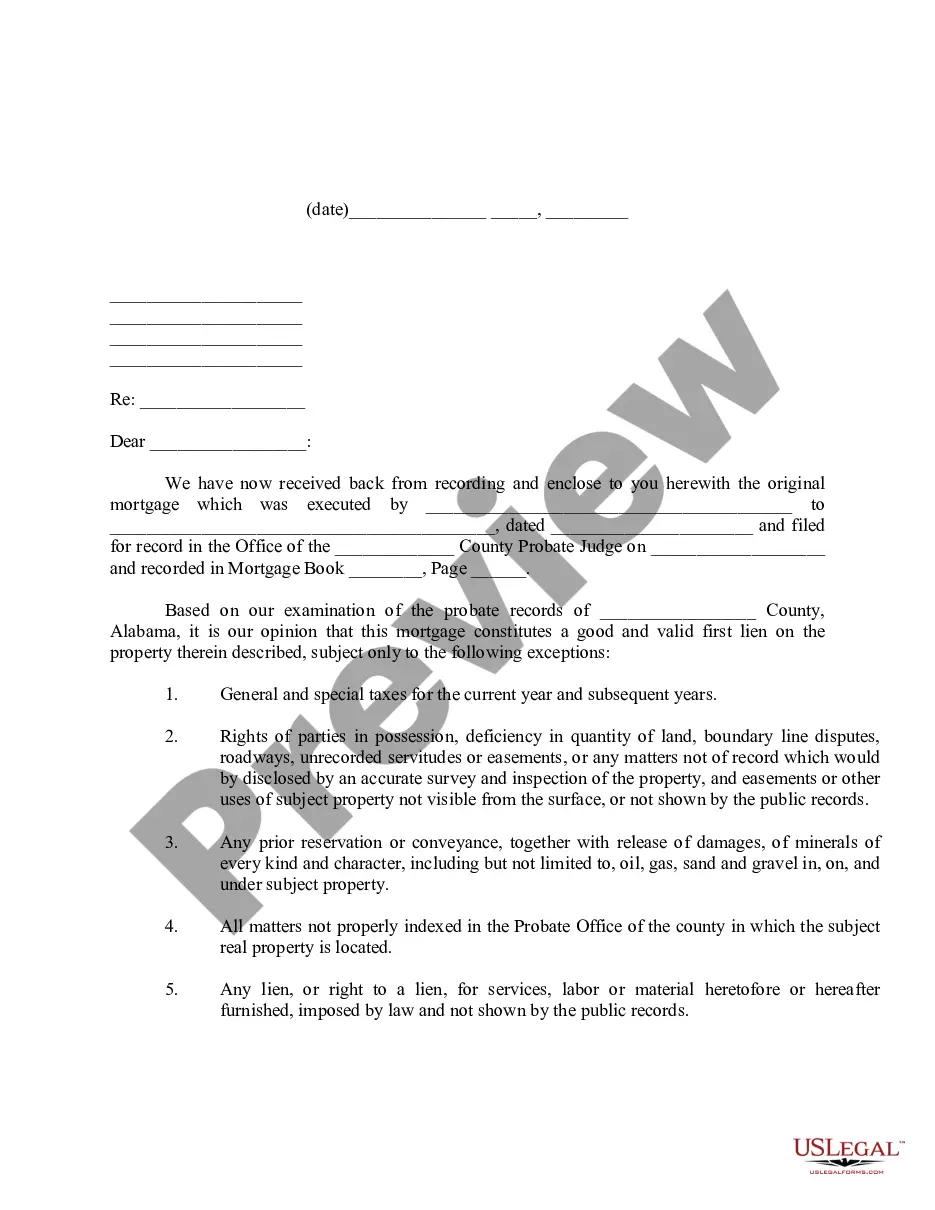


How to fill out Sample Letter For Settlement Offer - Authorization Of Settlement Offer?
Finding a reliable location to obtain the most up-to-date and suitable legal templates is a significant portion of managing bureaucracy.
Identifying the correct legal document necessitates accuracy and meticulousness, which indicates why sourcing Settlement Counter Offer Letter Sample With Commercial Lease exclusively from trustworthy providers, such as US Legal Forms, is vital. An incorrect template can squander your time and prolong your situation.
Eliminate the complications associated with your legal paperwork. Explore the extensive US Legal Forms collection where you can find legal templates, evaluate their applicability to your situation, and download them instantly.
- Use the library navigation or search feature to locate your template.
- Review the form’s details to ensure it meets the standards of your state and county.
- Check the form preview, if available, to confirm that the template is indeed what you are looking for.
- Return to the search to look for the appropriate template if the Settlement Counter Offer Letter Sample With Commercial Lease does not correspond to your specifications.
- If you are confident about the form’s applicability, download it.
- As a registered user, click Log in to verify and access your chosen forms in My documents.
- For those without an account, click Buy now to acquire the form.
- Select the pricing option that aligns with your requirements.
- Proceed with the registration to finalize your purchase.
- Complete the transaction by selecting a payment method (credit card or PayPal).
- Choose the file format for downloading the Settlement Counter Offer Letter Sample With Commercial Lease.
- Once the template is saved on your device, you can modify it with the editor or print it for manual completion.
Form popularity
FAQ
More In File Applying for an Employer Identification Number (EIN) is a free service offered by the Internal Revenue Service.
Apply By FAX Taxpayers can FAX the completed SS-4 application form to FAX number (859) 669-5760, after ensuring that the Form SS-4 contains all of the required information. If it is determined that the entity needs a new EIN, one will be assigned using the appropriate procedures for the entity type.
But again, faxing tax documents to the IRS is not allowed. You can, however, fax other documents to the IRS. If you're under an audit, or an IRS agent has asked you to submit items missing from your tax return, then you can send them via online fax. This is where eFax comes in handy.
Use Form SS-4 to apply for an employer identification number (EIN). An EIN is a 9-digit number (for example, 12-3456789) assigned to employers, sole proprietors, corporations, partnerships, estates, trusts, certain individuals, and other entities for tax filing and reporting purposes.
Free File Fillable Forms are electronic federal tax forms you can fill out and file online for free, enabling you to: Choose the income tax form you need. Enter your tax information online. Electronically sign and file your return.
You can get an EIN immediately by applying online. International applicants must call 267-941-1099 (Not a toll-free number). If you prefer, you can fax a completed Form SS-4 to the service center for your state, and they will respond with a return fax in about one week.
Here are the steps to take if you misplace your IRS EIN confirmation letter: Call the IRS: If you need to contact the IRS, it'll have to be over the phone. To get a copy of your verification letter, you can call them toll-free at 1-800-829-4933.
The only way to get an EIN Verification Letter (147C) is to call the IRS at 1-800-829-4933. For security reasons, the IRS will never send anything by email. Instead, the IRS will send you an EIN Verification Letter (147C) two ways: by mail.