Sample Refund Form With Recaptcha
Description
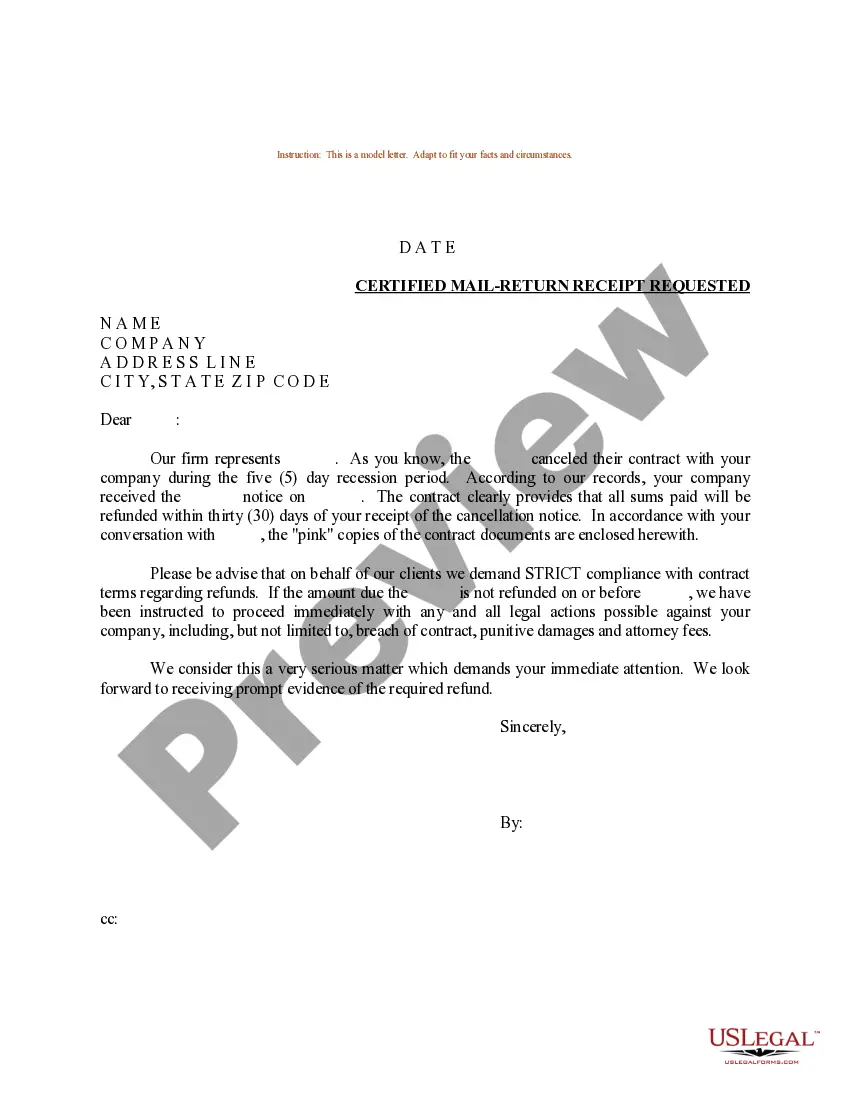
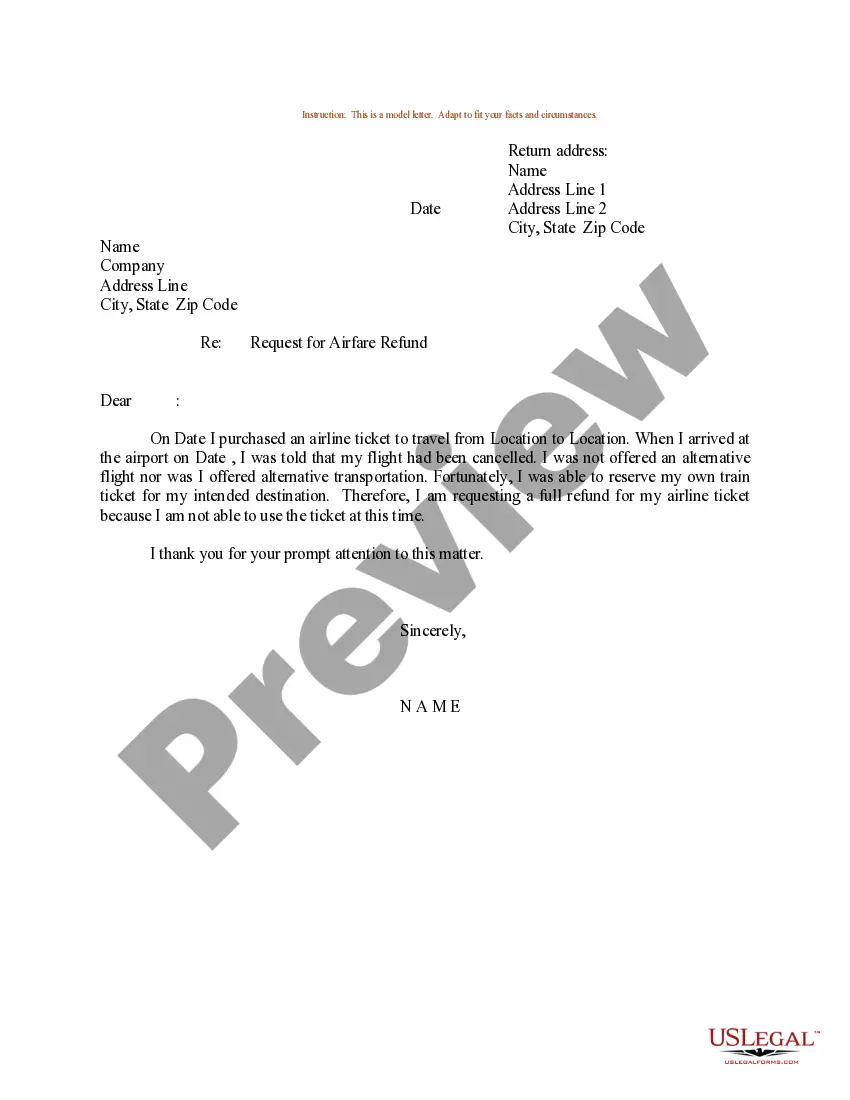
Get your form ready online
Our built-in tools help you complete, sign, share, and store your documents in one place.
Make edits, fill in missing information, and update formatting in US Legal Forms—just like you would in MS Word.
Download a copy, print it, send it by email, or mail it via USPS—whatever works best for your next step.
Sign and collect signatures with our SignNow integration. Send to multiple recipients, set reminders, and more. Go Premium to unlock E-Sign.
If this form requires notarization, complete it online through a secure video call—no need to meet a notary in person or wait for an appointment.
We protect your documents and personal data by following strict security and privacy standards.

Make edits, fill in missing information, and update formatting in US Legal Forms—just like you would in MS Word.

Download a copy, print it, send it by email, or mail it via USPS—whatever works best for your next step.

Sign and collect signatures with our SignNow integration. Send to multiple recipients, set reminders, and more. Go Premium to unlock E-Sign.

If this form requires notarization, complete it online through a secure video call—no need to meet a notary in person or wait for an appointment.

We protect your documents and personal data by following strict security and privacy standards.
Looking for another form?
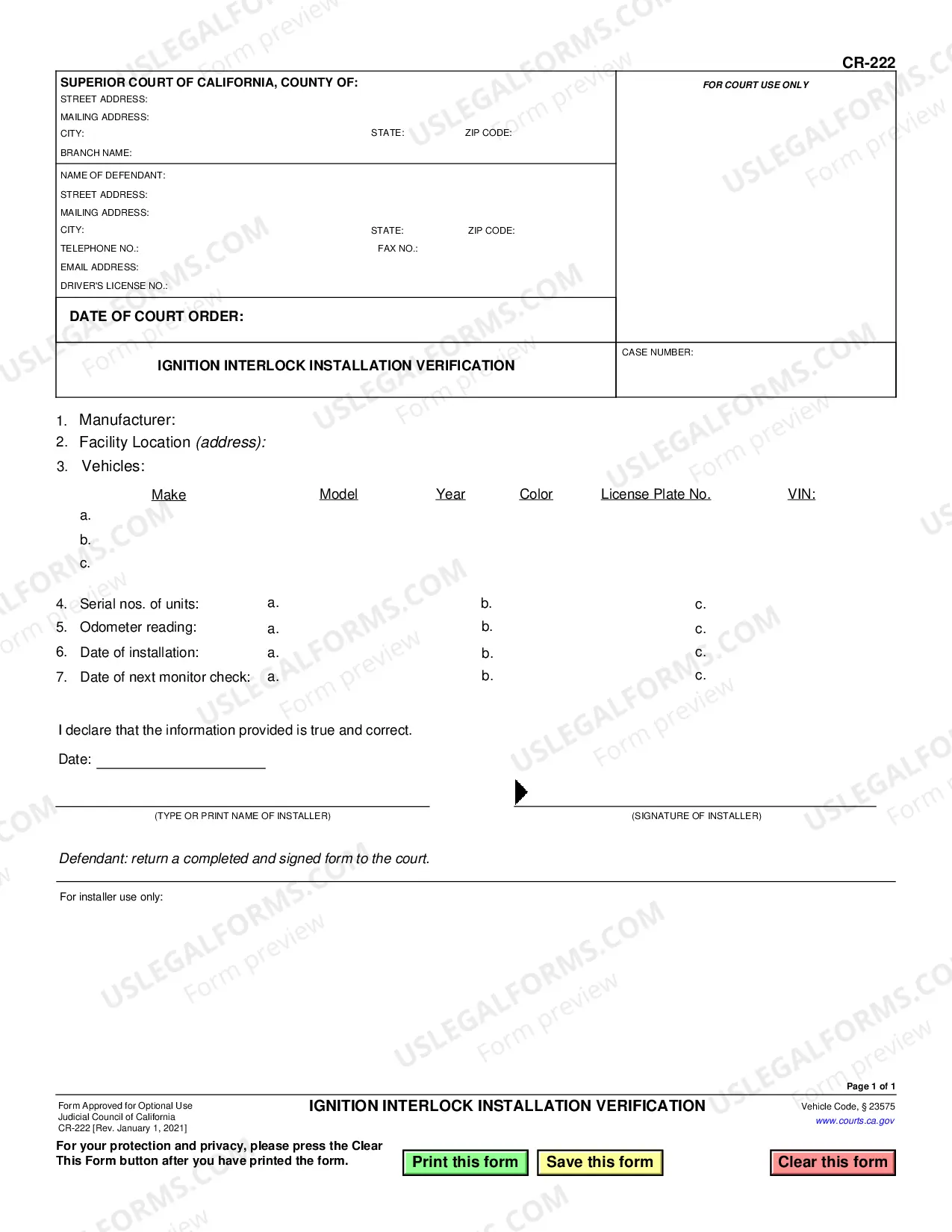
How to fill out Sample Letter For Refund For Duplicate Payment?
Obtaining legal document samples that meet the federal and state laws is essential, and the internet offers a lot of options to choose from. But what’s the point in wasting time searching for the right Sample Refund Form With Recaptcha sample on the web if the US Legal Forms online library already has such templates accumulated in one place?
US Legal Forms is the most extensive online legal catalog with over 85,000 fillable templates drafted by attorneys for any business and life case. They are easy to browse with all documents organized by state and purpose of use. Our professionals stay up with legislative updates, so you can always be confident your paperwork is up to date and compliant when getting a Sample Refund Form With Recaptcha from our website.
Obtaining a Sample Refund Form With Recaptcha is fast and simple for both current and new users. If you already have an account with a valid subscription, log in and save the document sample you need in the right format. If you are new to our website, adhere to the instructions below:
- Examine the template utilizing the Preview option or via the text outline to make certain it meets your needs.
- Locate a different sample utilizing the search function at the top of the page if necessary.
- Click Buy Now when you’ve found the correct form and opt for a subscription plan.
- Register for an account or sign in and make a payment with PayPal or a credit card.
- Pick the format for your Sample Refund Form With Recaptcha and download it.
All documents you find through US Legal Forms are reusable. To re-download and complete earlier purchased forms, open the My Forms tab in your profile. Take advantage of the most extensive and simple-to-use legal paperwork service!
Form popularity
FAQ
For web users, you can get the user's response in one of three ways: g-recaptcha-response POST parameter when the user submits the form on your site. grecaptcha.getResponse(opt_widget_id) after the user completes the reCAPTCHA challenge.
Simply visit Google.com/reCAPTCHA and select the v3 Admin Console option in the primary navigation menu. Click on the plus sign icon in the reCAPTCHA dashboard and enter a label for your website. This can be any unique identifier. Then, choose what type of reCAPTCHA you want to use for your site.
To pass the test, users have to interpret the distorted text, type the correct letters into a form field, and submit the form. If the letters don't match, users are prompted to try again.
To enable reCAPTCHA validation on your site: Go to Site settings > Forms tab > reCAPTCHA validation. Paste the API keys from Google (the reCAPTCHA v2 Site Key and the reCAPTCHA v2 Secret Key) ? into the corresponding fields. Enable reCAPTCHA validation. Save your changes. Publish your site.
You can display the captcha field in your custom form using the following action: do_action( 'c4wp_captcha_form_field' ); The below code is a simple example of a website form with the CAPTCHA check. Ideally the CAPTCHA check should be triggered right before the submit button.
