Domestic Corporation Request For Voluntary Administrative Dissolution
Description
Get your form ready online
Our built-in tools help you complete, sign, share, and store your documents in one place.
Make edits, fill in missing information, and update formatting in US Legal Forms—just like you would in MS Word.
Download a copy, print it, send it by email, or mail it via USPS—whatever works best for your next step.
Sign and collect signatures with our SignNow integration. Send to multiple recipients, set reminders, and more. Go Premium to unlock E-Sign.
If this form requires notarization, complete it online through a secure video call—no need to meet a notary in person or wait for an appointment.
We protect your documents and personal data by following strict security and privacy standards.

Make edits, fill in missing information, and update formatting in US Legal Forms—just like you would in MS Word.

Download a copy, print it, send it by email, or mail it via USPS—whatever works best for your next step.

Sign and collect signatures with our SignNow integration. Send to multiple recipients, set reminders, and more. Go Premium to unlock E-Sign.

If this form requires notarization, complete it online through a secure video call—no need to meet a notary in person or wait for an appointment.

We protect your documents and personal data by following strict security and privacy standards.
Looking for another form?






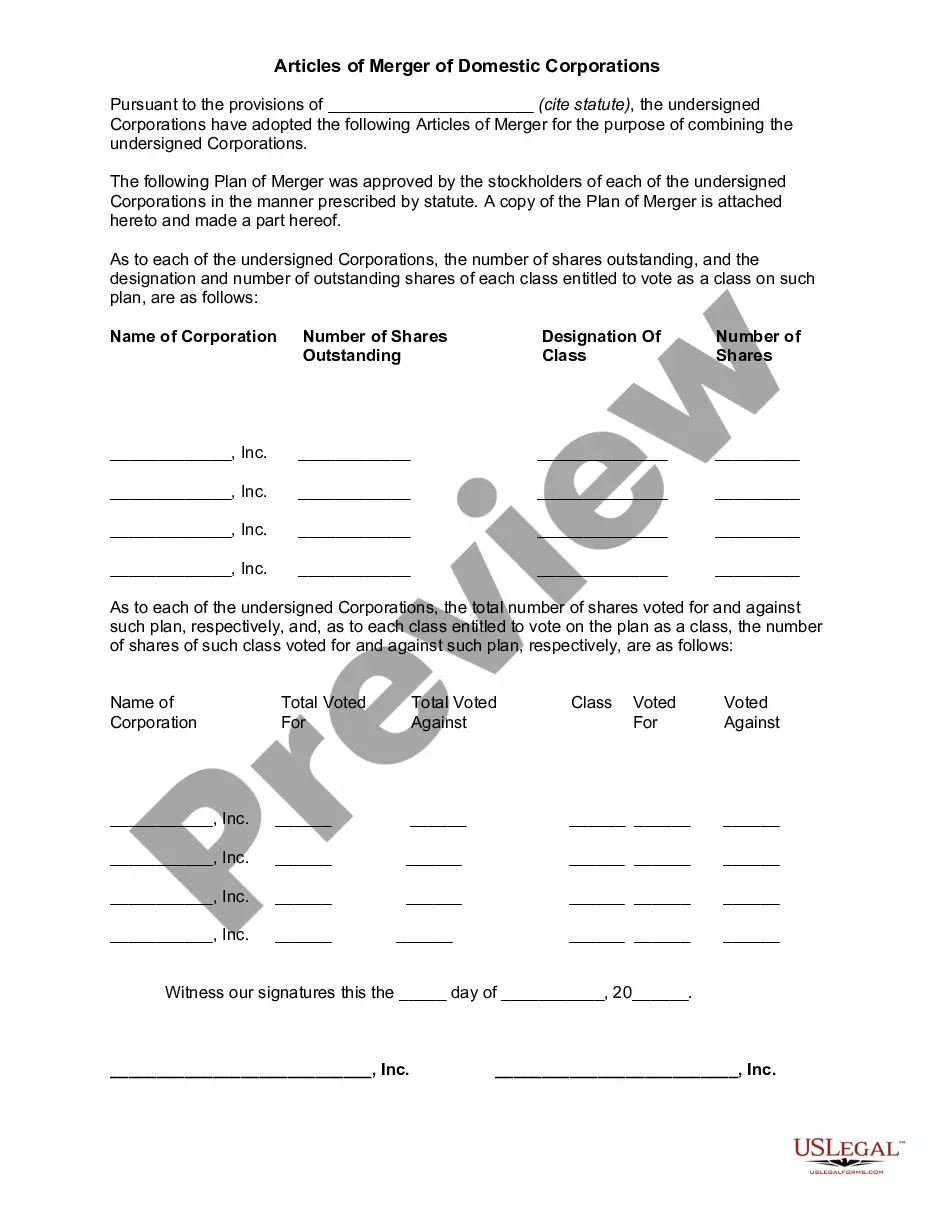
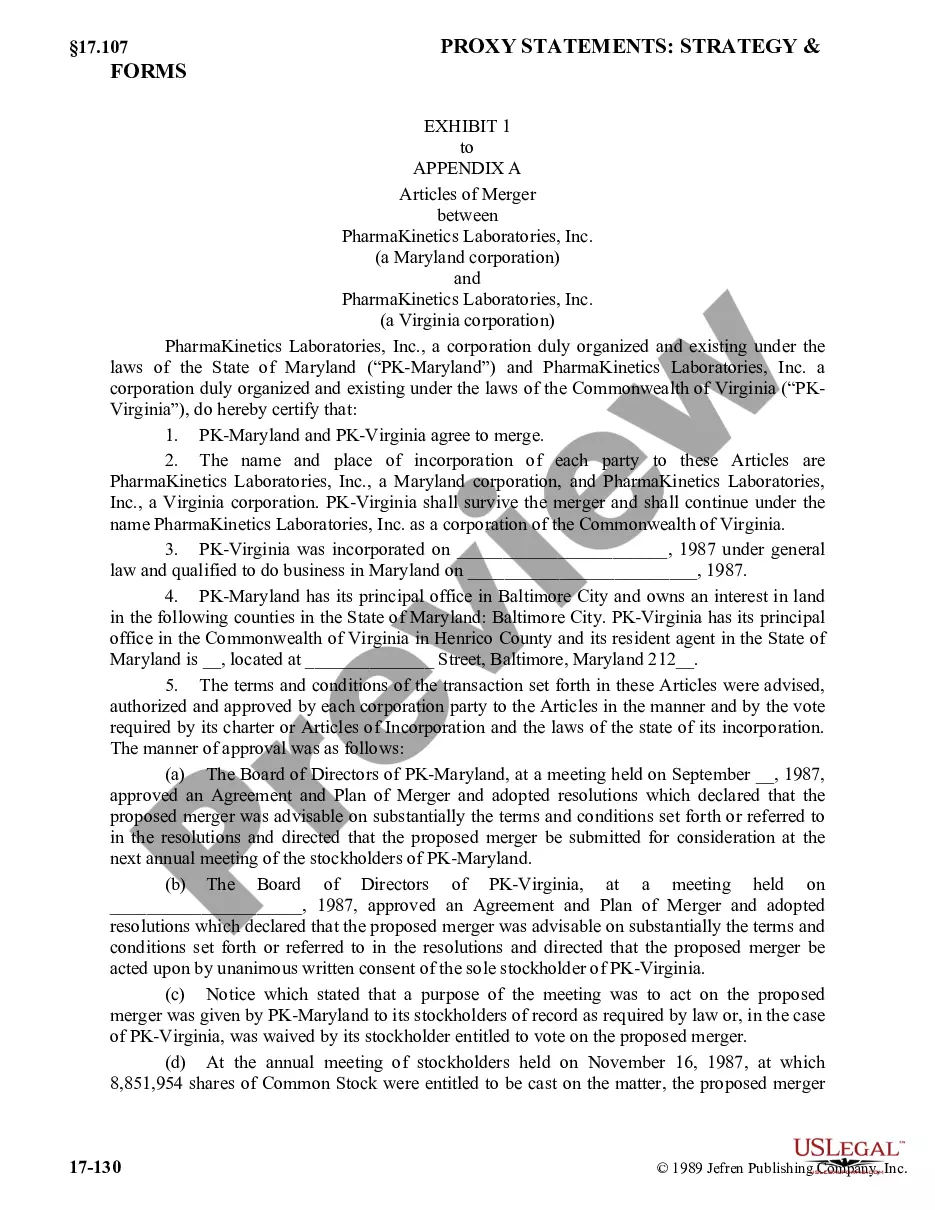
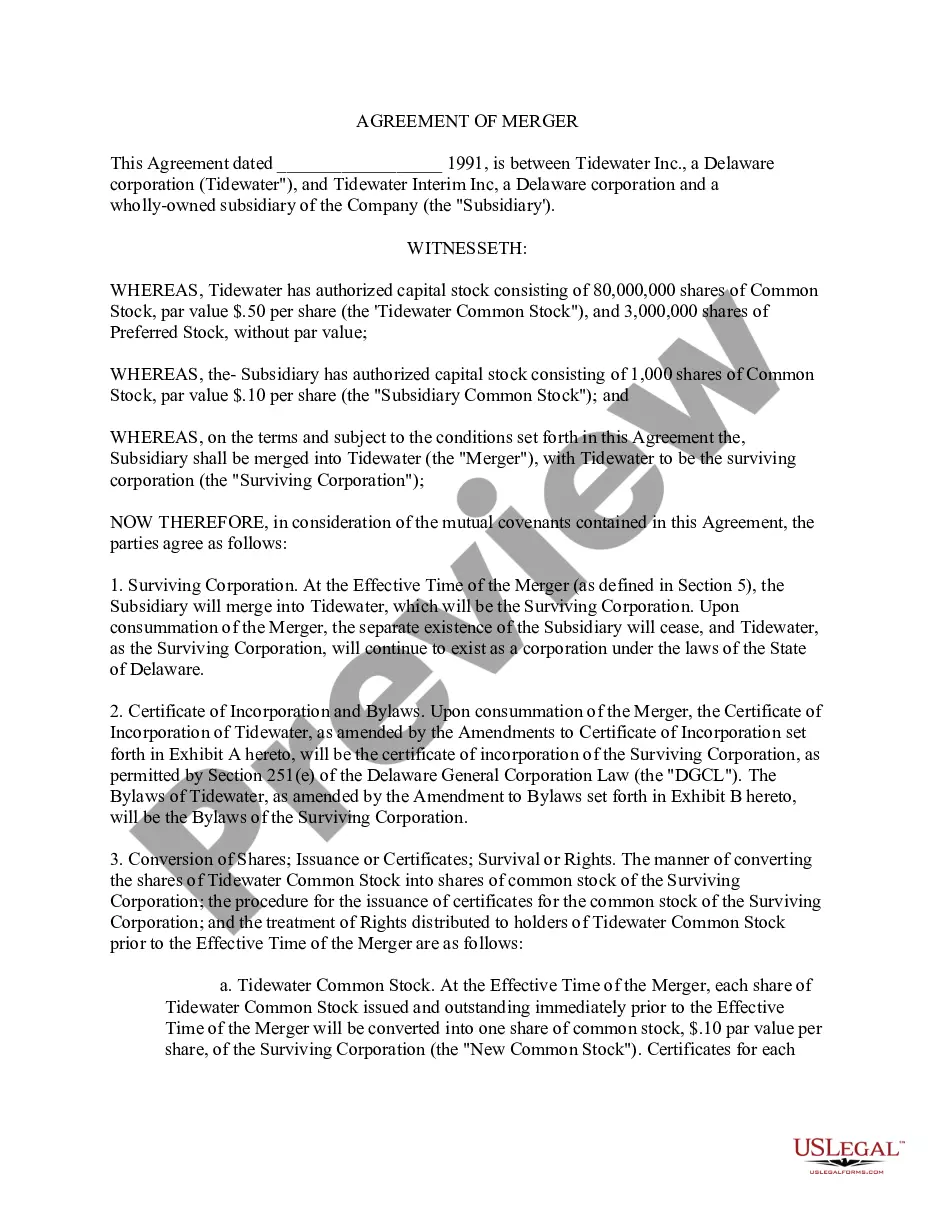
How to fill out Articles Of Merger Of Domestic Corporations?
Legal administration can be perplexing, even for the most adept professionals.
If you are looking for a Domestic Corporation Request For Voluntary Administrative Dissolution and don’t have the opportunity to invest time in finding the accurate and current version, the process could be overwhelming.
US Legal Forms accommodates any demands you might have, from personal to business documentation, all in one place.
Utilize specialized tools to complete and manage your Domestic Corporation Request For Voluntary Administrative Dissolution.
Here are the steps to follow after downloading the form you desire: Verify that this is the correct form by previewing it and reviewing its information.
- Access a repository of articles, guides, and manuals relevant to your situation and requirements.
- Save time and effort searching for the documents you need by using US Legal Forms’ advanced search and Review feature to obtain Domestic Corporation Request For Voluntary Administrative Dissolution.
- If you possess a subscription, Log In to your US Legal Forms account, search for the form, and retrieve it.
- Visit the My documents tab to view the documents you previously stored and to organize your folders as you prefer.
- If you are new to US Legal Forms, create a free account to gain unlimited access to all features of the platform.
- A comprehensive online form repository could be transformative for anyone aiming to navigate these circumstances effectively.
- US Legal Forms is a leading provider of online legal documents, offering over 85,000 state-specific legal forms accessible at any time.
- With US Legal Forms, you can access state- or county-specific legal and business documents.
Form popularity
FAQ
If you've created your form in Excel for the web and select Open in Excel, your Excel workbook is automatically stored in OneDrive for work or school and contains a live data connection to your form. Any new response data in your form will be reflected in your workbook.
Google Forms does not have version history like Google Docs or Sheets. When you delete responses in Google Forms, it will be deleted permanently. The deleted form responses cannot be restored later.
Click the Microsoft Forms application. Click "All my Forms" Click "Deleted Forms" Click the 3 dots of the quiz you'd like to restore and click "Restore"
There is also no version history which makes it very difficult to reset the questions that have been overwritten.
Files uploaded by respondents are saved to your Microsoft OneDrive at IU space. In the Microsoft Forms folder, select the folder matching the name of your form, and then click the subfolder for the question to access the files.
There is also no version history which makes it very difficult to reset the questions that have been overwritten.
In contrary as occurs with Google Documents, Sheets and Slides, Google Forms doesn't have the revision history feature. Unfortunately Google Drive doesn't keep revisions of Google Forms either.
Recover a deleted form Go to the Deleted forms tab. This tab serves as your recycle bin. ... On the form you want to delete, select More options in the lower right corner of the form tile, and then click Restore. ... To see your recovered form, go to your All forms tab.