Recovery Wages Without Notification
Description
Get your form ready online
Our built-in tools help you complete, sign, share, and store your documents in one place.
Make edits, fill in missing information, and update formatting in US Legal Forms—just like you would in MS Word.
Download a copy, print it, send it by email, or mail it via USPS—whatever works best for your next step.
Sign and collect signatures with our SignNow integration. Send to multiple recipients, set reminders, and more. Go Premium to unlock E-Sign.
If this form requires notarization, complete it online through a secure video call—no need to meet a notary in person or wait for an appointment.
We protect your documents and personal data by following strict security and privacy standards.

Make edits, fill in missing information, and update formatting in US Legal Forms—just like you would in MS Word.

Download a copy, print it, send it by email, or mail it via USPS—whatever works best for your next step.

Sign and collect signatures with our SignNow integration. Send to multiple recipients, set reminders, and more. Go Premium to unlock E-Sign.

If this form requires notarization, complete it online through a secure video call—no need to meet a notary in person or wait for an appointment.

We protect your documents and personal data by following strict security and privacy standards.
Looking for another form?

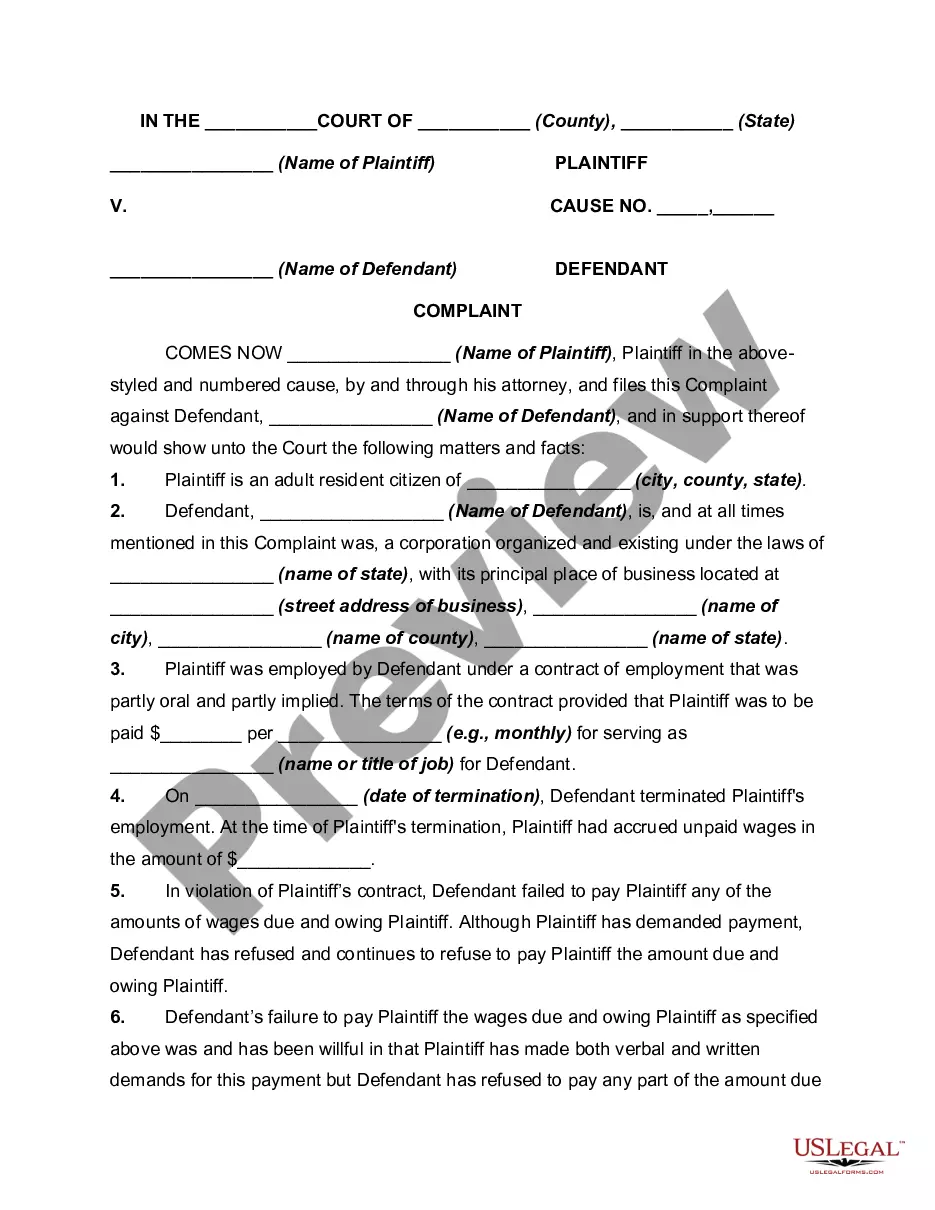
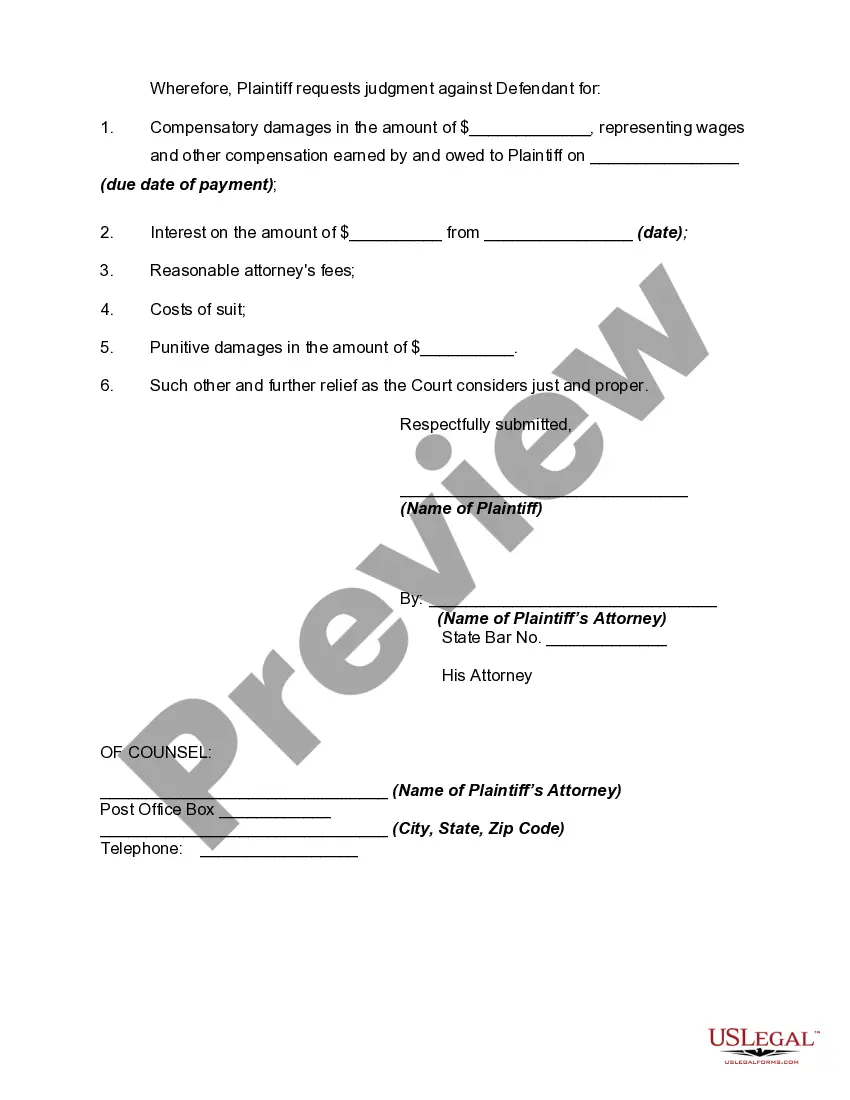
How to fill out Complaint For Recovery Of Unpaid Wages?
Creating legal documents from the ground up can occasionally feel somewhat daunting.
Some situations may require extensive research and substantial expenses.
If you’re looking for an easier and more budget-friendly method of generating Recovery Wages Without Notification or any other paperwork without unnecessary obstacles, US Legal Forms is always accessible.
Our online library of over 85,000 current legal forms covers nearly every aspect of your financial, legal, and personal matters. With just a few clicks, you can quickly obtain state- and county-specific templates meticulously prepared for you by our legal experts.
Check whether the template you select aligns with the laws and regulations of your state and county. Choose the most appropriate subscription plan to acquire the Recovery Wages Without Notification. Download the file. Then complete, sign, and print it out. US Legal Forms enjoys a solid reputation and over 25 years of expertise. Join us today and simplify your document processing into a smooth and efficient experience!
- Utilize our site whenever you require dependable and trustworthy services to easily find and download the Recovery Wages Without Notification.
- If you're already familiar with our website and have set up an account, simply Log In, find the template, and download it or re-download it at any moment from the My documents section.
- Don’t have an account? No problem. It requires minimal time to create one and browse through the catalog.
- However, before proceeding directly to downloading Recovery Wages Without Notification, adhere to these recommendations.
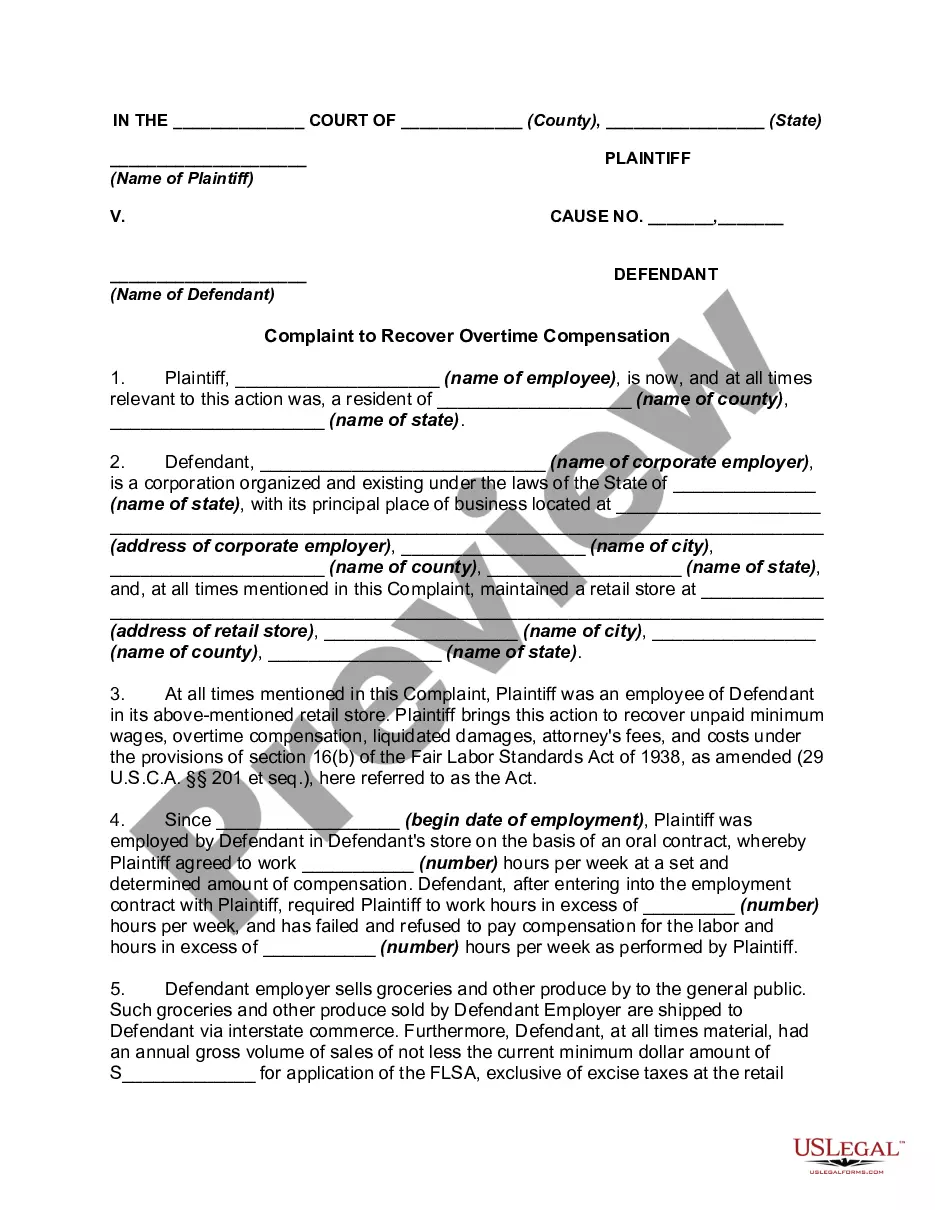
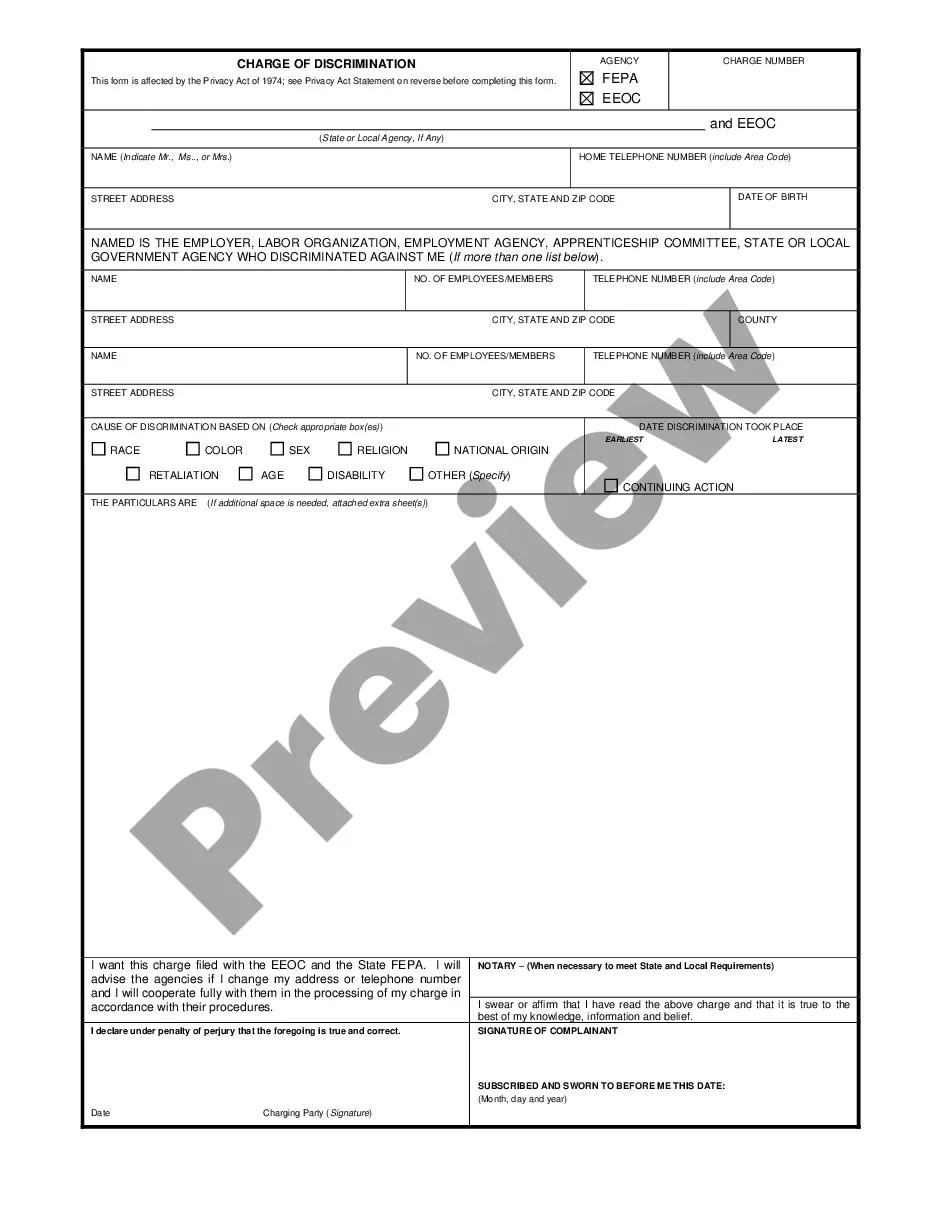
- Review the form preview and details to ensure that you've identified the document you need.
Form popularity
FAQ
What to Include in Your Demand Letter Background facts describing the wages that are owed. ... Use concise and polite language when discussing facts or making your demand. ... State how your employer can pay the wages. ... Include a deadline and intent to sue language. ... Add your signature.
The Fair Labor and Standards Act It doesn't provide much of a framework beyond that. However, it does cap the time after an issue arises during which an employee can pursue retro pay. This statute of limitations is two years. If you intentionally violated FLSA provisions, this period increases to three years.
Retroactive pay or ?retro pay? is a name used by some payroll systems to describe the process by which employers reimburse employees who were either not paid or underpaid during a previous payroll cycle.
No. Any deductions other than income taxes and court-ordered payments require your written authorization. If you agreed in writing about the payment amount, that agreement is binding on both you and your employer, ing to the state laws which govern written contracts.
If you are at the receiving end of payroll errors, you should inform your employer immediately. Let them know the exact problem you experienced. Provide your proof of payment (paystub) to show evidence of the error. Your HR team should rectify the problem immediately.