Agreement Personal Form With Notary
Description
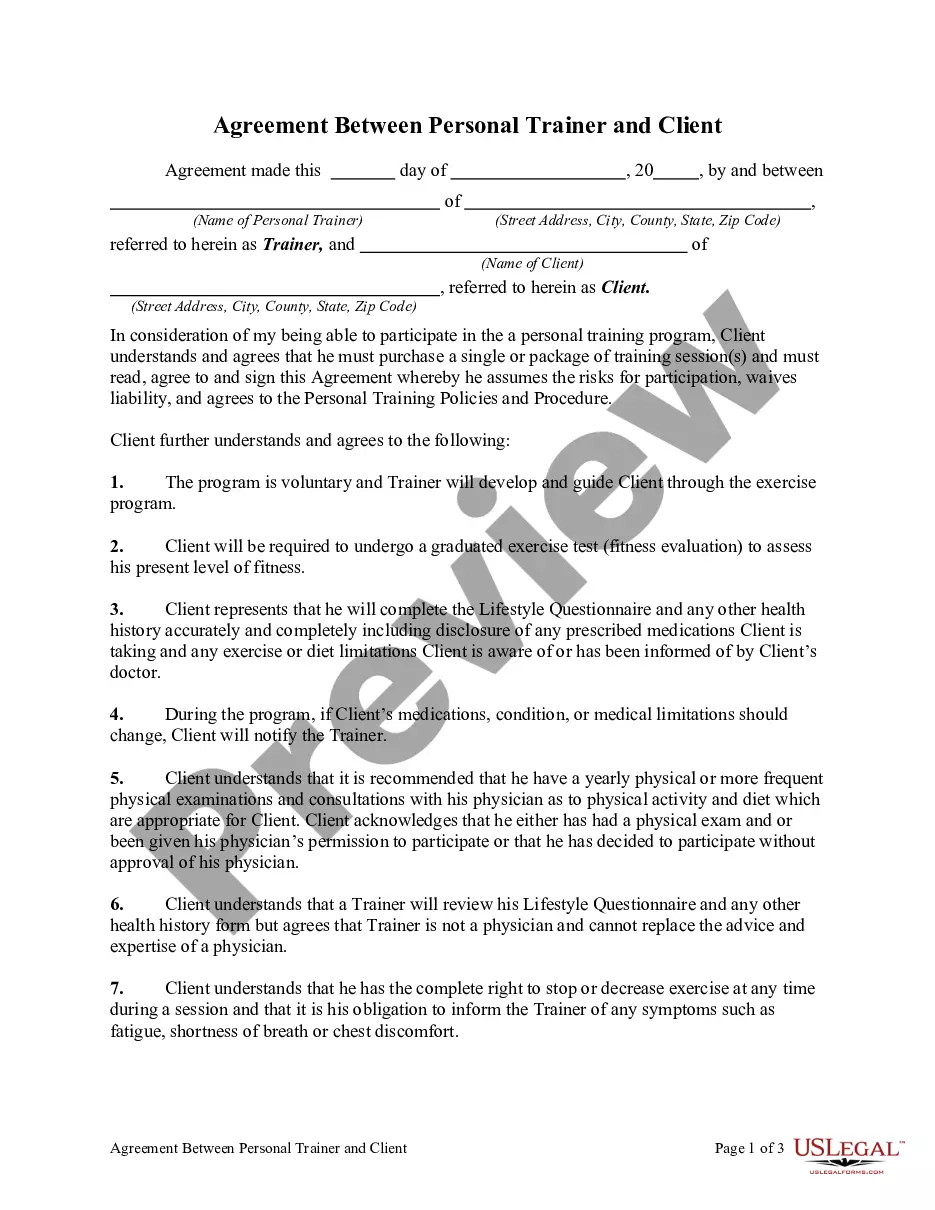
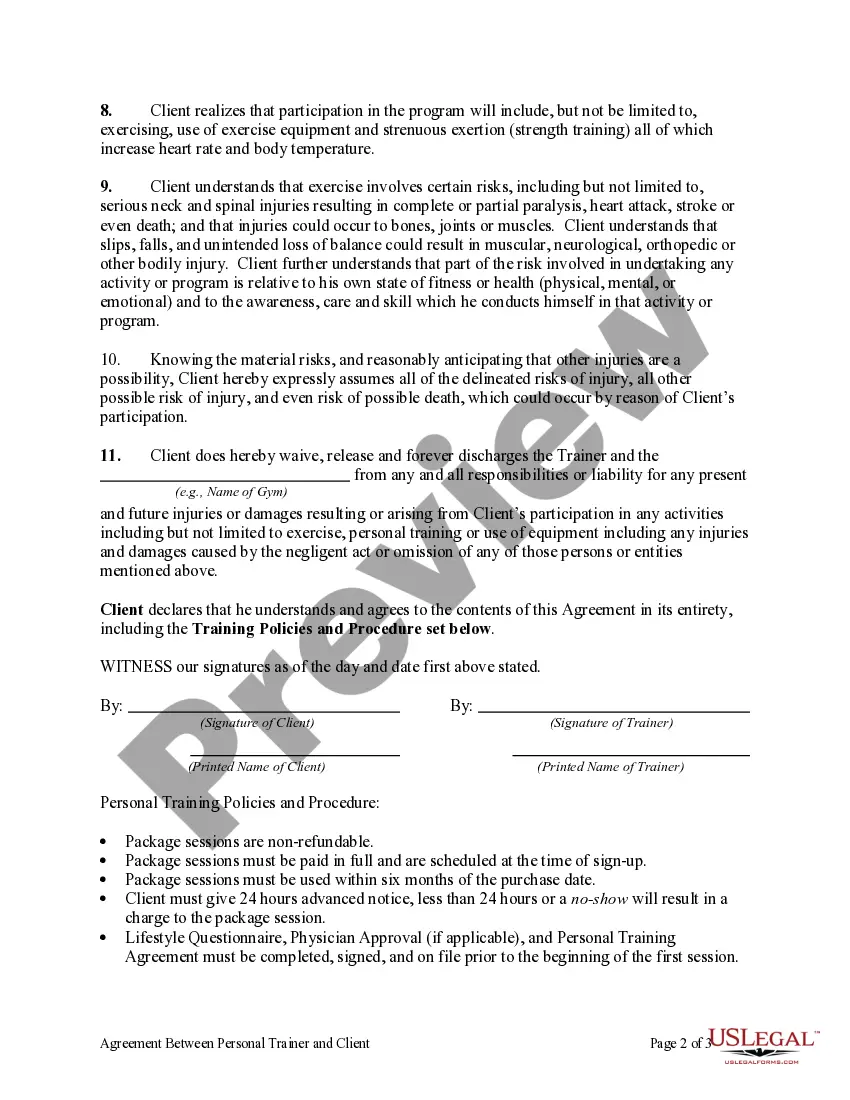
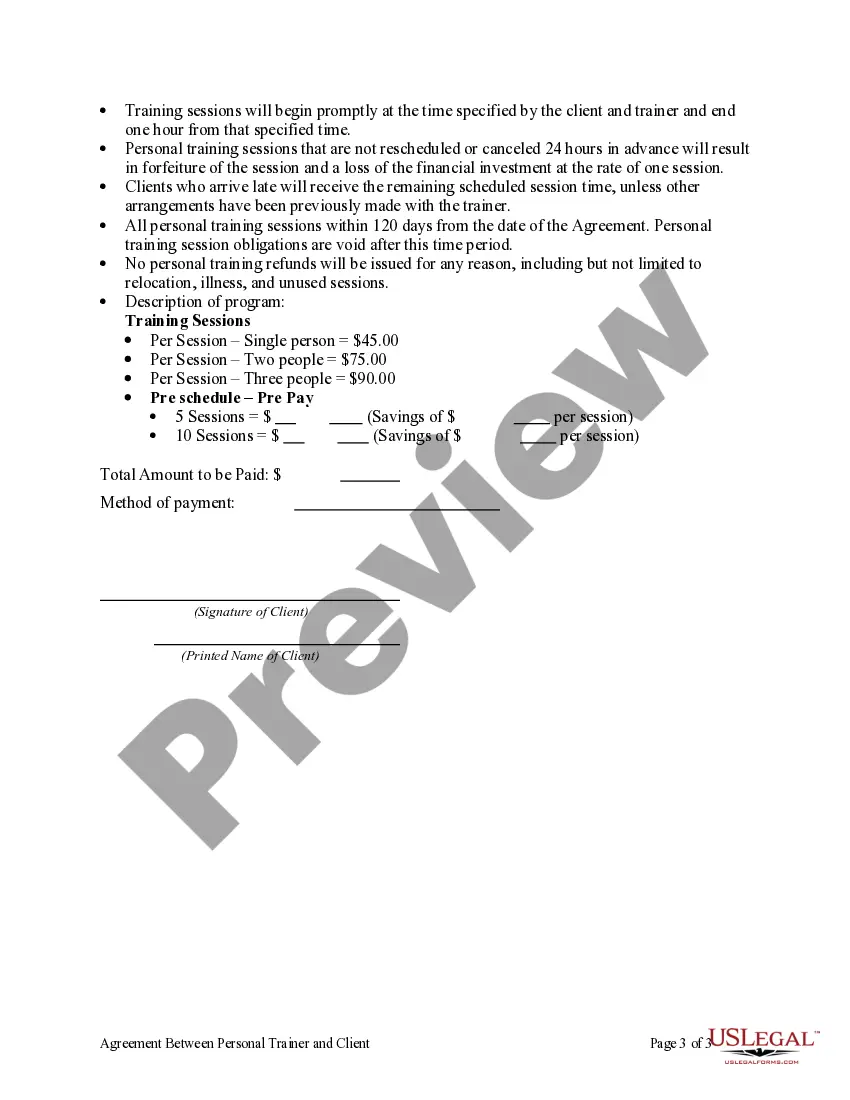
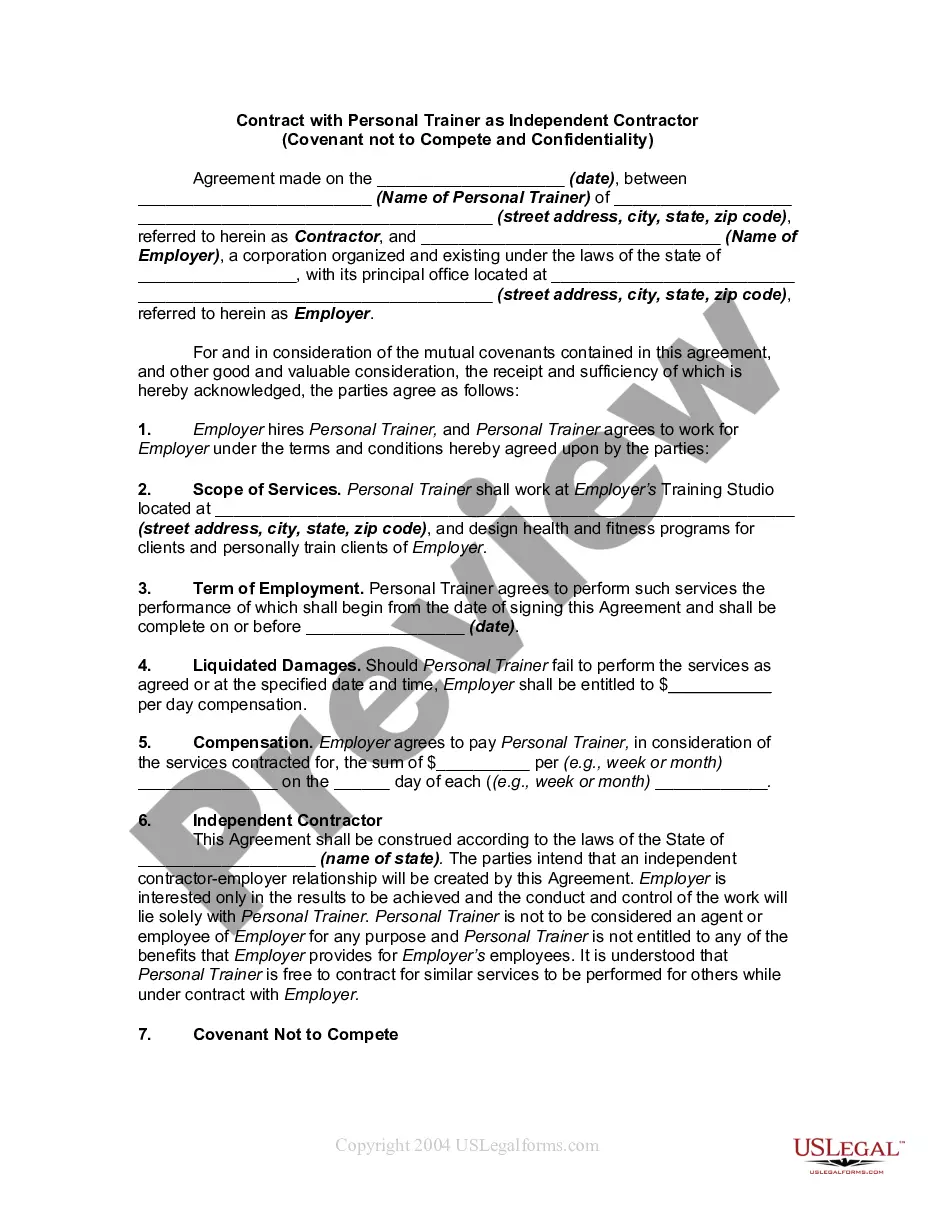
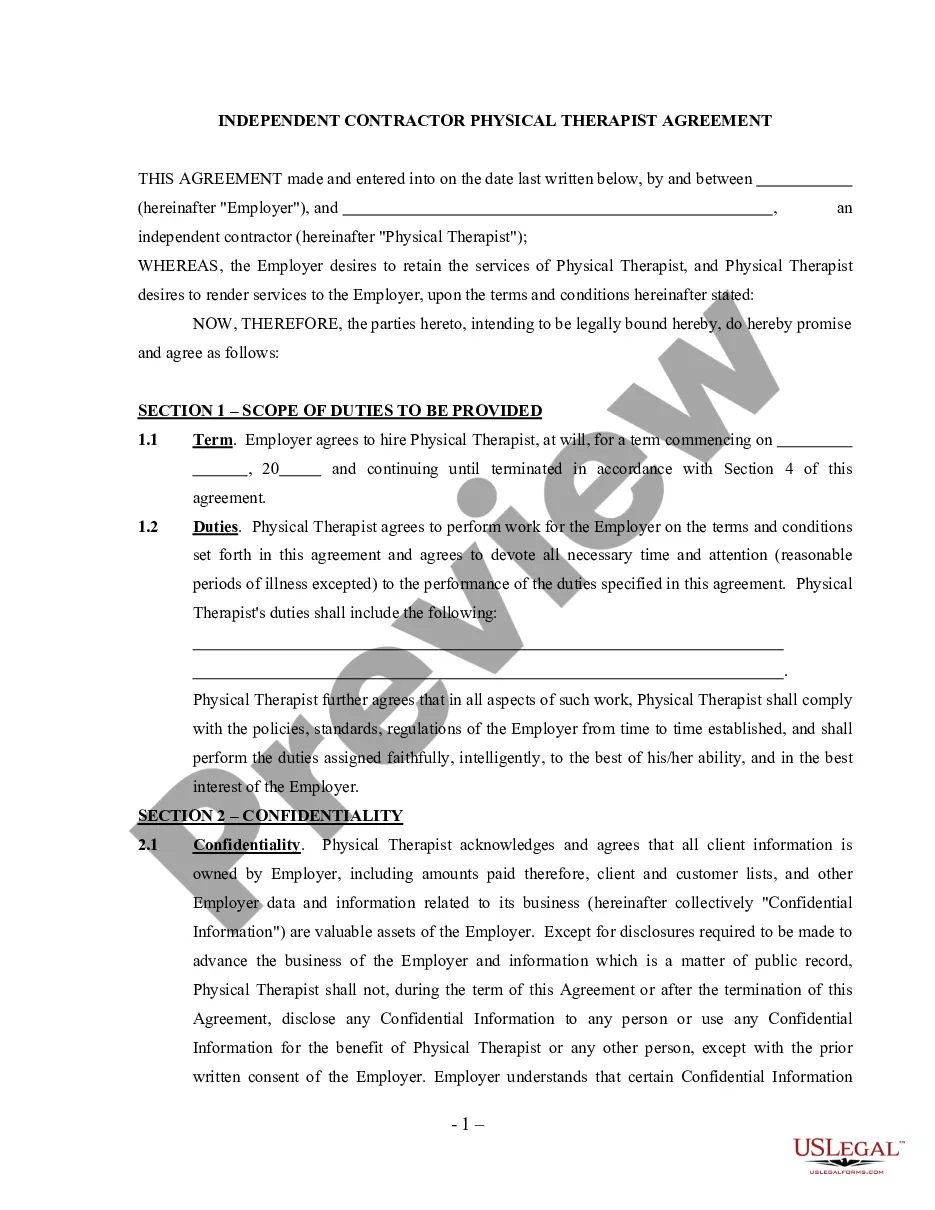
Get your form ready online
Our built-in tools help you complete, sign, share, and store your documents in one place.
Make edits, fill in missing information, and update formatting in US Legal Forms—just like you would in MS Word.
Download a copy, print it, send it by email, or mail it via USPS—whatever works best for your next step.
Sign and collect signatures with our SignNow integration. Send to multiple recipients, set reminders, and more. Go Premium to unlock E-Sign.
If this form requires notarization, complete it online through a secure video call—no need to meet a notary in person or wait for an appointment.
We protect your documents and personal data by following strict security and privacy standards.

Make edits, fill in missing information, and update formatting in US Legal Forms—just like you would in MS Word.

Download a copy, print it, send it by email, or mail it via USPS—whatever works best for your next step.

Sign and collect signatures with our SignNow integration. Send to multiple recipients, set reminders, and more. Go Premium to unlock E-Sign.

If this form requires notarization, complete it online through a secure video call—no need to meet a notary in person or wait for an appointment.

We protect your documents and personal data by following strict security and privacy standards.
Looking for another form?

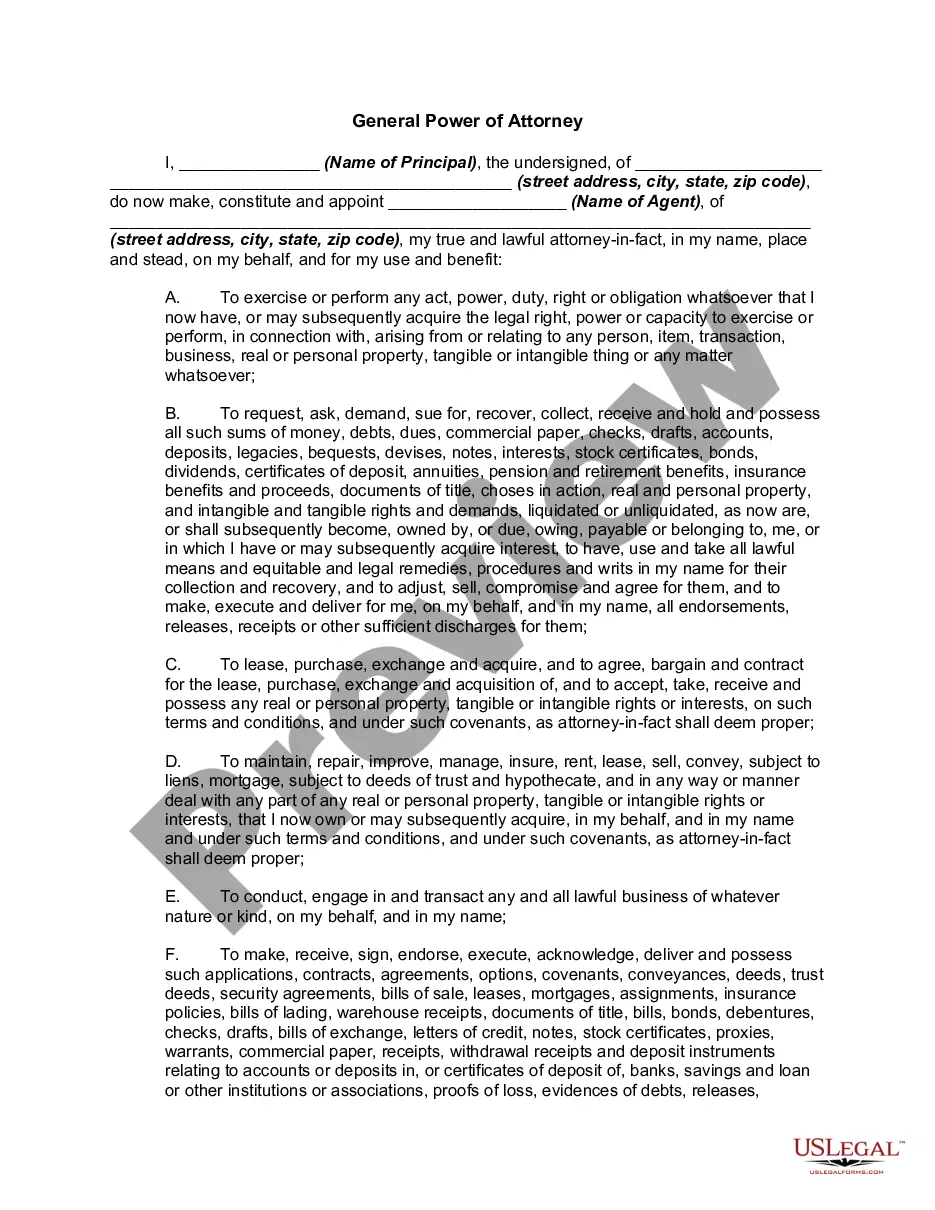





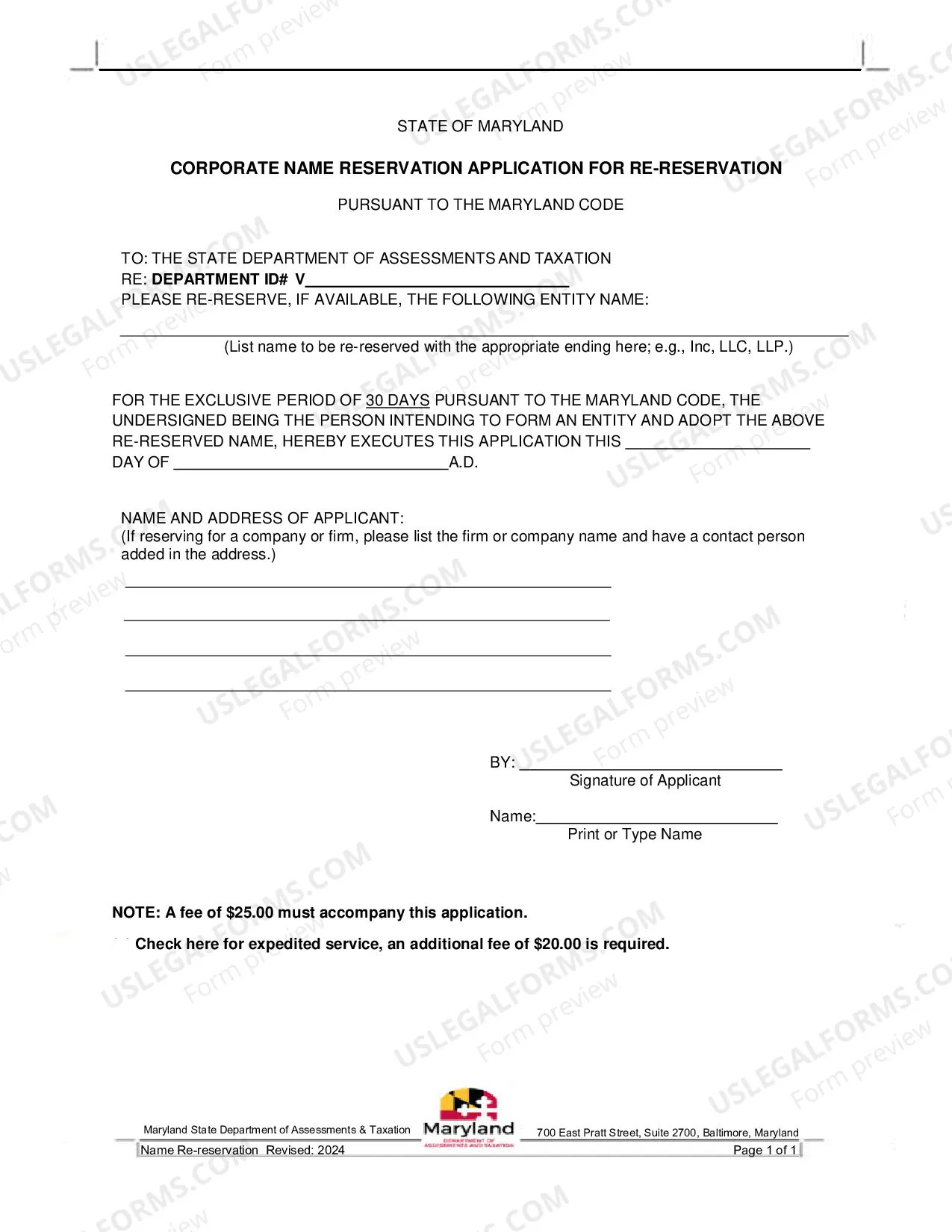
How to fill out Agreement Between Personal Trainer And Client?
It’s well-known that you cannot transform into a legal expert in a single night, nor can you swiftly learn how to draft the Agreement Personal Form With Notary without possessing a specialized background.
Assembling legal documents is a lengthy process that necessitates specific education and skills. So why not entrust the development of the Agreement Personal Form With Notary to the professionals.
With US Legal Forms, one of the most extensive legal template collections, you can find everything from court documents to in-office communication templates. We understand the importance of compliance and adherence to federal and local regulations. That’s why, on our platform, all templates are location-specific and up-to-date.
You can regain access to your documents from the My documents tab at any time. If you’re an existing client, you can simply Log In and find and download the template from the same section.
Regardless of the purpose of your forms—be it financial, legal, or personal—our website has you covered. Try US Legal Forms today!
- Locate the form you require using the search bar at the top of the page.
- Preview it (if this option is available) and read the accompanying description to determine if the Agreement Personal Form With Notary is what you seek.
- If you need a different form, restart your search.
- Sign up for a free account and select a subscription option to purchase the template.
- Select Buy now. Once the payment is completed, you can download the Agreement Personal Form With Notary, fill it out, print it, and send it by post or deliver it to the appropriate individuals or entities.
Form popularity
FAQ
The phrase ?(Blank) personally appeared before me? or similar phrasing indicates the name of the person who is present before you and whose signature you are notarizing.
You will need to take your original document to a Notary Public and they will make the copy, making a statement that it is a Certified True Copy of the original, and include their signature and seal. If you do not have access to a Canadian Notary Public, we can help!
Before me means that an individual appears in the presence of the notary.
However, no general requirement or law mandates that a contract be notarized in any way to be legally binding. Learn whether you can notarize for family. Find out whether notarizing your own document is a good idea.
Create a signature line in Word or Excel On the Insert tab, in the Text group, click the Signature Line list, and then click Microsoft Office Signature Line. In the Signature Setup dialog box, type information that will appear beneath the signature line: Suggested signer The signer's full name.