Minutes Nonprofit Sample For Non-profit
Description
Get your form ready online
Our built-in tools help you complete, sign, share, and store your documents in one place.
Make edits, fill in missing information, and update formatting in US Legal Forms—just like you would in MS Word.
Download a copy, print it, send it by email, or mail it via USPS—whatever works best for your next step.
Sign and collect signatures with our SignNow integration. Send to multiple recipients, set reminders, and more. Go Premium to unlock E-Sign.
If this form requires notarization, complete it online through a secure video call—no need to meet a notary in person or wait for an appointment.
We protect your documents and personal data by following strict security and privacy standards.
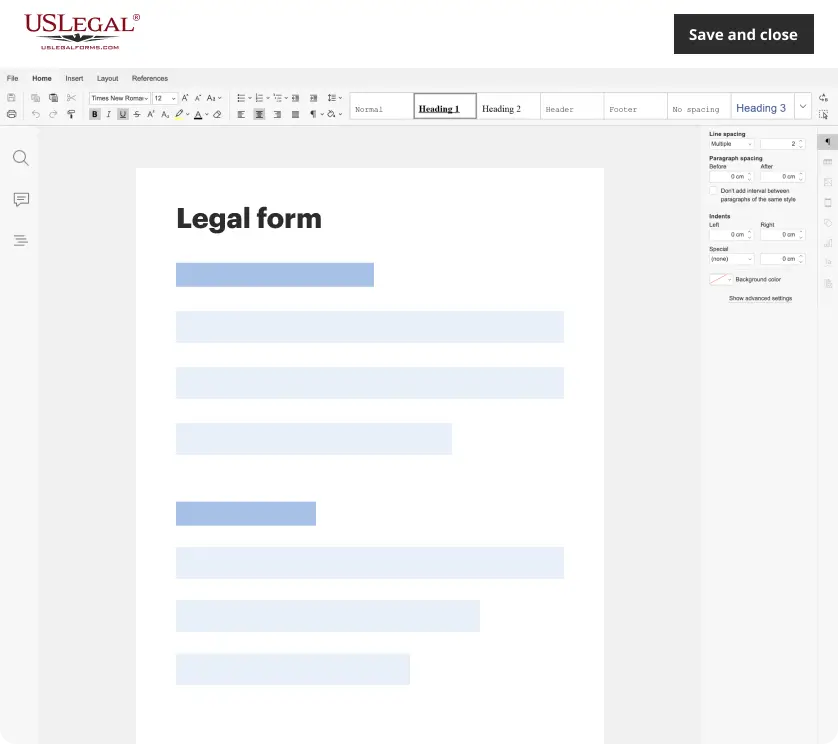
Make edits, fill in missing information, and update formatting in US Legal Forms—just like you would in MS Word.
Download a copy, print it, send it by email, or mail it via USPS—whatever works best for your next step.
Sign and collect signatures with our SignNow integration. Send to multiple recipients, set reminders, and more. Go Premium to unlock E-Sign.
If this form requires notarization, complete it online through a secure video call—no need to meet a notary in person or wait for an appointment.
We protect your documents and personal data by following strict security and privacy standards.
Looking for another form?
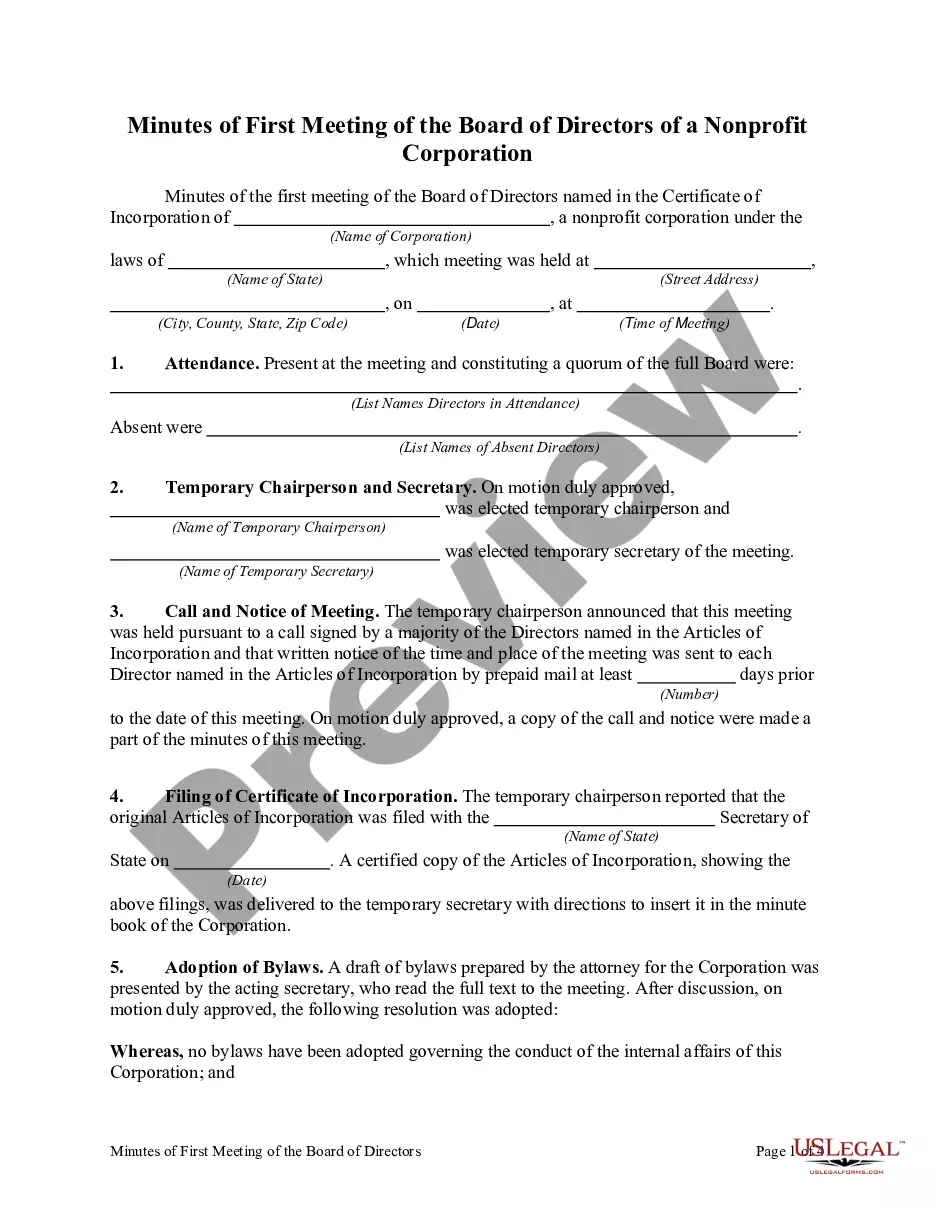
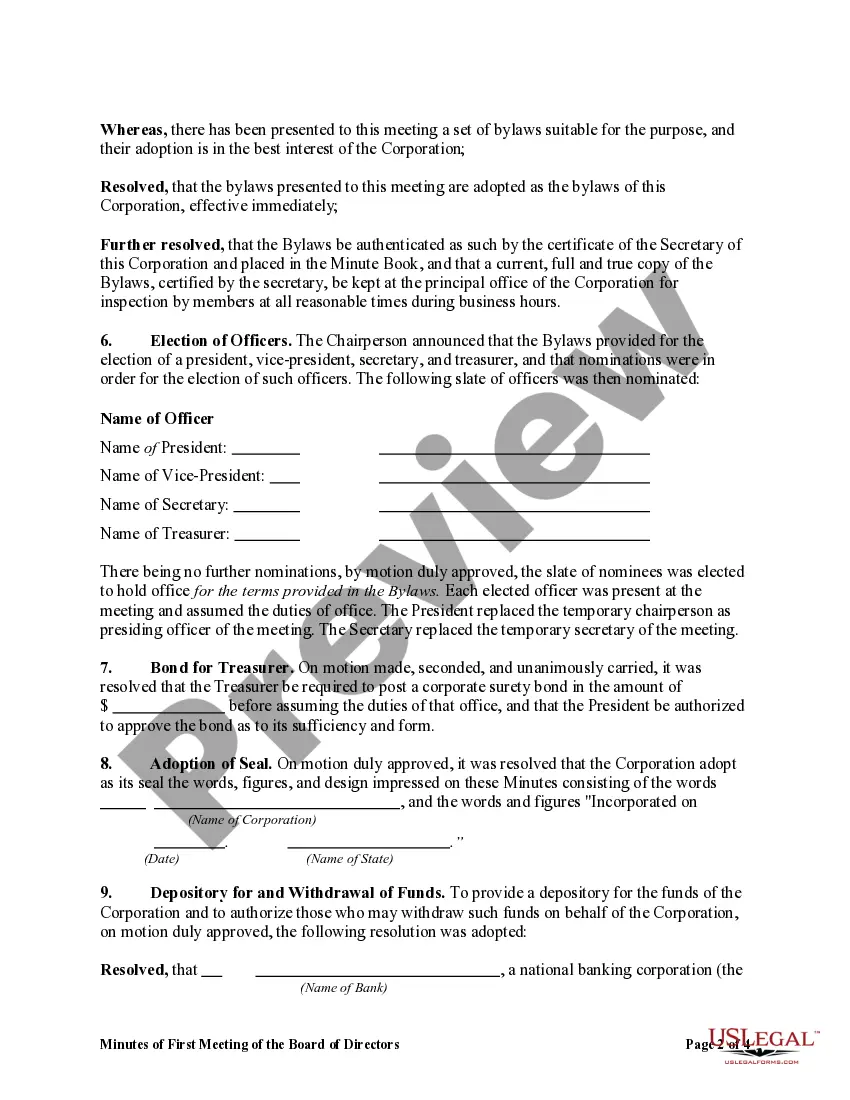
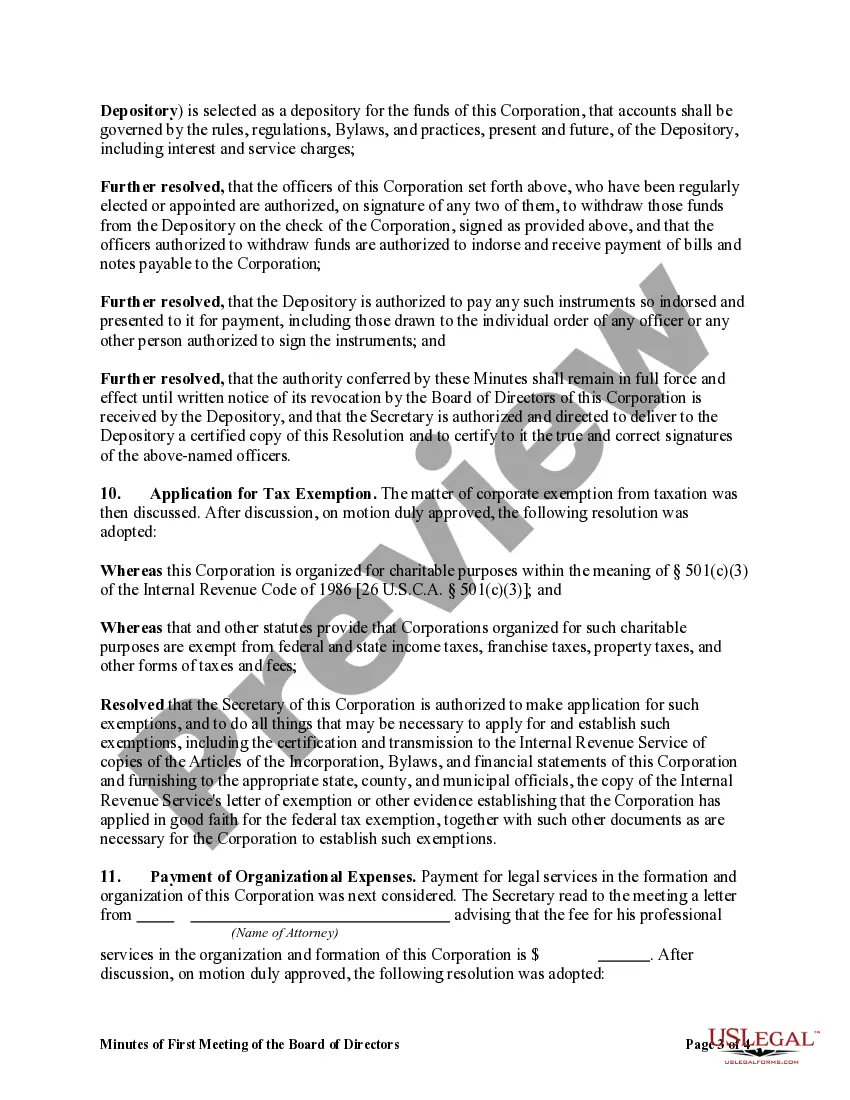
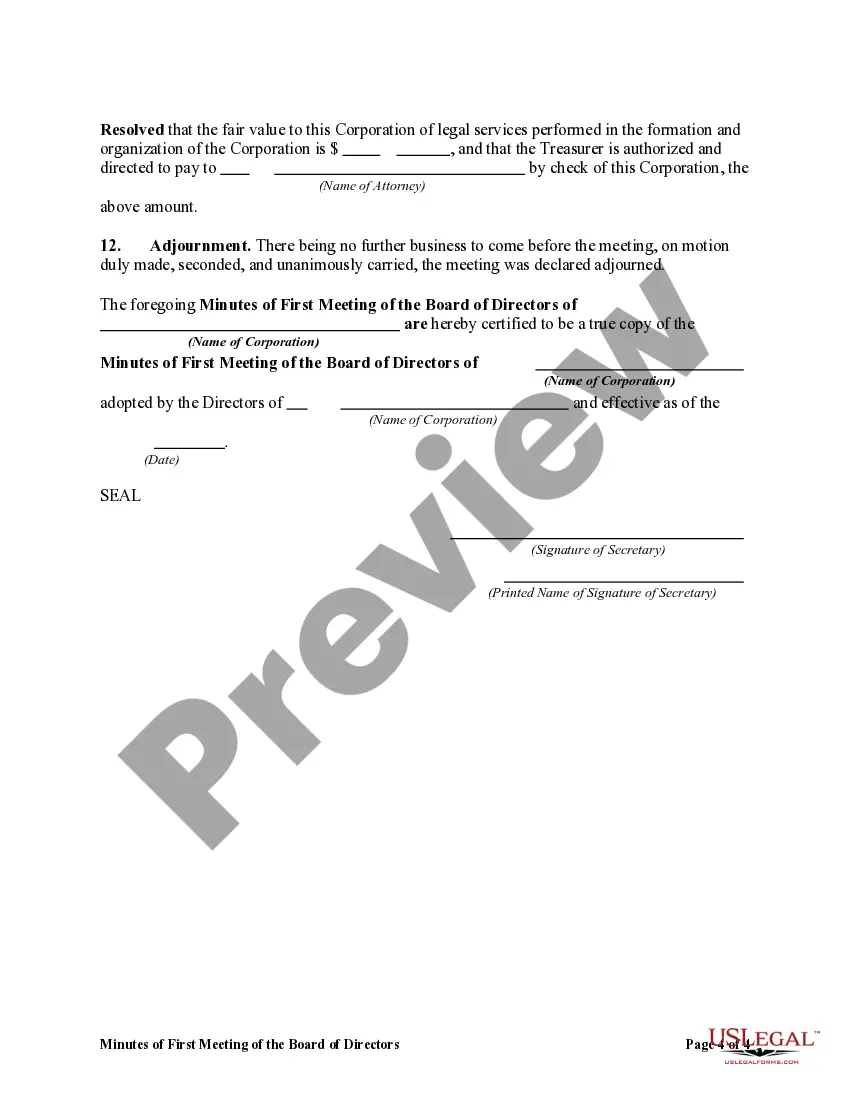
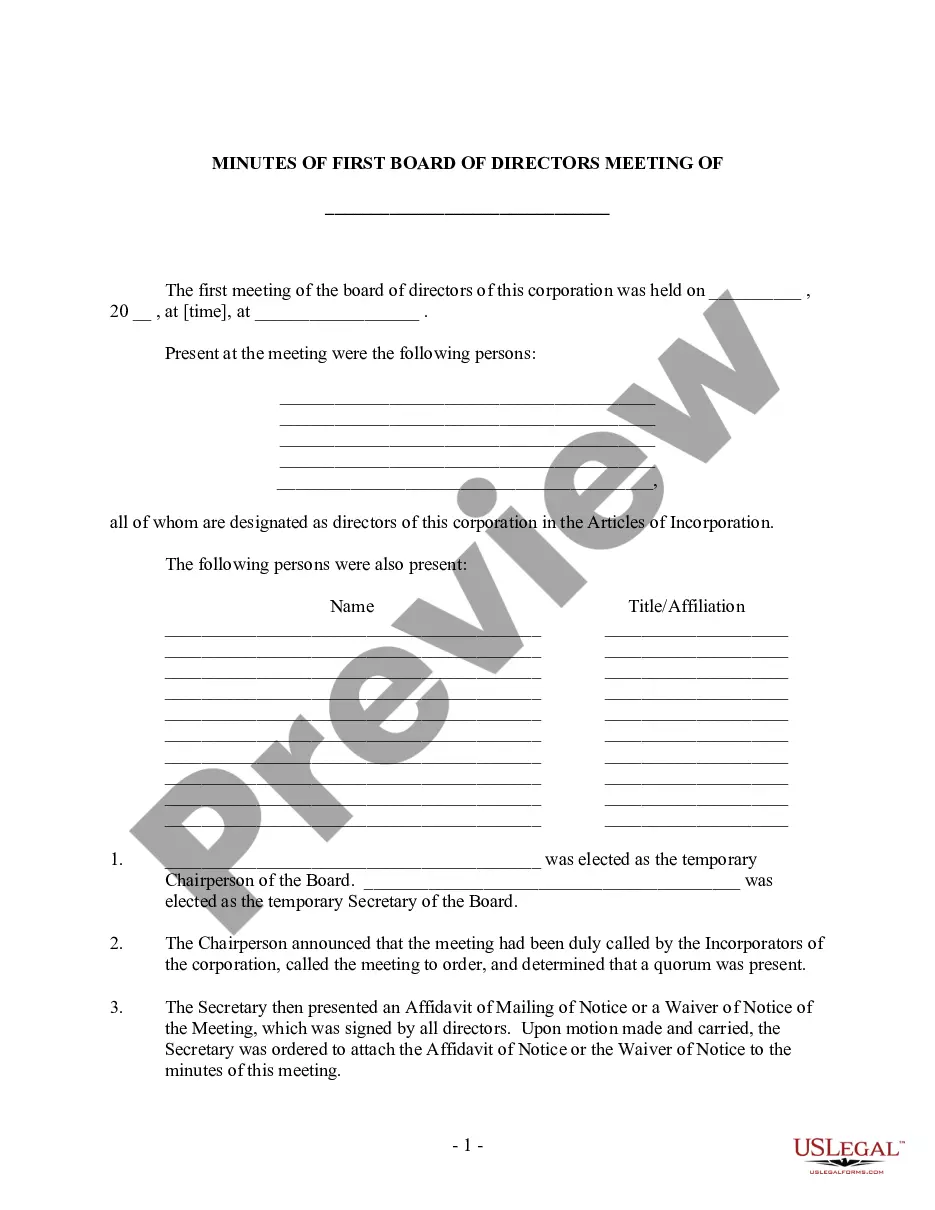
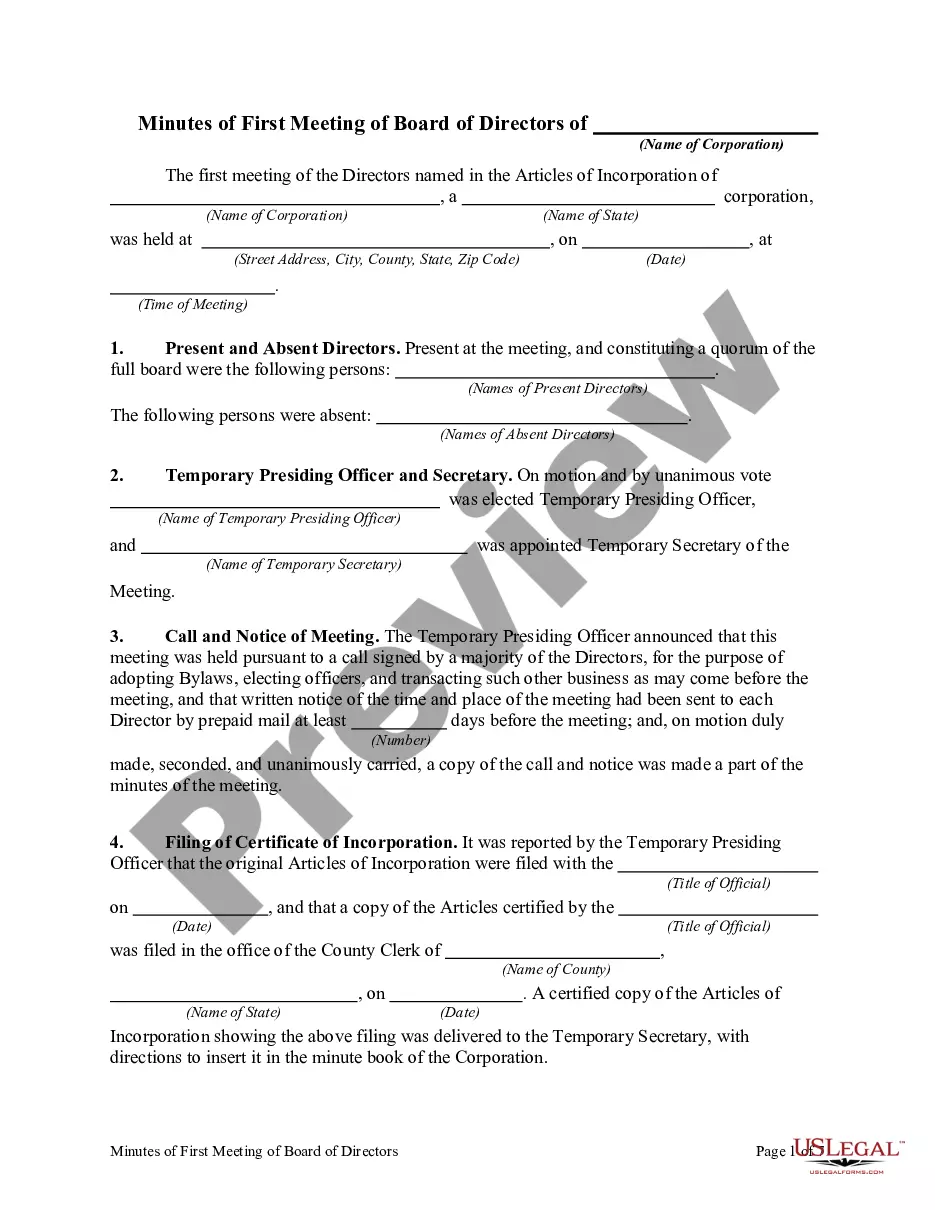
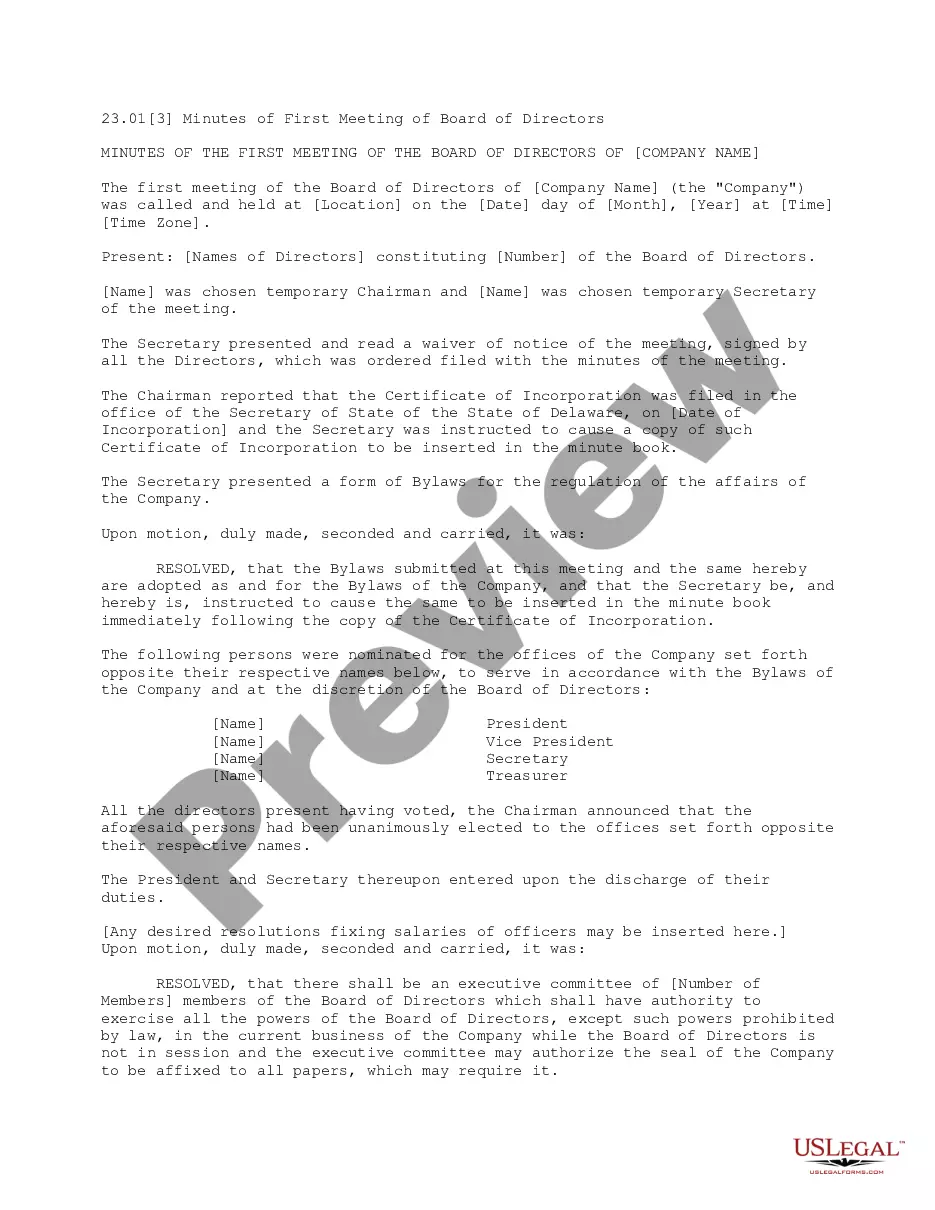
How to fill out Minutes Of First Meeting Of The Board Of Directors Of A Nonprofit Corporation?
Legal documents handling may be daunting, even for seasoned experts.
When you are looking for a Minutes Nonprofit Sample For Non-profit and lack the time to invest in finding the suitable and current version, the process can be stressful.
Access state- or county-specific legal and organizational documents. US Legal Forms addresses any needs you might have, from personal to business paperwork, all in one location.
Utilize sophisticated tools to complete and manage your Minutes Nonprofit Sample For Non-profit.
Here are the steps to follow after obtaining the form you require: Validate that this is the correct form by previewing it and reviewing its details. Ensure that the sample is permissible in your state or county. Select Buy Now when you are ready. Choose a monthly subscription plan. Find the format you need, and Download, complete, sign, print, and send out your document. Enjoy the US Legal Forms online library, backed by 25 years of expertise and trustworthiness. Streamline your daily document management into a seamless and user-friendly process today.
- Access a repository of articles, guides, and manuals relevant to your circumstances and requirements.
- Save time and effort in searching for the documents you need, and utilize US Legal Forms’ enhanced search and Review tool to find Minutes Nonprofit Sample For Non-profit and acquire it.
- If you possess a subscription, Log In to your US Legal Forms account, search for the form, and obtain it.
- Check the My documents tab to view the documents you have previously downloaded and to manage your folders as you see fit.
- If it’s your first experience with US Legal Forms, establish an account and gain unlimited access to all the benefits of the library.
- A robust online form repository can be a transformative solution for anyone aiming to manage these circumstances effectively.
- US Legal Forms is a frontrunner in online legal templates, offering over 85,000 state-specific legal documents accessible to you at any moment.
- With US Legal Forms, it is feasible to.
Form popularity
FAQ
There are three standard meeting minutes formats: action, discussion, and verbatim. Although the styles share certain elements, each style has a specific use: Action minutes - decisions reached and the actions to be taken, though not recording the discussion that went into making the decisions.
Meeting minutes should indicate the time, date, and setting of the meeting. These notes should also document who was in attendance at the meeting. If there are any presentations or reports presented, these should be reflected in the meeting minutes.
The style and content of meeting minutes will vary depending on the organization and how it's structured. Regardless, you should always include the basics, like date, time, and participants. But many organizations will also benefit from having other, optional items like supplementary documents and action items.
Let's discuss these steps on how to take minutes for a meeting in more detail: Create an outline. ... Check off attendees as they enter. ... Previous meeting notes. ... Don't write everything down. ... Don't forget to record. ... Put down meeting minutes as they're discussed. ... Review with attendees at the end of the meeting.
How to write meeting minutes Organization name. Meeting purpose. Start and end times. Date and location. List of attendees and absentees, if necessary. Space for important information like motions passed or deadlines given. Space for your signature and the meeting leader's signature.