Meeting Board Form With Google
Description


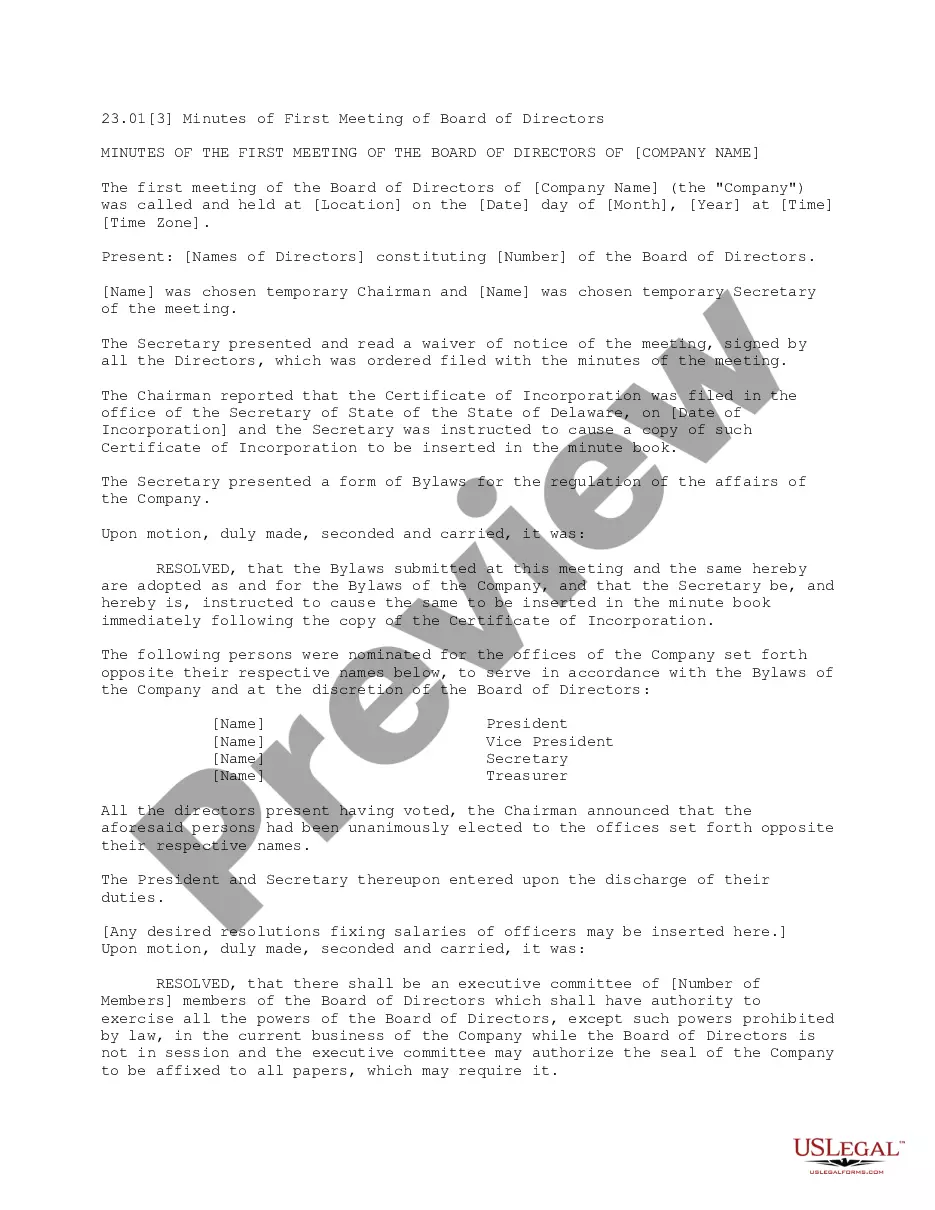
Get your form ready online
Our built-in tools help you complete, sign, share, and store your documents in one place.
Make edits, fill in missing information, and update formatting in US Legal Forms—just like you would in MS Word.
Download a copy, print it, send it by email, or mail it via USPS—whatever works best for your next step.
Sign and collect signatures with our SignNow integration. Send to multiple recipients, set reminders, and more. Go Premium to unlock E-Sign.
If this form requires notarization, complete it online through a secure video call—no need to meet a notary in person or wait for an appointment.
We protect your documents and personal data by following strict security and privacy standards.

Make edits, fill in missing information, and update formatting in US Legal Forms—just like you would in MS Word.

Download a copy, print it, send it by email, or mail it via USPS—whatever works best for your next step.

Sign and collect signatures with our SignNow integration. Send to multiple recipients, set reminders, and more. Go Premium to unlock E-Sign.

If this form requires notarization, complete it online through a secure video call—no need to meet a notary in person or wait for an appointment.

We protect your documents and personal data by following strict security and privacy standards.
Looking for another form?
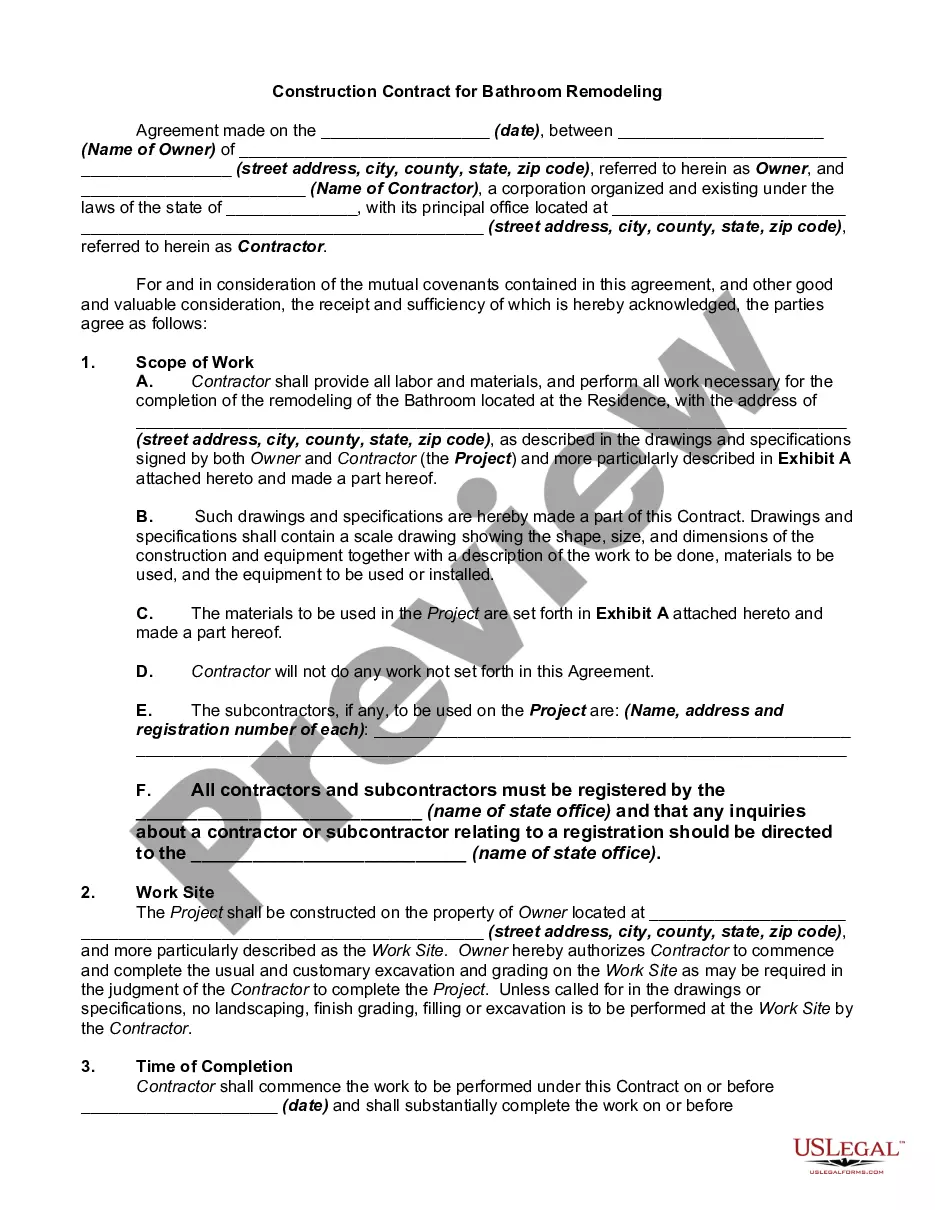


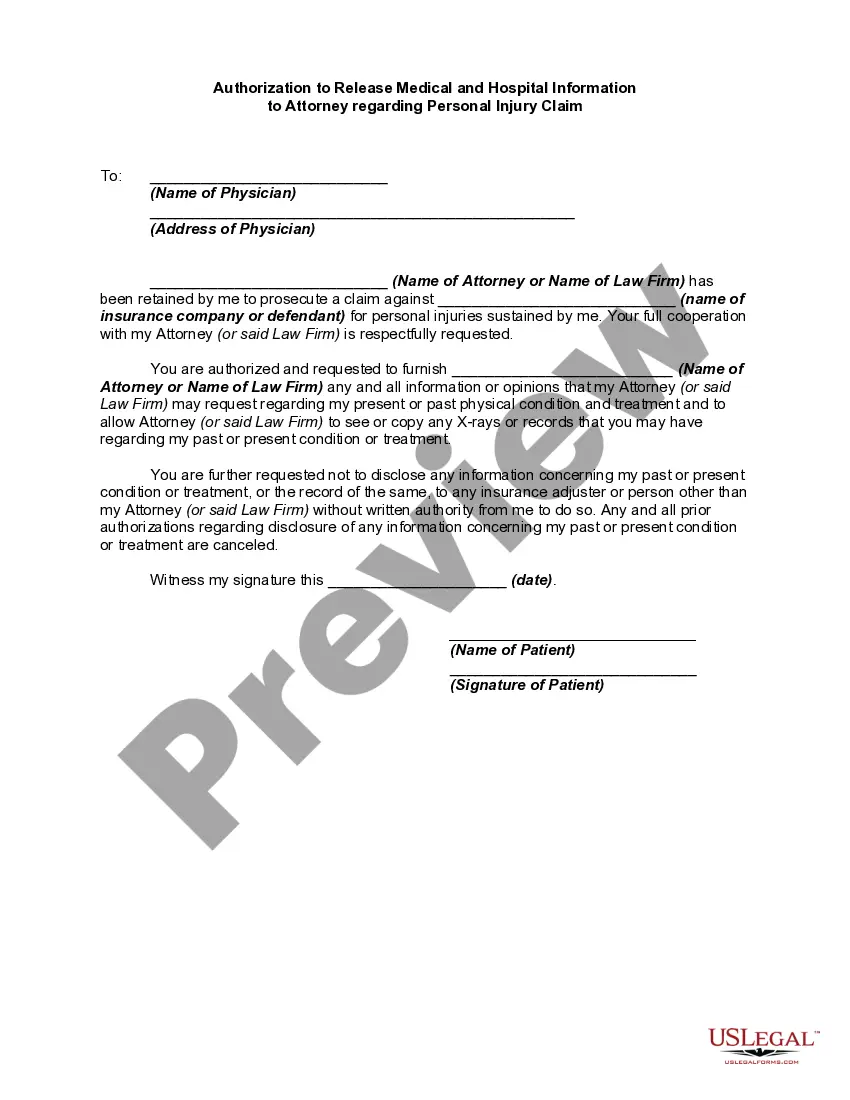
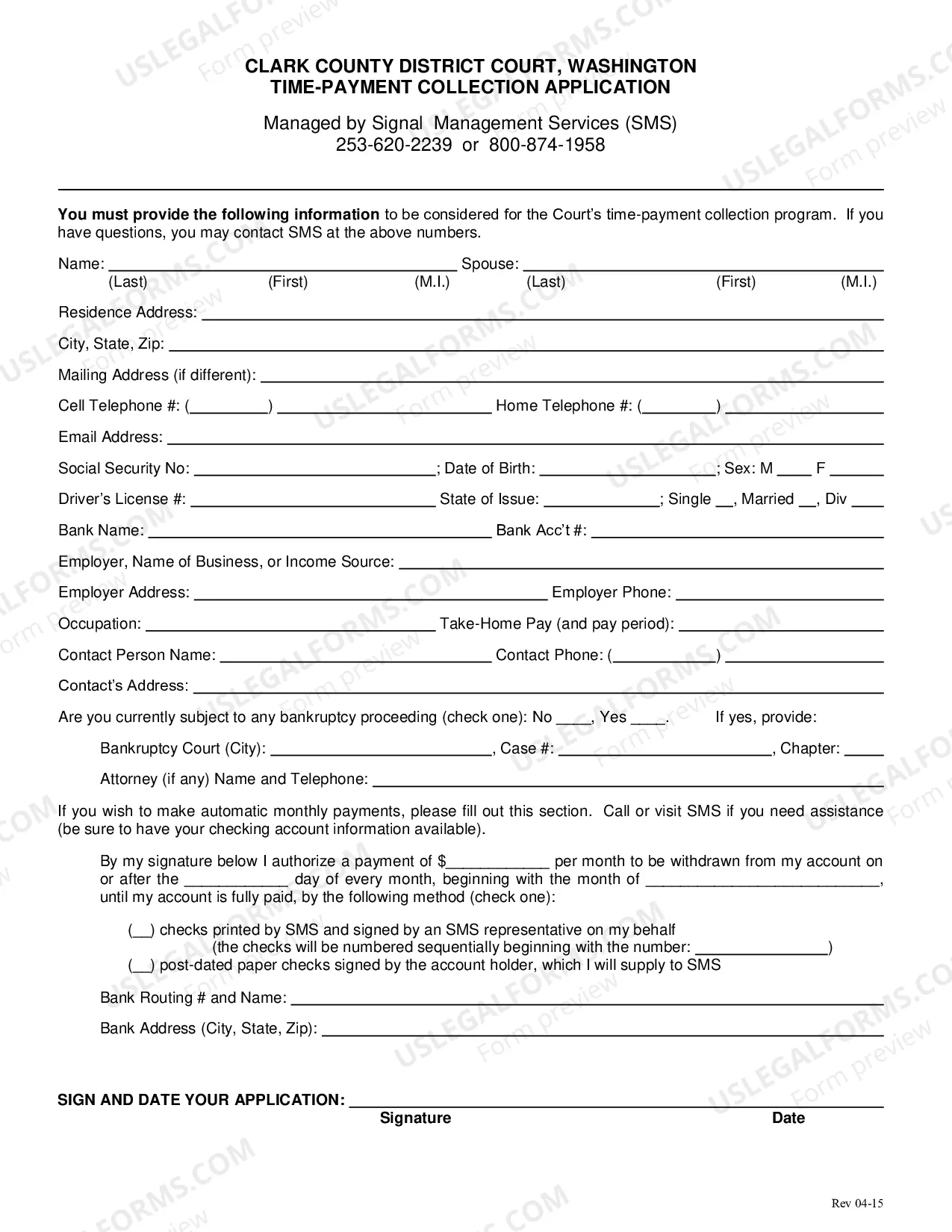



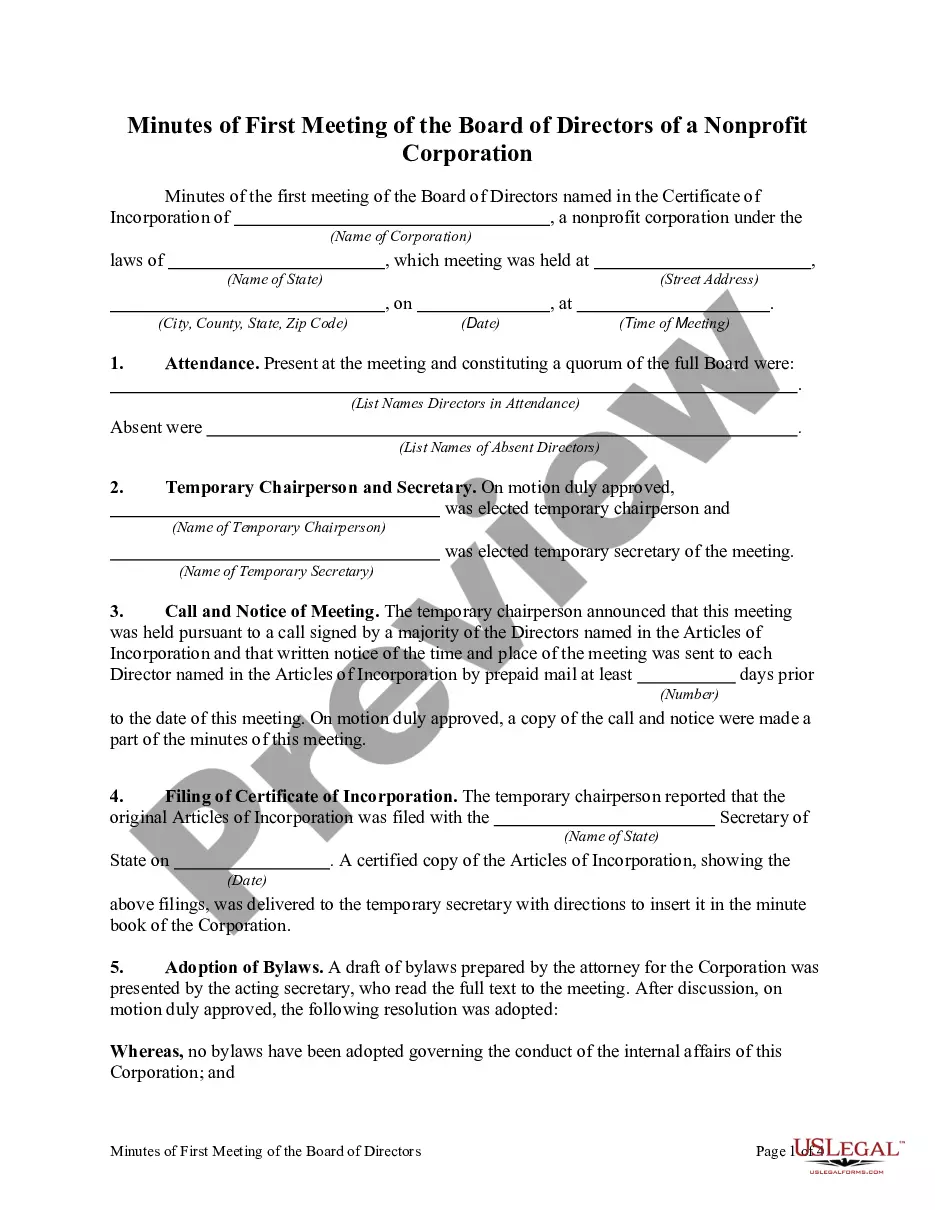
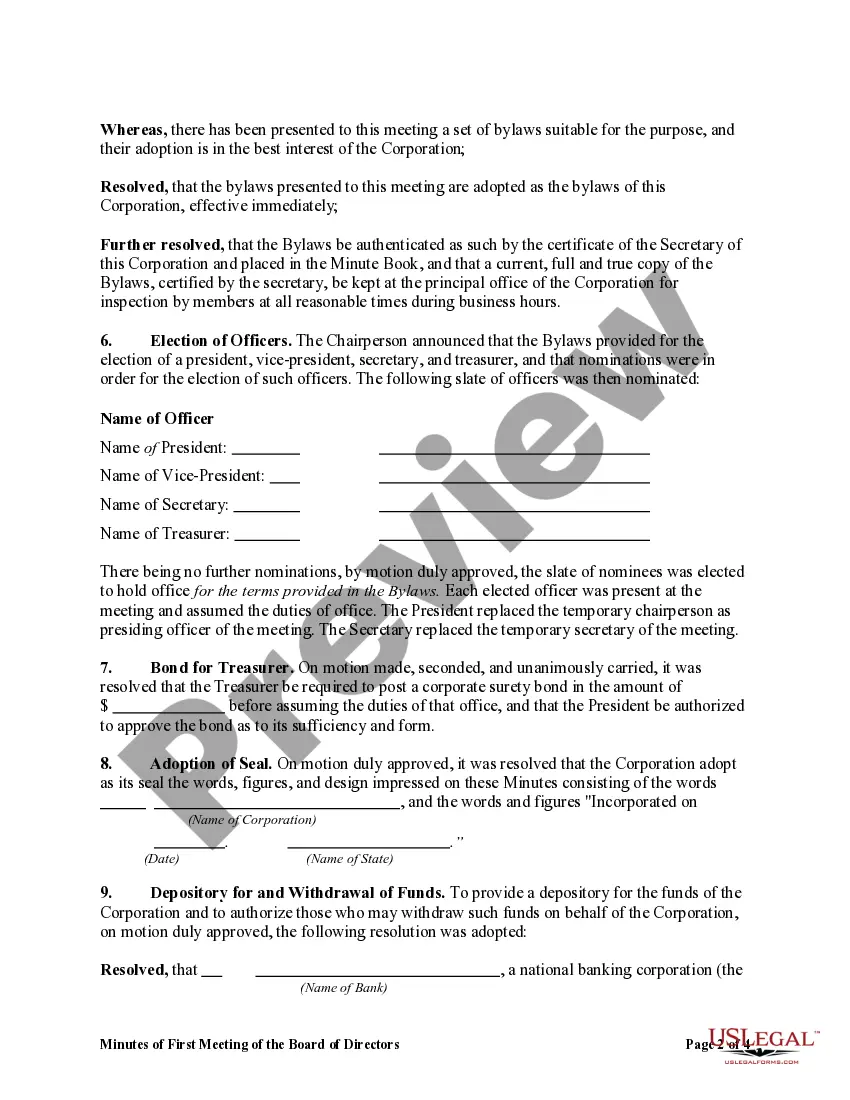
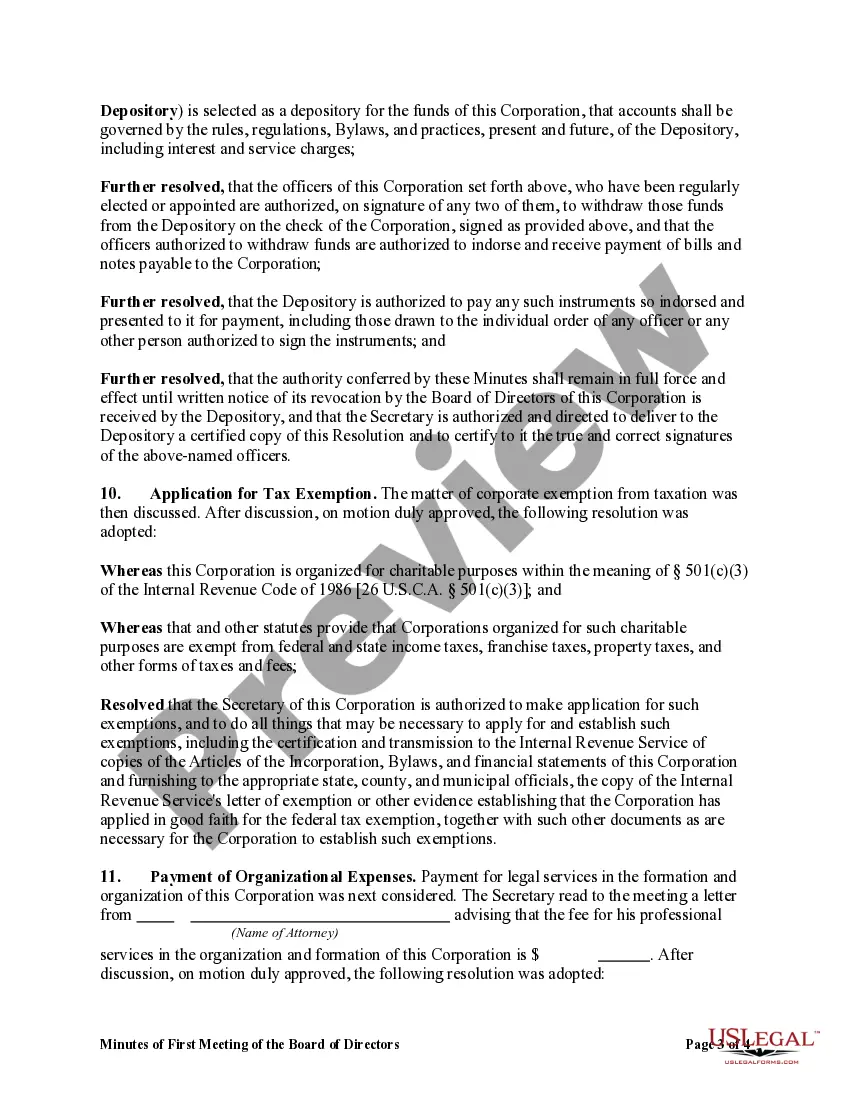
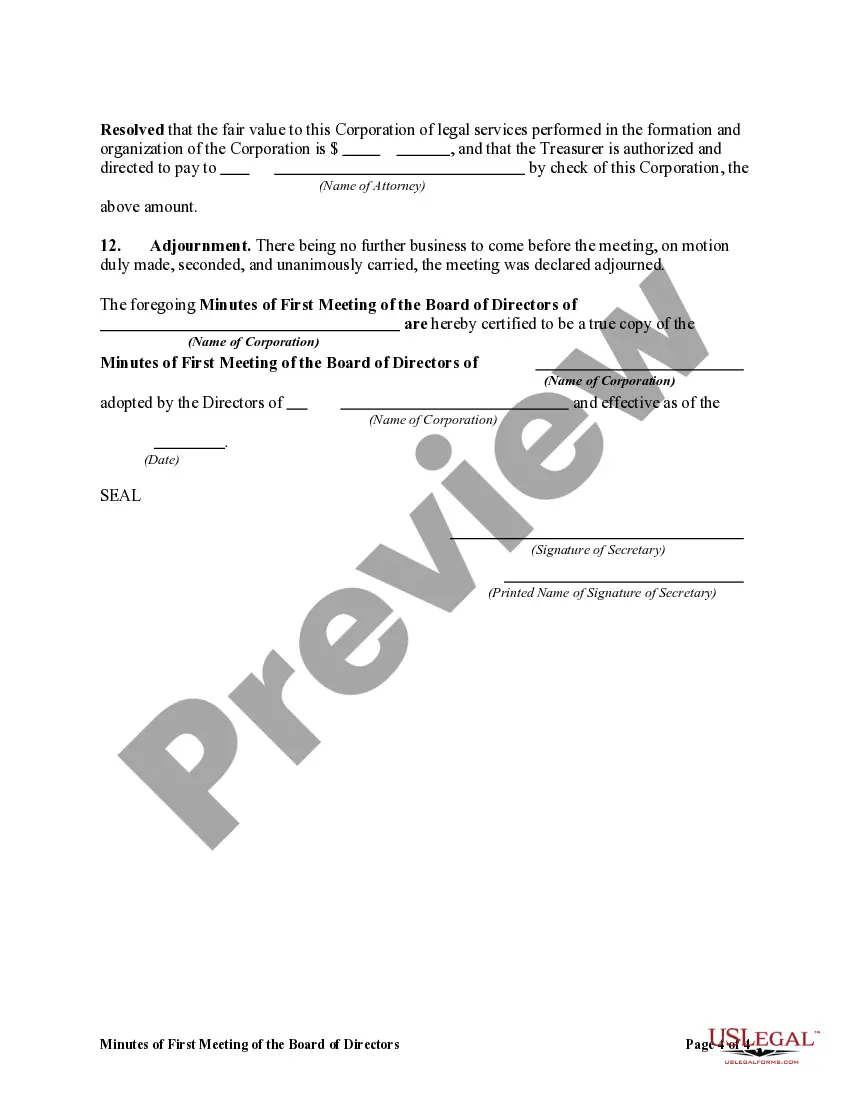
How to fill out Minutes Of First Meeting Of The Board Of Directors Of A Nonprofit Corporation?
Acquiring legal document examples that adhere to federal and state statutes is crucial, and the internet provides numerous options to choose from.
However, what is the benefit of spending time looking for the suitable Meeting Board Form With Google template online when the US Legal Forms digital library already has such documents gathered in one location.
US Legal Forms is the largest online legal repository with over 85,000 editable templates created by attorneys for any business and personal situation. They are simple to navigate with all documents categorized by state and intended use. Our experts stay informed on legal changes, ensuring that your paperwork is always current and compliant when obtaining a Meeting Board Form With Google from our site.
Click Buy Now once you’ve found the correct form and select a subscription plan. Create an account or sign in and process payment via PayPal or a credit card. Choose the format for your Meeting Board Form With Google and download it. All templates available through US Legal Forms are reusable. To re-download and fill out previously purchased forms, access the My documents section in your profile. Take advantage of the most comprehensive and user-friendly legal document service!
- Acquiring a Meeting Board Form With Google is quick and easy for both existing and new users.
- If you already possess an account with an active subscription, sign in and save the document template you need in your desired format.
- If you are new to our site, follow the steps below.
- Examine the template using the Preview option or through the text description to confirm it meets your needs.
- If necessary, search for another sample using the search function at the top of the page.
Form popularity
FAQ
How to use the Whiteboard in Google Meet - YouTube YouTube Start of suggested clip End of suggested clip And your camera. And then once you're ready to dive on to the meeting. Simply click on join. Now nowMoreAnd your camera. And then once you're ready to dive on to the meeting. Simply click on join. Now now this new feature will be available within your settings window.
Start or open a Jamboard in a meeting Start or Join a meeting. At the bottom right, click Activities Whiteboarding. Select an option: To create a new Jamboard: Click Start a new whiteboard. To open an existing Jamboard from your drive, shared drives, or computer: Click Choose from Drive.
Google Forms lets clients or customers pick a time slot that works for them, without having to send multiple emails. Use Google Forms for all your scheduling needs, keeping everyone informed and avoiding communication confusion.
You can create polls on two platforms within Google: Google Meet and Google Forms. You can create polls real time during a meeting on Google Meet. But the main polling tool is Google Forms. On Google Forms, you can build a short form as a poll.
How to pre-fill a Google Form - YouTube YouTube Start of suggested clip End of suggested clip Step. If you have any questions about this tip leave them in the youtube. Comments. Below lookingMoreStep. If you have any questions about this tip leave them in the youtube. Comments. Below looking for more tips just like this follow google workspace on twitter facebook. And. Linkedin you.