Medical Release Form For Minor
Description


Get your form ready online
Our built-in tools help you complete, sign, share, and store your documents in one place.
Make edits, fill in missing information, and update formatting in US Legal Forms—just like you would in MS Word.
Download a copy, print it, send it by email, or mail it via USPS—whatever works best for your next step.
Sign and collect signatures with our SignNow integration. Send to multiple recipients, set reminders, and more. Go Premium to unlock E-Sign.
If this form requires notarization, complete it online through a secure video call—no need to meet a notary in person or wait for an appointment.
We protect your documents and personal data by following strict security and privacy standards.

Make edits, fill in missing information, and update formatting in US Legal Forms—just like you would in MS Word.

Download a copy, print it, send it by email, or mail it via USPS—whatever works best for your next step.

Sign and collect signatures with our SignNow integration. Send to multiple recipients, set reminders, and more. Go Premium to unlock E-Sign.

If this form requires notarization, complete it online through a secure video call—no need to meet a notary in person or wait for an appointment.

We protect your documents and personal data by following strict security and privacy standards.
Looking for another form?
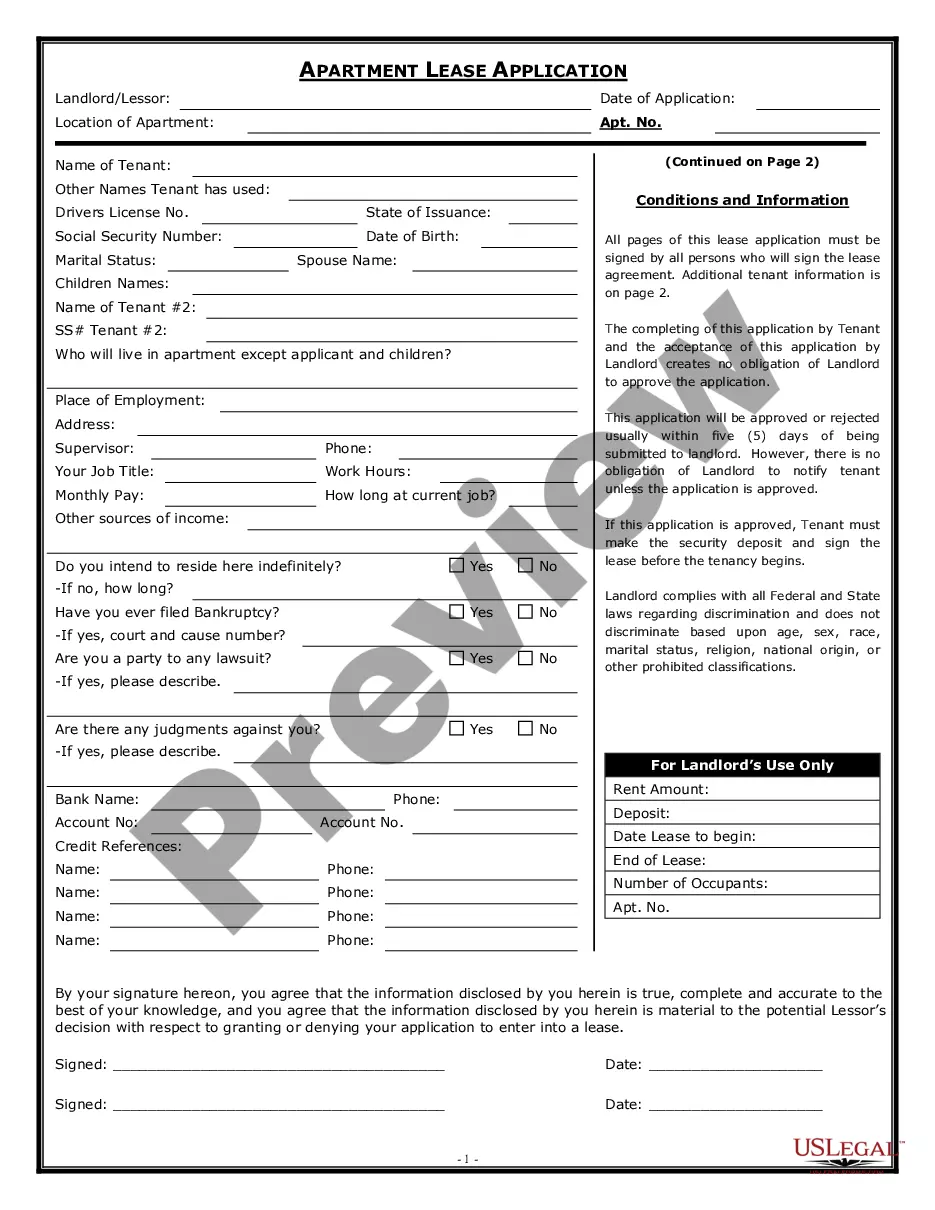

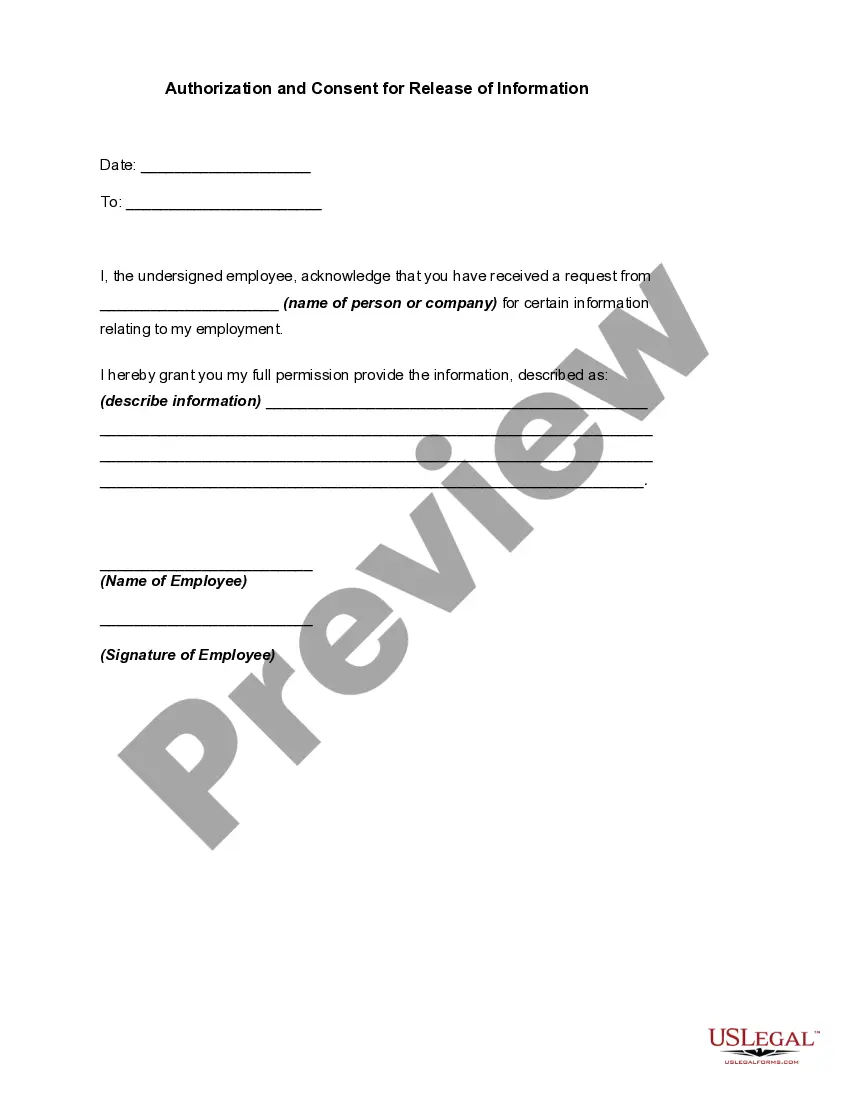
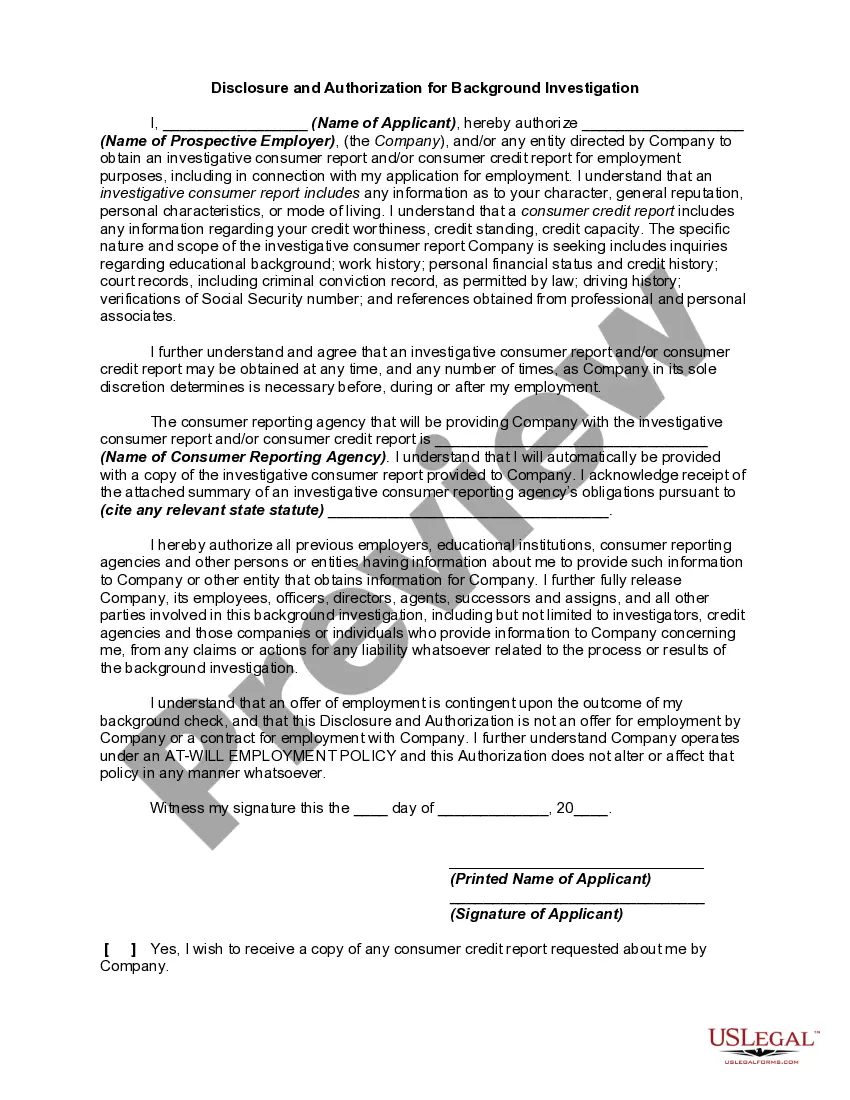
How to fill out Authorization And Consent For Release Of Information?
Legal documentation administration can be daunting, even for experienced professionals.
When you are looking for a Medical Release Form For Minor and lack the time to spend searching for the appropriate and current version, the process can be stressful.
US Legal Forms meets any demands you may have, from personal to business documentation, all in one place.
Leverage advanced tools to fill out and handle your Medical Release Form For Minor.
Here are the steps to follow after obtaining the form you require: Confirm it is the correct form by previewing it and reviewing its details. Ensure that the template is valid in your state or county. Select Buy Now when you are ready. Choose a subscription plan. Identify the format you need, and Download, complete, eSign, print, and submit your document. Take advantage of the US Legal Forms online catalog, backed by 25 years of expertise and reliability. Transform your everyday document management into a smooth and user-friendly experience today.
- Access a valuable resource library of articles, guides, handbooks, and materials related to your situation and requirements.
- Save time and energy searching for the documents you need, and utilize US Legal Forms’ advanced search and Preview feature to locate and download Medical Release Form For Minor.
- If you have a membership, Log In to your US Legal Forms account, look for the form, and download it.
- Check your My documents tab to view the documents you have previously stored and manage your folders as you see fit.
- If this is your first time with US Legal Forms, create a free account and gain unlimited access to all platform benefits.
- A robust online form directory can be transformative for anyone seeking to navigate these circumstances effectively.
- US Legal Forms is a leading provider of online legal documents, with over 85,000 state-specific legal forms available to you at any moment.
- With US Legal Forms, you have the ability to access state- or county-specific legal and business forms.
Form popularity
FAQ
The grandparent medical consent form is a medical consent letter signed and approved by the child's primary caregiver (parent or legal guardian) that temporarily transfers the authority to the grandparent to make medical decisions or seek medical care for the child.
How do I write a consent letter for my child to travel? List your child's name, birth date/place, and passport details. If needed, you can add details for an emergency contact. Sign the consent letter in front of a witness to validate it (the witness should also sign).
In most states, age 18 is the age of majority and thus, before treating a patient under the age of 18, consent must be obtained from the patient's parent or legal guardian.
I, _____________________________________________, parent or legal guardian of _______________________________________________, born ________________________, do hereby consent to any medical care and the administration of anesthesia determined by a physician to be necessary for the welfare of my child while said child ...