Title Possessor Unknown Download With No Cache
Description
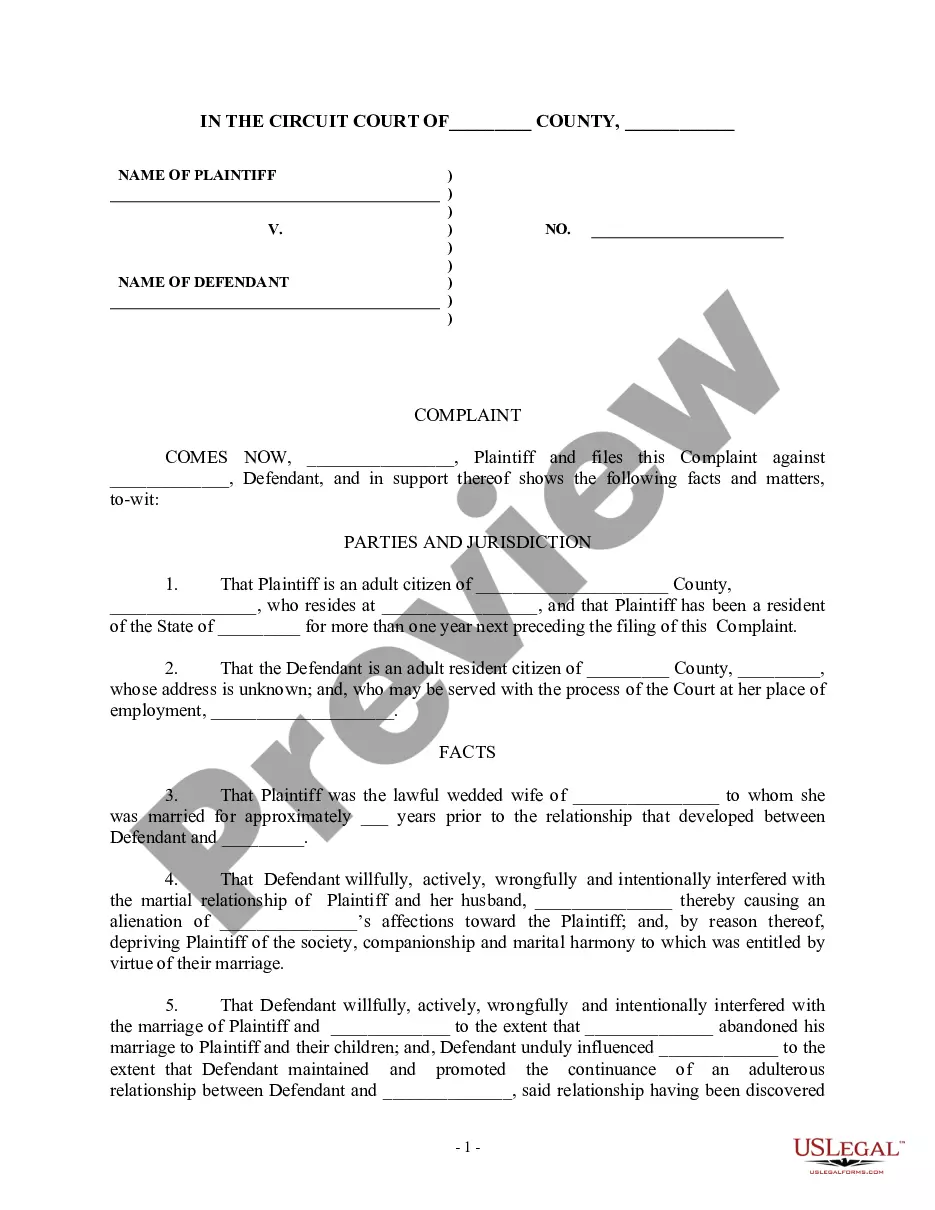
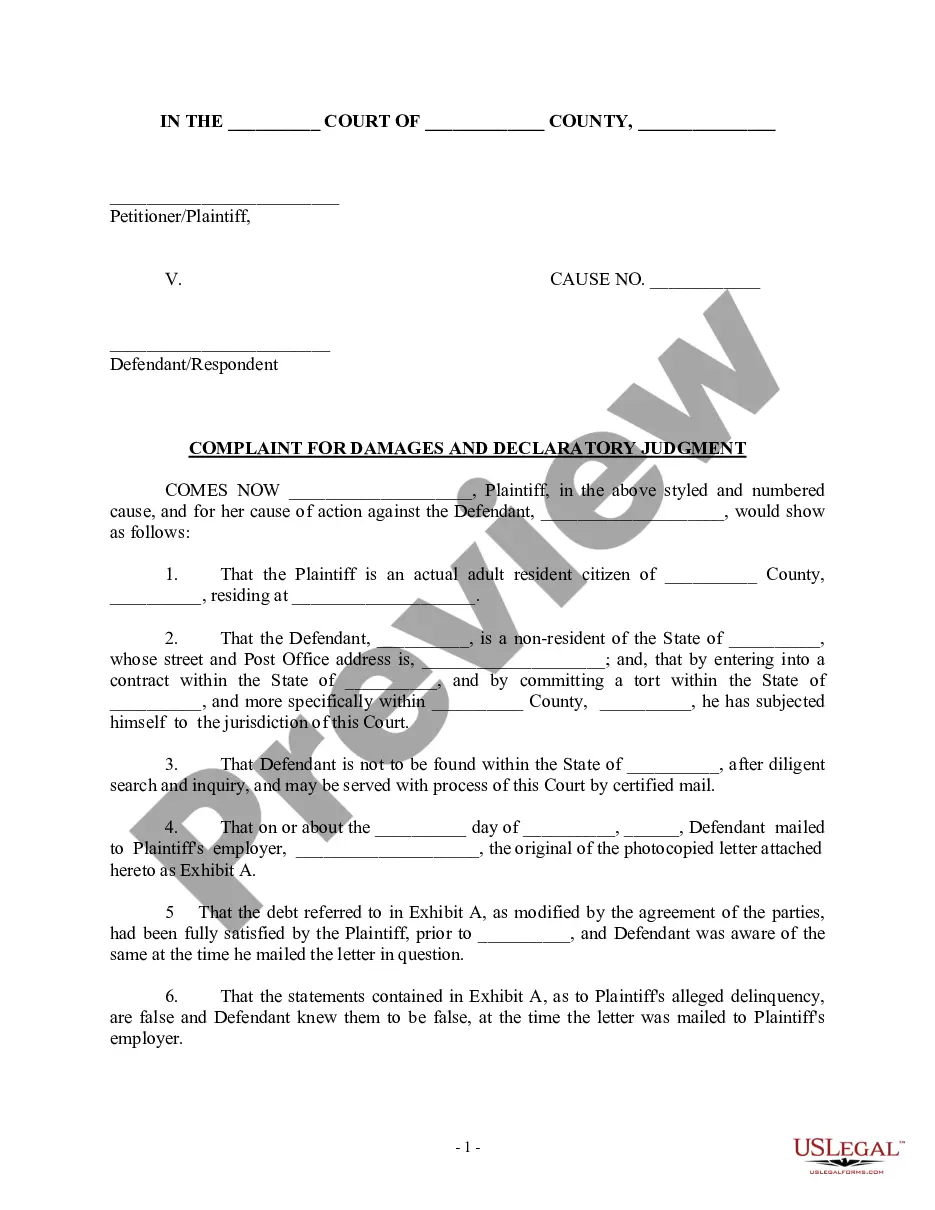
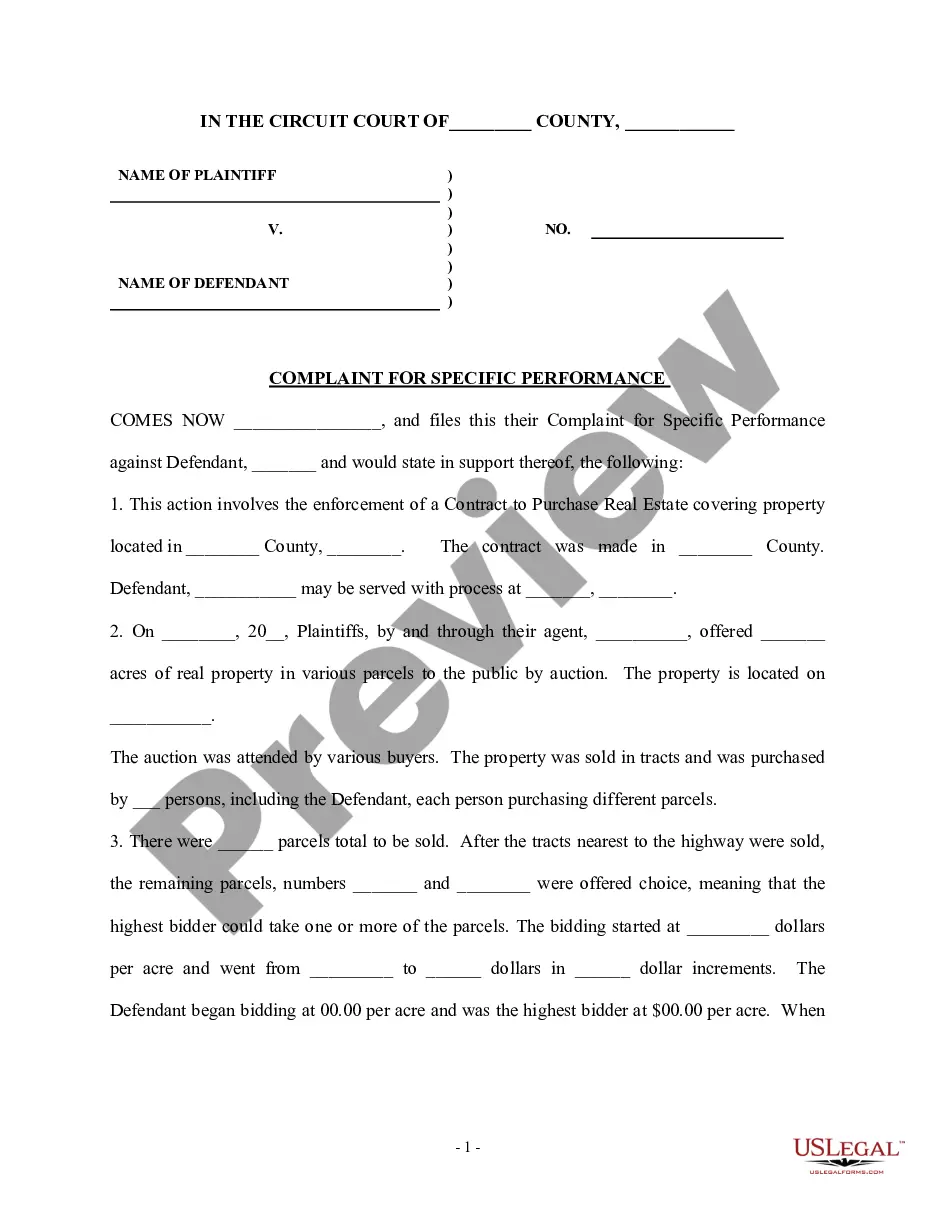
Get your form ready online
Our built-in tools help you complete, sign, share, and store your documents in one place.
Make edits, fill in missing information, and update formatting in US Legal Forms—just like you would in MS Word.
Download a copy, print it, send it by email, or mail it via USPS—whatever works best for your next step.
Sign and collect signatures with our SignNow integration. Send to multiple recipients, set reminders, and more. Go Premium to unlock E-Sign.
If this form requires notarization, complete it online through a secure video call—no need to meet a notary in person or wait for an appointment.
We protect your documents and personal data by following strict security and privacy standards.

Make edits, fill in missing information, and update formatting in US Legal Forms—just like you would in MS Word.

Download a copy, print it, send it by email, or mail it via USPS—whatever works best for your next step.

Sign and collect signatures with our SignNow integration. Send to multiple recipients, set reminders, and more. Go Premium to unlock E-Sign.

If this form requires notarization, complete it online through a secure video call—no need to meet a notary in person or wait for an appointment.

We protect your documents and personal data by following strict security and privacy standards.
Looking for another form?




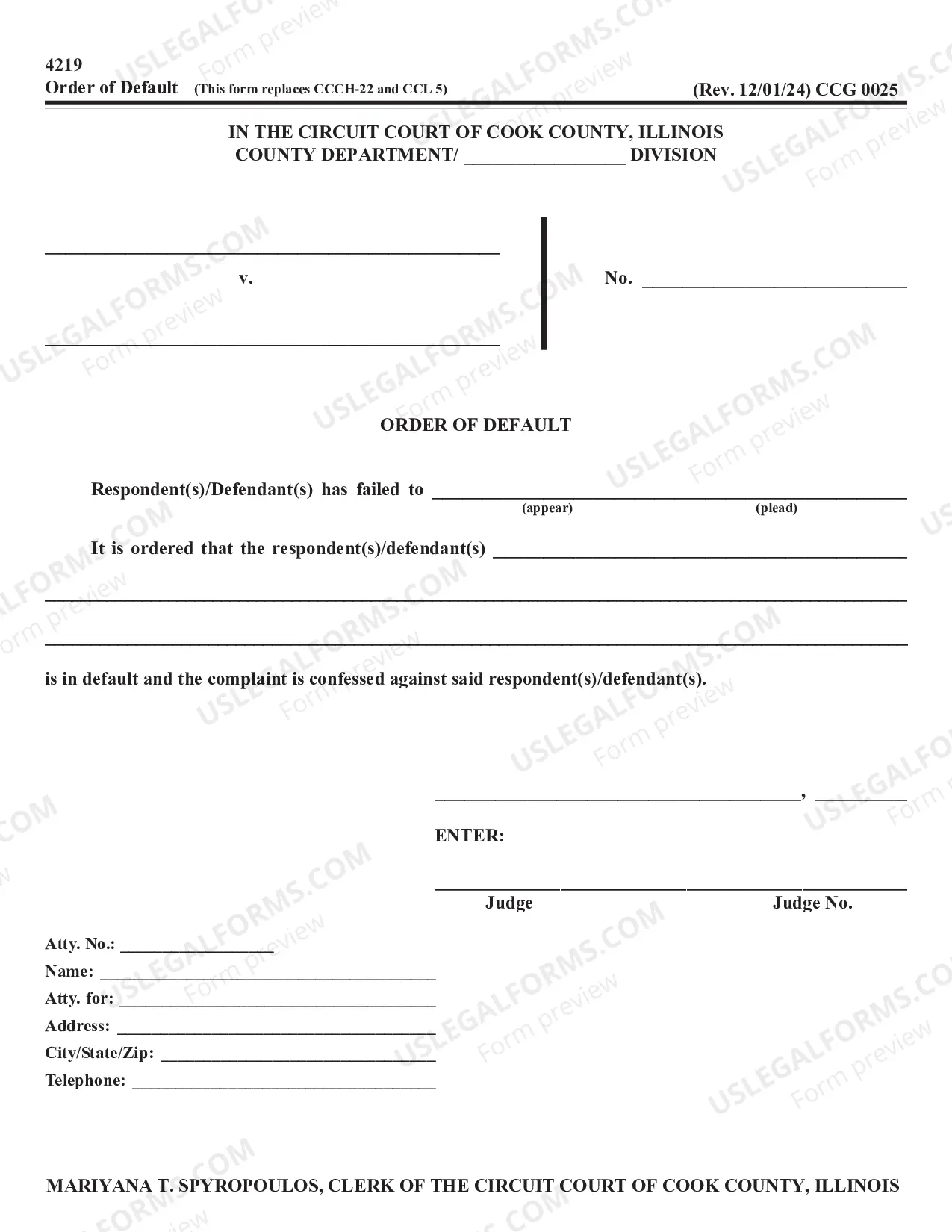

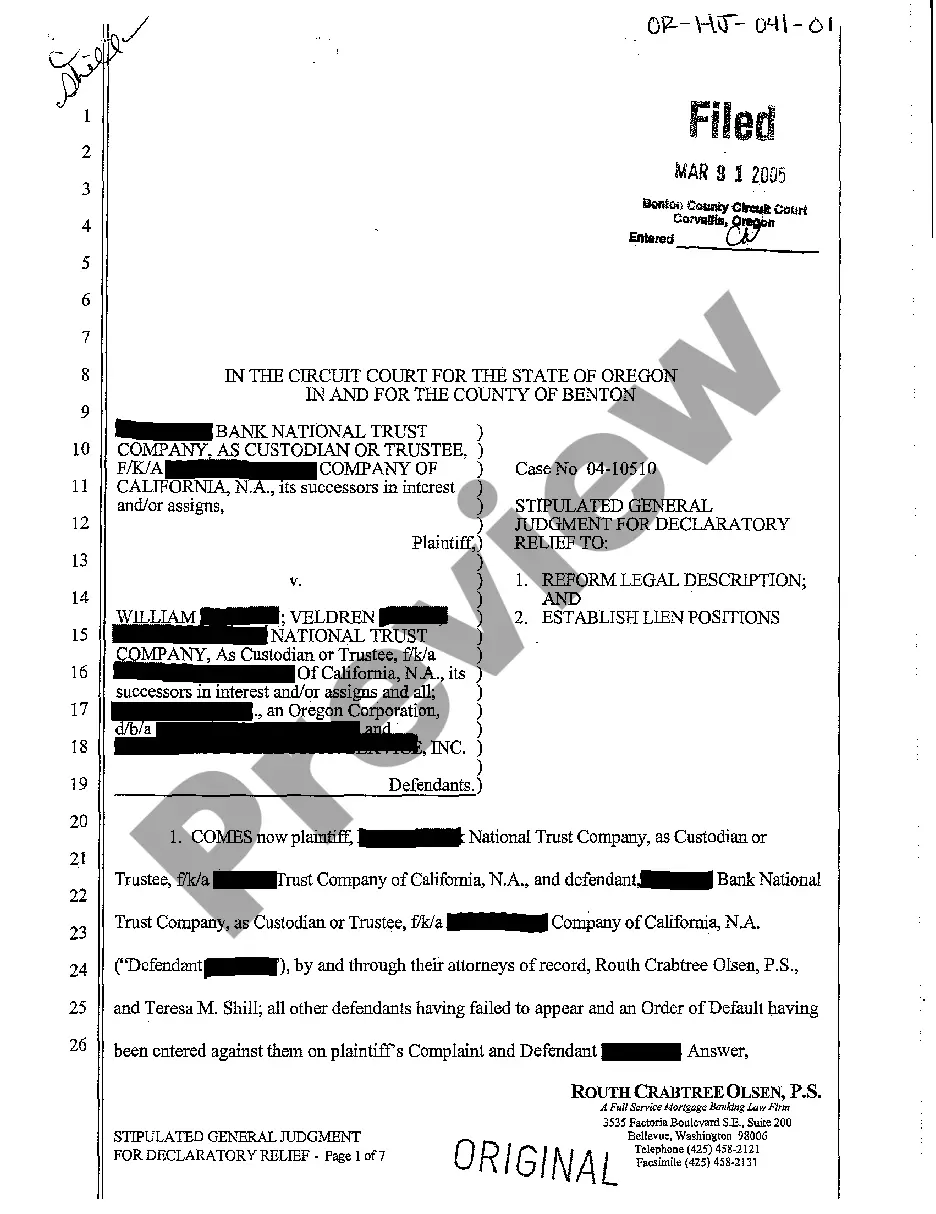
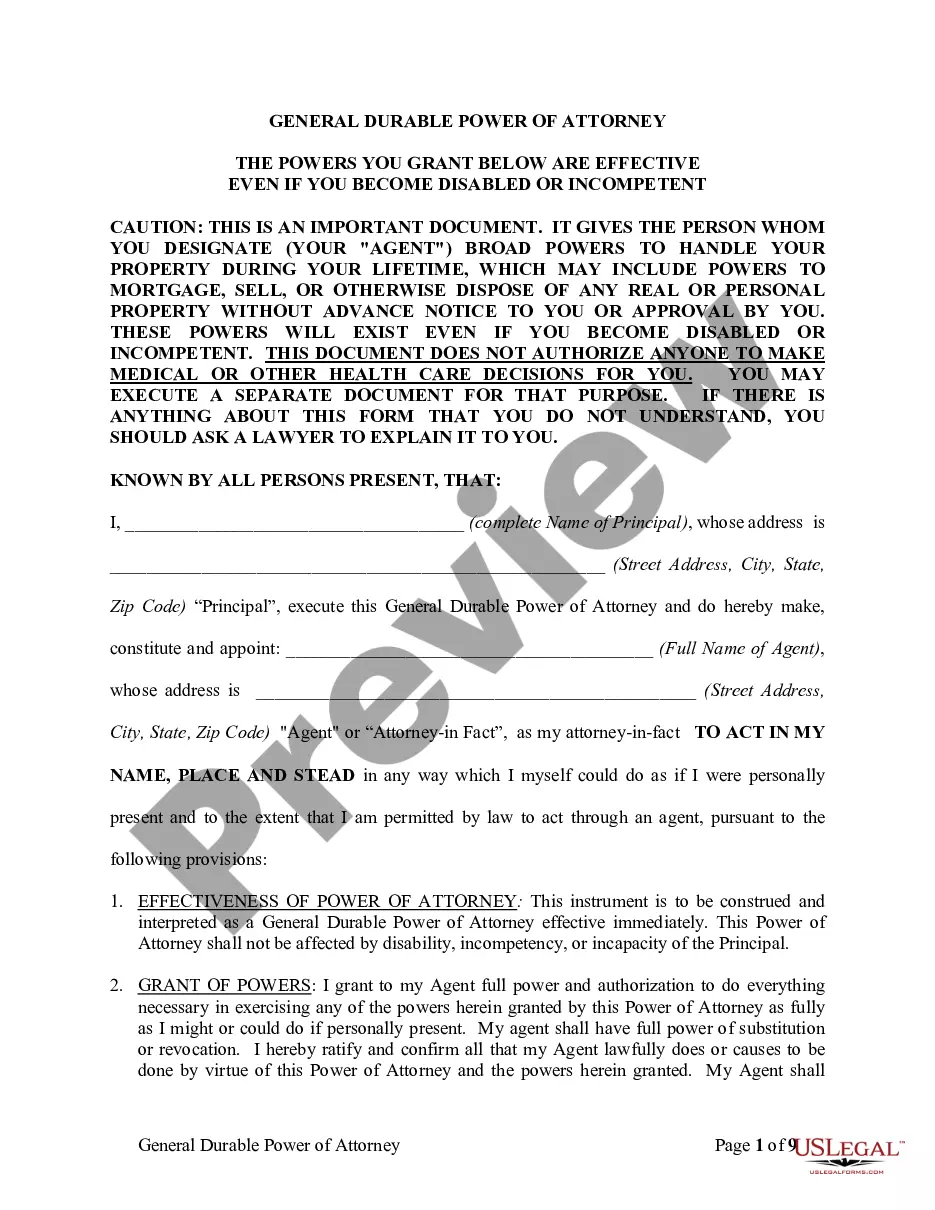
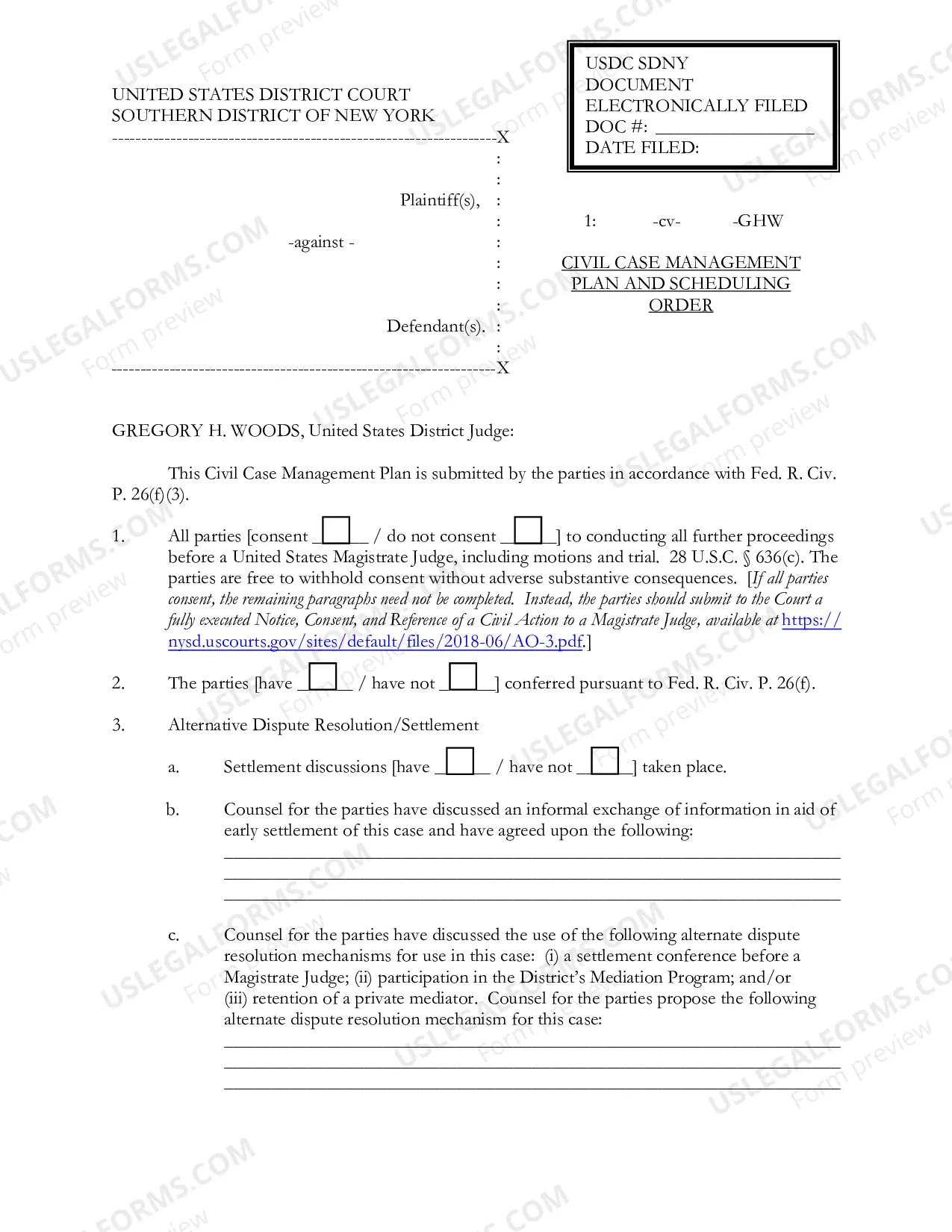

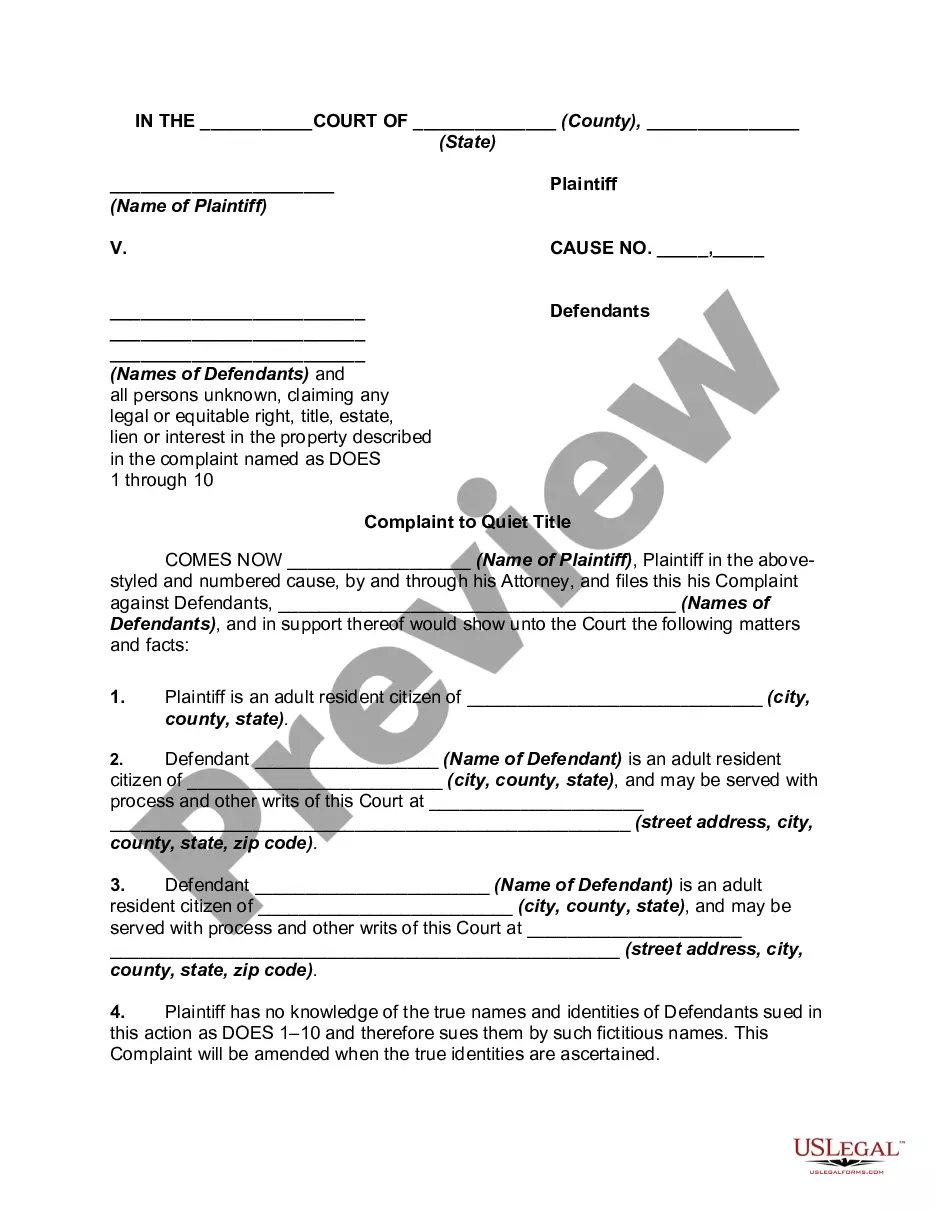
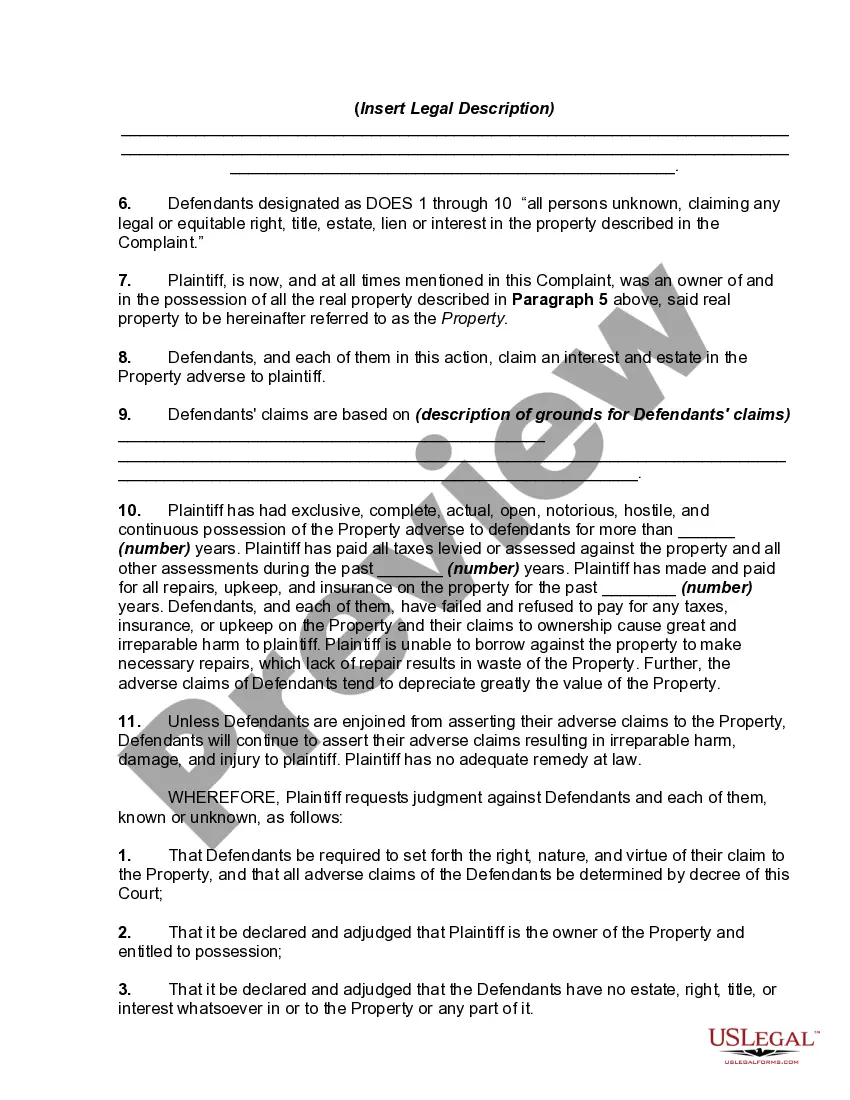
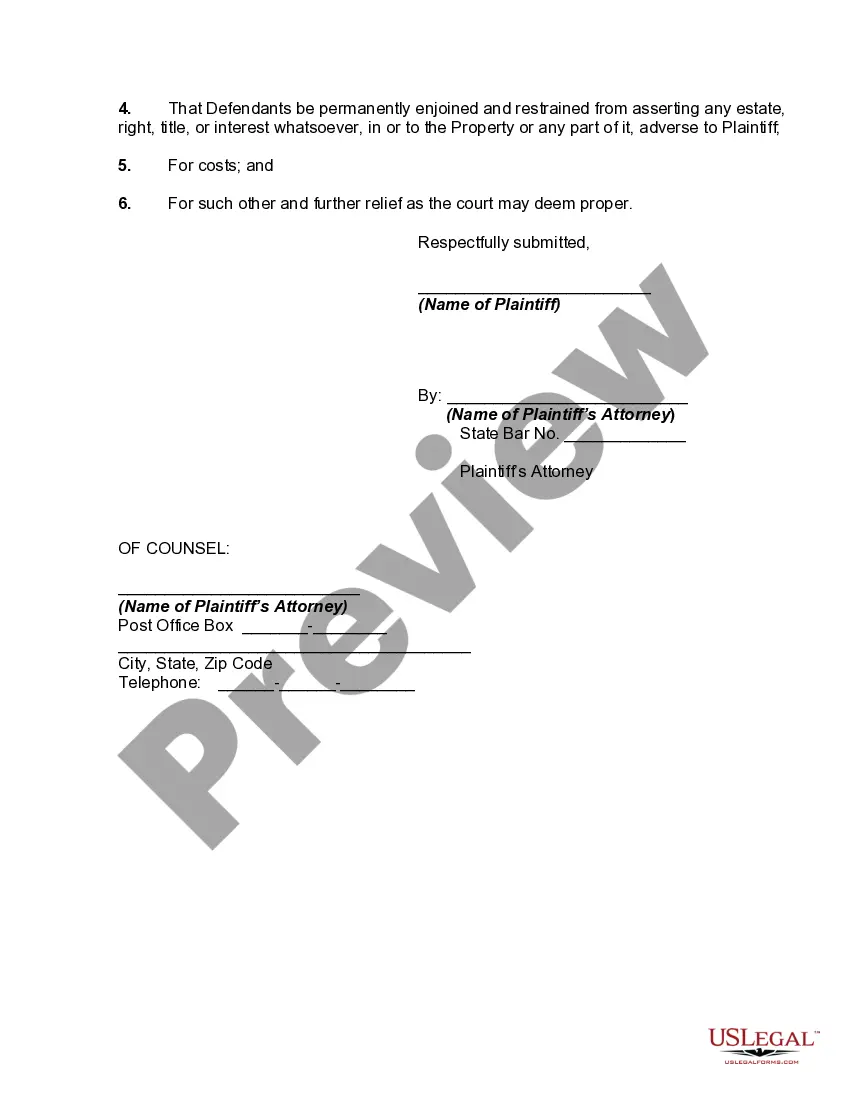
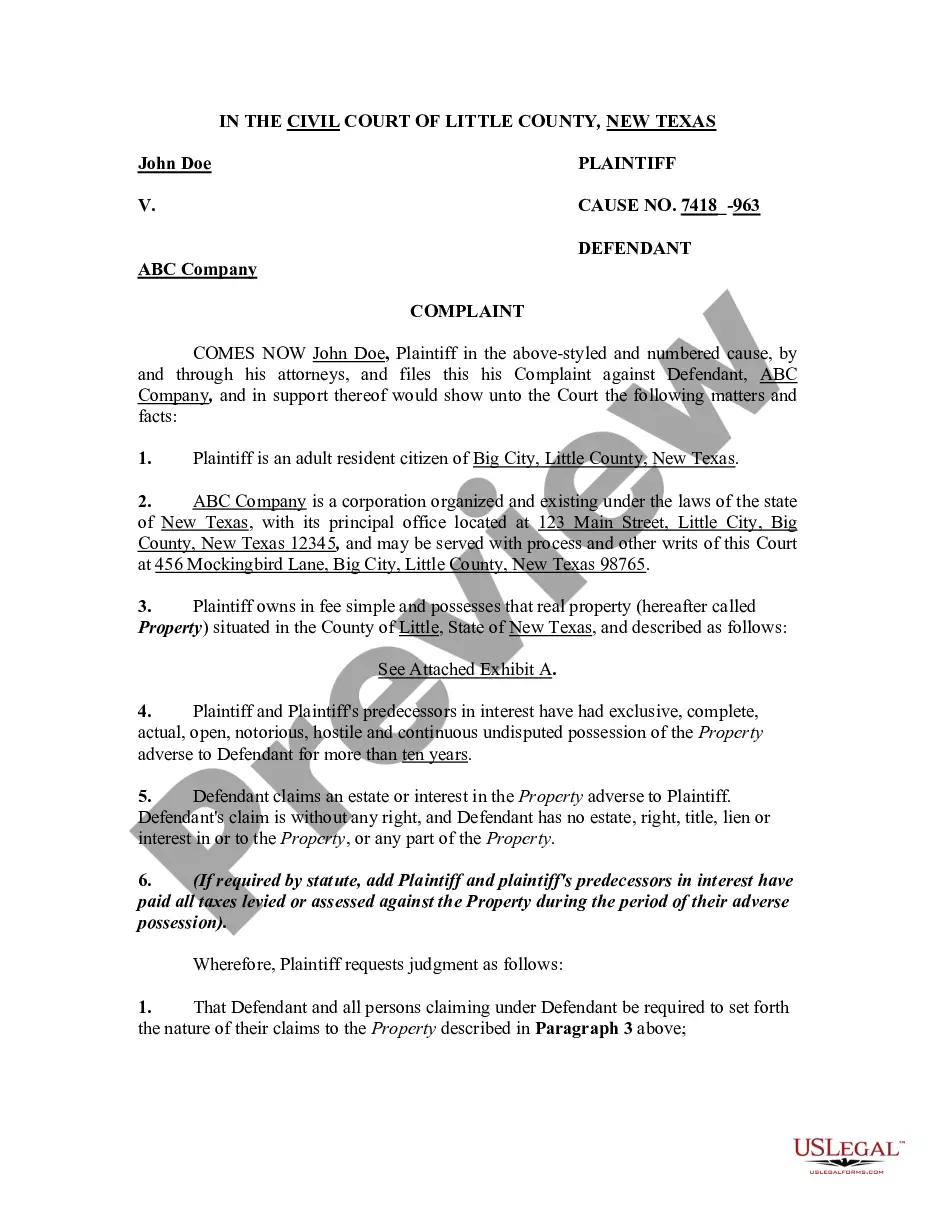
How to fill out Complaint To Quiet Title By Adverse Possessor With Unknown Defendants?
- For returning users, log in to your account. Check your subscription status and make sure it is valid.
- If you’re a first-time user, start by examining the Preview mode and description of the Title possessor unknown form to confirm it meets your legal requirements.
- If needed, search for alternative templates using the Search tab to find the correct form that matches your needs.
- Once you've found the right document, click the Buy Now button and select your preferred subscription plan, making sure to create an account for library access.
- Complete the purchase by entering your payment details via credit card or PayPal.
- After the transaction, download the form and save it on your device or access it later via the My Forms section.
By utilizing US Legal Forms, you gain access to a robust collection of legal documents, more extensive than many competitors, and with options for expert assistance in form completion.
Start your journey to hassle-free legal document management today. Access US Legal Forms and make your legal processes quicker and stress-free!
Form popularity
FAQ
To download files anonymously, activate a VPN service and ensure you're using secure and private browser options. This will help obscure your online identity and preserve your digital footprint. It’s vital to integrate these practices, especially when looking for the Title possessor unknown download with no cache, to enhance your security.
For discreet downloads, employ a private browsing mode along with a VPN. This combination safeguards your online activities from prying eyes. When you seek the Title possessor unknown download with no cache feature, utilize these tools to maintain privacy and integrity while accessing important files.
To download files anonymously, use a VPN along with an anonymous browser. This approach protects your identity by concealing your IP address while you download files. With tools designed for privacy, accessing the Title possessor unknown download with no cache becomes much more secure and discreet.
To download without being noticed, use a combination of a VPN and a secure browser, like Tor. This setup masks your IP address and encrypts your internet activity, enhancing your online privacy. For optimal safety, you can access the Title possessor unknown download with no cache feature while ensuring your downloads remain discreet.
While Tor offers a higher level of anonymity, it is not entirely foolproof. Authorities can sometimes trace downloads back to their origin, particularly if you are not using additional privacy tools. For a truly secure experience when seeking Title possessor unknown download with no cache, consider using a reliable VPN along with Tor.
To use pip with no cache, simply run the command 'pip install --no-cache-dir <package_name>'. This command prevents pip from using cached packages, ensuring that you download the latest version directly from the repository. By doing so, you enhance the reliability of your installation while accessing the Title possessor unknown download with no cache feature.
Caching is the process of storing copies of files or data to enable quicker access in future requests. While caching can enhance performance, it may lead to the delivery of outdated information if not managed correctly. In the case of the Title possessor unknown download with no cache, bypassing caching ensures that the content remains timely and relevant for your needs.
To force pip to operate without caching, you can use the --no-cache-dir option in your command line input. This ensures that pip retrieves packages directly from their source for every installation. If you are downloading the Title possessor unknown download with no cache, applying this command guarantees that you receive the most current version without reliance on old cache.
'Cache control no-cache' instructs the browser to always check with the server for the most current version of the content before serving it. This is particularly relevant for resources like the Title possessor unknown download with no cache. By implementing this setting, users are assured that they will have access to the latest version when needed.
Cache no-store prevents browsers from saving any version of a web page or download, while no-cache allows for the possibility of caching but requires the validation of the content before use. When accessing the Title possessor unknown download with no cache, it is important to understand these differences to ensure you are always getting the most relevant data. This distinction can impact how frequently users need to refresh or re-access certain information.