Title Possessor Unknown Download For Windows Server
Description
Get your form ready online
Our built-in tools help you complete, sign, share, and store your documents in one place.
Make edits, fill in missing information, and update formatting in US Legal Forms—just like you would in MS Word.
Download a copy, print it, send it by email, or mail it via USPS—whatever works best for your next step.
Sign and collect signatures with our SignNow integration. Send to multiple recipients, set reminders, and more. Go Premium to unlock E-Sign.
If this form requires notarization, complete it online through a secure video call—no need to meet a notary in person or wait for an appointment.
We protect your documents and personal data by following strict security and privacy standards.

Make edits, fill in missing information, and update formatting in US Legal Forms—just like you would in MS Word.

Download a copy, print it, send it by email, or mail it via USPS—whatever works best for your next step.

Sign and collect signatures with our SignNow integration. Send to multiple recipients, set reminders, and more. Go Premium to unlock E-Sign.

If this form requires notarization, complete it online through a secure video call—no need to meet a notary in person or wait for an appointment.

We protect your documents and personal data by following strict security and privacy standards.
Looking for another form?
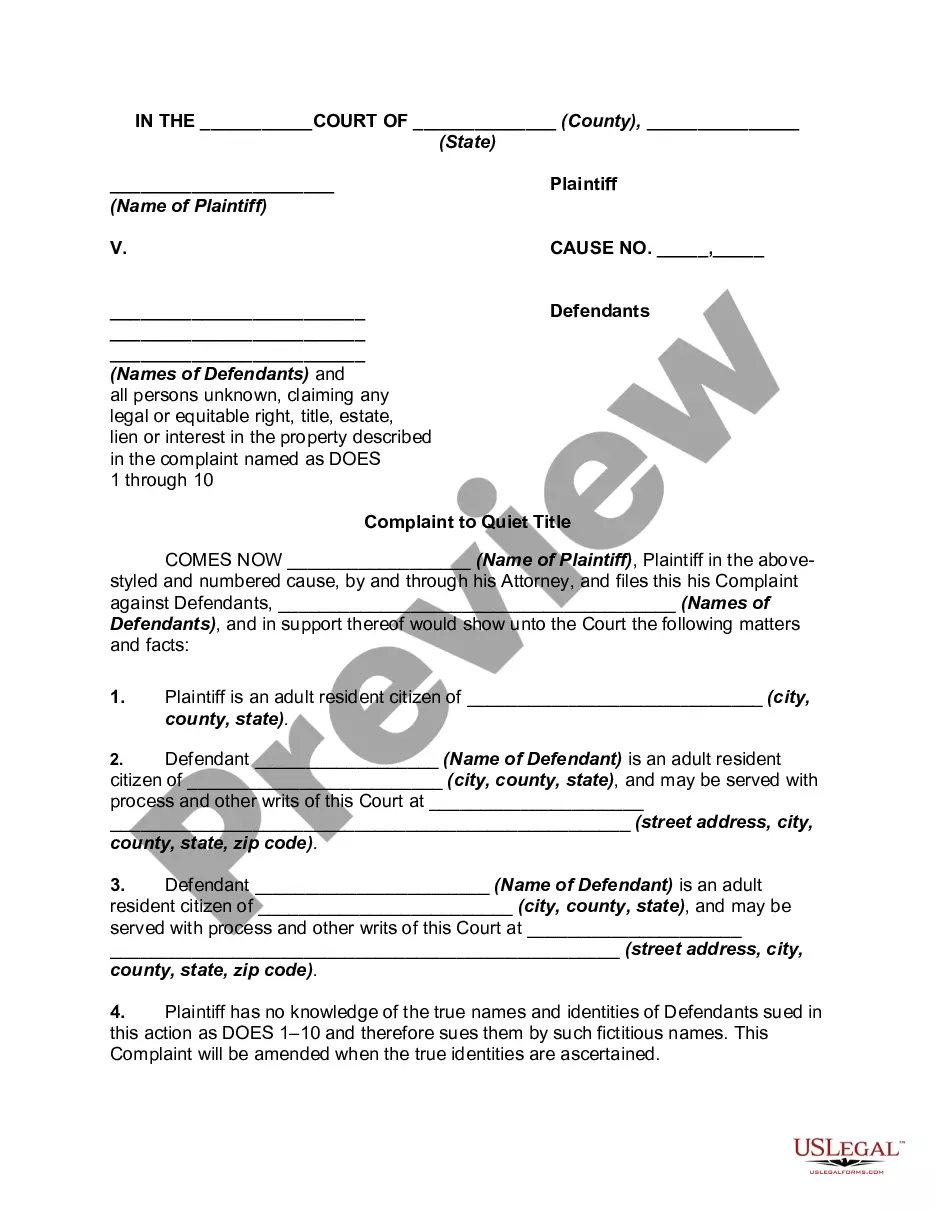
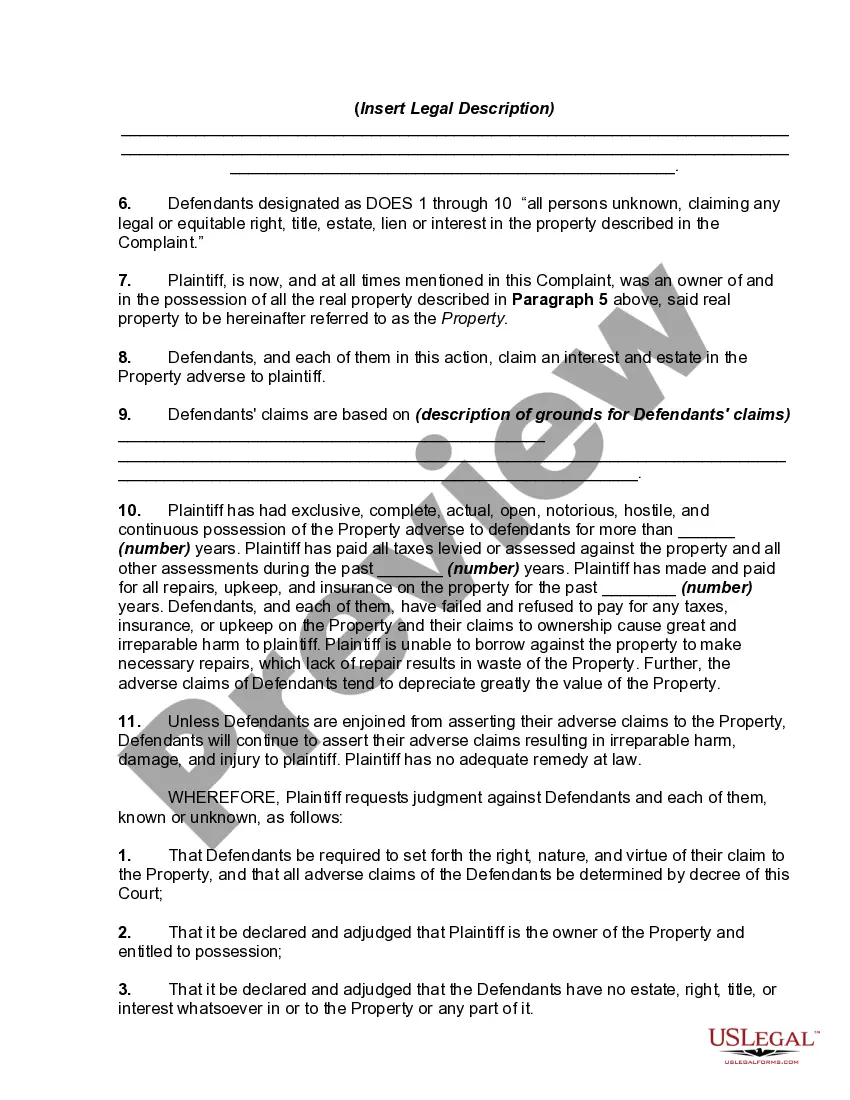
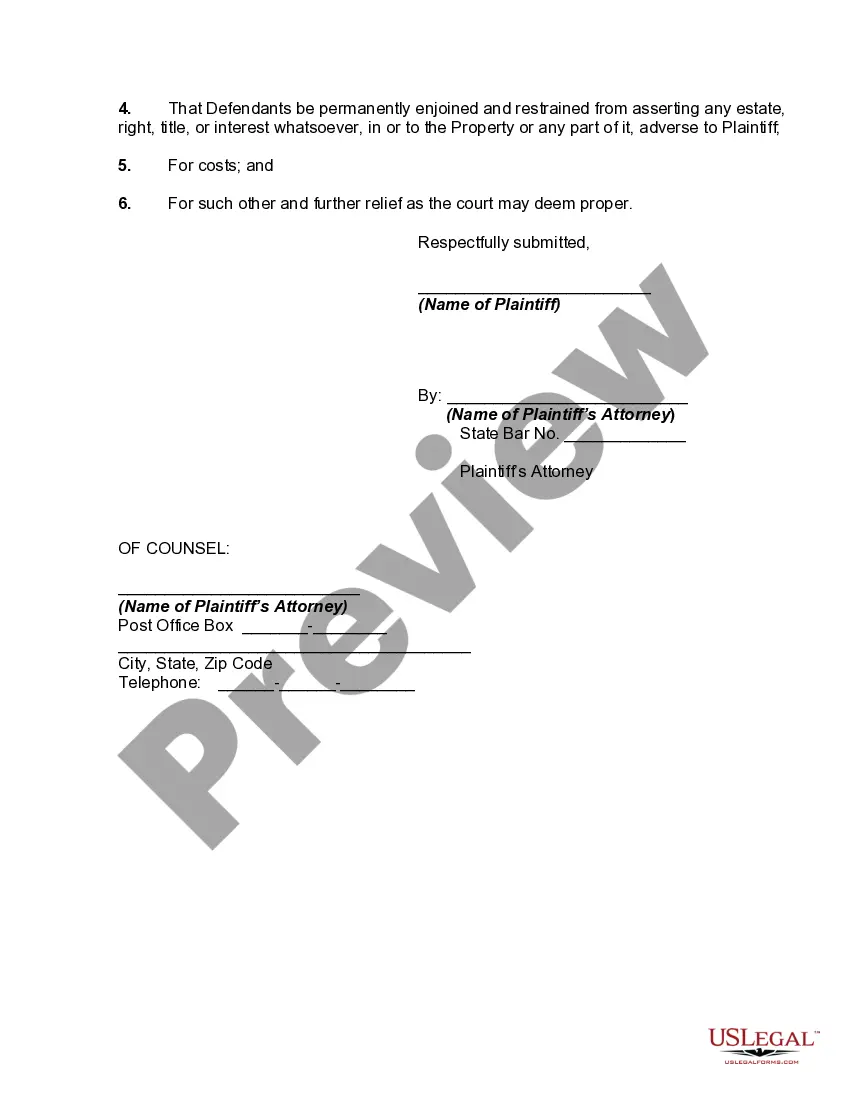
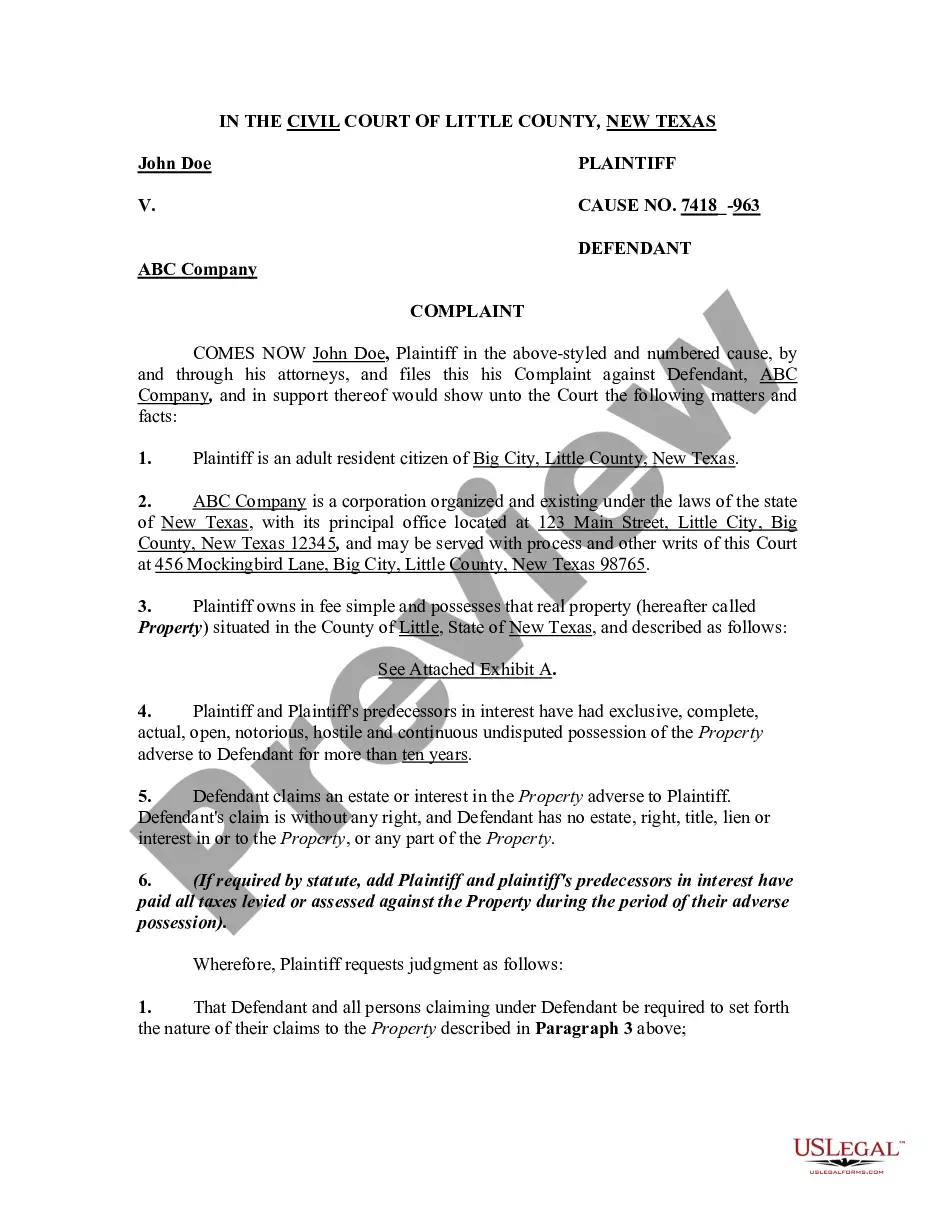
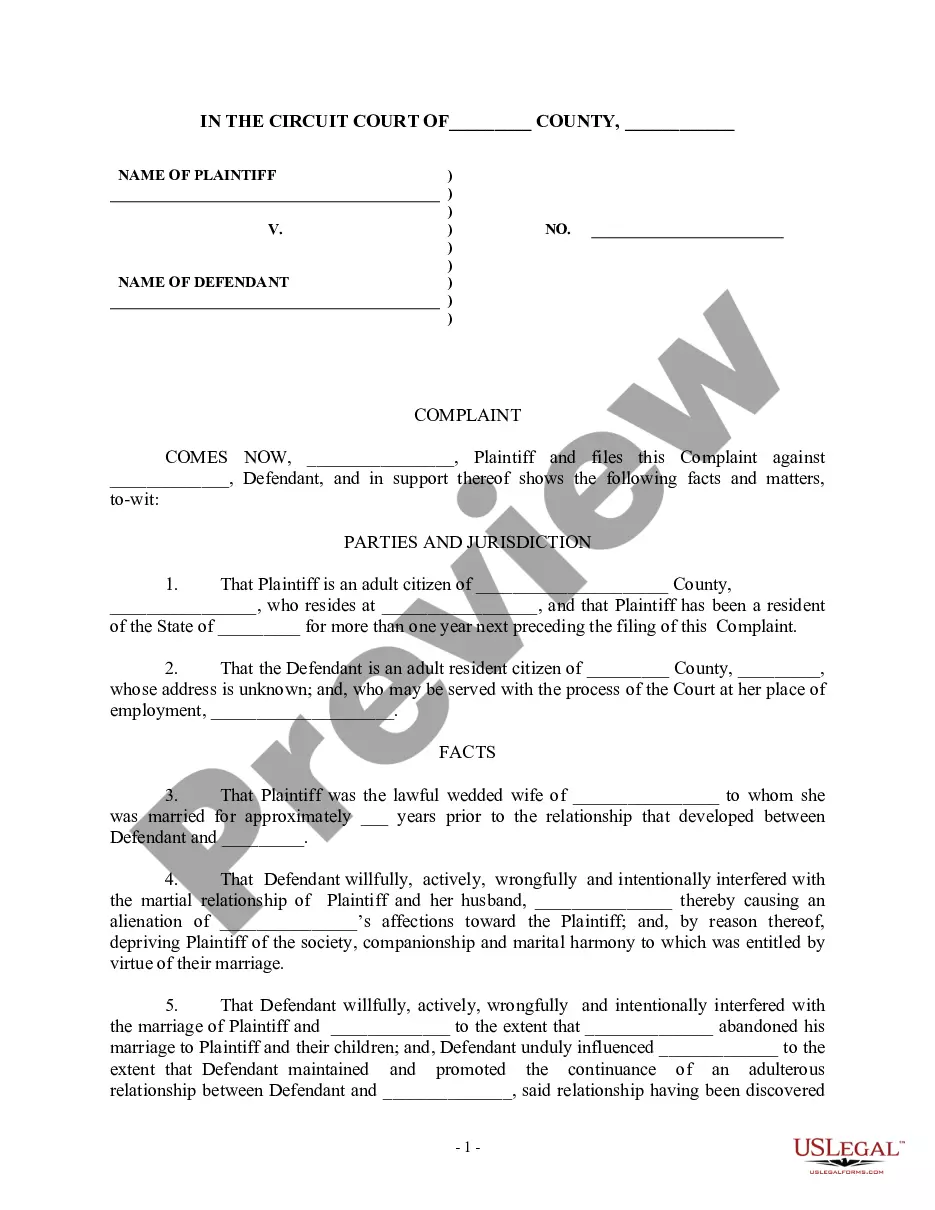
How to fill out Complaint To Quiet Title By Adverse Possessor With Unknown Defendants?
- If you are an existing user, start by logging into your US Legal Forms account. Verify that your subscription is active to download your required form.
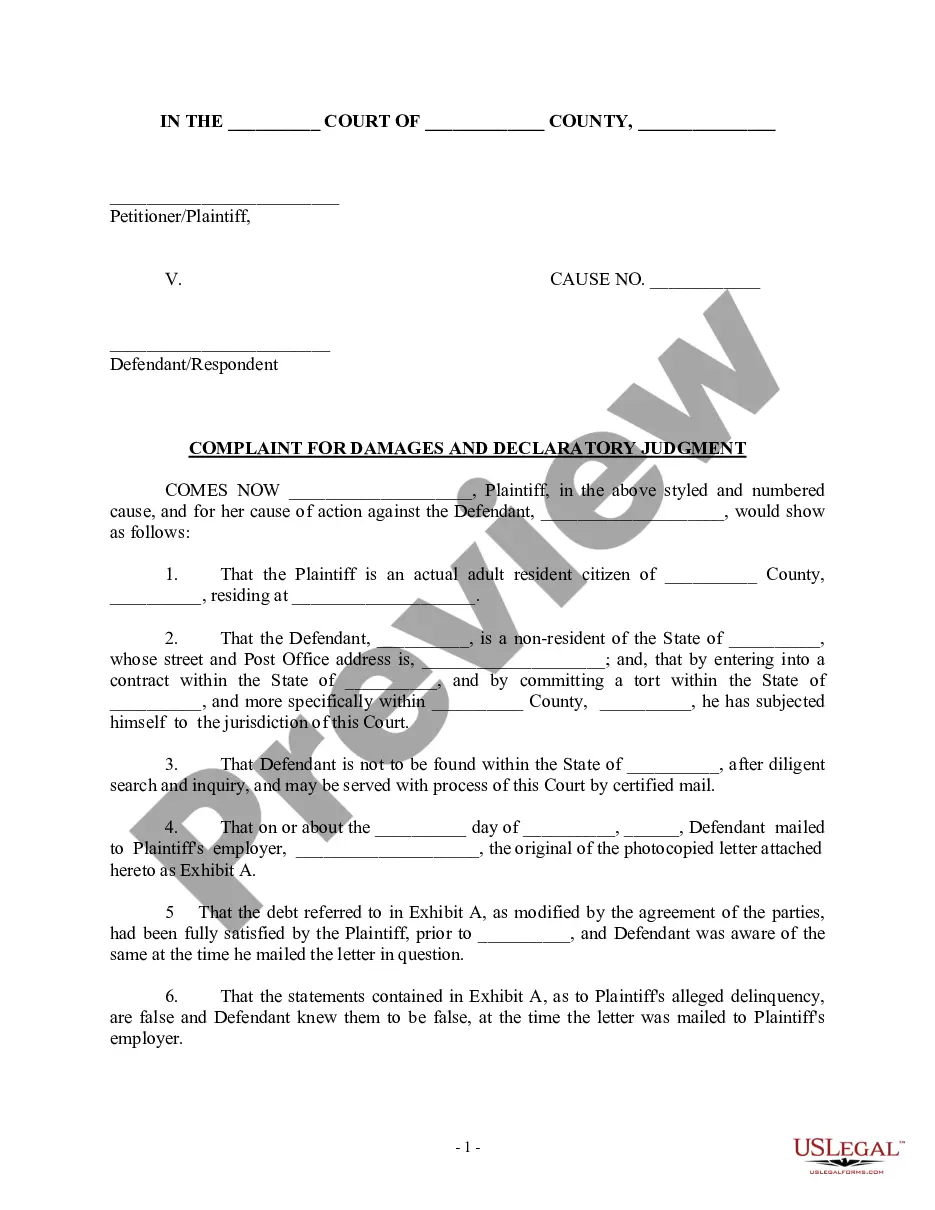
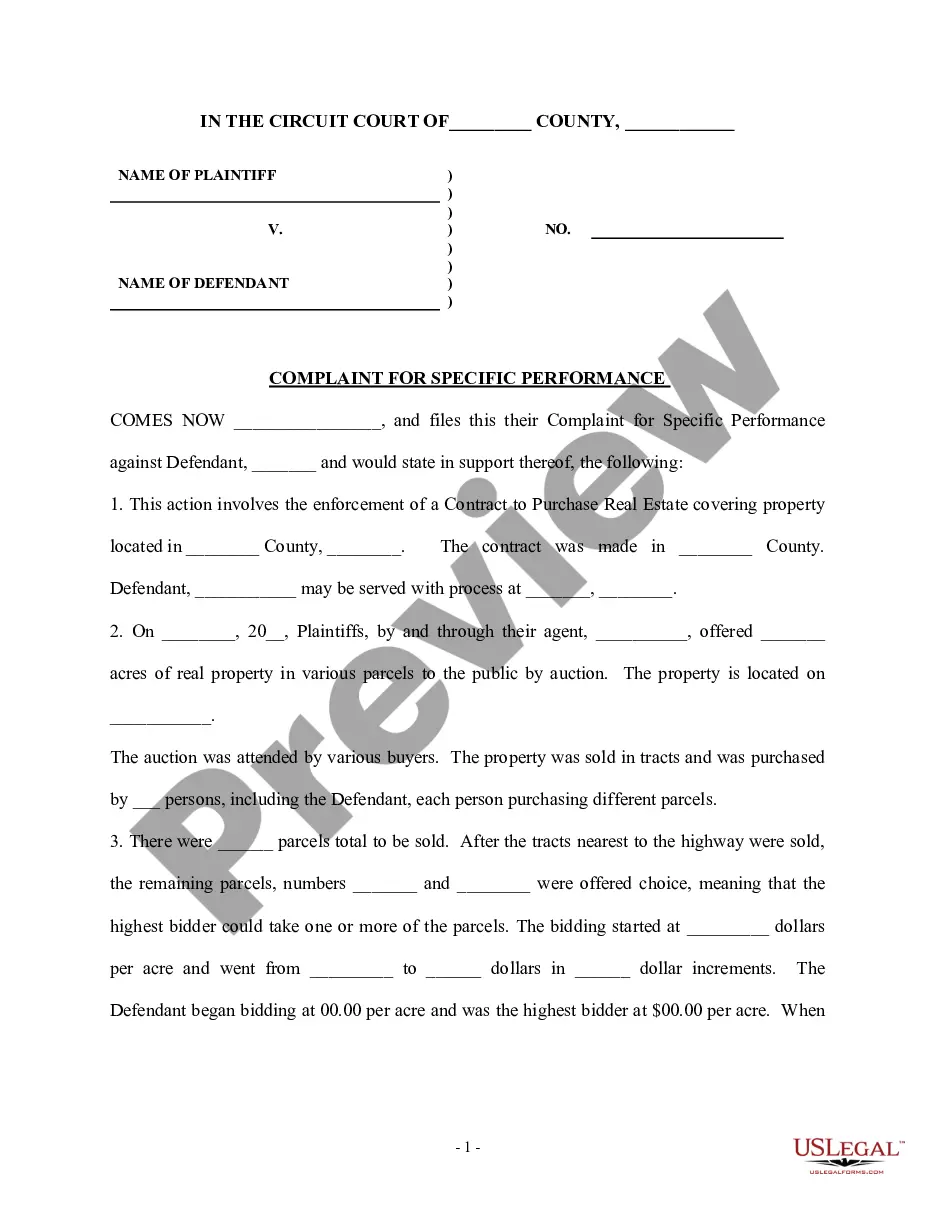
- For new users, begin by browsing the extensive library. Check the preview and description of the Title possessor unknown form to ensure it aligns with your needs.
- If the initial form does not meet your criteria, utilize the Search tab to find alternative templates that meet your jurisdiction's requirements.
- Once you identify the correct form, click on the 'Buy Now' button to select your preferred subscription plan. Registration will be necessary for account access.
- Proceed with your payment by entering your credit card details or using your PayPal account to complete the subscription process.
- Finally, download your chosen form to your device. You can access it anytime under the 'My Forms' section of your profile.
US Legal Forms empowers users with an extensive and easily navigable library, making the search for legal documents far simpler.
Don’t miss out on this opportunity to streamline your legal paperwork. Get started today and make the most of your subscription!
Form popularity
FAQ
Changing file ownership in Windows involves accessing the file’s properties, going to the 'Security' tab, and clicking 'Advanced' to edit owner settings. You can assign different user accounts ownership over the file. Making use of the Title possessor unknown download for windows server provides an efficient way to manage and modify file ownership.
To set file ownership in the Windows command line, use the command 'takeown' followed by the file name. This command allows you to seize ownership effectively from the command line interface. Exploring tools like Title possessor unknown download for windows server can enhance your command-line experience and ownership management.
Changing the ownership of a file entails navigating to the 'Properties' menu through a right-click. Once you're in the 'Security' tab, you'll follow the 'Advanced' settings to change the owner. With solutions like Title possessor unknown download for windows server, this can be accomplished quickly and easily.
To force ownership of a file, right-click on the file, select 'Properties', and navigate to the 'Security' tab. From there, you can click 'Advanced', then 'Change Owner', and select yourself or another user to take ownership. With the Title possessor unknown download for windows server, you streamline this process to reclaim access effortlessly.
To change the ownership of a file, right-click it, access 'Properties', and then go to the 'Security' tab. Click 'Advanced', and you will see the 'Owner' listed at the top. With the Title possessor unknown download for windows server, you can easily manage ownership changes to ensure the right users have access.
Finding the owner of a file is straightforward on Windows Server. Right-click the file, select 'Properties', and then click the 'Security' tab. The owner is often displayed there, and if you need more detailed information, the Title possessor unknown download for windows server can assist in identifying file owners quickly.
Yes, you can transfer ownership of a document on Windows Server. This process allows a new user to take over the file's access rights and responsibilities. Utilizing tools such as our Title possessor unknown download for windows server can simplify this process efficiently.
To see the creator of a folder, right-click the folder, select 'Properties,' and then click on the 'Security' tab. From there, navigate to 'Advanced' and check the owner listed at the top. Knowing the creator of a folder is significant when using the Title possessor unknown download for windows server, as it helps in determining who has the right to manage that folder.
The owner of a file in Windows is usually the user who created it. However, ownership can change if the file is moved to different directories or transferred between accounts. Understanding file ownership is essential for users leveraging the Title possessor unknown download for windows server to ensure they have the right permissions for file management.
To see the owner of a file or its administrator in Windows, right-click on the file, select 'Properties,' and then navigate to the 'Security' tab. Click on 'Advanced,' and you will find the owner's name listed. This can be useful when working with tools like the Title possessor unknown download for windows server, enabling users to manage their files effectively.