Sick Leave Email For School From Parents
Description
Get your form ready online
Our built-in tools help you complete, sign, share, and store your documents in one place.
Make edits, fill in missing information, and update formatting in US Legal Forms—just like you would in MS Word.
Download a copy, print it, send it by email, or mail it via USPS—whatever works best for your next step.
Sign and collect signatures with our SignNow integration. Send to multiple recipients, set reminders, and more. Go Premium to unlock E-Sign.
If this form requires notarization, complete it online through a secure video call—no need to meet a notary in person or wait for an appointment.
We protect your documents and personal data by following strict security and privacy standards.

Make edits, fill in missing information, and update formatting in US Legal Forms—just like you would in MS Word.

Download a copy, print it, send it by email, or mail it via USPS—whatever works best for your next step.

Sign and collect signatures with our SignNow integration. Send to multiple recipients, set reminders, and more. Go Premium to unlock E-Sign.

If this form requires notarization, complete it online through a secure video call—no need to meet a notary in person or wait for an appointment.

We protect your documents and personal data by following strict security and privacy standards.
Looking for another form?

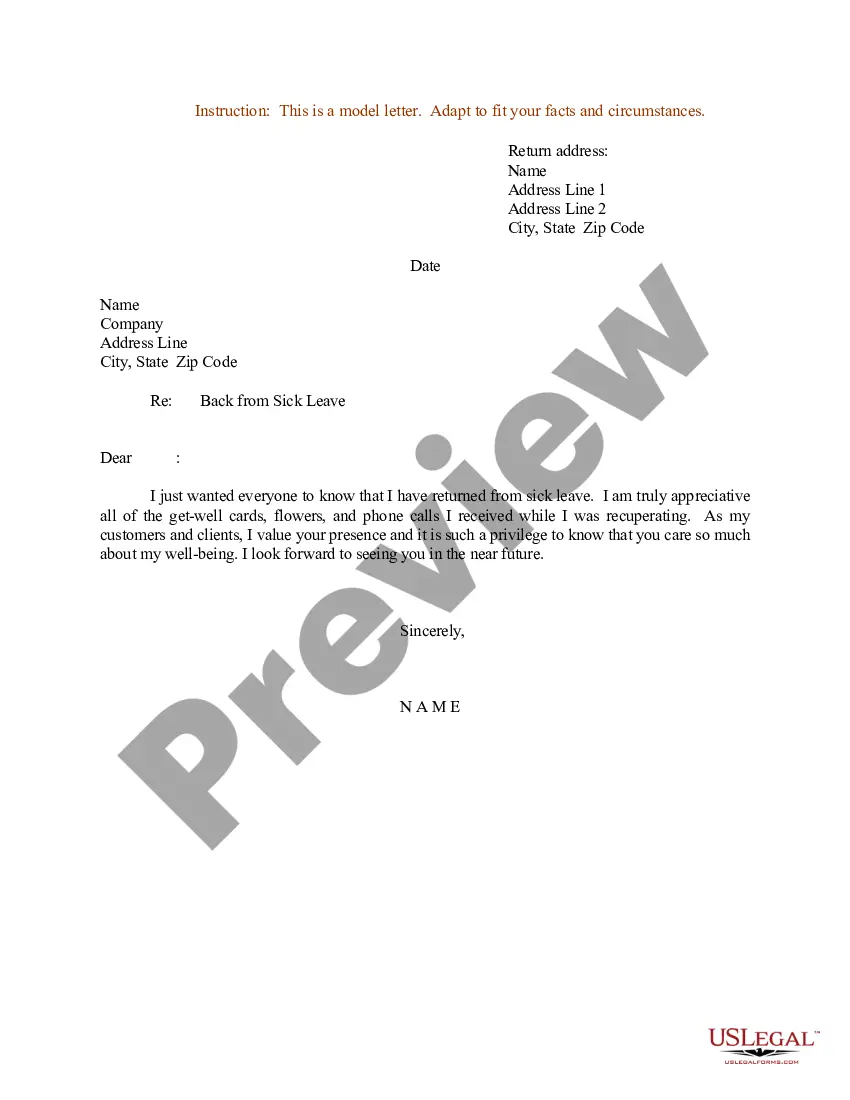
How to fill out Sample Letter For Return From Sick Leave?
- Log in to your account on US Legal Forms. If you're a returning user, simply navigate to your profile and ensure your subscription is active.
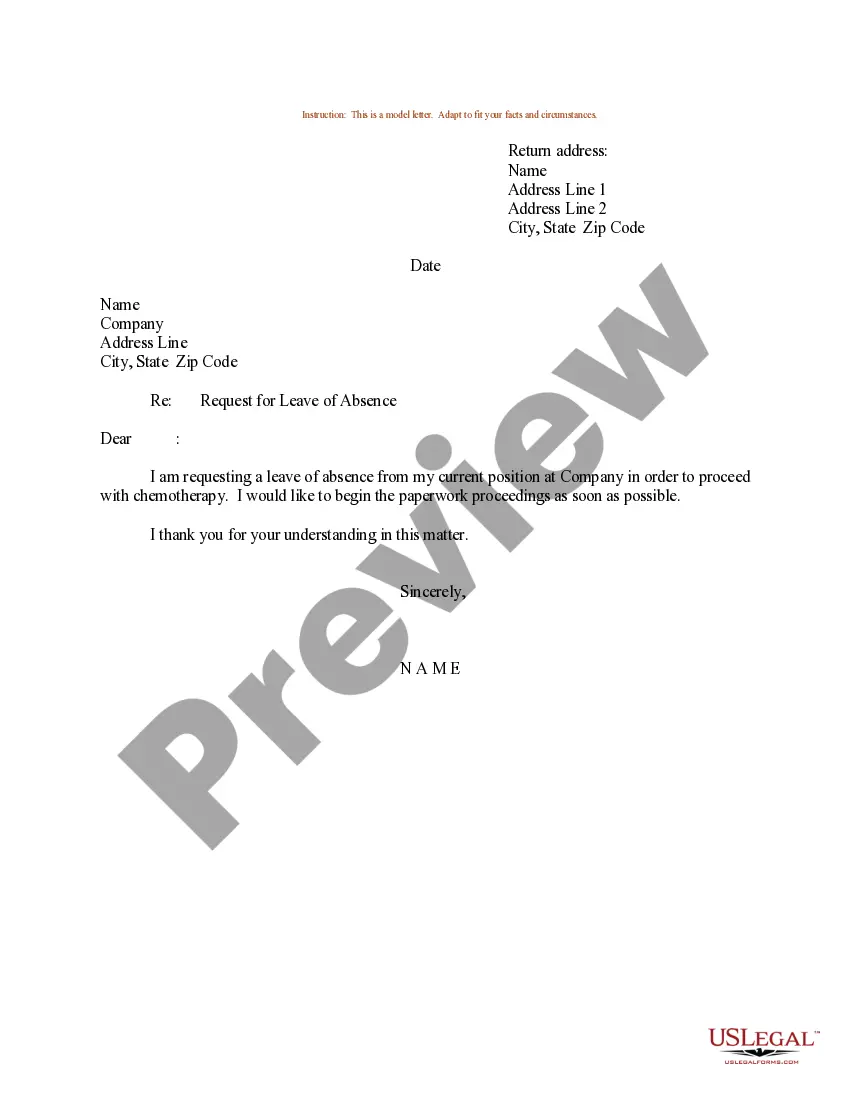
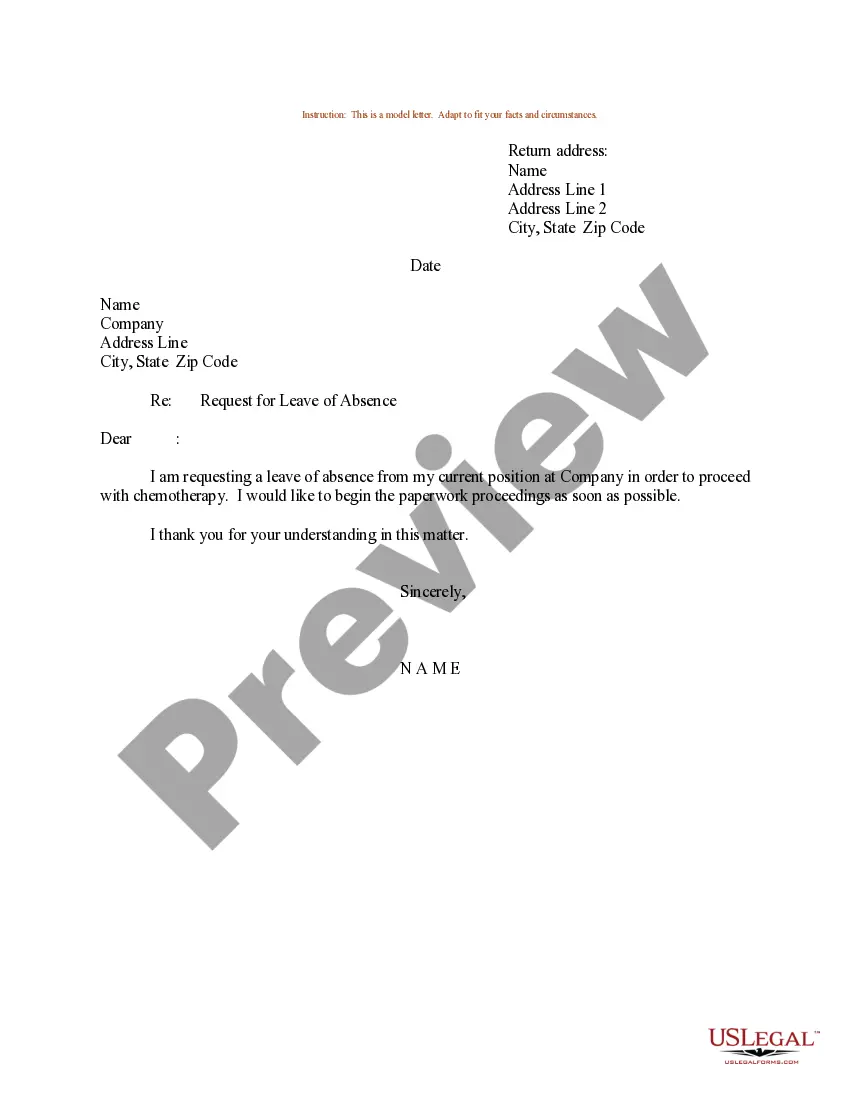
- Preview the form template for sick leave email to confirm it meets your needs and adheres to local requirements.
- If you require a different template, utilize the Search tab to explore US Legal Forms' vast library of over 85,000 legal documents.
- Select the appropriate document by clicking the 'Buy Now' button and choose a suitable subscription plan.
- Complete your purchase by entering your payment details. US Legal Forms accepts credit cards and PayPal for your convenience.
- Download the completed template to your device and access it anytime via the 'My Forms' section in your profile.
Using US Legal Forms is advantageous as it empowers users to efficiently create and manage legal documents. With a vast collection of forms and packages available, you're likely to find exactly what you need.
Get started today to ensure your sick leave email for school is professionally crafted. Sign up at US Legal Forms for ease and accuracy in handling your legal documents!
Form popularity
FAQ
When writing a sick leave email for school from parents, begin with a polite greeting, followed by your child's details. Clearly state the reason for the absence and the dates involved. Closing your email with a thank you note for their understanding makes your communication respectful. Platforms like USLegalForms can help you find templates to simplify this process, ensuring you cover all necessary information.
You can request an absence by writing a sick leave email for school from parents. In your email, include necessary details such as your child's name, the reason for the absence, and the specific days they will be unavailable. This formal request provides the school with important information while showing your commitment to communication. Make sure to send this email as soon as possible to allow for proper planning.
Reporting your child's absence can be done efficiently through a sick leave email for school from parents. State the reason for the absence, along with the expected duration. Ensure that you send this email to the appropriate school personnel, such as the teacher or the attendance office. This practice keeps everyone informed and helps maintain proper records.
To inform the school about your child's absence, start by writing a clear sick leave email for school from parents. Include your child's name, grade, and the dates of absence. Be sure to mention the reason for the absence, whether it's illness or another reason. Sending this email in advance helps the school manage attendance records effectively.
To write a parent excuse note, begin by addressing it to the school or teacher. Clearly outline the reason for your child's absence, ensuring it conveys genuine concern for their well-being. State any necessary details, such as a doctor's appointment or illness, and express your commitment to keeping up with missed assignments. Using a sick leave email for school from parents can simplify this process and ensure clarity in your communication.
Writing your own excuse letter starts with a clear subject line that indicates the purpose of the email, such as 'Absence Notification for Child’s Name'. Include specific dates your child will be absent and briefly describe the reason. Keeping your tone respectful and informative helps ensure the school understands the situation. You may find that utilizing a sick leave email for school from parents template can provide a helpful framework.
To write an effective excuse email, start by addressing the teacher or school administrator directly. Clearly state that your child is unable to attend school for valid reasons, such as illness or a family obligation. Ensure that you include your contact information for any follow-up questions. Using a sick leave email for school from parents template can streamline this process.
A reasonable excuse for getting out of school could be illness, a family commitment, or a necessary appointment. Be truthful when discussing this with your parents. Often, parents appreciate honesty and are willing to support your needs. Remember that your parents are there to help you navigate school challenges.
When writing a sick leave email for school from parents, you can mention that your child is feeling unwell and will be unable to attend classes. Be honest yet brief in your explanation. It's also helpful to express your intent to keep the school informed about your child's progress. This keeps communication open and shows that you care about your child's education.
Instead of saying 'sick day,' you can refer to it as an 'absence due to illness' in your communication. This keeps your message professional and clear. Use terms like 'medical leave' or 'health-related absence' to ensure clarity. When you're communicating about their absence, it's helpful to keep the focus on your child's well-being and educational needs.