Personal Trainer Fitness Form With Private
Description
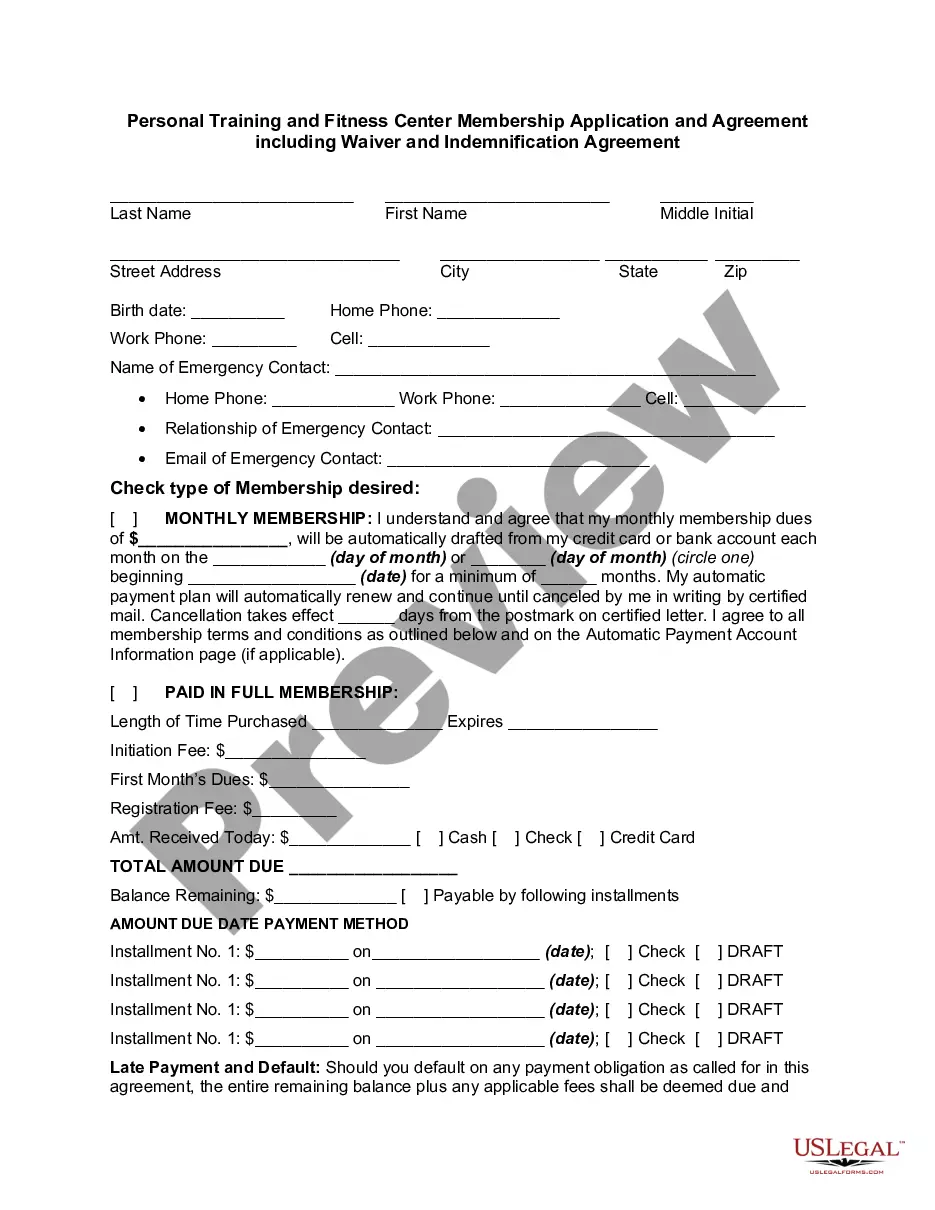
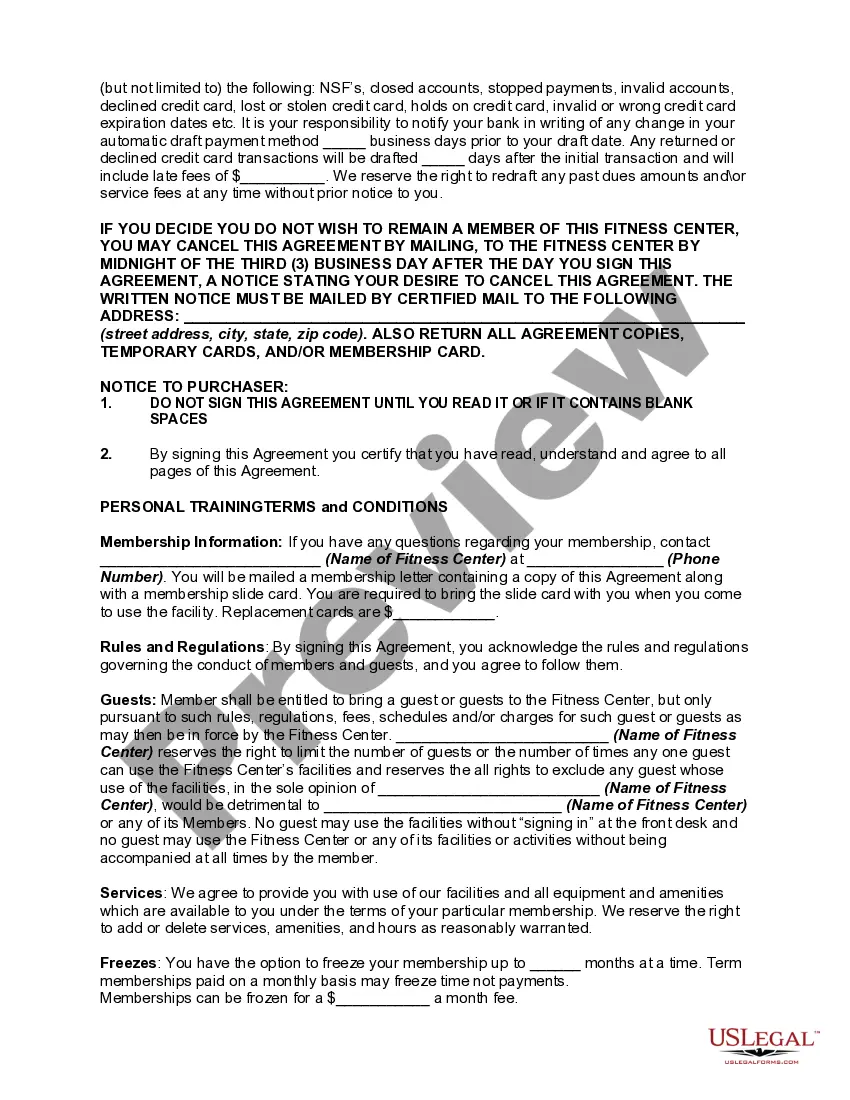
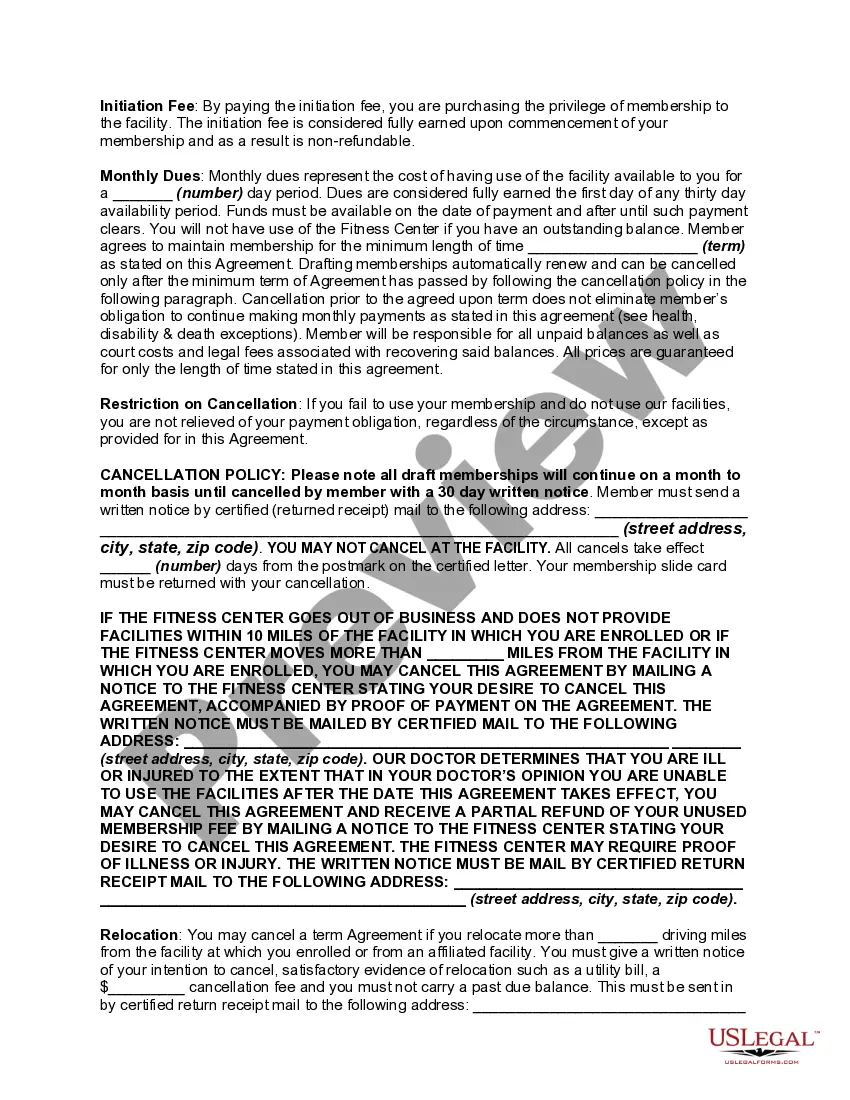
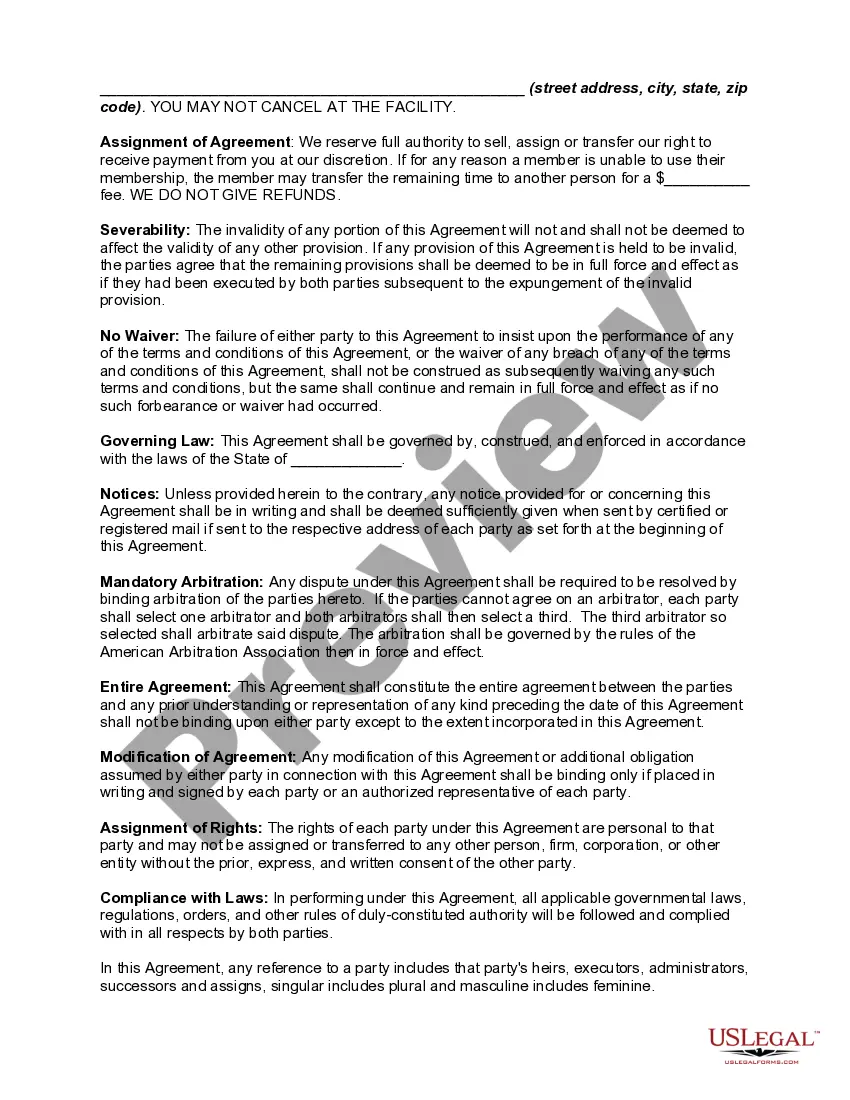
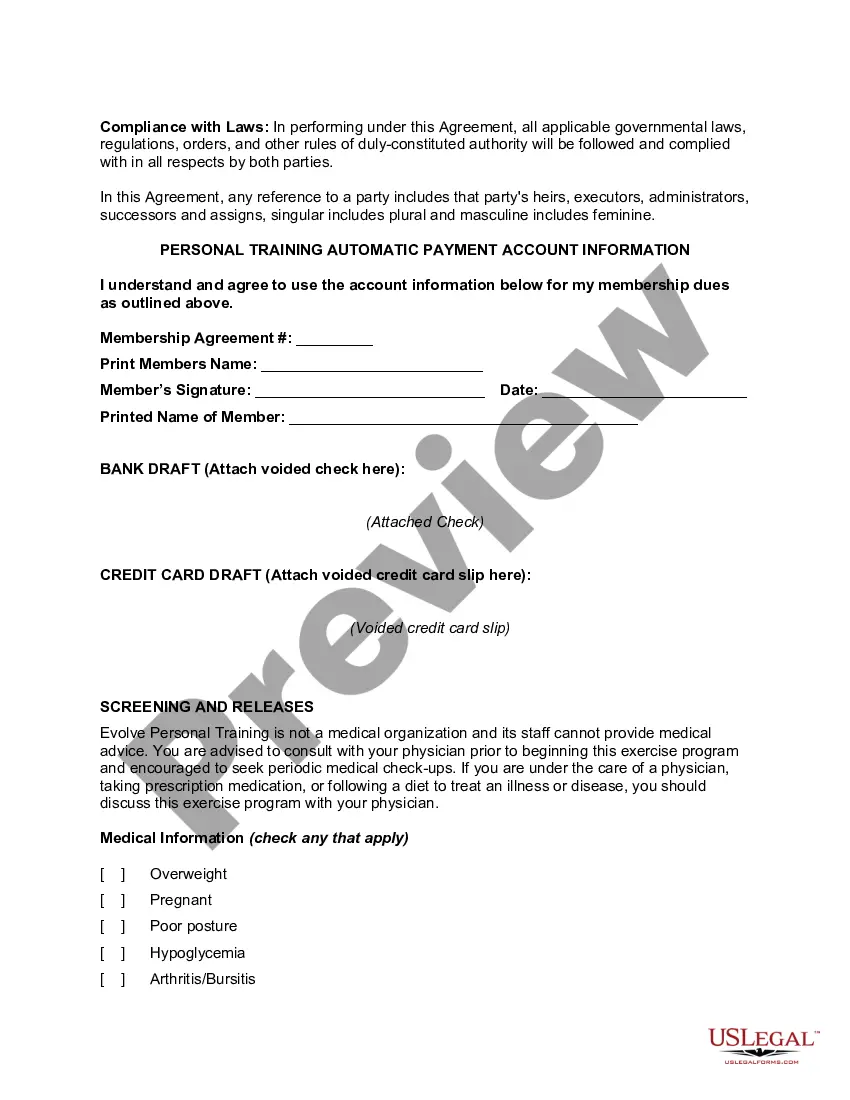
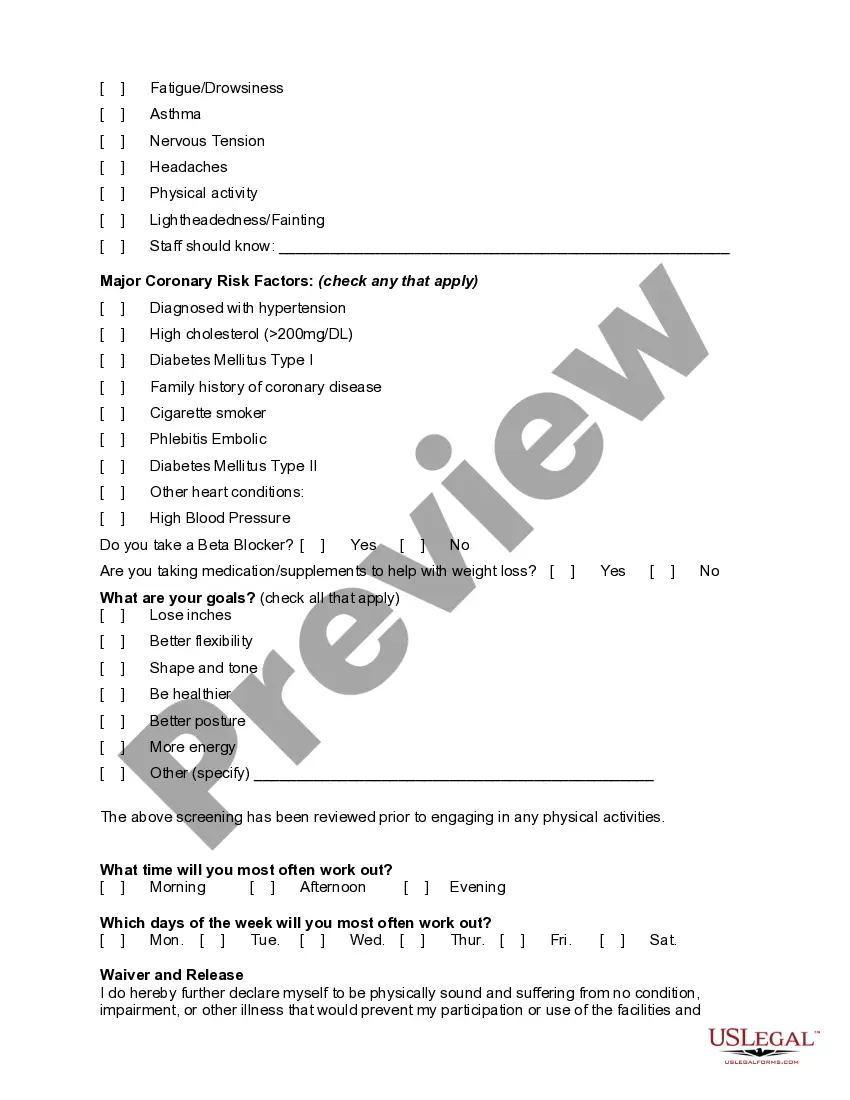
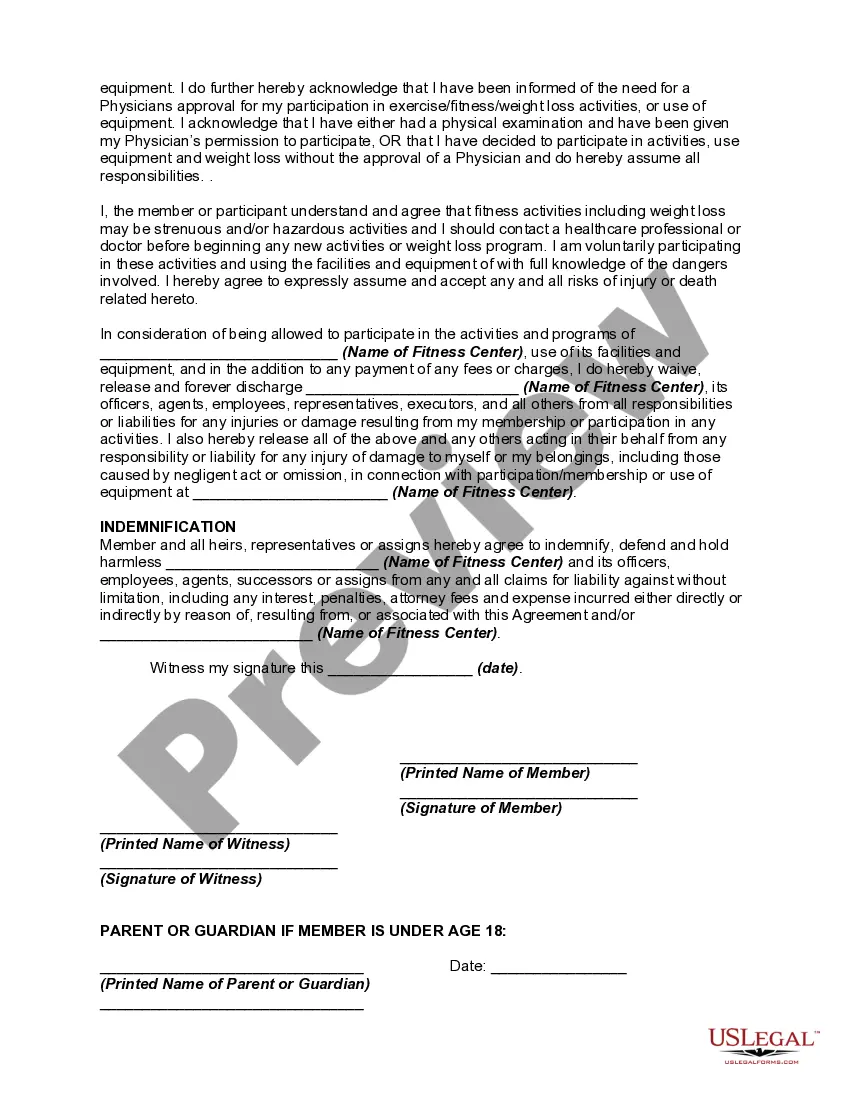
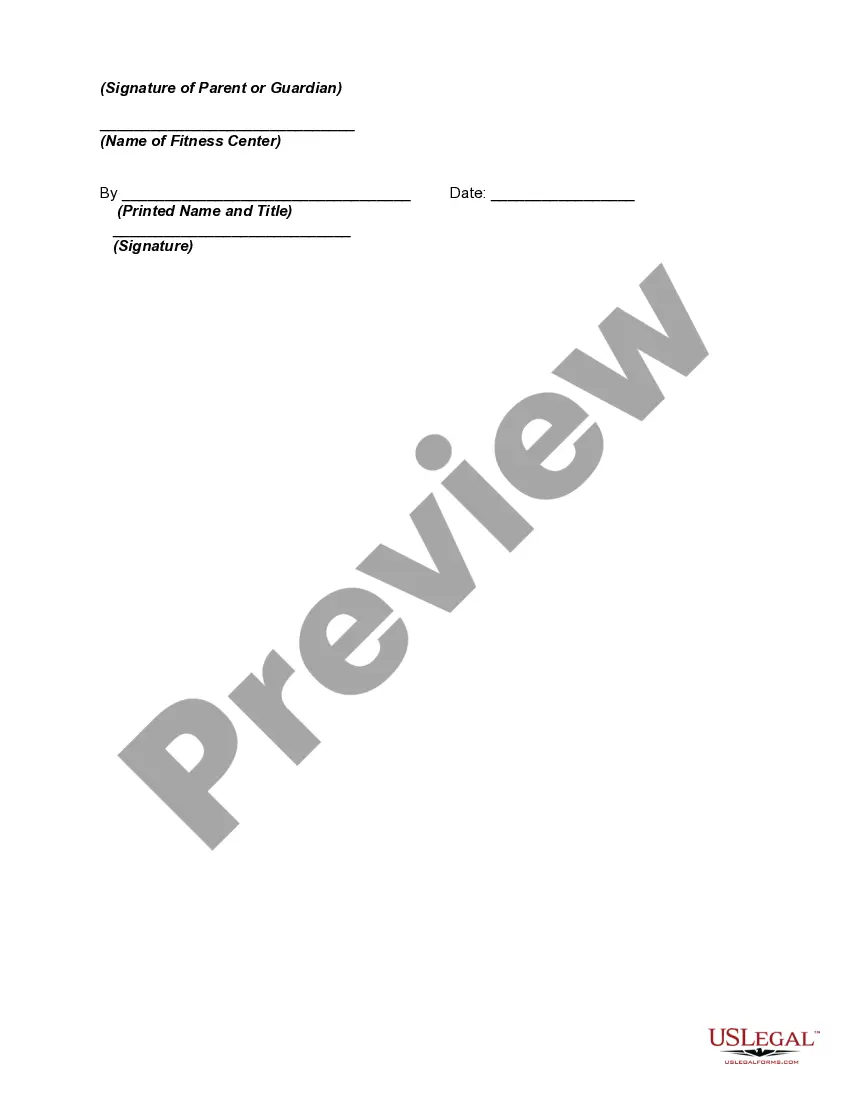
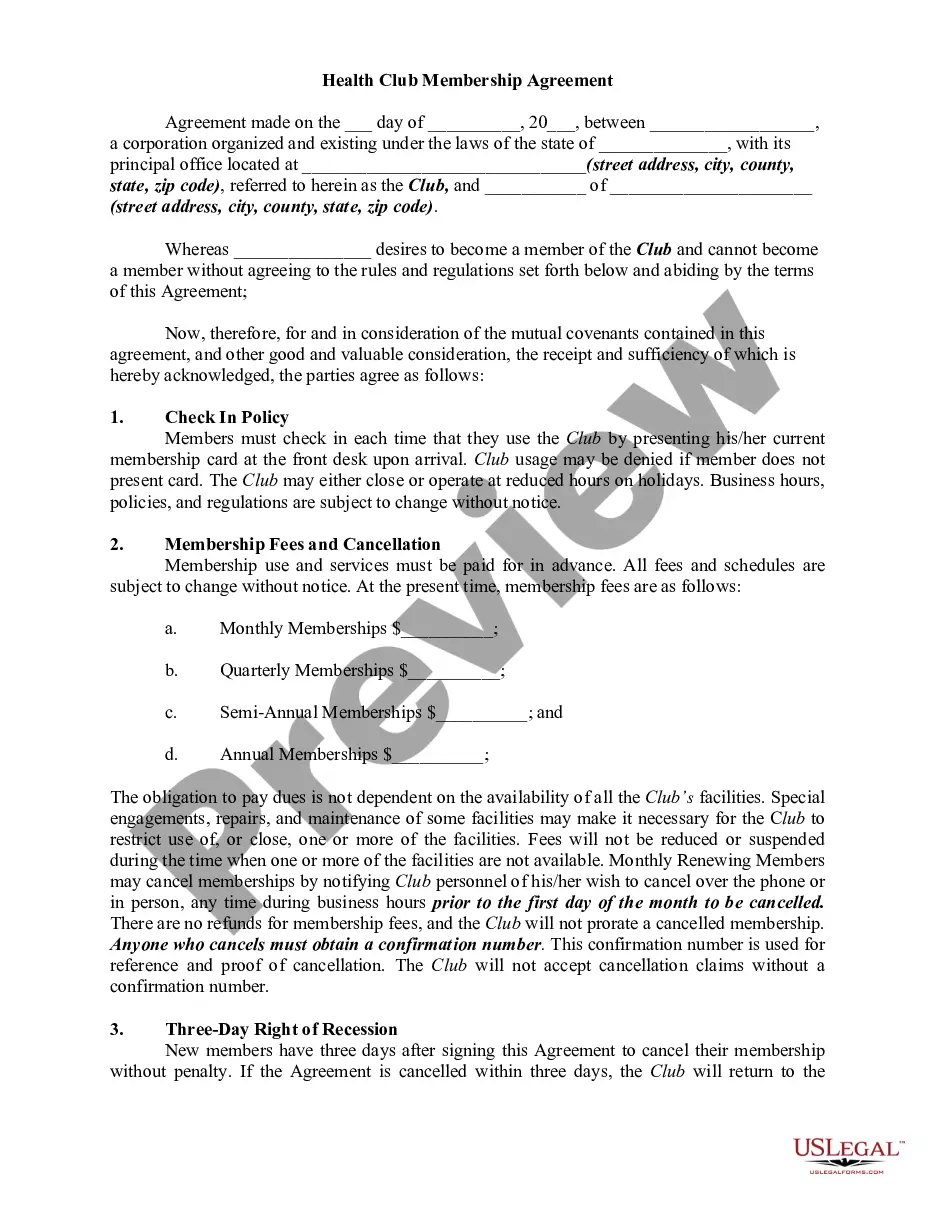
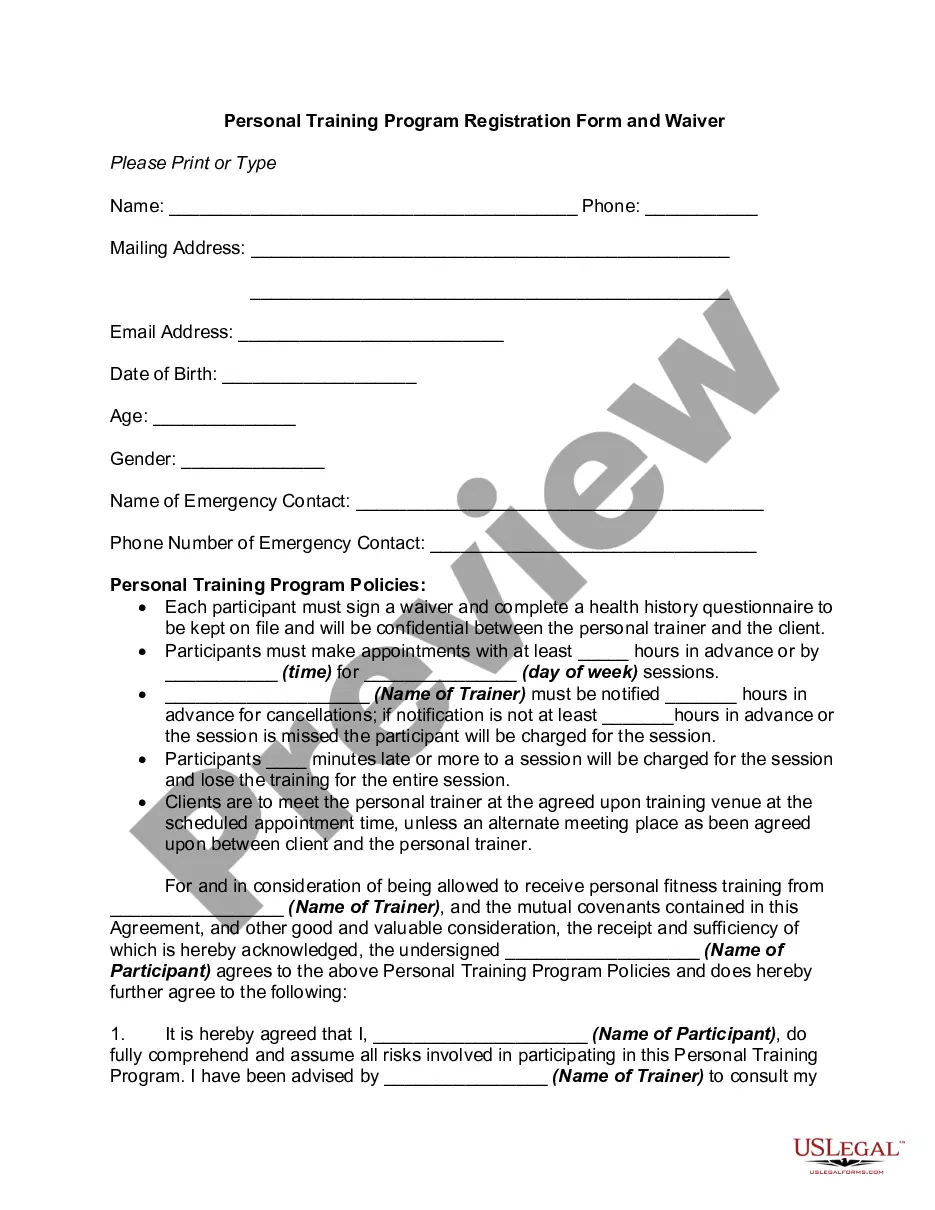
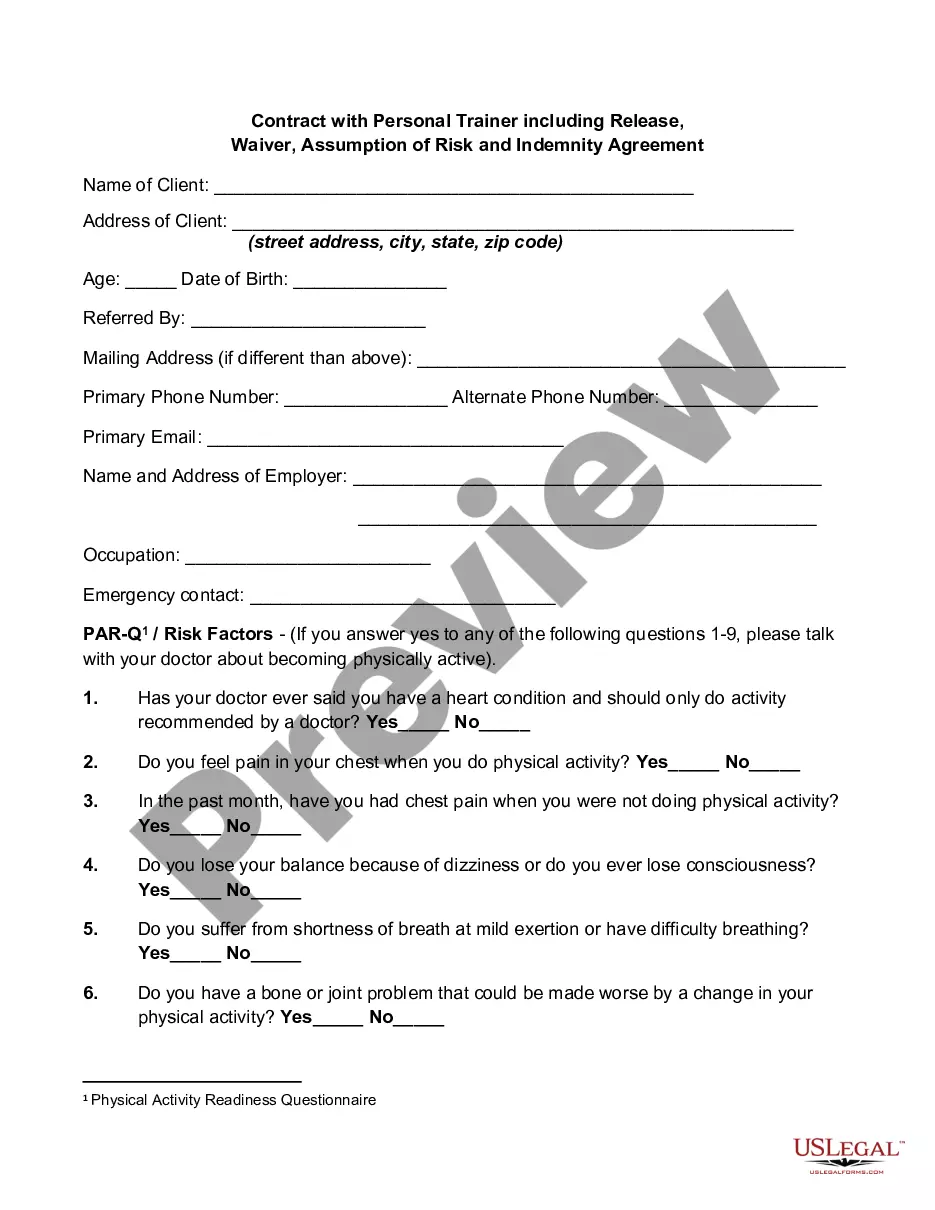
Get your form ready online
Our built-in tools help you complete, sign, share, and store your documents in one place.
Make edits, fill in missing information, and update formatting in US Legal Forms—just like you would in MS Word.
Download a copy, print it, send it by email, or mail it via USPS—whatever works best for your next step.
Sign and collect signatures with our SignNow integration. Send to multiple recipients, set reminders, and more. Go Premium to unlock E-Sign.
If this form requires notarization, complete it online through a secure video call—no need to meet a notary in person or wait for an appointment.
We protect your documents and personal data by following strict security and privacy standards.

Make edits, fill in missing information, and update formatting in US Legal Forms—just like you would in MS Word.

Download a copy, print it, send it by email, or mail it via USPS—whatever works best for your next step.

Sign and collect signatures with our SignNow integration. Send to multiple recipients, set reminders, and more. Go Premium to unlock E-Sign.

If this form requires notarization, complete it online through a secure video call—no need to meet a notary in person or wait for an appointment.

We protect your documents and personal data by following strict security and privacy standards.
Looking for another form?




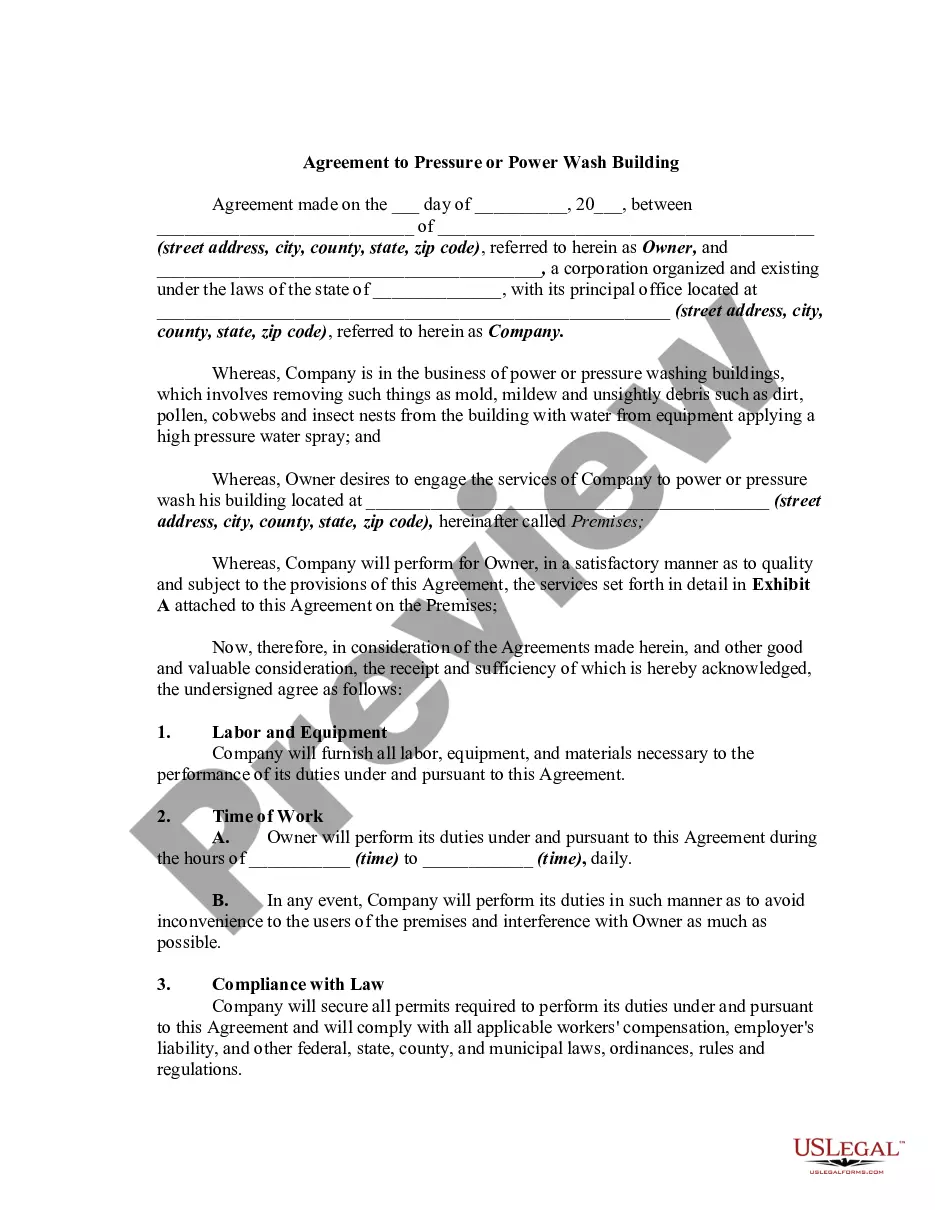



How to fill out Personal Training Or Trainer And Fitness Center Membership Application And Agreement Including Waiver And Indemnification Agreement?
It’s clear that you cannot instantly become a legal expert, nor can you comprehend how to swiftly create a Personal Trainer Fitness Form With Private without possessing a specialized skill set.
The process of producing legal documents is labor-intensive, necessitating specific training and expertise. So why not entrust the development of the Personal Trainer Fitness Form With Private to the specialists.
With US Legal Forms, one of the largest collections of legal templates, you can find everything from court forms to templates for internal business communications. We recognize the importance of compliance with federal and state regulations. That’s why all templates on our site are tailored to specific locations and current.
You can regain access to your documents from the My documents section at any time. If you are an existing customer, you can simply Log In and locate and download the template from the same section.
No matter the intention behind your forms—whether financial, legal, or personal—our website has everything you need. Experience US Legal Forms today!
- Find the form you need by utilizing the search bar at the top of the page.
- View it (if this option is available) and review the accompanying description to see if the Personal Trainer Fitness Form With Private meets your requirements.
- If you need a different template, start your search again.
- Create a free account and select a subscription plan to purchase the template.
- Click Buy now. Once the payment is processed, you can obtain the Personal Trainer Fitness Form With Private, complete it, print it, and send or deliver it to the intended recipients or organizations.
Form popularity
FAQ
In your bio, share your struggles, process, values, inspiration, and goals as a trainer. Tell your personal trainer story, or why you decided to get into the fitness business and are passionate about helping others. Your story should be authentic but shared in a strategic and relatable way.
5 types of fitness consultation forms PAR-Q+ Forms. ... Waivers of Liability. ... Client agreement and goal-setting forms. ... Medical history forms. ... Referral forms. ... Ask more than just fitness questions. ... Use standardized forms. ... Only collect the necessary info.
You need to choose your words carefully if you want to craft the perfect personal trainer bio. Start by introducing yourself to your potential clients. In your introduction section, you can include your name, specialty, job, passion, and how you got started. Anything that may humanize your bio, be bold about using it.
For example, if someone offers a service, you can just say 'no, I'm not interested in that right now,' rather than having to explain why you don't want to be weighed or be given a meal plan. Ultimately, a PT may be someone you hire, but it's one of the most intimate relationships you can have.
Seven Tips to Improve Your Personal Trainer Bio (With Examples) Show you understand what your client thinks, wants, and needs. ... Highlight what you can do for the client. ... Keep your copy lean. ... Share your personal challenges. ... Anticipate your customers' skepticism. ... Sell your strengths by highlighting what makes you different.