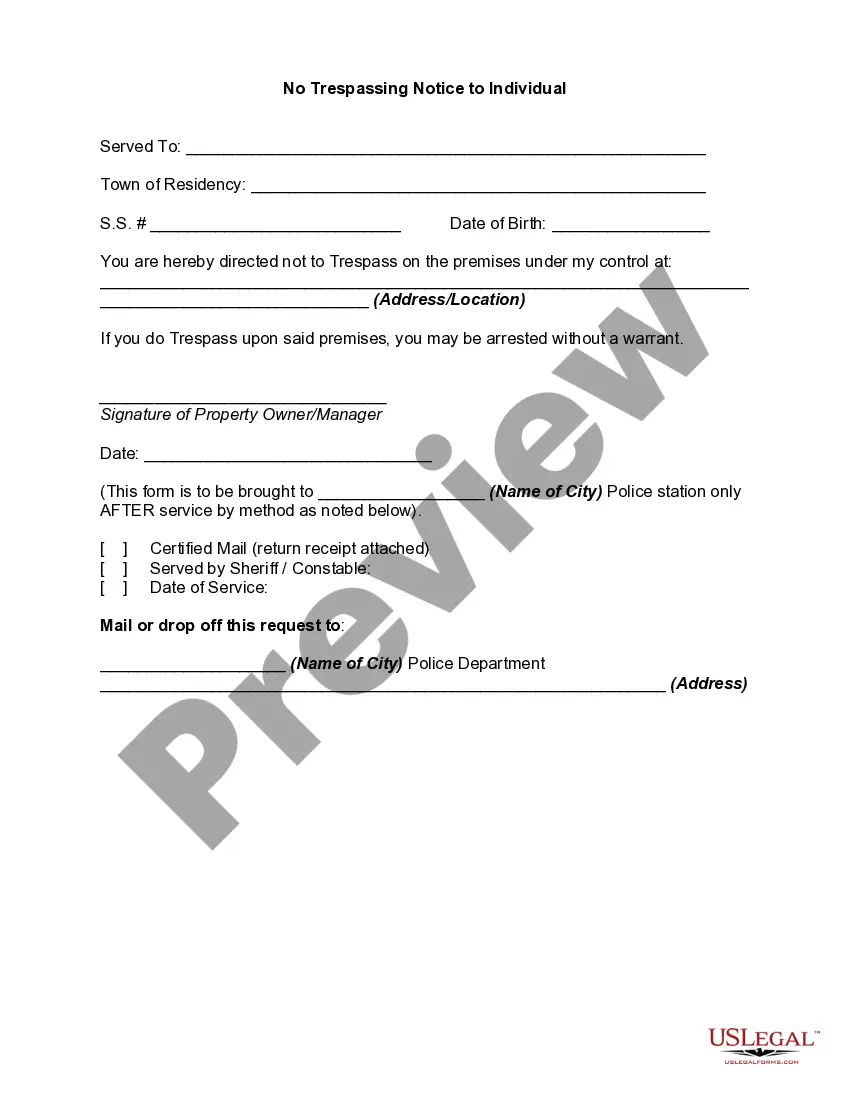
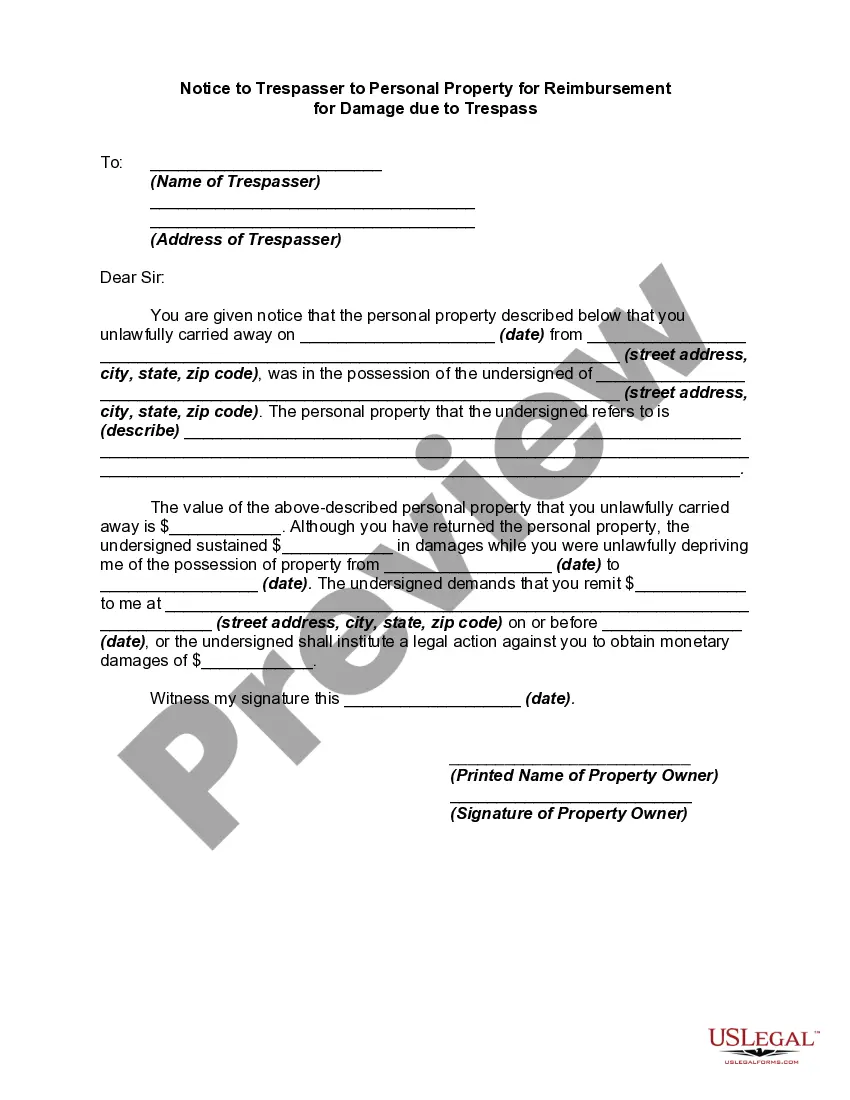
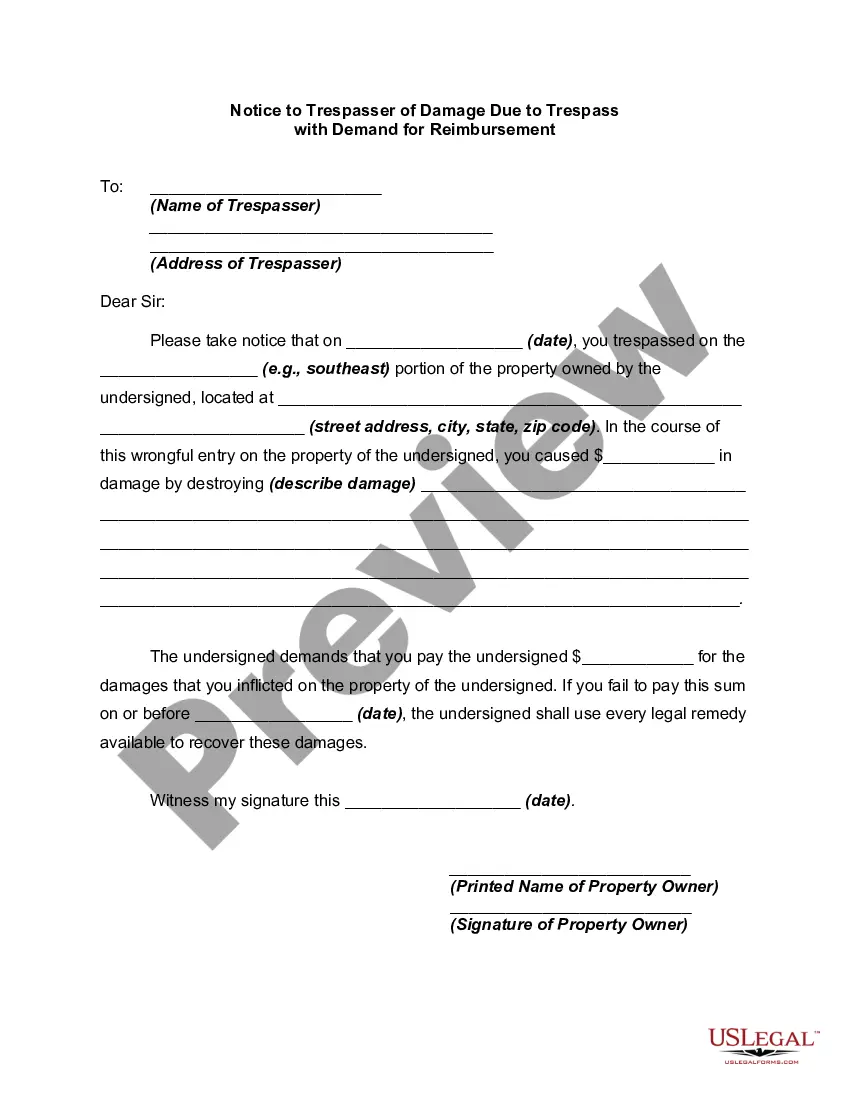
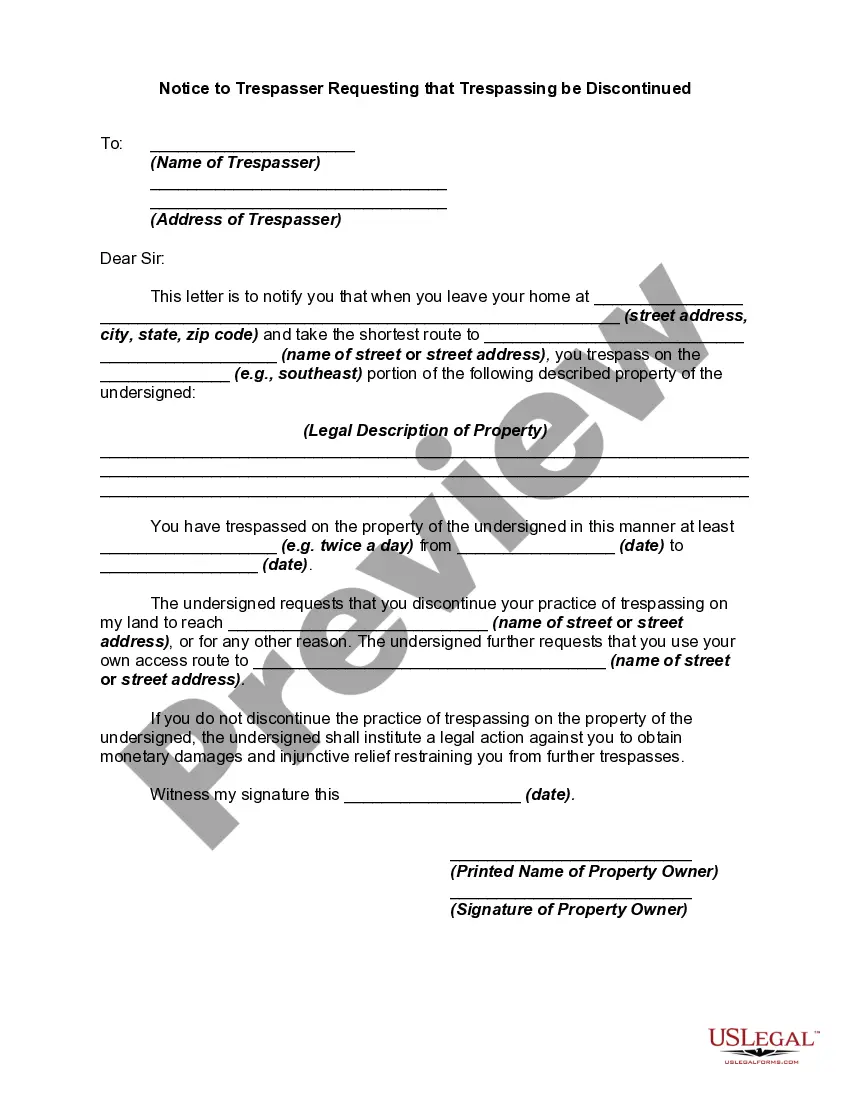
Trespassing Form Letter With Mail Merge
Description
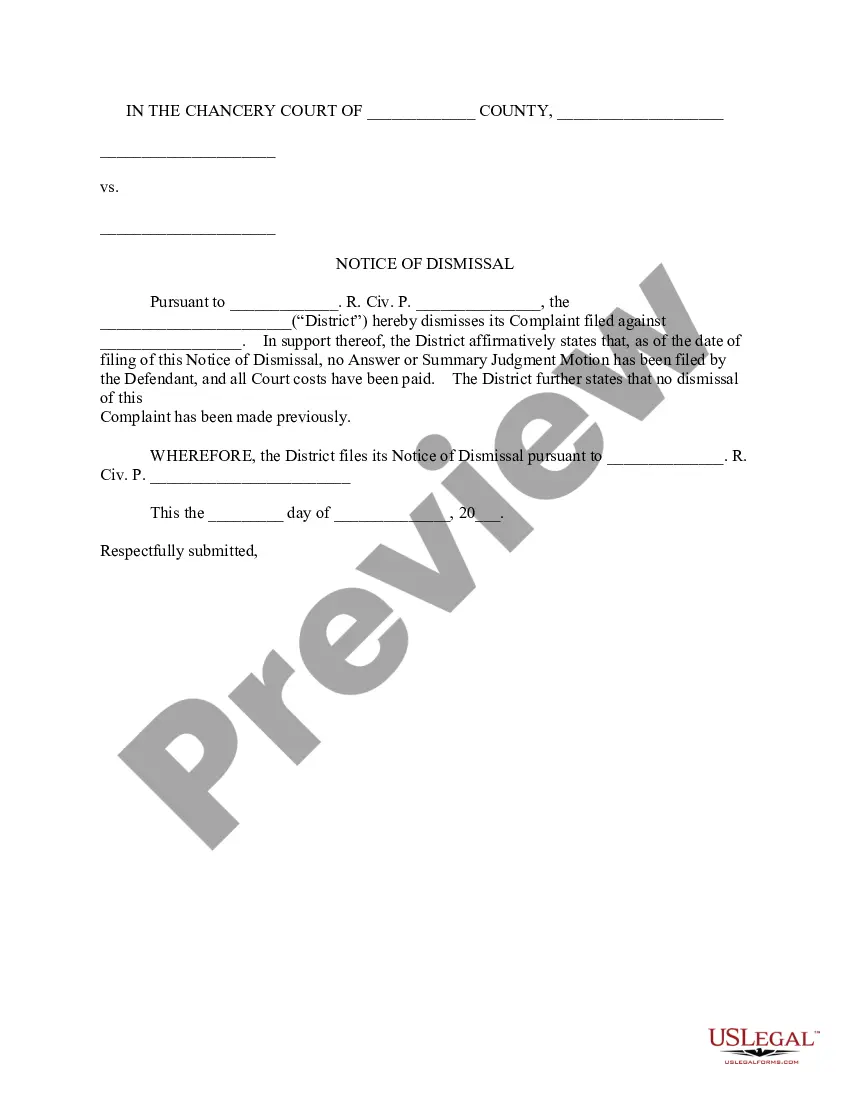
Get your form ready online
Our built-in tools help you complete, sign, share, and store your documents in one place.
Make edits, fill in missing information, and update formatting in US Legal Forms—just like you would in MS Word.
Download a copy, print it, send it by email, or mail it via USPS—whatever works best for your next step.
Sign and collect signatures with our SignNow integration. Send to multiple recipients, set reminders, and more. Go Premium to unlock E-Sign.
If this form requires notarization, complete it online through a secure video call—no need to meet a notary in person or wait for an appointment.
We protect your documents and personal data by following strict security and privacy standards.

Make edits, fill in missing information, and update formatting in US Legal Forms—just like you would in MS Word.

Download a copy, print it, send it by email, or mail it via USPS—whatever works best for your next step.

Sign and collect signatures with our SignNow integration. Send to multiple recipients, set reminders, and more. Go Premium to unlock E-Sign.

If this form requires notarization, complete it online through a secure video call—no need to meet a notary in person or wait for an appointment.

We protect your documents and personal data by following strict security and privacy standards.
Looking for another form?
How to fill out No Trespassing Notice To Individual?
Finding a reliable source to obtain the latest and suitable legal templates is a significant part of navigating bureaucratic processes.
Selecting the correct legal documents necessitates precision and meticulousness, which is why it is essential to source the Trespassing Form Letter With Mail Merge strictly from trustworthy providers, like US Legal Forms. An incorrect template could squander your time and hinder your situation.
Once you have the document on your device, you can modify it using the editor or print it out to complete manually. Alleviate the hassle associated with your legal paperwork. Discover the extensive US Legal Forms library where you can locate legal samples, assess their relevance to your needs, and download them instantly.
- Use the catalog navigation or search function to find your template.
- Review the description of the form to confirm compatibility with your state's requirements.
- Check the form preview, if available, to verify that the template is indeed the one you need.
- Return to the search to locate the correct template if the Trespassing Form Letter With Mail Merge does not meet your specifications.
- When you are confident about the form's applicability, download it.
- If you are a registered user, click Log in to verify and access your chosen templates in My documents.
- If you haven't created an account yet, click Buy now to obtain the template.
- Select the pricing option that suits your needs.
- Proceed with registration to complete your purchase.
- Finalize your acquisition by choosing a payment method (credit card or PayPal).
- Select the file format for downloading the Trespassing Form Letter With Mail Merge.
Form popularity
FAQ
When crafting a mail merge, ensure your message is clear and relevant to the reader. For a trespassing form letter with mail merge, begin with an introduction addressing the recipient, followed by the specific details of the issue. Conclude with a call to action or necessary next steps, ensuring the message is personalized and direct to resonate with the recipient while maintaining professionalism.
Using the mail merge feature in Word to create and print form letters involves first linking your Excel worksheet containing recipient data. Create your trespassing form letter with mail merge fields included, ensuring you format it for clarity. After merging, Word will produce individual letters ready for printing or emailing, making your workflow more efficient and customized.
To perform a mail merge step by step, start by creating your recipient list in Excel. Next, draft your trespassing form letter in your word processor, incorporating merge fields where personalization is needed. After linking the Excel file, complete the merge function to generate individual letters for each recipient, and then print or send your customized letters seamlessly.
To use mail merge to print letters, prepare your template in a word processor and connect it to your data source. Once you insert the necessary placeholders for your trespassing form letter with mail merge, you can run the mail merge process to create individual documents. After completing the merge, simply select the option to print your letters, ensuring each one is tailored to the recipient.
Using mail merge for form letters involves linking your data source, such as an Excel file, to a word processor. After drafting your trespassing form letter with mail merge fields inserted, you can easily generate multiple personalized letters at once. This approach streamlines the communication process, enabling you to effectively address various recipients and situations efficiently.
To create a mail merge in Excel for letters, start by entering your data into a spreadsheet. Organize your data into columns, ensuring each header describes the information clearly. Once your data is set, you can connect this spreadsheet to your word processor to generate your trespassing form letter with mail merge. This method enhances efficiency and ensures personalized letters reach the correct recipients.
To complete a mail merge, you generally need a main document and a data source. The main document contains the layout and content, such as a trespassing form letter with mail merge, while the data source provides the specific details, such as names and addresses. Utilizing US Legal Forms can help you create a professional main document easily, ensuring your mail merge is efficient and effective.
The four types of mail merge documents typically include letters, envelopes, labels, and directories. Each type serves a distinct purpose, allowing you to streamline communication effectively. For instance, a trespassing form letter with mail merge is particularly useful for sending consistent legal notices to multiple parties. Using a reliable platform like US Legal Forms can simplify this process greatly.
To create a form letter in mail merge, start by designing your letter in a word processing application. Incorporate merge fields for personalized data, such as names and addresses, where necessary. Once your document is ready, link it to your data source. With this approach, you can efficiently produce individualized letters, including trespassing form letters with mail merge, thus saving time while ensuring clarity and professionalism in your correspondence.
Yes, after performing a mail merge, you can preview each individual letter before finalizing them. In Word, you can navigate through the merged documents to view how each letter appears with the unique data. This preview option ensures that everything looks correct and provides an opportunity to review your trespassing form letters with mail merge before sending them out. You can make adjustments as needed, ensuring accuracy in your communications.