Employee Review Form Performance Template For Employees
Description
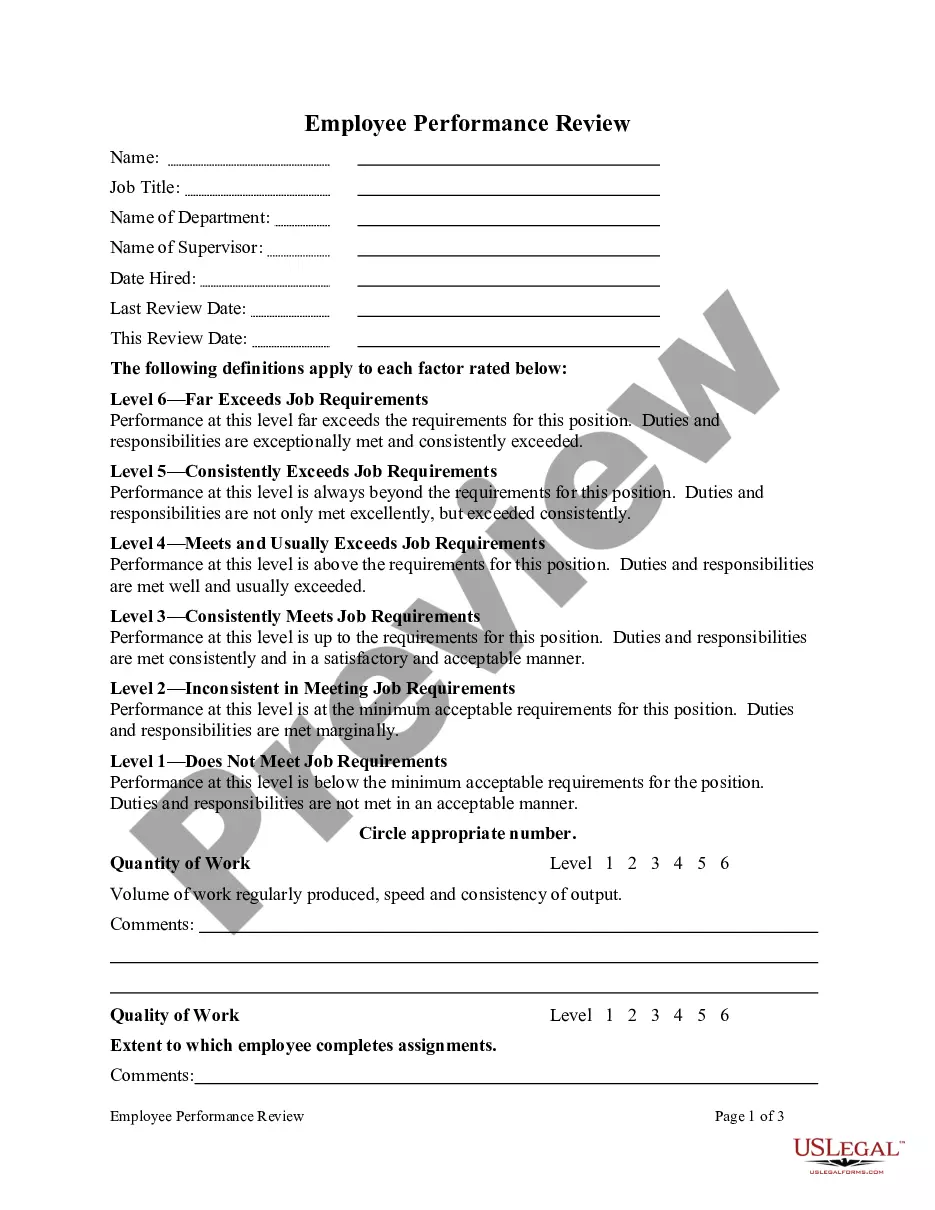
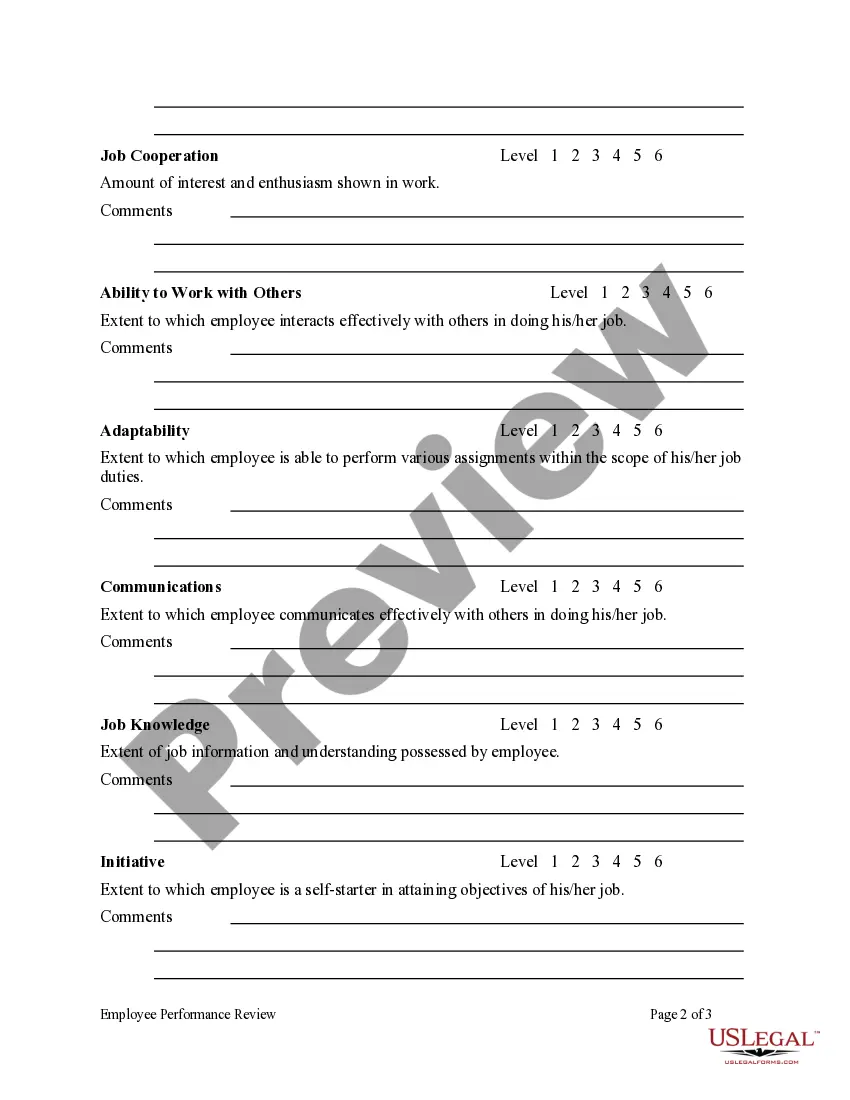
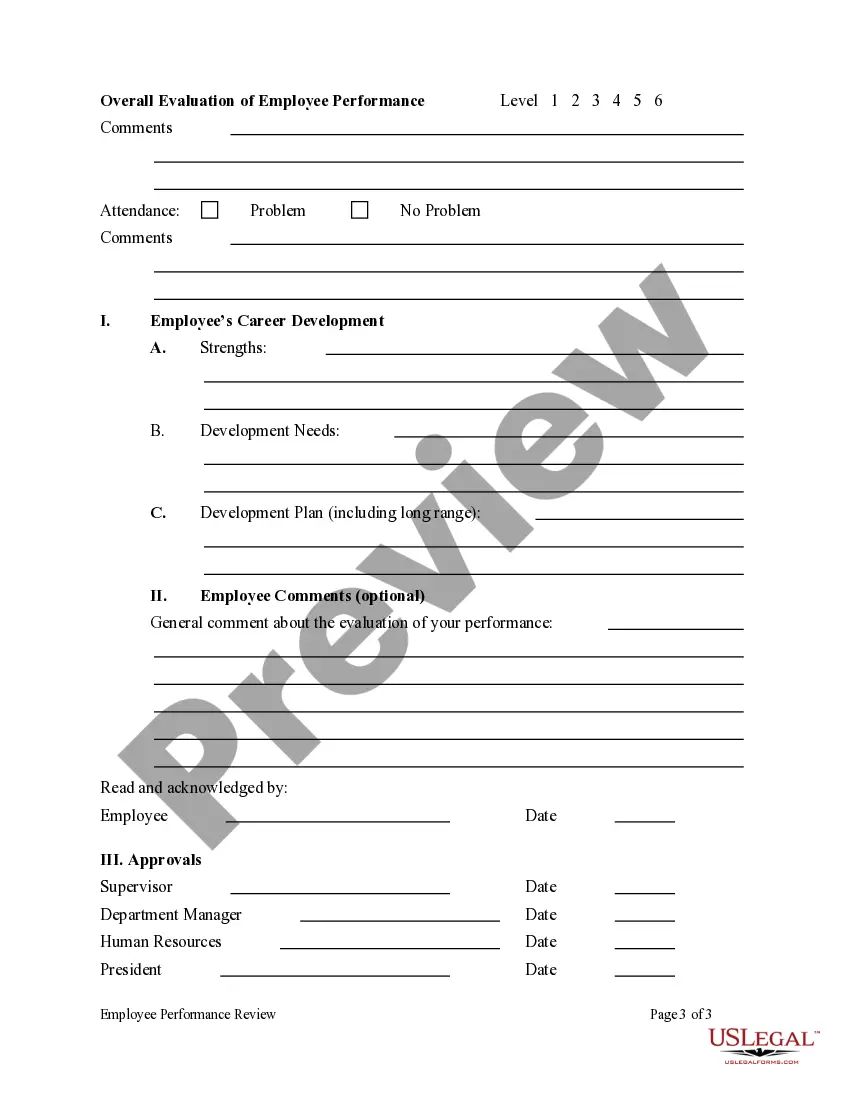

Get your form ready online
Our built-in tools help you complete, sign, share, and store your documents in one place.
Make edits, fill in missing information, and update formatting in US Legal Forms—just like you would in MS Word.
Download a copy, print it, send it by email, or mail it via USPS—whatever works best for your next step.
Sign and collect signatures with our SignNow integration. Send to multiple recipients, set reminders, and more. Go Premium to unlock E-Sign.
If this form requires notarization, complete it online through a secure video call—no need to meet a notary in person or wait for an appointment.
We protect your documents and personal data by following strict security and privacy standards.

Make edits, fill in missing information, and update formatting in US Legal Forms—just like you would in MS Word.

Download a copy, print it, send it by email, or mail it via USPS—whatever works best for your next step.

Sign and collect signatures with our SignNow integration. Send to multiple recipients, set reminders, and more. Go Premium to unlock E-Sign.

If this form requires notarization, complete it online through a secure video call—no need to meet a notary in person or wait for an appointment.

We protect your documents and personal data by following strict security and privacy standards.
Looking for another form?

How to fill out Employee Performance Review?
It's clear that you cannot instantly become a legal specialist, nor can you swiftly learn how to compose Employee Review Form Performance Template For Employees without possessing an expert background.
Crafting legal documents is an extensive endeavor that demands specific education and competencies. So why not entrust the creation of the Employee Review Form Performance Template For Employees to the experts.
With US Legal Forms, recognized for having one of the largest legal document collections, you can find everything from court documents to templates for internal business communication. We recognize how vital compliance and observance of state and federal regulations are. That's why, on our site, all forms are tailored to specific locations and are current.
You can regain access to your forms from the My documents tab anytime. If you are a current customer, you can simply Log In, and find and download the template from that same tab.
Regardless of the intention behind your forms—whether financial, legal, or personal—our platform has you covered. Experience US Legal Forms today!
- Locate the form you need using the search bar at the top of the page.
- View it (if this feature is accessible) and review the accompanying description to ensure Employee Review Form Performance Template For Employees is what you're looking for.
- Initiate another search if you require a different form.
- Sign up for a free account and select a subscription plan to acquire the template.
- Click Buy now. Once the payment is processed, you will be able to download the Employee Review Form Performance Template For Employees, complete it, print it, and deliver or send it by mail to the specified individuals or organizations.
Form popularity
FAQ
A good performance appraisal will include specific goals for improvement, so it's vital to: clearly state the employee's strengths. demonstrate the employee's weaknesses. highlight areas for growth. give clear direction for future professional development.
How to Fill Out an Employee Evaluation Form Step 1: Gather Employee Information. ... Step 2: Assess Employee Responsibilities and Performance. ... Step 3: Use Objective Language. ... Step 4: Use Action Verbs. ... Step 5: Compare Performance Ratings. ... Step 6: Ask Open-Ended Questions. ... Step 7: Use a Point System.
Reviews include key accomplishments and examples of both strengths and weaknesses. They should also include expectations and goals for the coming year. This will guide the employee's performance.
Make sure you reference your accomplishments in your review and highlight what you did well. For areas that need improvement, provide additional context for any questions you think your manager might ask, and share any details about how you approached a project or situation that shed light on its outcome.
Make space to identify and establish future training goals. Stay objective: Write in plain language so there can be no ambiguity or subjectivity, and back up feedback with hard numbers. Give detailed feedback: Employees need to understand exactly what they need to do to improve and develop.