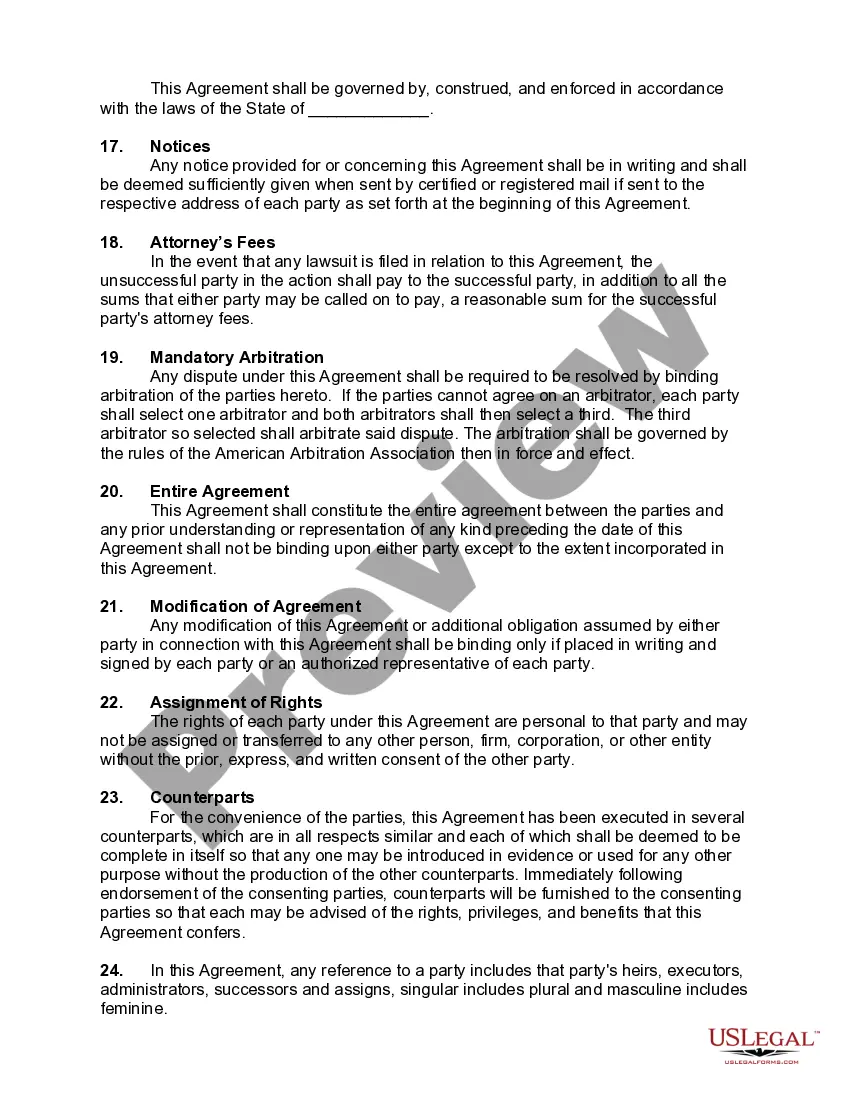
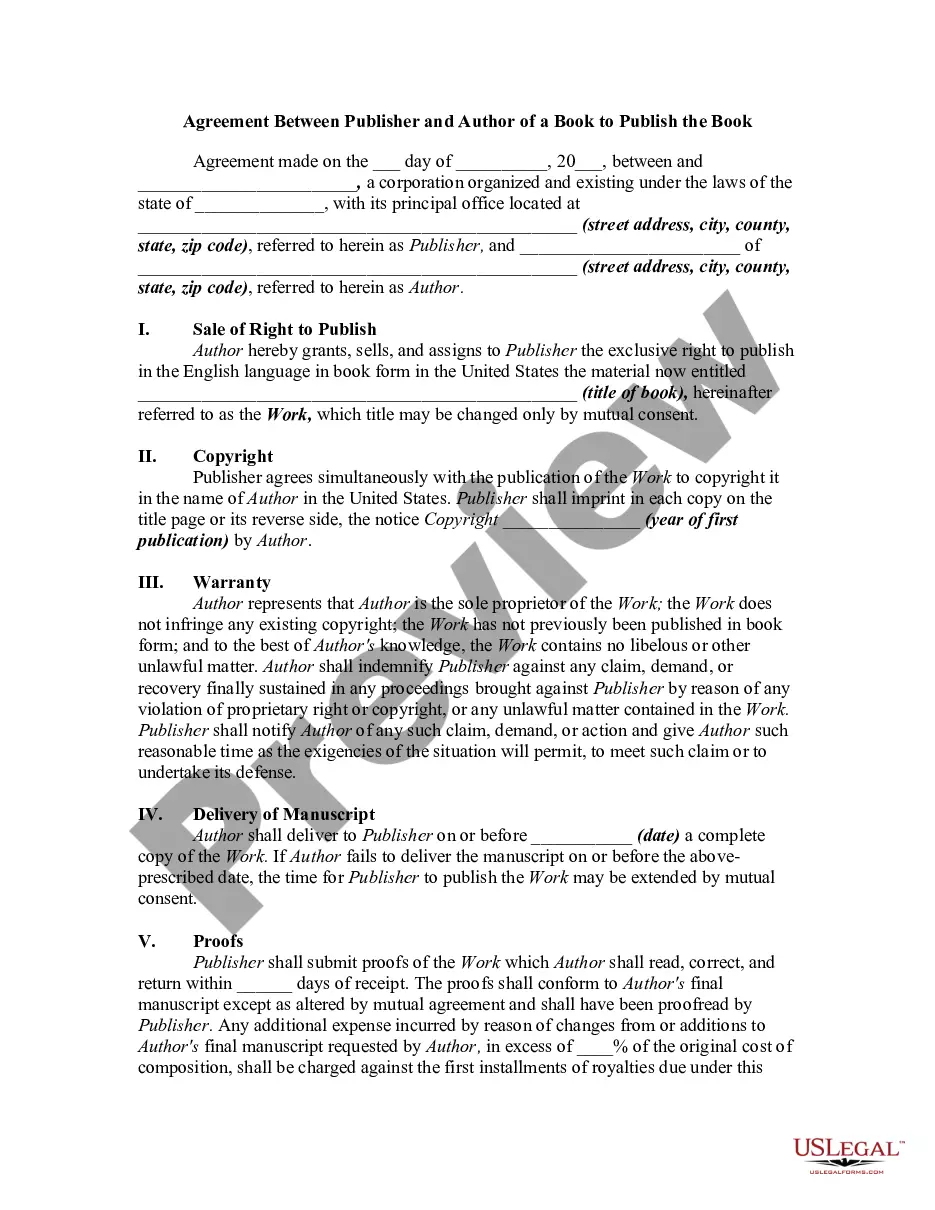
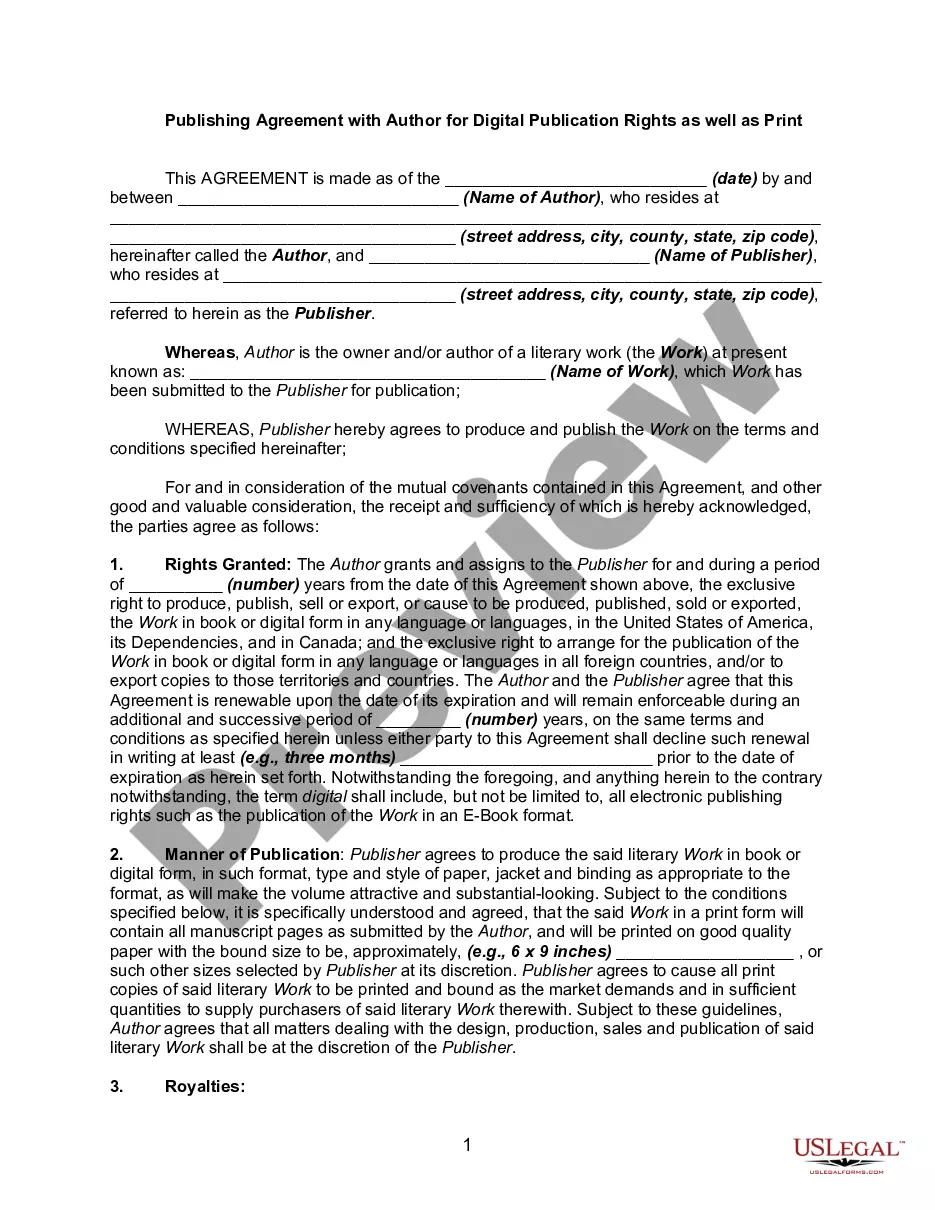
Book Contract Template With Table Of Contents
Description

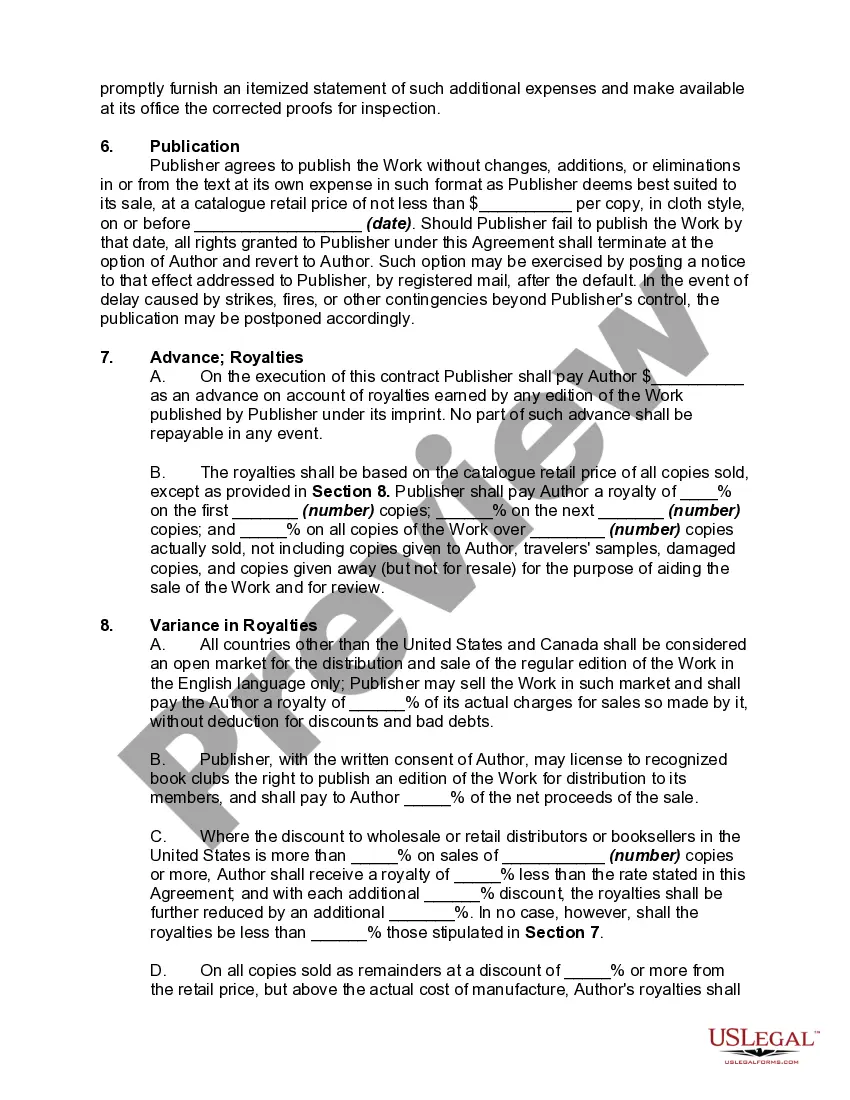
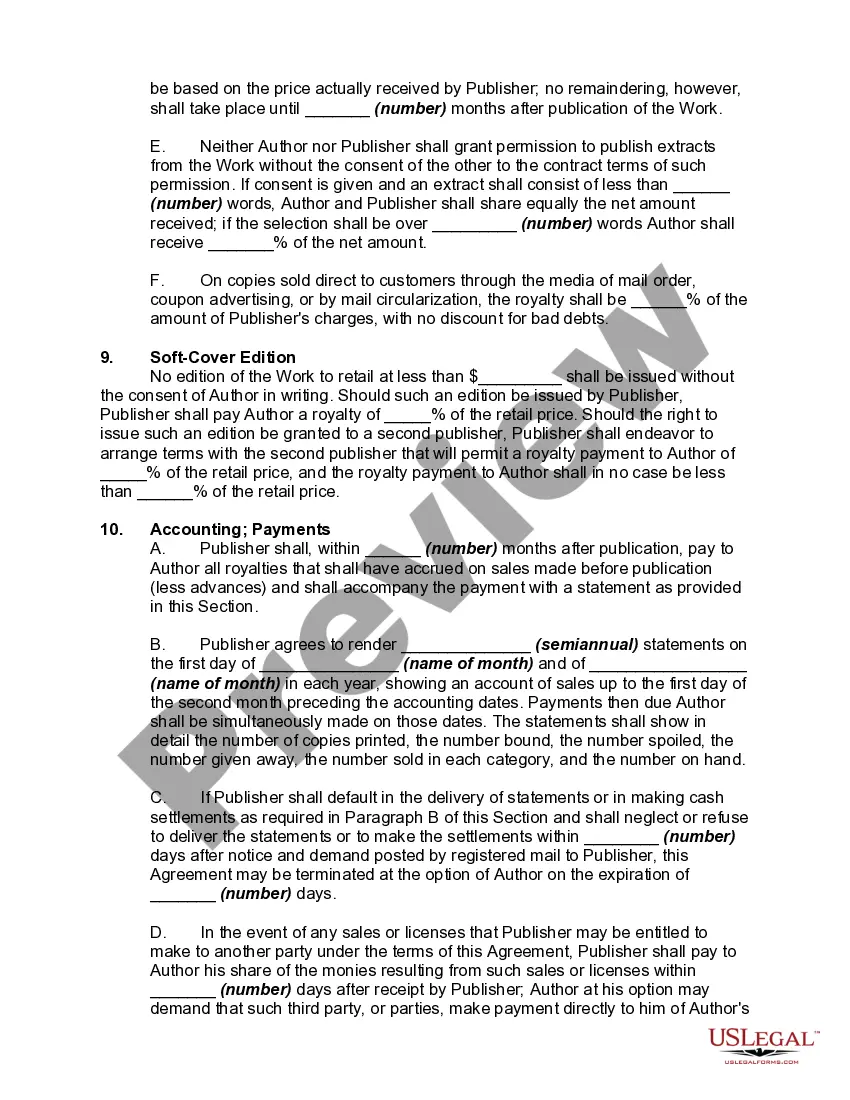
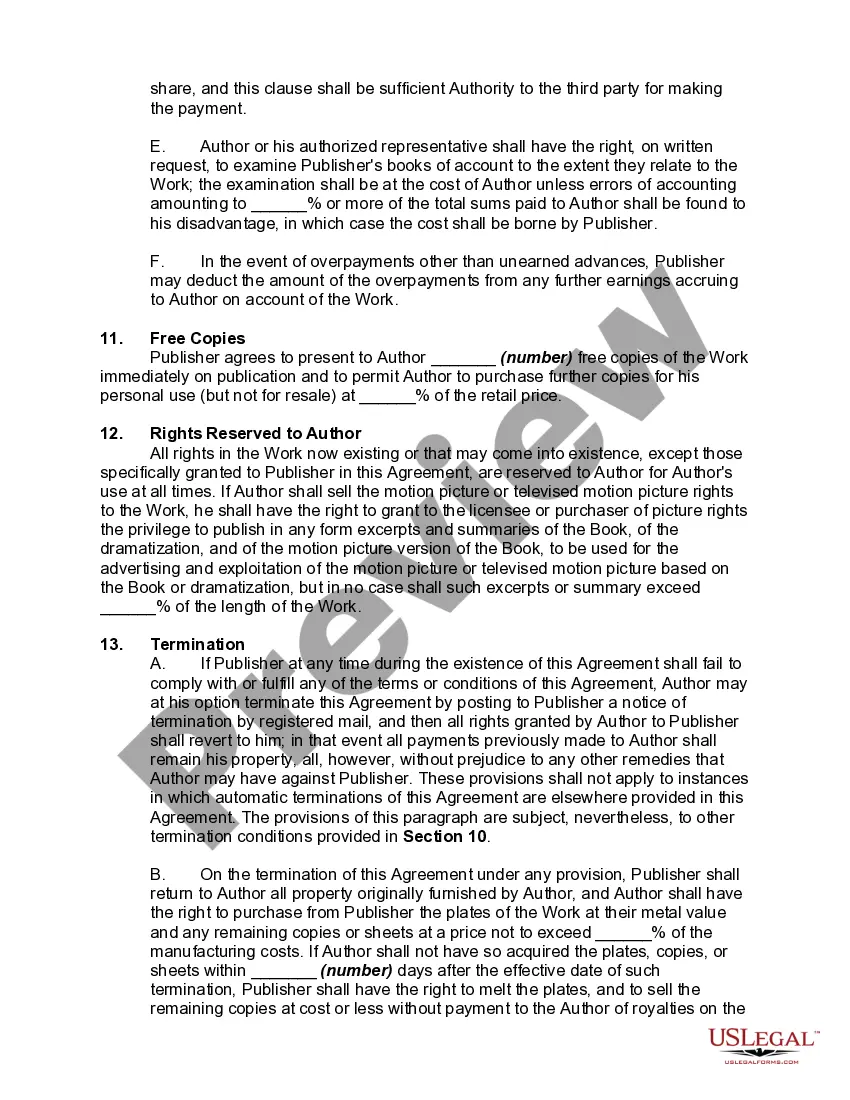
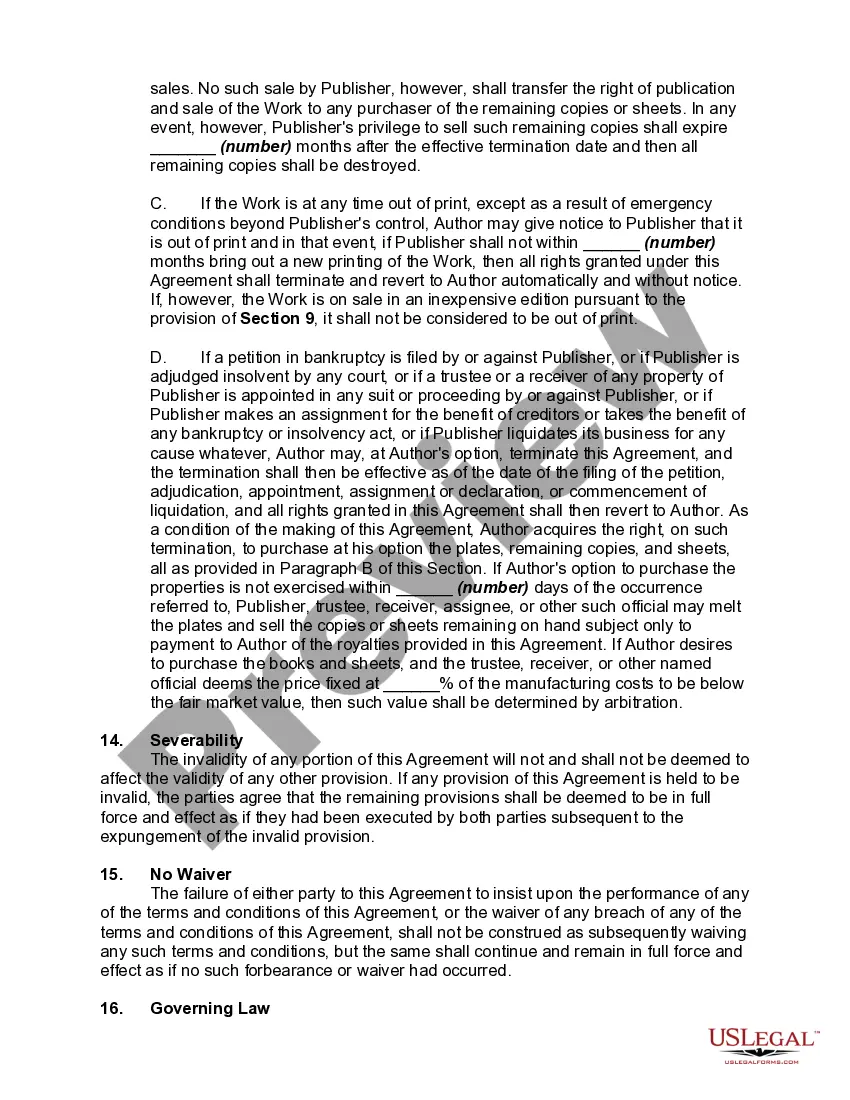
Get your form ready online
Our built-in tools help you complete, sign, share, and store your documents in one place.
Make edits, fill in missing information, and update formatting in US Legal Forms—just like you would in MS Word.
Download a copy, print it, send it by email, or mail it via USPS—whatever works best for your next step.
Sign and collect signatures with our SignNow integration. Send to multiple recipients, set reminders, and more. Go Premium to unlock E-Sign.
If this form requires notarization, complete it online through a secure video call—no need to meet a notary in person or wait for an appointment.
We protect your documents and personal data by following strict security and privacy standards.

Make edits, fill in missing information, and update formatting in US Legal Forms—just like you would in MS Word.

Download a copy, print it, send it by email, or mail it via USPS—whatever works best for your next step.

Sign and collect signatures with our SignNow integration. Send to multiple recipients, set reminders, and more. Go Premium to unlock E-Sign.

If this form requires notarization, complete it online through a secure video call—no need to meet a notary in person or wait for an appointment.

We protect your documents and personal data by following strict security and privacy standards.
Looking for another form?
How to fill out Book Publishing Contract?
Finding a reliable source for the most up-to-date and pertinent legal templates is a significant part of navigating bureaucracy.
Selecting the appropriate legal documents requires precision and careful consideration, hence it's crucial to obtain samples of the Book Contract Template With Table Of Contents exclusively from reputable providers, such as US Legal Forms.
Eliminate the hassles associated with your legal paperwork. Browse the vast US Legal Forms library where you can discover legal templates, assess their suitability for your situation, and download them right away.
- Utilize the library navigation or search bar to find your template.
- Check the description of the form to determine if it meets the stipulations of your state and county.
- If available, preview the form to confirm it is the one you seek.
- If the Book Contract Template With Table Of Contents does not meet your criteria, return to your search for the correct document.
- If you are confident about the document’s applicability, download it.
- As an authorized customer, click Log in to verify your identity and access your chosen templates in My documents.
- If you haven’t created an account, click Buy now to acquire the template.
- Choose the payment plan that fits your needs.
- Proceed with registration to finalize your purchase.
- Complete your transaction by selecting a payment method (credit card or PayPal).
- Choose the file format for downloading the Book Contract Template With Table Of Contents.
- Once the document is saved on your device, you can edit it using the editor or print it for manual completion.
Form popularity
FAQ
To write a bookkeeping contract, start by defining the scope of services, payment terms, and duration of the agreement. Clearly outline the responsibilities of each party to avoid misunderstandings. Using a book contract template with table of contents can streamline this process, ensuring that your contract is well-organized and covers all essential aspects, providing both clarity and professionalism.
Yes, many contracts benefit from having a table of contents. This feature aids in the navigation of complex legal documents by outlining the key sections or clauses. If you choose a book contract template with table of contents, you can enhance the readability of your contract, making it easier for all parties to find important information quickly.
The six elements of a legally binding agreement include offer, acceptance, consideration, mutual consent, capacity, and legality. Each element is crucial for the contract to be enforceable in a court of law. By using a book contract template with table of contents, you can ensure that your agreement covers all necessary elements, providing clarity and protection for all parties involved.
Yes, a contract should include a table of contents, especially if it is lengthy or complex. This feature allows all parties to easily locate specific sections or clauses within the document. By utilizing a book contract template with table of contents, you can create a clear and accessible contract, making it easier for everyone involved to understand their rights and obligations.
The table of contents in a book proposal provides a structured outline of the chapters or sections within the book. It helps readers quickly navigate through the proposal and understand the flow of the content. When using a book contract template with table of contents, you can ensure that your proposal is organized and professional, enhancing its appeal to potential publishers.
Yes, Microsoft Word offers various templates, including a contract template. You can easily find it by searching for 'contract' in the template section of Word. This feature simplifies the process of creating a professional document. For those looking for a more specific solution, a book contract template with table of contents from uslegalforms provides tailored options to meet your needs.
To create a book with a table of contents in Word, start by writing your content. Use headings for each chapter or section, which will help Word identify the structure. Next, go to the 'References' tab and select 'Table of Contents.' Choose a style that suits your book's layout. This process will automatically generate a table of contents that updates as you add or modify sections, ensuring your book contract template with table of contents remains organized.
In a book, a table of contents usually lists chapters and sections in the order they appear, along with their page numbers. This section acts as a roadmap for readers, helping them locate information quickly. Using a book contract template with table of contents from US Legal Forms can simplify the design process, ensuring that your TOC is both informative and well-structured.
A table of contents should appear clear and organized, typically located after the title page. Each entry should be easy to read, with distinct chapter titles and their corresponding page numbers. For a polished look, consider using a book contract template with table of contents, which can guide you in creating a visually appealing layout.
Formatting a table of contents involves aligning the chapter titles to the left and page numbers to the right. You should also use indentation to create a clear hierarchy of sections. By leveraging a book contract template with table of contents from US Legal Forms, you can easily ensure that your formatting is both appealing and functional.